


Compra Multiworlds PC

Multiworlds è in arrivo! Aggiungilo alla wishlist e ti avviseremo quando sarà disponibile.

Uscita: Coming Soon
Official
Non disponibile
Keyshops
Non disponibile
Compra nello store ufficiale:
Non disponibile
Compra nei keyshop:
Non disponibile

Nessuna offerta al momento, ma non preoccuparti: ti informeremo quando ne comparirà una nuova.

Create Alert Create deal Alert

Info su Multiworlds

Multiworlds - info sul gioco

You made one mistake, of touching the untouchable A magical artifact that was buried deep in the depths.

The world tore into multiple worlds, in each timeline, running parallel, but with minor differences. Now strive to fix the world, merging them back into one.

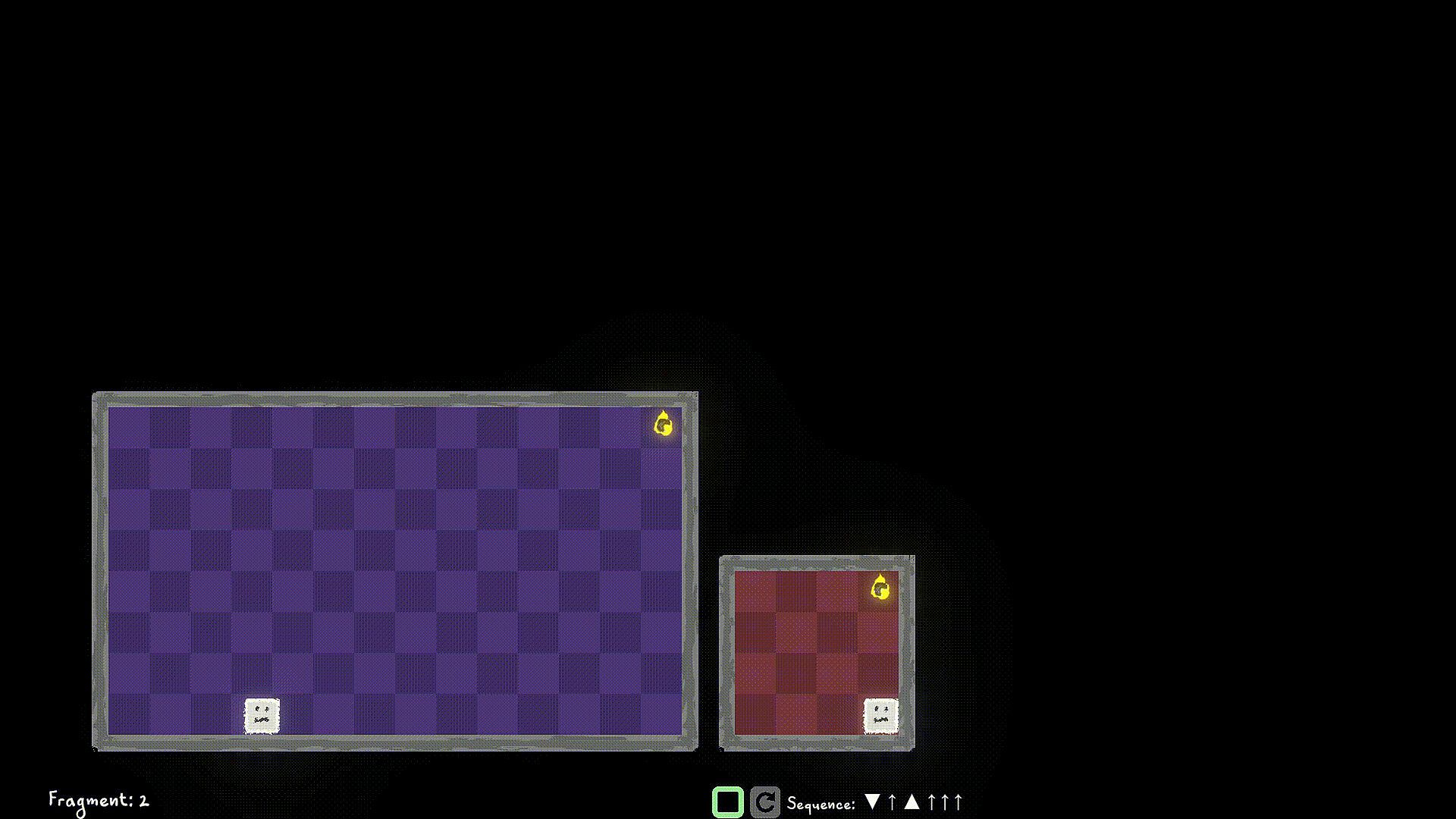
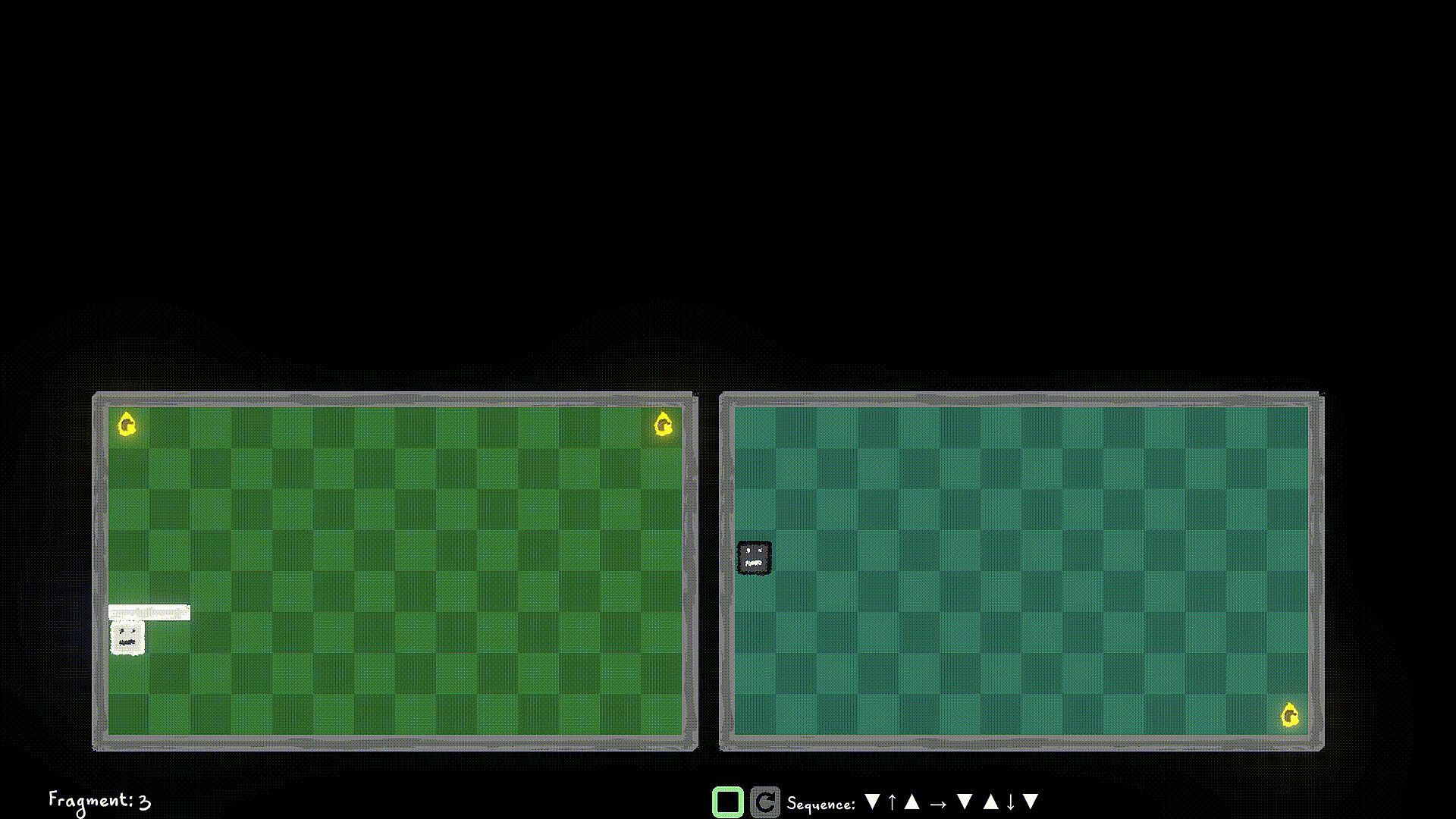
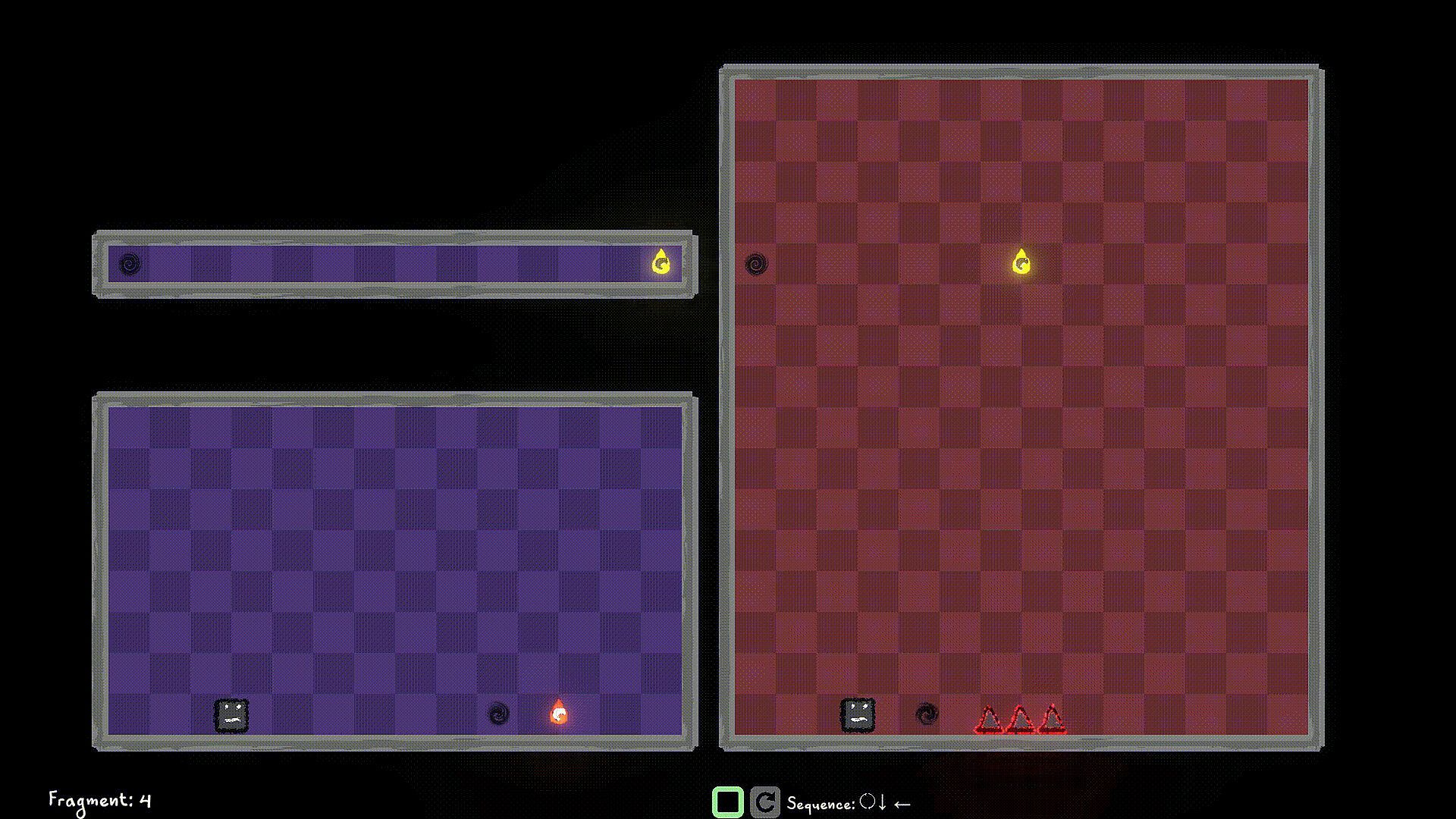
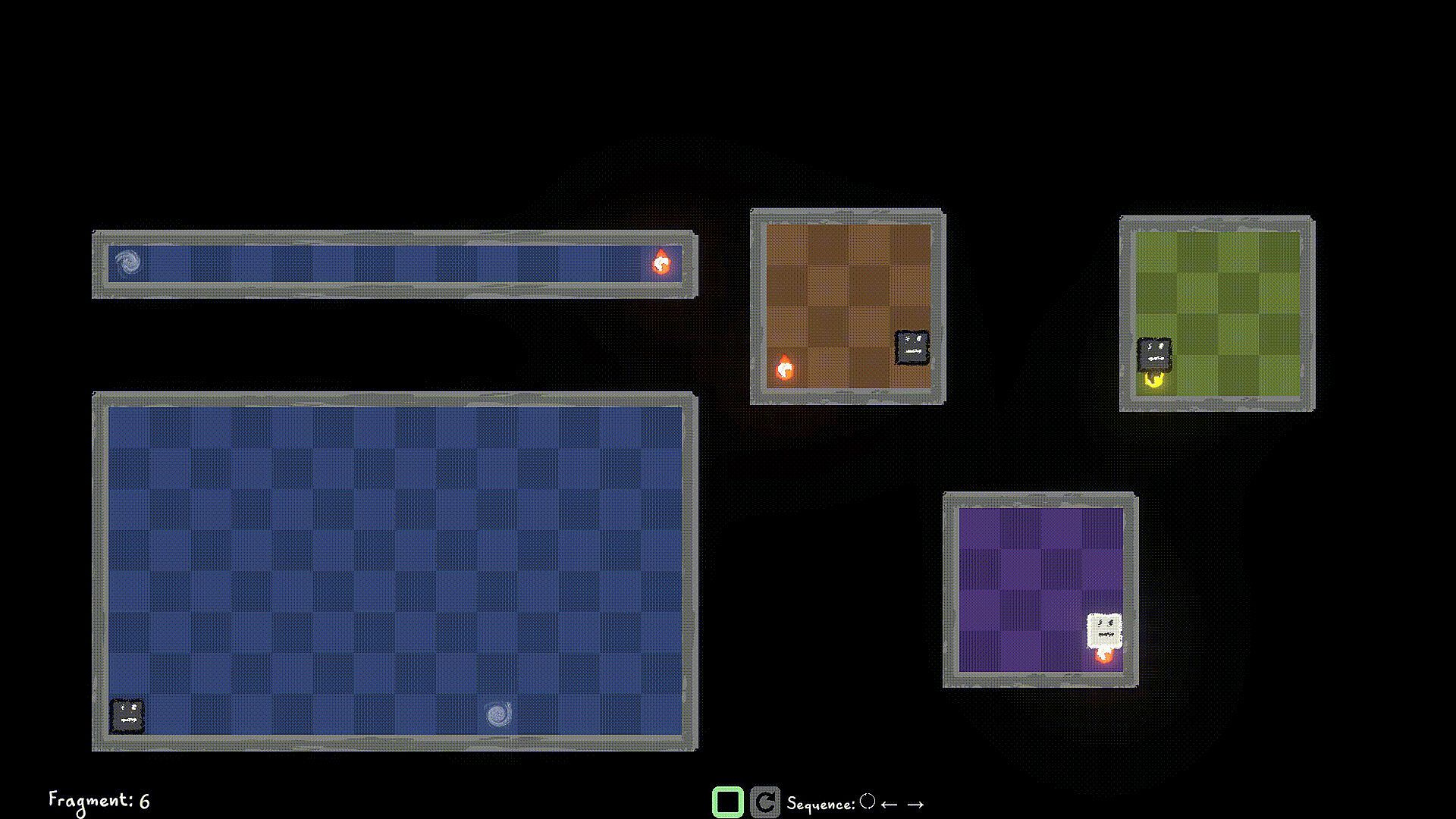
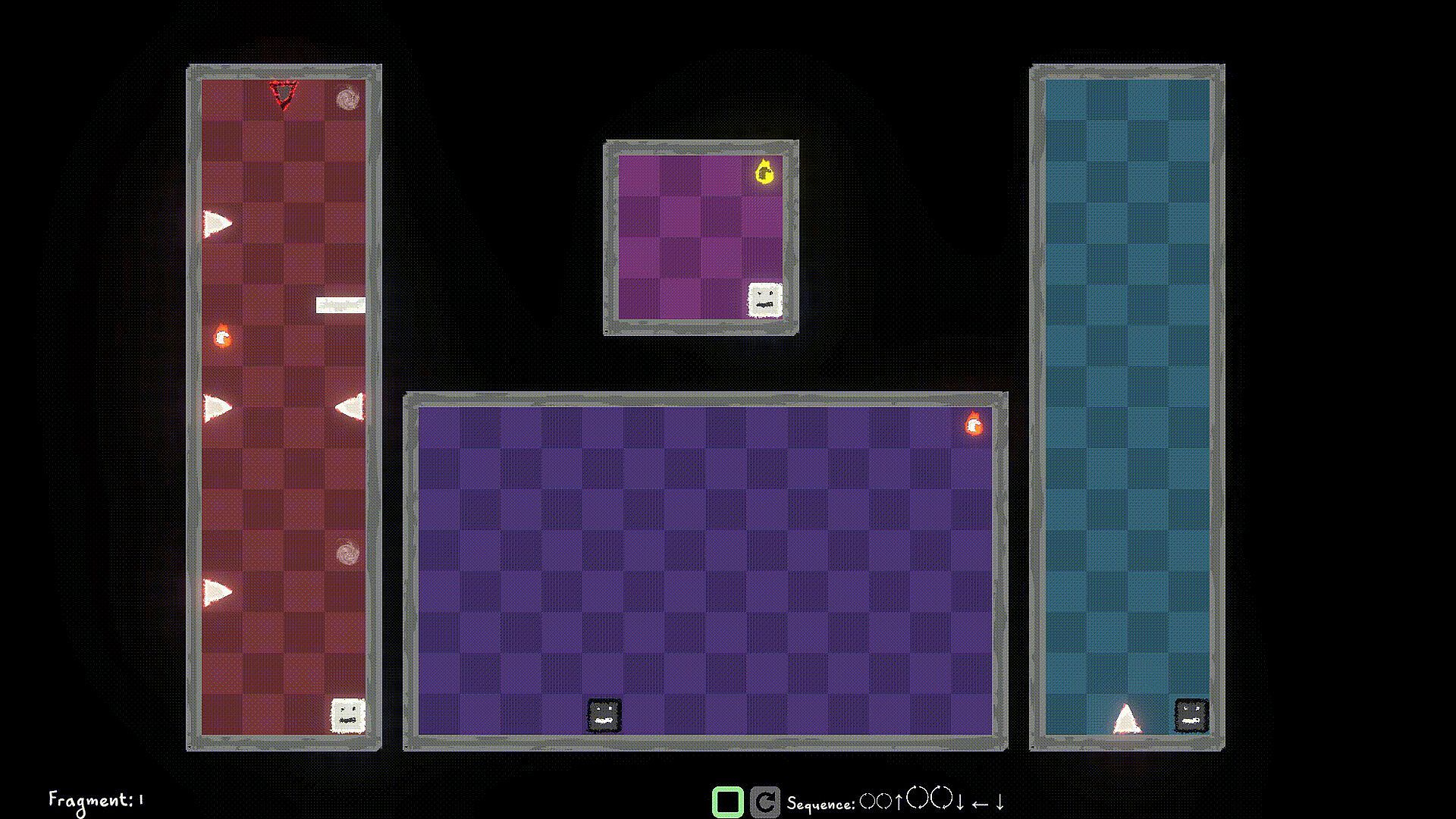
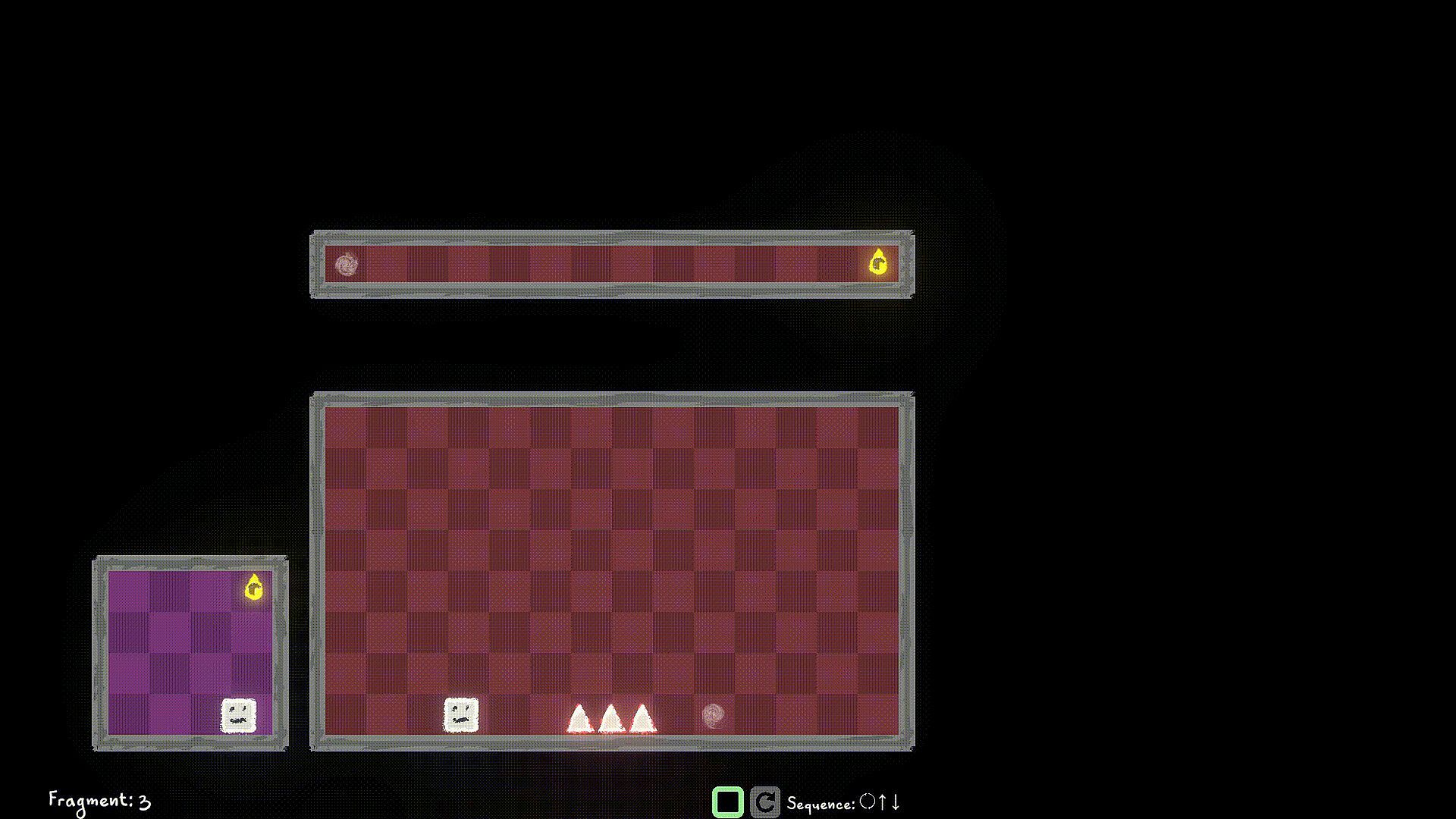
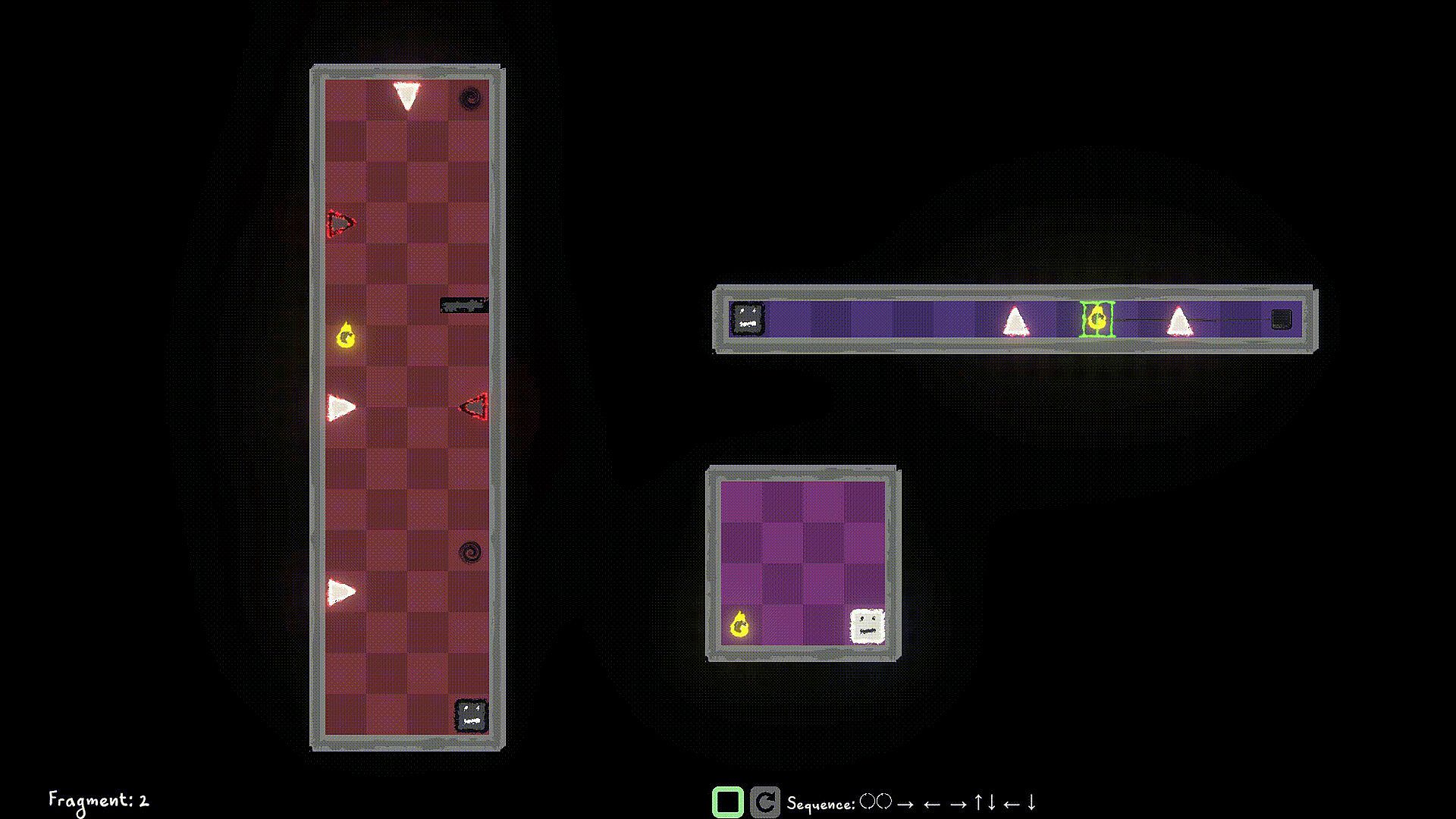
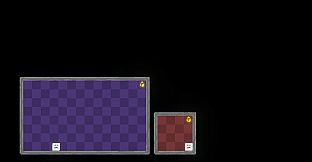
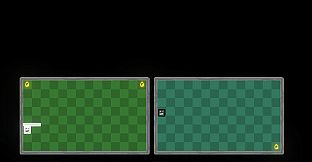
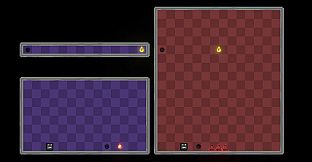
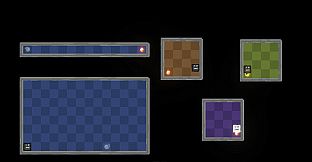
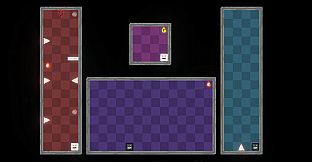
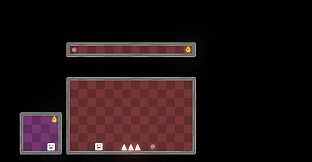
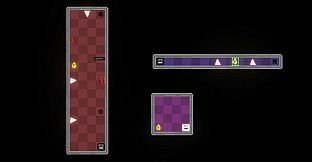
Control the player in multiple worlds, all working parallel. Collect World Pieces of the original world which are scattered around the parallel worlds, and help put back the original world.

Jump into different Dimensions of each world to avoid obstacles blocking your path. Collect the world pieces to protect your original world.

Game Mechanics:

Use W/A/S/D to move the player left/right/up/down and Q/E to move the player to Light Dimension and Dark Dimension. You can interact with items like walls/spikes/collectibles of the same Dimension as a Player Remnant. Use F to Flip the the current Dimension that the Player Remnant is in. If you're in the Dark Dimension, jump into the Light Dimension, If you're in the Light Dimension, jump into the Dark Dimension. Hit the world edge (wall), and the player stops walking.

You start a level by queuing up actions using the W/A/S/D/Q/E/F buttons, and then hit the Simulate button to simulate the sequence. If you have collected all the World Pieces in the level, you will have stitched the fragment in the timeline, and you move on to the next fragment. Else? Fragment Reset. So strategize well, before you start the simulation. You can stop the simulation manually as well, but you still lose those points ;)

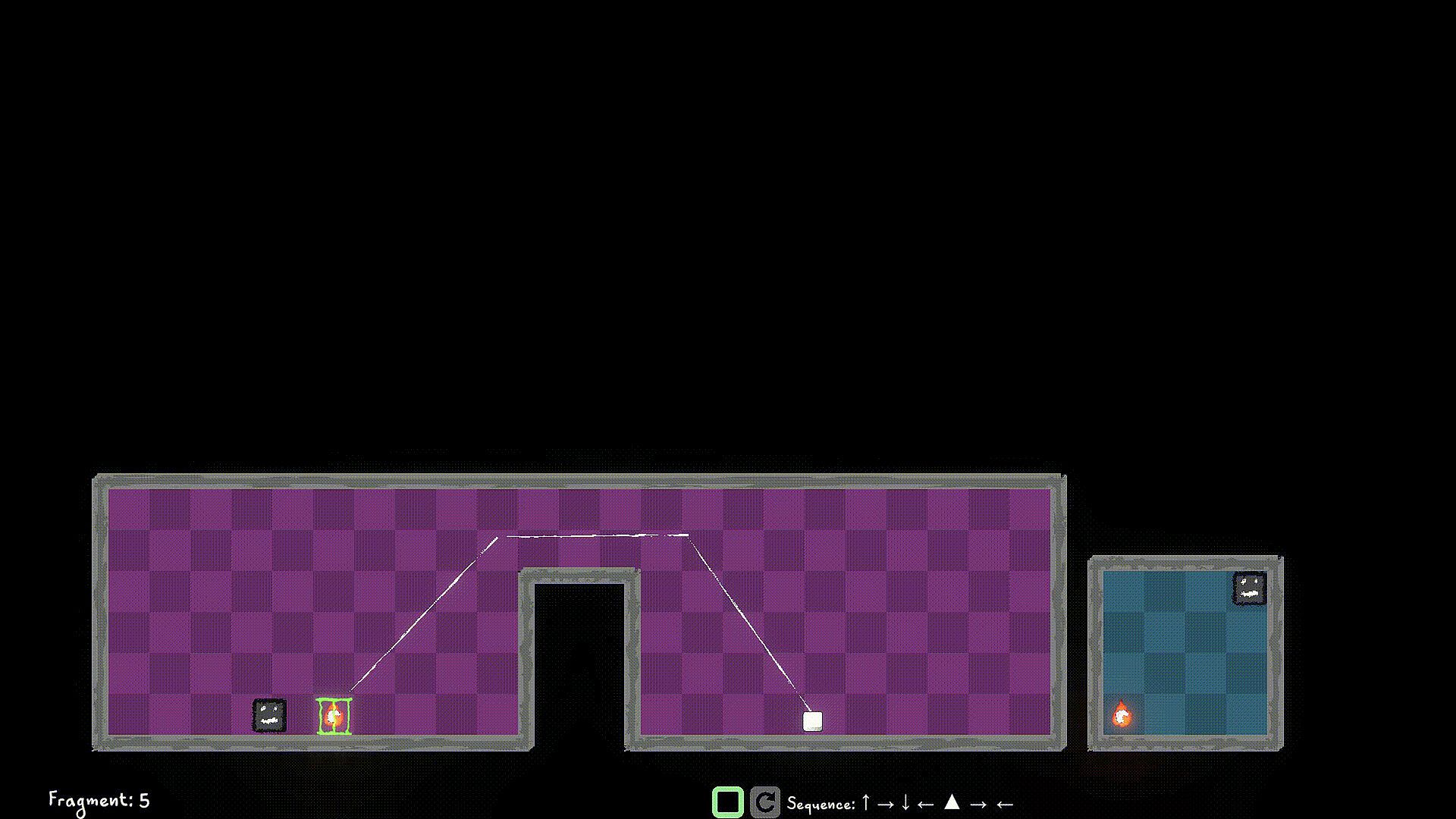
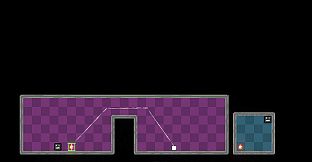
Look out for portals, you can use them strategically to jump through, and your walk continues. You can only use portals that are in the same Dimension as the player.

Use switches in the same Dimension to unlock/toggle the locks for certain World Pieces, or Obstacles.


Interfaccia:
English

Classificazione per età

Non disponibile

Minimo:

  • Sistema operativo: Windows 10
  • Processore: Dual-core 2.0 GHz
  • Memoria: 2 GB RAM
  • Grafica: Intel HD 4000 / NVIDIA GeForce 600 series or equivalent
  • Archiviazione: 500 MB available space

Consigliato:

  • Sistema operativo: Windows 11
  • Processore: Intel i5 or better (or AMD equivalent)
  • Memoria: 2 GB RAM
  • Grafica: NVIDIA GeForce 600 series or equivalent
  • Archiviazione: 1 GB available space

Minimo:

  • Sistema operativo: macOS 10.13 High Sierra or later
  • Processore: Apple M1 or Intel Core M
  • Memoria: 2 GB RAM
  • Grafica: Metal-compatible GPU
  • Archiviazione: 1 GB available space

Consigliato:

Minimo:

  • Sistema operativo: Ubuntu 20.04 LTS or compatible distro
  • Processore: Dual-core 2.0 GHz
  • Memoria: 2 GB RAM
  • Grafica: OpenGL 3.2+ compatible GPU
  • Archiviazione: 1 GB available space

Consigliato:

  • Sistema operativo: Ubuntu 20.04 LTS or compatible distro
  • Processore: Intel i5 or better (or AMD equivalent)
  • Grafica: OpenGL 3.2+ compatible GPU
Minimo storico
Storico prezzi dei negozi ufficiali
-
-
-
Storico prezzi dei keyshop
-
-
-

FAQ

8 domande

Prima di cercare una chiave economica di Multiworlds, controlla le informazioni essenziali. Sviluppato da FMF Games. Pubblicato da FMF Games. Generi: Strategy, Indie, Casual, Simulation, Early Access. Categorie: Family Sharing, Single-player, Playable without Timed Input.

Q

Dove comprare una chiave Steam di Multiworlds a poco?

Multiworlds e gratuito! Scaricalo su Steam e inizia a giocare subito.

Multiworlds è completamente gratuito su Steam. Nessun acquisto necessario - basta scaricarlo e giocare. Se cerchi DLC premium o oggetti di gioco, controlla la tabella delle offerte qui sopra.

Il nostro tracker dei prezzi copre sia i rivenditori ufficiali che i marketplace di chiavi, così puoi trovare Multiworlds in offerta anche al di fuori delle promozioni stagionali. Al momento rileviamo 0 offerte attive da store ufficiali e keyshop. Controlla la tabella qui sopra, confronta con il minimo storico e imposta un avviso per non perdere il prossimo calo di prezzo.

Secondo i nostri dati, Multiworlds non è attualmente disponibile su GeForce NOW. Dovrai eseguirlo localmente sul tuo PC. Sfoglia i giochi disponibili su GeForce NOW.

. Multiworlds ha una pagina ufficiale su Steam, ma al momento non tracciamo offerte di terze parti con DRM Steam. Ricontrolla più tardi o imposta un avviso di prezzo.

Non al momento. Valve classifica Multiworlds come non supportato su Steam Deck. Tieni d'occhio XD.deals - tracciamo gli aggiornamenti di Proton e le soluzioni della community. Sfoglia i giochi Steam Deck Verified o Steam Deck Playable.

Multiworlds non sembra essere disponibile su PC Game Pass, EA Play, Ubisoft+ o altri servizi in abbonamento per PC al momento. L'unica opzione è acquistare il gioco - usa XD.deals per trovare il prezzo migliore.

No - XD.deals non è un negozio. Siamo un comparatore di prezzi che traccia le migliori offerte per Multiworlds tra store ufficiali e keyshop verificati. Clicca "Vai al negozio" accanto a qualsiasi offerta e verrai reindirizzato al sito del rivenditore per completare l'acquisto.

Vuoi comprare al momento migliore? Imposta un avviso di prezzo su XD.deals e ricevi una notifica quando Multiworlds raggiunge il suo prossimo minimo storico.

Crea avviso
Unisciti al nostro Discord
Ottieni aiuto immediato dalla community e resta aggiornato sulle offerte
Imposta avvisi di prezzo
Ricevi notifiche via email quando i prezzi scendono al tuo target
Crea un account gratuito
Sblocca wishlist, avvisi di prezzo e sincronizzazione Steam









