






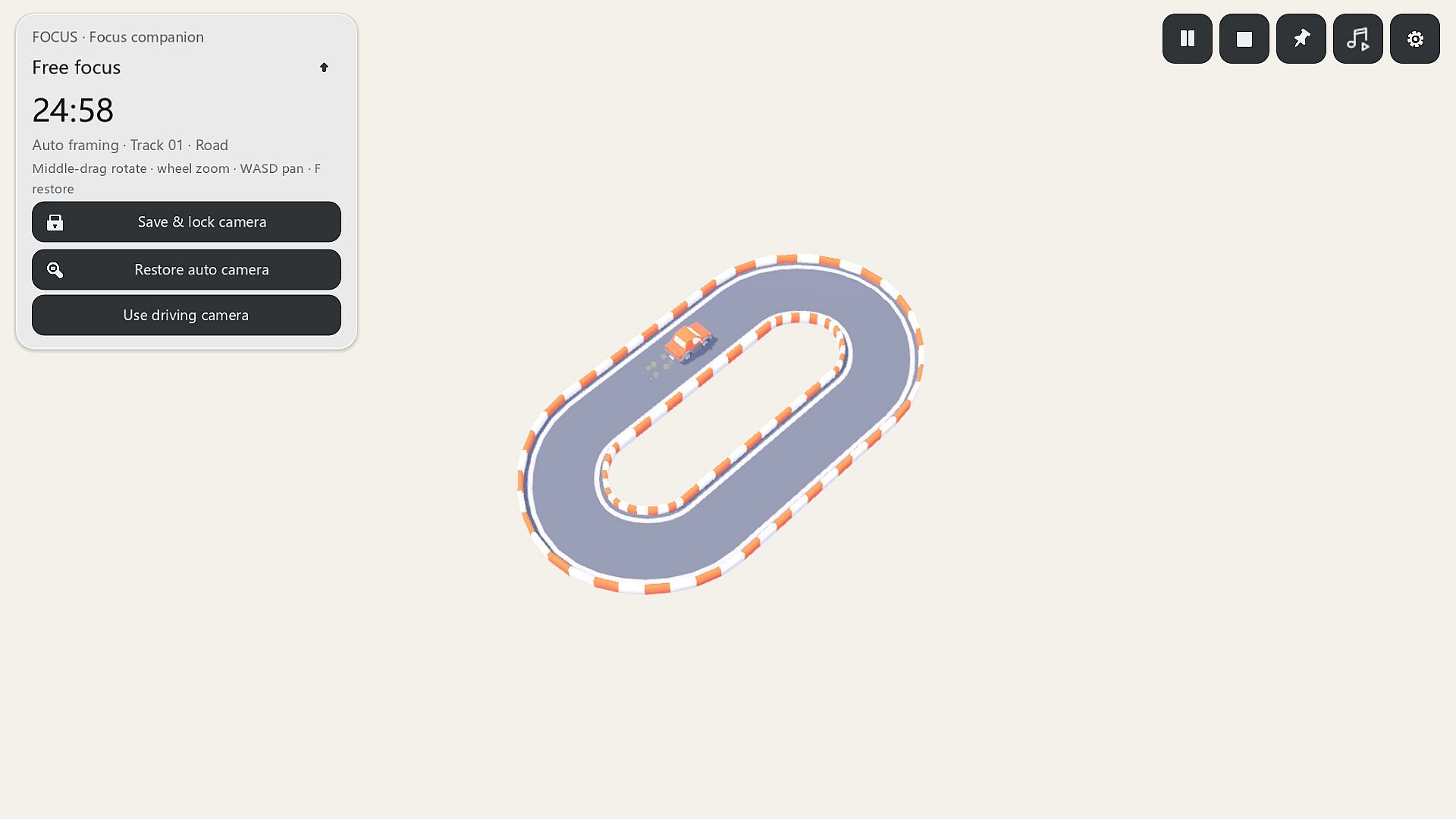
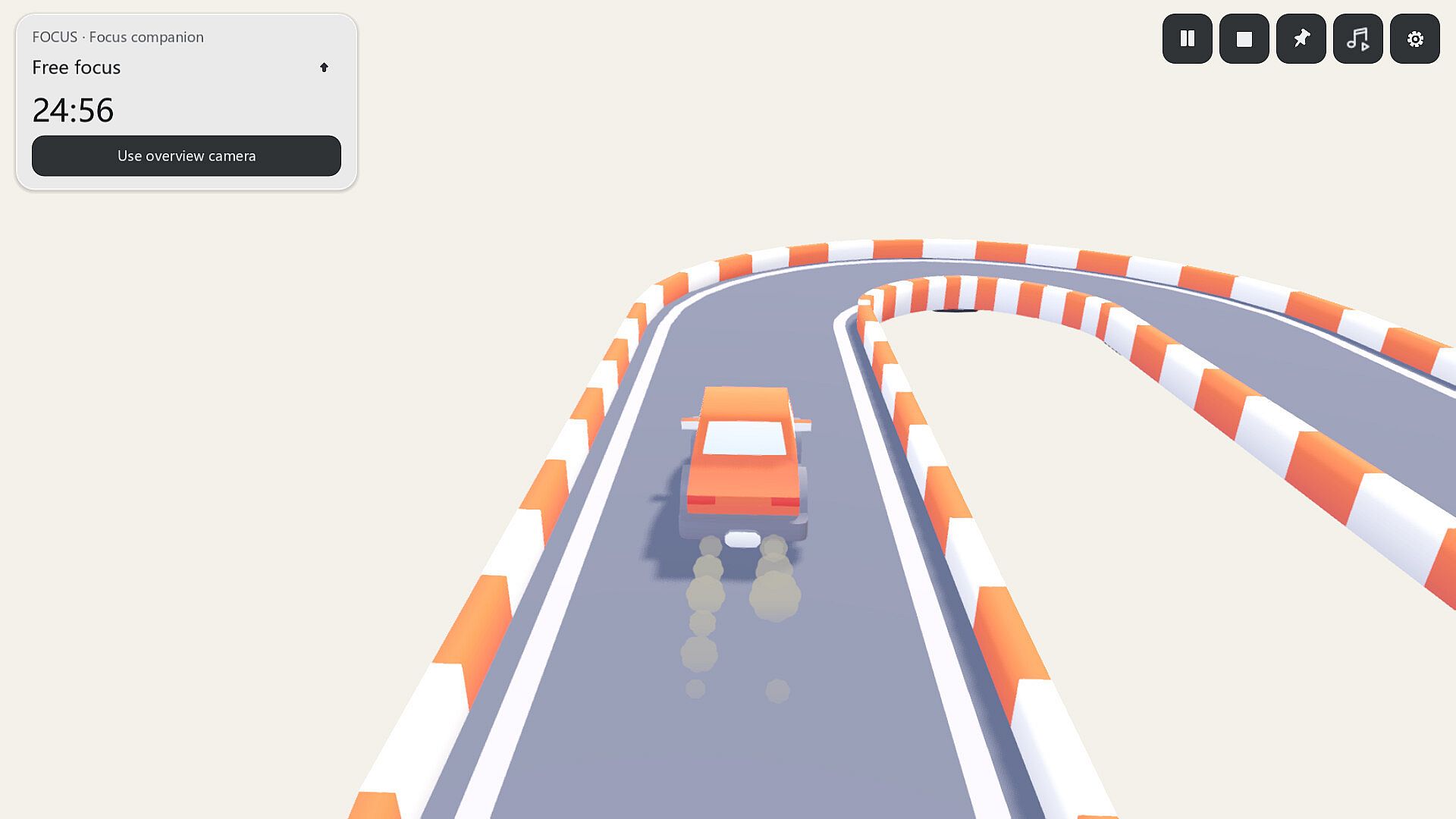
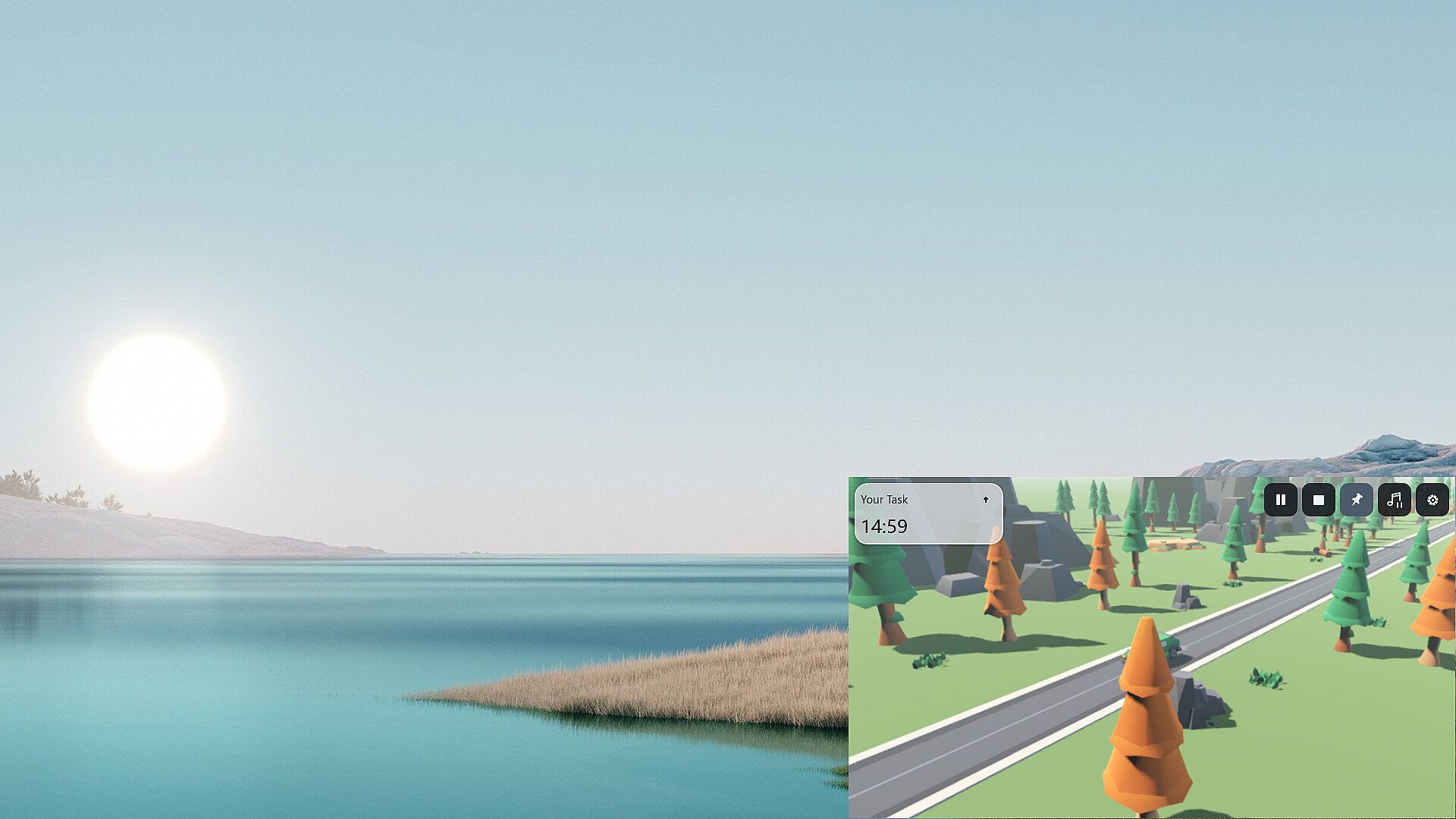
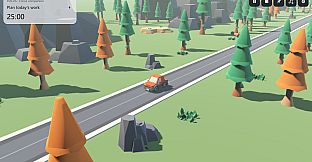
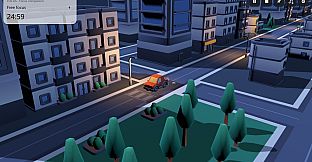
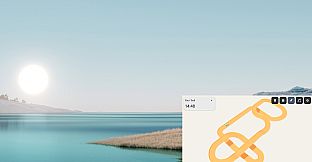
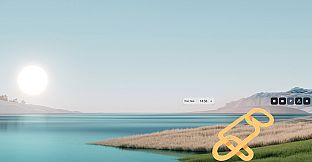
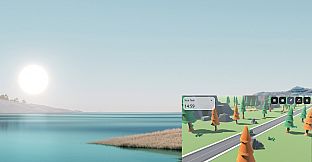
DeskTrack is a desktop game with toy cars, a focus timer and track building. Let your car drive itself while you work or study. When you take a break, pick a car and try a track you've built.
A car on your desktop
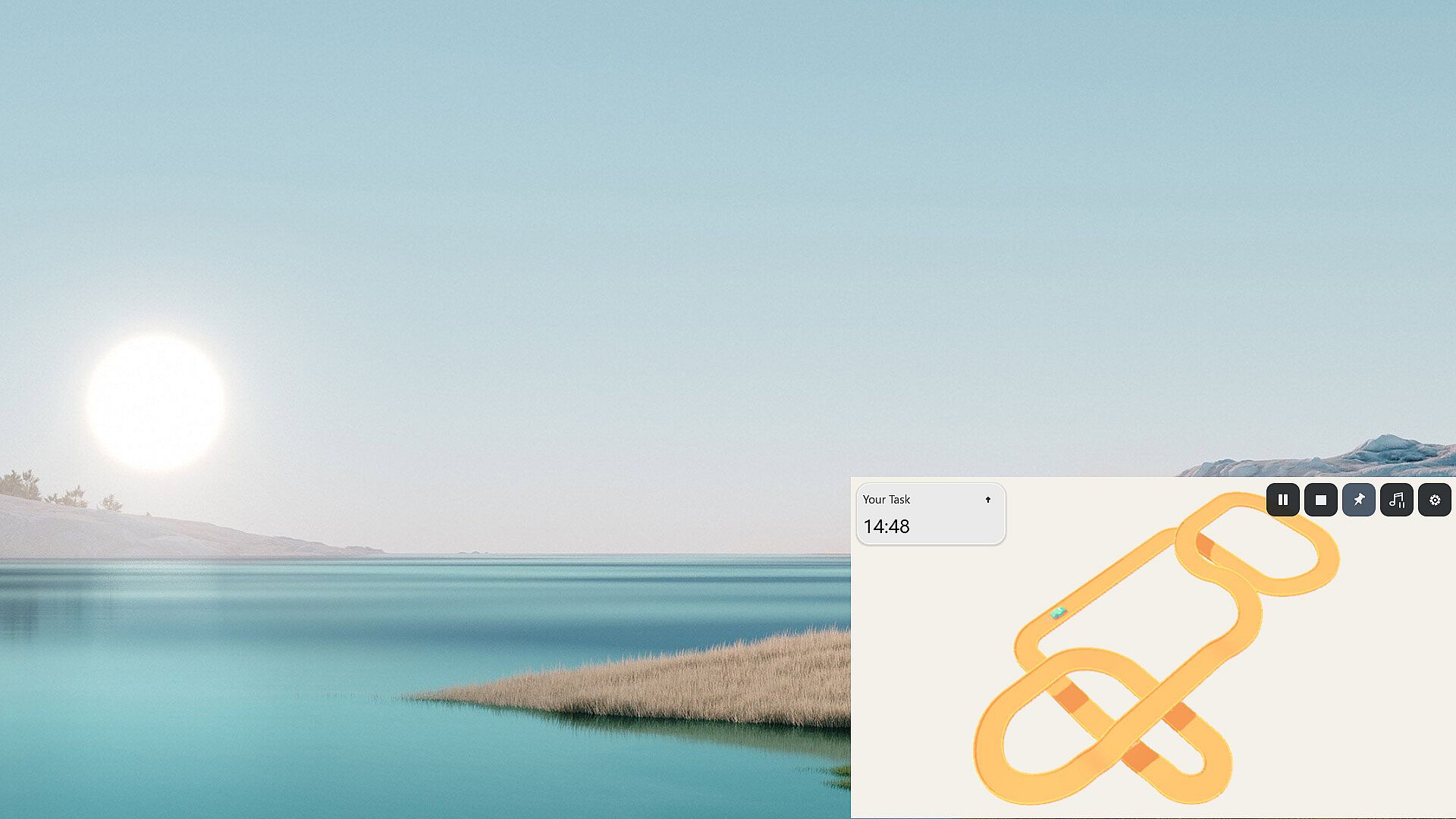
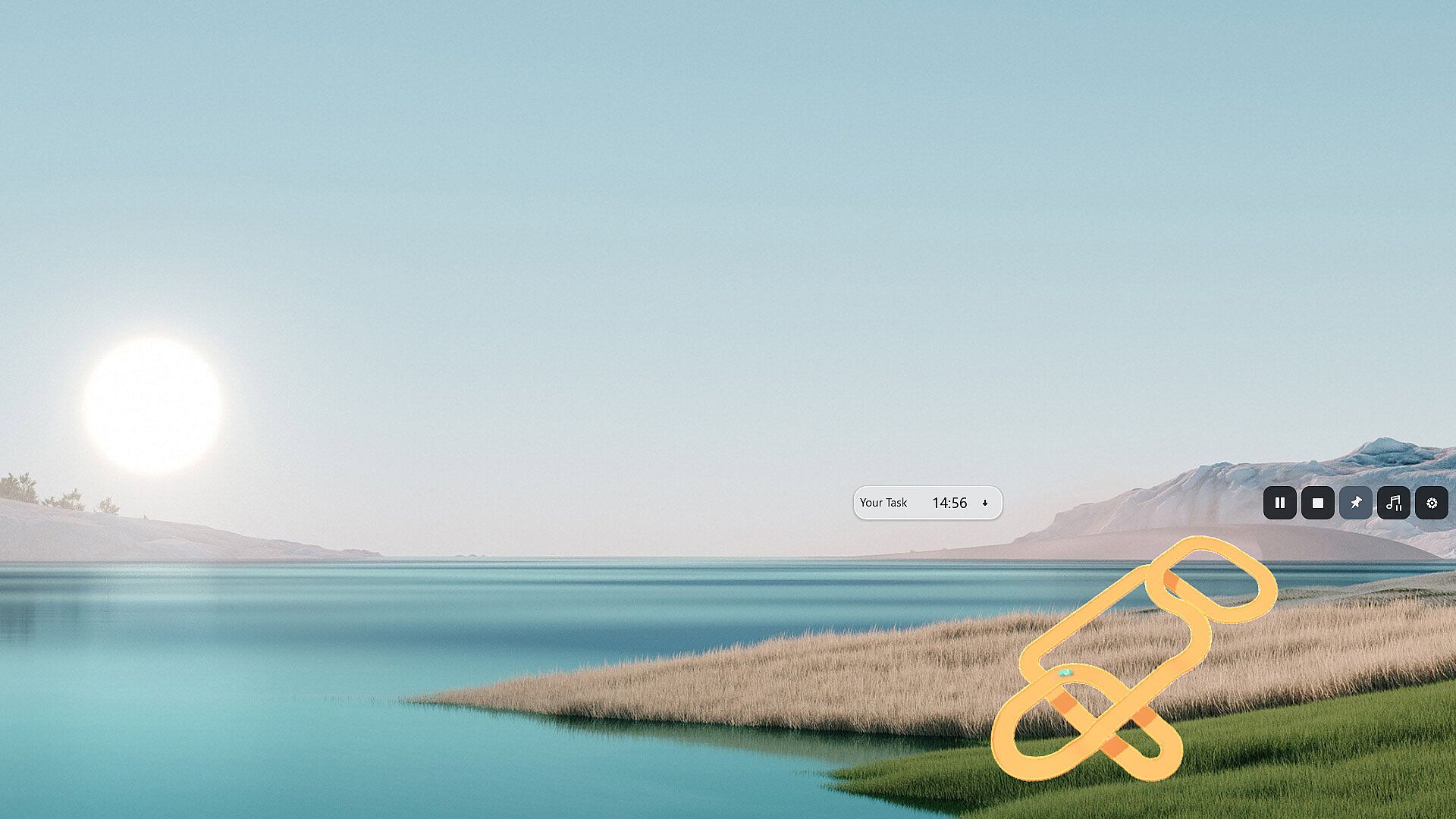
Resize and move the window to fit beside your work. Keep it on top of other windows, or collapse the timer panel and open it again when you want to check your progress.
Track mode offers a transparent background, solid colors and panoramic skies.
Focus timer
Set a countdown or start an untimed session that counts up from zero. Link a task from your list, or start without one. Pause when you need to step away and resume when you're ready.
At the end, check your active focus time and the miles you earned. Recent sessions stay in your focus history. Paused time doesn't count toward active time.
Unlock cars and scenery
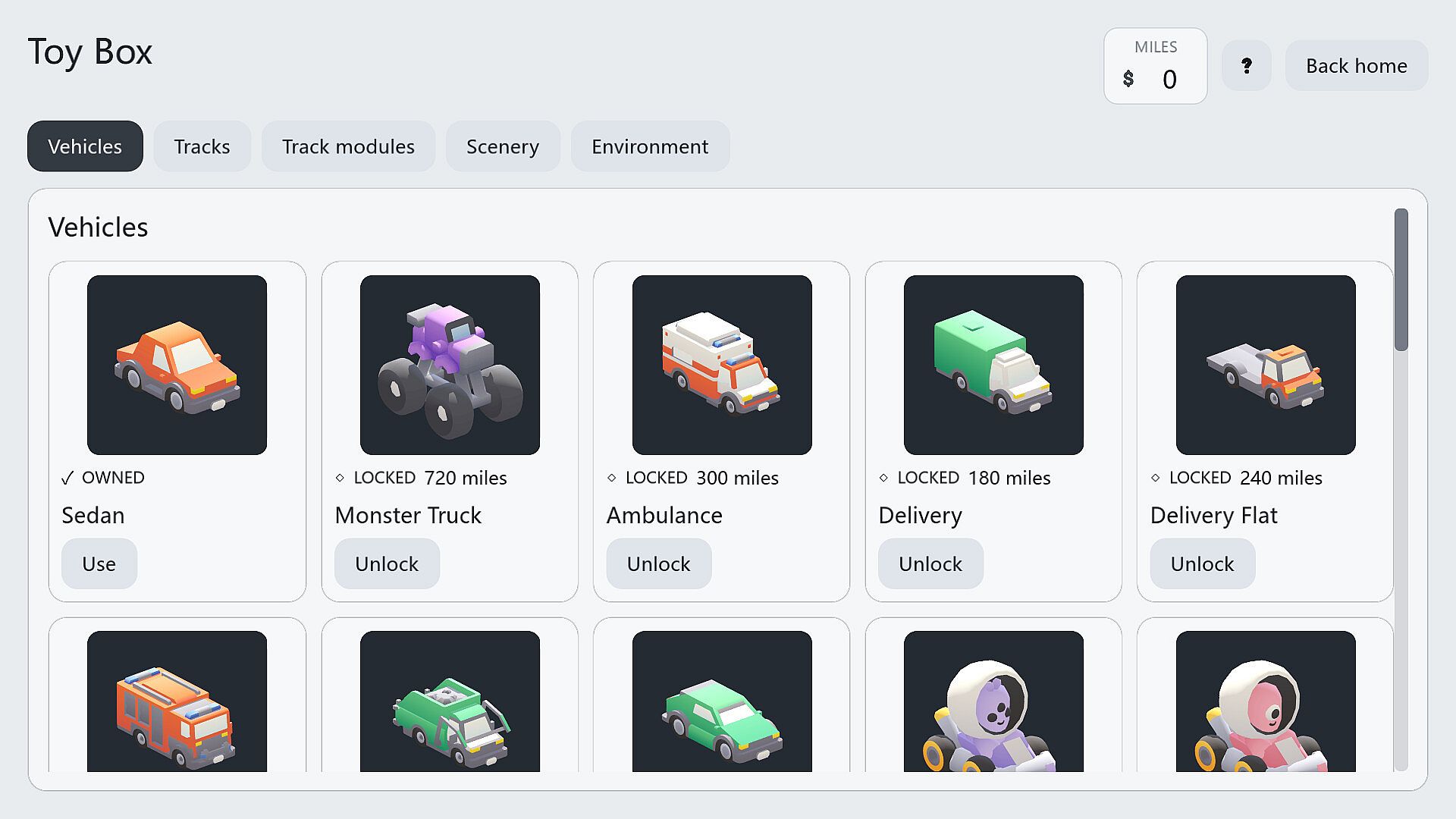
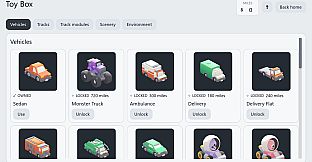
Active focus time earns miles to spend in the Toybox on cars, track pieces and scenery. Change cars or choose a different setting for your next session.
Every car follows the same focus reward rules. The car's speed doesn't change the timer or the miles you earn.
Build your own tracks
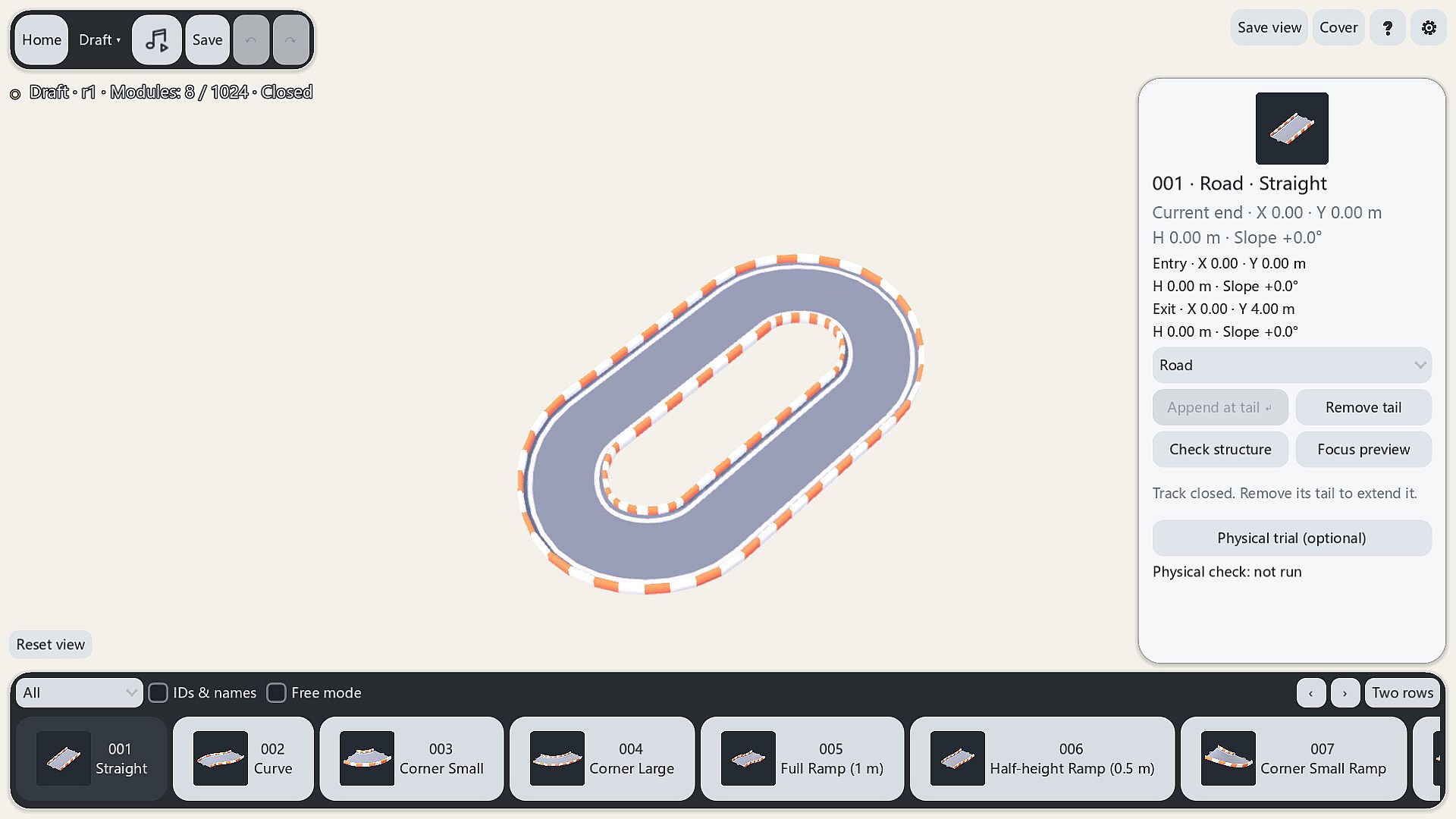
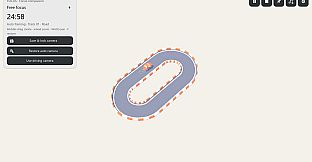
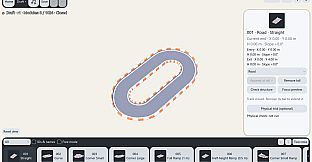
Join straights, curves and ramps to extend your route and add height. Move the camera around to check the connections.
Save unfinished routes as drafts. Close the loop and let the car complete a full lap in the focus preview before using the track for focus sessions or manual driving.
Take the wheel
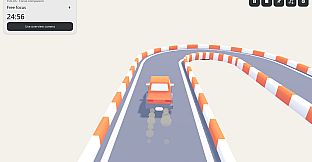
Open manual driving during a break and control acceleration, braking and steering yourself. Drive on an unlocked track or a track you've built and tested in the preview.
Choose the number of laps before you start, and pause whenever you need to.
Scenery and music
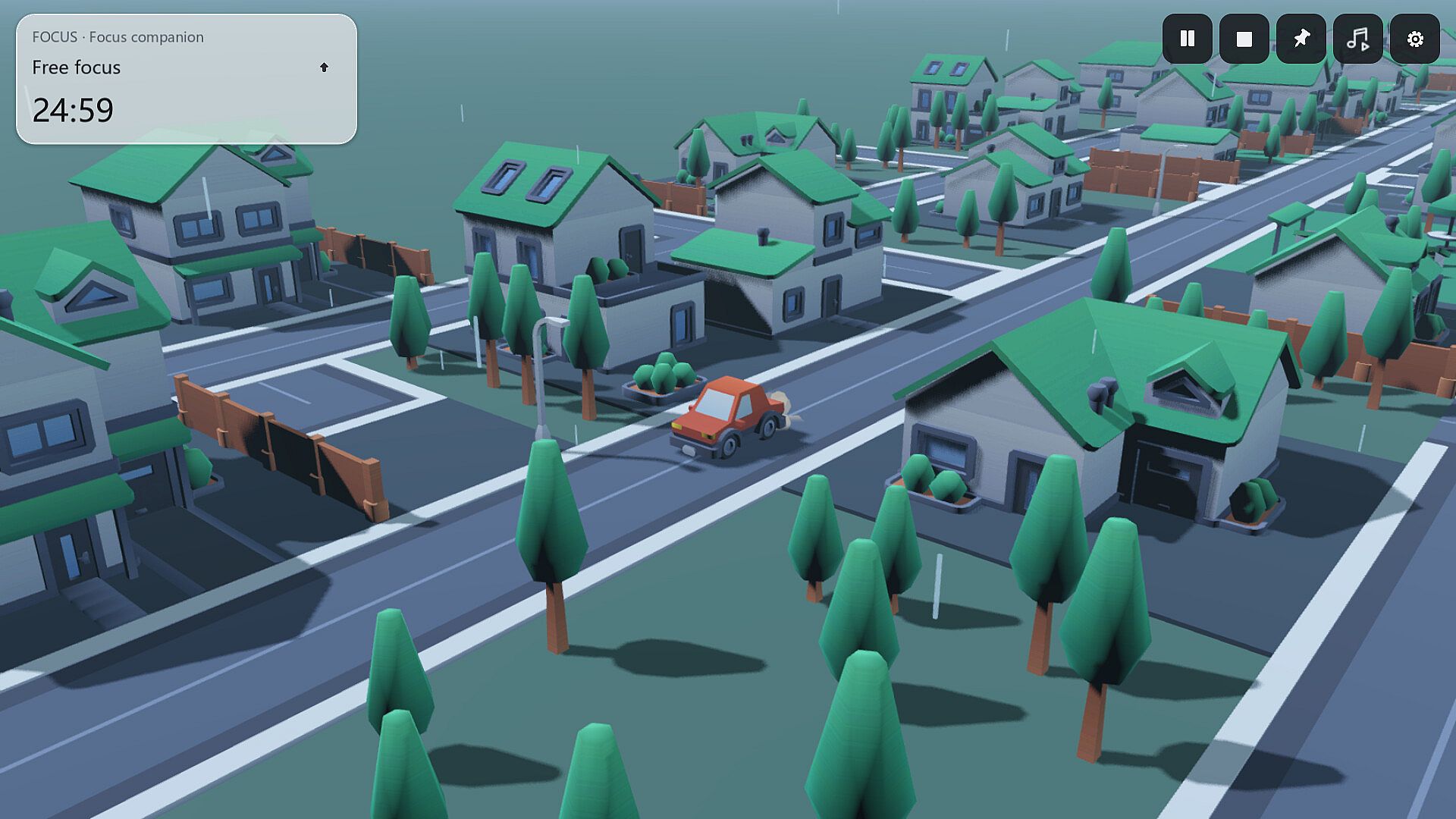
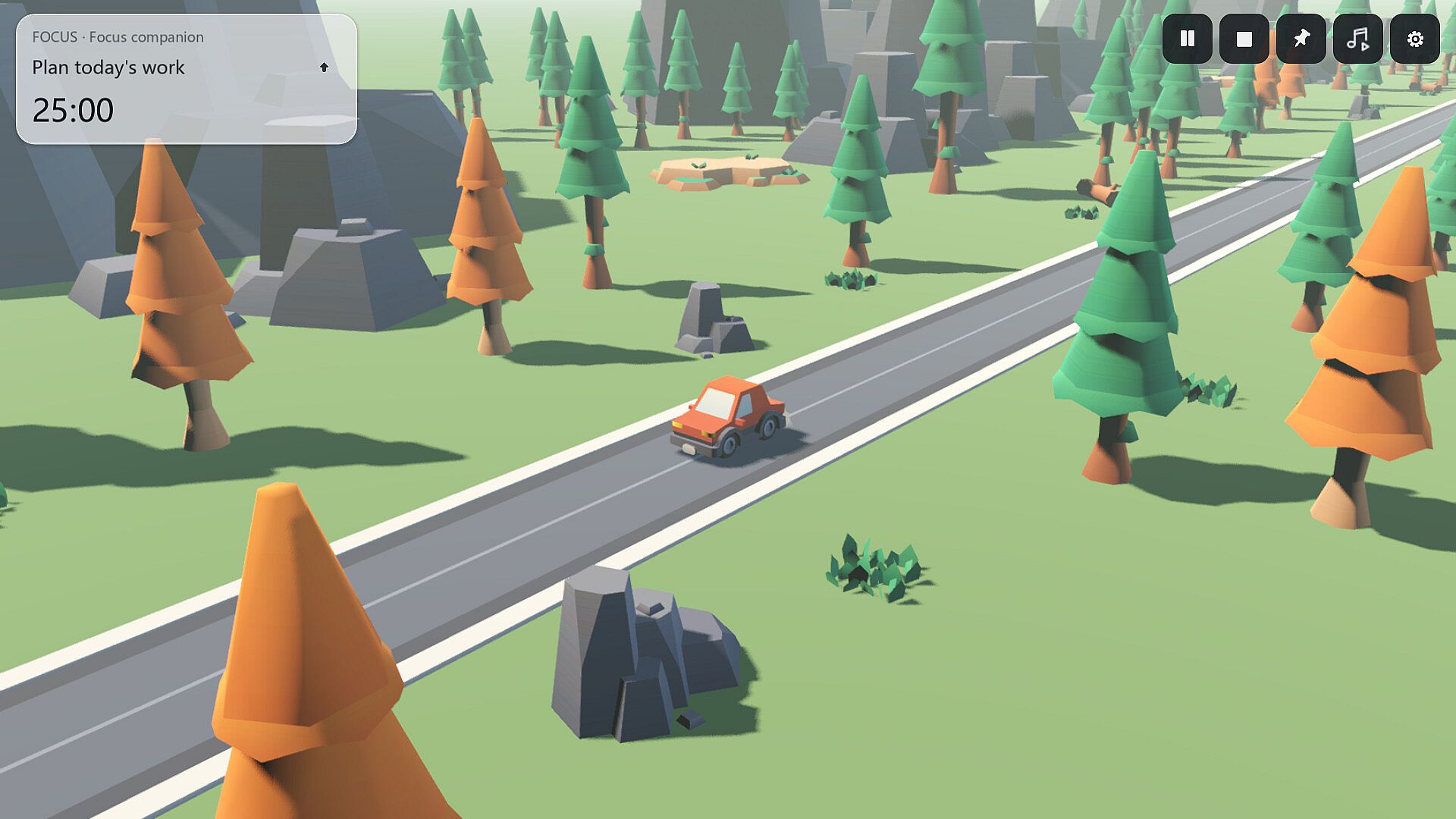
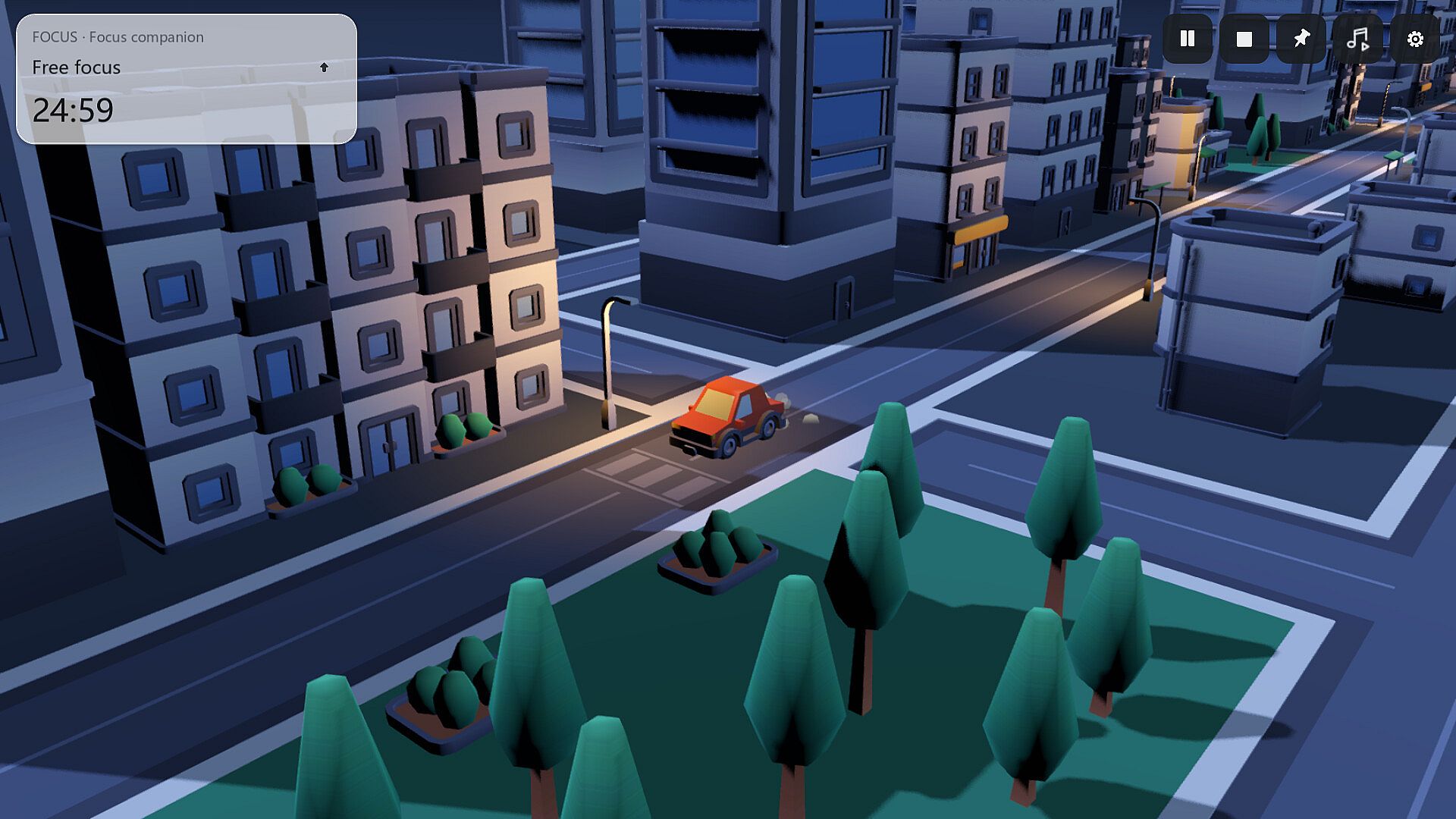
Choose a sunny woodland, a rainy suburb or a shopping district at night, each with its own lighting and ambient sounds.
Listen to the included lo-fi music, or add a local music folder to play your MP3, OGG and WAV files. Music and the focus timer have separate controls, so changing a track or pausing the music keeps the timer running.











