




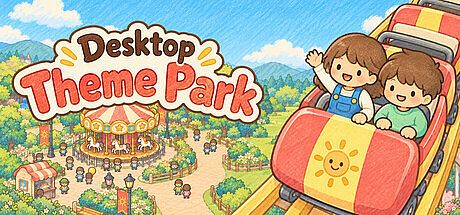


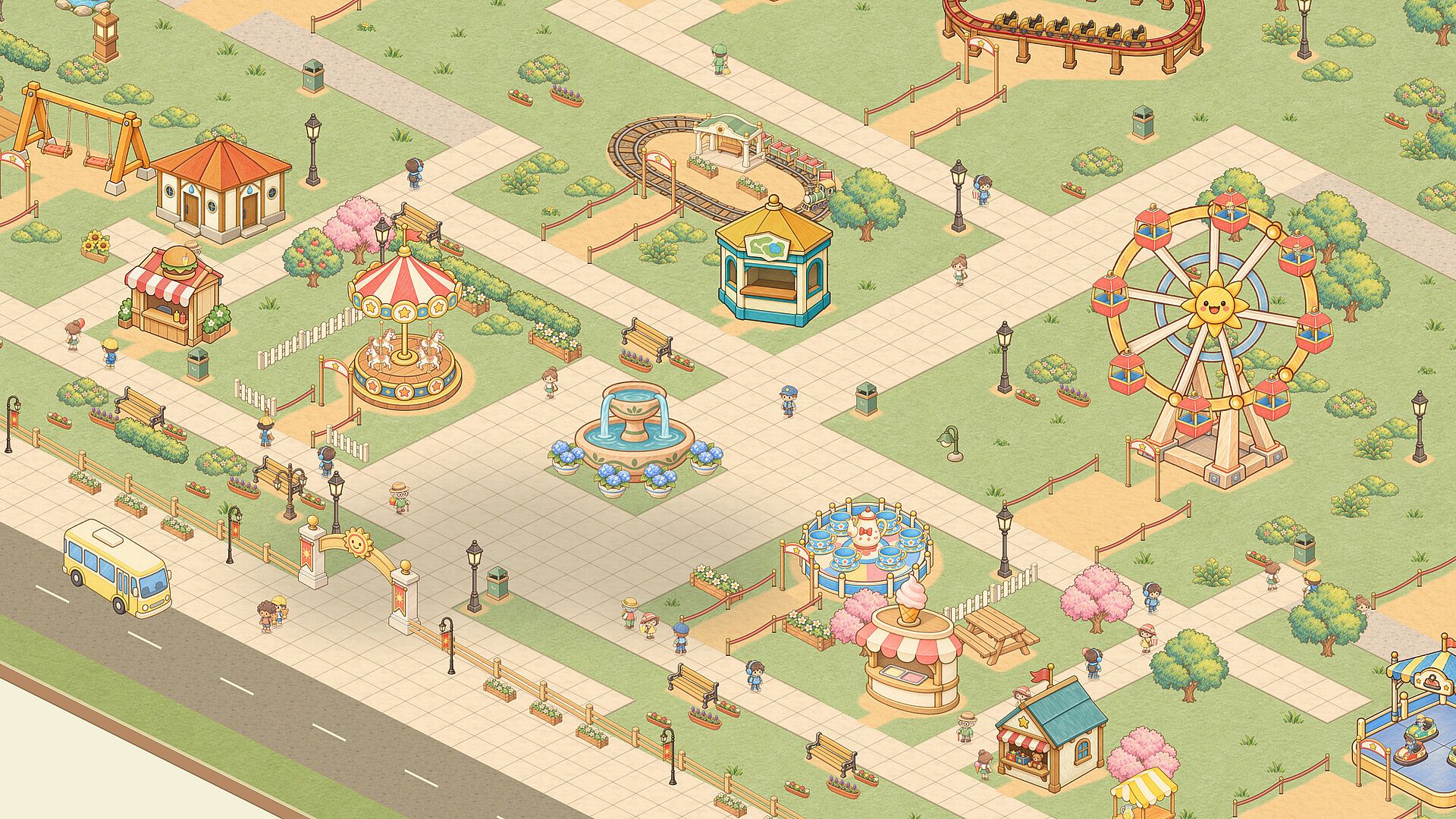
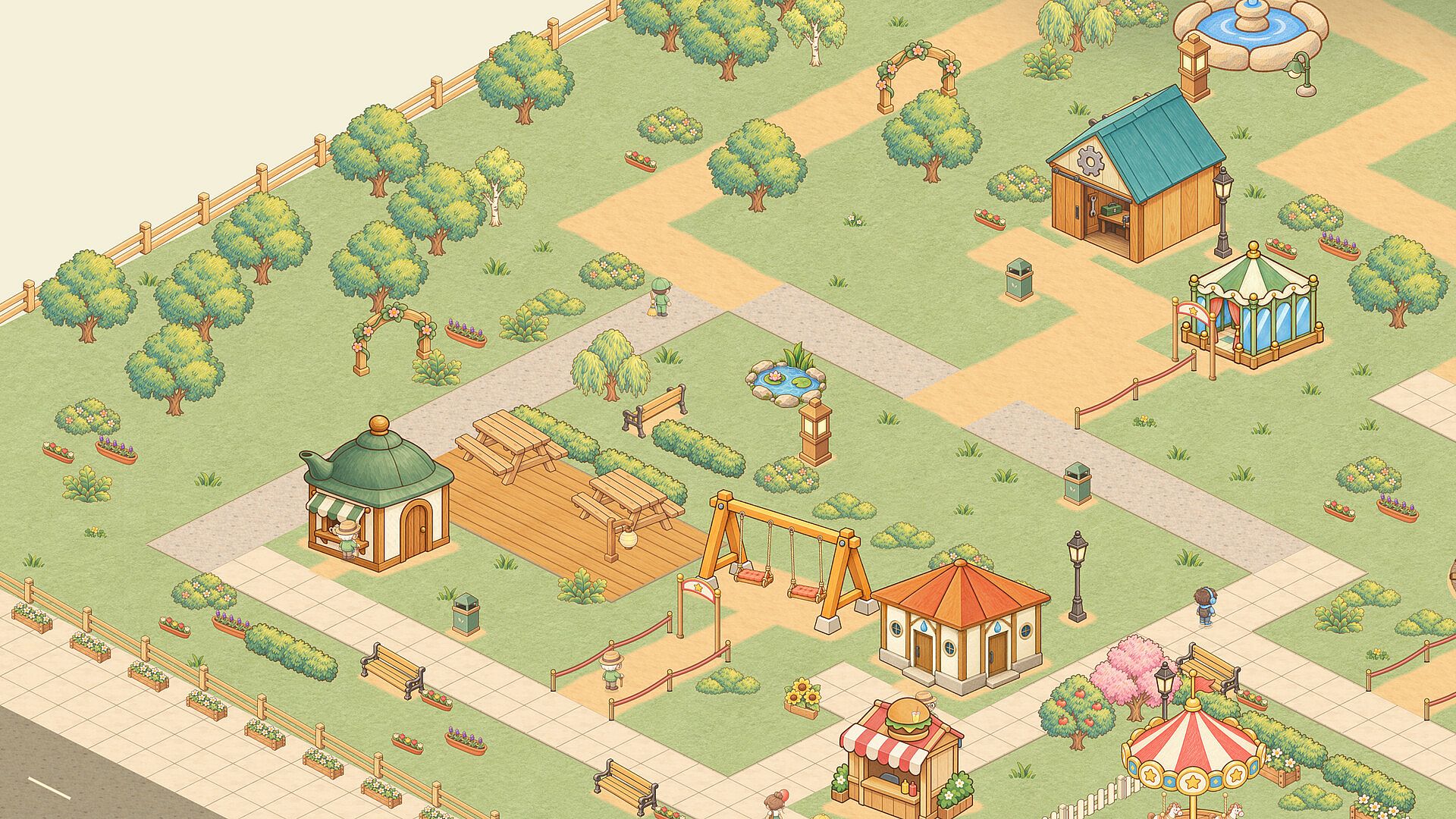
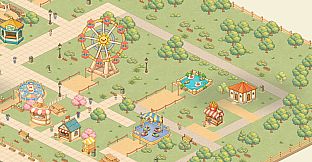
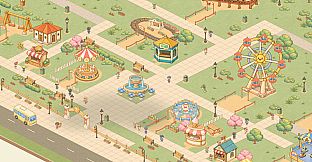
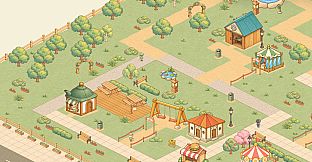
Desktop Theme Park is a casual simulation game where players build and manage a compact amusement park right on their PC desktop. The experience blends light management with creative placement in a gentle pencil-and-watercolor style, letting users turn a small patch of virtual grass into a welcoming spot for visitors without demanding constant attention.
Gameplay
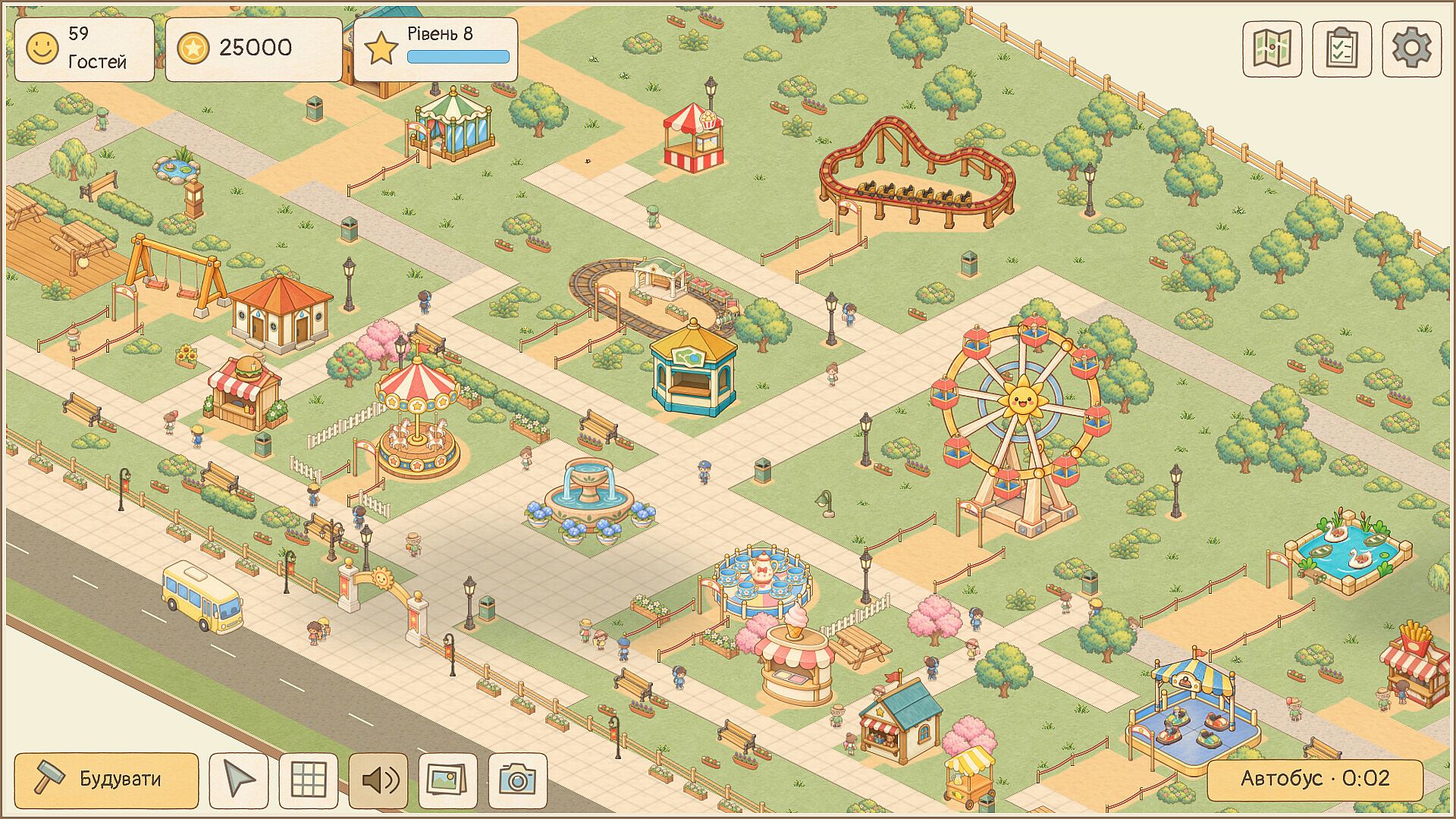
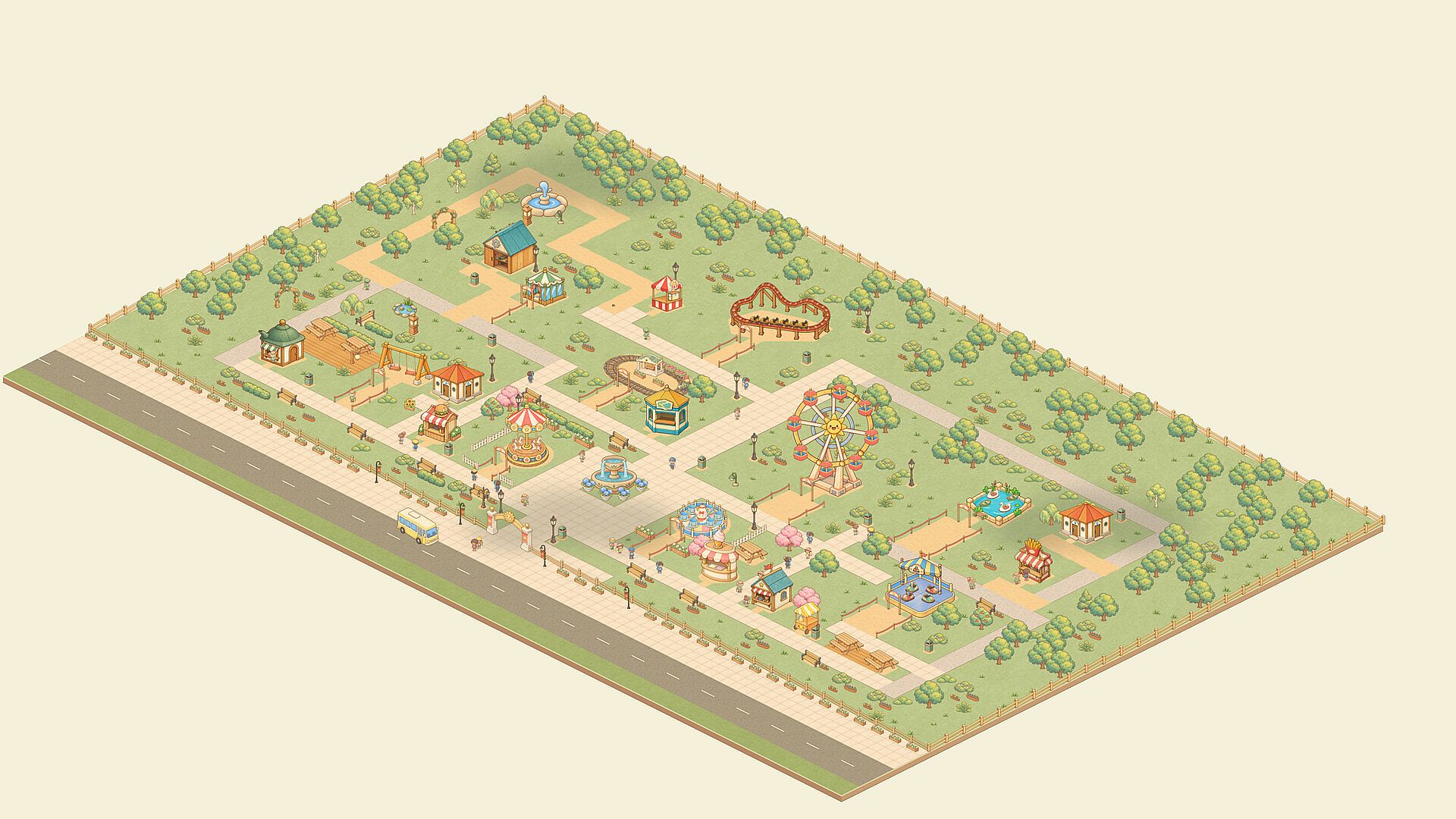
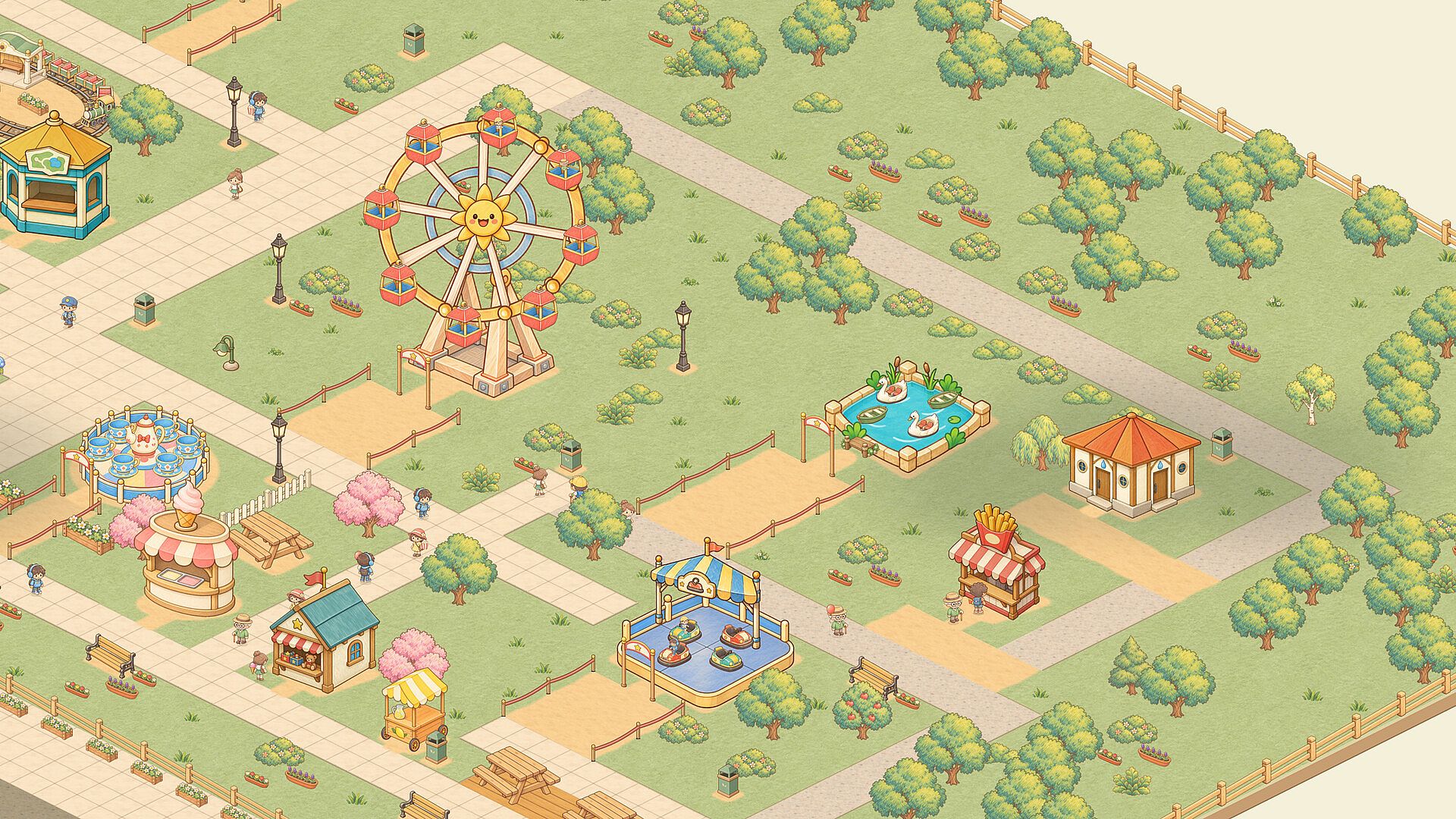
Players start with an empty area and place attractions such as carousels along with supporting elements like queues, flowerbeds, benches, and fountains. Paths connect the various features so guests can move smoothly between rides and snack stops. The soft art style keeps the focus on thoughtful arrangement rather than complex systems.
Visitors arrive by bus and interact with the park by riding attractions and pausing for refreshments. Their visible thoughts guide adjustments, such as adding seating or hiring staff to maintain cleanliness and order. Earnings from these activities fund new rides and additional land expansion, creating a steady loop of observation and refinement.
The park runs in the background with rides continuing to operate and coins collecting automatically while the game window remains open. This setup suits players who want a persistent project they can check on briefly during the day or expand during longer sessions.
Game Modes
The game supports flexible viewing options that function as practical modes for different play styles. Compact and strip views keep the park visible along the edge of the screen or in a small corner for minimal intrusion. Windowed and fullscreen modes provide more space when deeper building or rearrangement is desired.
These view choices allow seamless switching between background idle progression and focused creative work without restarting or loading separate scenarios. No competitive or multiplayer modes exist, keeping the emphasis on personal park development at a relaxed pace.
Key Features and Mechanics
Core systems revolve around connecting paths and queues while responding to guest needs through targeted additions. Staff hires cover cleaning, security, maintenance, and entertainment to keep the environment pleasant. Land unlocks and research improvements expand the range of available attractions over time.
Object manipulation tools include rotation, movement, and copying of grouped items to refine layouts efficiently. A photo mode captures favorite arrangements, and audio options feature gentle background music with adjustable sound levels for comfortable long sessions.
Is It Worth Playing?
Desktop Theme Park suits players seeking a low-pressure simulation that fits alongside daily computer use. Its automatic progression and desktop integration make it accessible for short visits or extended building without overwhelming complexity or time commitments. Those who enjoy casual management sims with a focus on visual arrangement and gentle guest interaction will find steady appeal in shaping and revisiting their park. The verified features emphasize creativity and observation over intense strategy, delivering a consistent, soothing experience for the right audience.











