





Acquista JoustMania PC Key

JoustMania e gratuito! Scaricalo su Steam e inizia a giocare subito.

Uscita: 11 giu 2019
Metacritic:
tbd tbd
Steam:
Very Positive (13)
Official
Non disponibile
Keyshops
Non disponibile
Compra nello store ufficiale:
Non disponibile
Compra nei keyshop:
Non disponibile

Nessuna offerta al momento, ma non preoccuparti: ti informeremo quando ne comparirà una nuova.

Create Alert Create deal Alert

Info su JoustMania

JoustMania - info sul gioco
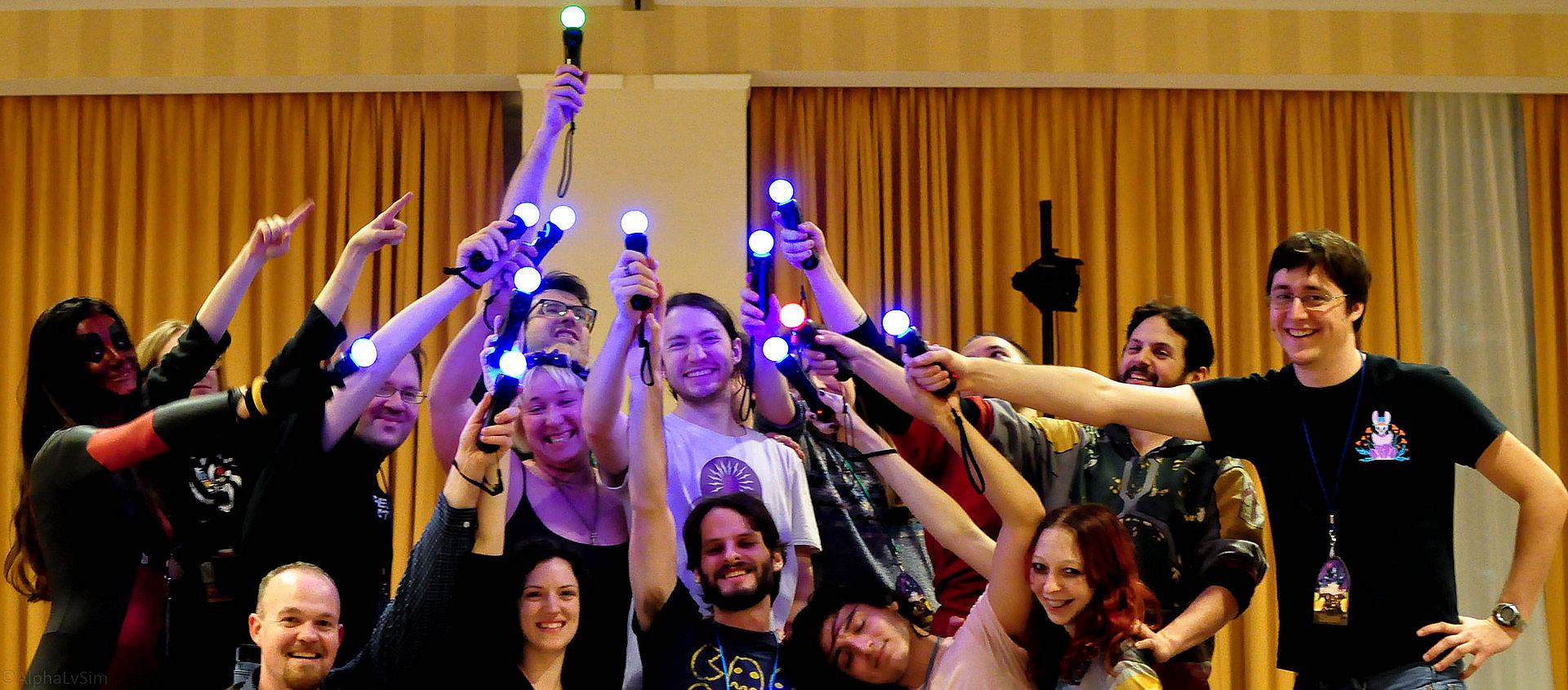
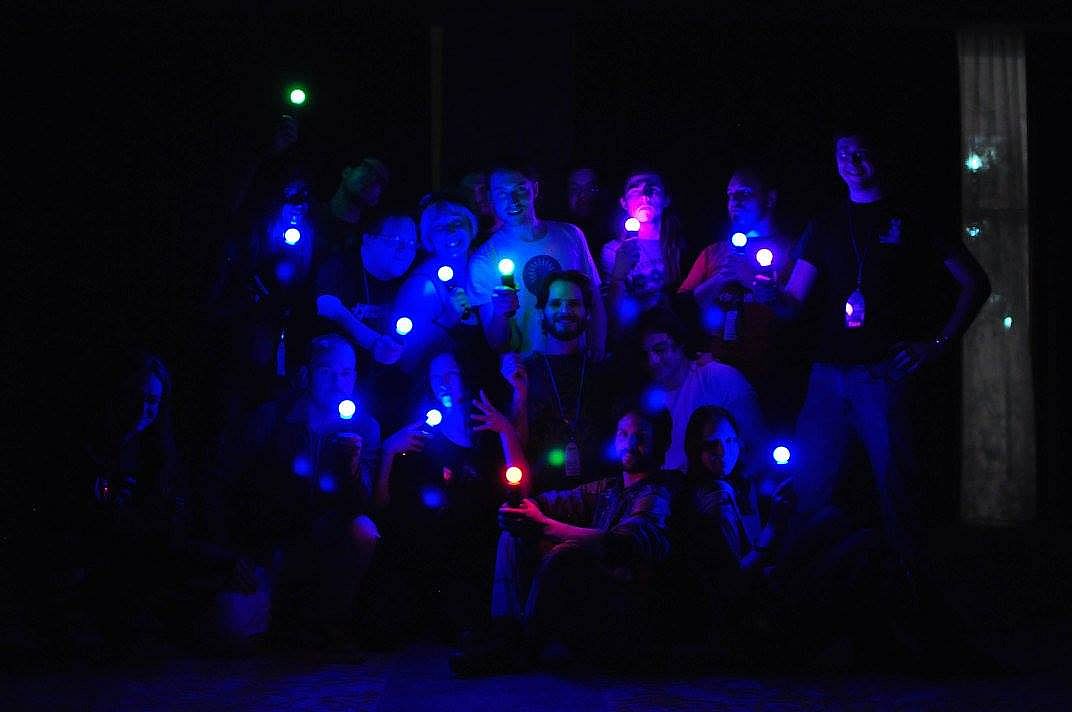
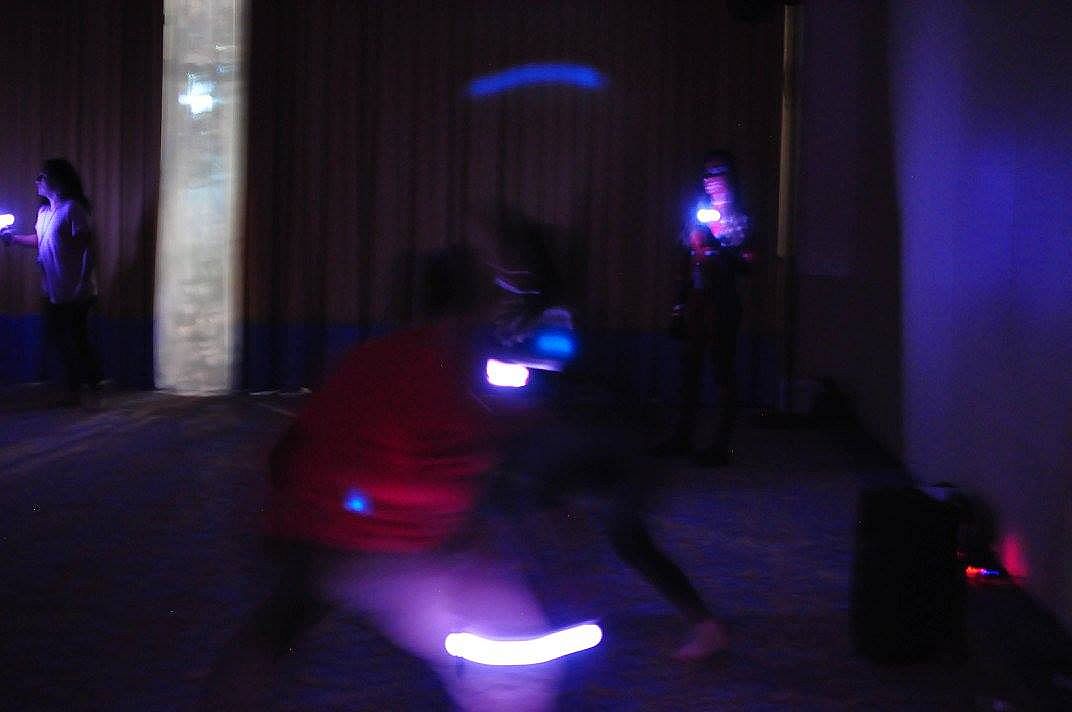
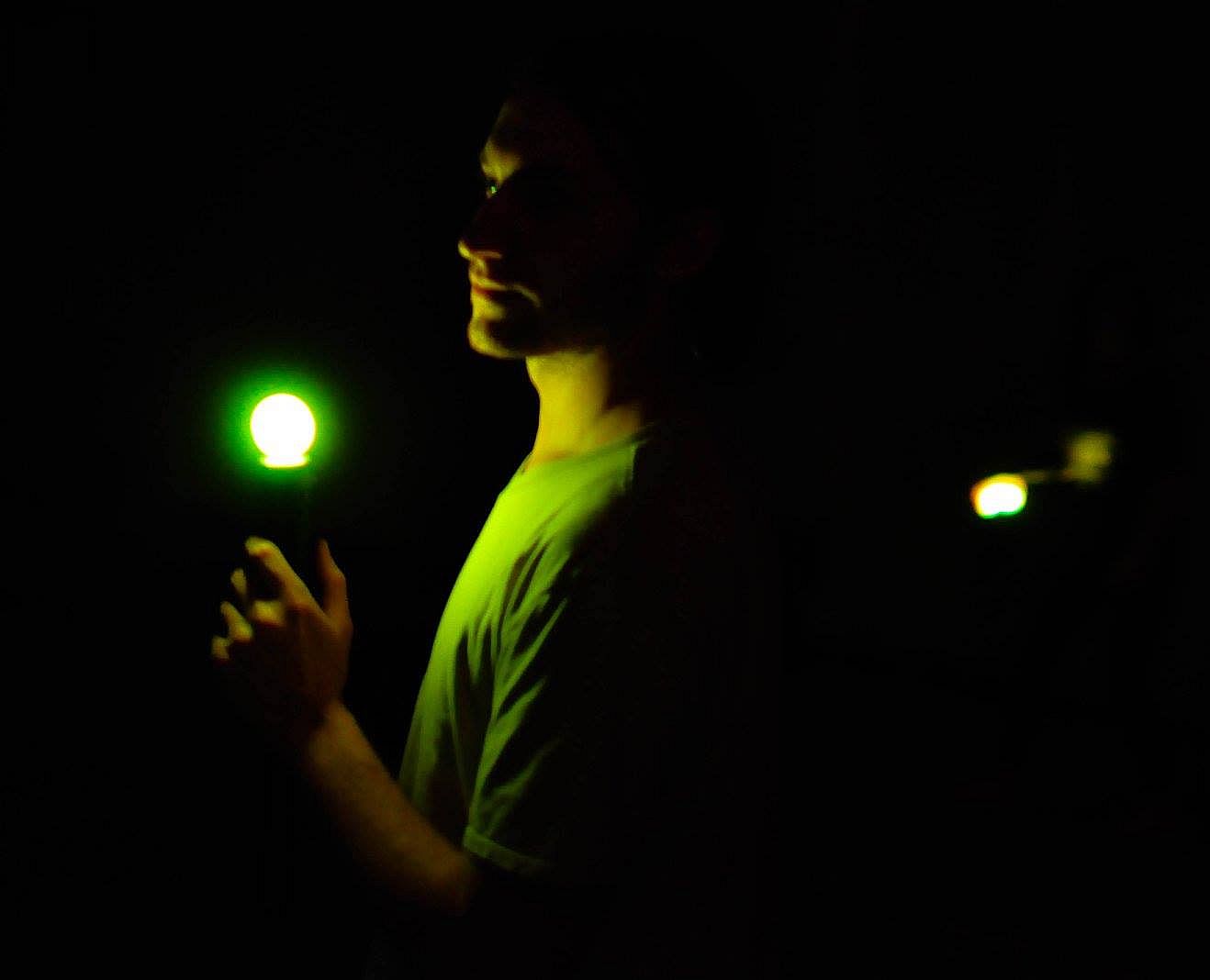
JoustMania delivers a movement-based party game where players hold controllers steady while jostling opponents, drawing from the jostling mechanic in Johann Sebastian Joust. No screen is needed as up to seven players on Windows-or 18+ on Raspberry Pi-compete using PlayStation Move controllers. Thirteen game modes like Free-for-All, Teams, Traitors, Werewolves, Zombies, and Tournament offer variety, with five sensitivity levels adjustable in admin mode. Pair controllers by running the game as administrator, then tweak settings via controller buttons or a browser GUI at 127.0.0.1. Players press triggers to start rounds and select modes with the side button. This casual simulation sports title suits groups of friends seeking quick, physical multiplayer fun on PC.


JoustMania is a movement based party game based off of the Jostling mechanic introduced in Johann Sebastian Joust, players try to keep their controller still while jostling others, no screen required. JoustMania features thirteen different game modes, five different sensitivity levels, and a whole range of other features for you and your friends to enjoy. This is the first time this game is available on the Windows platform.

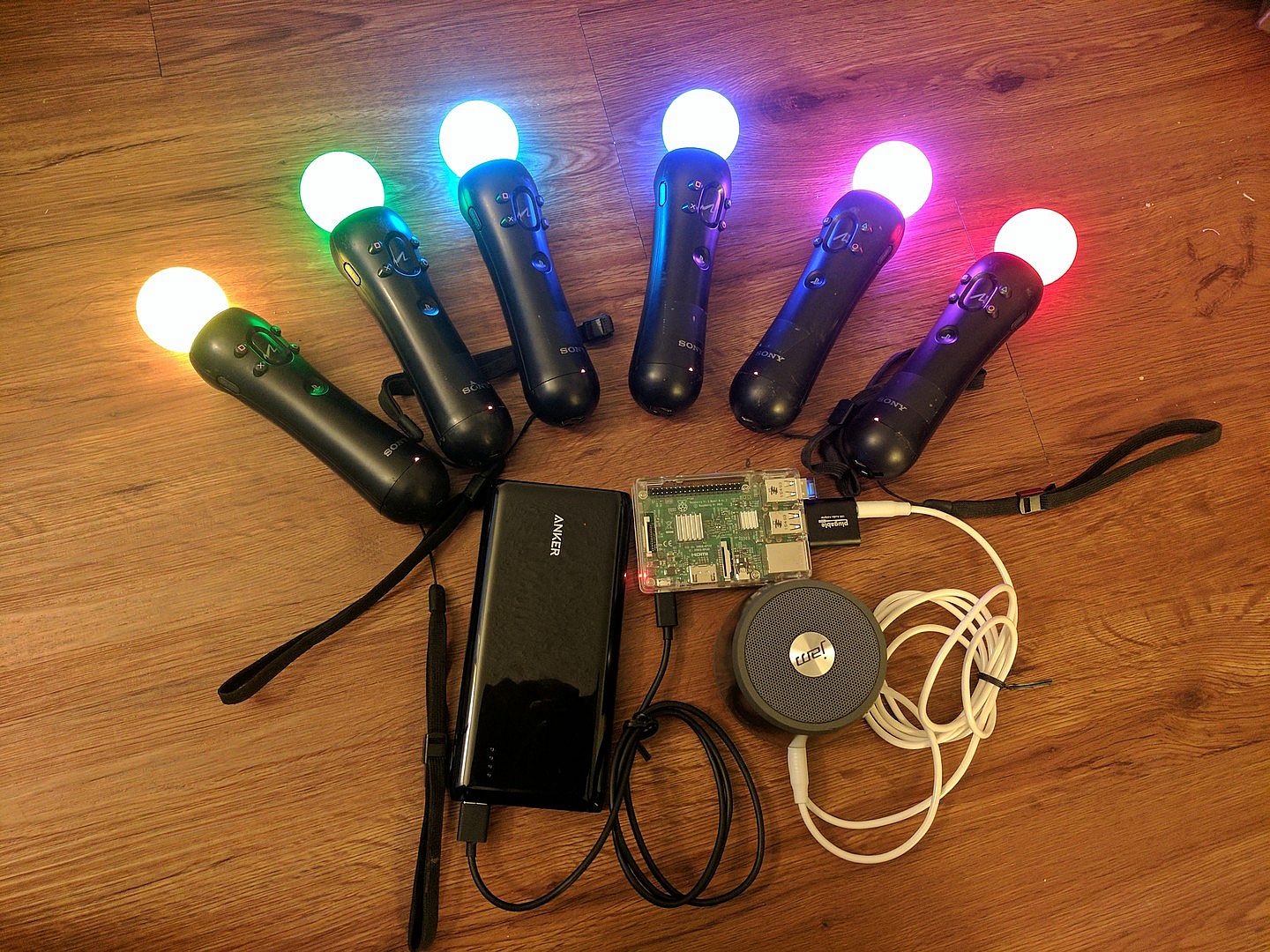
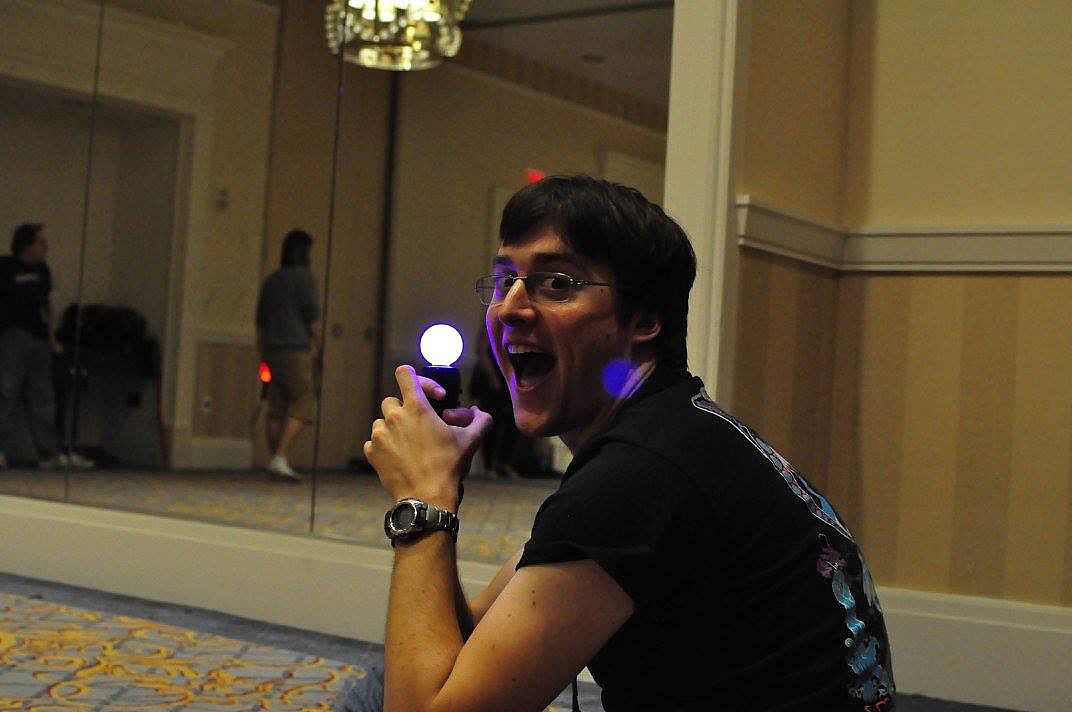
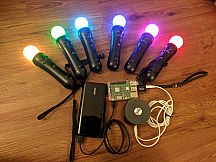
JoustMania supports up to seven players on Windows, and 18+ on the raspberry pi. Playstation move controllers are required to play this game.

Note: In order to sync Joustmania controllers you will need to run in administrator mode:
Go to C:/Program Files (x86)/Steam/SteamApps/common/Joustmania
right click piparty.exe
click properties
click the Compatibility tab
click Run this program as an administrator, and click Apply
GameModes
  • Joust Free-for-All (2+ players)
  • Joust Teams (Minimum 3+ players, 4+ players recommended)
  • Joust Random Teams (3+ players)
  • Traitors (Minimum 6+ players, 9+ players recommended)
  • Werewolves (Minimum 3+ players, 6+ players recommended)
  • Zombies (Minimum 4+ players, 10+ players recommended)
  • Commander (Minimum 4+ players, 6+ players recommended)
  • Swapper (Minimum 3+ players, 4+ players recommended)
  • Fight Club (2+ Players)
  • Tournament (3+ players)
  • Non Stop Joust (2+ players)
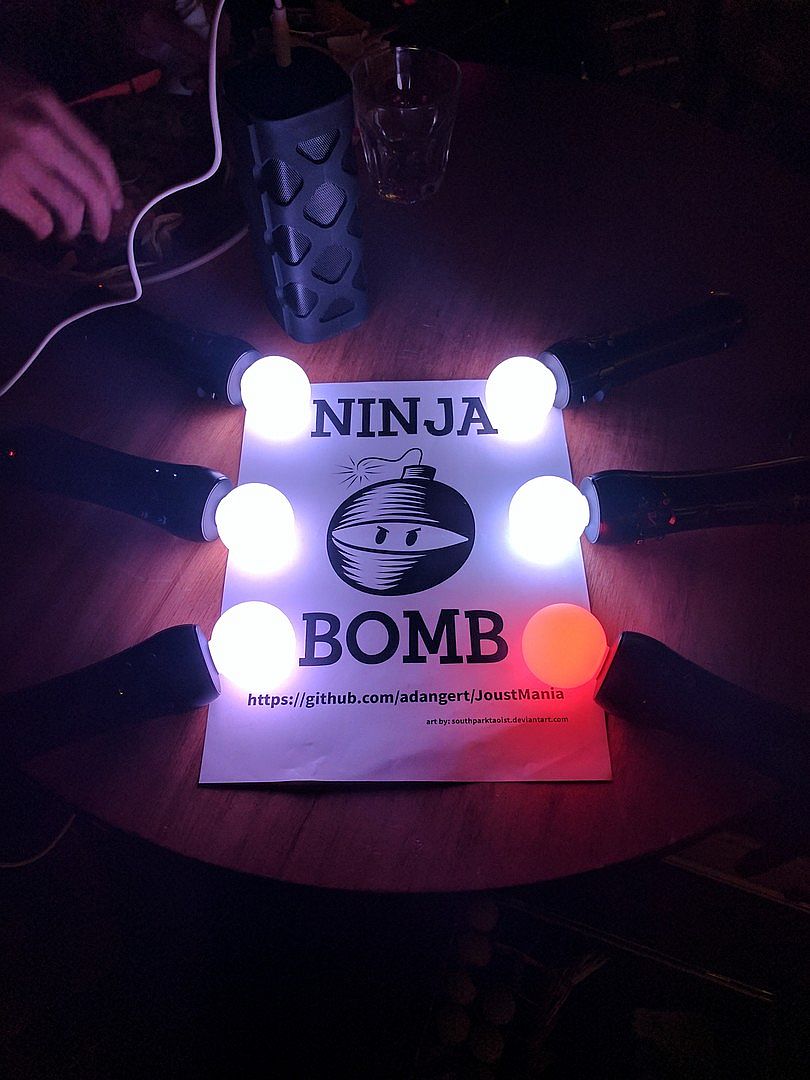
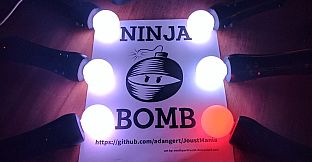
  • Ninja Bomb (2+ players)
  • Random mode
To view rules for each game mode please visit JoustMania Extended Rules
Starting a game
To access different game modes, after pairing a playstation move controller press the select button on the side of the controlelrs. To start a game everyone needs to press the trigger buttons on their controllers.
Pairing
To pair a PlayStation move controller, make sure you follow the above steps to run as an administrator, start JoustMania then plug the controller in and keep on pressing the PlayStation home button until the controller turns a color other than white, you should not have to remove the controller while pairing. If you are using the newer Playstation move controller (CECHZCM2) you will have to click the popup on the bottom right of the screen to allow it to be paired.
Admin Mode
You can become an Admin by pressing all four front buttons on any controller, this will allow you to modify the games settings from the four front buttons on the controller, After a game is played the Admin mode will be reset

(Cross) Add or remove a game from Random mode, your controller will be green if the game is added and Red if it is not, Custom Teams mode can not be added to Random mode
(Circle) Change sensitivity of the game. There are five settings, Ultra High, High, medium, Low, and Ultra low.
(Square) toggle the playback of instructions for each game
(Triangle) show battery level on all controllers
Browser UI
After starting Joustmania, in your web browser go to 127.0.0.1 and you should see a GUI to change game modes and settings from your computer.

Credit to FamilyGamerRadio for the intro video.
Interfaccia:
English
Audio:
English

Classificazione per età

Non disponibile
Metacritic:
tbd tbd
Steam:
Very Positive (13)

Minimo:

  • Sistema operativo: Windows 10 64 bit
  • Note aggiuntive: Bluetooth and playstation move controllers required

Consigliato:

Minimo storico
Storico prezzi dei negozi ufficiali
-
-
-
Storico prezzi dei keyshop
-
-
-

FAQ

8 domande

Prima di cercare una chiave PC economica di JoustMania, controlla le informazioni essenziali. Sviluppato da Aaron Angert. Pubblicato da Aaron Angert. Data di uscita su PC: 11 giu 2019. Generi: Free To Play, Indie, Casual, Simulation, Sports. Categorie: Multi-player, PvP, Shared/Split Screen PvP, Remote Play Together, Co-op, Shared/Split Screen Co-op, Shared/Split Screen.

Q

Dove comprare una chiave Steam o CD Key di JoustMania a poco?

JoustMania e gratuito! Scaricalo su Steam e inizia a giocare subito.

JoustMania è completamente gratuito su Steam. Nessun acquisto necessario - basta scaricarlo e giocare. Se cerchi DLC premium o oggetti di gioco, controlla la tabella delle offerte qui sopra.

Il nostro tracker dei prezzi copre sia i rivenditori ufficiali che i marketplace di chiavi, così puoi trovare JoustMania in offerta anche al di fuori delle promozioni stagionali. Al momento rileviamo 0 offerte attive da store ufficiali e keyshop. Controlla la tabella qui sopra, confronta con il minimo storico e imposta un avviso per non perdere il prossimo calo di prezzo.

Secondo i nostri dati, JoustMania non è attualmente disponibile su GeForce NOW. Dovrai eseguirlo localmente sul tuo PC. Sfoglia i giochi disponibili su GeForce NOW.

. JoustMania ha una pagina ufficiale su Steam, ma al momento non tracciamo offerte di terze parti con DRM Steam. Ricontrolla più tardi o imposta un avviso di prezzo.

Non al momento. Valve classifica JoustMania come non supportato su Steam Deck. Tieni d'occhio XD.deals - tracciamo gli aggiornamenti di Proton e le soluzioni della community. Sfoglia i giochi Steam Deck Verified o Steam Deck Playable.

JoustMania non sembra essere disponibile su PC Game Pass, EA Play, Ubisoft+ o altri servizi in abbonamento per PC al momento. L'unica opzione è acquistare il gioco - usa XD.deals per trovare il prezzo migliore.

No - XD.deals non è un negozio. Siamo un comparatore di prezzi che traccia le migliori offerte per JoustMania tra store ufficiali e keyshop verificati. Clicca "Vai al negozio" accanto a qualsiasi offerta e verrai reindirizzato al sito del rivenditore per completare l'acquisto.

Vuoi comprare al momento migliore? Imposta un avviso di prezzo su XD.deals e ricevi una notifica quando JoustMania raggiunge il suo prossimo minimo storico.

Crea avviso
Unisciti al nostro Discord
Ottieni aiuto immediato dalla community e resta aggiornato sulle offerte
Imposta avvisi di prezzo
Ricevi notifiche via email quando i prezzi scendono al tuo target
Crea un account gratuito
Sblocca wishlist, avvisi di prezzo e sincronizzazione Steam