
Compra Drakula PC

Dove comprare la chiave Steam Drakula {6} più economica? Confronta i prezzi da 1 store e scegli la soluzione migliore tra 1 offerte su XD.deals. Al momento il prezzo {6} più basso per Drakula nei keyshop è su 7,99 € (0% di sconto).

Steam:
Overwhelmingly Positive (10)
Keyshops
Non disponibile
Compra nello store ufficiale:
7,99 €
Compra nei keyshop:
Vedi storico prezzi

Store ufficiali (1)

DRM:
Steam
Steam
Steam
Drakula
Windows
+3
2sett fa
DRM:
Steam
Steam
7,99 €

Info su Drakula

Drakula - info sul gioco
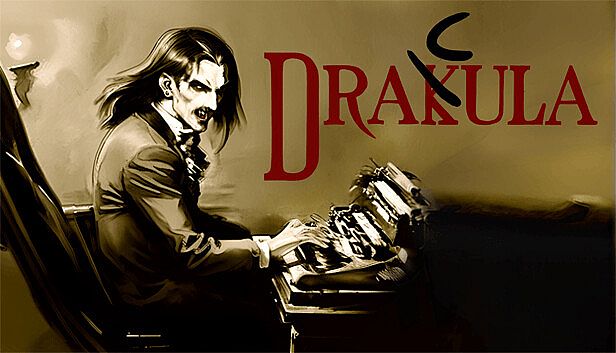
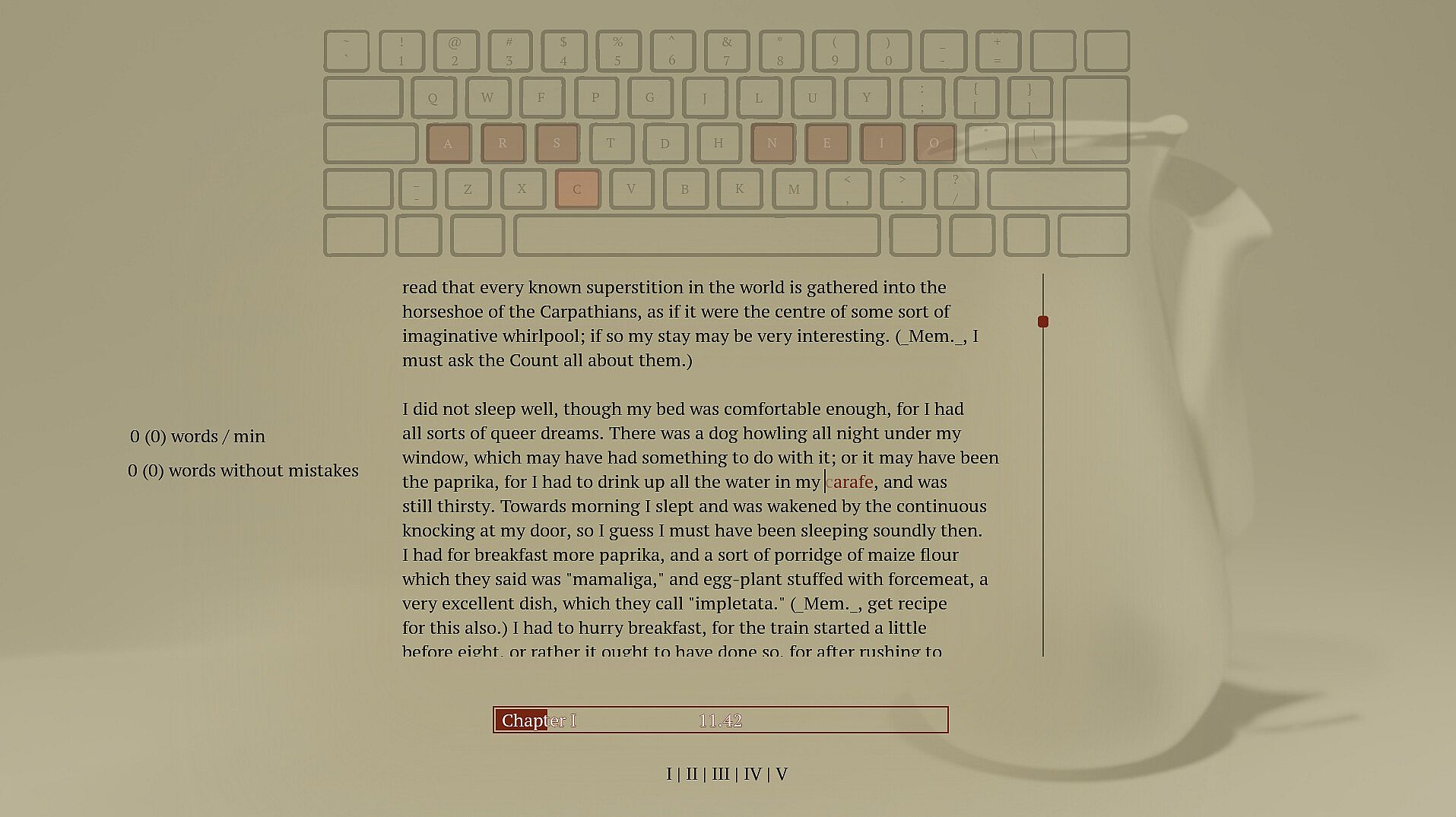
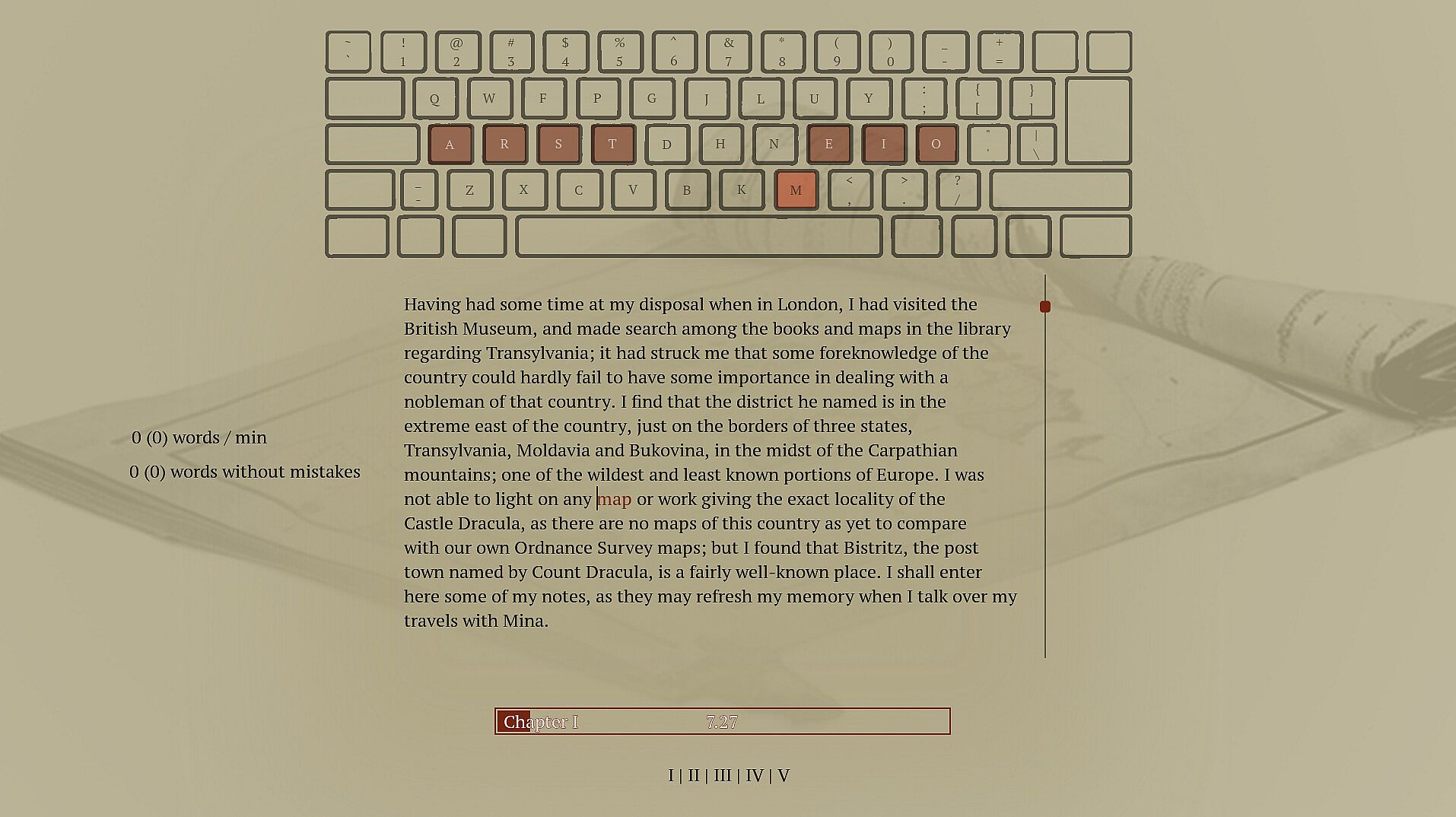
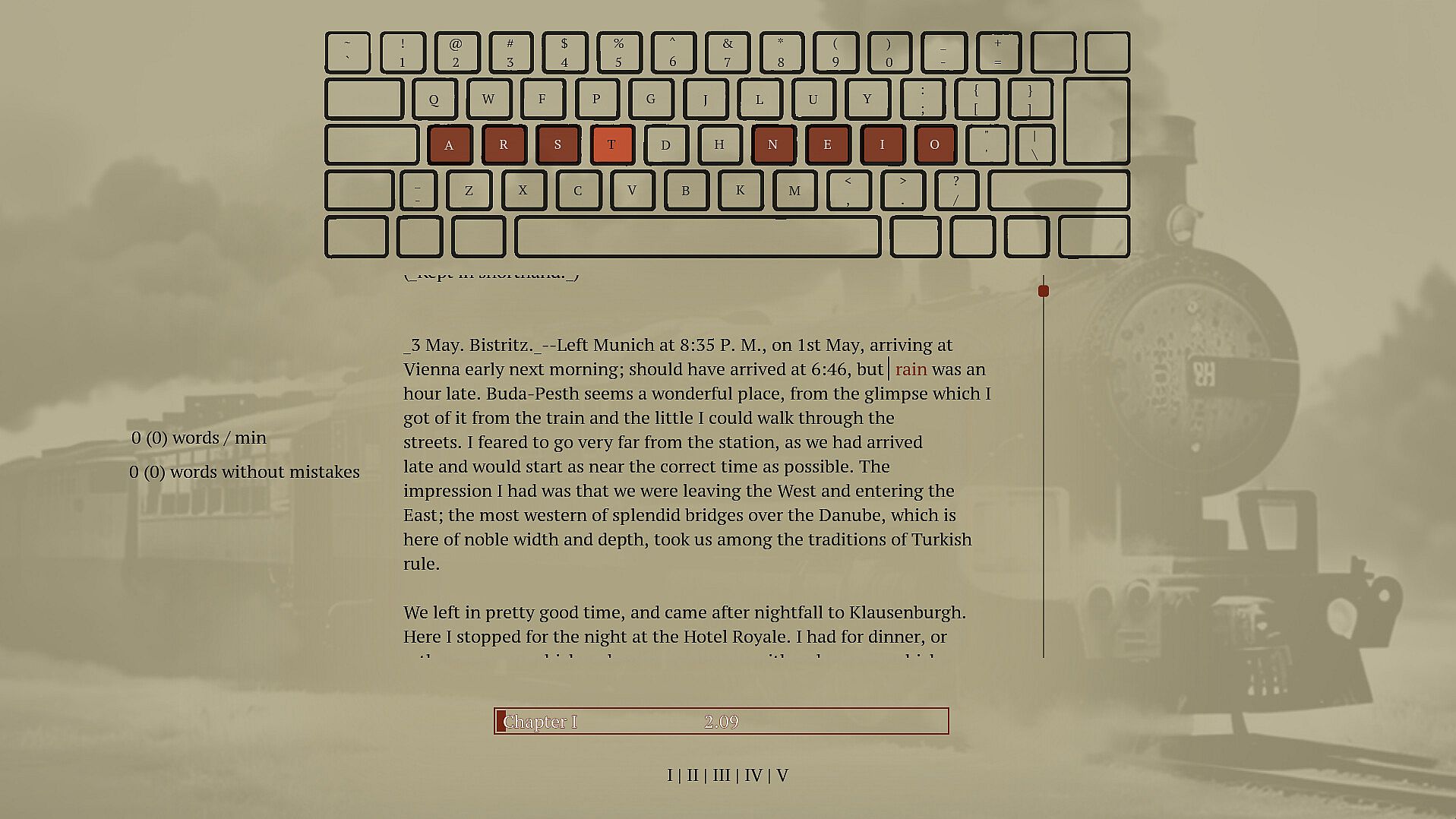
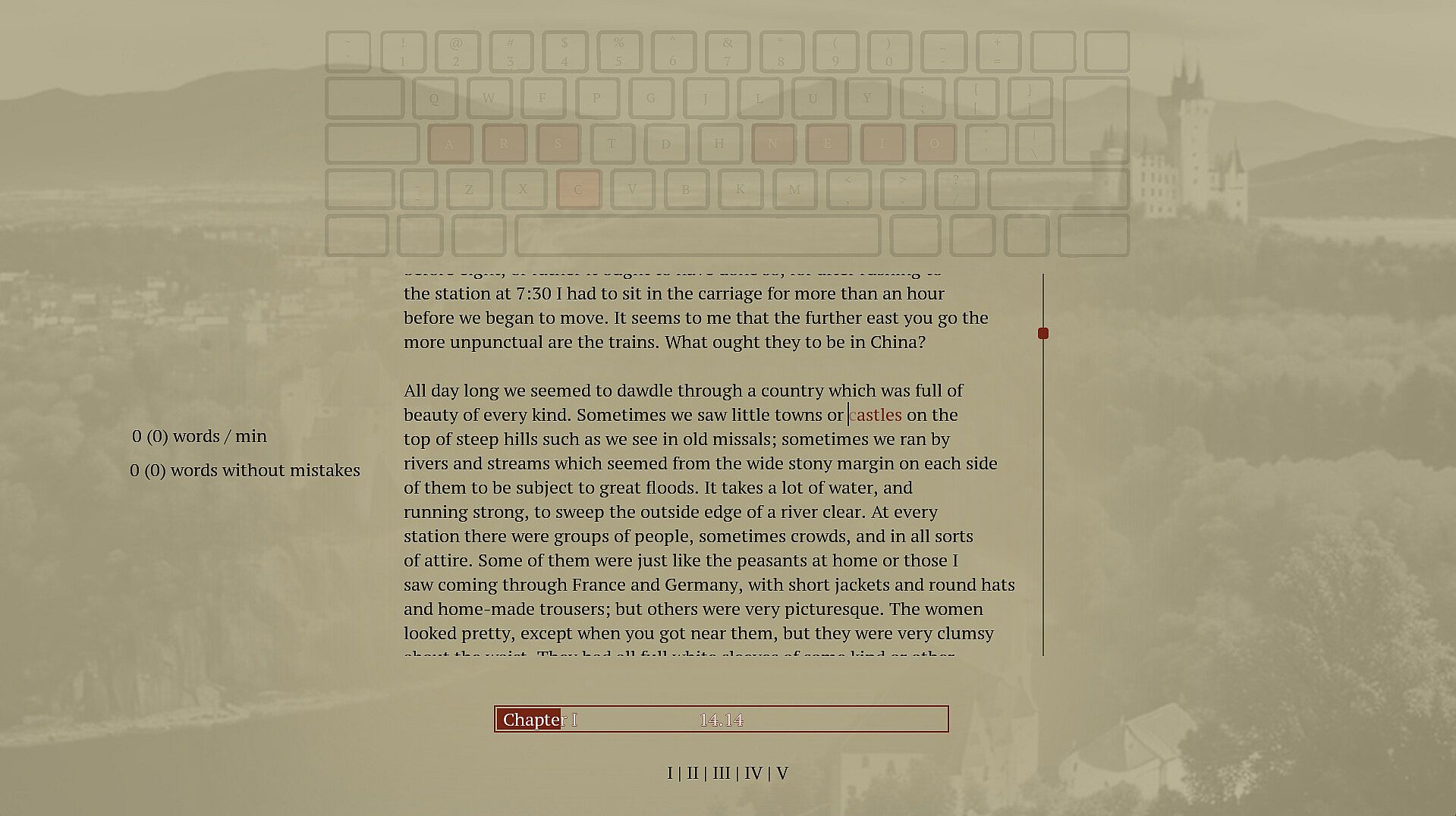
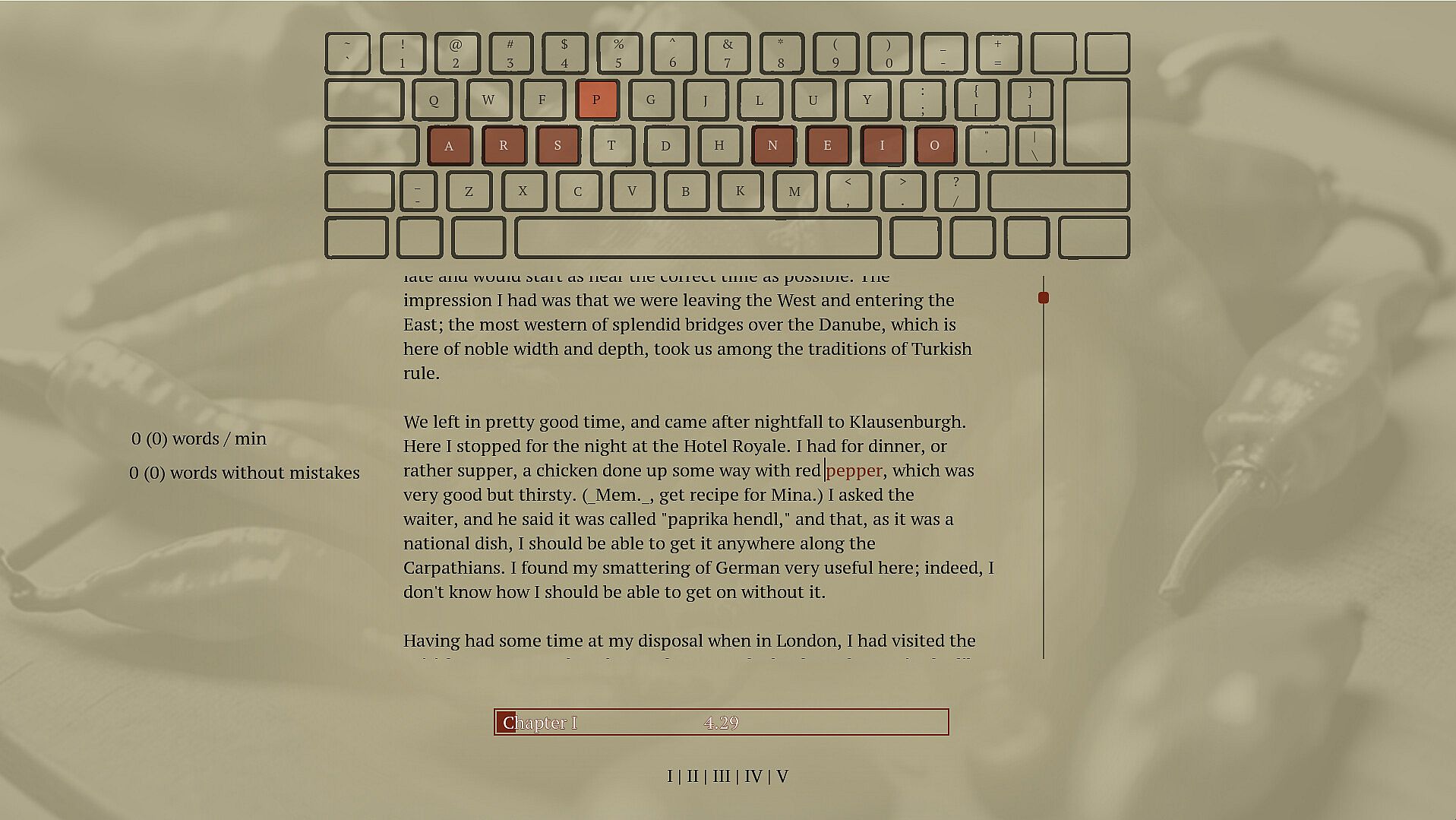
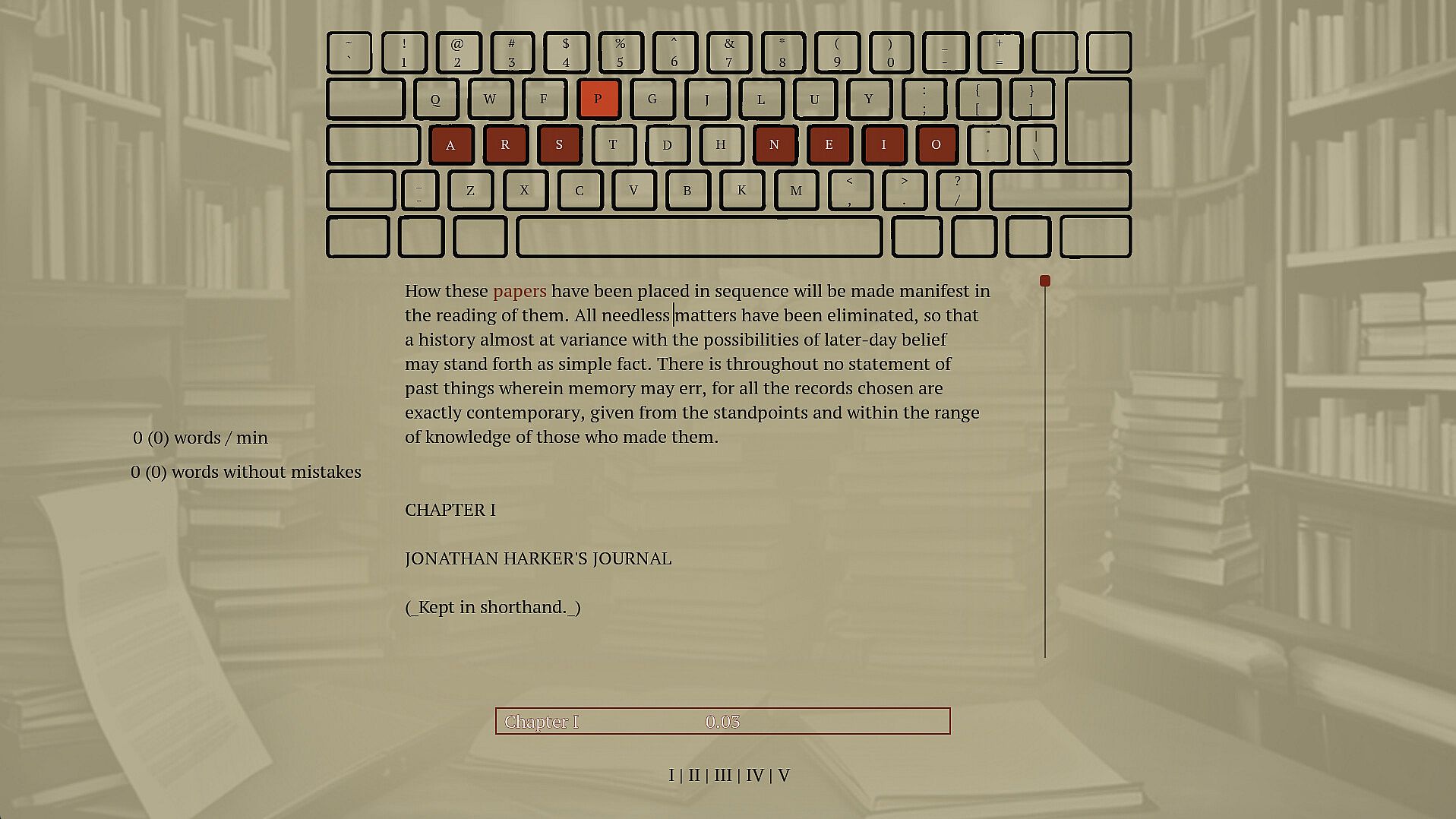
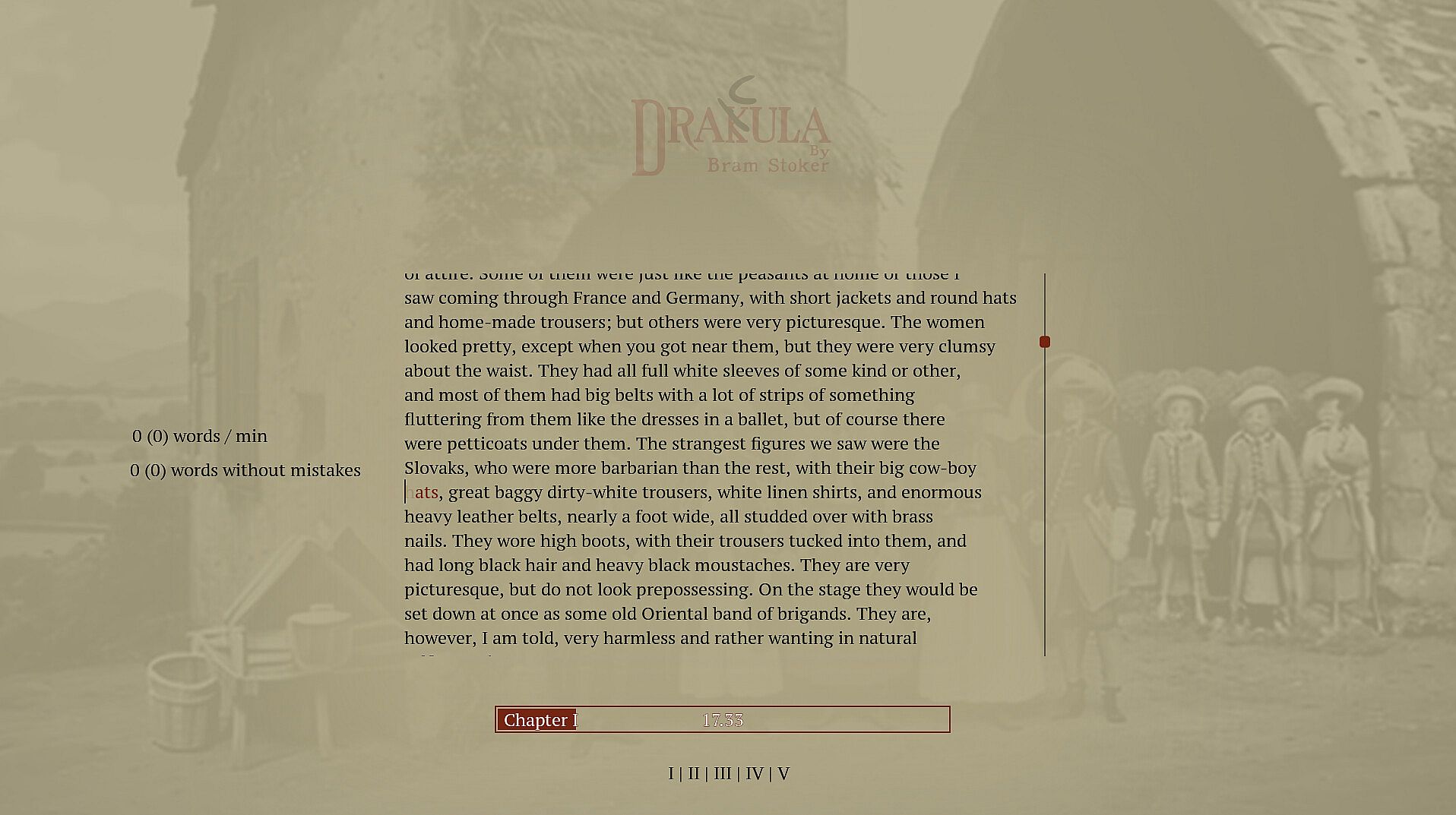
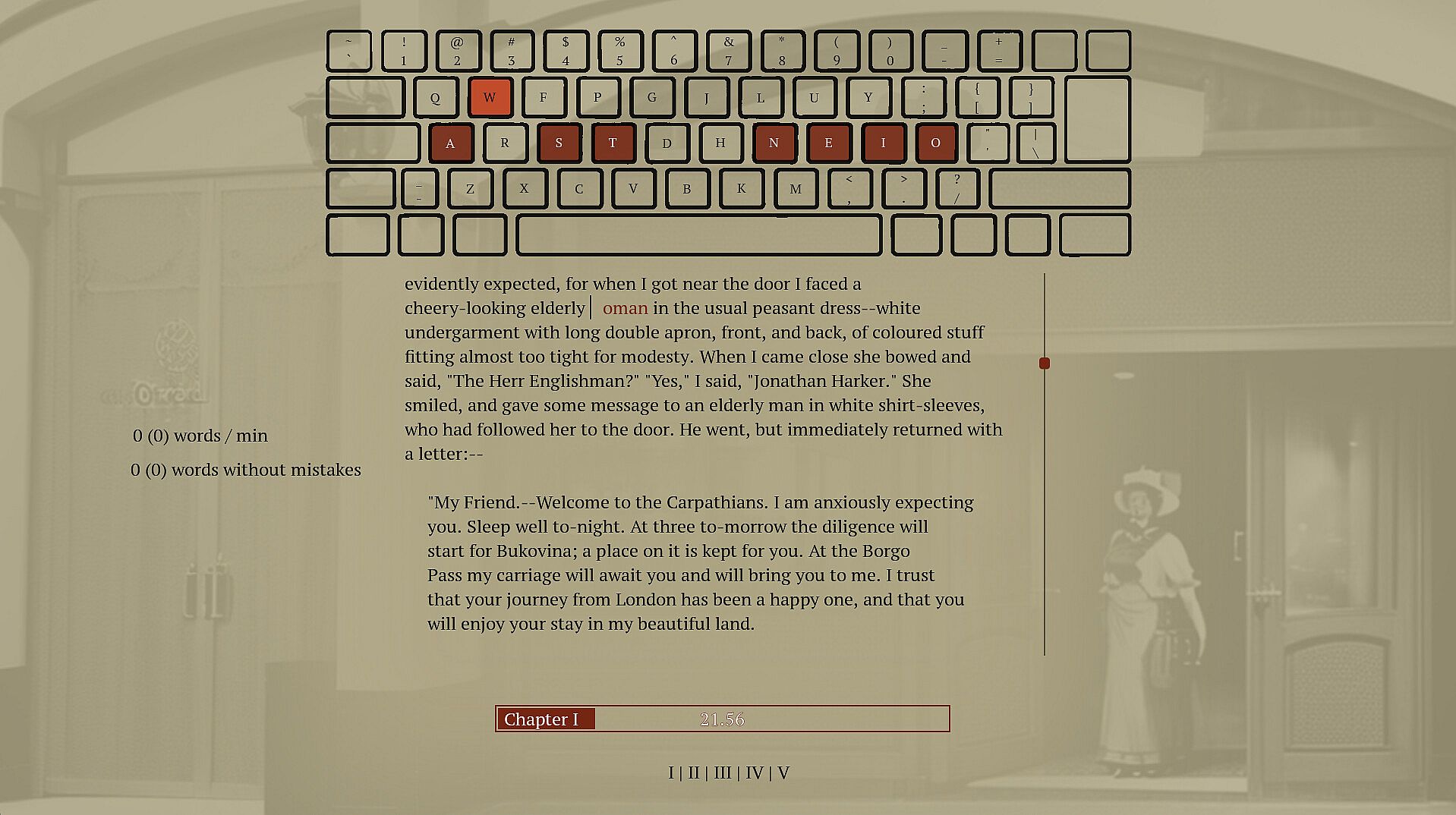
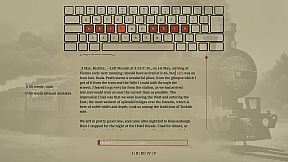
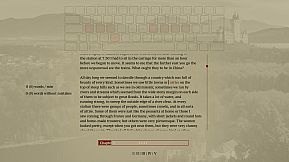
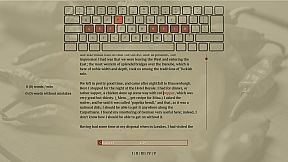
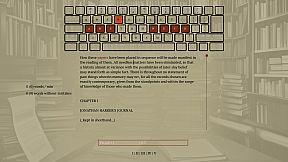
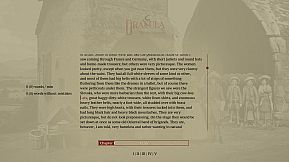
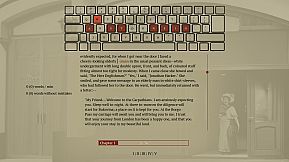
Type words from Dracula's full novel to master spelling and touch typing in this indie adventure. The game enforces correct spelling by halting progress on errors, prompting you to retype until accurate, while delivering the classic vampire story word by word. Practice builds muscle memory through repetition and pattern recognition across 160,000 words and 11,000 unique ones. Switch between standard, Dvorak, or Colemak layouts, or craft your own for reduced finger strain. This calm PC experience suits anyone seeking relaxed typing drills without time pressure. Beginners in touch typing or alternative layouts gain steady improvement alongside a rewarding read.

This is a typing game where you immerse yourself in Dracula's story while improving your typing and spelling. Enjoy a calm experience with different keyboard layouts. Type accurately to unlock the entire book and relax with a unique typing adventure.

Spell words correctly

Spelling is an important skill, and I have struggled to find a practical and fun way to practice.

Sure, the best thing would be to write a book of my own, but if you haven't tried, it's pretty hard to write something original. Also, I prefer to write words I know how to, which isn't helping my vocabulary. To improve my spelling skills, I've found repetition, repetition, and fast feedback to help. Typing and retyping a word you struggle with helps you learn it. Typing many different words lets you see patterns and recognize words built up of common sub-words. But typing a word 100 times is bad if you don't spell it correctly. I have caught myself doing that whenever I have to write a word I don't know how to spell; I make a guess and then use my computer spell check to fix it. Doing this allows me to write text fast. However, I am training the muscle memory in my fingers to type the incorrect guess, and even though I get to see the correct spelling afterward, it is not as powerful as typing the correct word out. You want someone to stand over your shoulder looking at you when you type, and whenever you misspell a word, they crack the whip and tell you, "That's wrong! Stop! Write it again like this...". So that is what this game does; it tells you when you have typed a word wrong and doesn't let you continue until you have spelled the word correctly.

Write Dracula

When in school, I was trained on writing sentences like this: "The ball is blue," "The businessman went to the bank," and "Trains run on rails." It was great practice but boring when the sentence had no context or story. That's why I selected a novel from the top of my "to read" list. If I don't learn anything from this, I will at least get to read a good book. If you haven't heard about Dracula, it's a classic novel about a vampire; it's still regarded as one of the best horror stories ever.

Touch typing

Touch typing is a method of typing on a keyboard without looking at the keys. This technique involves using all ten fingers efficiently, with each finger assigned to specific keys. If you are not touch typing, you should, if you care at all about typing speed. It's not too hard to learn; you have to know which finger to use on each key, and then spend some time practicing. Expect a drop in speed at the beginning; the best place to start might not be when taking notes in an important meeting. Start practicing while doing something that isn't time sensitive, like when reading a book.

Alternative keyboard layouts

If you do some research into ways to improve typing you will soon hear about alternative layouts. The keyboard layout you most likely use today is optimized to avoid jamming in early typewriters by spacing out commonly used letters. If you are not using a mechanical typewriter from before the First World War, this is no longer a problem, and the only reason to use this layout is that it has become a standard, and everyone else is using it. There are alternatives. Dvorak and Colemak are the most popular, and they are both optimized to reduce finger movement. Switching layout can increase typing speed and reduce the chance of typing injuries like carpet tunnel syndrome. Learning a new layout takes time, though, and just switching the computer layout without some practice beforehand will make it hard to get anything done for the next weeks if you have practiced a bit beforehand. There is no need to buy a new keyboard to use a new layout if you anyway are practicing touch and not looking down at the print on the keys.

Features
  • Spelling training

  • touch typing training

  • Dvorak and Colemak support

  • create custom layouts

  • Full Novel

  • 160.000 words

  • 11.000 unique words

Interfaccia:
English

Classificazione per età

Non disponibile
Steam:
Overwhelmingly Positive (10)

Minimo:

  • Sistema operativo: 11
  • Processore: -
  • Memoria: 512 MB RAM
  • Grafica: -
  • DirectX: Version 12
  • Archiviazione: 200 MB available space
  • Note aggiuntive: Broadband Internet connection; na; This is the slows pc the game has been tested on so far, most likely run well on slower computers

Consigliato:

  • Sistema operativo: 11
  • Processore: i9-9900k
  • Memoria: 32 GB RAM
  • Grafica: 2080 gtx
  • DirectX: Version 12
  • Archiviazione: 75 MB available space
  • Note aggiuntive: Broadband Internet connection; na

Minimo:

  • Sistema operativo: -
  • Processore: -
  • Memoria: 512 MB RAM
  • Grafica: -
  • Archiviazione: 200 MB available space
  • Note aggiuntive: -; -

Consigliato:

  • Sistema operativo: -
  • Processore: -
  • Memoria: 512 MB RAM
  • Grafica: -
  • Archiviazione: 200 MB available space
  • Note aggiuntive: -; -

Minimo:

  • Sistema operativo: -
  • Processore: -
  • Memoria: 512 MB RAM
  • Grafica: -
  • Archiviazione: 200 MB available space
  • Note aggiuntive: -; -

Consigliato:

  • Sistema operativo: -
  • Processore: -
  • Memoria: 512 MB RAM
  • Grafica: -
  • Archiviazione: 200 MB available space
  • Note aggiuntive: -; -
Minimo storico
Storico prezzi dei negozi ufficiali
-
-
-
Storico prezzi dei keyshop
-
-
-

FAQ

8 domande

Prima di cercare una chiave economica di Drakula, controlla le informazioni essenziali. Sviluppato da Blue Smoke Electronics. Pubblicato da Blue Smoke Electronics. Data di uscita su PC: 23 ott 2024. Generi: Indie, Adventure. Categorie: Family Sharing, Single-player.

Q

Dove comprare una chiave Steam di Drakula a poco?

Grazie al nostro comparatore di prezzi e ai codici sconto verificati, puoi acquistare una chiave di Drakula a partire da 7,99 €. Questa offerta è disponibile su Steam ed è tra le più economiche sul mercato. Tutte le chiavi su XD.deals vengono consegnate in formato digitale e sono disponibili per il download immediato dopo il pagamento. I prezzi includono già le commissioni e i codici promozionali applicati, così vedi sempre il prezzo più basso di Drakula su PC. Controlla lo storico prezzi di Drakula per acquistare al momento migliore.

Secondo il nostro ultimo aggiornamento (aggiorniamo i prezzi Steam più volte al giorno), il prezzo di Drakula su Steam è 7,99 €. Puoi risparmiare un ulteriore ~6% pagando con una carta regalo Steam scontata.

Il nostro tracker dei prezzi copre sia i rivenditori ufficiali che i marketplace di chiavi, così puoi trovare Drakula in offerta anche al di fuori delle promozioni stagionali. Al momento rileviamo 1 offerta attiva da store ufficiali e keyshop. Controlla la tabella qui sopra, confronta con il minimo storico e imposta un avviso per non perdere il prossimo calo di prezzo.

Secondo i nostri dati, Drakula non è attualmente disponibile su GeForce NOW. Dovrai eseguirlo localmente sul tuo PC. Sfoglia i giochi disponibili su GeForce NOW.

. Drakula ha una pagina ufficiale su Steam. Puoi anche acquistare una chiave Steam di Drakula da venditori terzi. Il nostro comparatore include attualmente 1 offerta con DRM Steam. Scegline una per assicurarti che il download di Drakula avvenga sulla piattaforma di Valve.

. Drakula è verificato per Steam Deck - si avvia senza configurazione, mostra i tasti corretti del controller e funziona in modo stabile. Drakula funziona perfettamente su Steam Deck.

Drakula non sembra essere disponibile su PC Game Pass, EA Play, Ubisoft+ o altri servizi in abbonamento per PC al momento. L'unica opzione è acquistare il gioco - usa XD.deals per trovare il prezzo migliore.

No - XD.deals non è un negozio. Siamo un comparatore di prezzi che traccia le migliori offerte per Drakula tra store ufficiali e keyshop verificati. Clicca "Vai al negozio" accanto a qualsiasi offerta e verrai reindirizzato al sito del rivenditore per completare l'acquisto.

Migliori prezzi per Drakula

1 Steam Steam Official
7,99 €

Vuoi comprare al momento migliore? Imposta un avviso di prezzo su XD.deals e ricevi una notifica quando Drakula raggiunge il suo prossimo minimo storico.

Crea avviso
Unisciti al nostro Discord
Ottieni aiuto immediato dalla community e resta aggiornato sulle offerte
Imposta avvisi di prezzo
Ricevi notifiche via email quando i prezzi scendono al tuo target
Crea un account gratuito
Sblocca wishlist, avvisi di prezzo e sincronizzazione Steam