


Deciphony is a casual PC tool focused on music notation and skill building rather than narrative gameplay. It functions primarily as desktop software for creating, editing, and practicing with sheet music, with optional rhythm elements on the home screen. A MIDI keyboard or digital piano enhances the experience, though mouse and keyboard inputs support editing and core functions without issue.
Gameplay
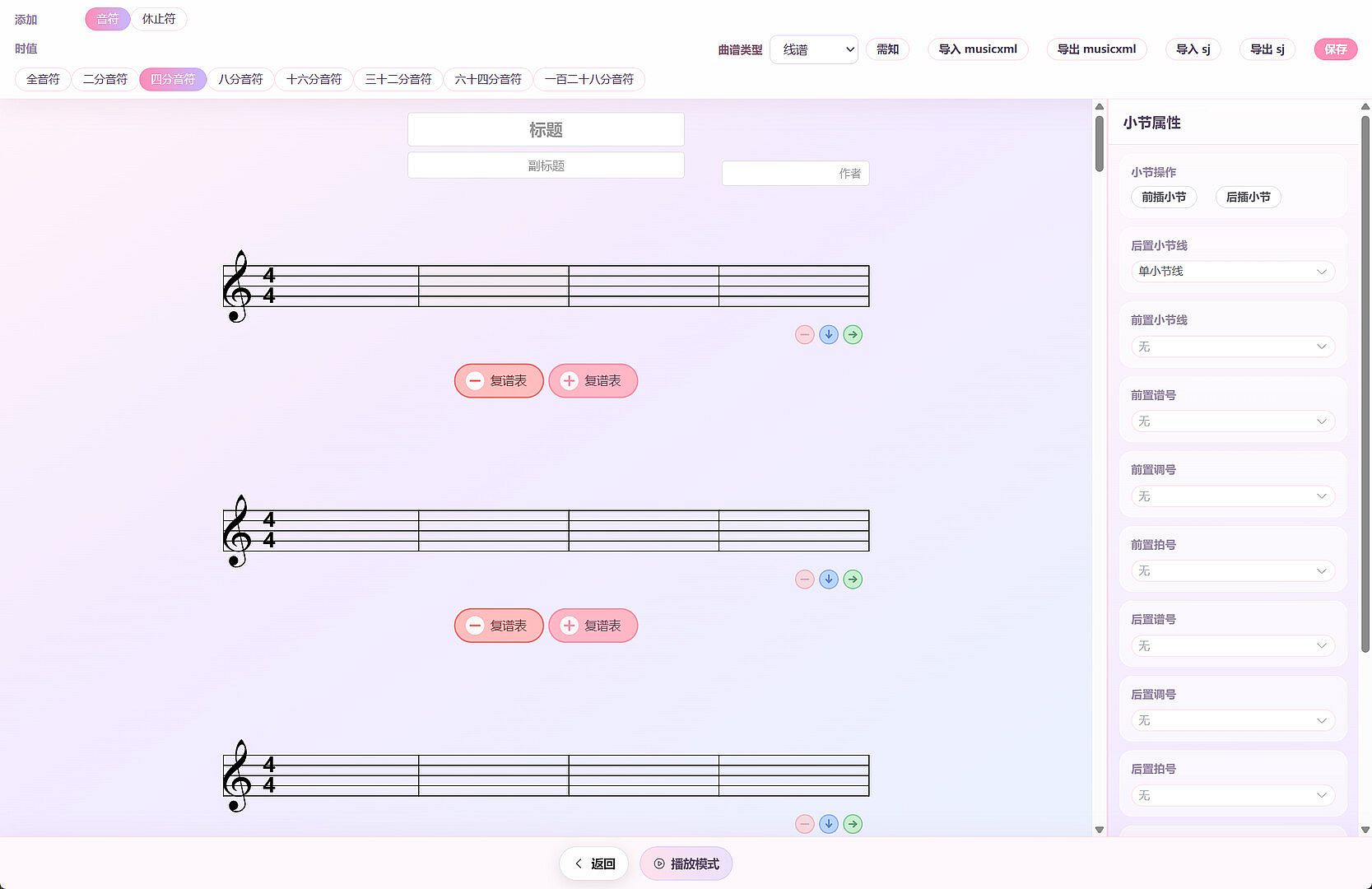
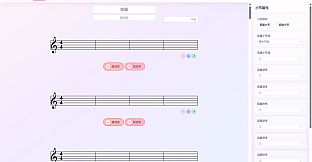
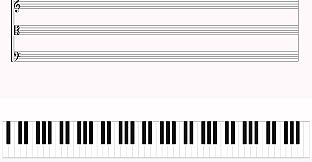
The core loop centers on score creation and interactive practice. Users build or load music scores in either numbered notation or standard staff format, then edit individual notes and measures as needed. Scores save locally and support import or export options, including MusicXML compatibility for broader file handling.
Playback allows following along with a score while adjusting tempo and volume. When audio binds to a score, switching occurs between full score playback, vocal demo, or accompaniment tracks. This setup supports repeated listening and refinement without external hardware beyond basic computer controls.
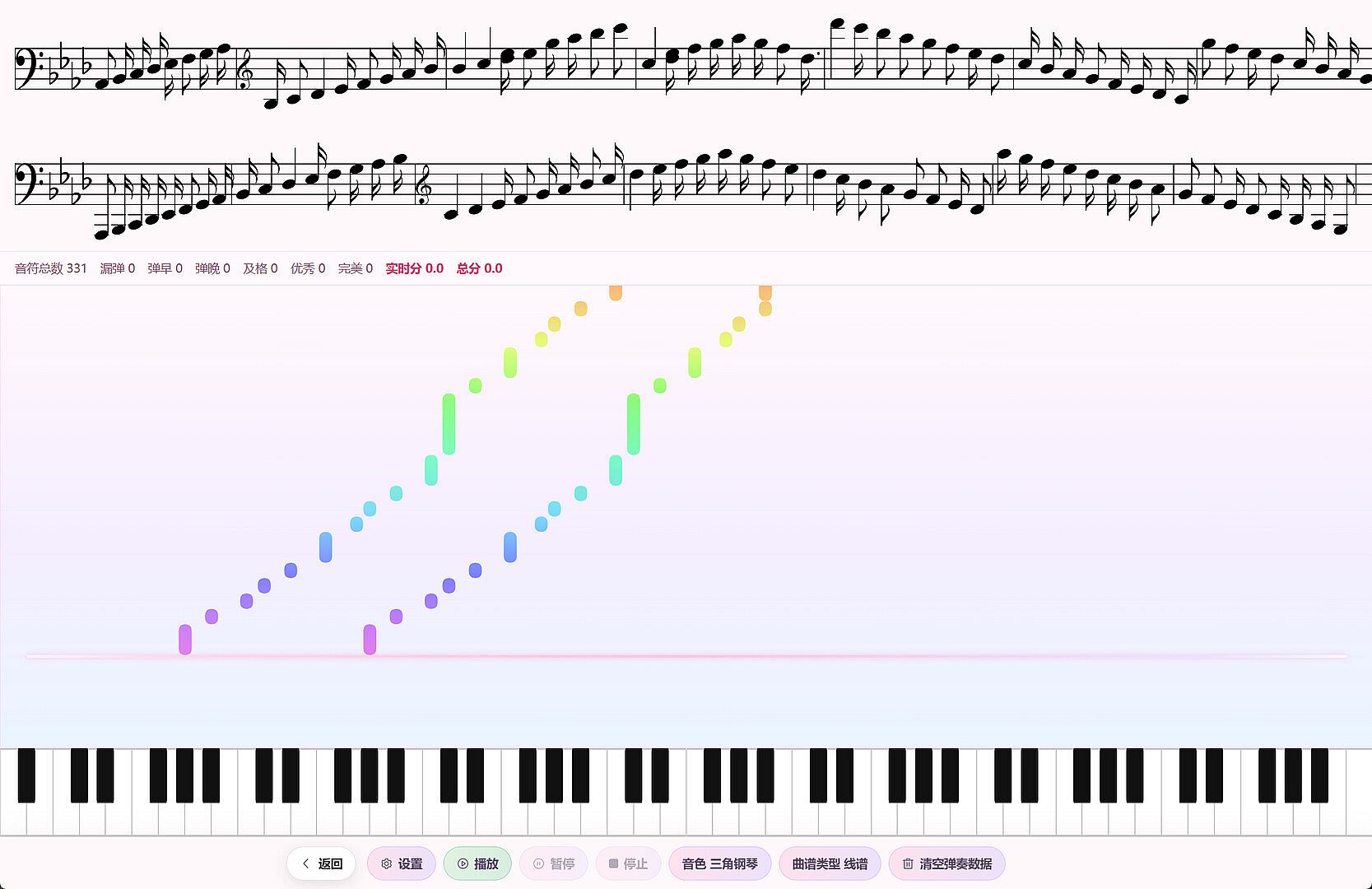
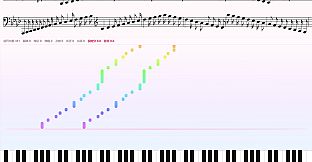
Practice sessions emphasize real-time feedback. In the main practice flow, a count-in precedes a waterfall display of upcoming notes. MIDI input registers played notes against the score, with judgments for perfect, good, early, late, or miss timing. A live score tracks progress throughout. A separate beginner option breaks practice into stepwise segments for gradual skill development.
Game Modes
Practice Mode serves as the primary entry point for piano work, delivering the waterfall guide and scoring system after the initial count-in. Beginner Mode within this framework offers simplified, incremental steps for those new to reading or playing notation.
Singing Mode shifts focus to vocal training. A countdown leads into pitch and rhythm matching against the loaded score and a dedicated pitch waterfall. Completion yields separate scores for pitch accuracy, rhythm precision, and overall completeness.
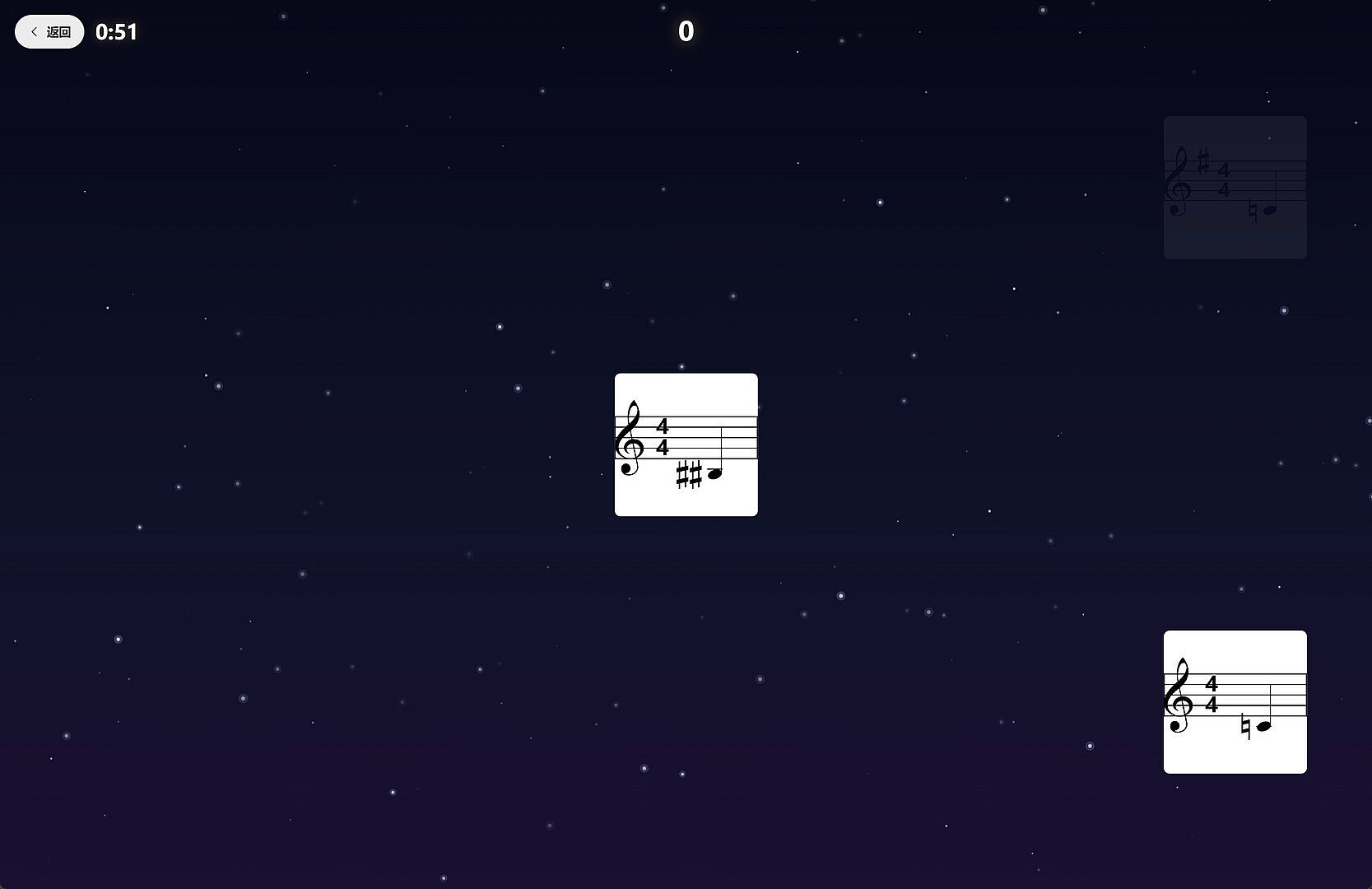
Optional rhythm mini-games appear on the home screen in arcade and endless formats. These provide short, reflex-based sessions distinct from the main notation and practice tools, though they remain secondary to the core editing and learning features.
Additional Tools
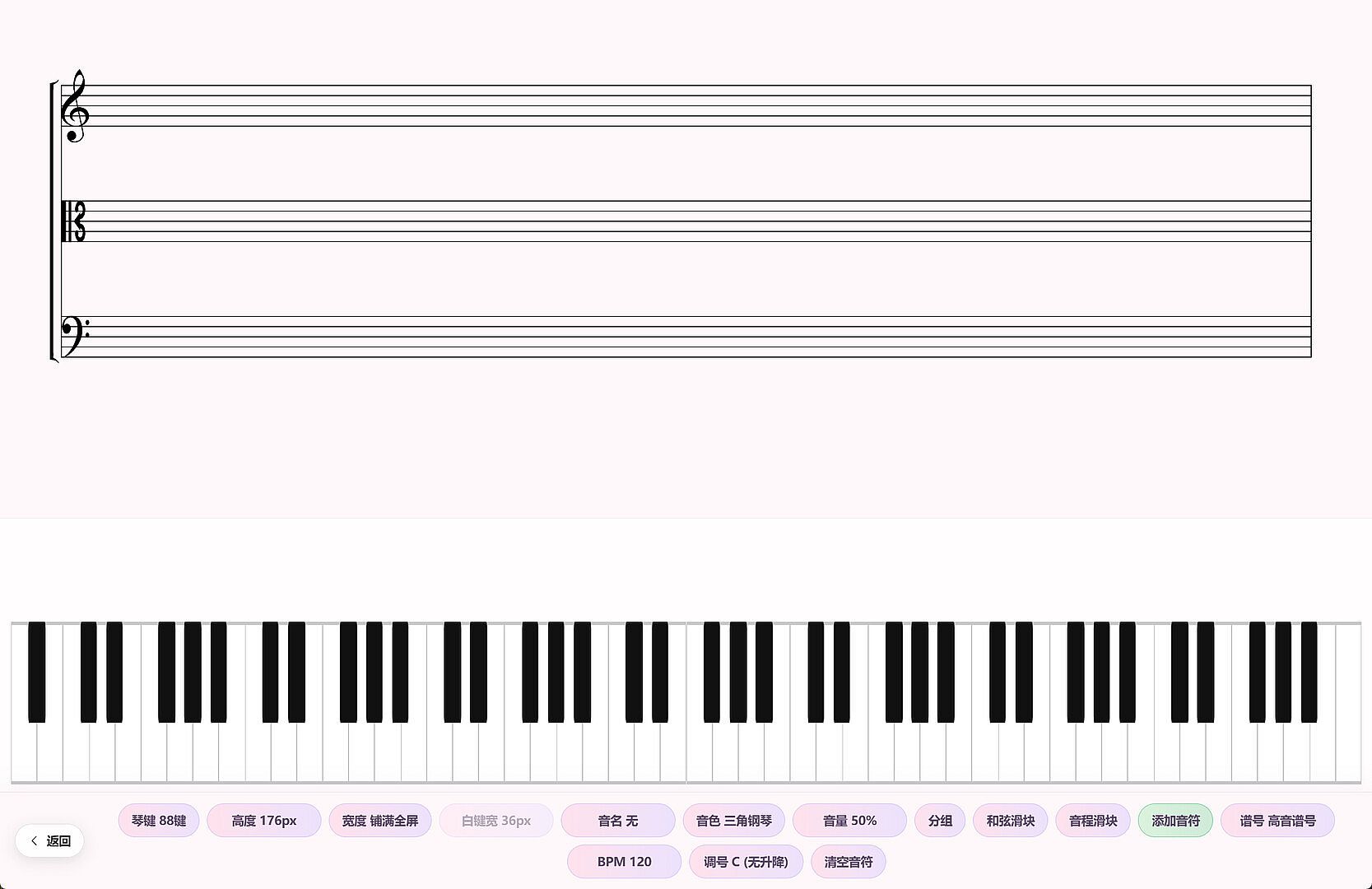
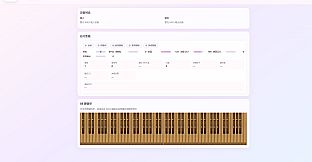
The teaching whiteboard expands utility beyond solo practice. This full-screen mode includes a virtual piano for illustrating pitch relationships, chords, and basic music theory concepts. It suits both individual review and simple demonstration scenarios.
Score management ties these elements together through a local library system. Templates speed initial creation, while editing tools allow precise adjustments to notes and measures before saving or exporting.
Is It Worth Playing?
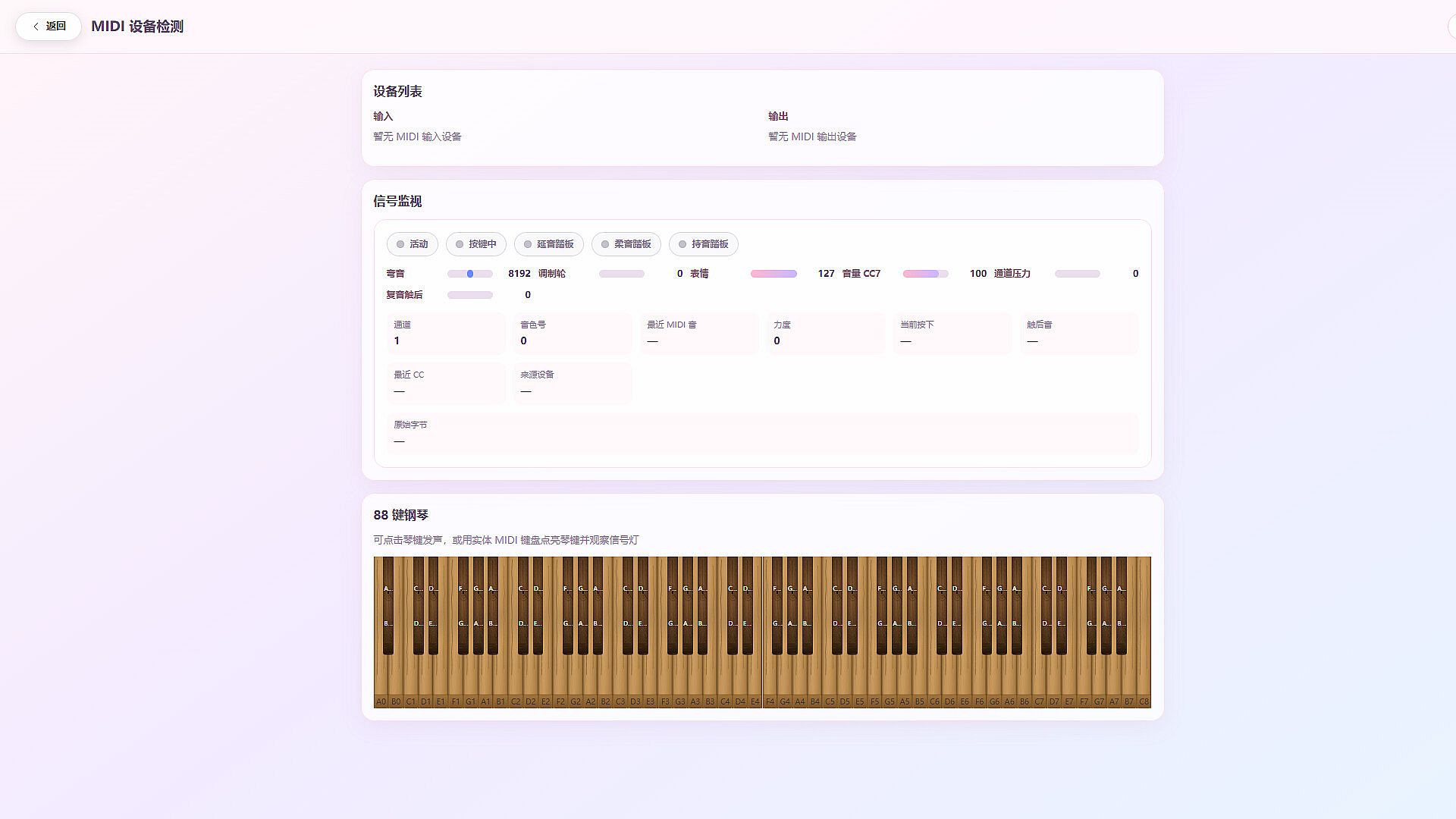
Deciphony targets musicians and learners seeking integrated notation and practice features on PC. The combination of score writing, playback controls, and judged practice sessions addresses common needs in music education without requiring separate applications for each task. MIDI support strengthens the piano and singing modes, while keyboard and mouse options keep basic use accessible.
With no user reviews available and the title listed as coming soon, direct player feedback remains limited. Those already comfortable with digital pianos or interested in MusicXML workflows may find the local library and export options particularly practical. The rhythm mini-games add light variety but do not alter the emphasis on notation and structured practice.
Overall suitability depends on alignment with music learning goals rather than entertainment or competition. Individuals prioritizing precise feedback during instrument or vocal sessions stand to benefit most from the verified systems described.