Acquista Touch Typing Home Row Speed Grinder PC Key

Ti interessa Touch Typing Home Row Speed Grinder? Stiamo tracciando i prezzi dagli store affidabili. Aggiungi Touch Typing Home Row Speed Grinder alla wishlist e ti avviseremo quando saranno disponibili offerte.

Uscita: 02 apr 2020
Metacritic:
tbd tbd
Official
Non disponibile
Keyshops
Non disponibile
Compra nello store ufficiale:
Non disponibile
Compra nei keyshop:
Non disponibile

Nessuna offerta al momento, ma non preoccuparti: ti informeremo quando ne comparirà una nuova.

Create Alert Create deal Alert

Info su Touch Typing Home Row Speed Grinder

Touch Typing Home Row Speed Grinder - info sul gioco

Check out the several pre-created DLC's available for this game, these skins give it a completely different feel.
--
I have verification videos above posted before the actual Onboard Lesson previews of the keyboard where I have typed on the well-known sites, Typeracer and 10fastfingers to prove my Typing Speed is legit. (Note: Anyone can type on these sites for free without buying the keyboard, just google them They're great fun and a nice productive place to test your typing speed!) My Keyboard is compatible with multiple windows programs and not just with the onboard lessons that it comes with.
Are you faster than me? There's one way to find out, come see & Type with me on the weekends (First to 10 wins).
I invite all to compete with me. ---> "Visit the Website" on the right side of this page to go to the Discord.

This is part of the onboard lessons that comes with the onscreen keyboard. I believe that everyone has the ability to type 90+ WPM, if they are trained using the correct method of Typing. Most Typing Instructors Neglect "Key Rollovers", and don't even mention them to their students.
What is Key Rollovers
Key Rollover is performed when 2 or more keys are pressed down simultaneously just milliseconds apart without lifting the previous key.
In a word like "land" All letters can be pressed down together and even held. If you hold them it will spell, "landddddd" If you held them down in the right order since the last key is repeated.
I transformed my Standard Touch Typing Skills with my onscreen keyboard that I developed using, the "Key Rollover" Method to help me soar above the 60 W.P.M. (Words per Minute) expectations that I was originally told was for successful Typing Students.

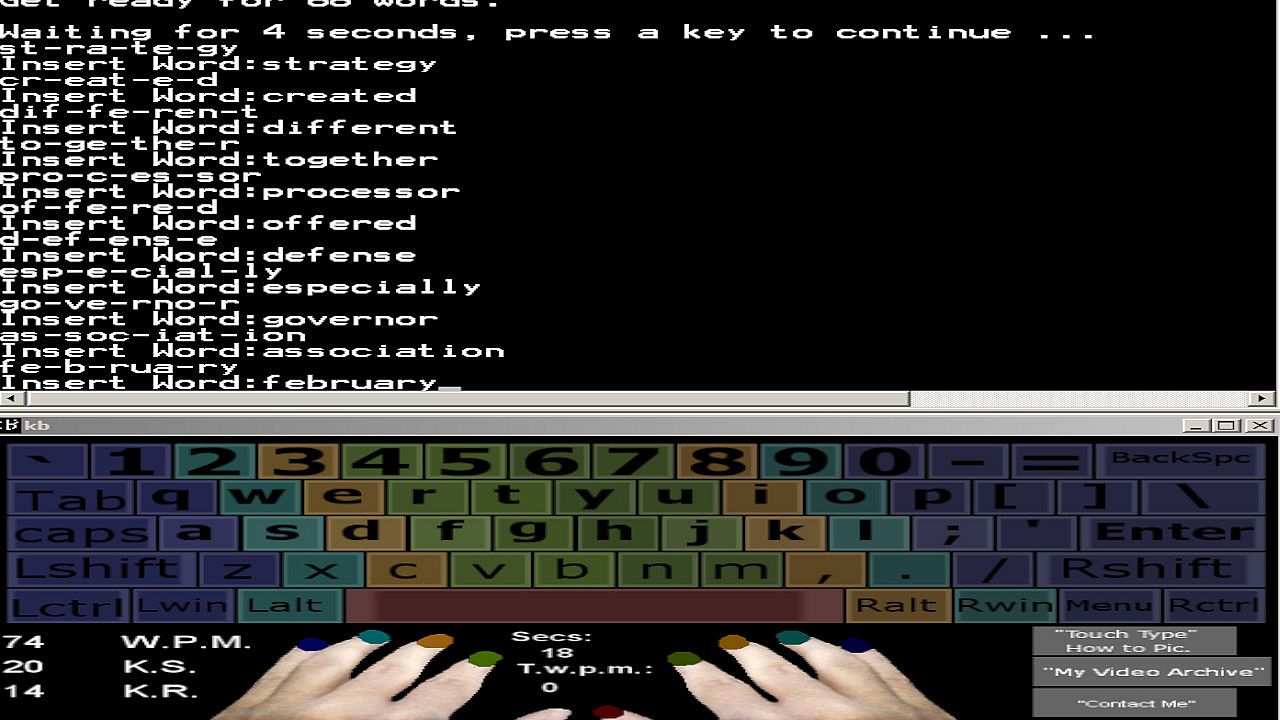
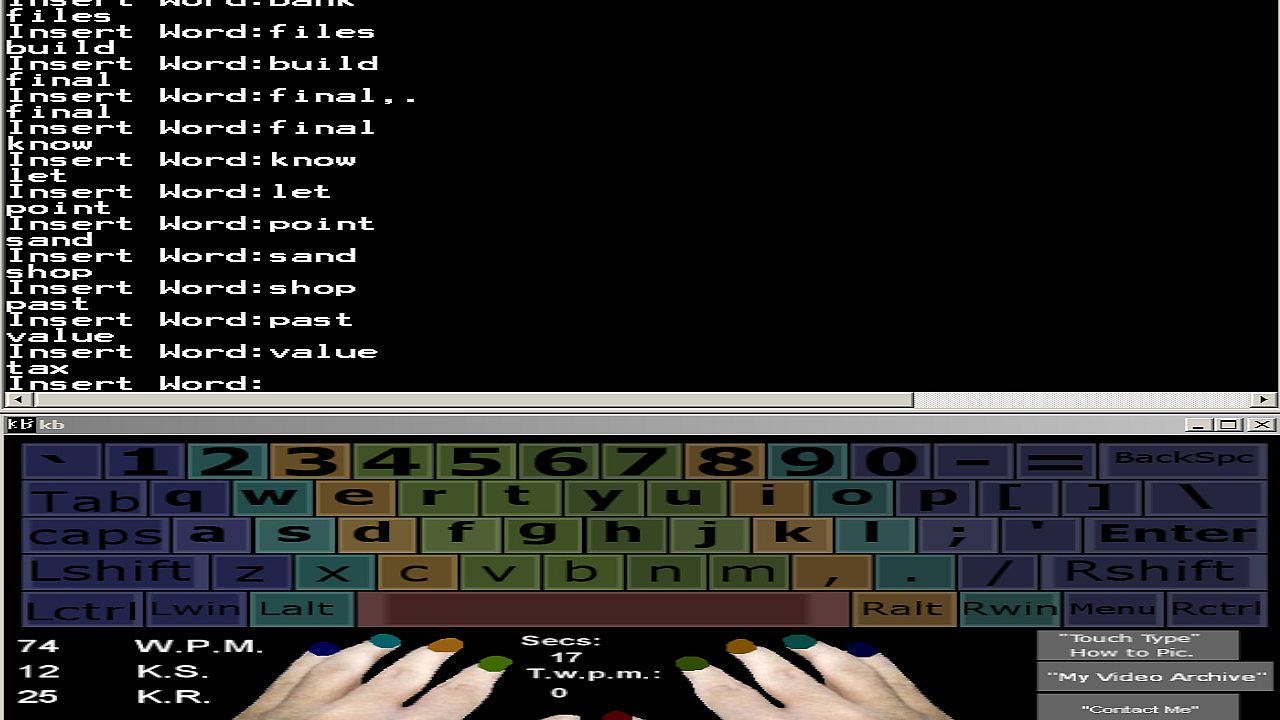
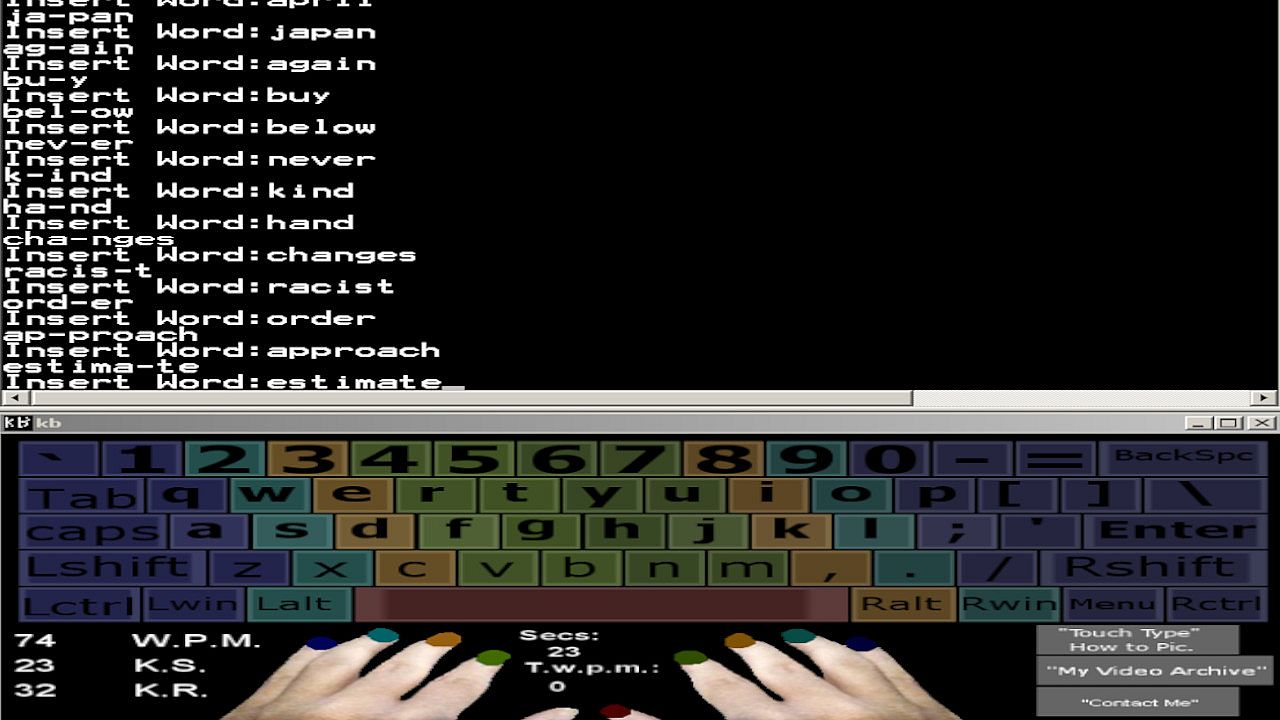
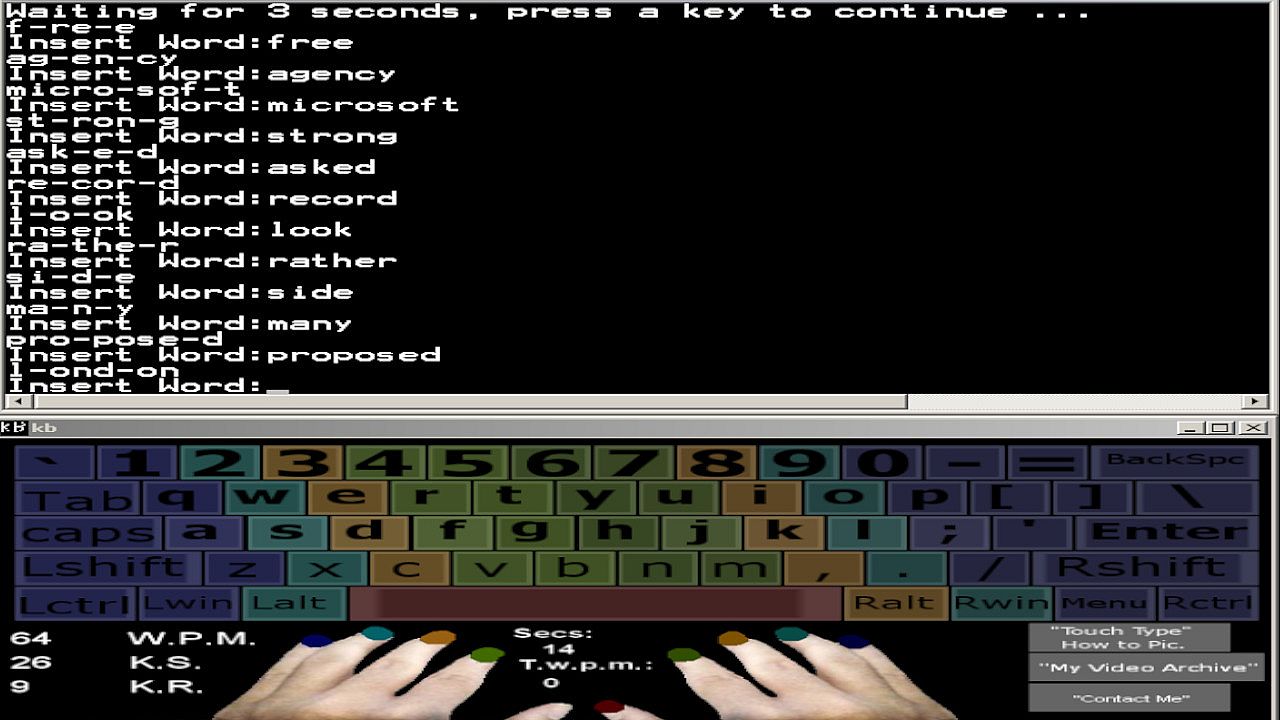
My Onscreen Keyboard comes with a wordlist broken down in motions, which encourages Key Rollover Training for around 1,000 Common English Words, 0/9 Numerical Keys, and Syllable Training, which contain Common Syllables that are found in over 5,000 common English words. I have also included the "grind software" which has a list of 100 names, some which are very difficult to type, it's sure to help your accuracy if you practice using the practice methods contained within this program.
Why do we need to know Syllables in Typing? If you are familiar with the Syllable inside of a Word that is not in your Vocabulary then you can type the Syllables that make up the word instead, this will speed up your typing speed dramatically vs. writing each individual Keystroke as you see them, because it increases the speed at which you can process the word.

Do you want to be within the top 1% of Typists in the world also? Being able to Type at a speed of 108/126 W.P.M. for an entire minute is something only 1% of all Typists can do. In order to do this, you must train the correct way.
You will need to practice reading ahead of what you're typing as well as following the "key rollover" training mindset everytime you sit down to type.
I will share some techniques, and secrets which will help you to improve your speed drastically.
Do you have a busy schedule? You will also get my Onscreen Keyboard App for Windows Xp, 7, Vista, 8, and 10. That I have developed to help people increase their speed at their own pace.

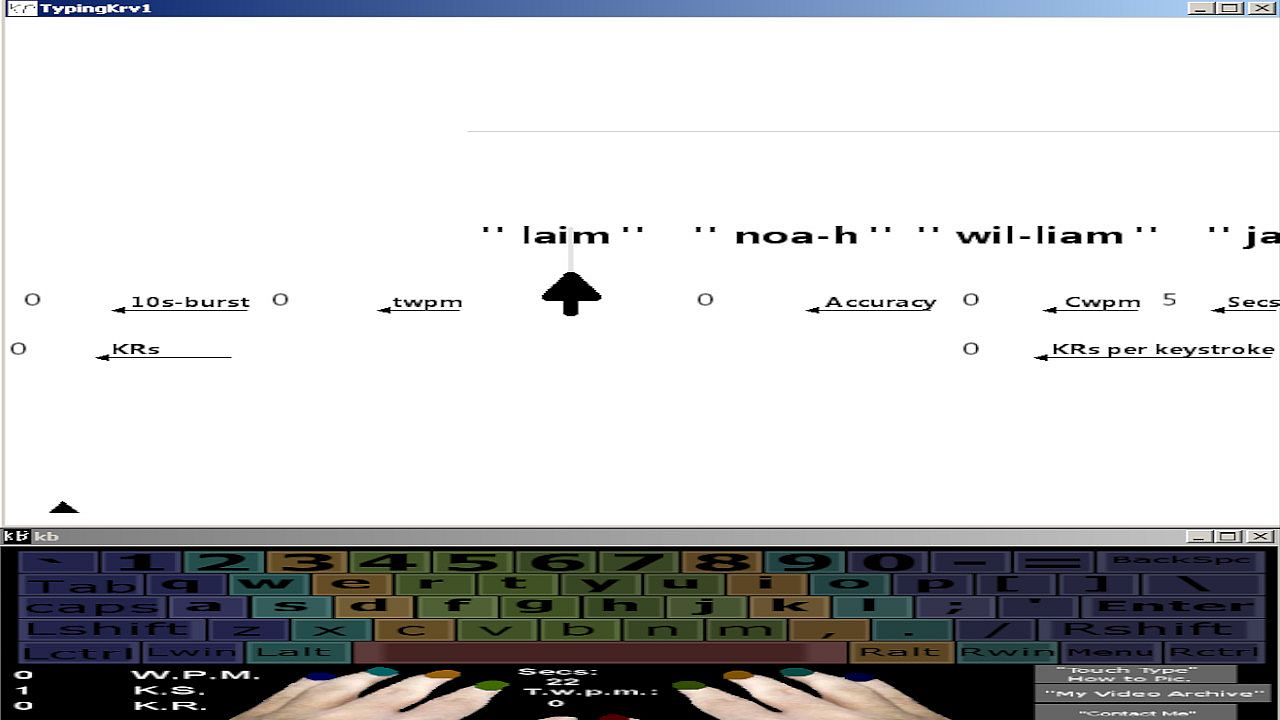
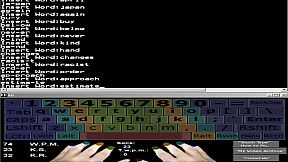
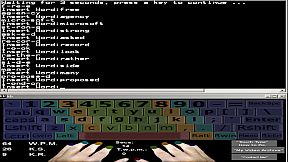
This Onscreen Keyboard is compatible with nearly every windows program, browsers, that can be run in windowed mode along side of it. You can practice good Touch Typing form while writing your e-mails, web browsing, playing games, or writing stories. It will monitor your Keystroke Speed, and it Displays the WPM result back to you in real-time every 5 seconds so you can keep an eye on your raw "5 Second Speed Burst" as you press them.
The Keyboard App has been created to help make everything easier for you while developing your typing skills and letting you type at your own pace.
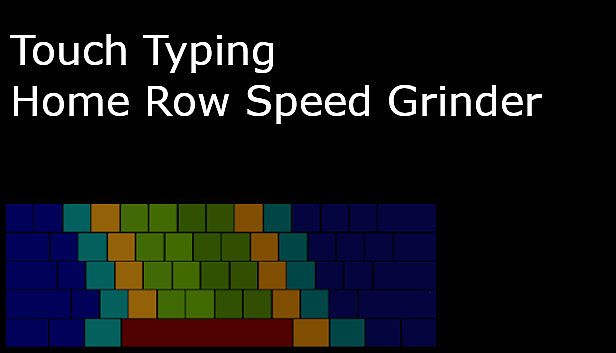
Even while you are not typing, you can review which keys are for which fingers because it's all color-coded.

Who this course is for:
People who want to be more productive, who want to learn how to Touch Type using the correct method using all 9 fingers without having to look at there keyboards.
Developers who wish to type faster, get projects done faster, and be more productive without constantly having to look down at their Keyboards.
Command Prompt, Pentesting, Hacking Enthusiasts who wish to increase their Keyboarding Speed.
People who spend a lot of time on Computers.
Researchers, imagine how many hours you can save while researching, and how much more Data You can Collect if you could type 3x faster than the Average 40 WPM that most Users Type!

That's all... Join Me You Keyboard Warrior.
Interfaccia:
English
Audio:
English

Classificazione per età

Non disponibile
Metacritic:
tbd tbd

Minimo:

  • Sistema operativo: Windows
  • Processore: 1.4 gHz
  • Memoria: 500 MB RAM
  • Grafica: Video Card: 128mb Video Memory.
  • Archiviazione: 17 MB available space
  • Note aggiuntive: Basic.; You only have to watch videos from Youtube in order to learn how to use the program, there is no in-game audio.

Consigliato:

  • Sistema operativo: Windows
  • Processore: 1.6 gHz
  • Memoria: 1 GB RAM
  • Grafica: Video Card: 128mb Video Memory or Above.
  • Archiviazione: 20 MB available space
  • Note aggiuntive: Basic.; You only have to watch videos from Youtube in order to learn how to use the program, there is no in-game audio.
Minimo storico
Storico prezzi dei negozi ufficiali
2,45 €
Steam
1 settimane fa
Storico prezzi dei keyshop
-
-
-

FAQ

8 domande

Prima di cercare una chiave PC economica di Touch Typing Home Row Speed Grinder, controlla le informazioni essenziali. Sviluppato da Bladevampirek. Pubblicato da Bladevampirek. Data di uscita su PC: 02 apr 2020. Generi: Strategy. Categorie: Family Sharing, Single-player.

Q

Dove comprare una chiave Steam o CD Key di Touch Typing Home Row Speed Grinder a poco?

Al momento non ci sono offerte attive per Touch Typing Home Row Speed Grinder. Imposta un avviso di prezzo su XD.deals e ti avviseremo non appena sarà disponibile un'offerta.

Non abbiamo un prezzo attuale dello Steam Store per Touch Typing Home Row Speed Grinder. Il gioco potrebbe essere temporaneamente non disponibile o non ancora presente su Steam.

Il nostro tracker dei prezzi copre sia i rivenditori ufficiali che i marketplace di chiavi, così puoi trovare Touch Typing Home Row Speed Grinder in offerta anche al di fuori delle promozioni stagionali. Al momento rileviamo 0 offerte attive da store ufficiali e keyshop. Controlla la tabella qui sopra, confronta con il minimo storico e imposta un avviso per non perdere il prossimo calo di prezzo.

Secondo i nostri dati, Touch Typing Home Row Speed Grinder non è attualmente disponibile su GeForce NOW. Dovrai eseguirlo localmente sul tuo PC. Sfoglia i giochi disponibili su GeForce NOW.

. Touch Typing Home Row Speed Grinder ha una pagina ufficiale su Steam, ma al momento non tracciamo offerte di terze parti con DRM Steam. Ricontrolla più tardi o imposta un avviso di prezzo.

Non al momento. Valve classifica Touch Typing Home Row Speed Grinder come non supportato su Steam Deck. Tieni d'occhio XD.deals - tracciamo gli aggiornamenti di Proton e le soluzioni della community. Sfoglia i giochi Steam Deck Verified o Steam Deck Playable.

Touch Typing Home Row Speed Grinder non sembra essere disponibile su PC Game Pass, EA Play, Ubisoft+ o altri servizi in abbonamento per PC al momento. L'unica opzione è acquistare il gioco - usa XD.deals per trovare il prezzo migliore.

No - XD.deals non è un negozio. Siamo un comparatore di prezzi che traccia le migliori offerte per Touch Typing Home Row Speed Grinder tra store ufficiali e keyshop verificati. Clicca "Vai al negozio" accanto a qualsiasi offerta e verrai reindirizzato al sito del rivenditore per completare l'acquisto.

Vuoi comprare al momento migliore? Imposta un avviso di prezzo su XD.deals e ricevi una notifica quando Touch Typing Home Row Speed Grinder raggiunge il suo prossimo minimo storico.

Crea avviso

Unisciti al nostro Discord
Ottieni aiuto immediato dalla community e resta aggiornato sulle offerte
Imposta avvisi di prezzo
Ricevi notifiche via email quando i prezzi scendono al tuo target
Crea un account gratuito
Sblocca wishlist, avvisi di prezzo e sincronizzazione Steam