
Compra ソードコレクター PC

ソードコレクター è gratuito su Steam! Disponibile anche in 1 store ufficiali da 0,00 €.

Uscita: 17 ago 2023
Steam:
Positive (10)
Keyshops
Non disponibile
Compra nello store ufficiale:
Free
Compra nei keyshop:
Vedi storico prezzi

Store ufficiali (1)

DRM:
Steam
Steam
Steam
ソードコレクター
Windows
+1
4sett fa
DRM:
Steam
Steam
Free
Historical Low Deal
Historical low

Info su ソードコレクター

ソードコレクター - info sul gioco
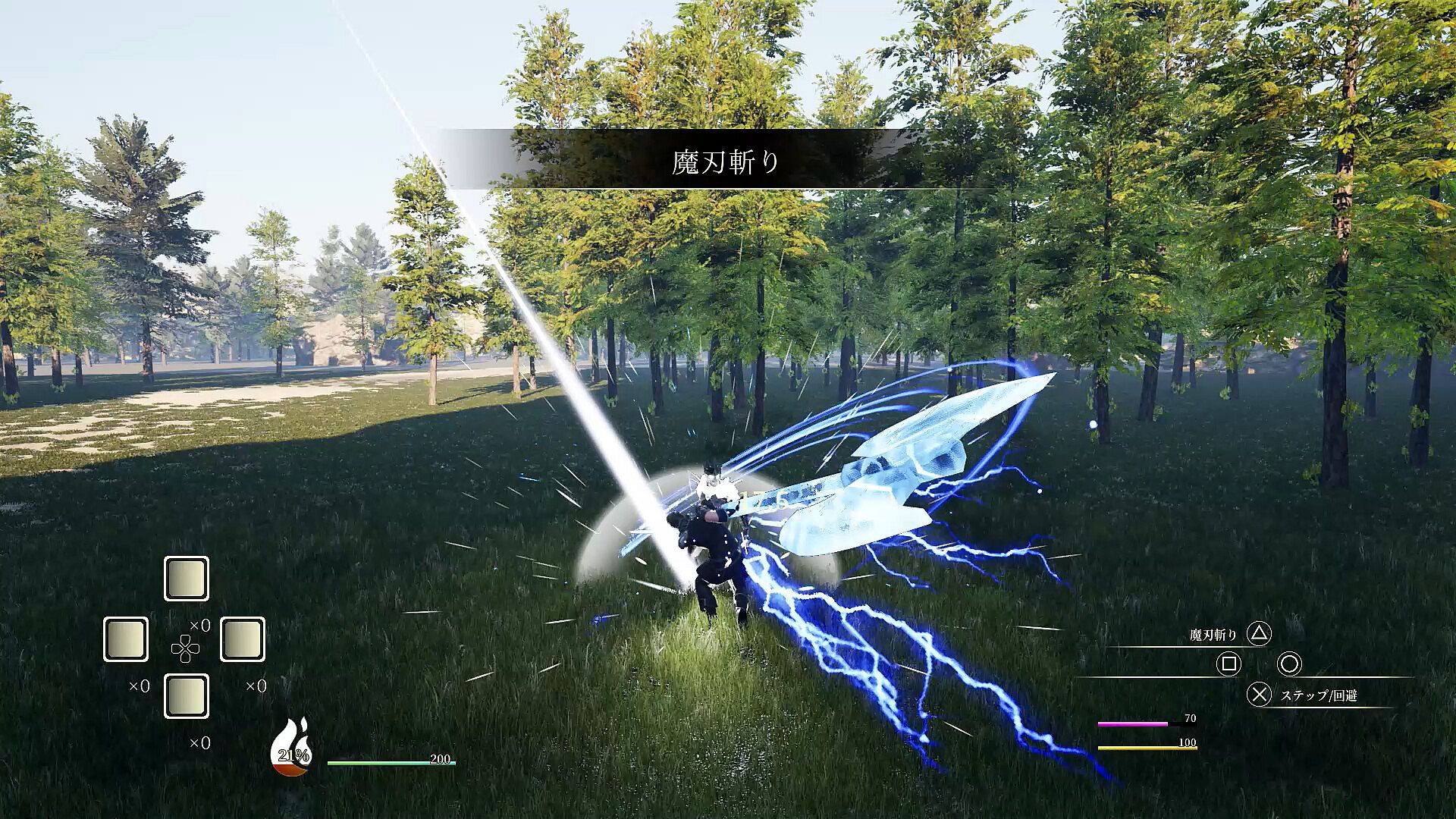
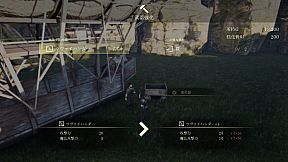
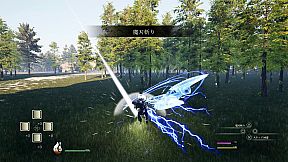
Claim powerful swords by defeating bosses that embody them to steal their abilities. Level up, master arts, and battle unyielding foes clad in super armor. Persistent strikes lead to armor breaks, opening windows for devastating combos that interrupt attacks. Manage HP, SP, MP, and stamina gauges during intense swordplay on PC. Chain up to five normal attacks, cancel into arts that summon boss attacks, or evade with steps and guards. Awaken at full SP for super armor, endless stamina, and secret moves-perfect for aggressive action RPG players who thrive on precise, relentless combat.

Give me the memory.
Give me that sword--

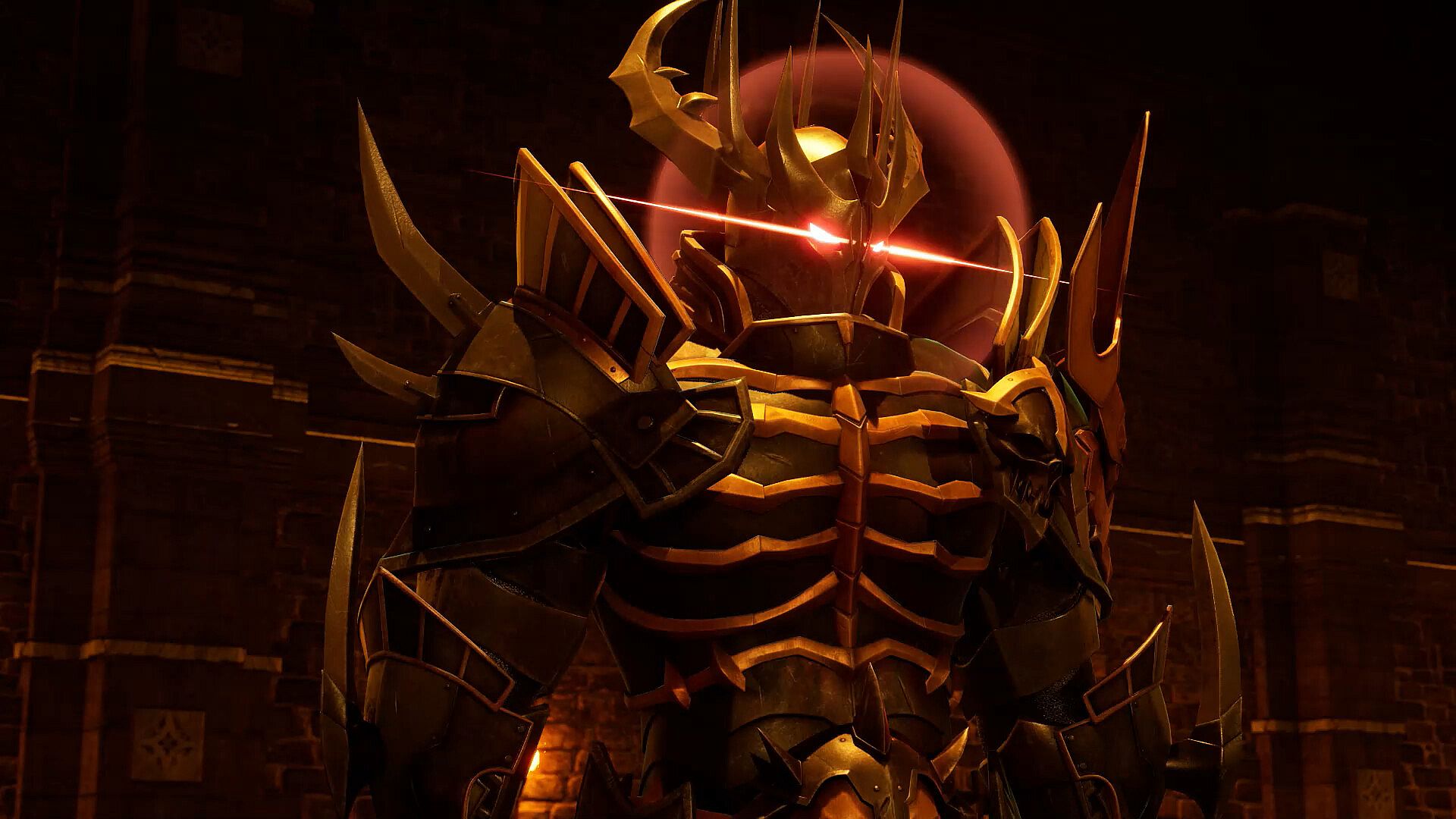
The powerful sword embodies the boss in order to maximize its own power. Beat him and take his abilities.


Level up, learn the arts, and challenge the bosses.
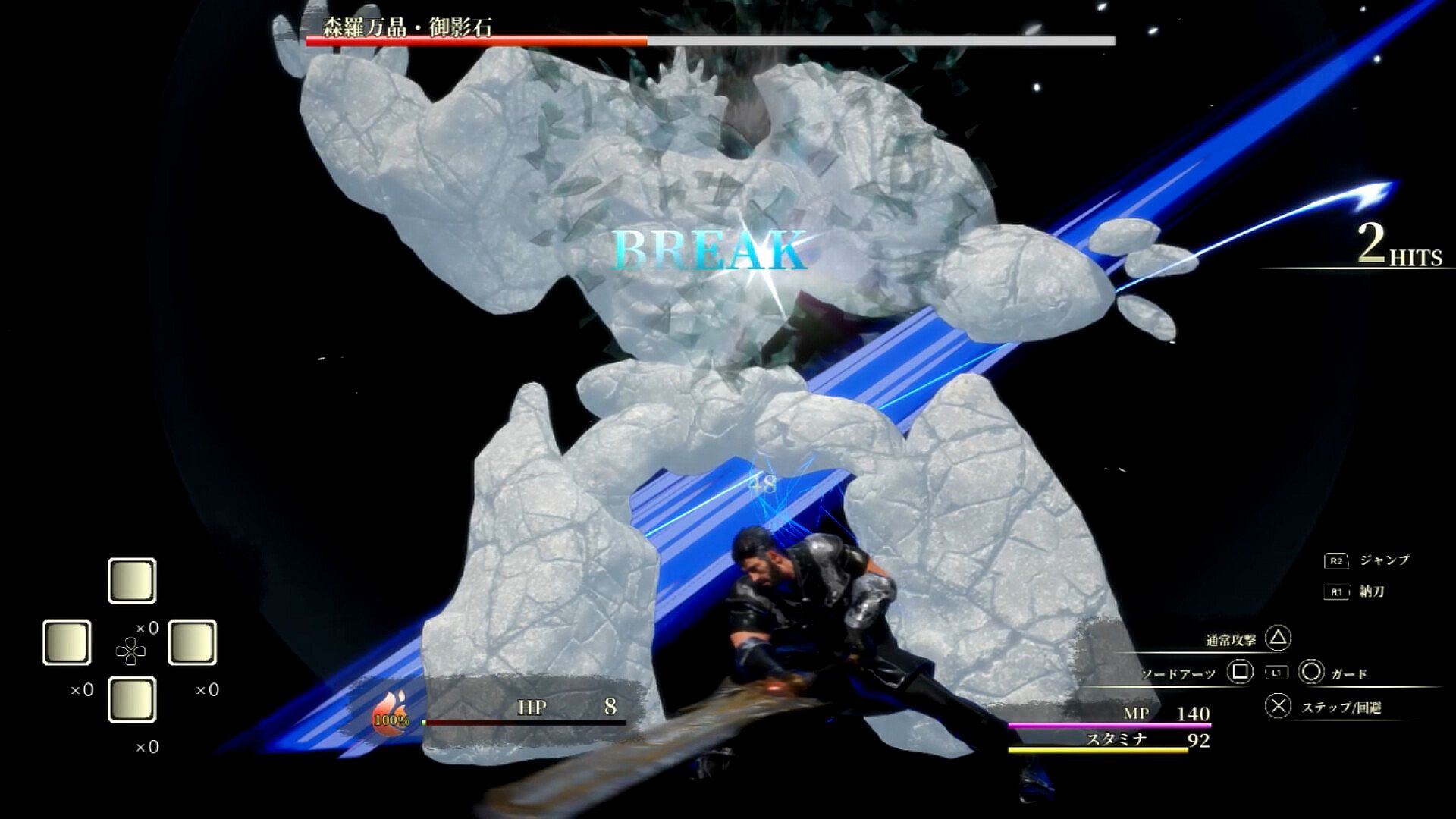
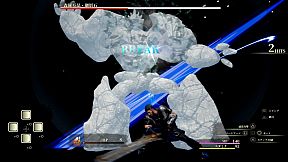
Bosses are basically clad in super armor and will not stagger, but if you keep hitting them, they can armor break.
If the boss is in armor break, you can hit him with combos until his attack is interrupted. Aim aggressively!

Controls

Common controls
Option button: Open menu

While delivering a sword
Press X to avoid ・・・・・
✕ button・・・・・ speak, open treasure chests, etc.
Press △ button ・・・・・ to attack normally. Shift to sword drawing state.
R1 button・・・・・ to switch to sword drawing state.
R2 button ・・・・・ jumps.
Press and hold L1 button + 0 or □ or △ ・・・ Arts. Shift to sword drawing state.
Use the cross key ・・・・・ set item.

While drawing the sword
Press X. Step to ・・・・・
Press X twice for emergency evasion
Press X to guard ・・・・・
△ button ・・・・・ Normal attack
□ button ・・・・・ Sword Arts
R1 button・・・・・ Sword state
R2 button・・・・・ jumps
R3 button・・・・・ awakening
L1 button long press + 0 or □ or △ - Arts
Use the cross key ・・・・・ to use the set item. Shift to natto state.


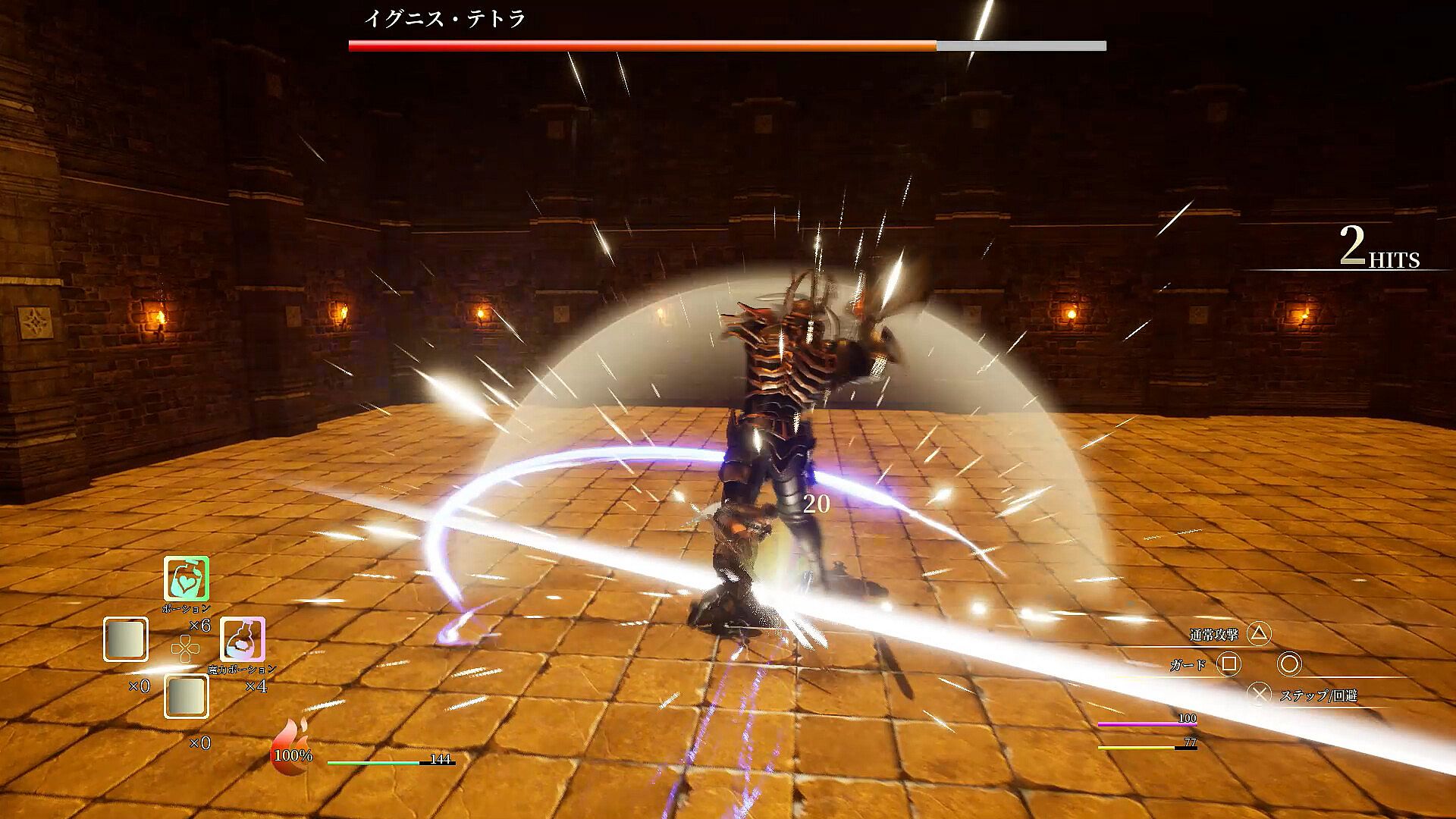
There are four gauges: HP gauge, SP gauge, MP gauge, and Stamina gauge.

HP gauge
The green gauge in the center of the screen.
When it reaches 0, the game is over, so use recovery items to prevent it from reaching 0.

SP Gauge
This gauge looks like a fireball next to the HP gauge.
Pressing the □ button during a sword draw will use 33% of the SP gauge to use Sword Arts.
Sword Arts summons a boss to attack. Since they can be activated independently of your actions, you can use them to connect combos or to break the deadlock in a pinch. Its performance changes depending on the sword you have equipped.

You can also awaken it by pressing the R3 button at 100%.
While awakened, you will always be in Super Armor and your Stamina and MP will not decrease. In addition, the number of normal attacks will increase to 6, and by pressing the △ button, you can perform a secret secret move. Just keep on hitting him!

Stamina Gauge
It is the yellow gauge in the lower right corner.
It is consumed when a normal attack, step, emergency evasion, or guard succeeds.
It automatically recovers when you are not taking any of the above four actions.
If you want to continue attacking, use Arts to recover during that time.

MP Gauge
This is the pink gauge in the lower right corner.
It is consumed when using Arts.
Normal attacks alone consume a large amount of stamina, so mix your attacks with arts.
Hit the target with a normal attack. MP can be recovered by using items.

Normal attacks consume stamina and can be performed up to five times in a row.
You can cancel from a normal attack to an art to attack.
You can cancel from normal attack and arts to step, and from step to normal attack and arts.

Interfaccia:
Japanese

Classificazione per età

Non disponibile
Steam:
Positive (10)

Minimo:

  • Sistema operativo: windows10(64bit)
  • Processore: Core i7-10700
  • Memoria: 16 GB RAM
  • Grafica: nvidia geforce gtx1660
  • DirectX: Version 12
  • Archiviazione: 4.7 GB available space

Consigliato:

  • Sistema operativo: windows10(64bit)
  • Processore: Core i7-10700
  • Memoria: 16 GB RAM
  • Grafica: nvidia geforce gtx1660
  • DirectX: Version 12
  • Archiviazione: 4.7 GB available space
Minimo storico
Storico prezzi dei negozi ufficiali
-
-
-
Storico prezzi dei keyshop
-
-
-

FAQ

8 domande

Prima di cercare una chiave economica di ソードコレクター, controlla le informazioni essenziali. Sviluppato da theあらん. Pubblicato da theあらん. Data di uscita su PC: 17 ago 2023. Generi: Action, RPG. Categorie: Single-player, Partial Controller Support.

Q

Dove comprare una chiave Steam di ソードコレクター a poco?

ソードコレクター e gratuito! Scaricalo su Steam e inizia a giocare subito.

ソードコレクター è completamente gratuito su Steam. Nessun acquisto necessario - basta scaricarlo e giocare. Se cerchi DLC premium o oggetti di gioco, controlla la tabella delle offerte qui sopra.

Il nostro tracker dei prezzi copre sia i rivenditori ufficiali che i marketplace di chiavi, così puoi trovare ソードコレクター in offerta anche al di fuori delle promozioni stagionali. Al momento rileviamo 1 offerta attiva da store ufficiali e keyshop. Controlla la tabella qui sopra, confronta con il minimo storico e imposta un avviso per non perdere il prossimo calo di prezzo.

Secondo i nostri dati, ソードコレクター non è attualmente disponibile su GeForce NOW. Dovrai eseguirlo localmente sul tuo PC. Sfoglia i giochi disponibili su GeForce NOW.

. ソードコレクター ha una pagina ufficiale su Steam. Puoi anche acquistare una chiave Steam di ソードコレクター da venditori terzi. Il nostro comparatore include attualmente 1 offerta con DRM Steam. Scegline una per assicurarti che il download di ソードコレクター avvenga sulla piattaforma di Valve.

Sì, con piccoli aggiustamenti. ソードコレクター è giocabile su Steam Deck - funziona dopo piccole modifiche come la selezione di una versione di Proton o l'uso del touchscreen per testi piccoli del launcher. Puoi giocare a ソードコレクター su Steam Deck.

ソードコレクター non sembra essere disponibile su PC Game Pass, EA Play, Ubisoft+ o altri servizi in abbonamento per PC al momento. L'unica opzione è acquistare il gioco - usa XD.deals per trovare il prezzo migliore.

No - XD.deals non è un negozio. Siamo un comparatore di prezzi che traccia le migliori offerte per ソードコレクター tra store ufficiali e keyshop verificati. Clicca "Vai al negozio" accanto a qualsiasi offerta e verrai reindirizzato al sito del rivenditore per completare l'acquisto.

Migliori prezzi per ソードコレクター

1 Steam Steam Official
0,00 €

Vuoi comprare al momento migliore? Imposta un avviso di prezzo su XD.deals e ricevi una notifica quando ソードコレクター raggiunge il suo prossimo minimo storico.

Crea avviso
Unisciti al nostro Discord
Ottieni aiuto immediato dalla community e resta aggiornato sulle offerte
Imposta avvisi di prezzo
Ricevi notifiche via email quando i prezzi scendono al tuo target
Crea un account gratuito
Sblocca wishlist, avvisi di prezzo e sincronizzazione Steam