


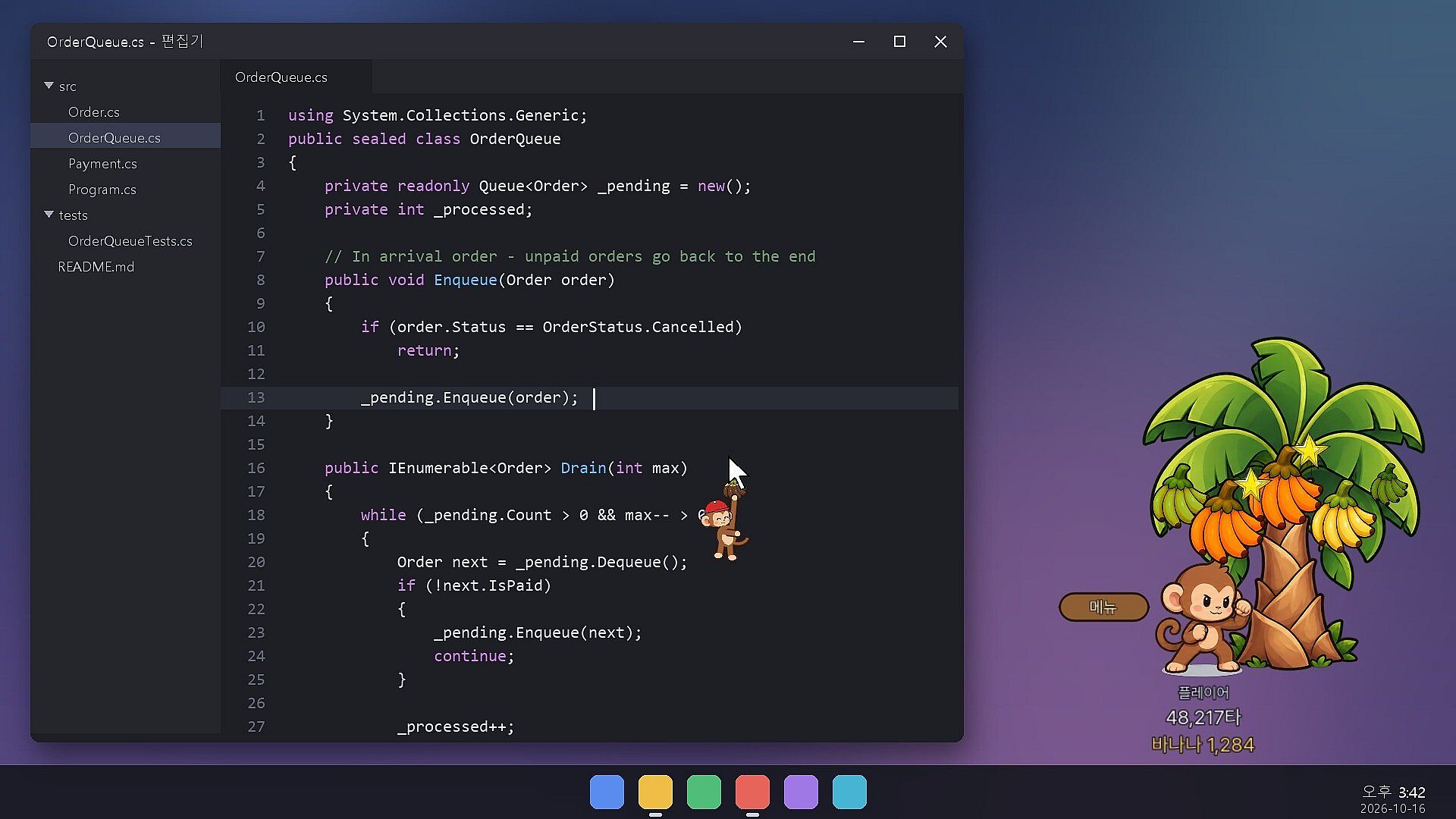
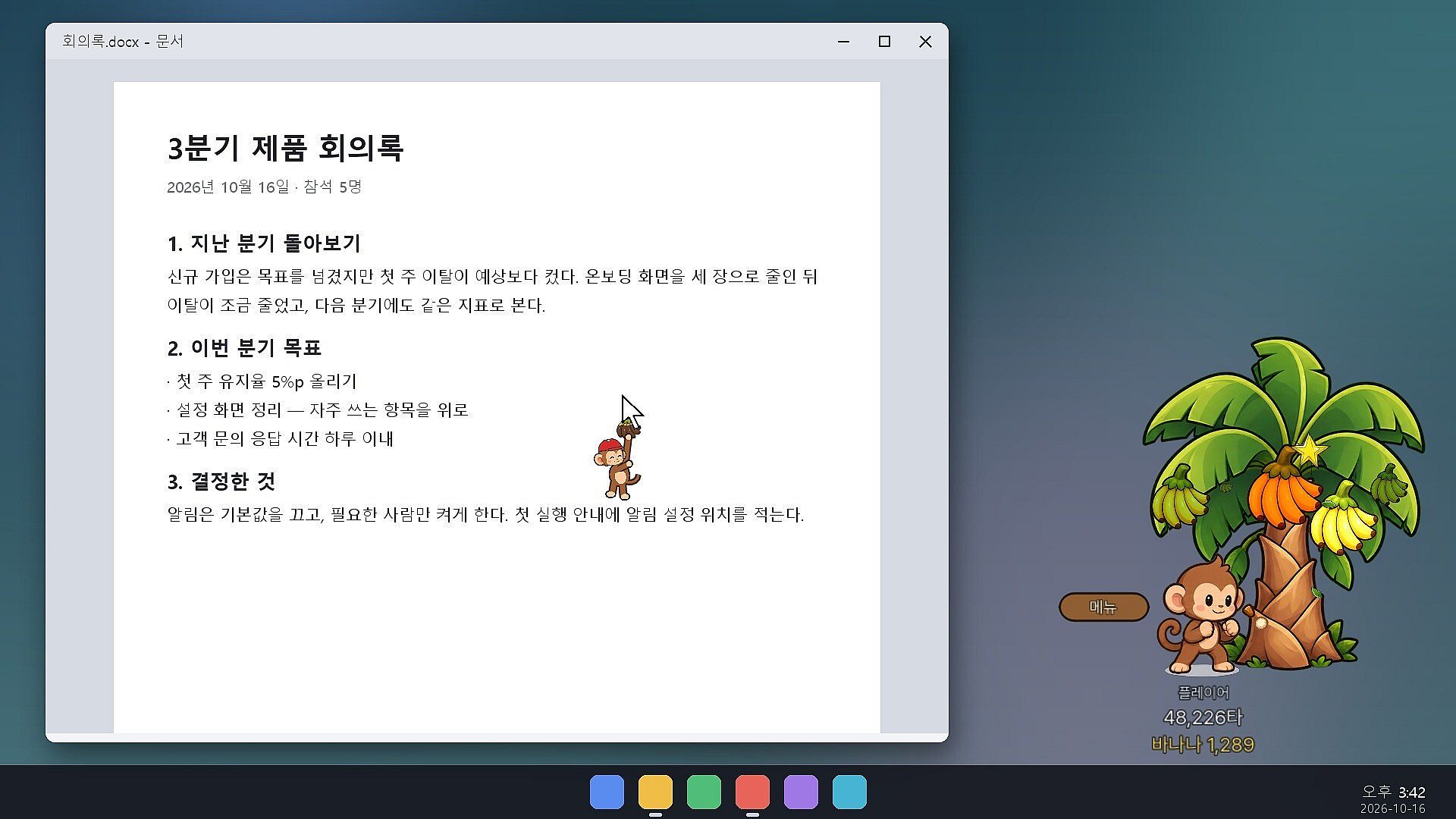
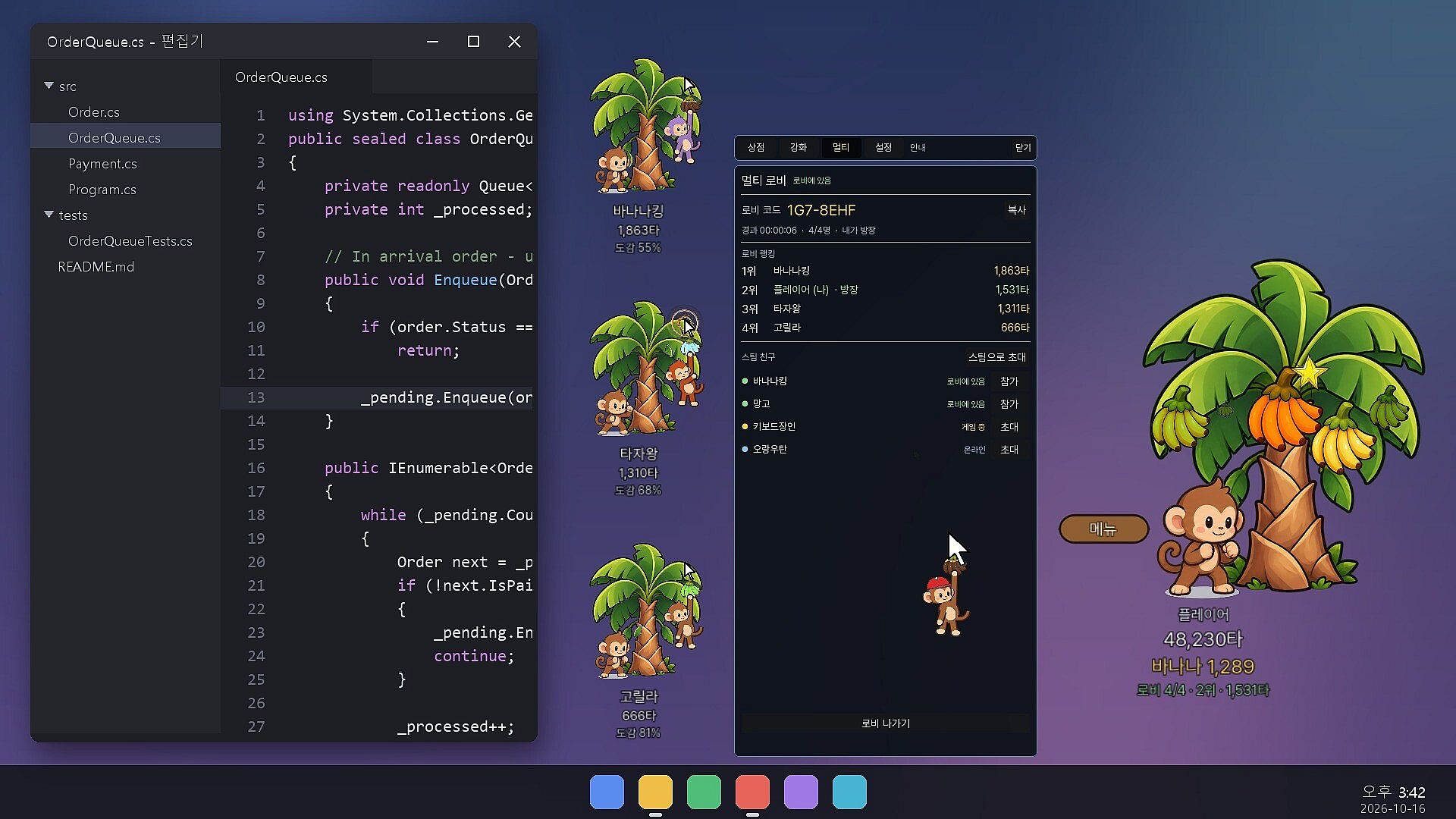
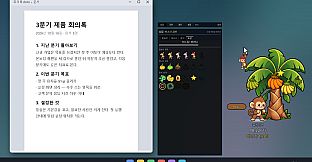
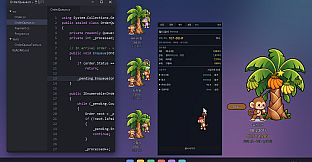
PunchMonkey is a casual simulation idle game for PC that runs directly on the desktop. Players interact with a monkey that punches a tree in response to every keystroke or mouse click, while bananas accumulate over time and the tree continues to grow even when the computer is idle.
Gameplay
The core loop centers on passive progression tied to normal computer use. Each keystroke or click triggers a punch from the monkey on its tree, and after ten hits a ripe bunch of bananas drops. Bananas ripen automatically over time, so progress continues without active input. The tree itself expands with more branches during periods away from the screen, allowing players to return later and collect the harvest.
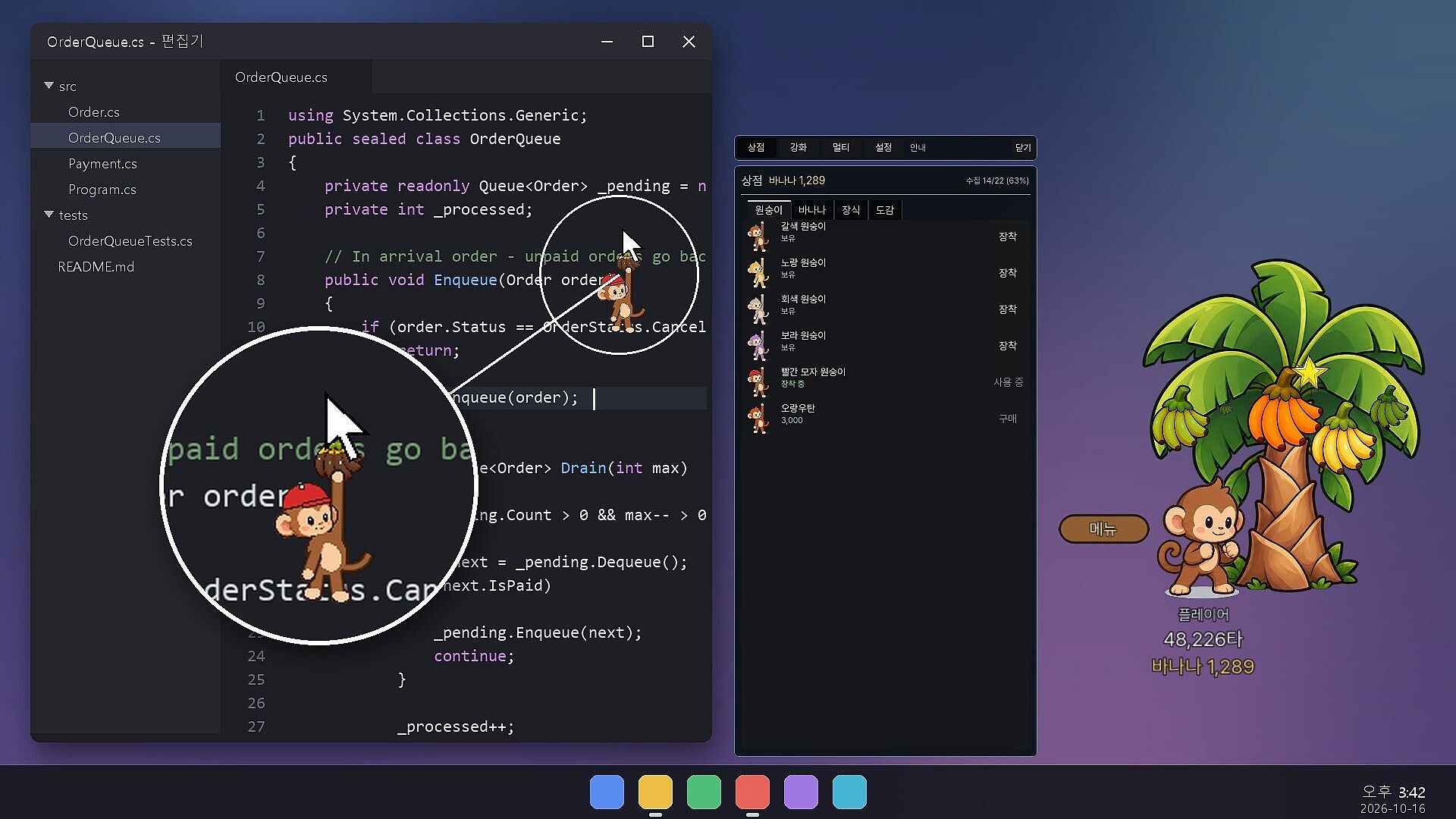
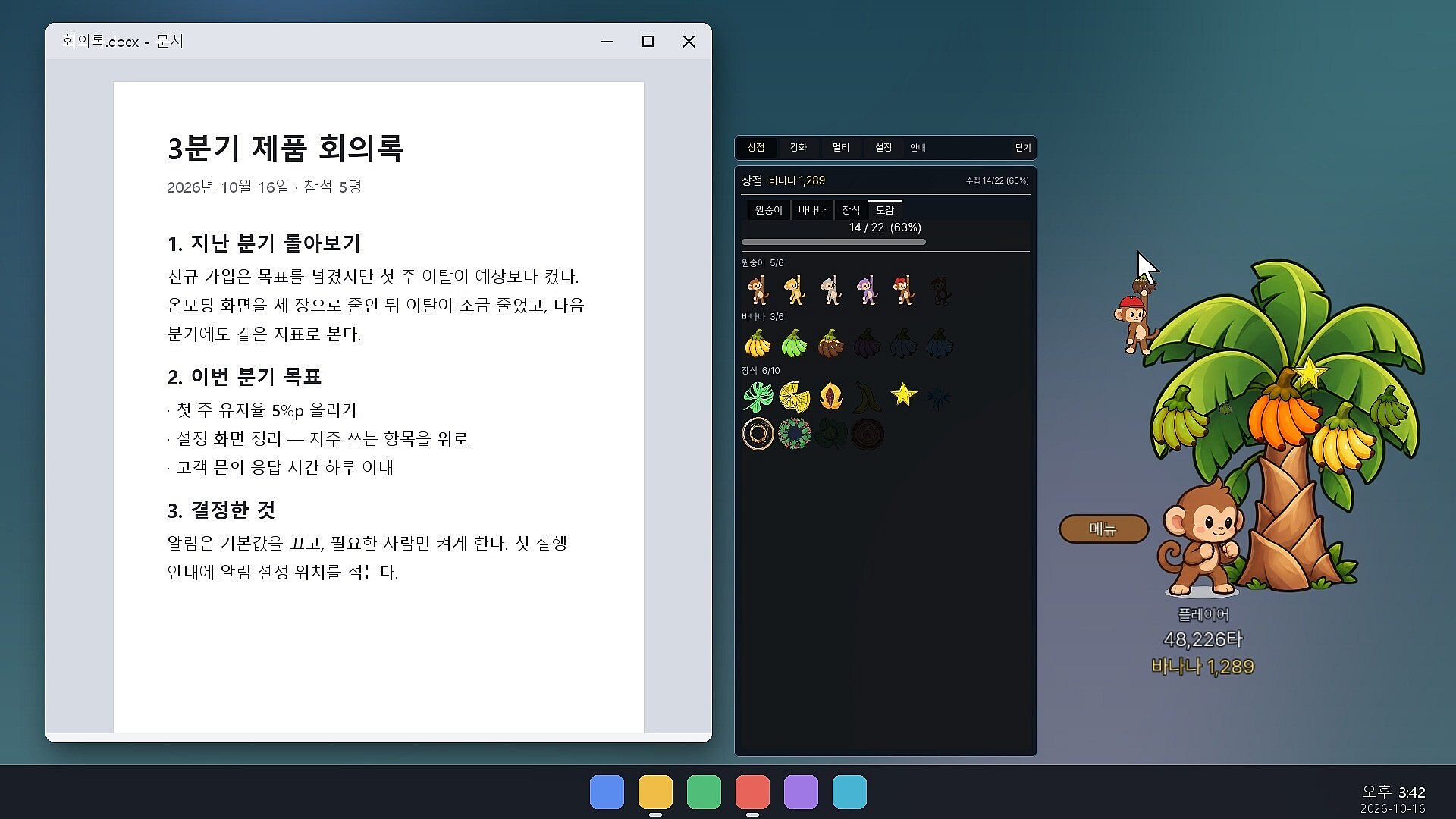
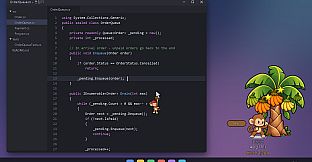
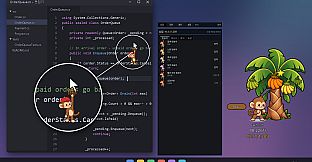
A monkey hangs from the cursor with a banana dangling from its tip. The monkey sways with mouse movement, loses its grip during quick flicks, climbs back up, cheers during typing, and dozes when activity stops. The standard Windows cursor remains unchanged while the monkey and banana provide visual decoration that follows everywhere on screen. All collected items feed into a Steam inventory for permanent ownership.
Customization uses three slots for the monkey, banana, and additional decorations. Spending bananas unlocks options in these slots, with further items planned in future updates. Upgrades focus on faster ripening, golden bananas worth five times normal value, and additional branches on the tree. Players decide the order of improvements based on personal preference for quicker gains or larger scale.
Game Modes
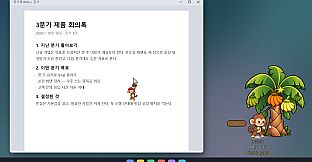
The primary experience is a single-player idle simulation that operates in the background. The monkey and tree stay visible in a corner of the screen while users work, code, or chat in other applications. Clicks outside the monkey and tree pass through to the window beneath, keeping the game unobtrusive.
A multiplayer lobby mode lets players gather with Steam friends. Their monkeys and trees appear as small draggable windows on the desktop. Participants see a leaderboard tracking total punches within the shared lobby. Windows can be repositioned freely, and the game supports hiding during fullscreen applications or videos through an optional setting.
Technical Features and Privacy
The game tracks only the count of keystrokes and clicks without reading specific keys, button locations, or mouse positions. No input data is stored or transmitted beyond the Steam account ID and game progress such as balance, tree state, and upgrades. This approach keeps the experience lightweight and focused on background activity.
Additional options include hiding to the system tray, automatic launch with Windows, adjustable size and opacity, and an always-on-top setting that respects underlying windows. The title includes ten achievements tied to punch milestones ranging from the first thousand to one million punches.
Is It Worth Playing?
PunchMonkey suits players who enjoy idle progression systems that integrate with daily computer use rather than demanding dedicated play sessions. Its background operation and minimal resource demands make it a fit for those who want steady advancement without interrupting work or other tasks. The multiplayer lobby adds a light social element through shared desktop windows and leaderboards, appealing to users with Steam friends interested in the same style of game.
Customization and tree upgrades provide ongoing goals, while the cursor companion adds personality without altering standard mouse behavior. Privacy protections and the absence of input logging address common concerns with desktop utilities. For anyone seeking a casual simulation that rewards consistent typing and clicking over time, the game delivers a straightforward and persistent experience that continues even when minimized or during breaks from the computer.