
Acquista PhotoPad PC Key

Dove comprare la chiave Steam PhotoPad PC più economica? Confronta i prezzi da 1 store e scegli la soluzione migliore tra 1 offerte su XD.deals. Al momento il prezzo PC più basso per PhotoPad nei keyshop è su 29,39 € (30% di sconto).

Steam:
Overwhelmingly Negative (9)
Keyshops
Non disponibile
Compra nello store ufficiale:
-30%
29,39 €
Compra nei keyshop:
Vedi storico prezzi

Store ufficiali (1)

DRM:
Steam
Steam
Steam
PhotoPad
Windows
1sett fa
DRM:
Steam
Termina tra 1 giorno
Steam
41,99 € 29,39 €
Termina tra 1 giorno
-30%

Info su PhotoPad

PhotoPad - info sul gioco
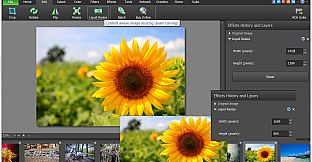
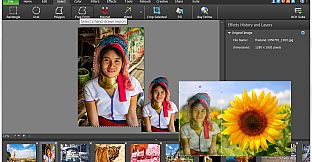
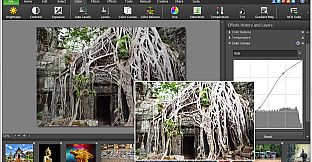
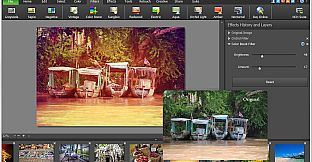
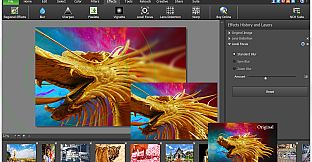
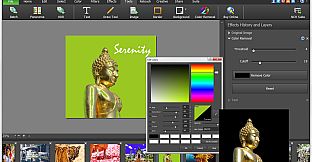
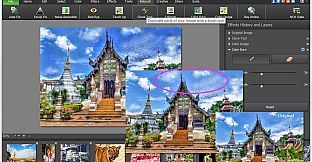
Elevate your images with PhotoPad Photo Editor on PC, a versatile tool for design and illustration that handles everything from basic tweaks to advanced photo editing. Rotate, crop, flip, and resize photos with liquid precision, or select areas using wand, magnet, and free-form tools to recolor, transfer pixels, and reshape elements. Apply filters, effects like sharpen, distort, or cartoon styles, and retouch with noise reduction, red-eye fixes, and color curves for professional results. Draw custom art, clone elements, or batch-process multiple images at once, then stitch panoramas, build collages, or create embroidery designs. Add text, borders, and backgrounds before exporting to Dropbox, Google Drive, or directly to Facebook and Flickr. Beginners and pros alike edit photos effortlessly with these robust features.

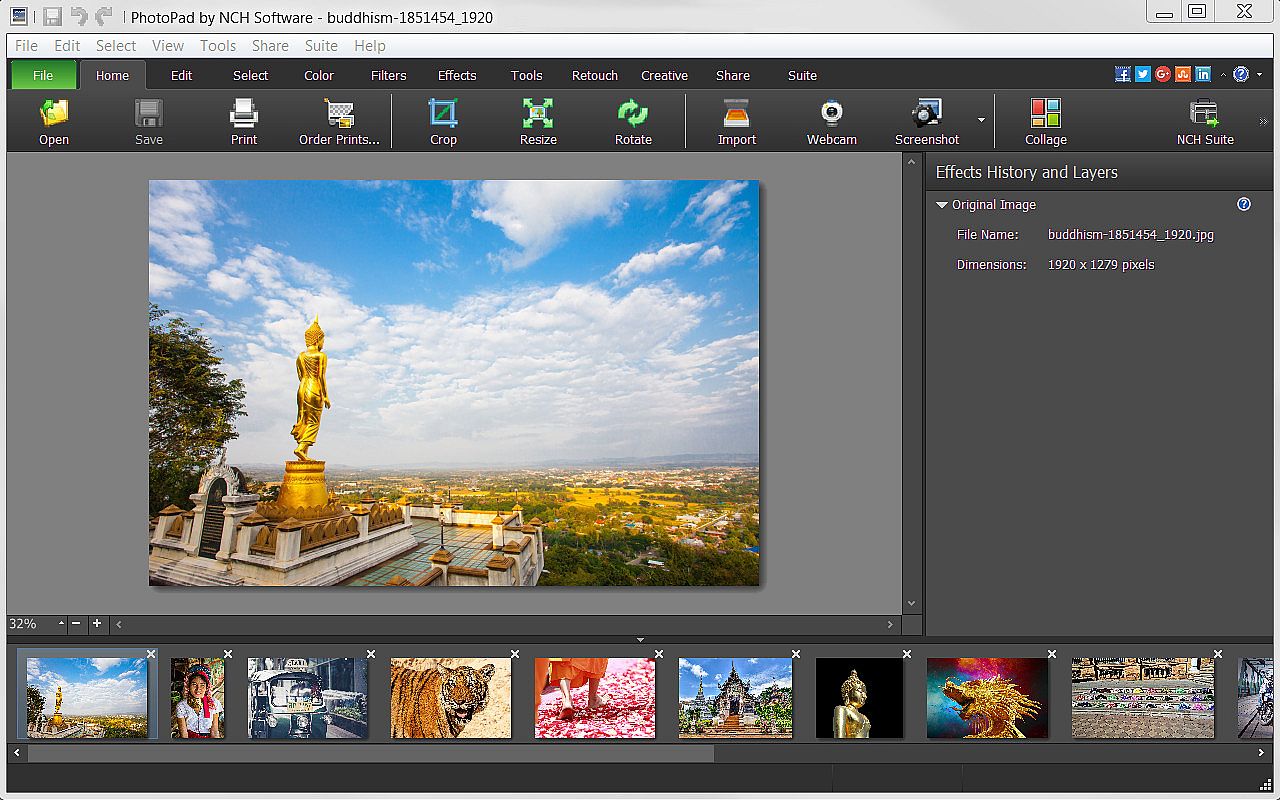
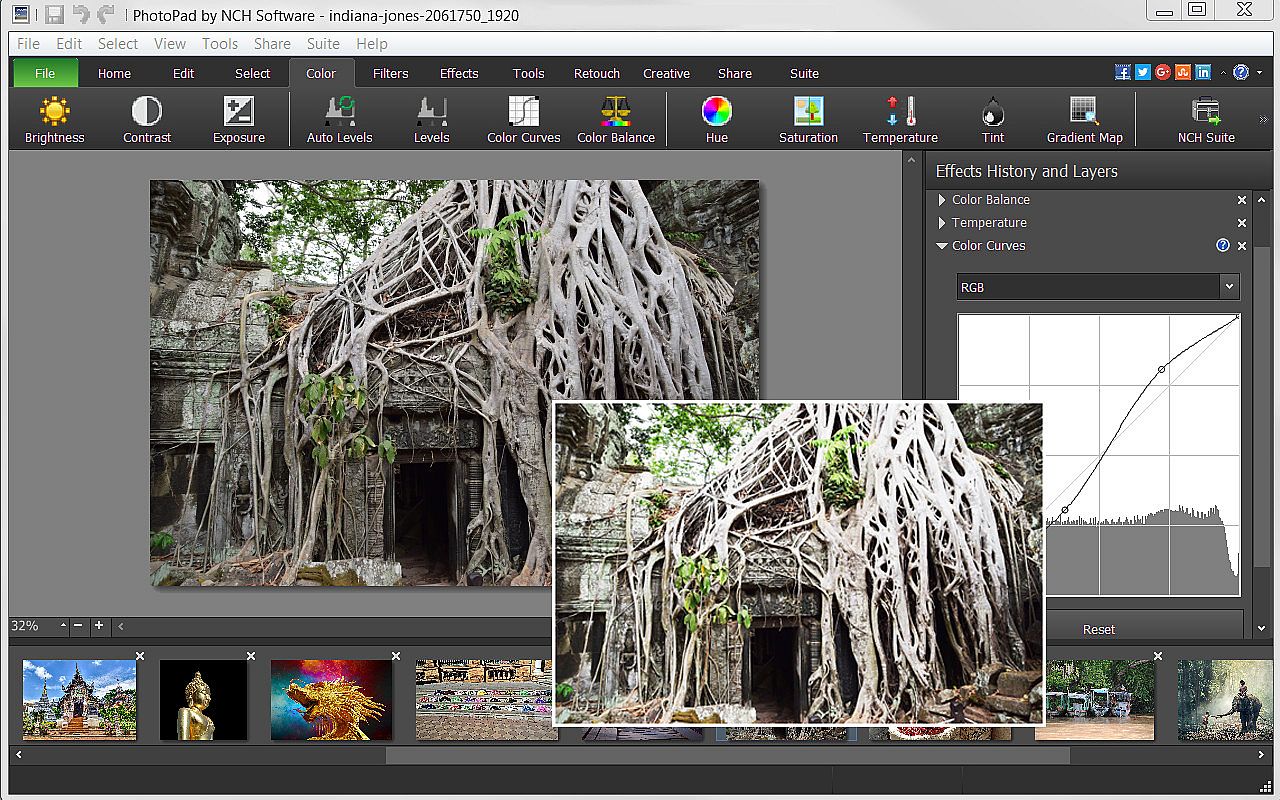
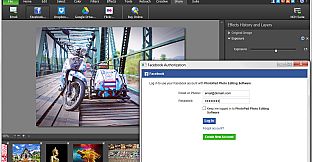
PhotoPad Photo Editor is a photo editing software for Windows that allows you take your images to the next level and create stunning photos to share with your friends and family. Whether a beginning editor or a seasoned editor, PhotoPad is easy-to-use but robust enough to do intricate photoshop work. With PhotoPad, you can use many editing, effect, quality enhancement and coloring tools to customize your photos.

PhotoPad Features Include:

Editing & Effects
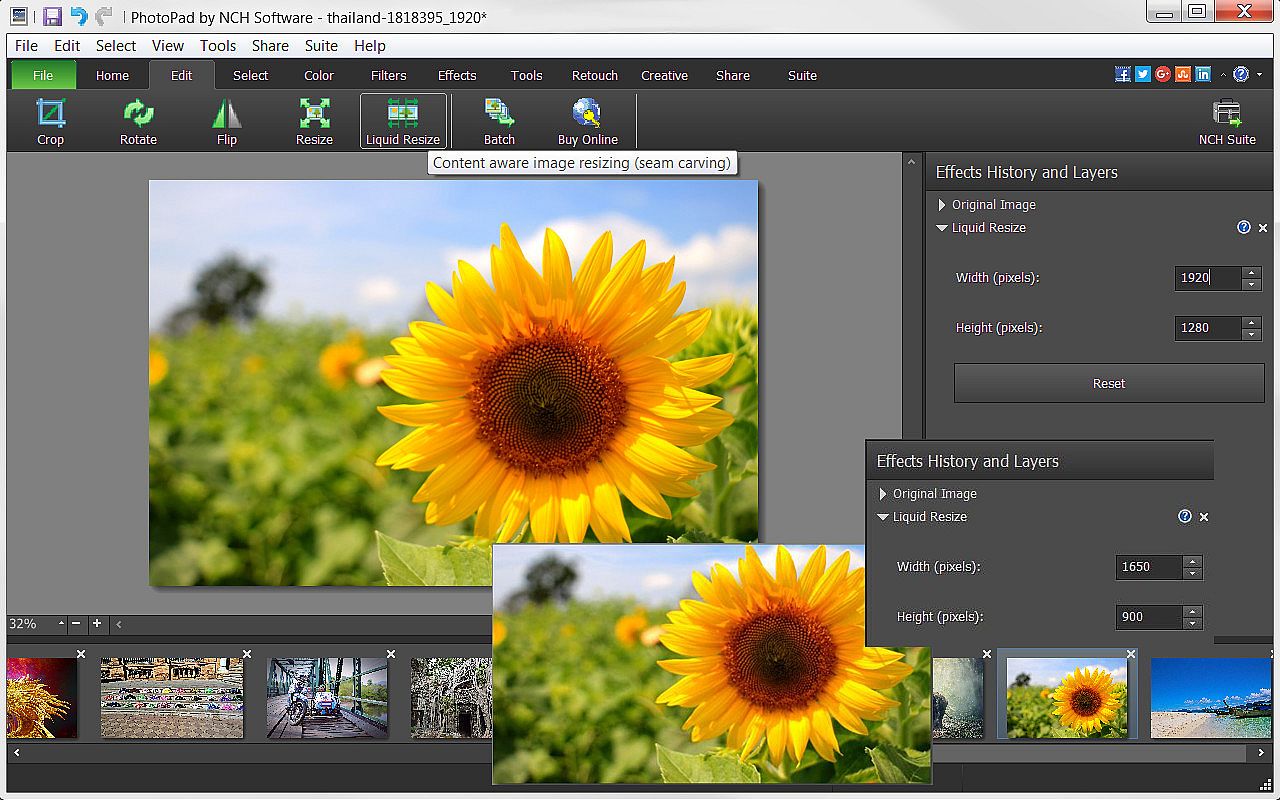
  • Edit your photos using liquid resize, flip, rotate, crop and other editing tools.
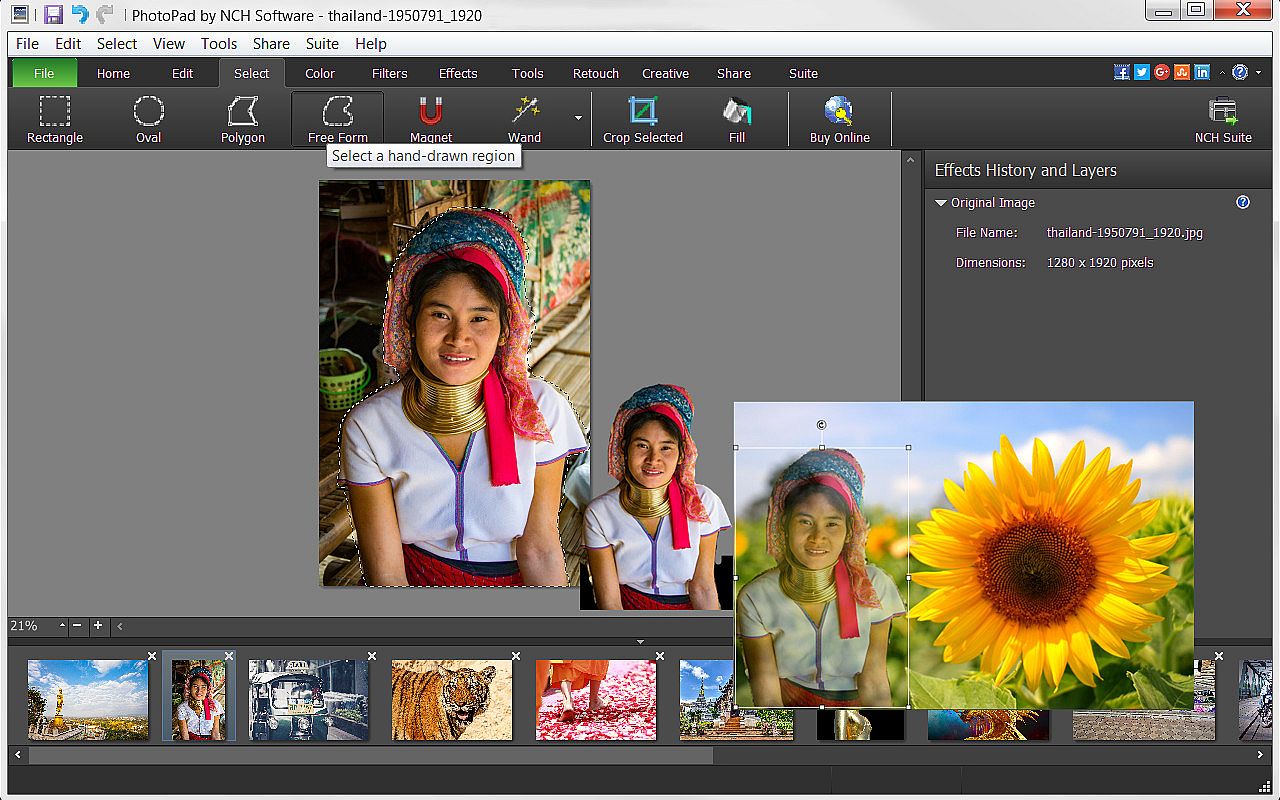
  • Manipulate image shapes, pixel/element transfers and recoloring with selection tools, like wand, magnet, free form and other shape options.
  • Brighten or change exposure, color curves and balance, hue and other color features.
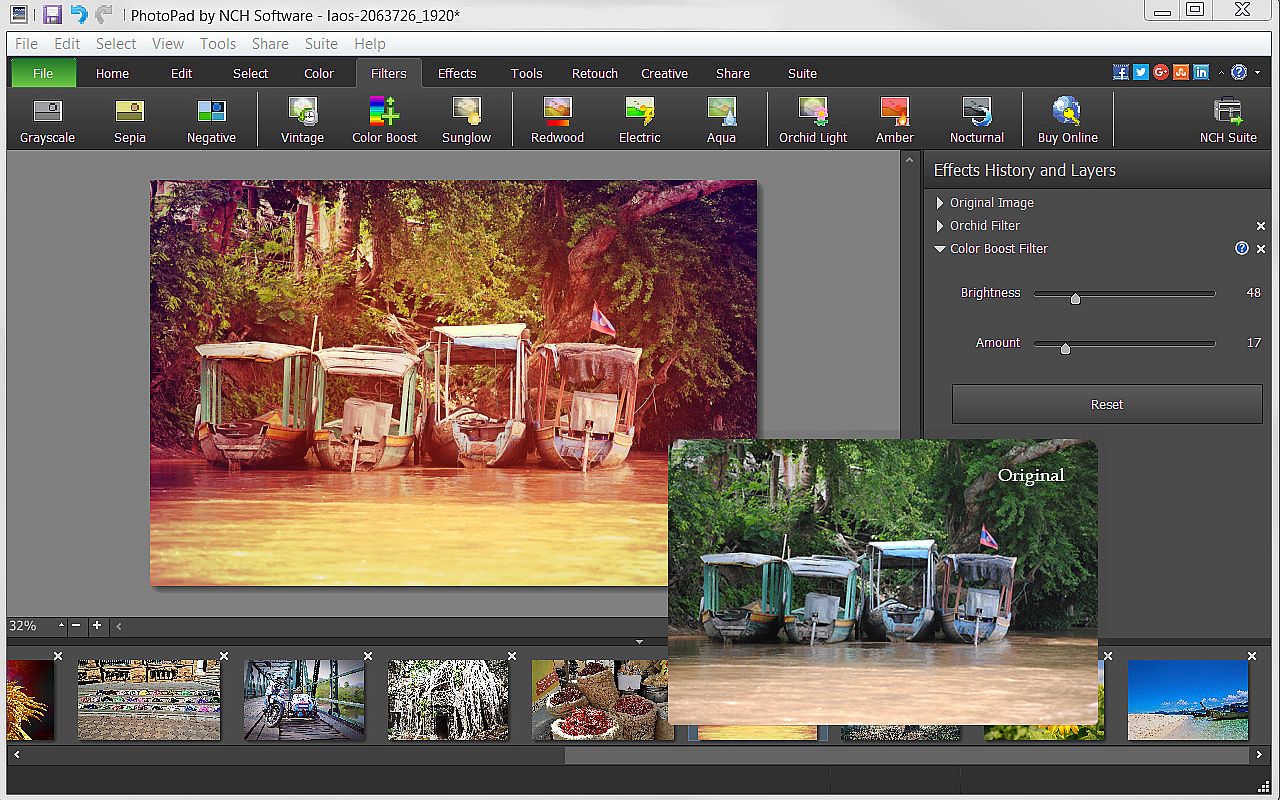
  • Apply one or more of the many filters available to make photos more interesting.
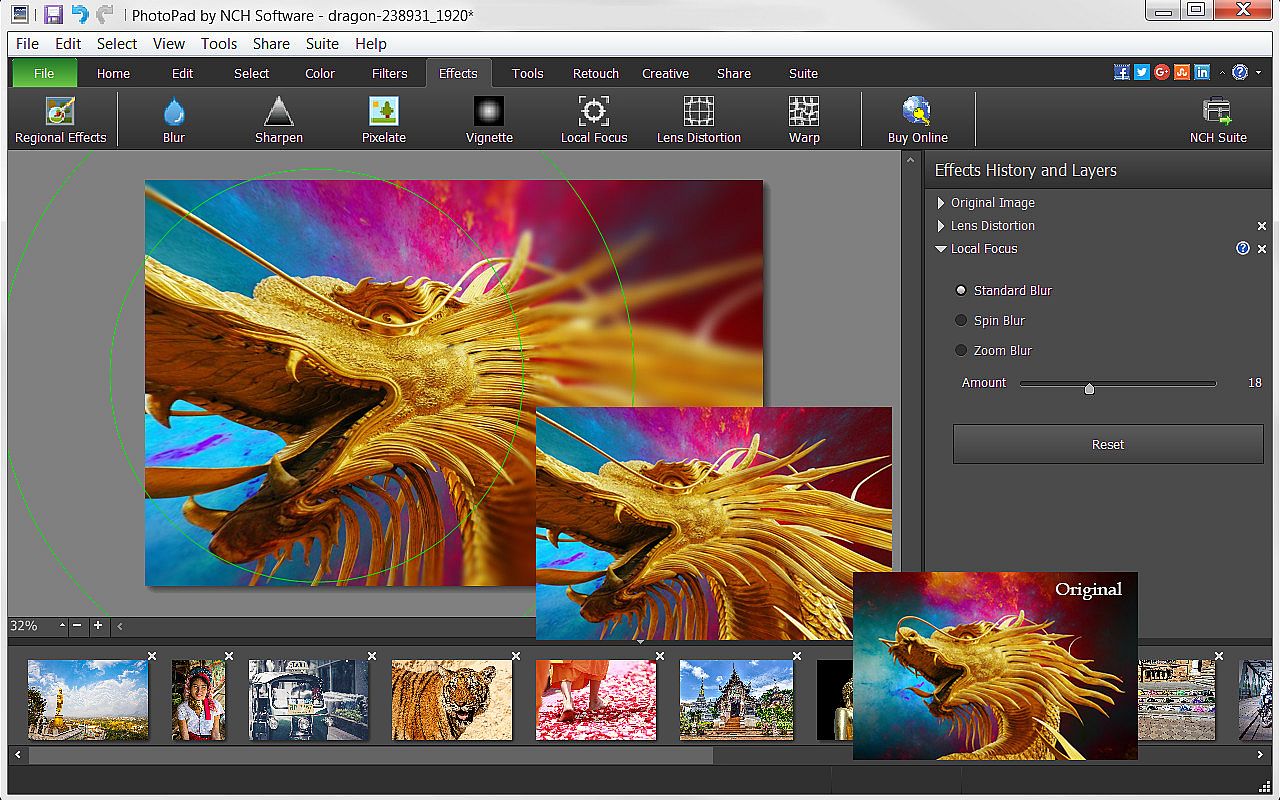
  • Use sharpen, pixelate, focus, distort or one of the many other effects to change your photo’s perspective.
  • Turn your photo into a cartoon or oil painting.
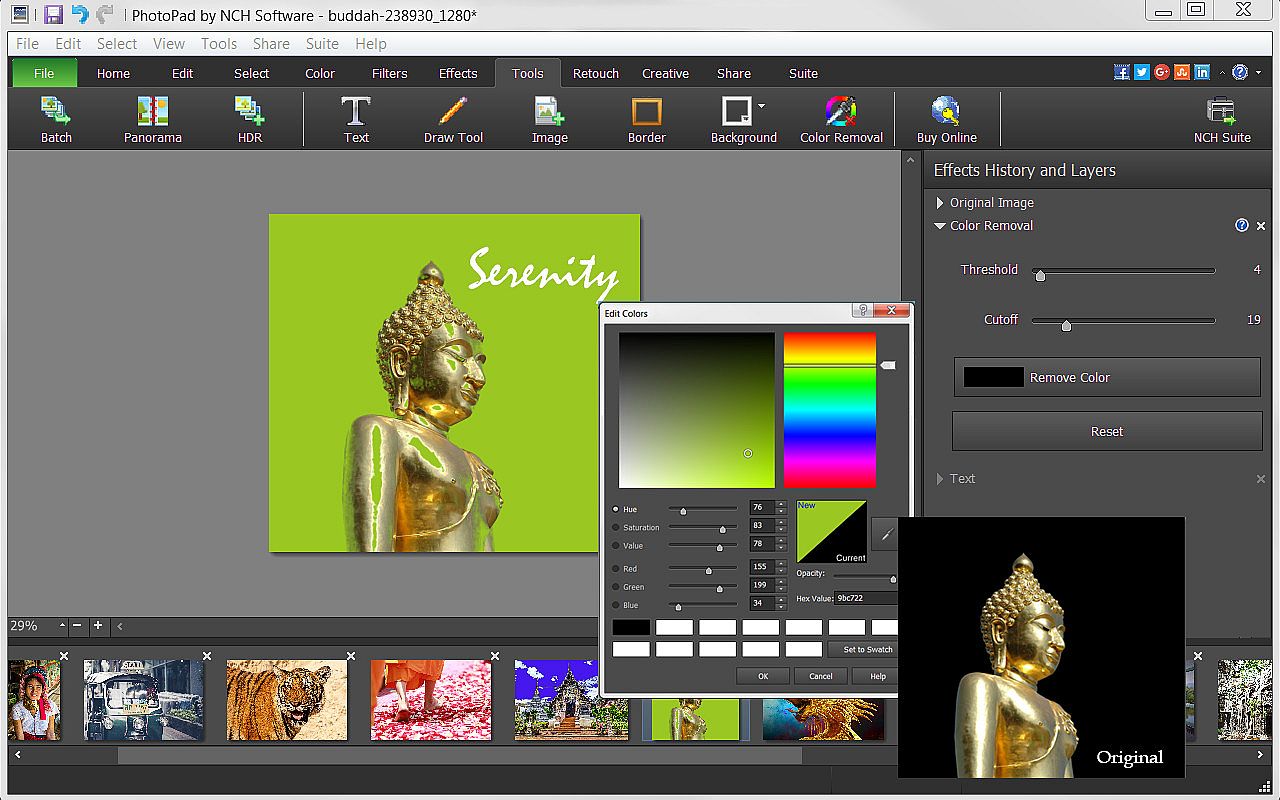
  • Add borders, background or fill colors to give your photo a more complete look.
  • Include text to give your photo narration.
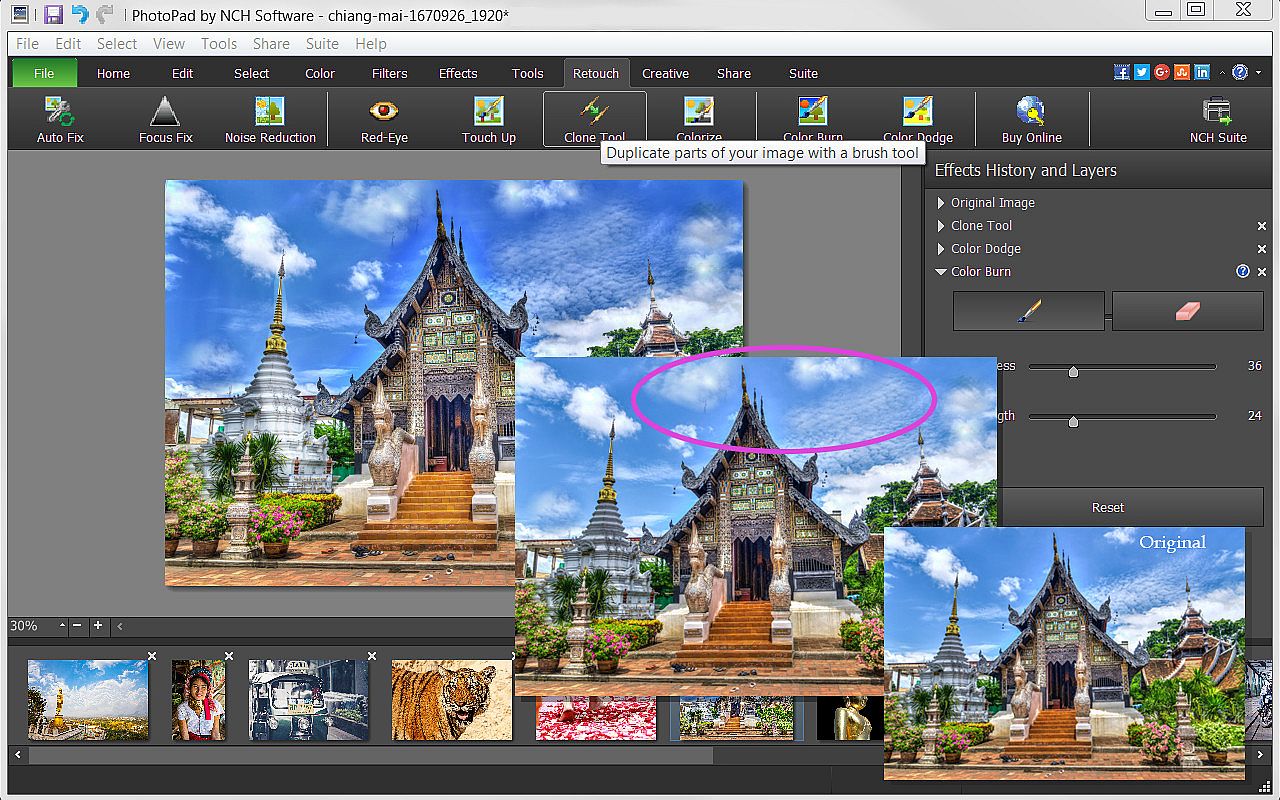
  • Retouch photos with noise reduction, red-eye, colorize, focus fix and other retouching tools.

Useful Tools
  • Be creative and use the Draw Tool to create your own art, illustration or notes on your photo.
  • Mimic colors, shapes and other elements or correct your photos with the Clone Tool.
  • Use the Batch Tool to apply effects to many photos at one time.
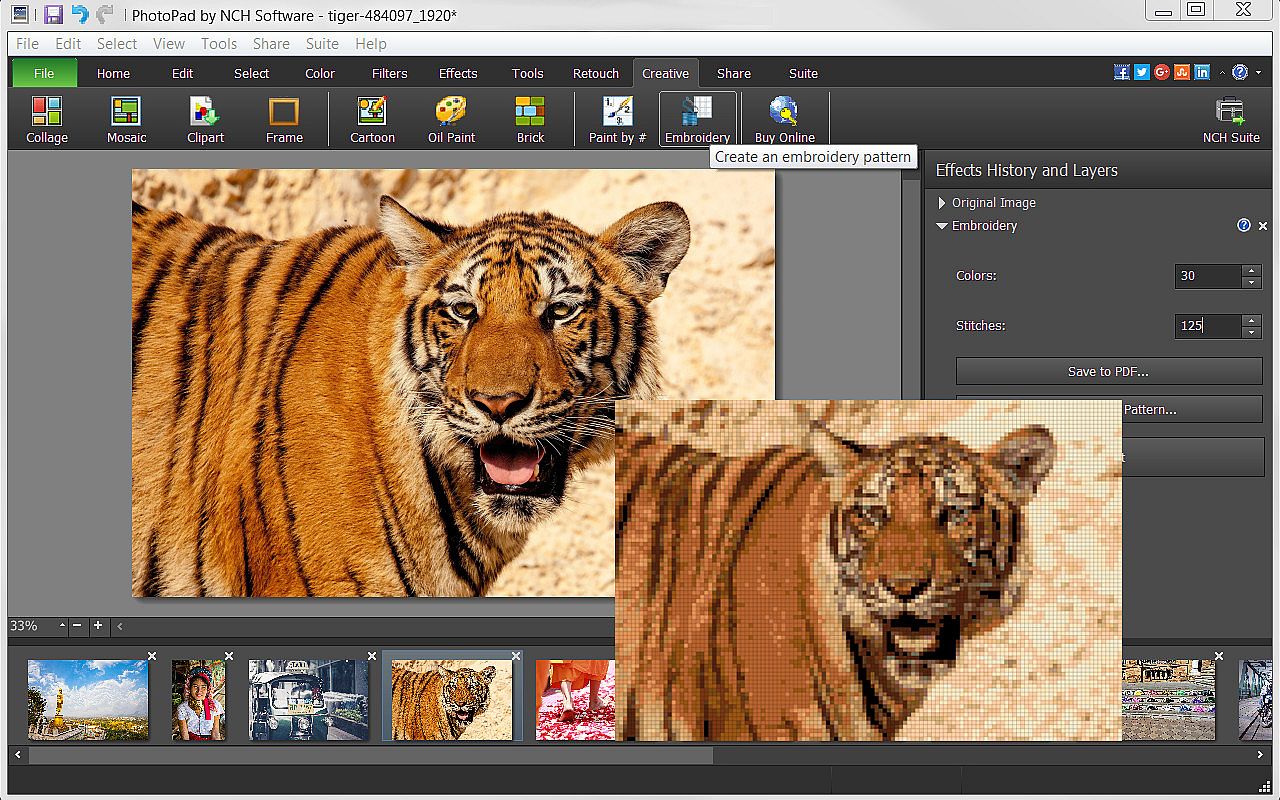
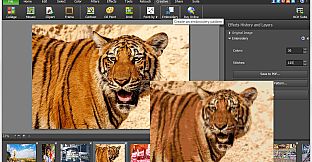
  • Turn your photo into a fun Embroidery or Paint-by-Numbers project.
  • Create a collage or Mosaic with one of the many layouts available.
  • Take advantage of other useful photo applications, like Pixillion Image File Conversion, that can be used through PhotoPad.
  • Stitch photos together to make a Panorama.

Export and Import Options
  • Import images directly from your camera and other digital devices.
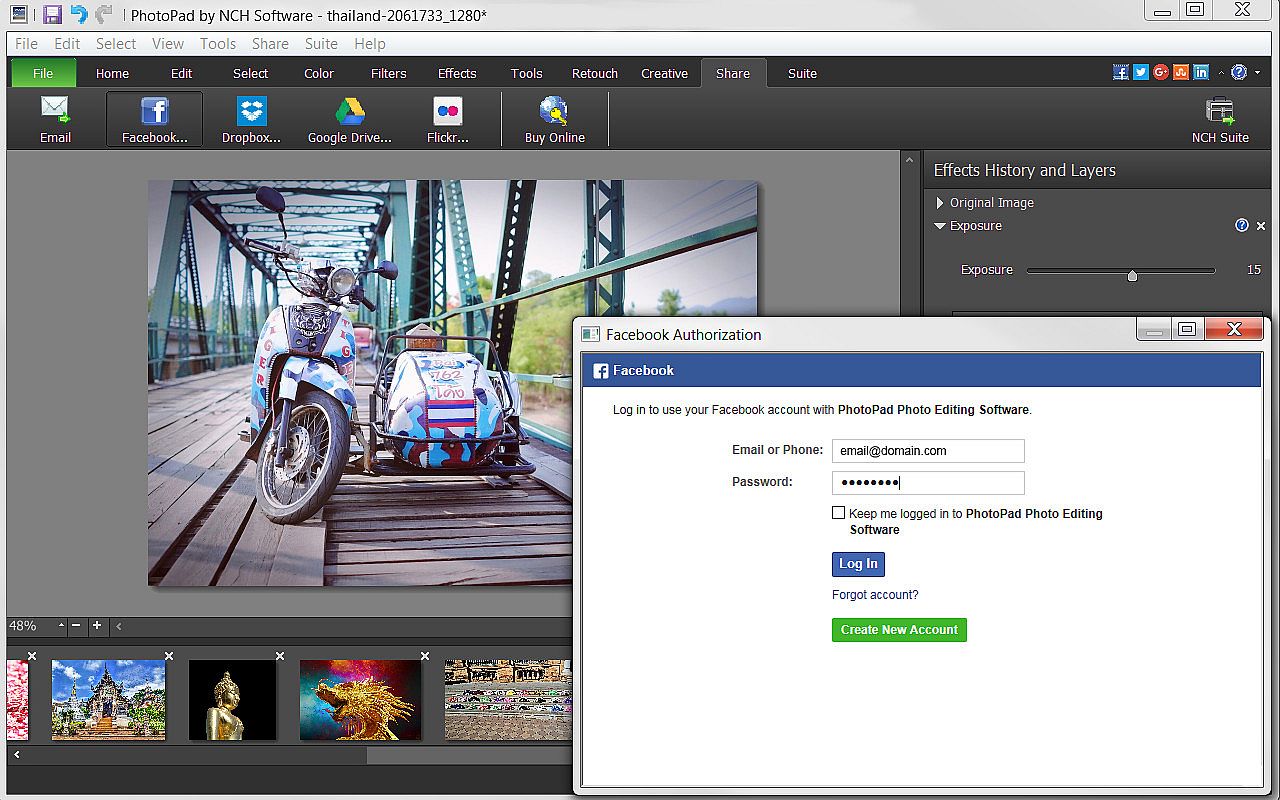
  • Share with friends via Facebook and Flickr.
  • Upload photos to online cloud storage sites, including Dropbox and Google Drive.
  • Email photos to loved ones or clients.
  • Order prints instantly from the PhotoPad interface.

Interfaccia:
English

Classificazione per età

Non disponibile
Steam:
Overwhelmingly Negative (9)

Minimo:

  • Processore: Windows 10, XP, Vista, 7, 8 and 8.1
  • Memoria: 4 GB RAM
  • Archiviazione: 100 MB available space
  • Note aggiuntive: PhotoPad is designed to be usable with minimal resources.
Minimo storico
Storico prezzi dei negozi ufficiali
-
-
-
Storico prezzi dei keyshop
-
-
-

FAQ

8 domande

Prima di cercare una chiave PC economica di PhotoPad, controlla le informazioni essenziali. Sviluppato da NCH Software. Pubblicato da NCH Software. Data di uscita su PC: 05 mag 2017. Generi: Design & Illustration, Photo Editing.

Q

Dove comprare una chiave Steam o CD Key di PhotoPad a poco?

Grazie al nostro comparatore di prezzi e ai codici sconto verificati, puoi acquistare una chiave di PhotoPad a partire da 29,39 €. Questa offerta è disponibile su Steam ed è tra le più economiche sul mercato. Tutte le chiavi su XD.deals vengono consegnate in formato digitale e sono disponibili per il download immediato dopo il pagamento. I prezzi includono già le commissioni e i codici promozionali applicati, così vedi sempre il prezzo più basso di PhotoPad su PC. Controlla lo storico prezzi di PhotoPad per acquistare al momento migliore.

Secondo il nostro ultimo aggiornamento (aggiorniamo i prezzi Steam più volte al giorno), il prezzo di PhotoPad su Steam è 29,39 €. Puoi risparmiare un ulteriore ~6% pagando con una carta regalo Steam scontata.

Il nostro tracker dei prezzi copre sia i rivenditori ufficiali che i marketplace di chiavi, così puoi trovare PhotoPad in offerta anche al di fuori delle promozioni stagionali. Al momento rileviamo 1 offerta attiva da store ufficiali e keyshop. Controlla la tabella qui sopra, confronta con il minimo storico e imposta un avviso per non perdere il prossimo calo di prezzo.

Secondo i nostri dati, PhotoPad non è attualmente disponibile su GeForce NOW. Dovrai eseguirlo localmente sul tuo PC. Sfoglia i giochi disponibili su GeForce NOW.

. PhotoPad ha una pagina ufficiale su Steam. Puoi anche acquistare una chiave Steam di PhotoPad da venditori terzi. Il nostro comparatore include attualmente 1 offerta con DRM Steam. Scegline una per assicurarti che il download di PhotoPad avvenga sulla piattaforma di Valve.

Non al momento. Valve classifica PhotoPad come non supportato su Steam Deck. Tieni d'occhio XD.deals - tracciamo gli aggiornamenti di Proton e le soluzioni della community. Sfoglia i giochi Steam Deck Verified o Steam Deck Playable.

PhotoPad non sembra essere disponibile su PC Game Pass, EA Play, Ubisoft+ o altri servizi in abbonamento per PC al momento. L'unica opzione è acquistare il gioco - usa XD.deals per trovare il prezzo migliore.

No - XD.deals non è un negozio. Siamo un comparatore di prezzi che traccia le migliori offerte per PhotoPad tra store ufficiali e keyshop verificati. Clicca "Vai al negozio" accanto a qualsiasi offerta e verrai reindirizzato al sito del rivenditore per completare l'acquisto.

Migliori prezzi per PhotoPad

1 Steam Steam Official
-30% 29,39 €

Vuoi comprare al momento migliore? Imposta un avviso di prezzo su XD.deals e ricevi una notifica quando PhotoPad raggiunge il suo prossimo minimo storico.

Crea avviso
Unisciti al nostro Discord
Ottieni aiuto immediato dalla community e resta aggiornato sulle offerte
Imposta avvisi di prezzo
Ricevi notifiche via email quando i prezzi scendono al tuo target
Crea un account gratuito
Sblocca wishlist, avvisi di prezzo e sincronizzazione Steam