


MateEngine
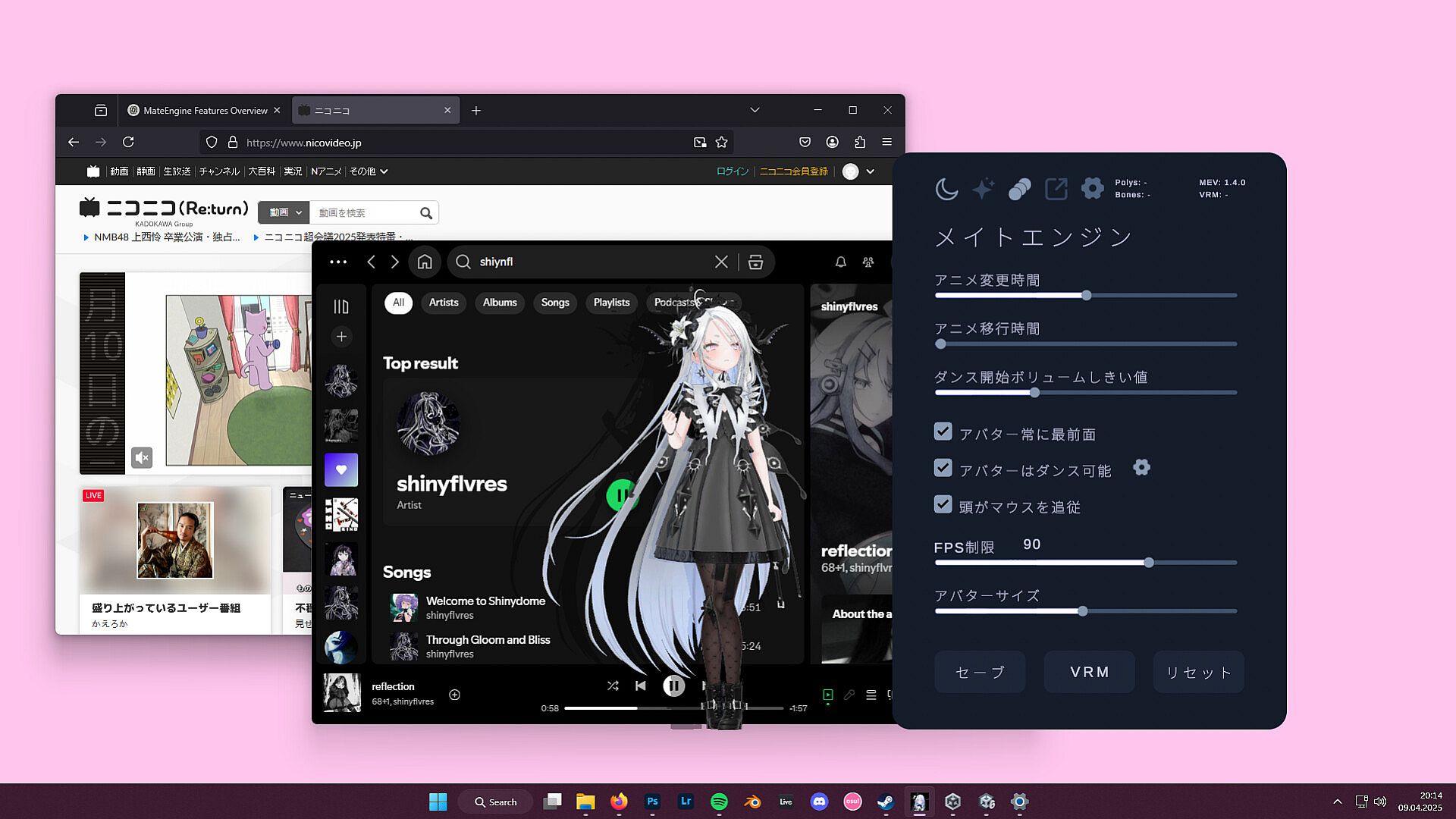
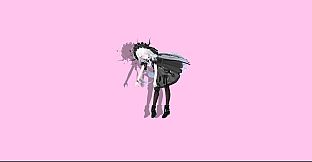
MateEngine is a lightweight, customizable desktop companion app that brings 3D anime-style characters to life on your screen. Built with VRM model support, it allows you to inject your own avatars and watch them interact, idle, and even dance—right from your desktop.
This project is a alternative aimed at giving users more control and flexibility without relying on expensive model packs or locked-down systems. Whether you want a simple virtual presence or a more animated character hanging out while you work, MateEngine is designed to be approachable and performance-friendly.
VRM Models / Frequently Asked Question
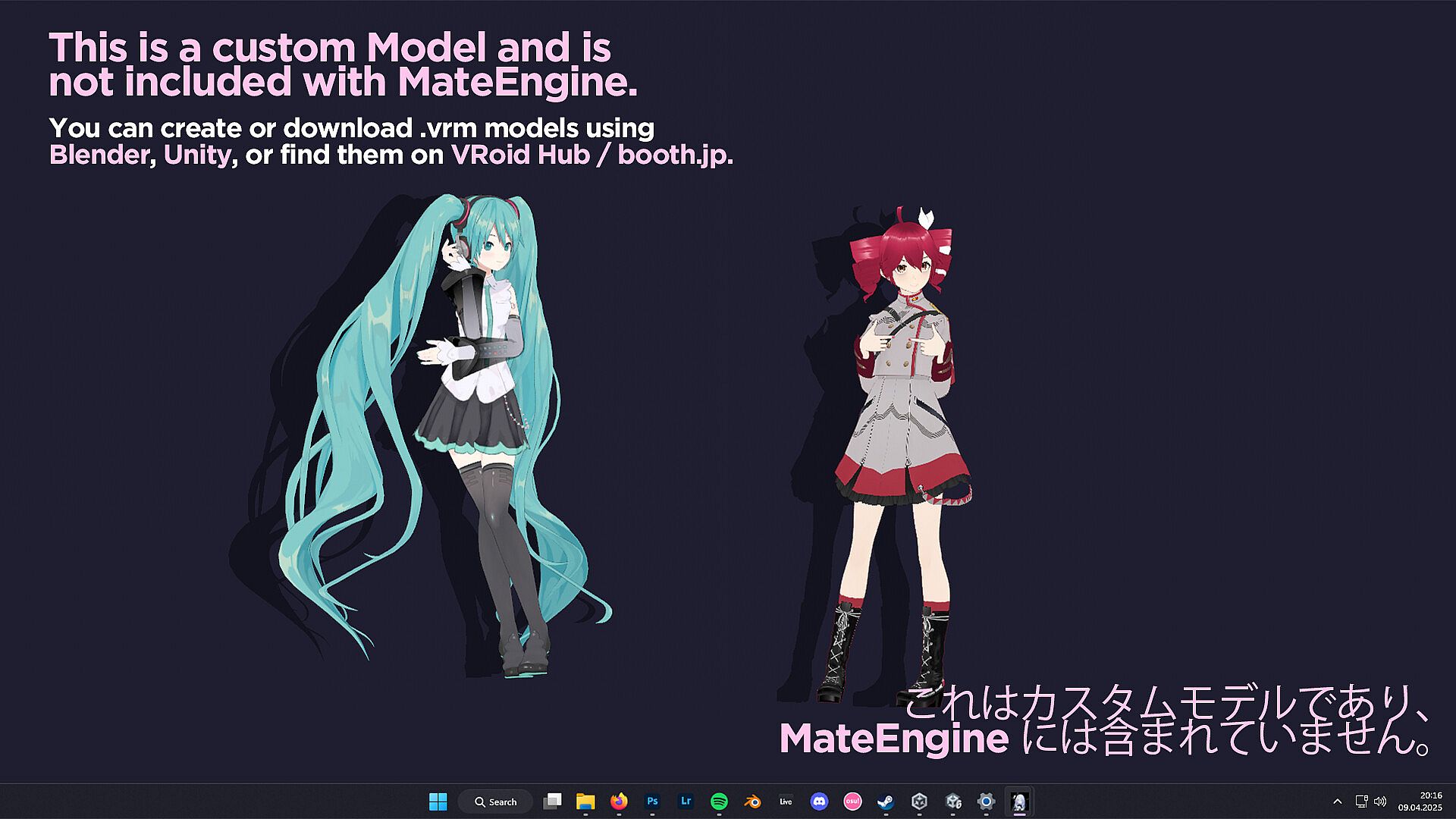
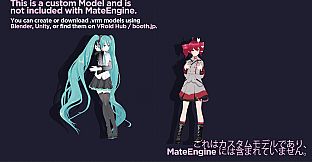
Important: This app includes the default model "Zome." Hatsune Miku is not included.
To use custom models, you must download them from websites that offer .vrm files, or commission artists who create or convert models to the VRM format.
I am not responsible for the quality of third-party models. If you experience clipping or similar issues, the model's author is responsible, not this app.
RELAXE ON WINDOWS
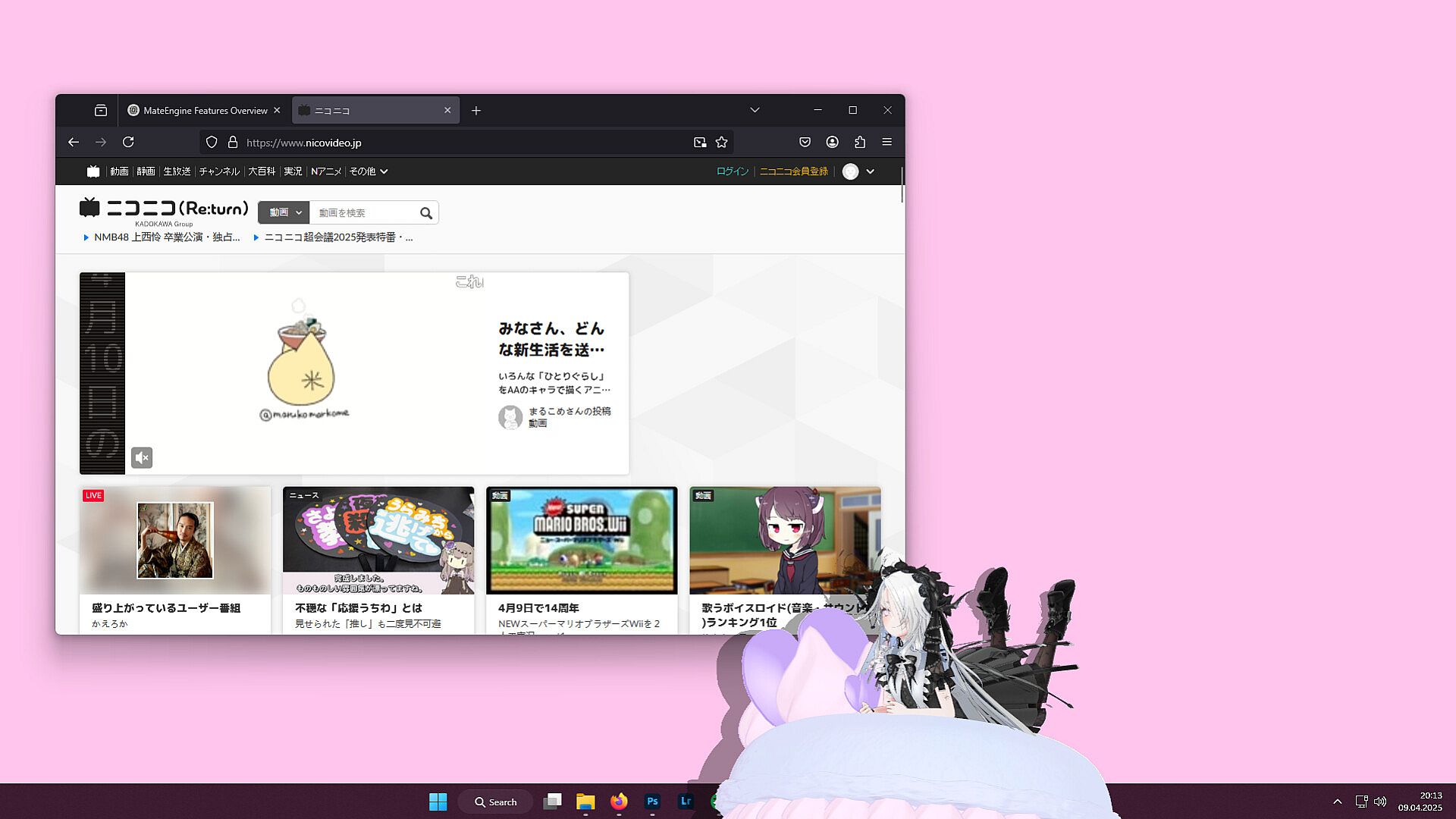
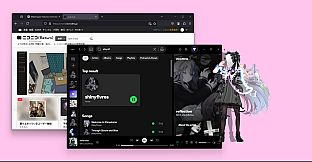
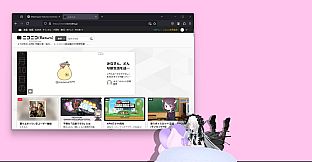
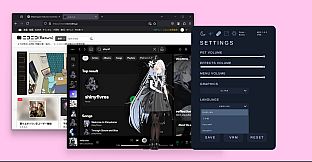
Drag your pet onto a window and it will relax on top! Perfect for watching videos she'll watch with you. Or let her quietly spy while you do your homework, hehe.
This feature is experimental and not fully developed. Please avoid using it with apps that have anti-cheat protection enabled.
DANCING
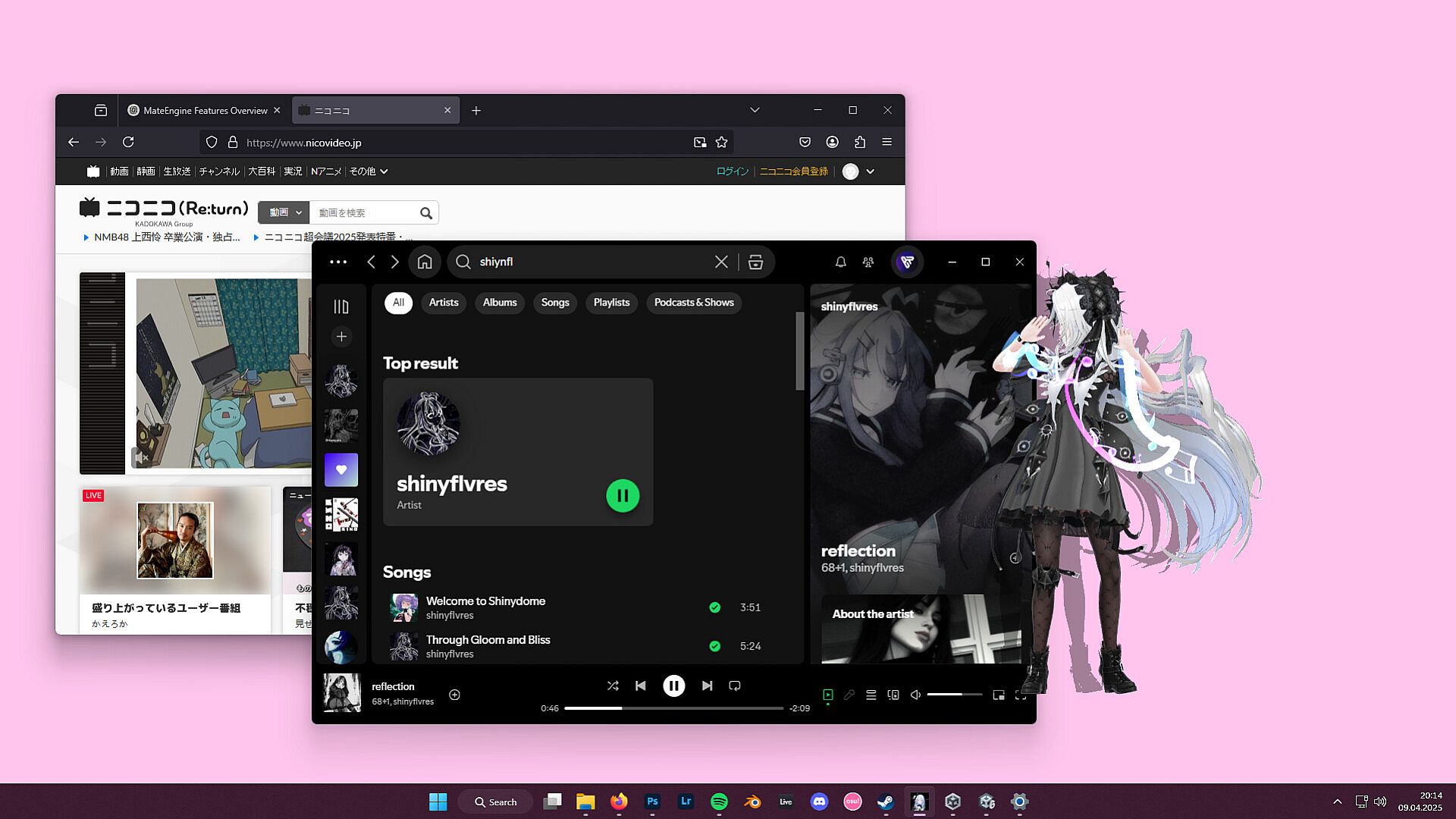
She will start dancing when you play music! You can decide which apps are allowed to trigger dancing.
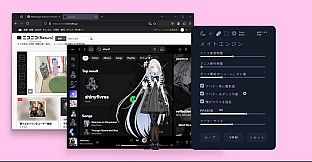
Open the Options menu, go to the audio sources, and whitelist your music apps.
Tip: Start the music app first (e.g. Spotify), then open the menu and add it to the source list!
HEAD AND SPINE MOVEMENT
Not just the head — her eyes, head, and spine all follow your mouse cursor!
This makes the movement look smooth and natural compared to other desktop pets.
HAND MOVEMENT
Careful! Sometimes she’ll try to grab your mouse — hehe!
Move your cursor near her hands or arms and watch her try to catch it!
TOUCH REGIONS
Hover your mouse over sensitive areas like the head or belly to trigger cute gestures!
For example, hovering over her head makes her giggle and spawn sparkle effects, making her feel comfy.
CHATTING
You can chat with your pet anytime! Just note that it’s a small, local AI with simple messages.
For more complex conversations, you can use mods with your own models and messages!
RELAXING
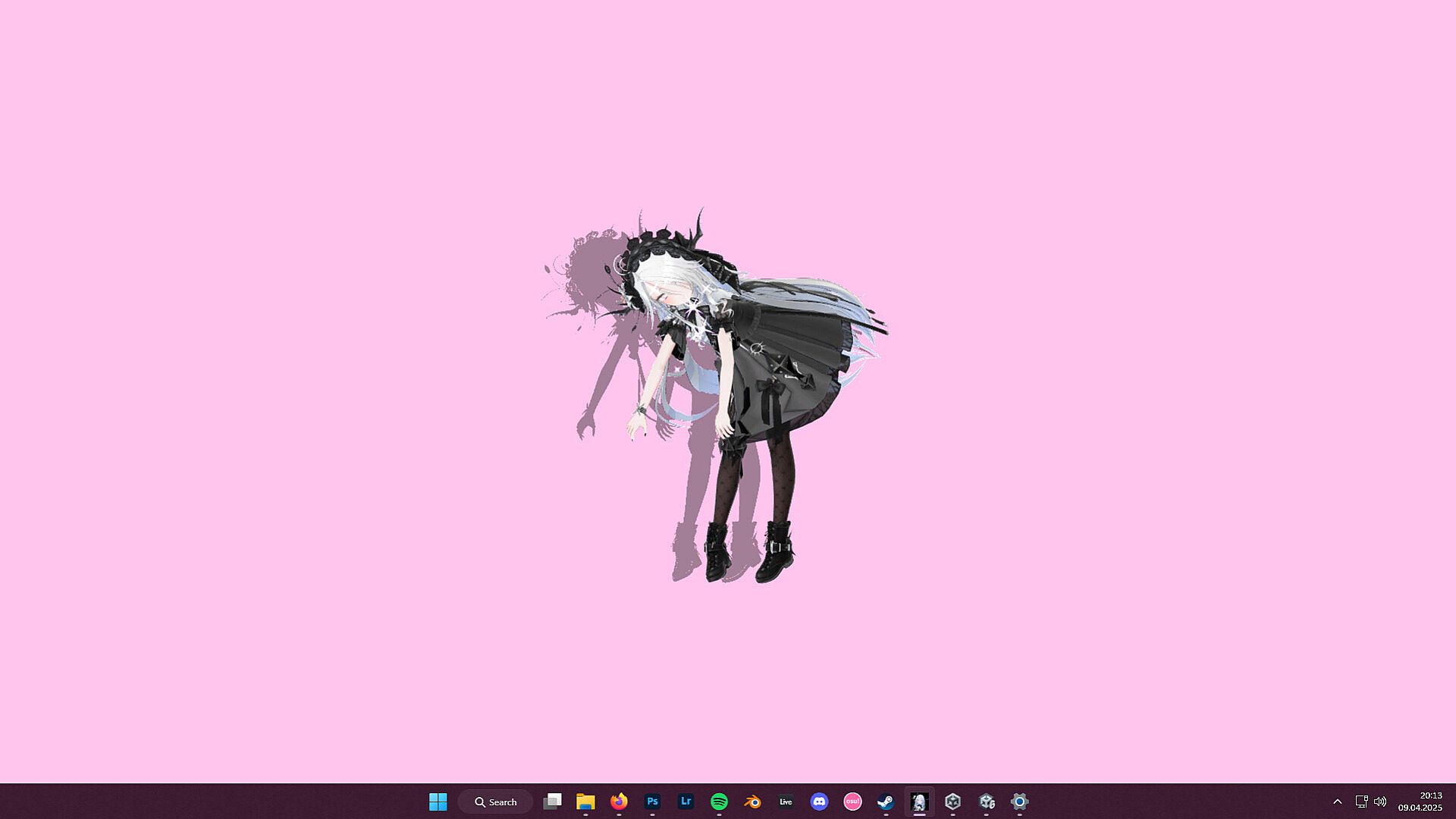
When you drag her to the taskbar, she’ll lay down and relax on a big candy macaron,
watching your mouse cursor with sleepy eyes.
DRAGGING
You can reposition her by clicking and dragging her with your mouse.
Just hold the button down and move her wherever you like!
CHIBI MODE
Hold your mouse over her feet for a few seconds and she’ll transform into a tiny,
adorable chibi version of herself — extra smol and cute!
CUSTOMIZATIONS
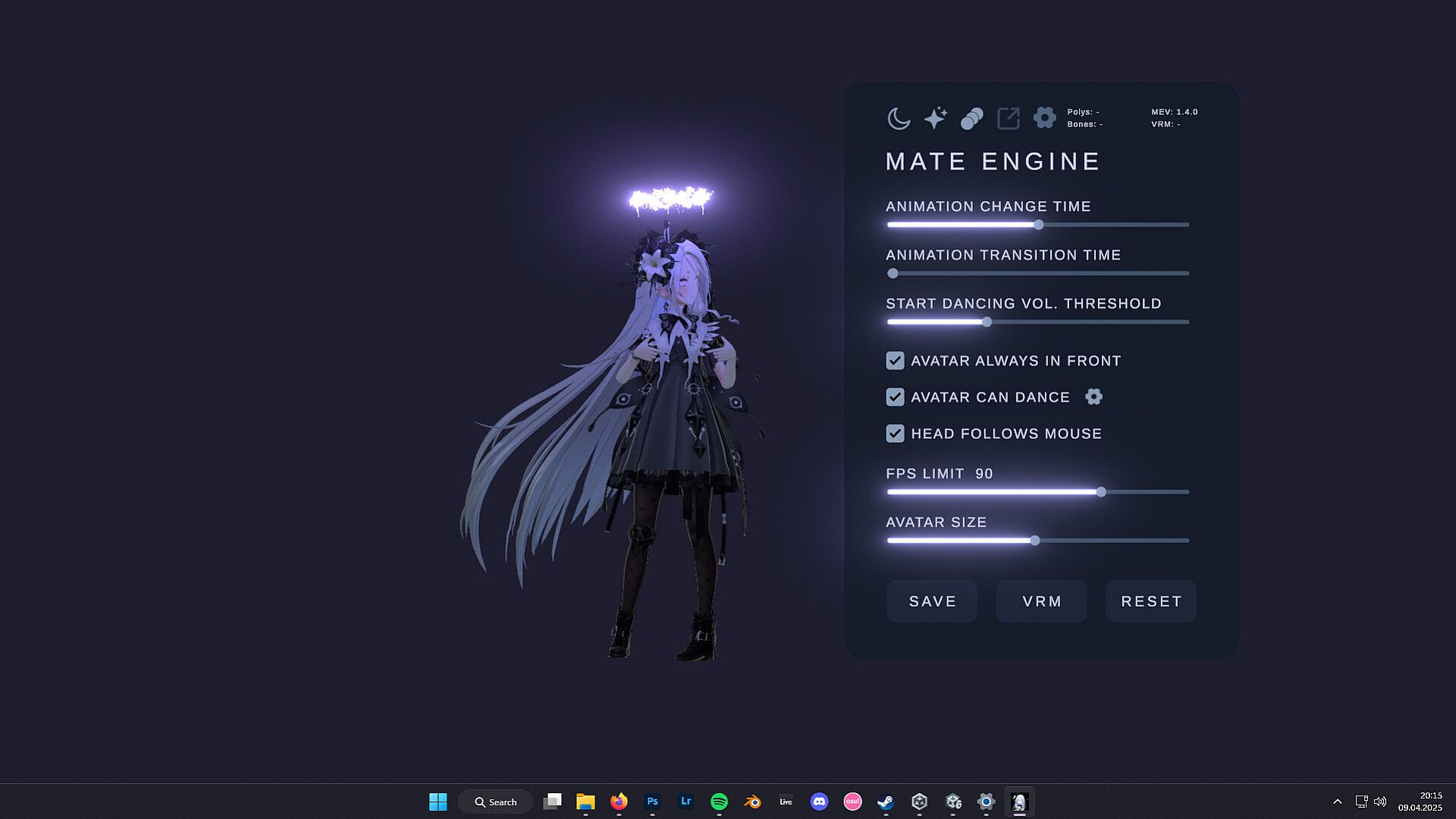
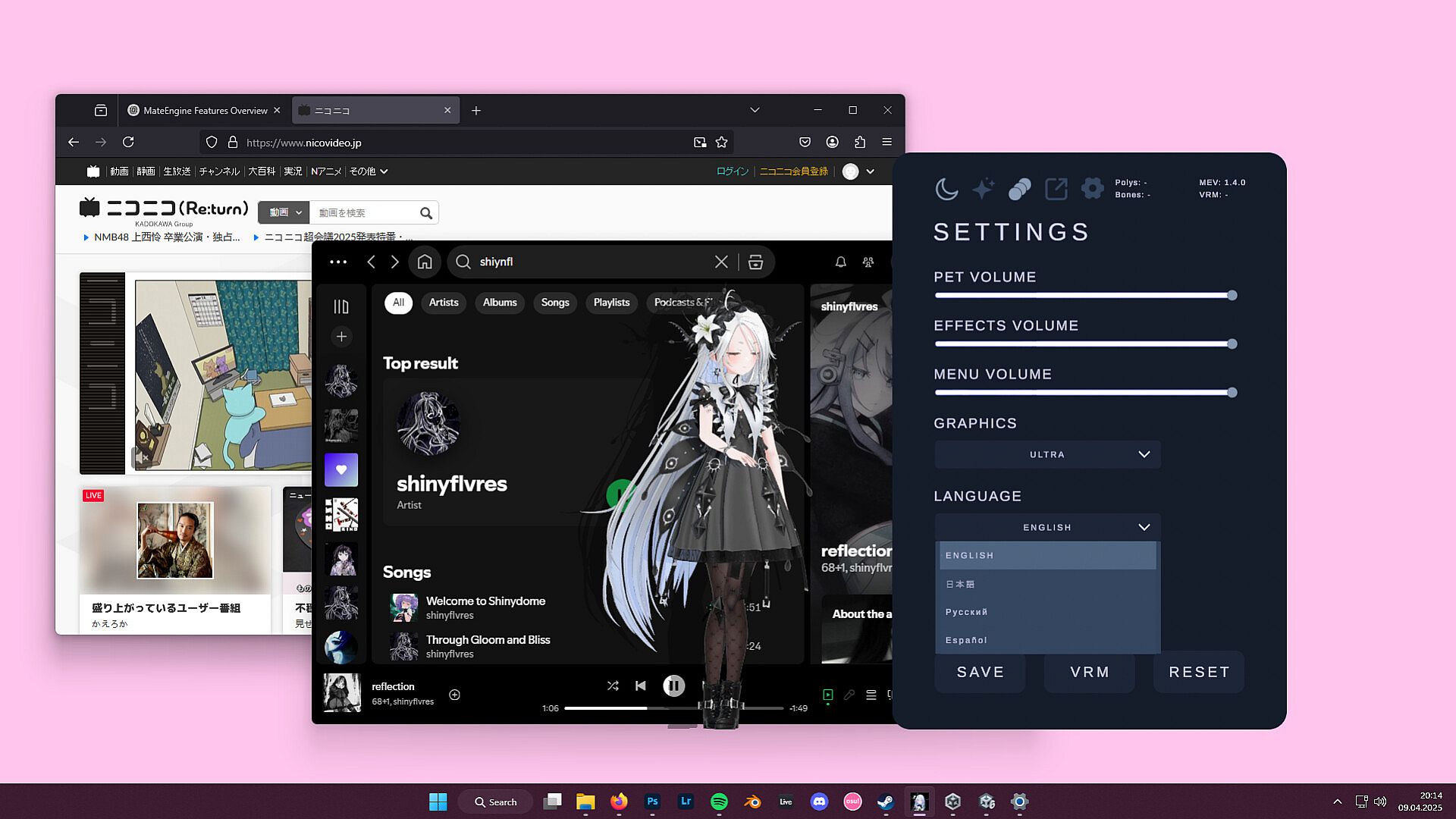
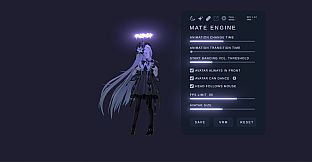
You can change her size, animation speed, language, and modes.
There are also graphics and FPS settings for low-end (potato) PCs!
DARK MODE
You can turn off lighting — perfect for VRM models with emissive textures!
Pair it with the glow/bloom toggle and your pet will shine like a diamond in the dark
MODDING
Modding is supported! Load your own VRM model by pressing the VRM button.
If your model doesn’t load, it’s likely corrupted or not exported correctly.
Make sure to export using the correct format:
VRM0.X: Uses MToon Shader
VRM1.X: Uses MToon10 Shader
Also make sure your model uses a proper humanoid bone setup.
MateEngine follows the official VRM loading specification, so model issues are not caused by the app.
How To Use
It’s easy! Just start MateEngine and you’ll be greeted by Zome.
Right-click Zome to open the Options menu — here you can change graphics, effects, audio, and choose which apps make the pet dance.
Tip: Start the sound app (e.g. Spotify) and play something before opening the menu, or it won’t appear in the sound source list. Then add it to the Danceability list and save.
Key Features
Idle Animations: 10 different idle animations for when the pet is relaxing on your desktop!
Drag Animation: 1 drag animation plays when you move your pet around the desktop.
Dance Animation: The pet dances when music plays on apps like Spotify, Chrome, and others!
Head Tracking: The pet follows your mouse with its head.
Eye Tracking: The pet's eyes also follow your mouse for extra detail!
Hand Tracking: When you hover your mouse near its hands, the pet will try to catch and hold it!
Head Pats: Hovering over the pet’s head makes it shake, jiggle, and spawn adorable heart particles.
Spine / Chest Tracking: Head, eye, and hand tracking aren’t enough! When you move the mouse, the pet will also move its upper body in that direction to make movement more realistic!
Chibi Mode: Hover over its feet for 3 seconds to transform the pet into a chibi version! Works with custom VRM models.
Sensitive Parts: The pet will react shyly and cover certain areas if you hover over them.
Custom VRM Support: Load any VRM using MToon shaders (UniVRM VRM0). VRM1.X (MToon10) support coming soon!
Particle Effects: Includes various particle effects, with more to come!
Auto-Load Custom VRM: Your custom model loads automatically on startup.
Performance
MateEngine is designed to be lightweight on CPU and GPU resources. RAM usage depends on your model’s complexity, especially texture sizes. For example, a high-res VRM model may use around 200MB of RAM. Simpler models use significantly less.
Animation transitions are smooth and fluid, providing a more natural experience compared to other apps in this space.
Planned Features (Upcoming Updates)
Menu color customization
Wallpaper Engine integration
Optional support for avatars sitting on windows or the taskbar
Known Limitations
Taskbar/window sitting is currently disabled to avoid triggering anti-cheat systems in certain games.
Community and Contributions
MateEngine is open-source. IIf you’re a developer or just curious about how it works, you're welcome to explore the project, contribute features, or build your own versions using Unity.