


Compra Marble on Rails PC

Dove comprare la chiave Steam Marble on Rails {6} più economica? Confronta i prezzi da 1 store e scegli la soluzione migliore tra 1 offerte su XD.deals. Al momento il prezzo {6} più basso per Marble on Rails nei keyshop è su 2,99 € (0% di sconto).

Uscita: 01 set 2022
Steam:
Overwhelmingly Negative (4)
Keyshops
Non disponibile
Compra nello store ufficiale:
2,99 €
Compra nei keyshop:
Vedi storico prezzi

Store ufficiali (1)

DRM:
Steam
Steam
Steam
Marble on Rails
Windows
1sett fa
DRM:
Steam
Steam
2,99 €

Info su Marble on Rails

Marble on Rails - info sul gioco
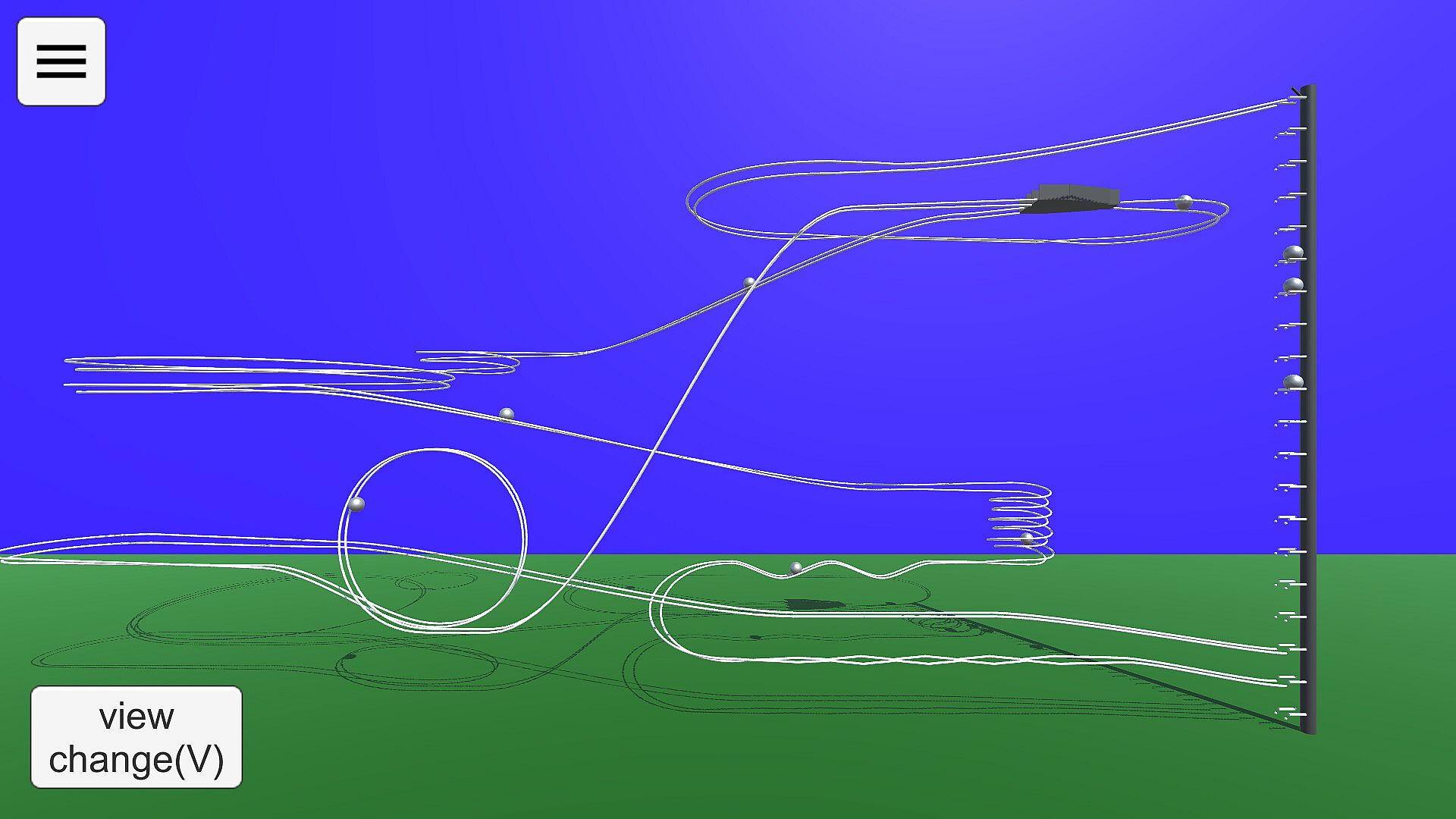
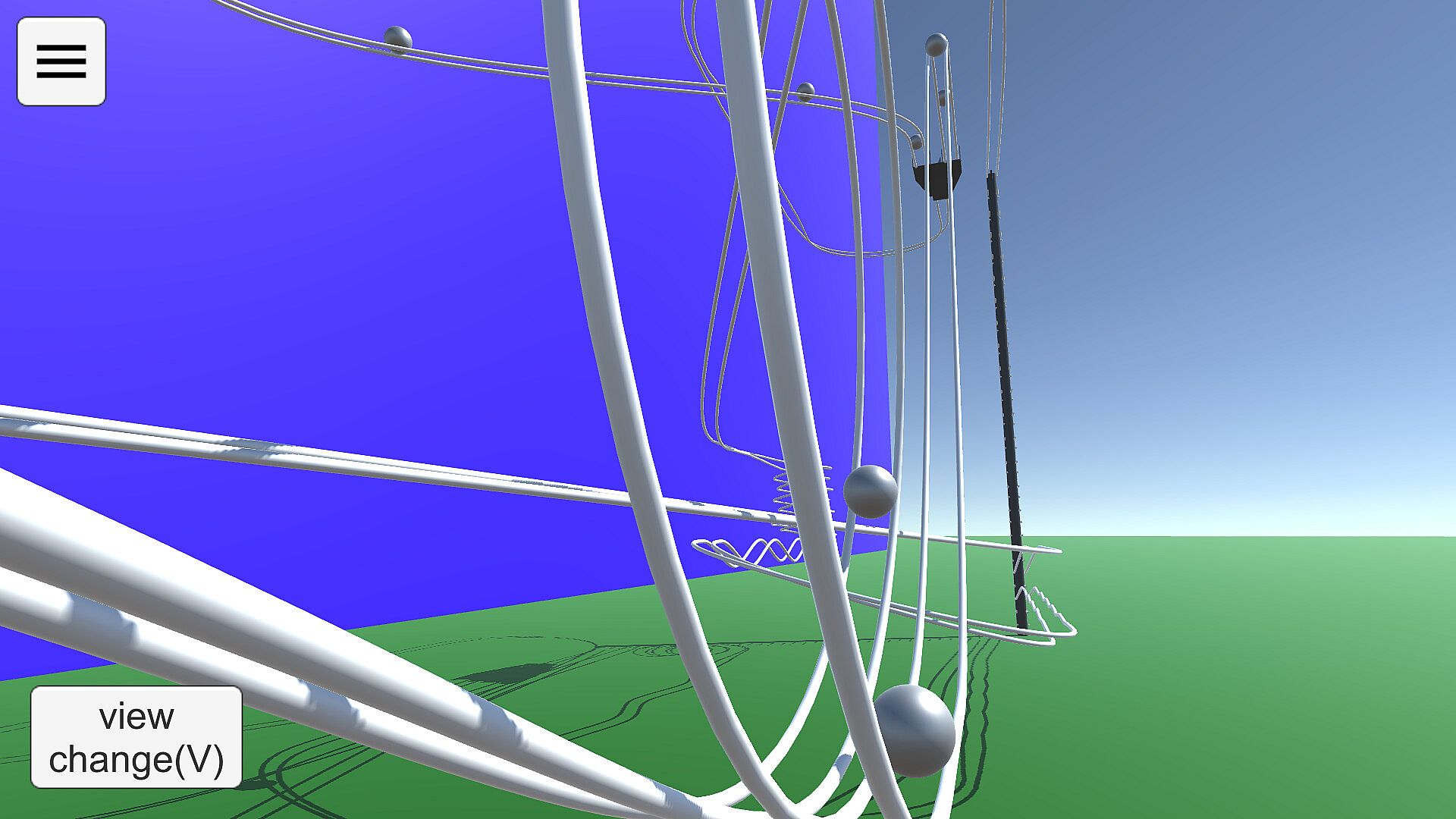
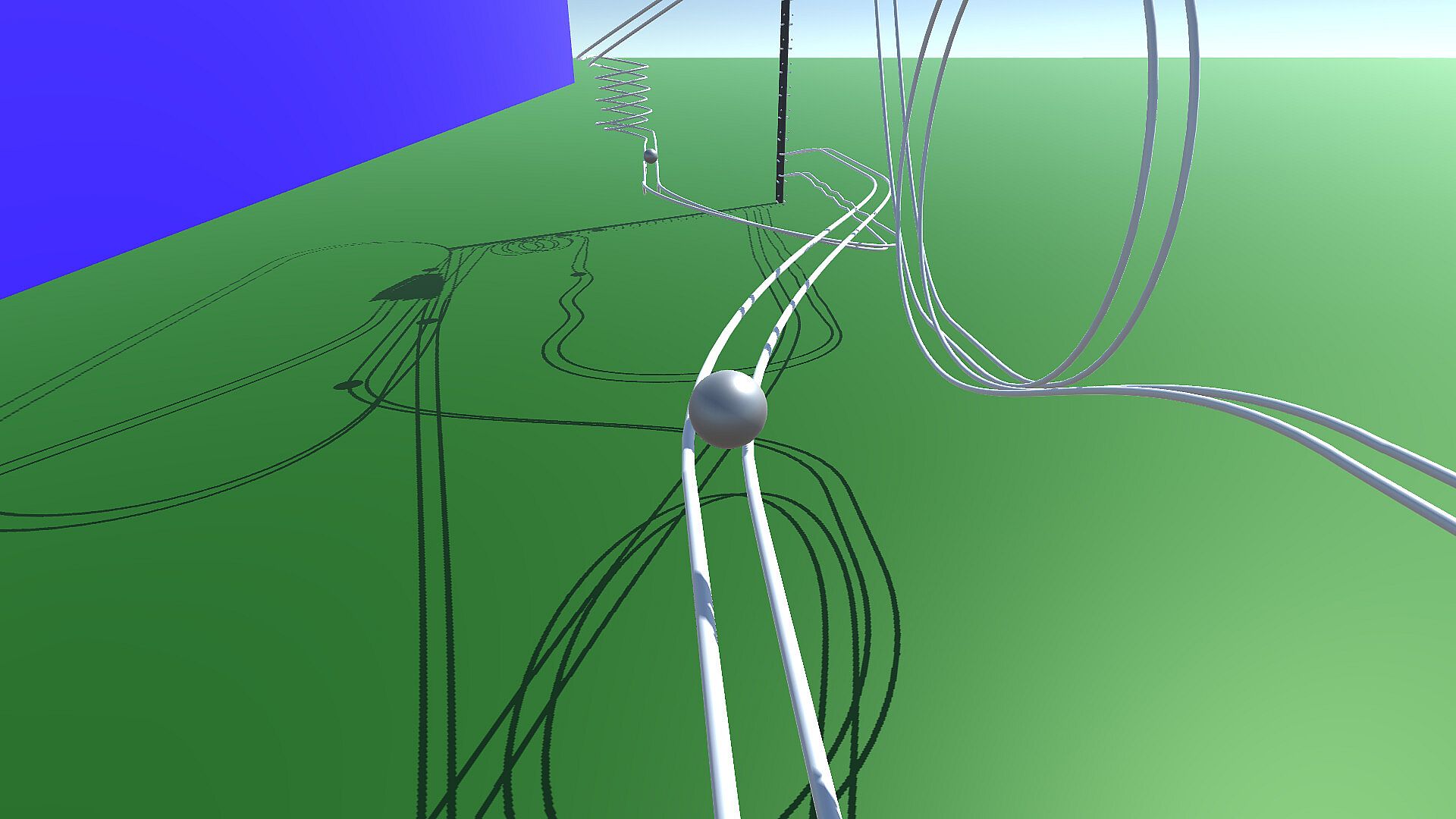
Build and test intricate marble runs in this indie simulation on PC. Switch between View Mode to observe marble paths on your courses or samples, tweaking cameras with shortcuts like 1-5 for fixed angles and WSADQE keys for movement. Drag the screen to adjust direction, track specific balls, or reset runs for quick checks. In Edit Mode, place rails like in drawing software by setting anchor points and Bezier control points within ground lines, adding preset shapes such as straights, curves, or loops. Fine-tune bank angles, position up to five cameras, and configure the elevator for ejections and connections to loop marbles back. Share creations via Steam Workshop and enjoy enhanced physics accuracy with shadows over the Android version, perfect for simulation fans who craft precise tracks.

How to play
'Marble on Rails' is a marble run simulation application.
The application has two modes: View Mode and Edit Mode.
View Mode
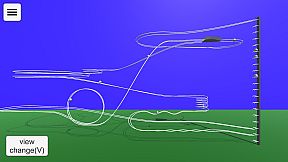
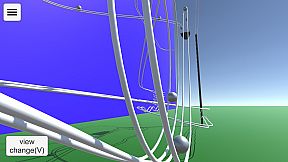
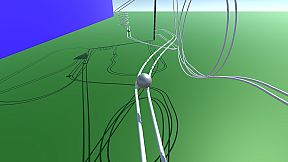
In View Mode, you can view the behavior of the courses you have created so far and sample courses.
The viewpoint can be switched using the buttons, and the marbles to be gazed at can be changed. You can change the camera direction by dragging the screen with the mouse.
You can use the keyboard (WSADQE, cursor keys) to move the viewpoint as desired.
The drawer menu is displayed by pressing the hamburger button in the upper left corner. You can change some settings and modes, and exit the application.
Keyboard Shortcuts in View Mode
1-5 Camera Switching. Fixed camera to be set when editing course.
6 Ball tracking side angle camera. operated by WS, cursor keys.
7 Ball tracking rear angle camera, operated with WS and cursor keys.
8 Rotational camera.
0 Fixed camera, ball tracking. With zoom. Zoom size can be changed with up/down cursor keys.
V Switch camera in sequence.
B Switching the ball in focus
M Toggle on-screen button display
R Ball reset
Period(.) Random camera switching mode.
Edit Mode
You can create your own courses.
The rails are placed and edited in the same way as in drawing software. Smooth rails can be generated by setting anchor points and control points in space.
Anchor points can be placed within the white line drawn on the ground in the edit screen.

There are several states in the edit mode.

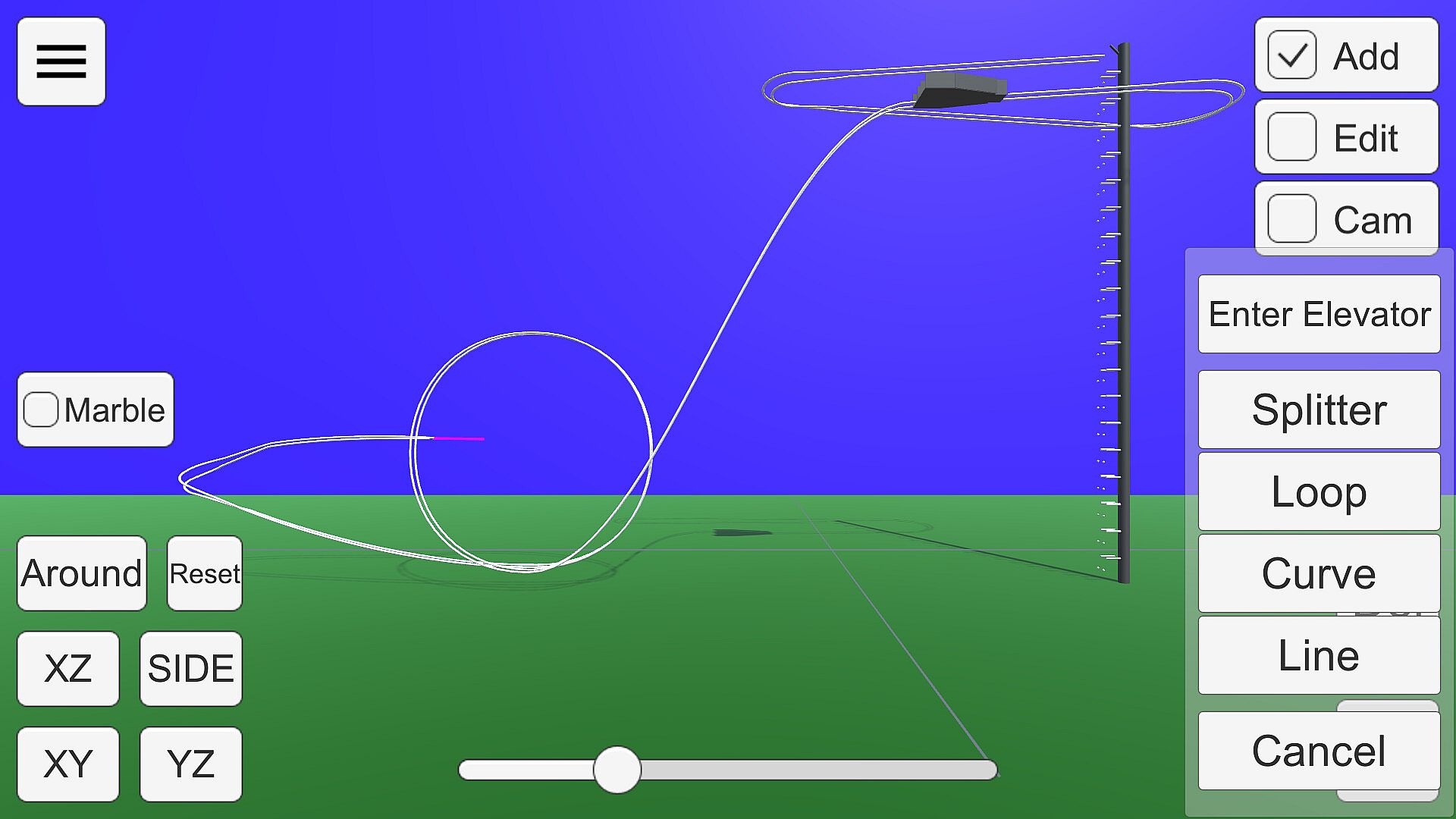
Add:
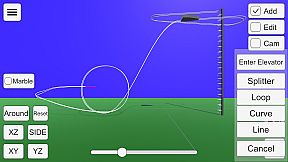
Press the + button to add a rail with a preset shape, such as straight, curved, or looped.
A pink bar is displayed at the position to be added. If there are multiple positions to which rails can be added, press the Add button again to change the add position.
You can delete the anchor point at the position of the pink bar by pressing the Del key.
If there are no more positions to add (all rails are connected to the elevator), this state will no longer be selectable.
If you want to delete a connection to the elevator, put the point of connection to the elevator in Edit state and select "Disconnect from elevator".
Edit:
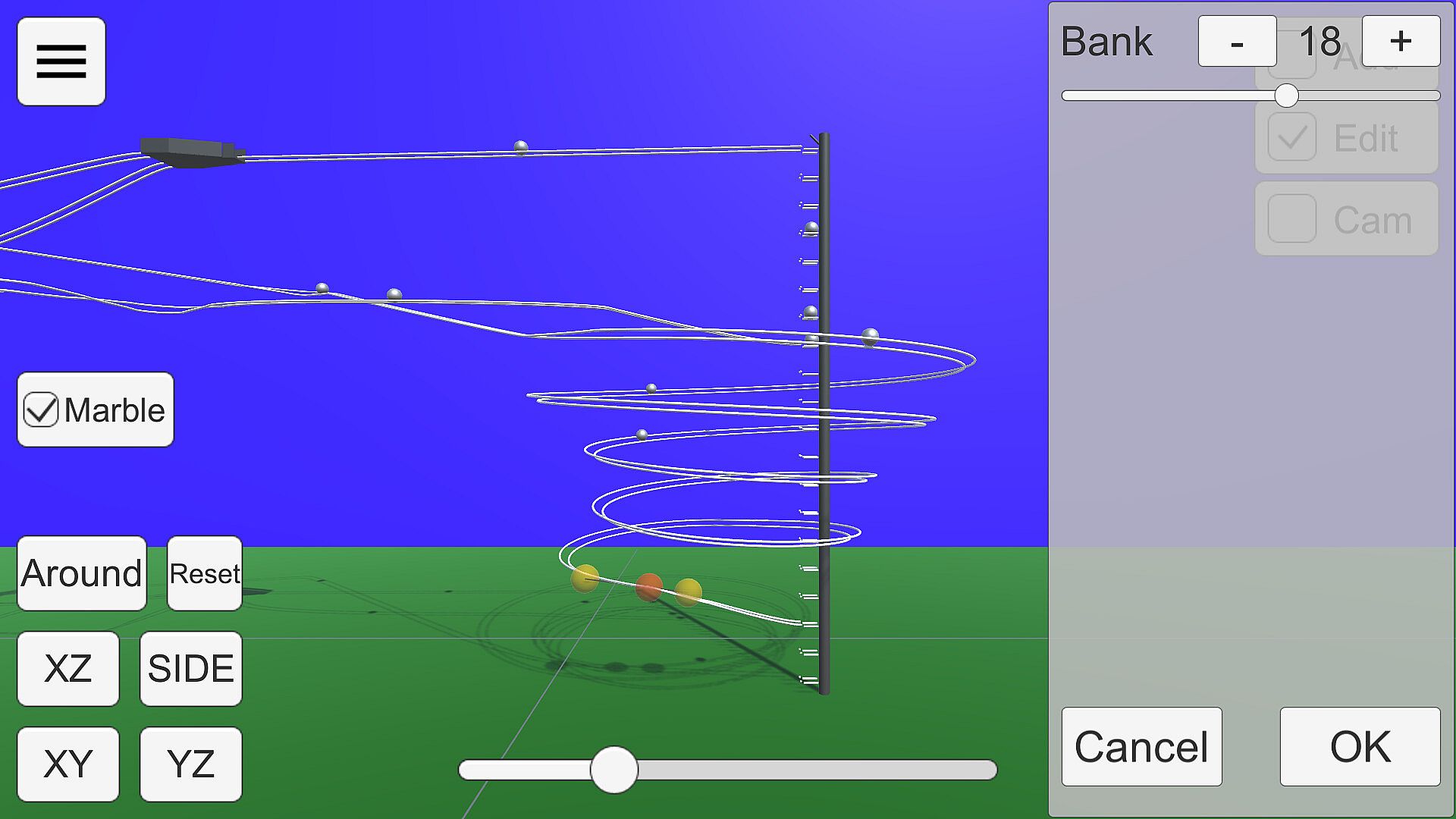
The anchor point of the rail is displayed as a gray sphere.

Click on the sphere to enter anchor point edit mode.

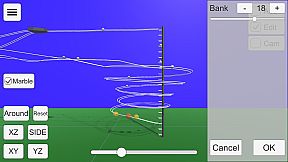
Anchor points are displayed as red spheres and Bezier curve control points as yellow spheres.
Each sphere can be moved by dragging.
The bank angle of the rail can be edited in the window displayed on the right.
Cam:
You can edit up to five camera positions to be used in View Mode.
Use the buttons in the lower right corner to switch camera numbers and move the camera with the mouse or keyboard (WSADQE).
About the viewpoint
The 'XY', 'YZ', 'XZ', 'SIDE', and 'Reset' buttons in the lower left corner and the seek bar for zoom control the viewpoint.
Press 'XY', 'YZ', and 'SIDE' twice to get the view from the back side.
The Bezier curve control points move on the visible plane when editing, so proper viewpoint switching is necessary. XZ' or 'SIDE' is recommended.
About the Elevator
In Edit mode, select the center sphere of the elevator to open the elevator setting window.
In this state, it can be moved by dragging. From the side panel, you can select the direction of ejection, height, and three-way.
Connecting to an Elevator
Selecting 'Enter Elevator' in Add mode adds a straight line connecting the current position to the nearest elevator point.
In order to successfully return the ball to the elevator, the rail must be connected to the elevator and the ball must be controlled to roll in the direction of the elevator.
Mouse Controls
Drag to move the ball parallel to the screen.
Right-click and drag to rotate around the gazing point. If there is no gazing point, rotate the camera.
Keyboard shortcuts
Escape key cancels a dialog or opens a drawer menu.
See below for shortcuts when in edit mode.
Miscellaneous
You can run Marble for testing by checking the Test checkbox.
Steam Workshop
You can share the courses you have created.
Uploading is available from the Edit Mode menu. You can upload the course you are currently editing. Tapping the notification that the upload is complete will open the Steam item page. The preview image will use the camera setting Cam1.
If you want to view a course shared in the workshop on your own computer, you can subscribe to it on the Steam Workshop. The subscribed courses will be downloaded automatically. You can select the downloaded course from the "Steam Workshop" menu in View Mode.
Differences from the Android version
Compared to the Android version, the accuracy of physics calculation has been improved. This allows Marble to run more smoothly.
Shadows are drawn
Elevator three-way support

Interfaccia:
EnglishJapanese

Classificazione per età

Non disponibile
Steam:
Overwhelmingly Negative (4)

Minimo:

  • Processore: Intel Core i3 4160
  • Memoria: 4 GB RAM
  • Grafica: Intel HD Graphics 4400
  • DirectX: Version 10
  • Archiviazione: 200 MB available space

Consigliato:

Minimo storico
Storico prezzi dei negozi ufficiali
-
-
-
Storico prezzi dei keyshop
-
-
-

FAQ

8 domande

Prima di cercare una chiave economica di Marble on Rails, controlla le informazioni essenziali. Sviluppato da dbitware. Pubblicato da dbitware. Data di uscita su PC: 01 set 2022. Generi: Indie, Simulation. Categorie: Family Sharing, Steam Workshop, Single-player.

Q

Dove comprare una chiave Steam di Marble on Rails a poco?

Grazie al nostro comparatore di prezzi e ai codici sconto verificati, puoi acquistare una chiave di Marble on Rails a partire da 2,99 €. Questa offerta è disponibile su Steam ed è tra le più economiche sul mercato. Tutte le chiavi su XD.deals vengono consegnate in formato digitale e sono disponibili per il download immediato dopo il pagamento. I prezzi includono già le commissioni e i codici promozionali applicati, così vedi sempre il prezzo più basso di Marble on Rails su PC. Controlla lo storico prezzi di Marble on Rails per acquistare al momento migliore.

Secondo il nostro ultimo aggiornamento (aggiorniamo i prezzi Steam più volte al giorno), il prezzo di Marble on Rails su Steam è 2,99 €. Puoi risparmiare un ulteriore ~6% pagando con una carta regalo Steam scontata.

Il nostro tracker dei prezzi copre sia i rivenditori ufficiali che i marketplace di chiavi, così puoi trovare Marble on Rails in offerta anche al di fuori delle promozioni stagionali. Al momento rileviamo 1 offerta attiva da store ufficiali e keyshop. Controlla la tabella qui sopra, confronta con il minimo storico e imposta un avviso per non perdere il prossimo calo di prezzo.

Secondo i nostri dati, Marble on Rails non è attualmente disponibile su GeForce NOW. Dovrai eseguirlo localmente sul tuo PC. Sfoglia i giochi disponibili su GeForce NOW.

. Marble on Rails ha una pagina ufficiale su Steam. Puoi anche acquistare una chiave Steam di Marble on Rails da venditori terzi. Il nostro comparatore include attualmente 1 offerta con DRM Steam. Scegline una per assicurarti che il download di Marble on Rails avvenga sulla piattaforma di Valve.

Non al momento. Valve classifica Marble on Rails come non supportato su Steam Deck. Tieni d'occhio XD.deals - tracciamo gli aggiornamenti di Proton e le soluzioni della community. Sfoglia i giochi Steam Deck Verified o Steam Deck Playable.

Marble on Rails non sembra essere disponibile su PC Game Pass, EA Play, Ubisoft+ o altri servizi in abbonamento per PC al momento. L'unica opzione è acquistare il gioco - usa XD.deals per trovare il prezzo migliore.

No - XD.deals non è un negozio. Siamo un comparatore di prezzi che traccia le migliori offerte per Marble on Rails tra store ufficiali e keyshop verificati. Clicca "Vai al negozio" accanto a qualsiasi offerta e verrai reindirizzato al sito del rivenditore per completare l'acquisto.

Migliori prezzi per Marble on Rails

1 Steam Steam Official
2,99 €

Vuoi comprare al momento migliore? Imposta un avviso di prezzo su XD.deals e ricevi una notifica quando Marble on Rails raggiunge il suo prossimo minimo storico.

Crea avviso
Unisciti al nostro Discord
Ottieni aiuto immediato dalla community e resta aggiornato sulle offerte
Imposta avvisi di prezzo
Ricevi notifiche via email quando i prezzi scendono al tuo target
Crea un account gratuito
Sblocca wishlist, avvisi di prezzo e sincronizzazione Steam










