


Acquista Iron Naval Battle PC CD Key

Iron Naval Battle è in arrivo! Aggiungilo alla wishlist e ti avviseremo quando sarà disponibile.

Metacritic:
tbd tbd
Official
Non disponibile
Keyshops
Non disponibile
Compra nello store ufficiale:
Non disponibile
Compra nei keyshop:
Non disponibile

Nessuna offerta al momento, ma non preoccuparti: ti informeremo quando ne comparirà una nuova.

Create Alert Create deal Alert

Info su Iron Naval Battle

Iron Naval Battle - info sul gioco
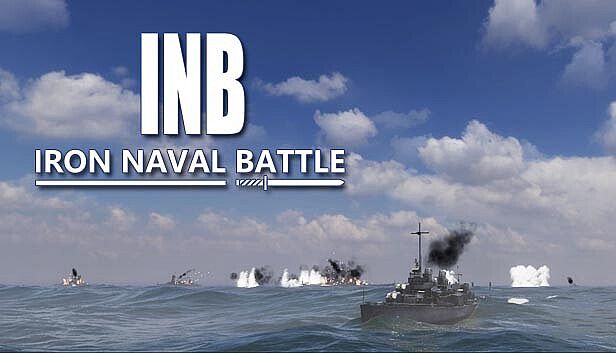
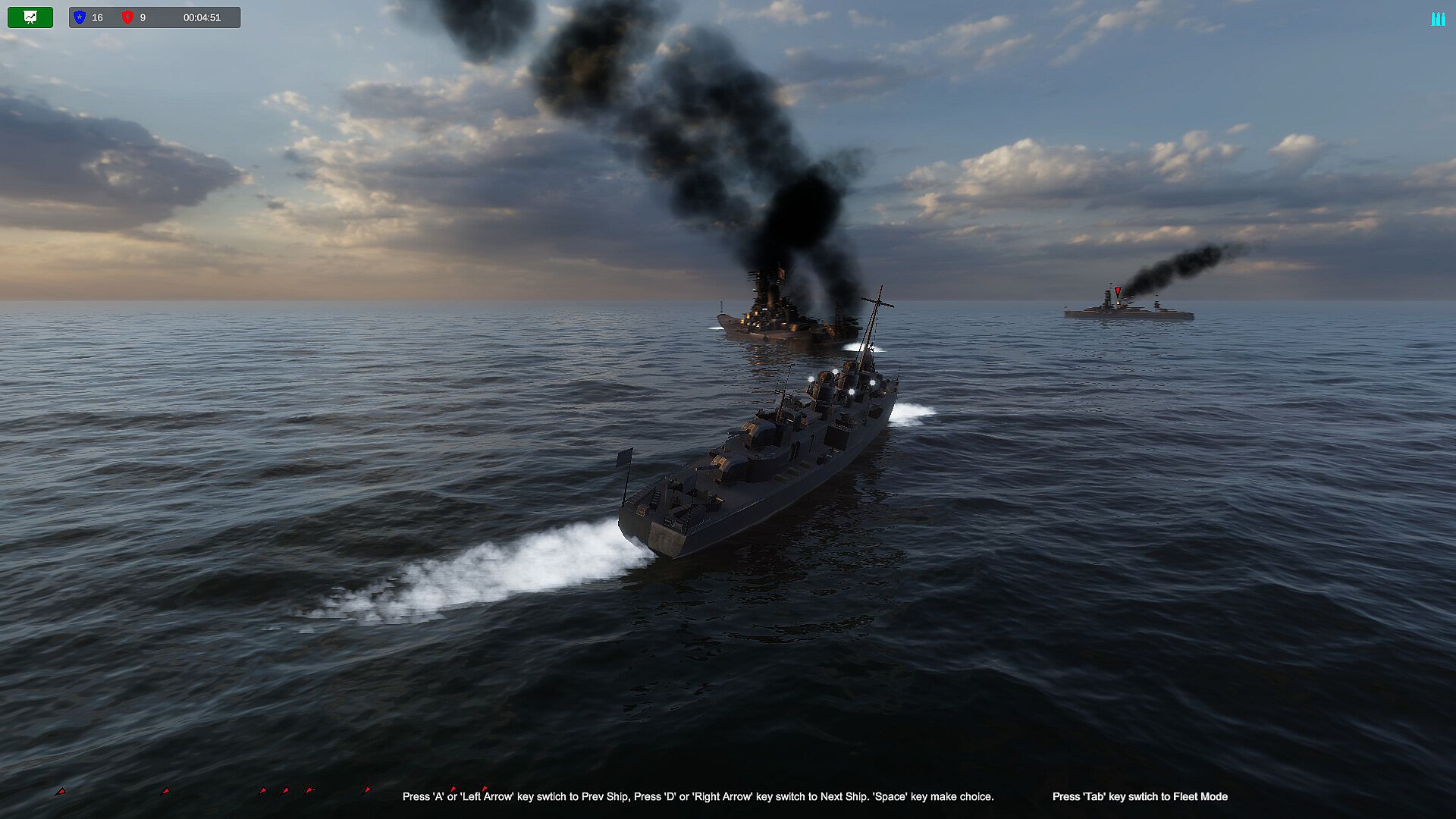
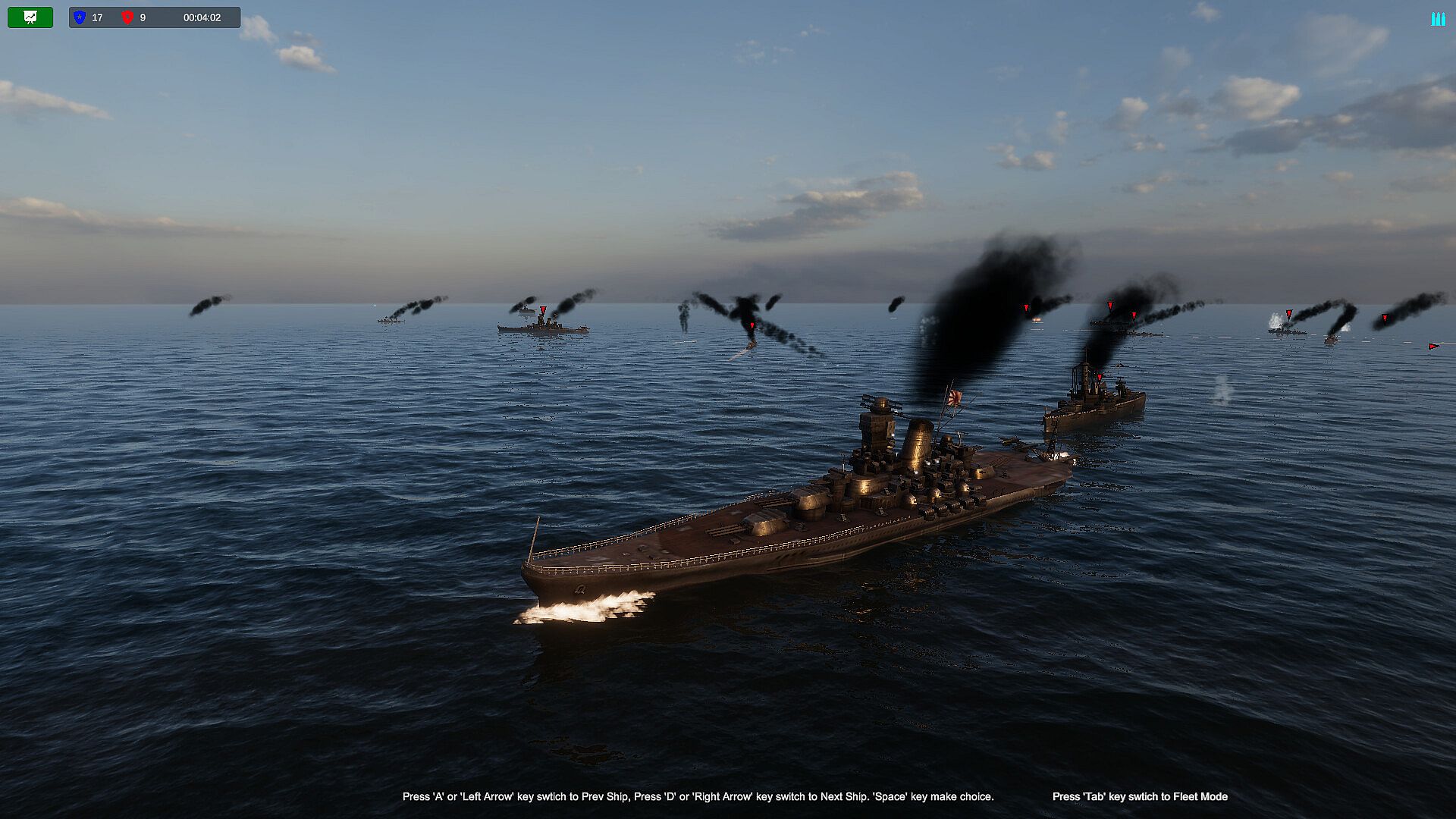
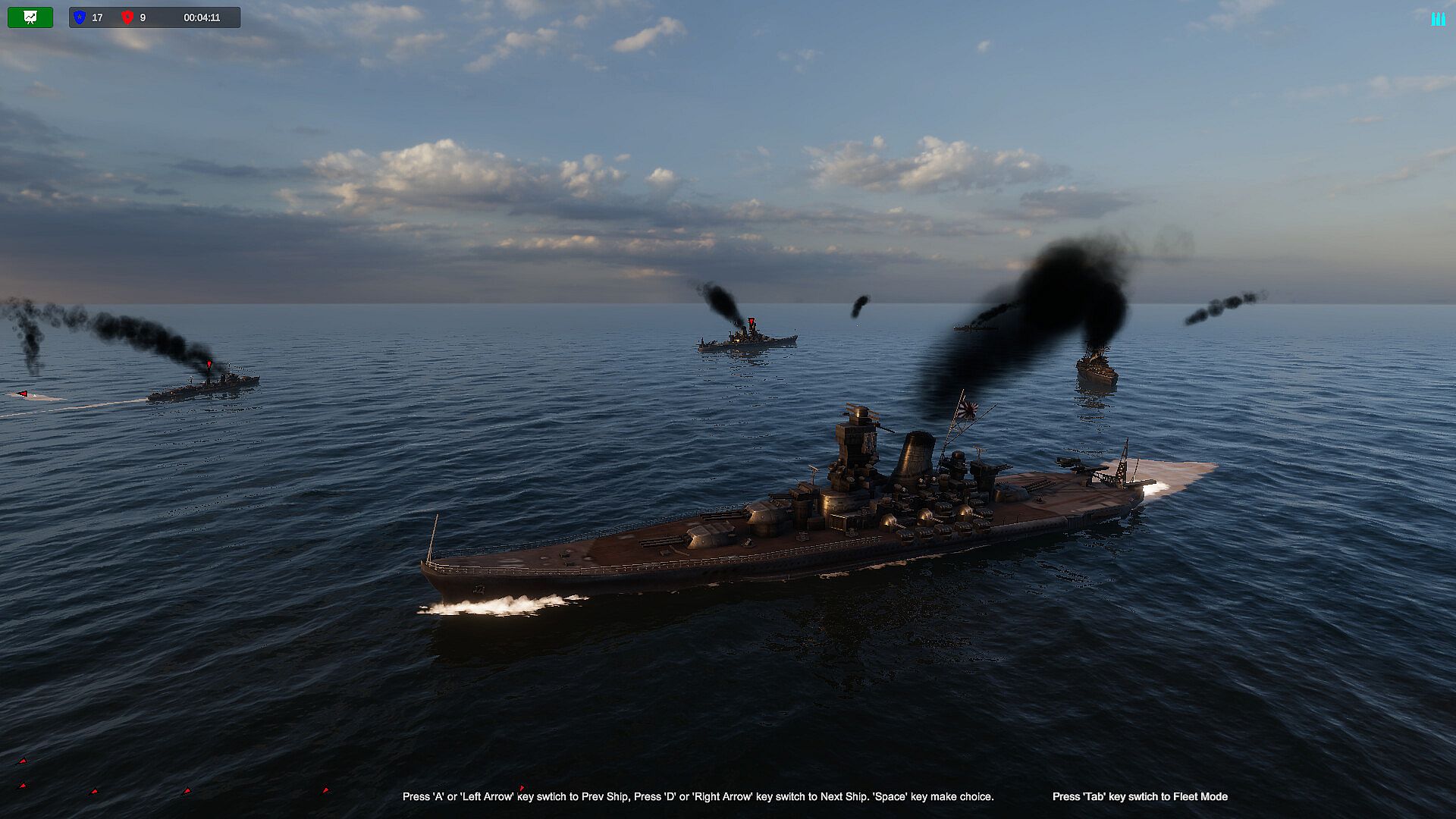
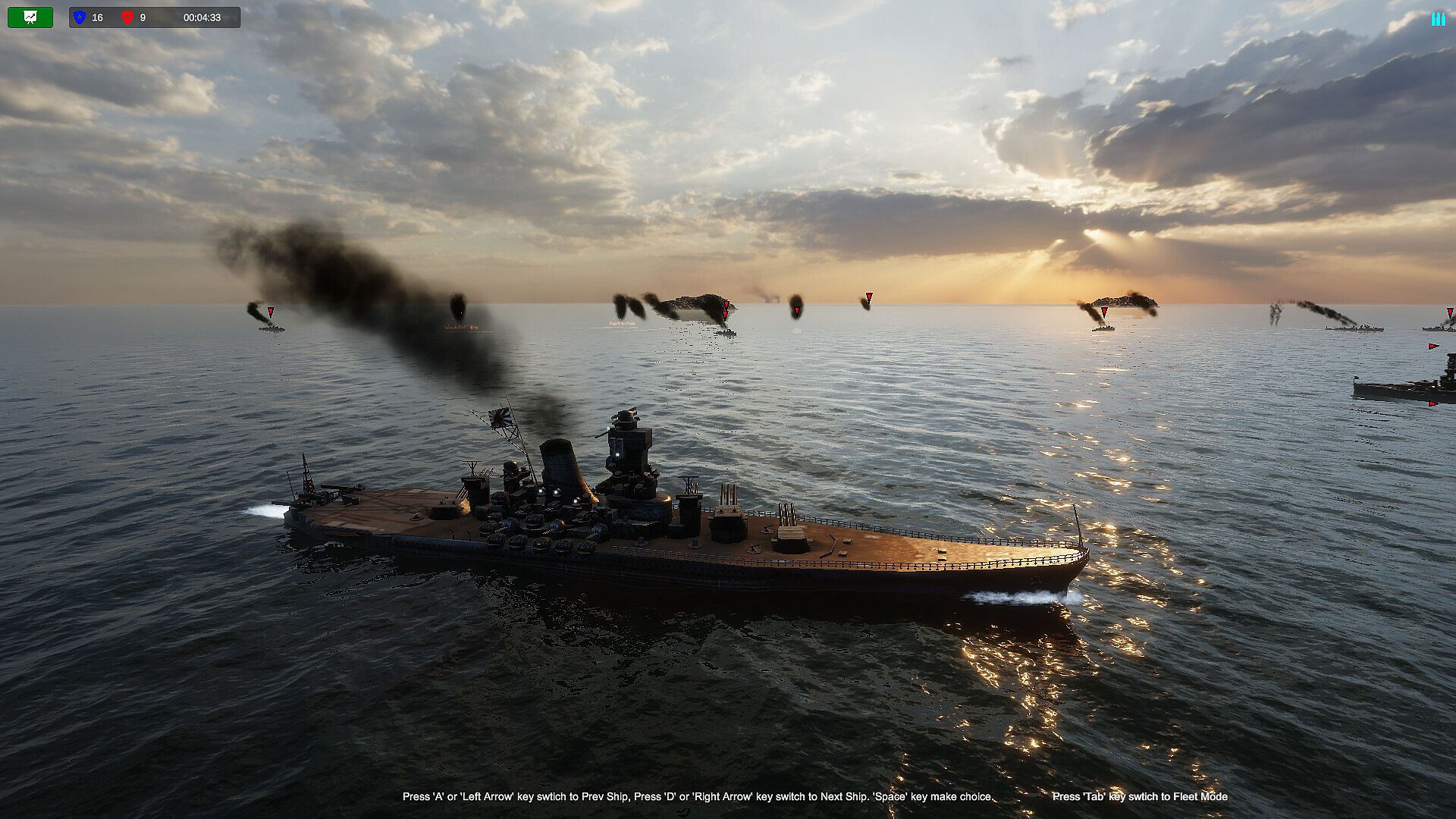
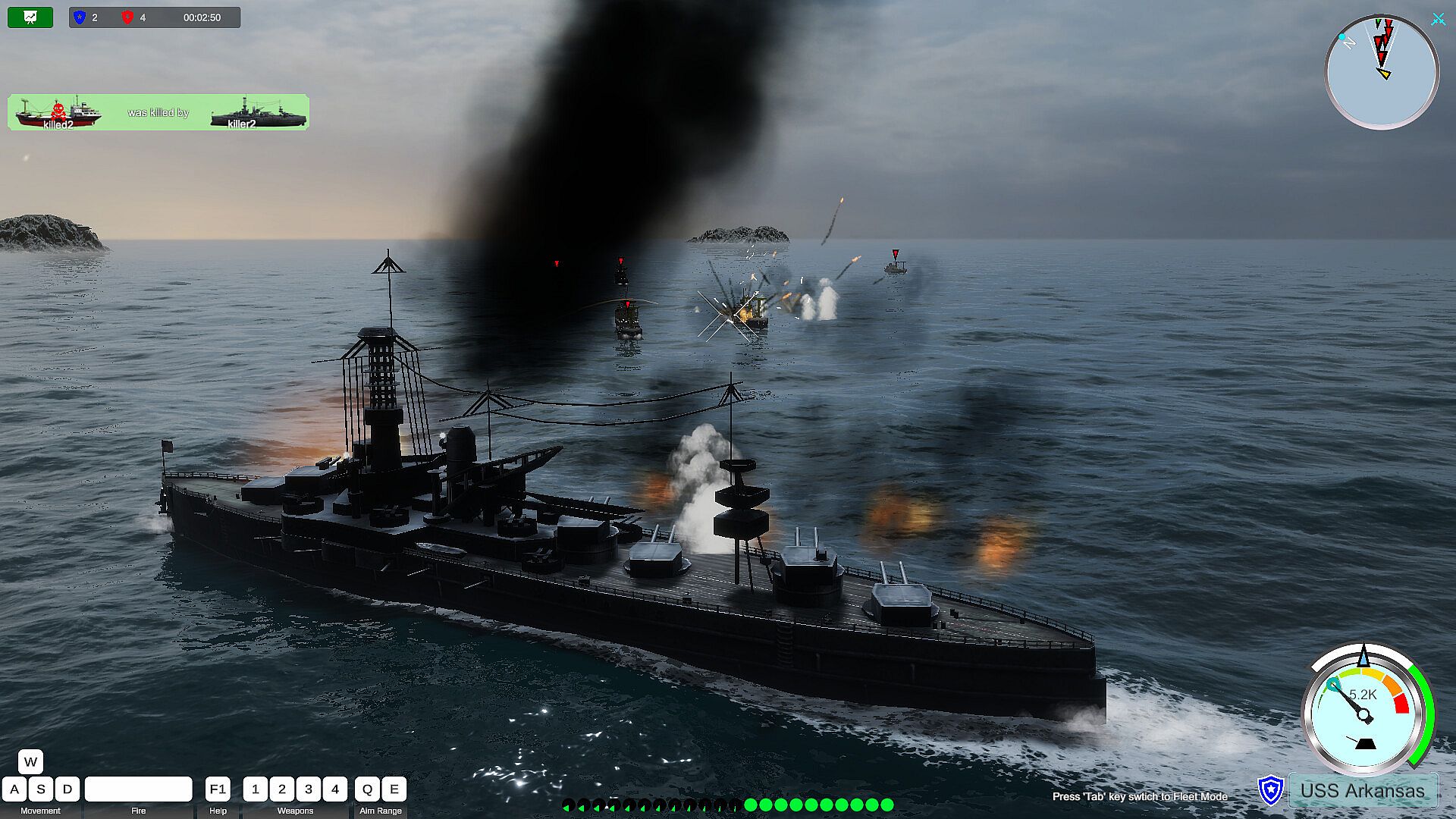
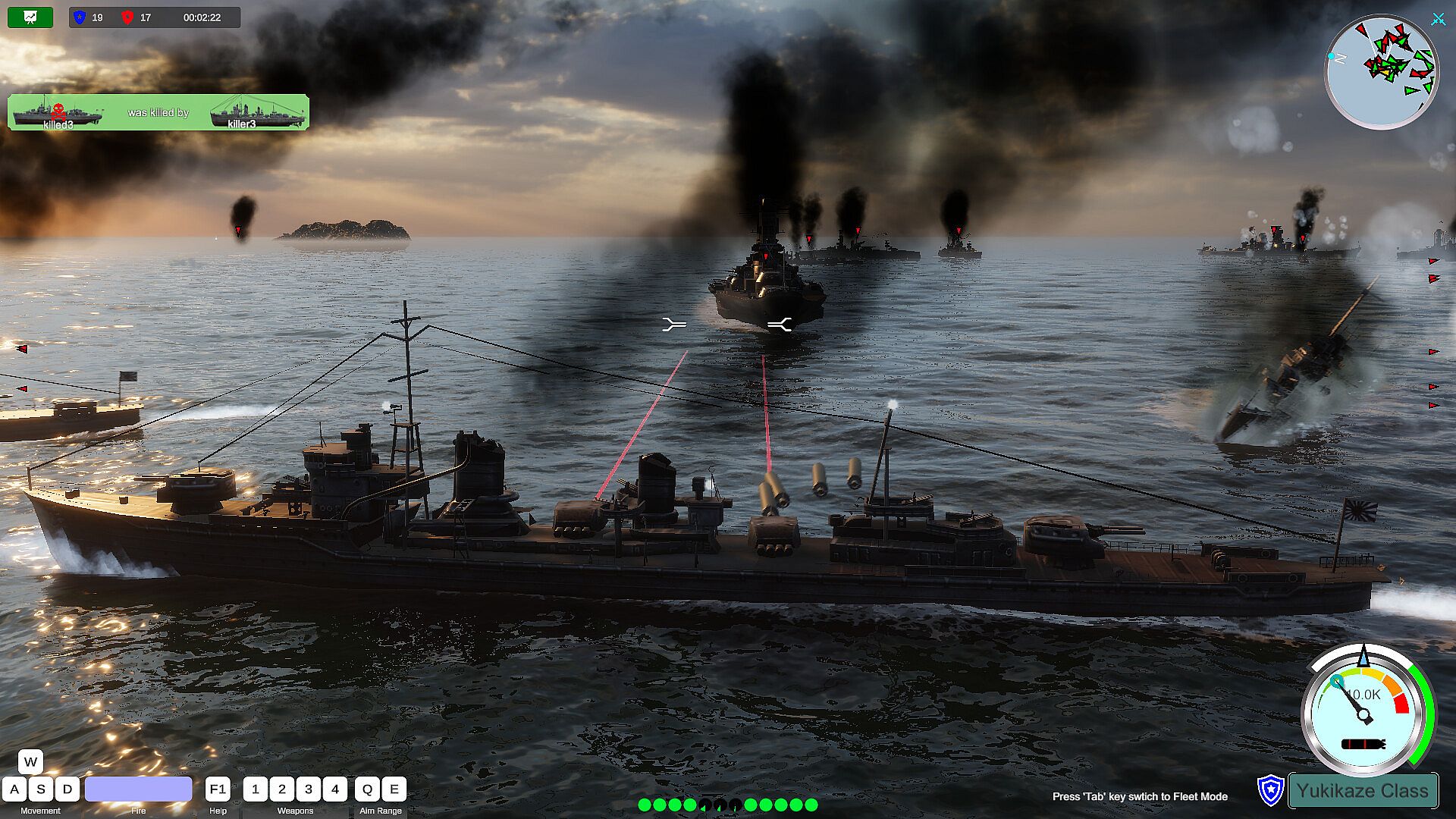
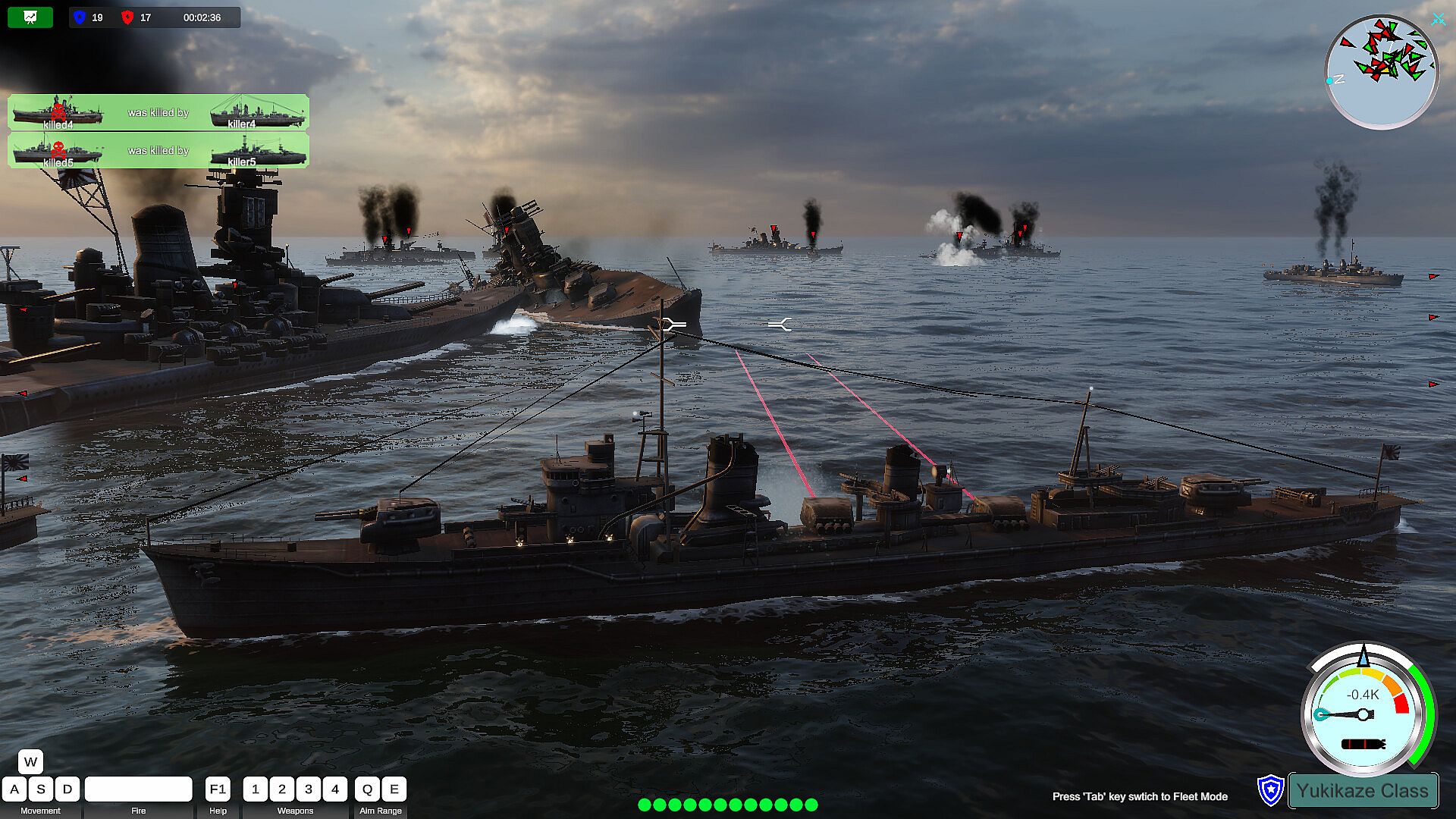
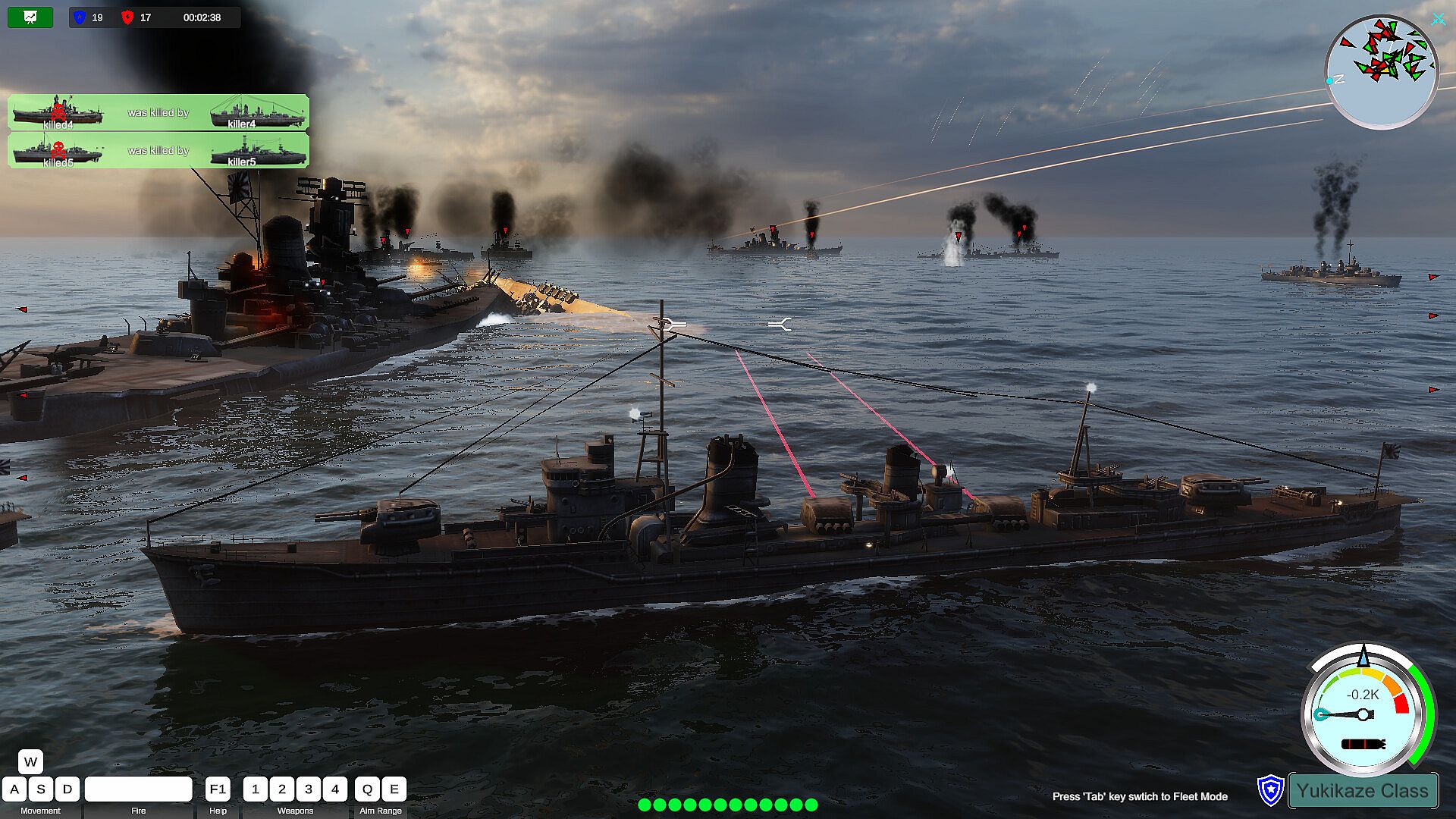
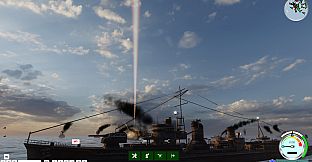
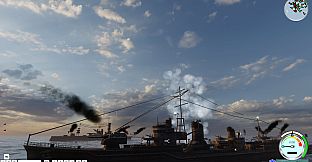
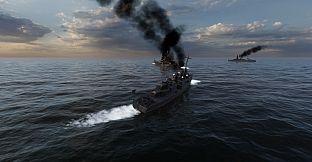
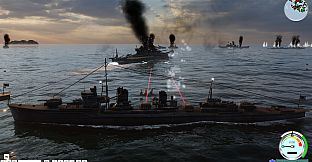
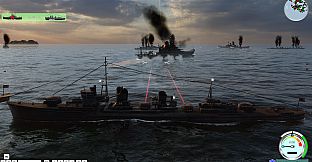
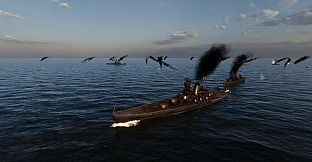
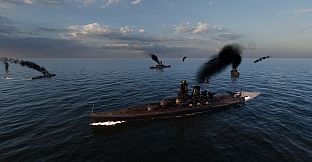
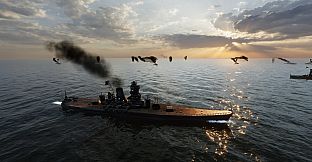
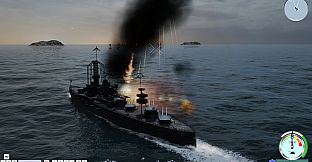
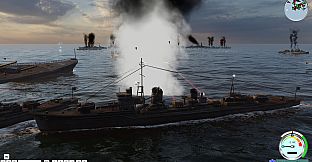
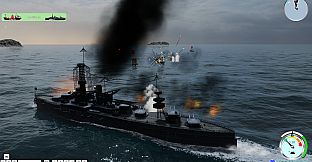
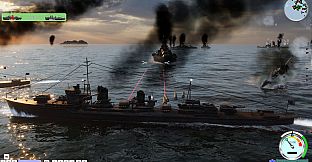
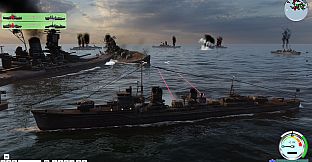
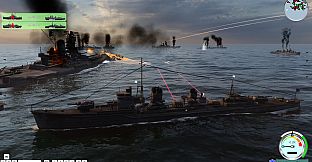
A sea of conflict, never back down. During the battle, you can switch any warship of your own side arbitrarily, a fast-paced naval battle game simulator. Let the shells roar, I am invincible.


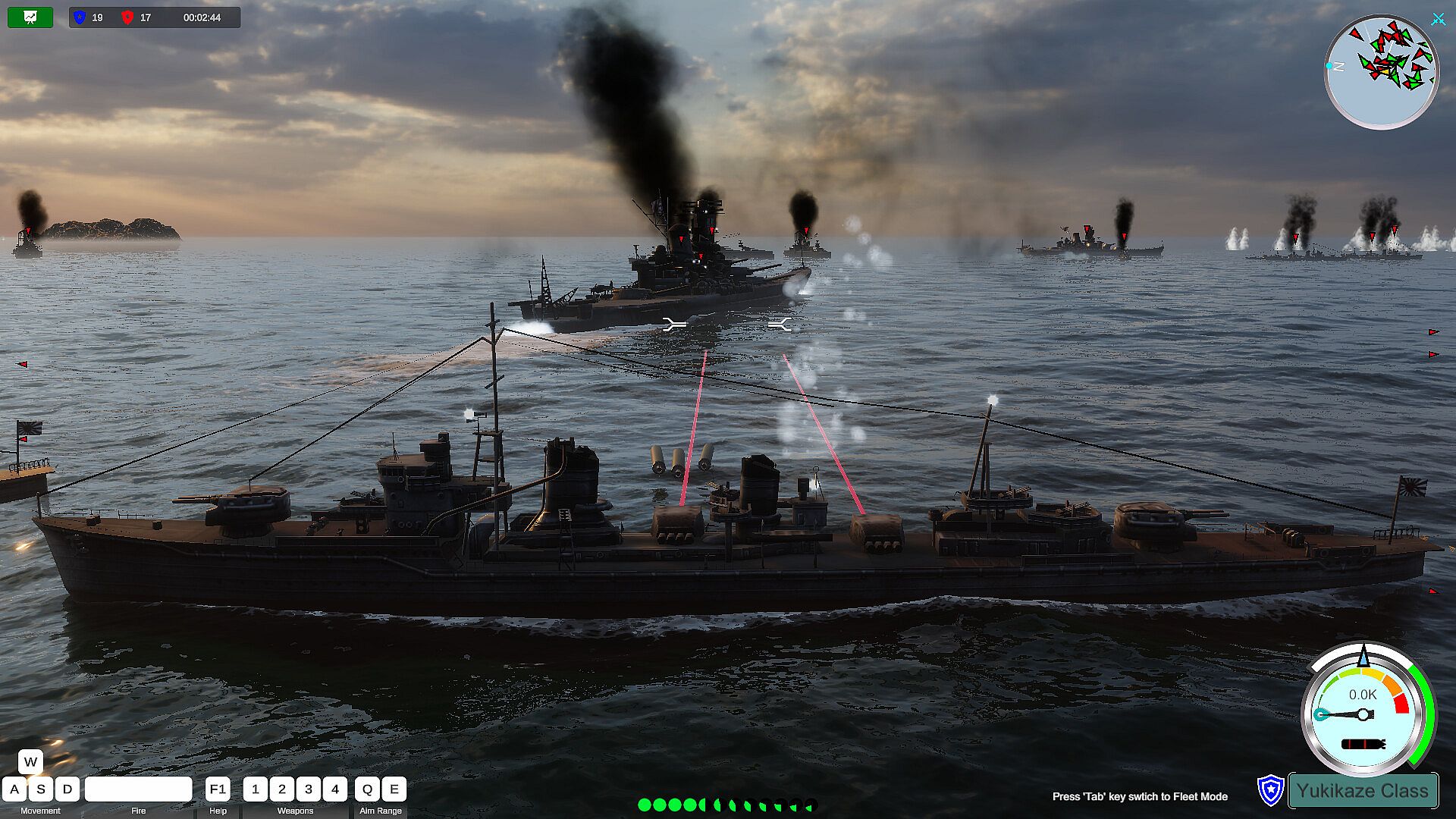
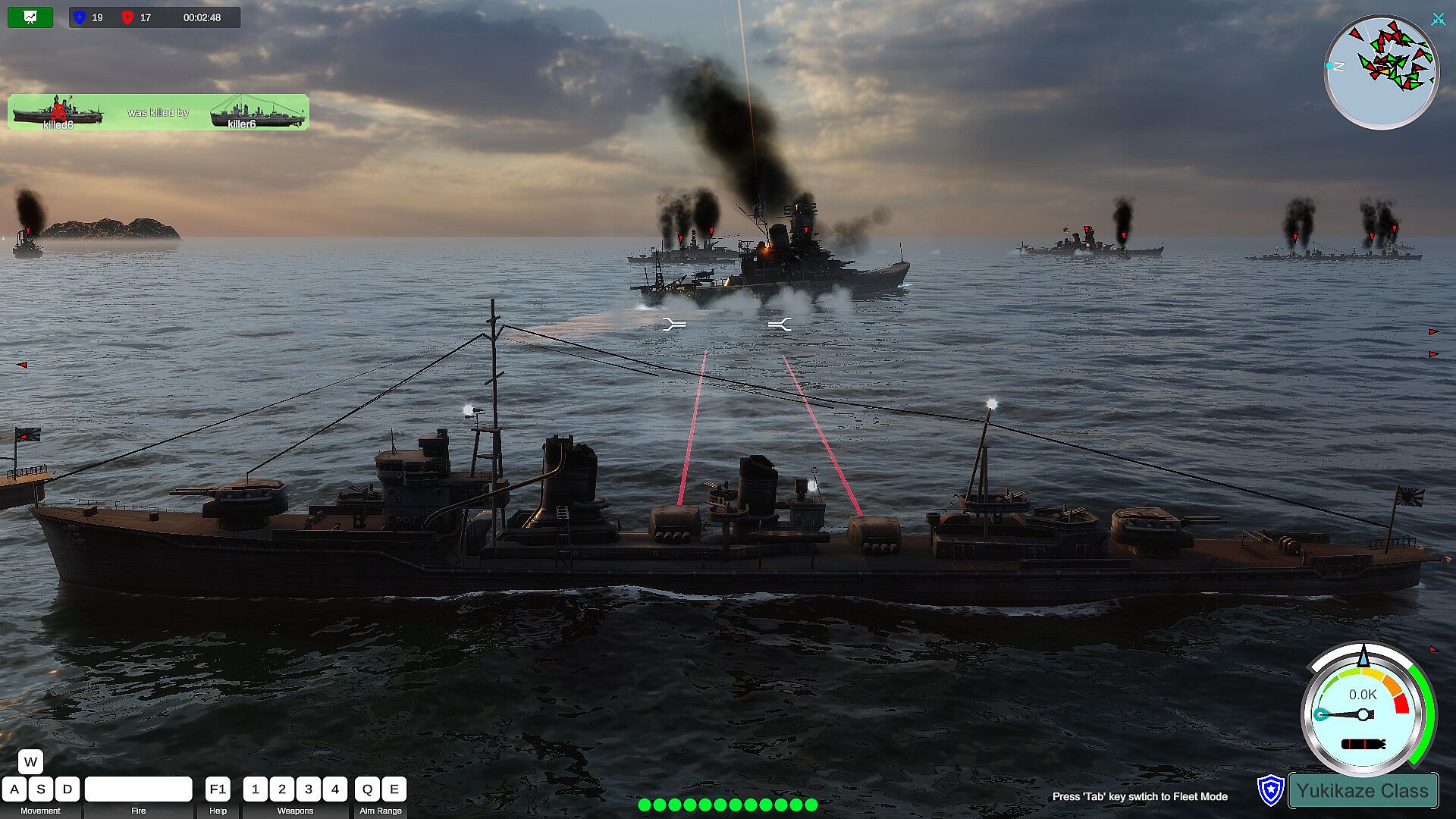
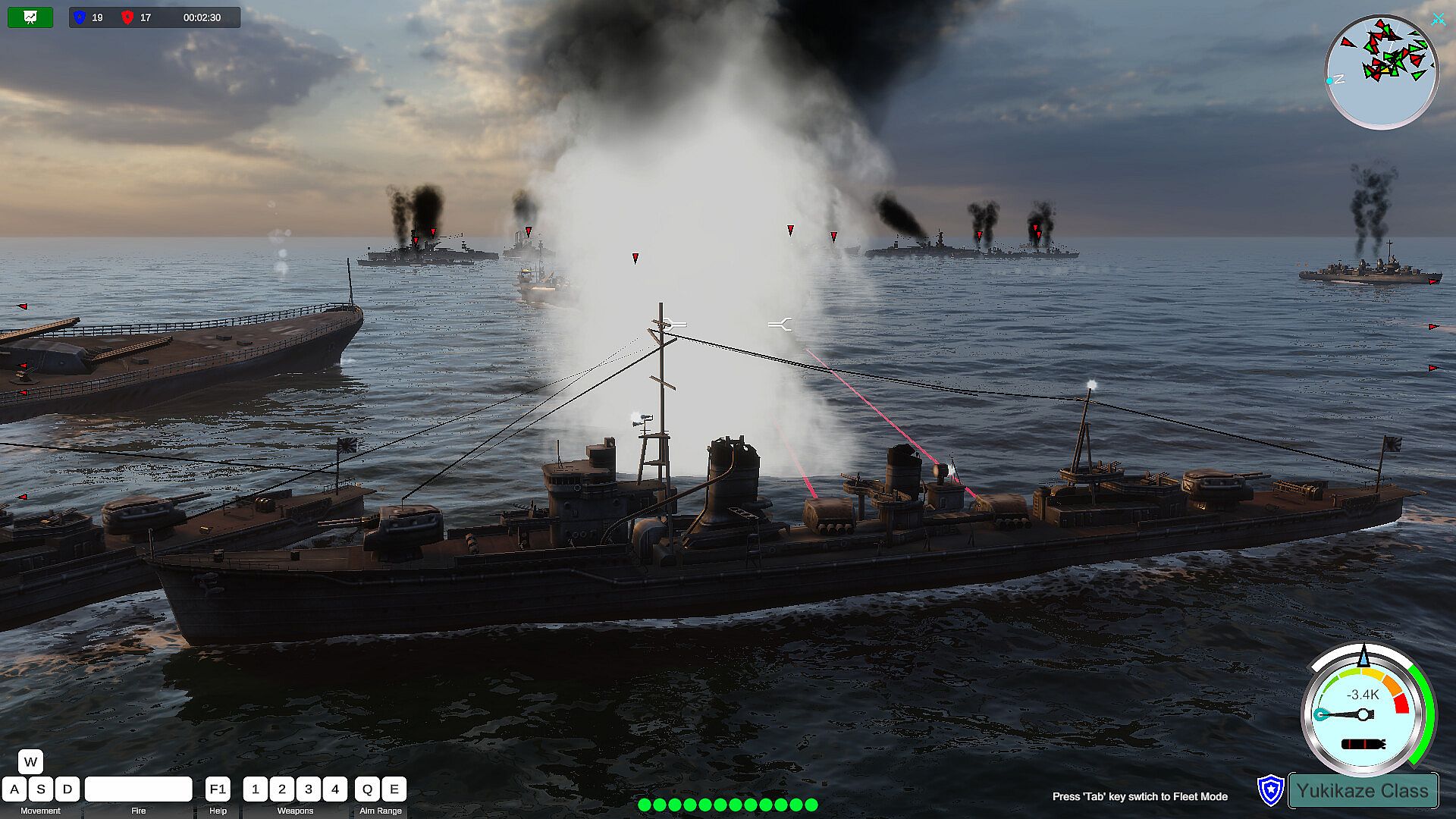
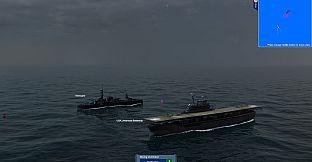
You have a lot of freedom, you can pilot your own warship and play your own decisive role in the conflict. You can also switch to any of your own warships, fighter planes or submarines to take over control and continue to attack the enemy. Experience the joy of driving and attacking warships, submarines, and fighter jets in battle. In addition to some small and interesting levels in the game, there are also levels of large-scale sea conflicts. The maximum number of warships is 19vs19, more fighter jets, and various attack methods. This is a rare naval battle simulator. The project is still in progress, and it is expected to add an online battle function in the future.
Simple Driving Controls

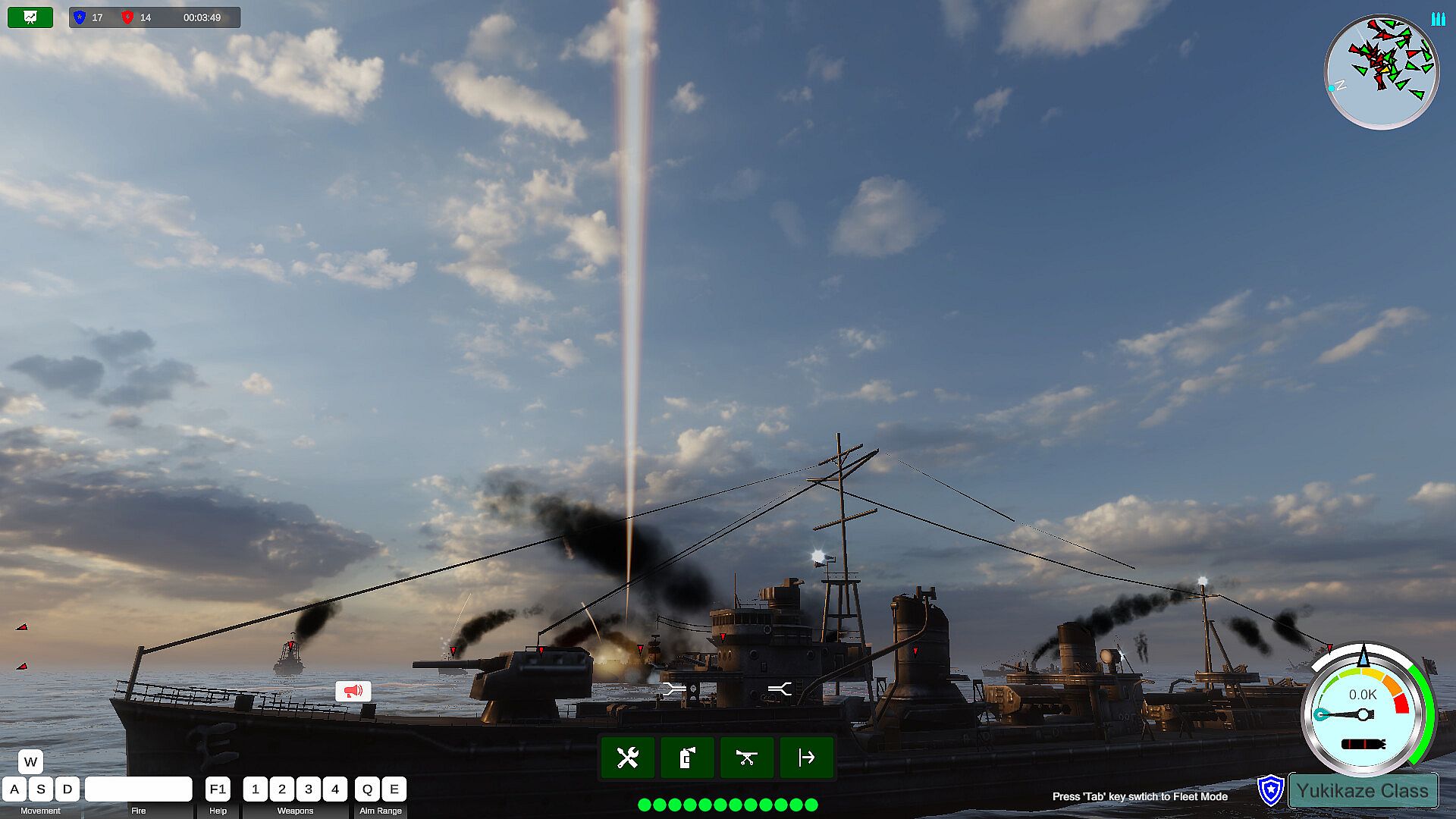
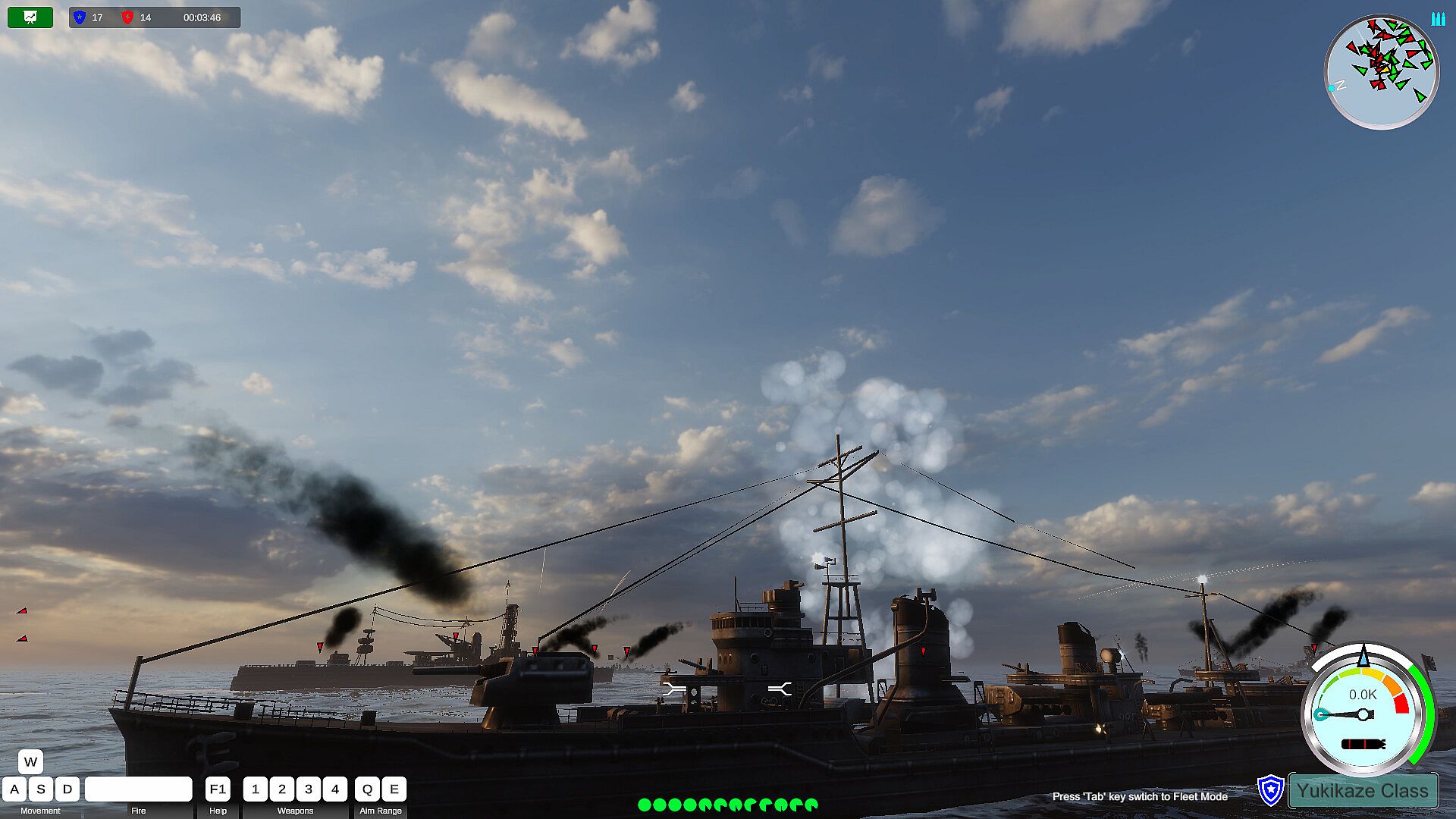
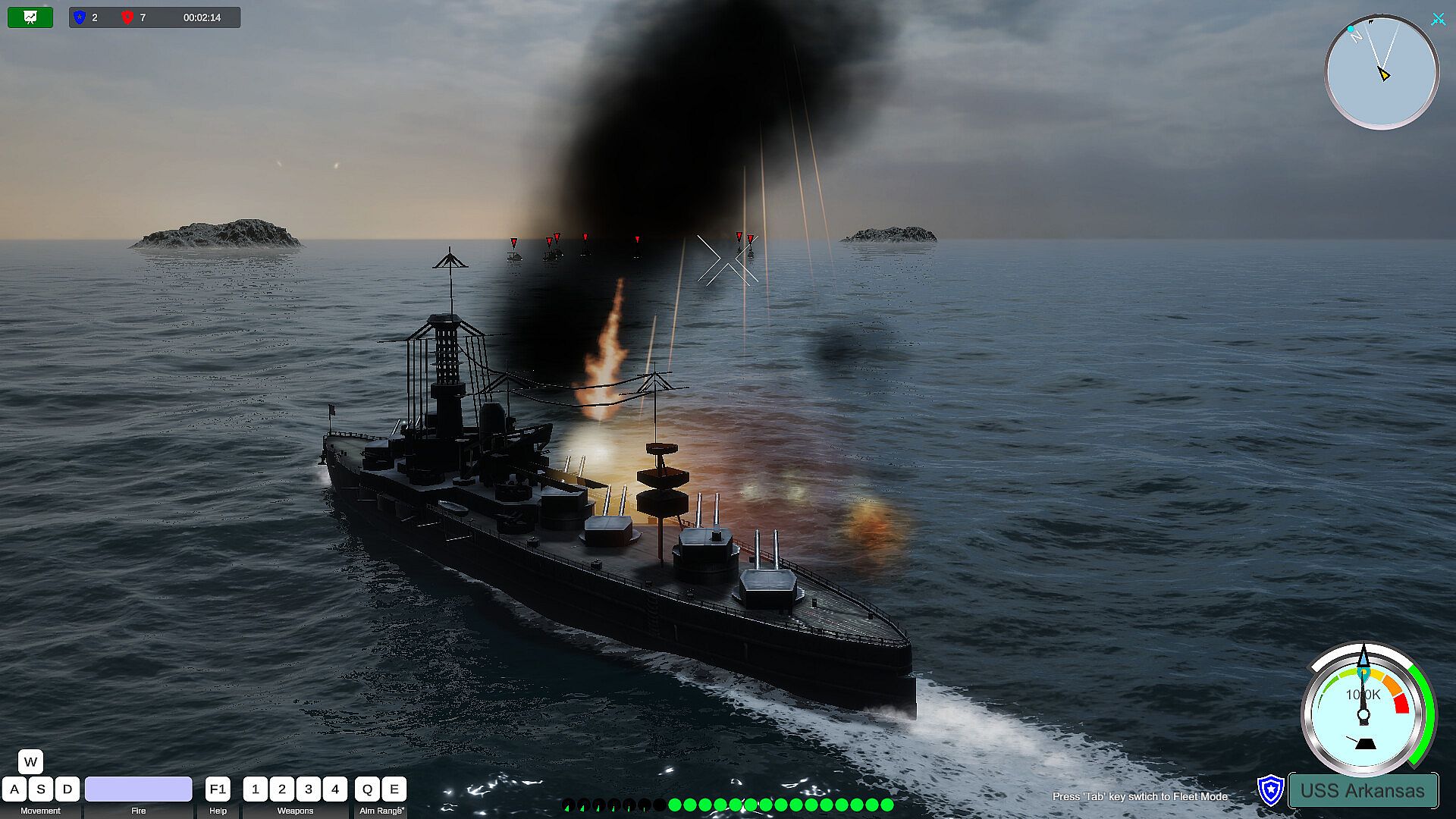
The way players drive their warships is a very simple traditional way, W key, S key to upshift and downshift. The speed of each battleship is set in proportion to the speed of the real battleship. When the engine gear of the ship changes, the engine will gradually increase or decrease the speed to the specified gear speed, so the player only needs to change the gear instead of pressing the W or S key to drive.

The player uses the A key or the D key to turn, and the degree of turning is proportional to the moving speed of the ship at that time. Only the ship can turn when it is running. Release the turn keys (A, D), and the rudder will return to its original position. Adopting such a driving style design can reduce the learning burden of players in driving and conform to the driving habits of players.
Gun Control

For the ship's main gun, string gun control is performed by simply pressing the Q and E keys. The Q key gradually raises the muzzle, which can strike targets at a longer distance. The E key lowers the muzzle and strikes close-range targets. The strike range of the artillery is subject to the effective range of the artillery of the current battleship. The main cannon is used to hit further targets, and the string cannon can be used to hit closer targets.

The horizontal aiming of the artillery is controlled by moving the right mouse button. The right mouse button is also an important function to control the player's perspective. In the state of the torpedo launcher, aiming is also controlled by the player's perspective.

Before the start of the game level, the player can manually set the rate of fire of the player's artillery and torpedoes in this battle. The setting range is from a rate closer to the conventional rate to a more crazy rate of fire. Thereby increasing the refreshment and fun of the game.
Switch Ships

During the level, when the warship controlled by the player is sunk, if there are other warships in the player's fleet, the player can use the A key and the D key to switch and view other warships in the same fleet. After switching, click the space key, the takeover of the control right of the currently switched battleship is completed.

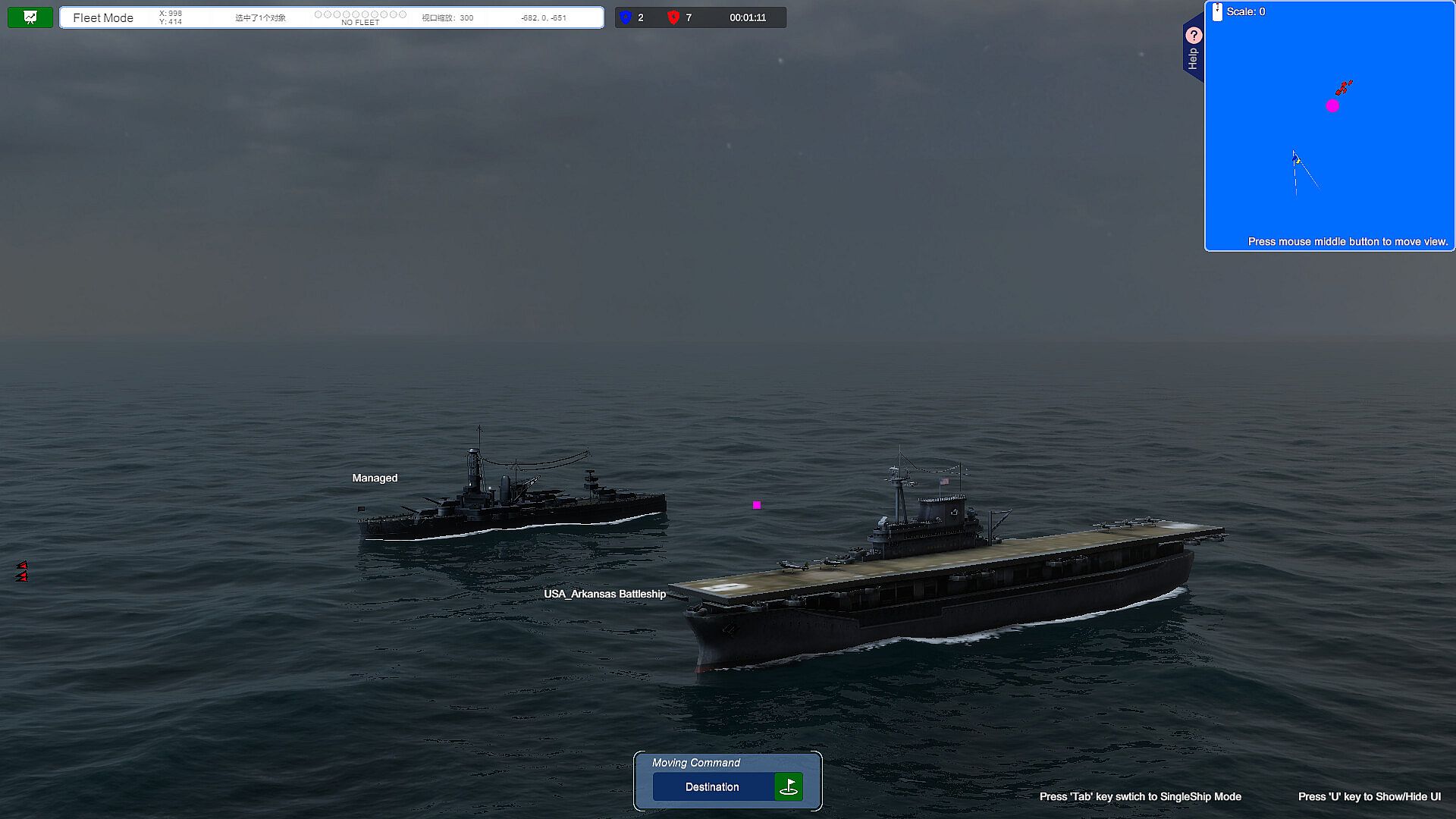
If the player wants to switch to other warships before his own warship is sunk, he can switch to the fleet perspective by pressing the Tab key. At this time, the player can click on other warships to select, and then click the Tab key after confirming his choice. , the takeover of the control right of the currently selected warship is completed, thus realizing the switching of the warship.
Viewpoint Control In the Battlefield

When the player is driving the battleship, generally the mouse wheel can be used to switch the different perspectives of the battleship forward and backward, such as the telescope perspective, close-range perspective, long-distance perspective, ultra-long-distance perspective, and air defense perspective.

When the player switches to the fleet mode, the mouse wheel can switch between close observation mode and long distance observation mode.

Future Outlook For the Project
Suitable For Xbox Gamepad

The driving of the ship is complicated and requires a lot of hotkeys and mouse operations. It is a big challenge to integrate so many complicated hotkeys on a small gamepad, but in the future we will also strive to integrate most of the main game controls on the XBOX gamepad to improve the player's in-game experience. pleasure.
Support Network Online Battle

In the current game, players can control all their warships. In the future, we will increase the Multi-player function, which is also a new attempt.


Add aircraft carriers, carrier-based aircraft, submarines, etc.

As the project progresses, these ships will be gradually added in the future. Players can also switch to the control of aircraft carriers and submarines, freely switch to the perspective of carrier-based aircraft pilots, and personally drive fighter jets to attack targets.
Interfaccia:
AfrikaansAmharicArabicAssameseAzerbaijaniBelarusianBulgarianBanglaBosnianCatalanValencianCherokeeSoraniCzechWelshDanishGermanGreekEnglishSpanish - SpainSpanish - Latin AmericaEstonianBasquePersianFinnishFilipinoFrenchIrishGalicianGujaratiHausaHebrewHindiCroatianHungarianArmenianIndonesianIgboIcelandicItalianJapaneseGeorgianKazakhKhmerKannadaKoreanKonkaniKyrgyzLuxembourgishLithuanianLatvianMaoriMacedonianMalayalamMongolianMarathiMalayMalteseNepaliDutchNorwegianOdiaPunjabi (Gurmukhi)Punjabi (Shahmukhi)PolishDariPortuguese - PortugalPortuguese - BrazilQuechuaK'iche'RomanianRussianKinyarwandaScotsSindhiSinhalaSlovakSlovenianAlbanianSerbianSothoSwedishSwahiliTamilTeluguTajikThaiTigrinyaTurkmenTswanaTurkishTatarUyghurUkrainianUrduUzbekVietnameseWolofXhosaYorubaSimplified ChineseTraditional ChineseZulu
Audio:
EnglishJapaneseSimplified ChineseTraditional Chinese
Sottotitoli:
EnglishJapaneseSimplified ChineseTraditional Chinese

Classificazione per età

Non disponibile
Metacritic:
tbd tbd

Minimo:

  • Sistema operativo: Windows 10 64-bit
  • Processore: Intel Core 2 Quad CPU Q6600 @ 2.40GHz (4 CPUs) / AMD Phenom 9850 Quad-Core Processor (4 CPUs) @ 2.5GHz
  • Memoria: 4 GB RAM
  • Grafica: Nvidia GTX 860 / RX 480 (4GB+ of VRAM)
  • DirectX: Version 12
  • Archiviazione: 8 GB available space
  • Note aggiuntive: 100% DirectX 10 compatible

Consigliato:

  • Sistema operativo: Windows 10 64 bit
  • Processore: Intel i7 8700K / AMD r5 3600
  • Memoria: 8 GB RAM
  • Grafica: 6 GB VRAM, AMD Radeon RX 5600 XT / NVIDIA GeForce RTX 1080 Ti
  • DirectX: Version 12
  • Archiviazione: 8 GB available space
  • Note aggiuntive: 100% DirectX 10 compatible
Minimo storico
Storico prezzi dei negozi ufficiali
-
-
-
Storico prezzi dei keyshop
-
-
-

FAQ

8 domande

Prima di cercare una chiave economica di Iron Naval Battle, controlla le informazioni essenziali. Sviluppato da Gamego Studio. Pubblicato da Dst4 Interactive Media. Data di uscita su PC: Coming Soon. Generi: Action, Indie, Casual, Simulation. Categorie: Family Sharing, Single-player, Steam Achievements, Partial Controller Support.

Q

Dove comprare una chiave Steam di Iron Naval Battle a poco?

Iron Naval Battle e gratuito! Scaricalo su Steam e inizia a giocare subito.

Iron Naval Battle è completamente gratuito su Steam. Nessun acquisto necessario - basta scaricarlo e giocare. Se cerchi DLC premium o oggetti di gioco, controlla la tabella delle offerte qui sopra.

Il nostro tracker dei prezzi copre sia i rivenditori ufficiali che i marketplace di chiavi, così puoi trovare Iron Naval Battle in offerta anche al di fuori delle promozioni stagionali. Al momento rileviamo 0 offerte attive da store ufficiali e keyshop. Controlla la tabella qui sopra, confronta con il minimo storico e imposta un avviso per non perdere il prossimo calo di prezzo.

Secondo i nostri dati, Iron Naval Battle non è attualmente disponibile su GeForce NOW. Dovrai eseguirlo localmente sul tuo PC. Sfoglia i giochi disponibili su GeForce NOW.

. Iron Naval Battle ha una pagina ufficiale su Steam, ma al momento non tracciamo offerte di terze parti con DRM Steam. Ricontrolla più tardi o imposta un avviso di prezzo.

Non al momento. Valve classifica Iron Naval Battle come non supportato su Steam Deck. Tieni d'occhio XD.deals - tracciamo gli aggiornamenti di Proton e le soluzioni della community. Sfoglia i giochi Steam Deck Verified o Steam Deck Playable.

Iron Naval Battle non sembra essere disponibile su PC Game Pass, EA Play, Ubisoft+ o altri servizi in abbonamento per PC al momento. L'unica opzione è acquistare il gioco - usa XD.deals per trovare il prezzo migliore.

No - XD.deals non è un negozio. Siamo un comparatore di prezzi che traccia le migliori offerte per Iron Naval Battle tra store ufficiali e keyshop verificati. Clicca "Vai al negozio" accanto a qualsiasi offerta e verrai reindirizzato al sito del rivenditore per completare l'acquisto.

Vuoi comprare al momento migliore? Imposta un avviso di prezzo su XD.deals e ricevi una notifica quando Iron Naval Battle raggiunge il suo prossimo minimo storico.

Crea avviso
Unisciti al nostro Discord
Ottieni aiuto immediato dalla community e resta aggiornato sulle offerte
Imposta avvisi di prezzo
Ricevi notifiche via email quando i prezzi scendono al tuo target
Crea un account gratuito
Sblocca wishlist, avvisi di prezzo e sincronizzazione Steam










