
Compra icpaint PC

Dove comprare la chiave Steam icpaint {6} più economica? Confronta i prezzi da 1 store e scegli la soluzione migliore tra 1 offerte su XD.deals. Al momento il prezzo {6} più basso per icpaint nei keyshop è su 28,99 € (0% di sconto).

Steam:
Overwhelmingly Negative (1)
Keyshops
Non disponibile
Compra nello store ufficiale:
28,99 €
Compra nei keyshop:
Vedi storico prezzi

Store ufficiali (1)

DRM:
Steam
Steam
Steam
icpaint
Windows
1a fa
DRM:
Steam
Steam
28,99 €
Historical Low Deal
Historical low

Info su icpaint

icpaint - info sul gioco
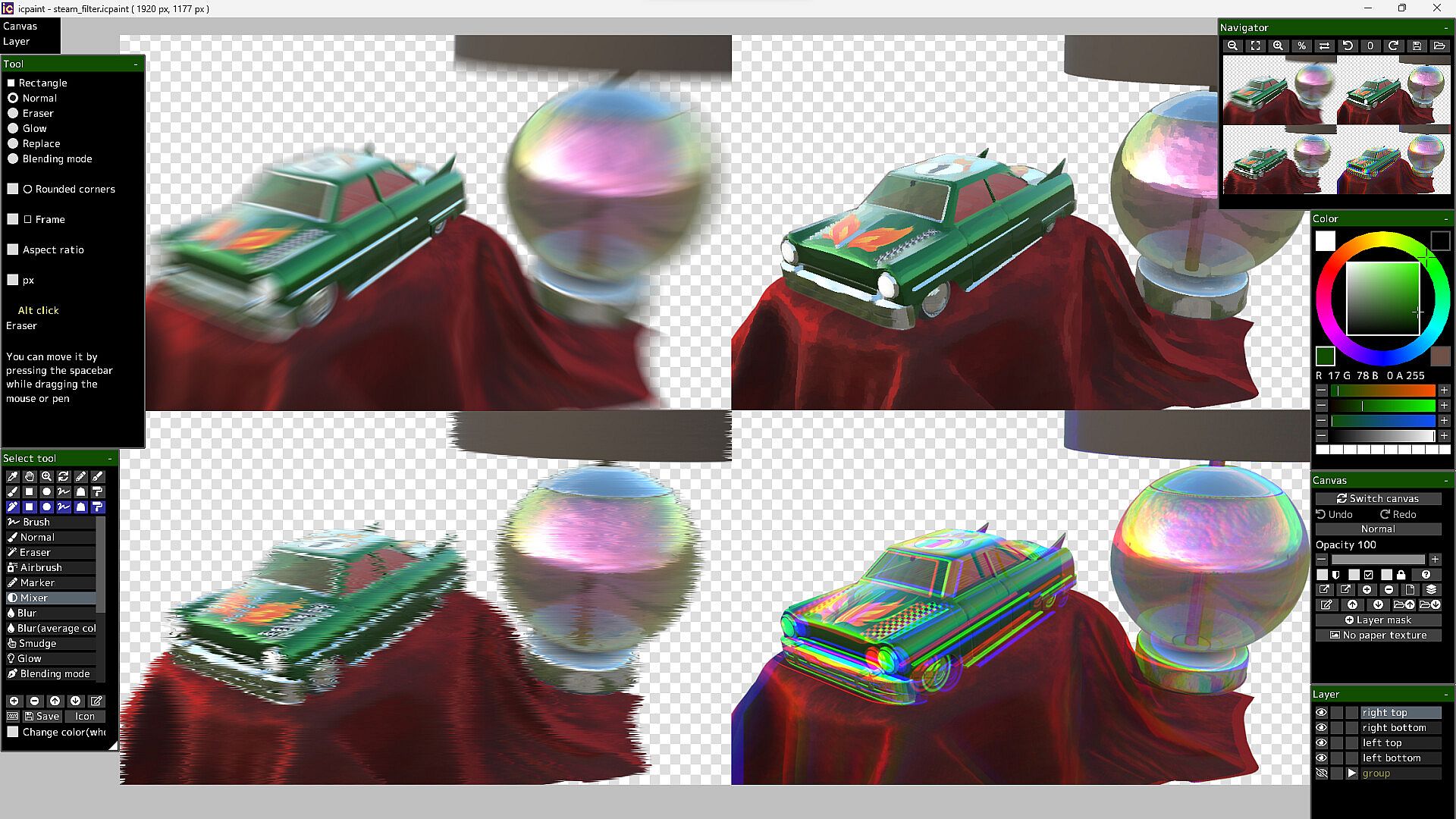
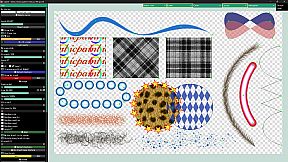
icpaint delivers a robust painting application for PC, blending design and illustration tools with advanced layer management. Artists layer drawings, vectors, text, and pixel art, applying 29 blending modes like Multiply or Overlay, while adjusting opacity, masks, and transforms. Canvas features include resizing, flipping, rotation, guides, grids, and clipboard integration, alongside saves in PSD, PNG, TIFF-even CMYK for print-or custom formats. Brush modes span Normal, Eraser, Mixer, and Smudge, with stabilizers, random variations, and ruler-guided strokes. Vector layers curve precisely with control points and gradients; pixel art limits to 254 colors for indexed animation in GIF or WebP; 3D models import via GLTF for realistic rendering and 2D transfer. Adjustment layers and 50 filters like Gaussian blur or Oil painting refine works, ideal for digital painters and illustrators seeking pro-level control.

icpaint is a painting application.
Features

  • Compatible with WinTab (Wacom) and TabletPC
  • Layer type (drawing layer, group, adjustment layer, vector layer, text layer, pixel art layer, pixel art vector layer)
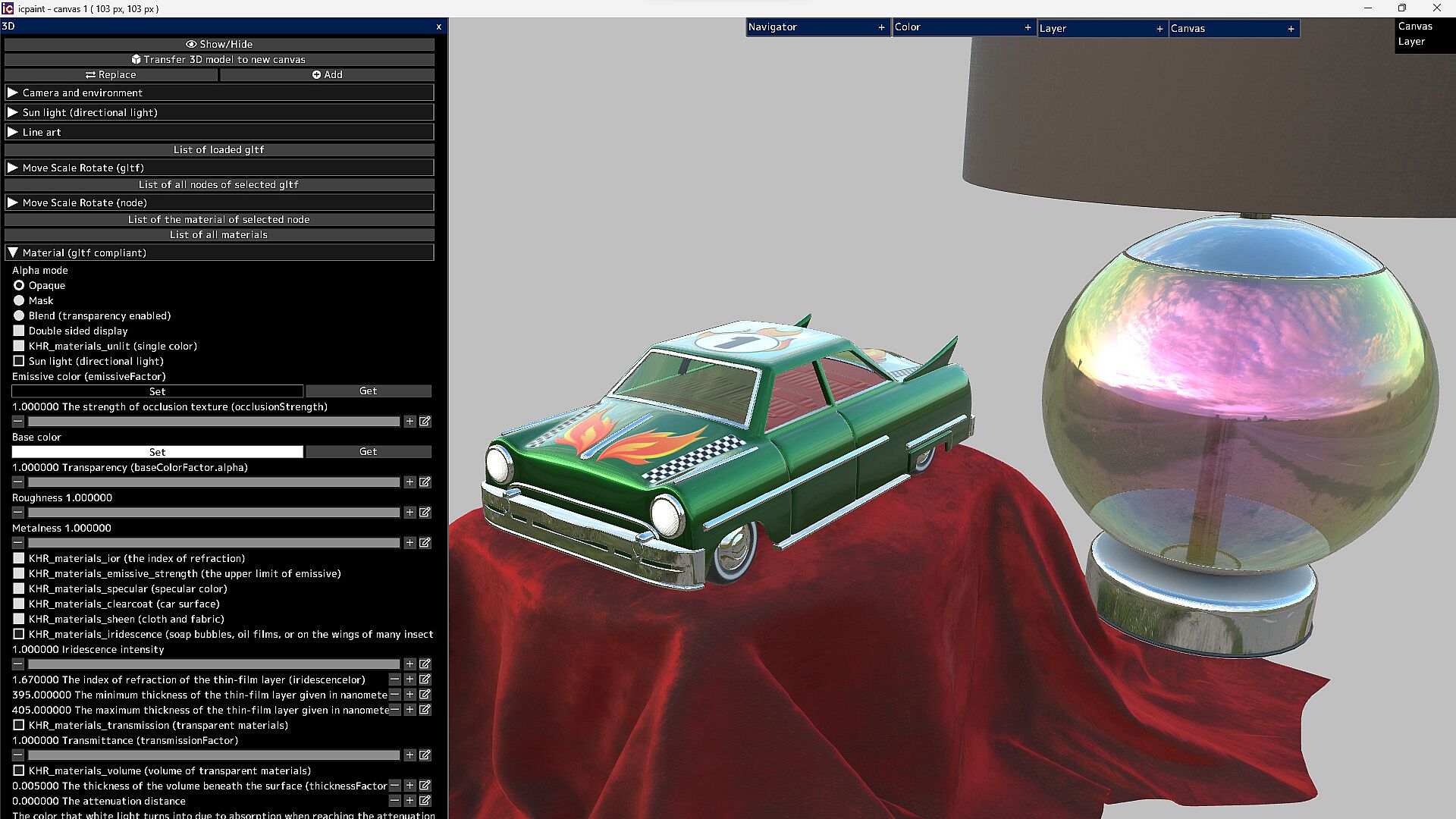
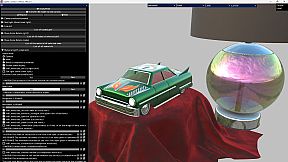
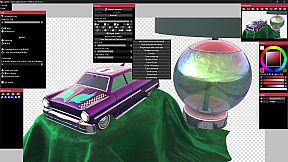
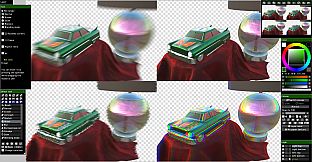
  • It can display very beautiful and realistic 3D. You can transfer it to a 2D canvas
Features (canvas)

  • Copy canvas to clipboard, Create canvas from clipboard
  • Resize canvas, Change resolution, Change the background of the canvas (plaid or color)
  • Flip horizontal, Flip vertical (canvas)
  • Canvas zoom, rotation, flip horizontal (view), The Ruler tool
  • Show guide (perspective ruler), Show grid, Adjust grid spacing
  • Save/Open psd, png, jpg, bmp, tga, tif, webp and gif
  • Save tif in CMYK for printing (RGB -> CMYK)
  • Save pdf
  • Save/Open a canvas in custom format (~.icpaint)
  • Recently used color, Color library
  • You can display the reference image
  • Tools to fill with various shapes (Rectangle, Rounded rectangle, Circle, Ellipse, Lasso, Polygon)
  • You can also paint on selections and layer masks in the same way
  • Select the drawing area of the layer, Blur 3x3 ~ 15x15 px (selection)
  • Save/Open selection, Transform selection
  • Recently used file list, Favorite file list
Features (layer)

  • Opacity, Clipping mask, Protected opacity, Layer mask, Lock layer
  • Duplicate layer, Erase layer, Transfer to lower layer, Combine with lower layer
  • Combine group, Merge all layers, Maximize layer opacity
  • Convert luminance to transparency, Rasterize layer, Convert layer to pixel art (254 colors)
  • Group all layers, Ungroup layers
  • Fill, Reorder layers, Paper texture
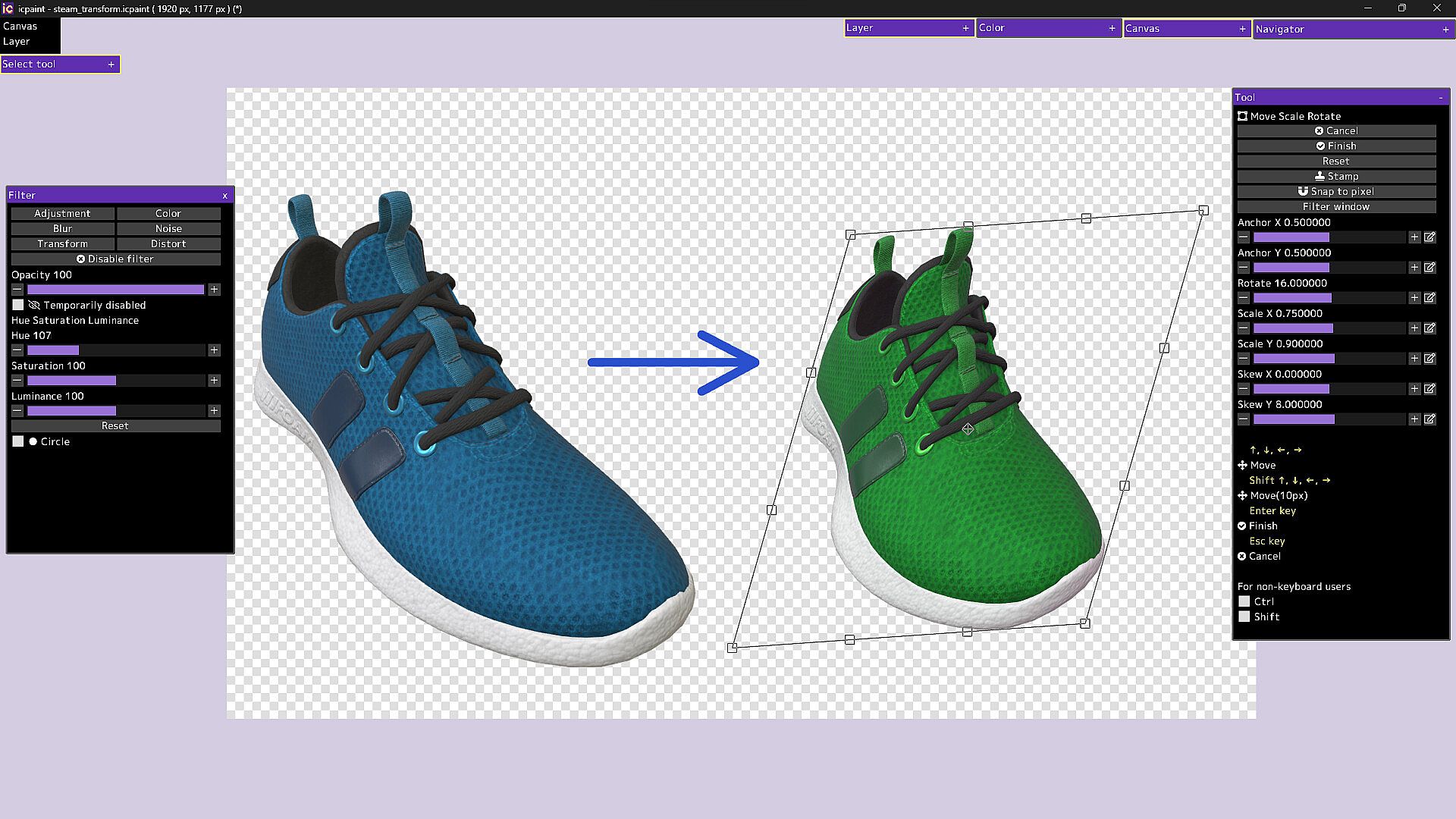
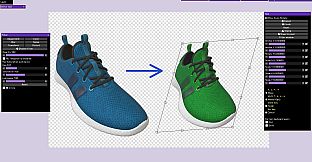
  • Move, Transform, Perspective transform
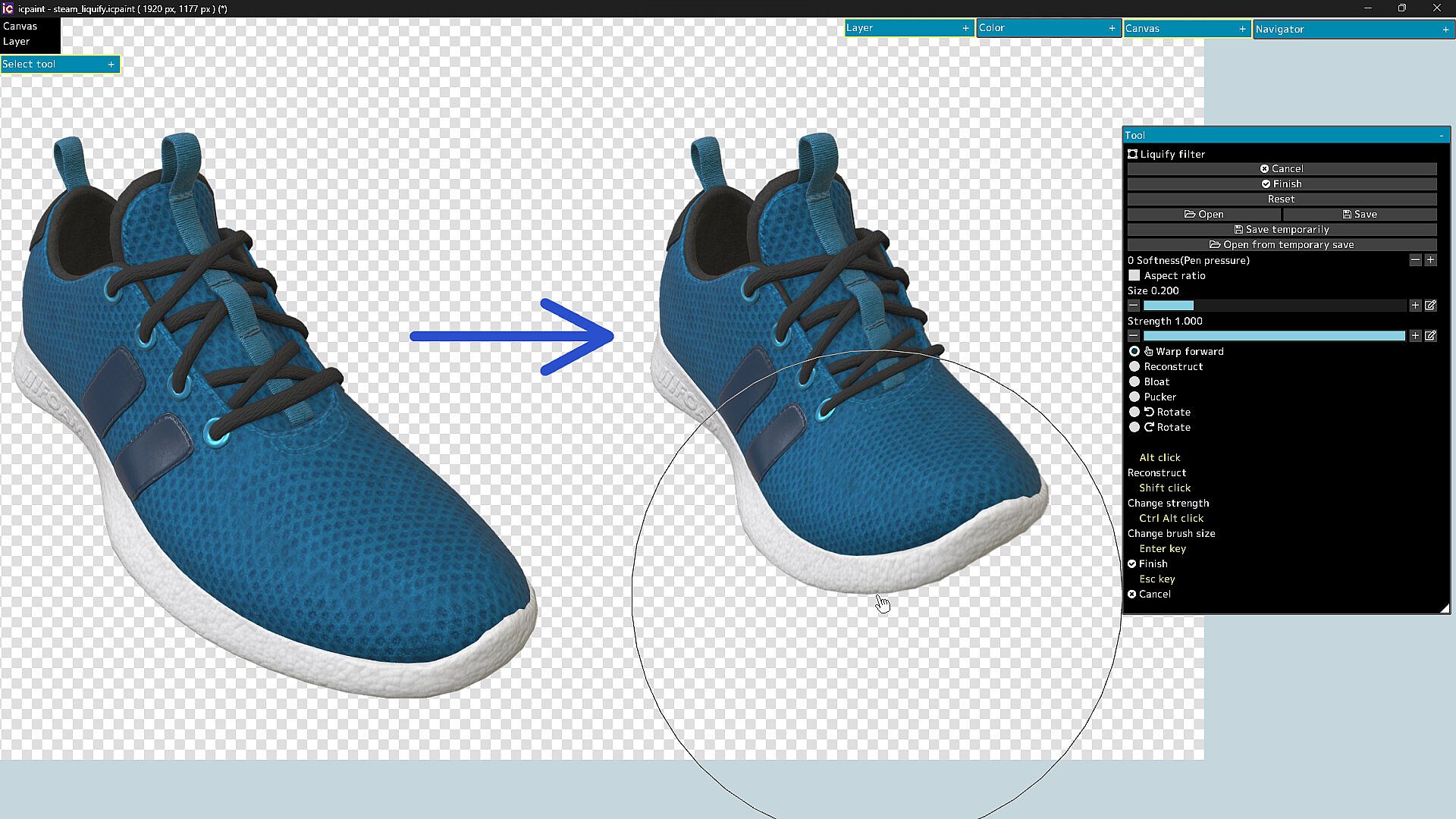
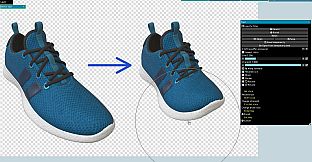
  • Liquify filter, Transform by numerical input
  • Resize, Flip horizontal, Flip vertical, Rotate 90°
  • Noise removal, Blur 3x3 ~ 15x15 px
  • Retouch filter (Clone Stamp tool)
  • Copy layer to clipboard, Paste clipboard
  • Create gradation (Linear or circular)
  • Save/Open layer mask, Transform layer mask, Blur (layer mask)
  • You can display a list of layers that draw the pixel at the cursor position by Ctrl + right-clicking
  • Show layer thumbnail, Show layer mask thumbnail
  • You can reorder layers by dragging and dropping layers in the layers window
29 Blending modes

  • Normal, Darken, Multiply, Color Burn, Linear Burn, Subtract, Lighten, Screen
  • Color Dodge, Color Dodge(Glow), Add, Add(Glow), Overlay, Soft Light, Hard Light
  • Difference, Vivid Light, Linear Light, Pin Light, Hard Mix, Exclusive
  • Color Darken, Color Lighten, Divide, Hue, Saturation, Color, Luminosity, Pass Through
Features (brush)

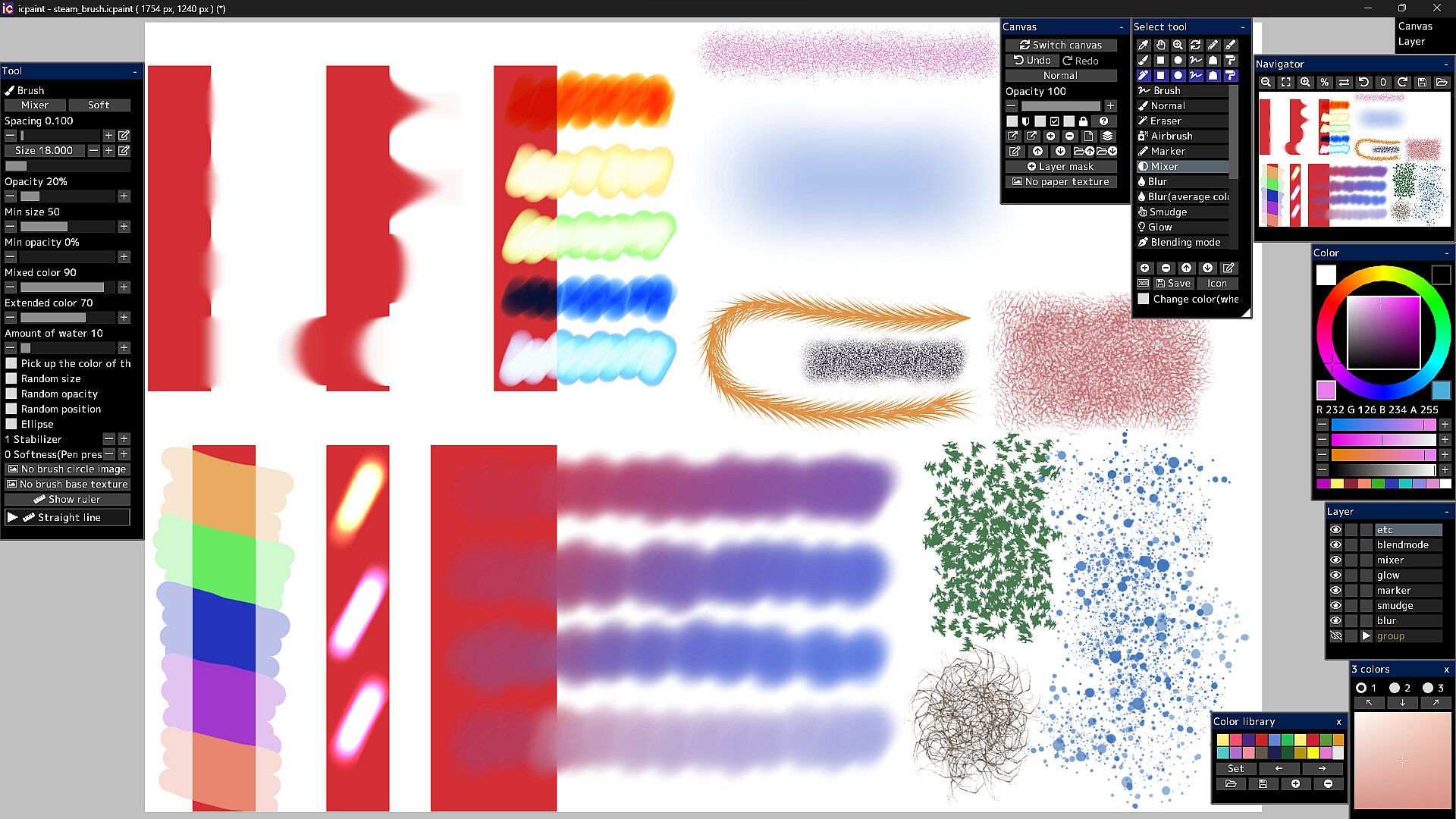
  • Brush modes (Normal, Eraser, Marker, Mixer, Blur, Blur(average color), Smudge, Glow, Blending mode)
  • Brush circle image, Brush base texture
  • Stabilizer, Spacing, Opacity, Min size, Min opacity
  • Random size, Random opacity, Random position, Random angle, Ellipse
  • Mixed color, Extended color, Amount of water, Blur area, Softness
  • Brush preset
  • You can set a shortcut key for each brush preset
  • You can draw brush strokes along the ruler
  • This ruler has the same feature as curves in vector layers
Features (vector layer)

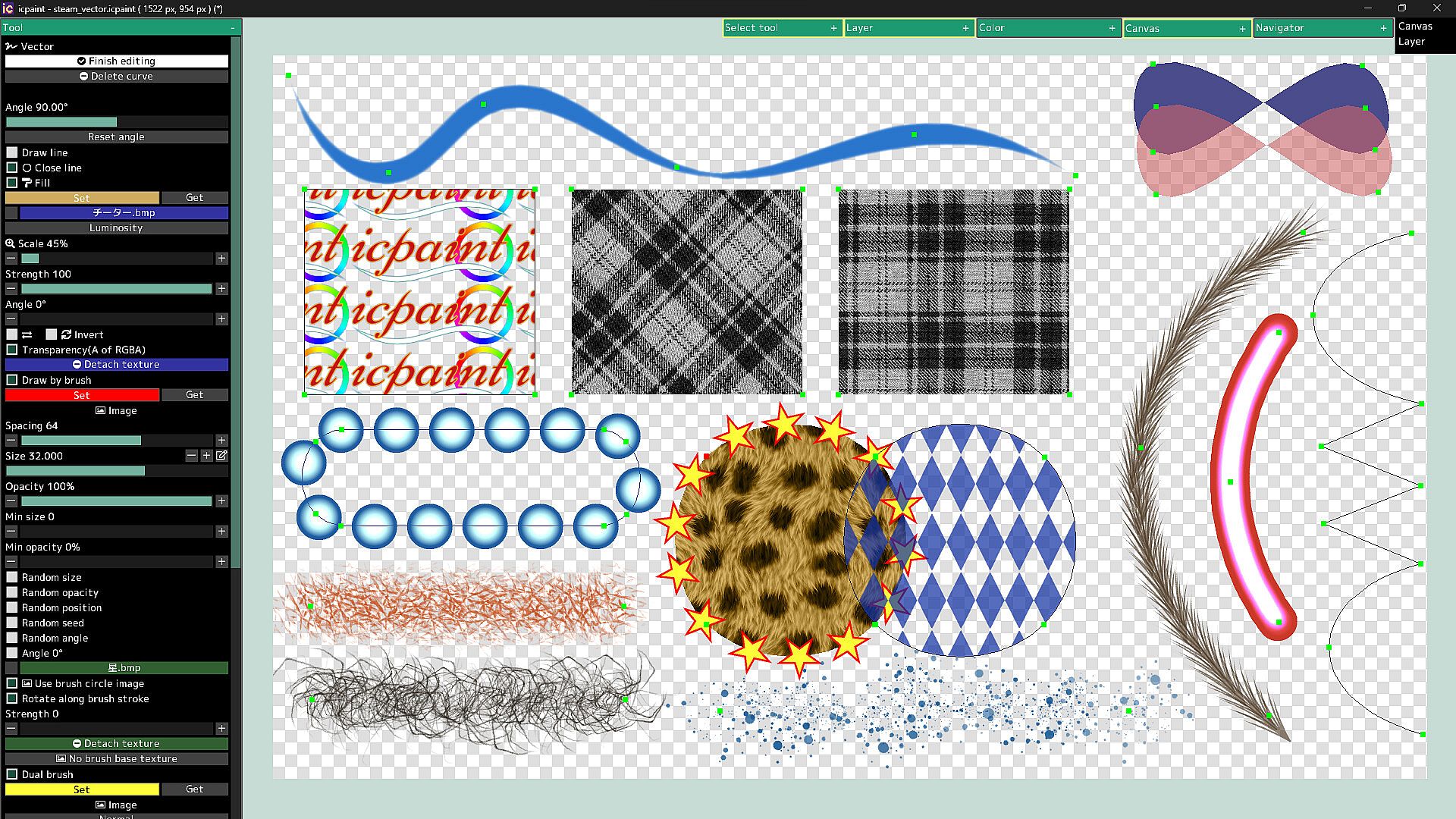
  • You can draw curves and straight lines by moving control points
  • You can close the curve and automatically fill the inside of the curve
  • You can automatically draw along the curve with a brush
  • Dual brush
  • Texture for fill
  • You can also fill with a gradient (linear or radial)
  • You can adjust the start point, end point, mid point and color stop of the gradient
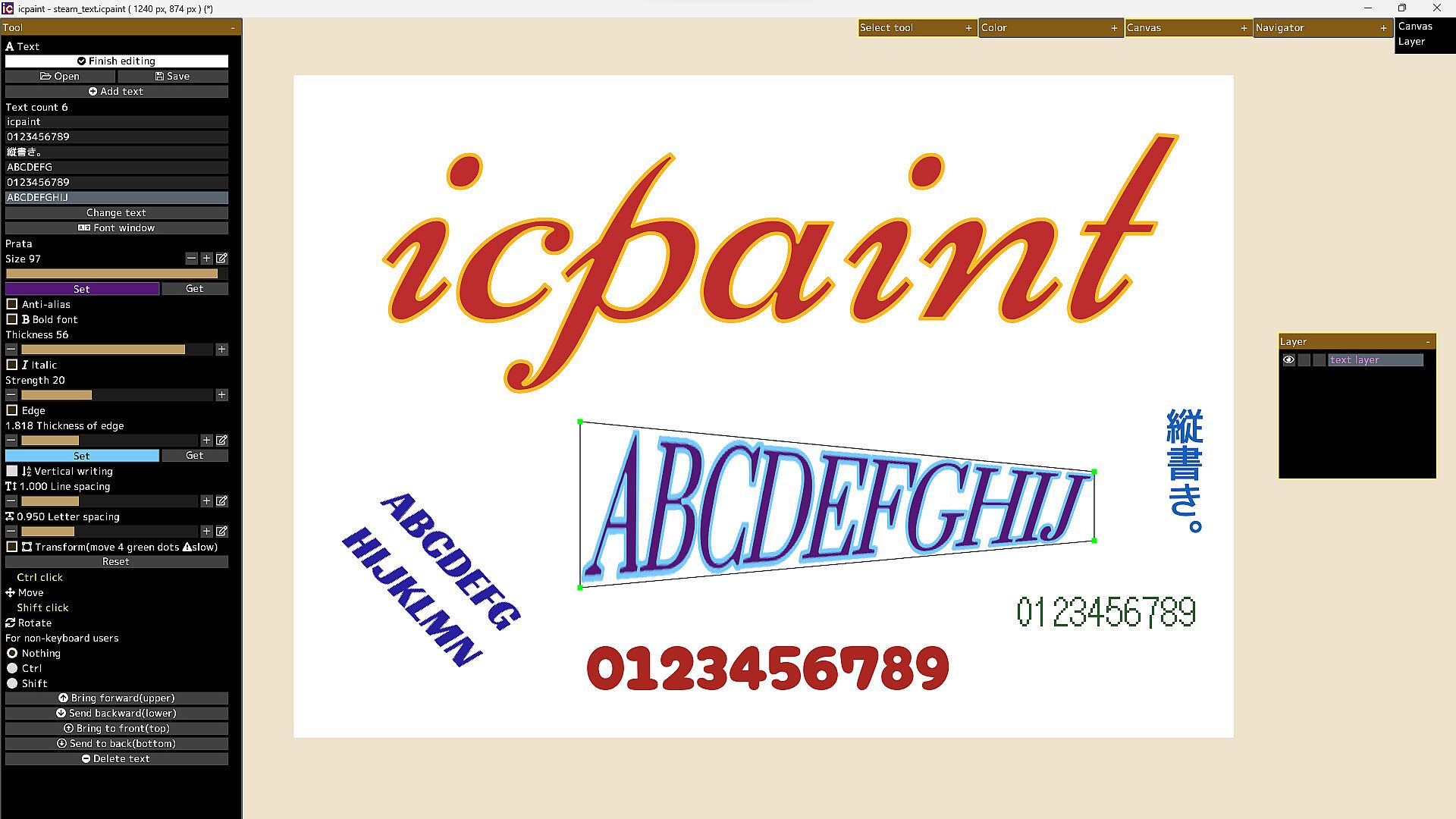
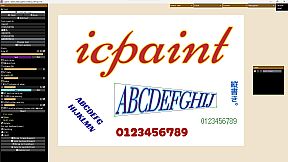
Features (text layer)

  • Anti-alias, Bold font, Italic, Edge, Vertical writing, Line spacing, Letter spacing
  • Open fonts (ttf, ttc, otf, otc)
  • Transform/Rotate the text layer
  • You can freely move the four vertices surrounding the text
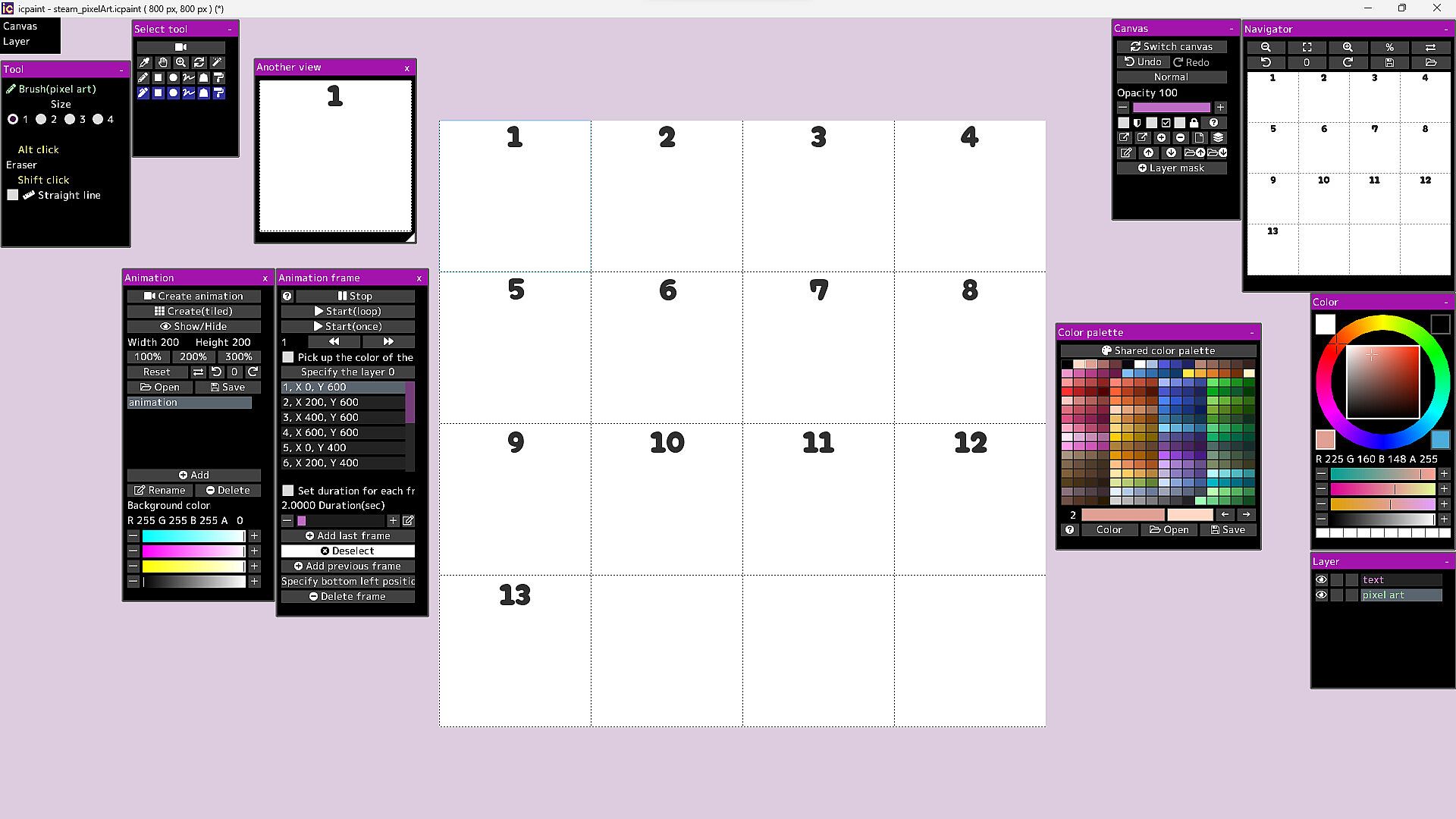
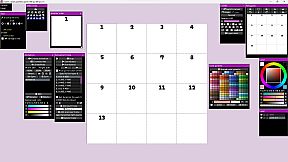
Features (pixel art layer)

  • Pixel art layer is a layer limited to transparent colors and 254 colors
  • A color index is a number from 0 to 255
  • The 0th color index is the transparent color
  • The pixel art layer is painted with a color index and displayed in RGB corresponding to that color index
  • You can freely change the colors in the canvas by changing the colors in the color palette
  • You can play the animation by drawing each frame of the animation in the canvas
  • You can adjust animation speed etc.
  • Save/Open animation (gif, webp)
  • Save/Open color palette
  • Pixel grid
Features (3D)

  • Open 3d model (gltf, glb)
  • Multiple 3D models can be opened and placed freely
  • You can adjust the material parameters of each 3D model
  • You can transfer 3D model to new canvas (2D) as it is
  • Line art (3D)
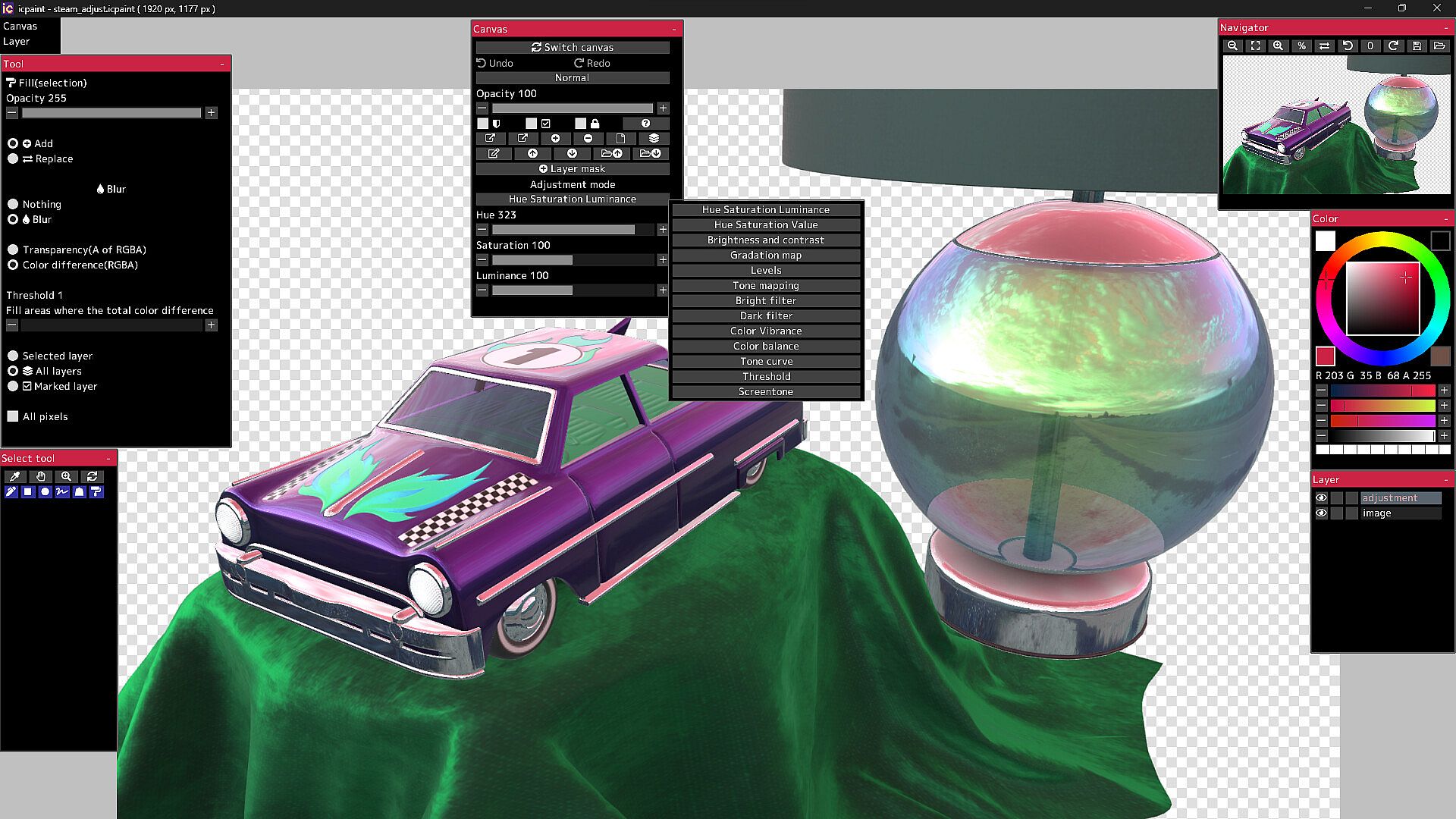
13 adjustment modes for adjustment layer

  • Hue Saturation Luminance, Hue Saturation Value, Brightness and contrast
  • Gradation map, Levels, Tone mapping, Bright filter, Dark filter, Color Vibrance
  • Color balance, Tone curve, Threshold, Screentone
50 filters

  • Chromatic aberration, Directional blur, Particulate blur, Gaussian blur, Radial blur, Sharp
  • Mosaic, Swirl, Ripple, FishEye lens, Water distortion, Wave, Shaking, Oil painting, etc.

It will not work on computers that do not support Vulkan.

The Guides in the Community Hub has detailed instructions.

Interfaccia:
GermanEnglishSpanish - SpainSpanish - Latin AmericaFrenchJapanesePortuguese - PortugalPortuguese - BrazilRussianSimplified Chinese

Classificazione per età

Non disponibile
Steam:
Overwhelmingly Negative (1)

Minimo:

  • Sistema operativo: Windows 10, 11
  • Processore: 2.5GHz Quad-core CPU
  • Memoria: 4 GB RAM
  • Grafica: Vulkan 1.1
  • Archiviazione: 250 MB available space
  • Note aggiuntive: Compatible with WinTab (Wacom) and TabletPC

Consigliato:

Minimo storico
Storico prezzi dei negozi ufficiali
-
-
-
Storico prezzi dei keyshop
-
-
-

FAQ

8 domande

Prima di cercare una chiave economica di icpaint, controlla le informazioni essenziali. Sviluppato da Tomoyuki Mizuma. Pubblicato da Tomoyuki Mizuma. Data di uscita su PC: 12 apr 2023. Generi: Design & Illustration.

Q

Dove comprare una chiave Steam di icpaint a poco?

Grazie al nostro comparatore di prezzi e ai codici sconto verificati, puoi acquistare una chiave di icpaint a partire da 28,99 €. Questa offerta è disponibile su Steam ed è tra le più economiche sul mercato. Tutte le chiavi su XD.deals vengono consegnate in formato digitale e sono disponibili per il download immediato dopo il pagamento. I prezzi includono già le commissioni e i codici promozionali applicati, così vedi sempre il prezzo più basso di icpaint su PC. Controlla lo storico prezzi di icpaint per acquistare al momento migliore.

Secondo il nostro ultimo aggiornamento (aggiorniamo i prezzi Steam più volte al giorno), il prezzo di icpaint su Steam è 28,99 €. Puoi risparmiare un ulteriore ~6% pagando con una carta regalo Steam scontata.

Il nostro tracker dei prezzi copre sia i rivenditori ufficiali che i marketplace di chiavi, così puoi trovare icpaint in offerta anche al di fuori delle promozioni stagionali. Al momento rileviamo 1 offerta attiva da store ufficiali e keyshop. Controlla la tabella qui sopra, confronta con il minimo storico e imposta un avviso per non perdere il prossimo calo di prezzo.

Secondo i nostri dati, icpaint non è attualmente disponibile su GeForce NOW. Dovrai eseguirlo localmente sul tuo PC. Sfoglia i giochi disponibili su GeForce NOW.

. icpaint ha una pagina ufficiale su Steam. Puoi anche acquistare una chiave Steam di icpaint da venditori terzi. Il nostro comparatore include attualmente 1 offerta con DRM Steam. Scegline una per assicurarti che il download di icpaint avvenga sulla piattaforma di Valve.

Non al momento. Valve classifica icpaint come non supportato su Steam Deck. Tieni d'occhio XD.deals - tracciamo gli aggiornamenti di Proton e le soluzioni della community. Sfoglia i giochi Steam Deck Verified o Steam Deck Playable.

icpaint non sembra essere disponibile su PC Game Pass, EA Play, Ubisoft+ o altri servizi in abbonamento per PC al momento. L'unica opzione è acquistare il gioco - usa XD.deals per trovare il prezzo migliore.

No - XD.deals non è un negozio. Siamo un comparatore di prezzi che traccia le migliori offerte per icpaint tra store ufficiali e keyshop verificati. Clicca "Vai al negozio" accanto a qualsiasi offerta e verrai reindirizzato al sito del rivenditore per completare l'acquisto.

Migliori prezzi per icpaint

1 Steam Steam Official
28,99 €

Vuoi comprare al momento migliore? Imposta un avviso di prezzo su XD.deals e ricevi una notifica quando icpaint raggiunge il suo prossimo minimo storico.

Crea avviso
Unisciti al nostro Discord
Ottieni aiuto immediato dalla community e resta aggiornato sulle offerte
Imposta avvisi di prezzo
Ricevi notifiche via email quando i prezzi scendono al tuo target
Crea un account gratuito
Sblocca wishlist, avvisi di prezzo e sincronizzazione Steam