

Compra GAMEBOOSTER PC

Ti interessa GAMEBOOSTER? Stiamo tracciando i prezzi dagli store affidabili. Aggiungi GAMEBOOSTER alla wishlist e ti avviseremo quando saranno disponibili offerte.

Uscita: Coming Soon
Official
Non disponibile
Keyshops
Non disponibile
Compra nello store ufficiale:
Non disponibile
Compra nei keyshop:
Non disponibile

Nessuna offerta al momento, ma non preoccuparti: ti informeremo quando ne comparirĂ  una nuova.

Create Alert Create deal Alert

Info su GAMEBOOSTER

GAMEBOOSTER - info sul gioco

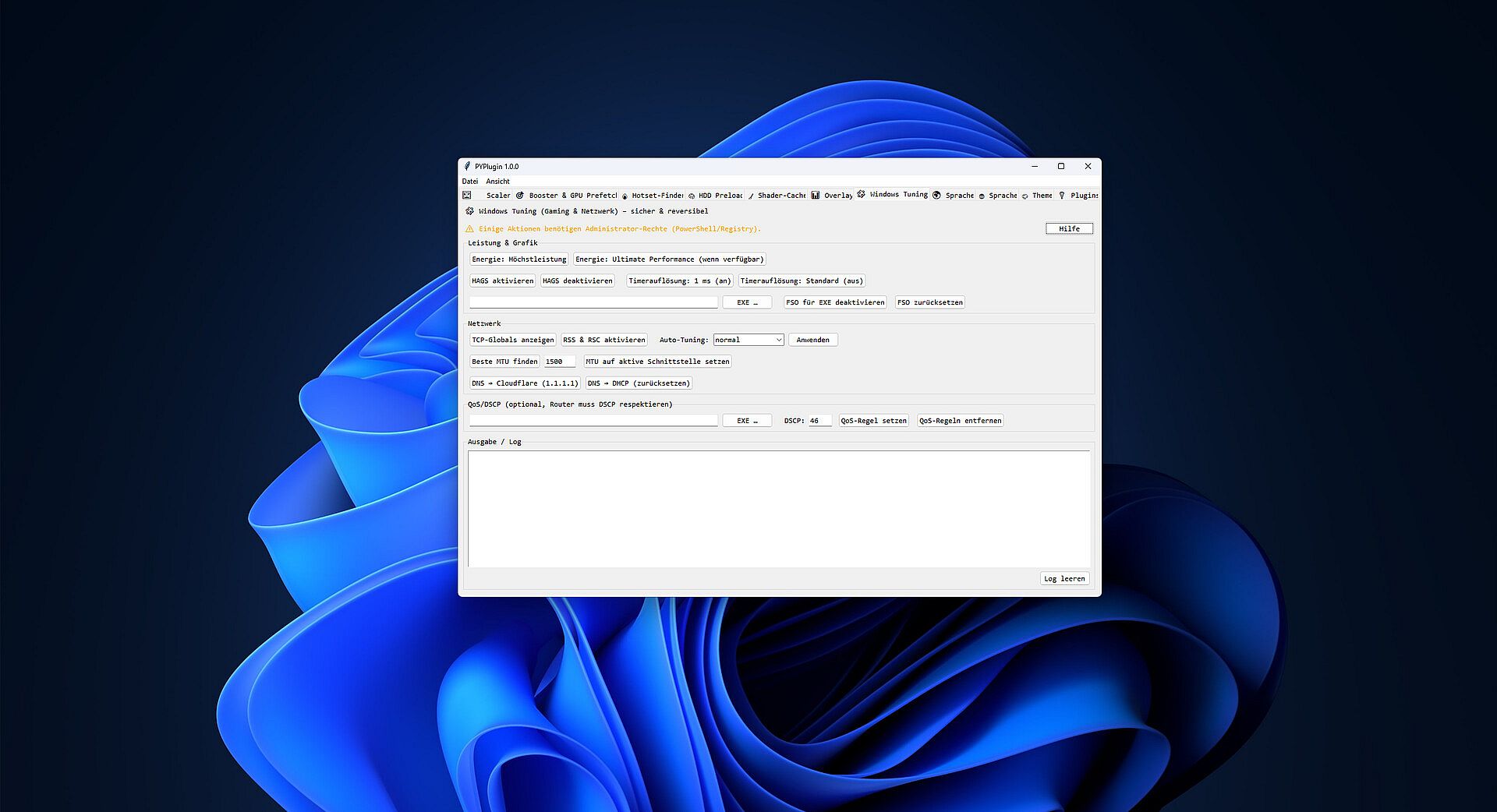
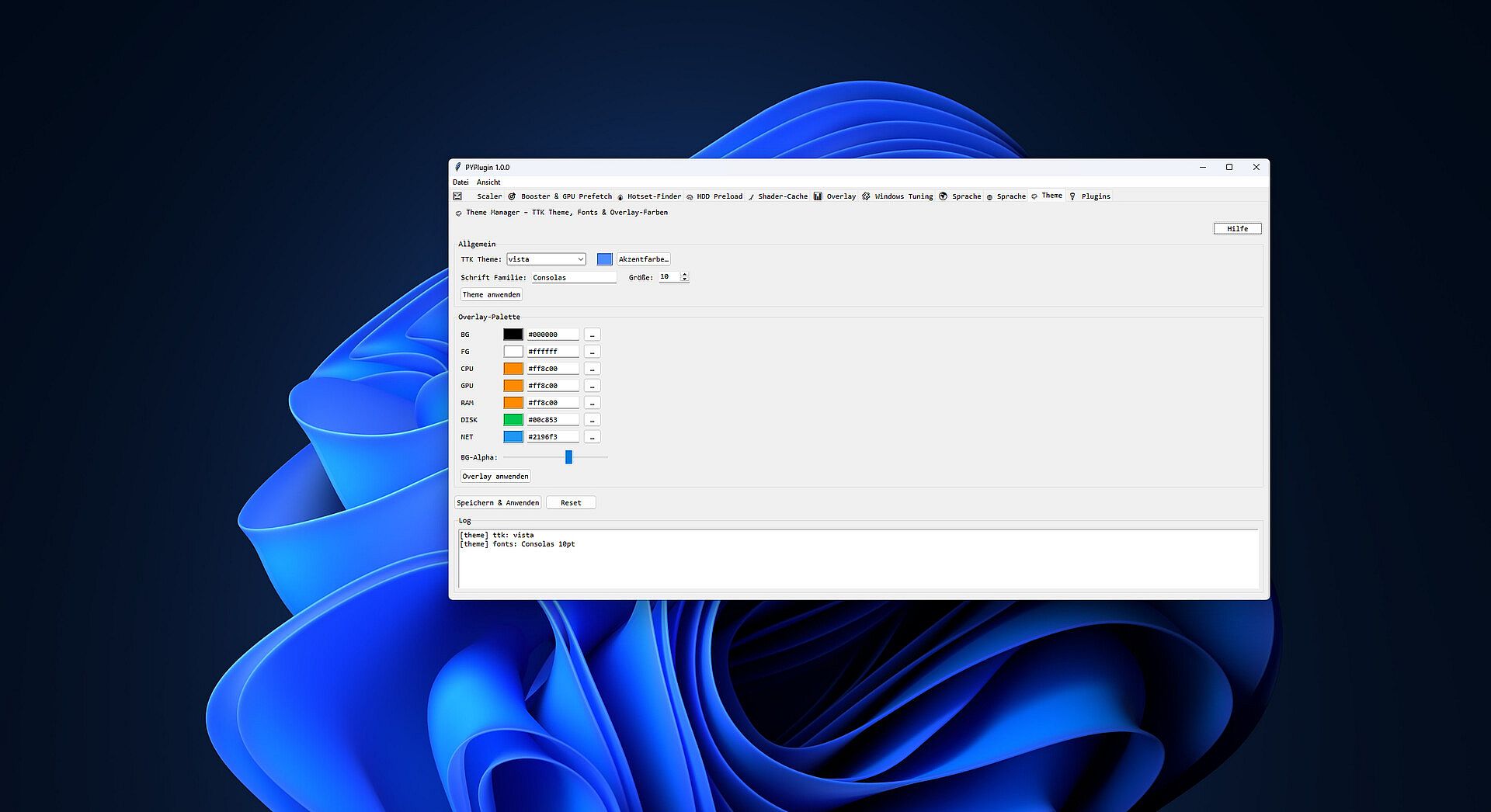
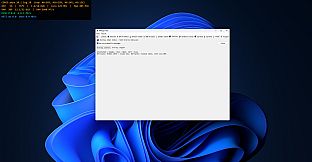
This tool squeezes real performance out of your PC—no snake oil, no risk. It combines a smart game booster that applies the right performance profile when your game launches with an HDD-friendly preload system that cuts loading stutter. On top, you get GPU preference control, a lightweight crosshair overlay, shader-cache cleanup, and practical system tweaks. Ideal if you want fast, repeatable results without manual fiddling.

Why You’ll Like It
  • Noticeably smoother: Applies the right Windows optimizations, priorities, and service states for your game.

  • Faster loads—even on HDDs: Preloads files in controlled chunks to reduce hitching and background thrashing.

  • Profiles, not guesswork: Gaming, Balanced, or Power Saver—switch in a click, feel the difference.

  • Clean & reversible: No dangerous registry hacks. Everything is transparent and undoable.

  • Anti-cheat friendly: Uses system-level info; no code injection into the game process.

Core Features
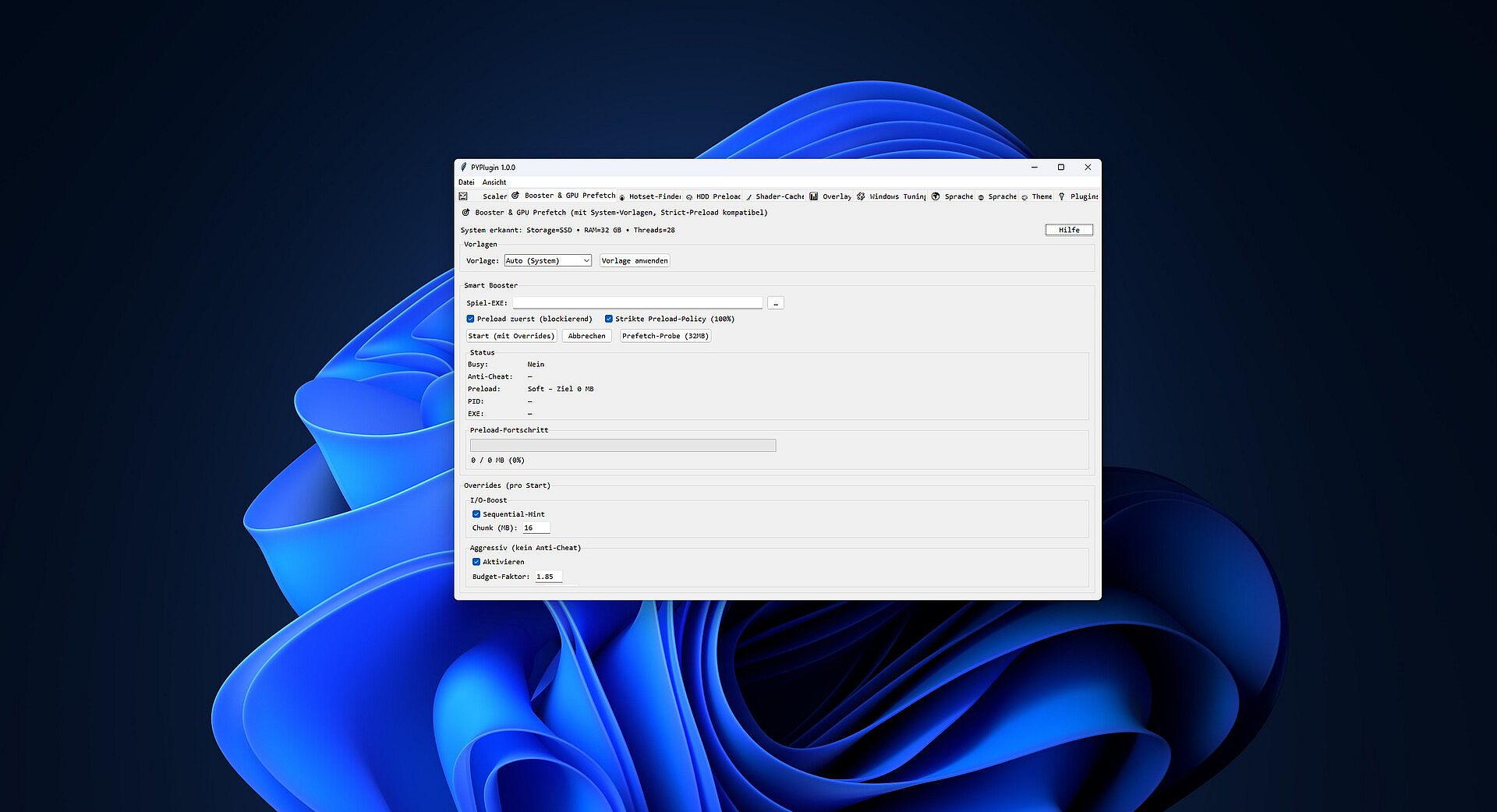
  • Smart Game Booster

    • Sets CPU priorities for selected processes.

    • Starts/stops optional services (e.g., updates/print) for a lean play session.

    • Startup cleanup to free resources.

  • HDD-Friendly Preload

    • Preloads game files in configurable MB chunks with I/O throttling for HDDs.

    • Optional Top-N MB to preload only the most impactful data.

    • Supports a “prefer” list via hotset.json (learns frequently accessed files).

  • GPU Preferences

    • Quickly prioritize integrated vs. dedicated GPU (where supported by the system).

    • Save/load presets.

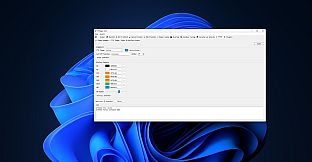
  • Overlay (Crosshair)

    • Always on top, click-through, adjustable size/color/transparency.

    • Hotkey to toggle visibility.

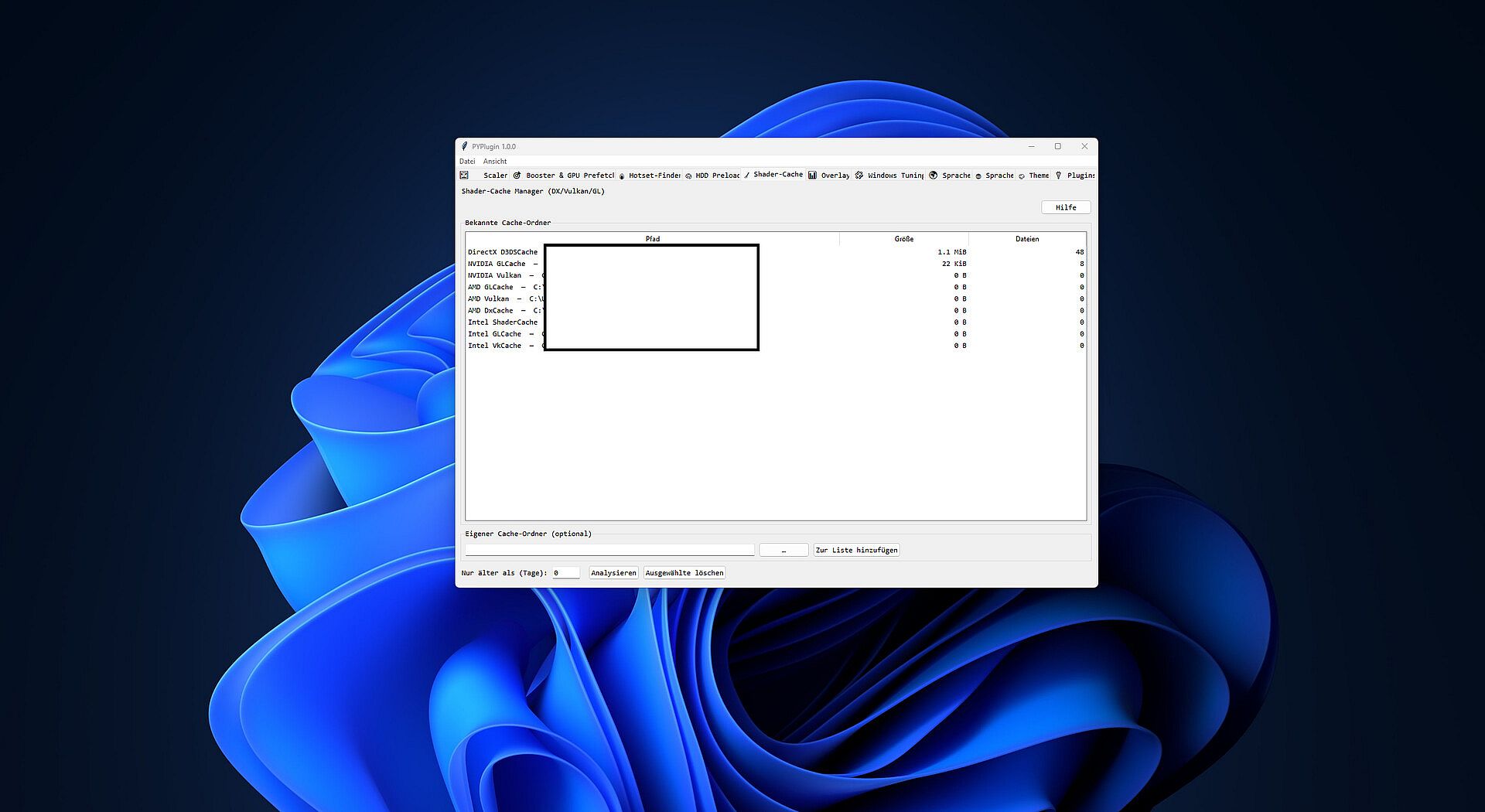
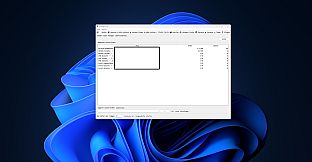
  • Shader Cache Manager

    • Shows common cache locations (DirectX/Vulkan/GL).

    • Deletes only files older than N days, if desired.

    • Note: shaders will auto-recompile on next launch.

  • Profiles & Settings

    • Gaming / Balanced / Power Saver starting points.

    • Save/load profiles, backup/restore settings.

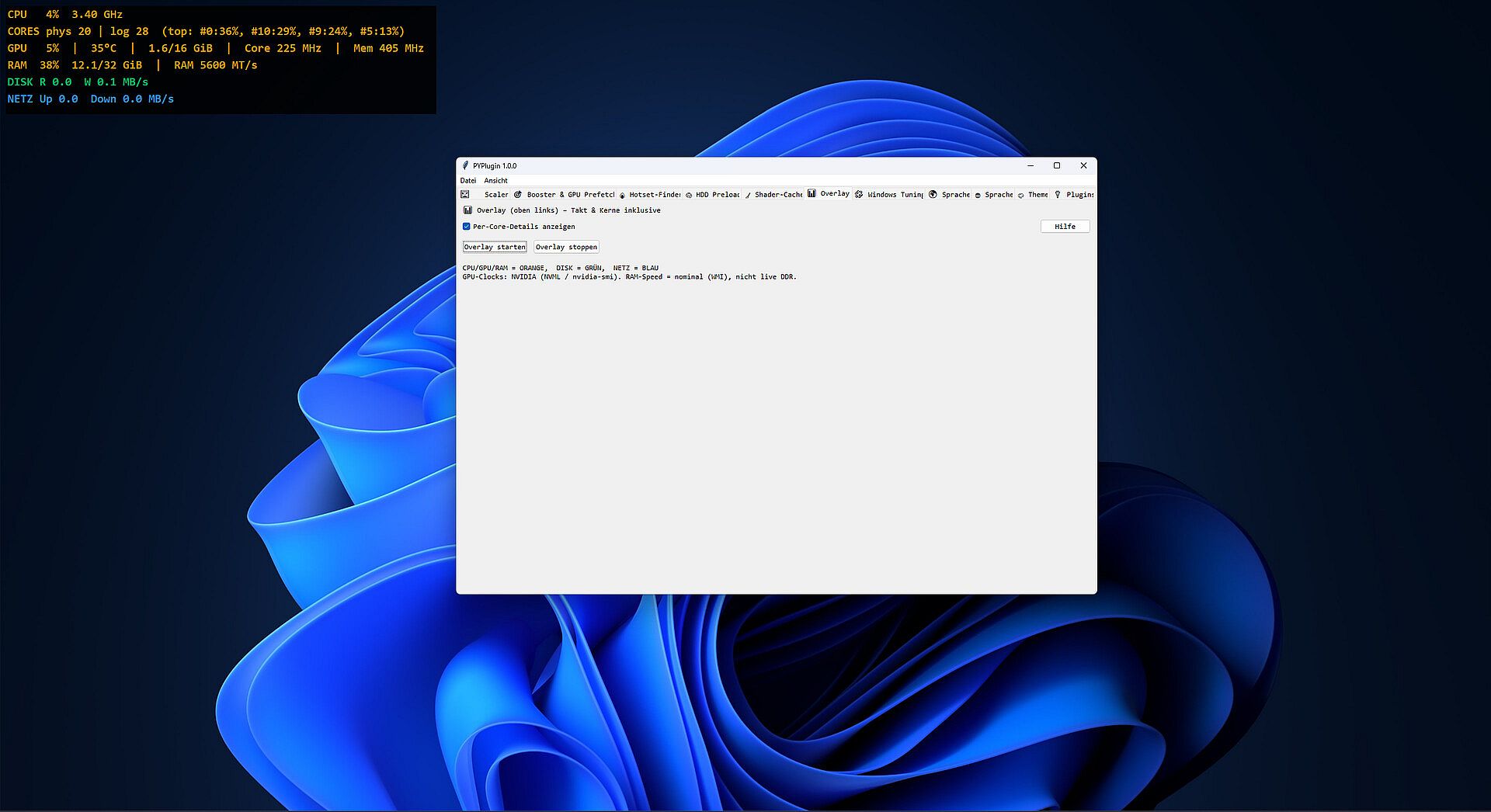
  • System Info & Monitoring

    • Quick view of network/system status, lightweight graphs, handy shortcuts.

Who It’s For
  • Gamers with HDD installs or chatty background services.

  • Creators/Streamers needing repeatable performance profiles.

  • Laptop users switching between battery saving and max performance.

What It’s Not
  • Not a miracle fix for broken drivers or thermal throttling.

  • Not a cheat: no process injection, no packet tampering.

FAQ

Do I have to configure each game?
No. Profiles cover most cases. Fine-tuning is optional.

Anti-cheat risk?
Designed to be process-external (priorities, services, file preload). No code injection.

Any benefit on SSDs?
Yes—profiles and priorities still help. Preload mainly targets HDD bottlenecks.

System Requirements
  • OS: Windows 10/11 (64-bit)

  • Processor: x64 CPU

  • Memory: 4 GB RAM (8 GB recommended)

  • Storage: 200 MB for the app + variable cache

  • Other: Admin rights recommended for service/startup actions

Classificazione per etĂ 

Non disponibile
Minimo storico
Storico prezzi dei negozi ufficiali
-
-
-
Storico prezzi dei keyshop
-
-
-

FAQ

8 domande

Prima di cercare una chiave economica di GAMEBOOSTER, controlla le informazioni essenziali. Data di uscita su PC: Coming Soon. Generi: Action, Indie, Utilities, Software Training. Categorie: Single-player.

Q

Dove comprare una chiave Steam di GAMEBOOSTER a poco?

Al momento non ci sono offerte attive per GAMEBOOSTER. Imposta un avviso di prezzo su XD.deals e ti avviseremo non appena sarĂ  disponibile un'offerta.

Non abbiamo un prezzo attuale dello Steam Store per GAMEBOOSTER. Il gioco potrebbe essere temporaneamente non disponibile o non ancora presente su Steam.

Il nostro tracker dei prezzi copre sia i rivenditori ufficiali che i marketplace di chiavi, così puoi trovare GAMEBOOSTER in offerta anche al di fuori delle promozioni stagionali. Al momento rileviamo 0 offerte attive da store ufficiali e keyshop. Controlla la tabella qui sopra, confronta con il minimo storico e imposta un avviso per non perdere il prossimo calo di prezzo.

Secondo i nostri dati, GAMEBOOSTER non è attualmente disponibile su GeForce NOW. Dovrai eseguirlo localmente sul tuo PC. Sfoglia i giochi disponibili su GeForce NOW.

Sì. GAMEBOOSTER ha una pagina ufficiale su Steam, ma al momento non tracciamo offerte di terze parti con DRM Steam. Ricontrolla più tardi o imposta un avviso di prezzo.

Non al momento. Valve classifica GAMEBOOSTER come non supportato su Steam Deck. Tieni d'occhio XD.deals - tracciamo gli aggiornamenti di Proton e le soluzioni della community. Sfoglia i giochi Steam Deck Verified o Steam Deck Playable.

GAMEBOOSTER non sembra essere disponibile su PC Game Pass, EA Play, Ubisoft+ o altri servizi in abbonamento per PC al momento. L'unica opzione è acquistare il gioco - usa XD.deals per trovare il prezzo migliore.

No - XD.deals non è un negozio. Siamo un comparatore di prezzi che traccia le migliori offerte per GAMEBOOSTER tra store ufficiali e keyshop verificati. Clicca "Vai al negozio" accanto a qualsiasi offerta e verrai reindirizzato al sito del rivenditore per completare l'acquisto.

Vuoi comprare al momento migliore? Imposta un avviso di prezzo su XD.deals e ricevi una notifica quando GAMEBOOSTER raggiunge il suo prossimo minimo storico.

Crea avviso
Unisciti al nostro Discord
Ottieni aiuto immediato dalla community e resta aggiornato sulle offerte
Imposta avvisi di prezzo
Ricevi notifiche via email quando i prezzi scendono al tuo target
Crea un account gratuito
Sblocca wishlist, avvisi di prezzo e sincronizzazione Steam