






Eldon Desktop Buddy is a free to play casual simulation game for PC that places a wizard named Eldon directly on the desktop as an interactive companion. Players interact with him through simple mouse controls while working or relaxing, and the experience expands into short standalone activities when more structured play is desired. The title fits the indie casual and simulation genres by focusing on light customization and responsive character behavior rather than complex progression or competitive systems.
Gameplay
Core interaction centers on direct mouse input with Eldon. A left click triggers a random action from the wizard. Dragging the character repositions him anywhere on the screen. A right click opens a menu for actions and volume controls. Hovering the mouse over Eldon causes him to extend his tongue in response. These mechanics keep the buddy reactive during normal computer use without requiring constant attention.
Customization options allow adjustment of Eldon's size, volume level, and mute setting. Intensity can be set to one of three presets labeled Bananas, Normie, or Chill to alter how lively or subdued his responses feel. If the character disappears from view, a menu option restores him immediately. The system emphasizes simple, repeatable engagement suited to background use alongside other tasks.
Game Modes
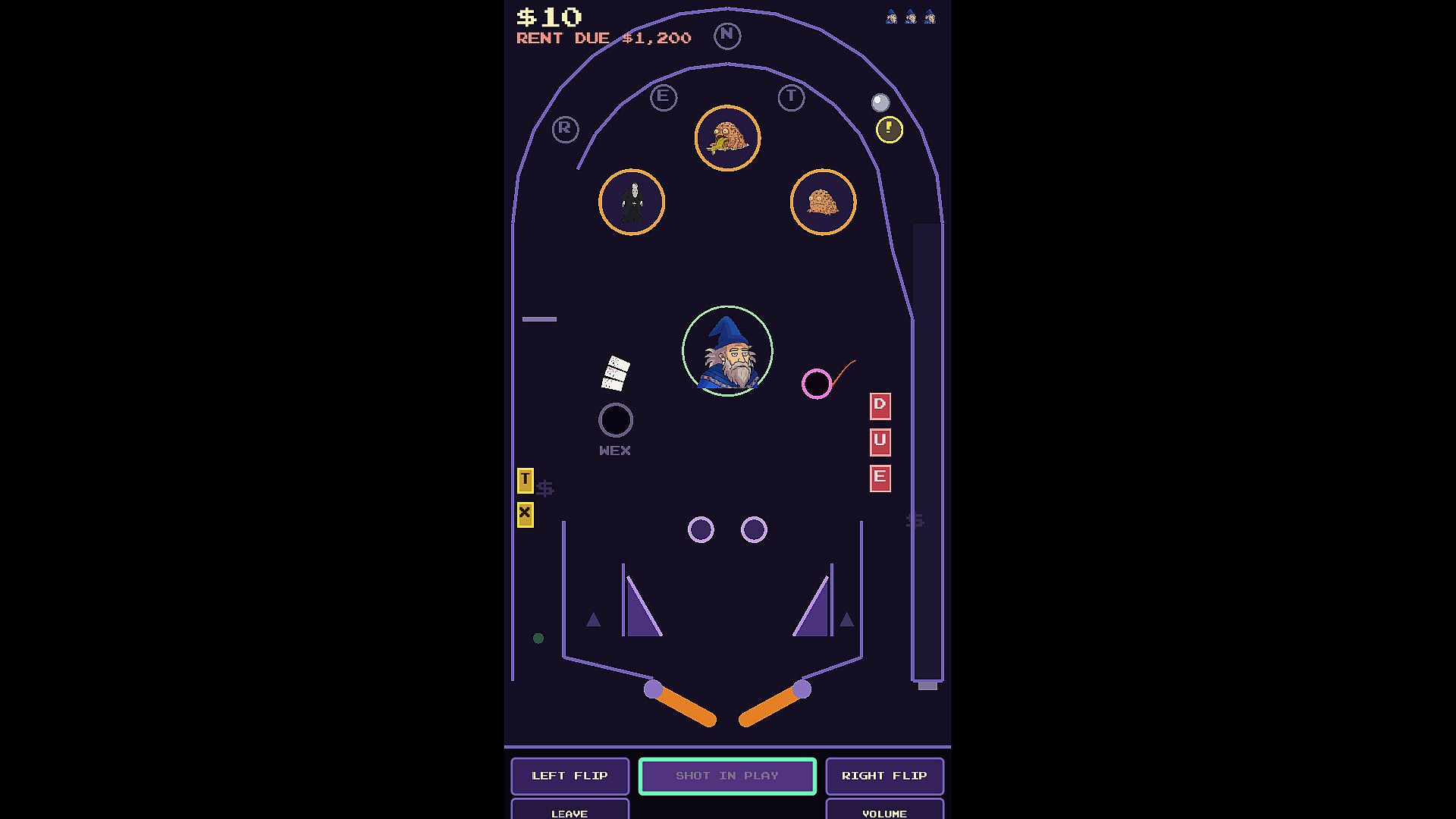
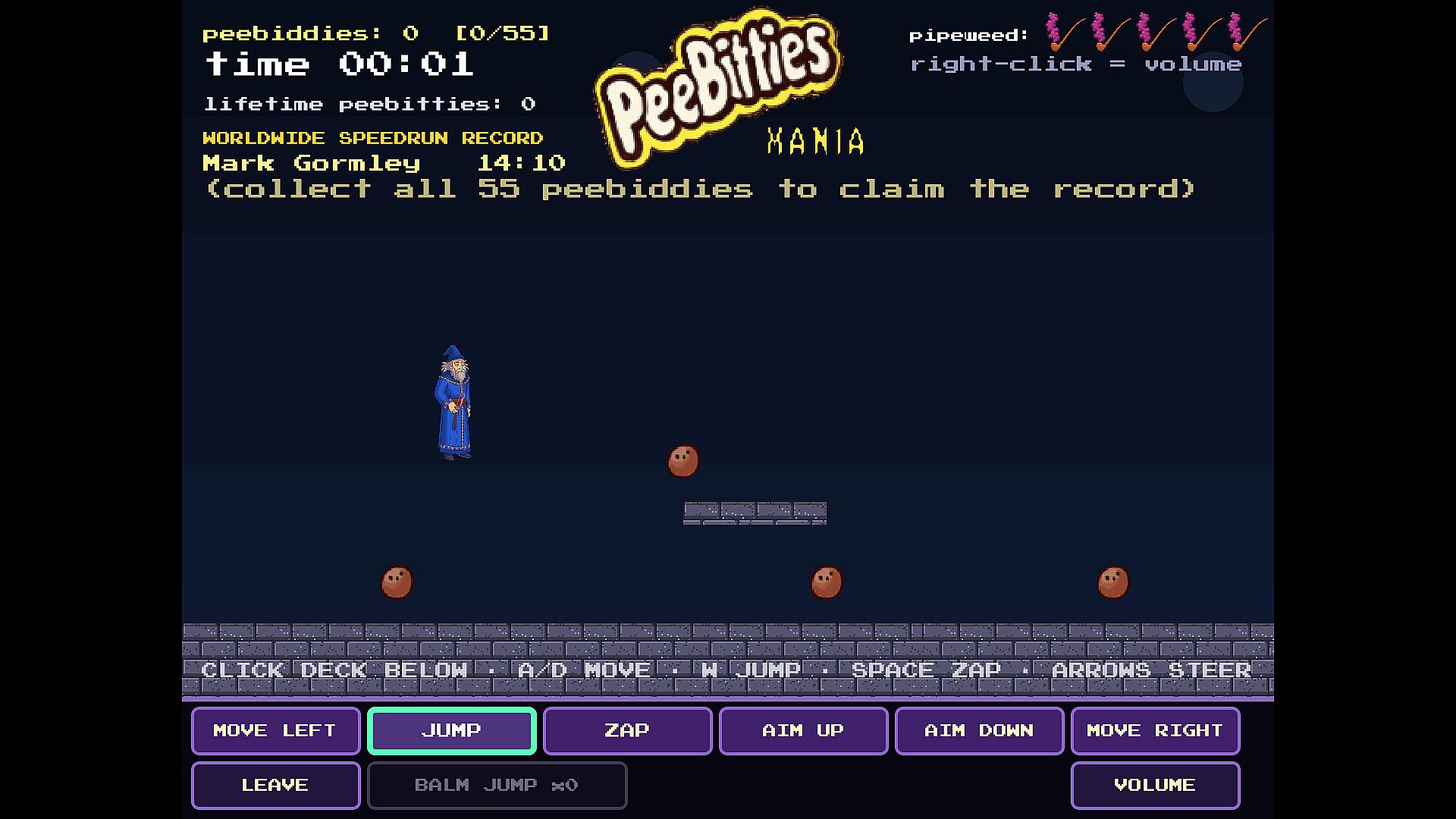
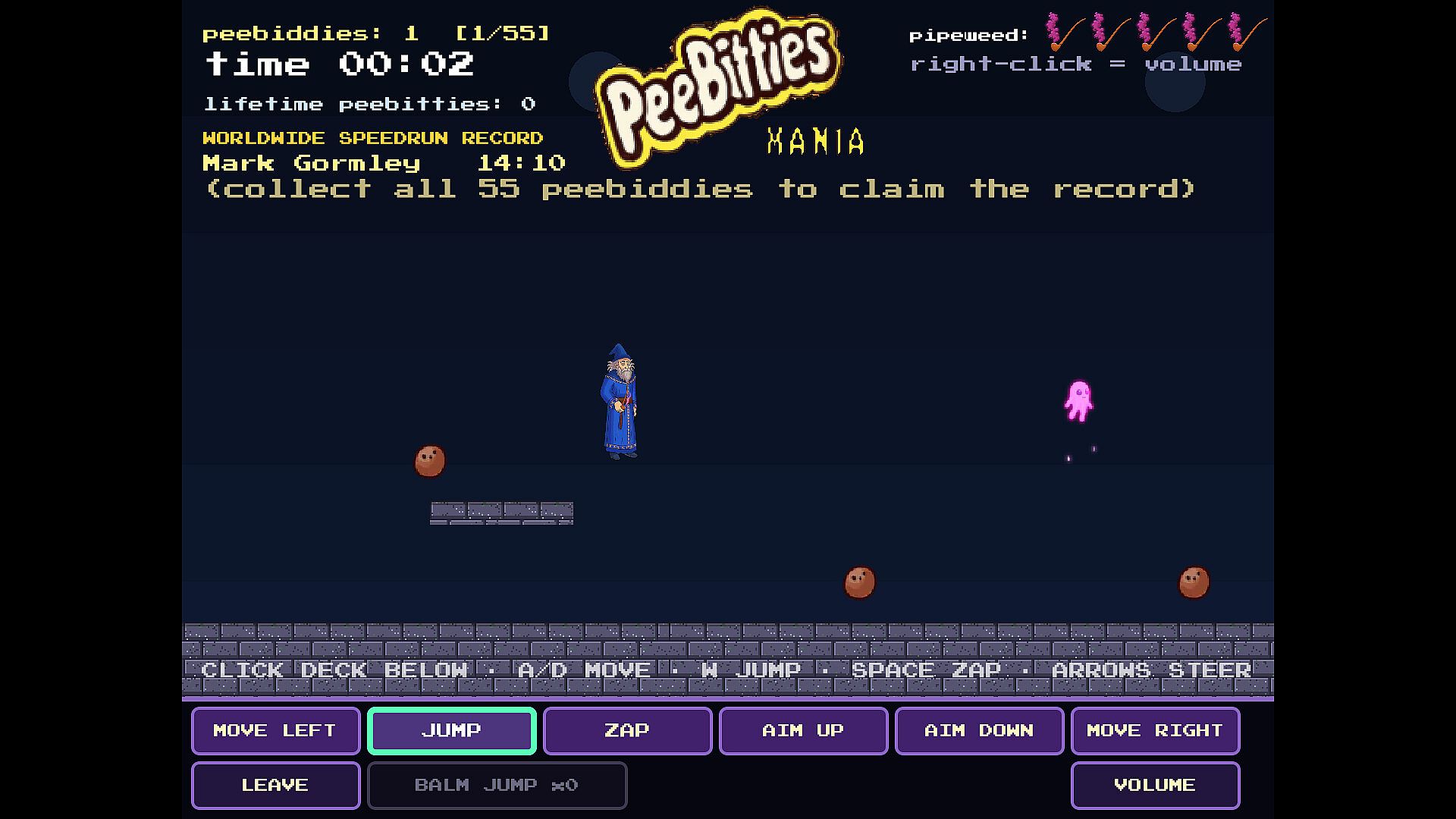
When players want a dedicated activity, two named experiences become available. Eldon Pinball presents a table themed around paying a rent bill, requiring players to keep the ball in play through standard pinball physics and targets. PeeBitties Mania shifts to a platforming format where Eldon navigates levels using jumps, flight mechanics, and steerable spells to progress through the environment.
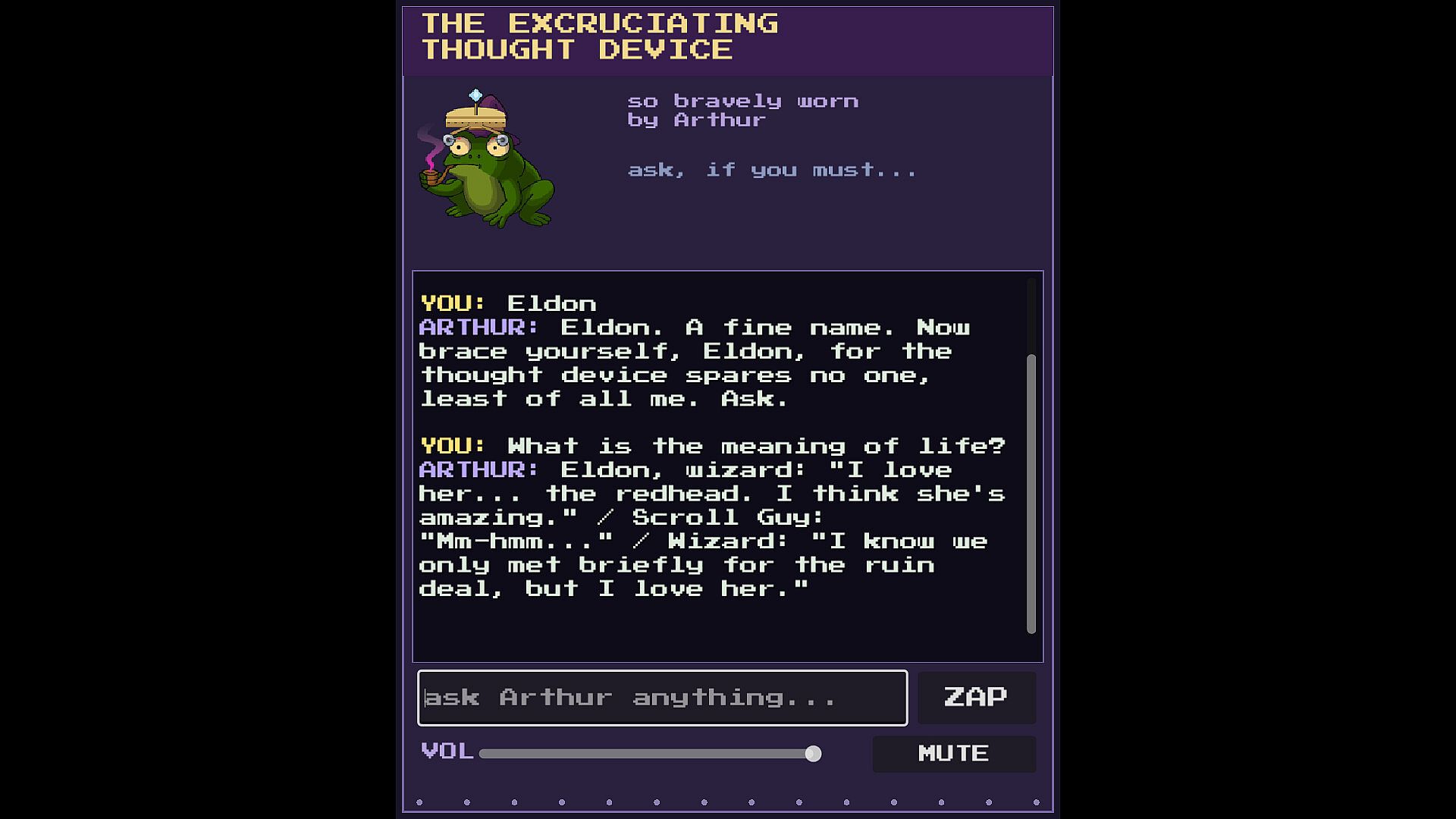
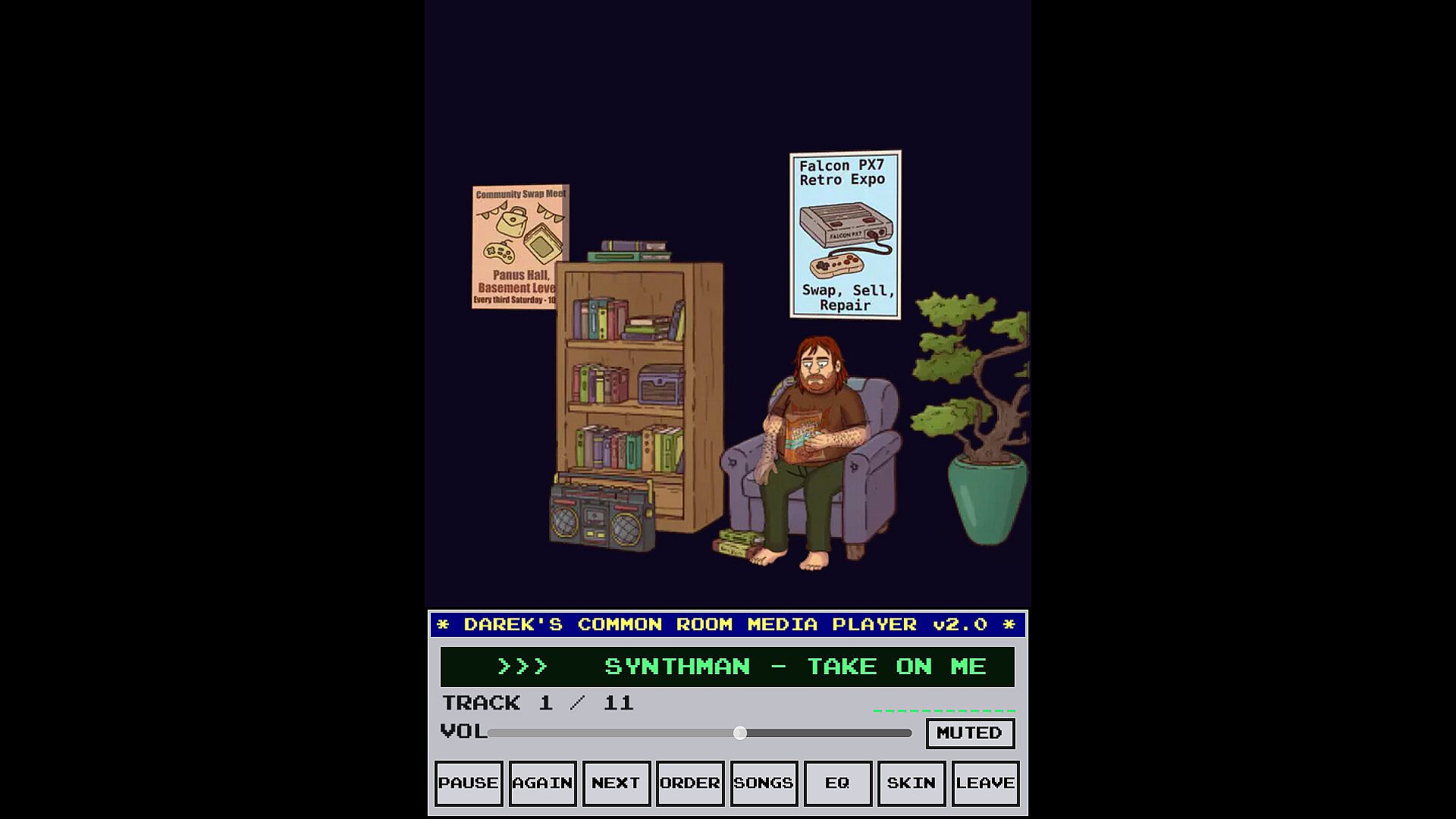
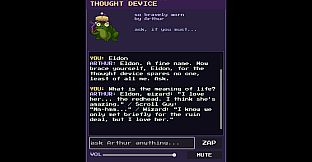
Additional social elements appear in a common room setting. Here players can join a character named Darek, play music, or engage in conversation with another named character, Arthur. These options provide variety beyond the desktop companion loop while remaining tied to the same central figure.
Customization and Daily Use
Size, volume, and intensity settings let users tailor Eldon to different work environments or personal preferences. The mute function and menu-based restoration ensure the companion remains convenient rather than intrusive. Random actions on left click and the tongue response on hover add small moments of personality without interrupting workflow.
The overall loop supports passive presence on the desktop combined with occasional deeper engagement through the pinball and platforming activities. Intensity presets further refine how frequently or energetically Eldon reacts during idle periods.
Is It Worth Playing?
Eldon Desktop Buddy suits players seeking a lightweight desktop companion with occasional structured diversions. The free to play model removes any financial barrier, and the described controls and menu options deliver straightforward interaction for casual simulation fans. Those who enjoy simple character responses and short minigame breaks may find it fits well into daily routines. The limited scope of confirmed features means expectations should center on relaxed, low-commitment use rather than extensive content or ongoing updates.