
Acquista DiyMachinery (自定义机械) PC CD Key

Dove comprare la chiave Steam DiyMachinery (自定义机械) {6} più economica? Confronta i prezzi da 1 store e scegli la soluzione migliore tra 1 offerte su XD.deals. Al momento il prezzo {6} più basso per DiyMachinery (自定义机械) nei keyshop è su 0,79 € (0% di sconto).

Uscita: 16 mag 2018
me
me
Metacritic:
tbd tbd
Steam:
Overwhelmingly Negative (2)
Keyshops
Non disponibile
Compra nello store ufficiale:
0,79 €
Compra nei keyshop:
Vedi storico prezzi

Store ufficiali (1)

DRM:
Steam
Steam
Steam
DiyMachinery (自定义机械)
Windows
1a fa
DRM:
Steam
Steam
0,79 €
Historical Low Deal
Historical low

Info su DiyMachinery (自定义机械)

DiyMachinery (自定义机械) - info sul gioco
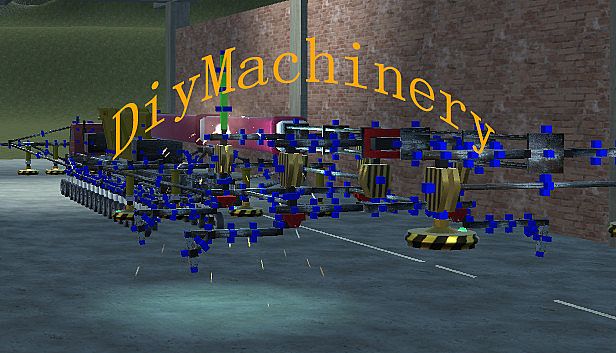
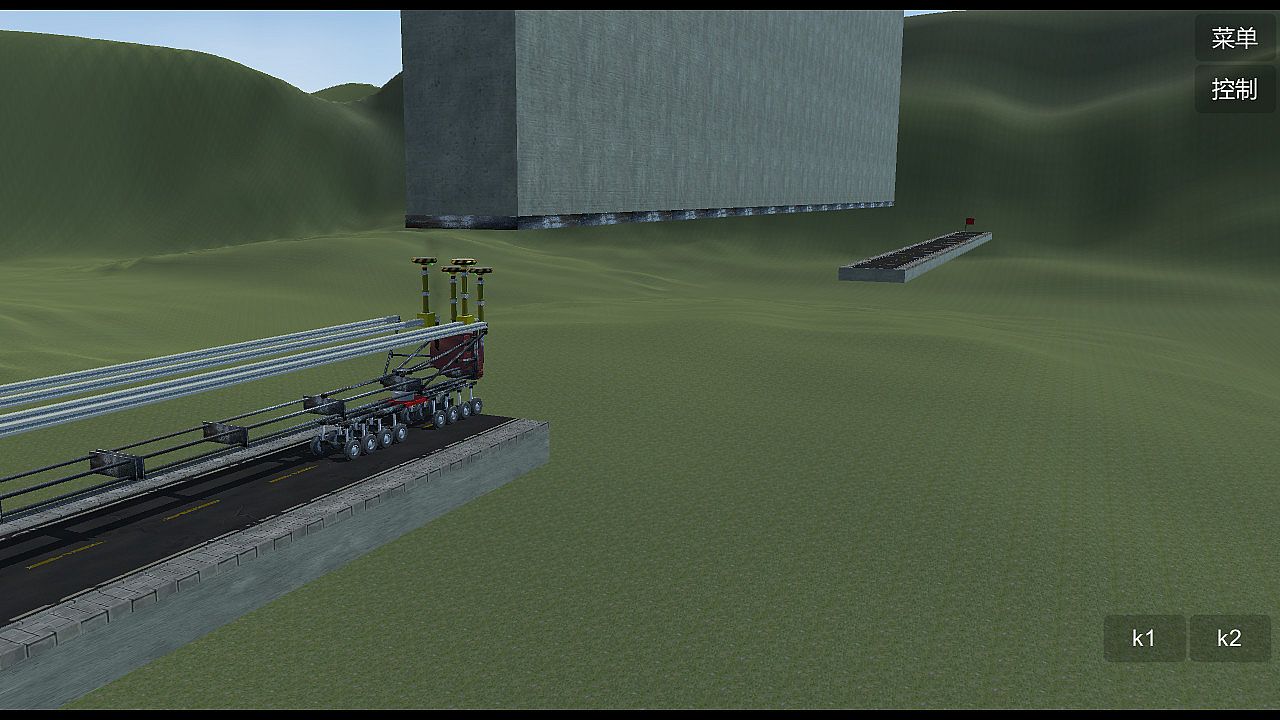
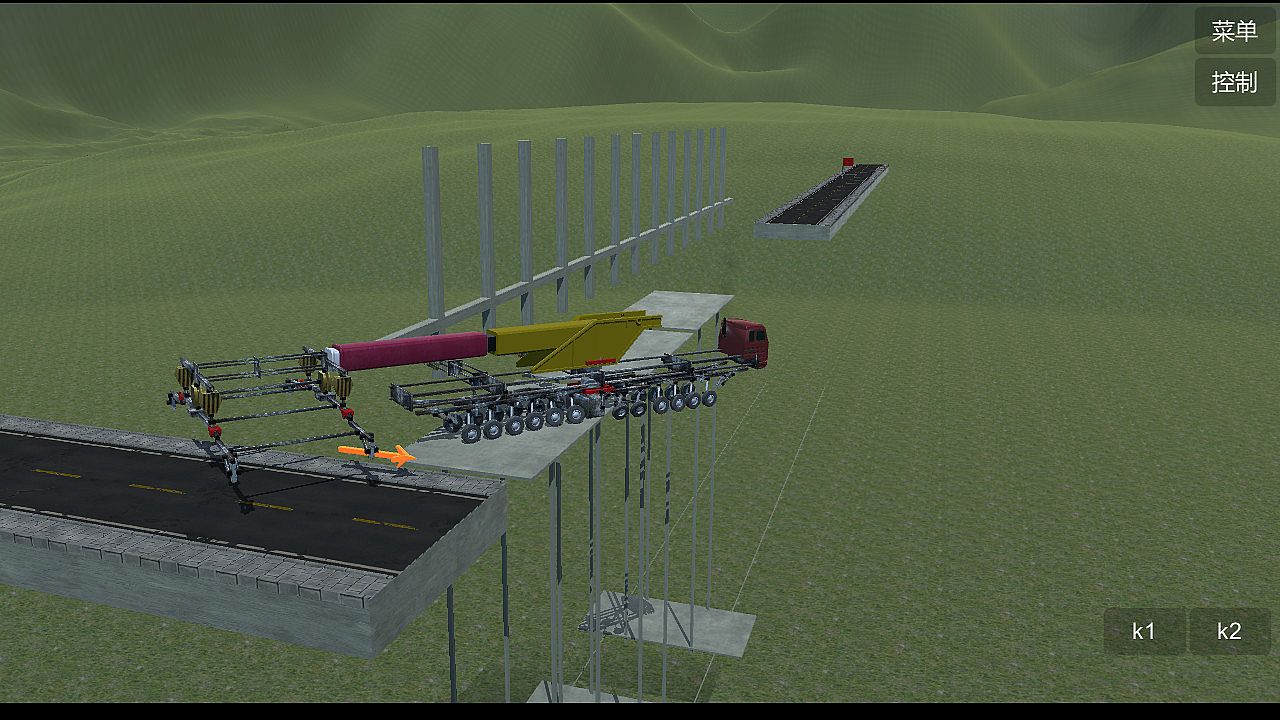
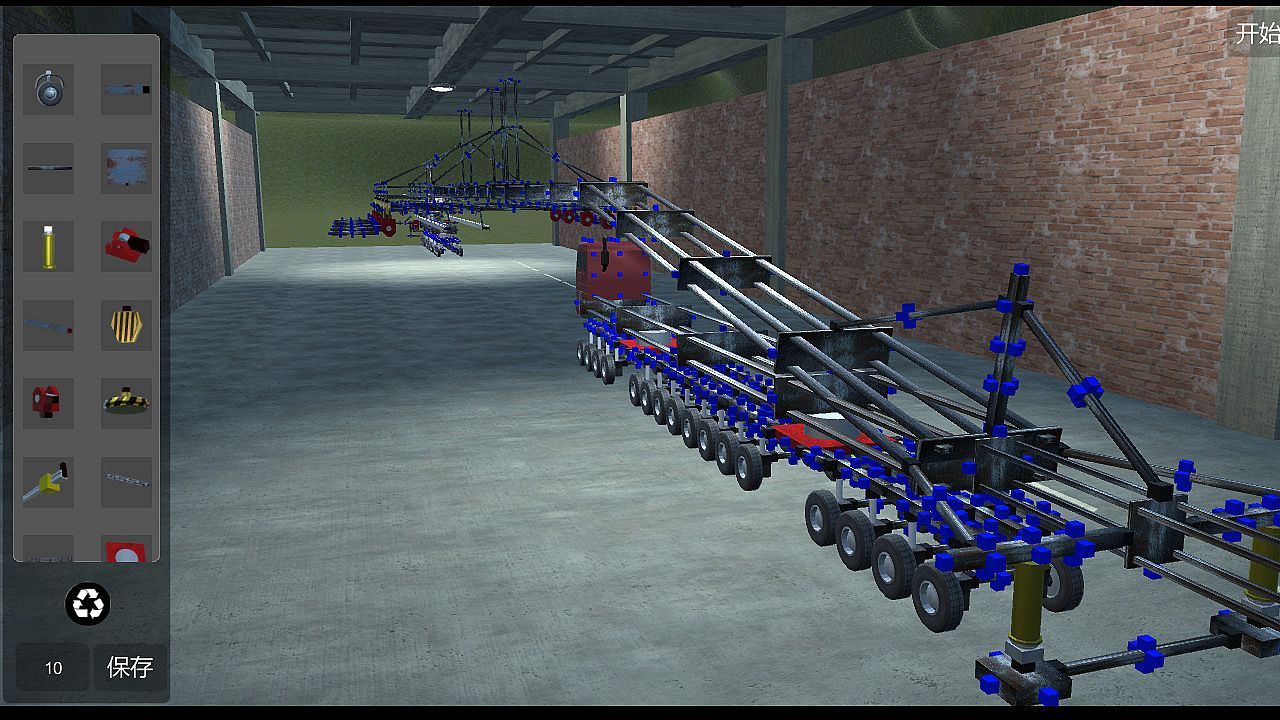
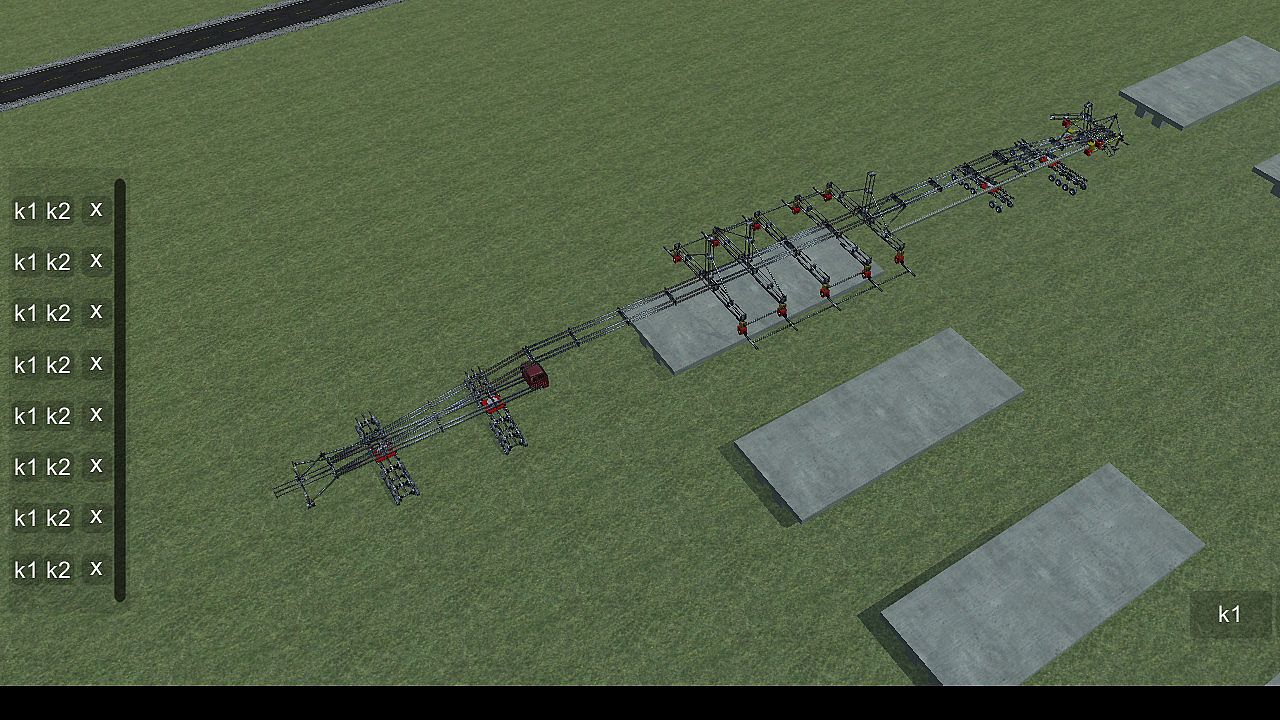
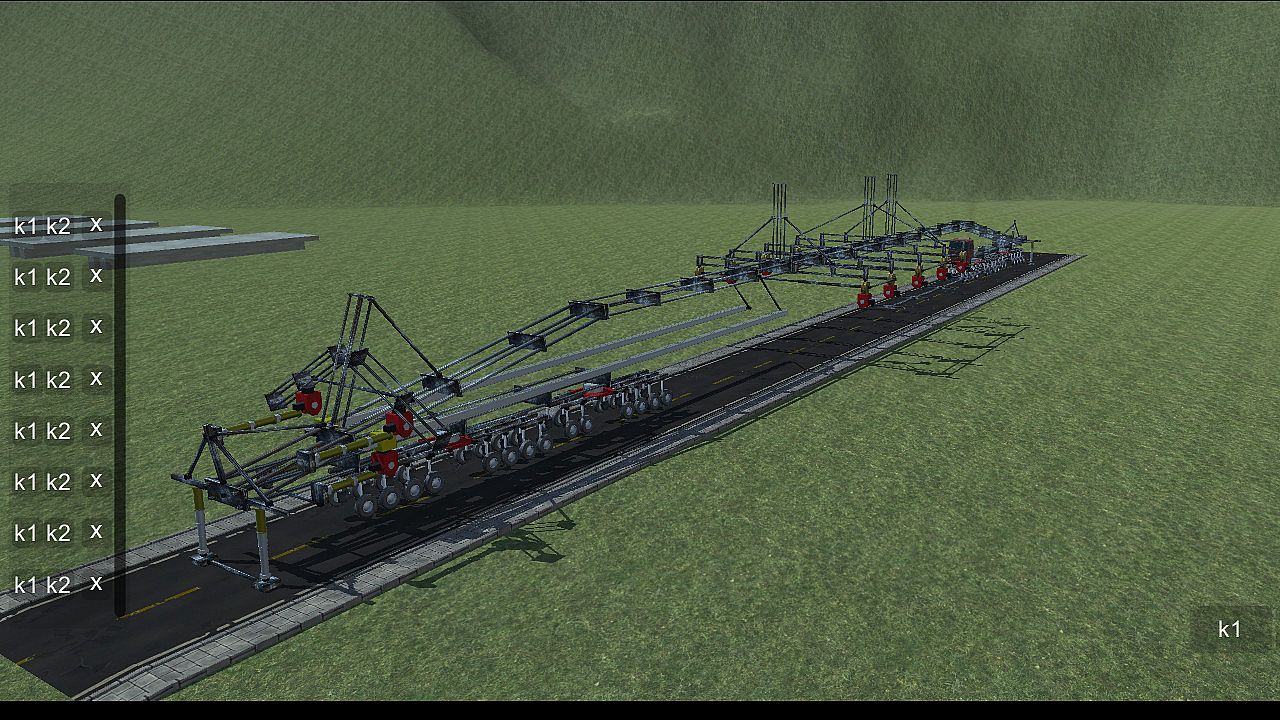
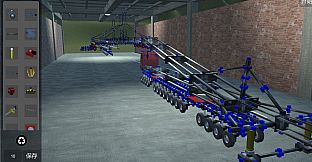
Build intricate machines from 22 basic parts to conquer obstacles like crossing gaps, climbing heights, bridging voids, and hanging precariously. This physics-based simulation demands sharp logical thinking, keen observation, precise manipulation, and strong spatial imagination. Master core operations such as clicking the blue box to select and attach components, rotating them with Q, W, E, A, S, D keys, removing with Z, copying via Ctrl+C and pasting with Ctrl+V, or welding blue squares by pressing X. Group components for control by holding Ctrl for multi-select and assigning K1/K2 functions, or drag icons in the controller interface for line-based operations-both methods work independently. Adjust wheels for turning, car heads for suspension and steering, and slide rails for length. Ideal for players who thrive on brain-teasing strategy and engineering challenges that scale with your PC's power and ingenuity.

DiyMachinery It's a physical game, 22 basic parts build machines complete over, over, hanging, climbing, bridging... Such as obstacles. There is no hierarchy, so long as your computer is good, you can build big, interesting machines. This game requires a lot of logical thinking, observation, manipulation, and spatial imagination. If you like research and thinking, don't miss it.

This game is a skill and requires a high IQ to play.
builds basic operations:
Click the blue box, click on the component interface you want to build components, click on the components, press Q, W, E, A, S, D and other keyboard keys to rotate.
The Z key removes the selected component.
Ctrl+c copies the selected components, then selects the blue box Ctrl+v to paste.
Click a blue square, click on the other block, and then press the X key to weld two blue squares. If the steering wheel is welded, the component will disconnect (also press the lower right corner of the game button).
adds an operating group:
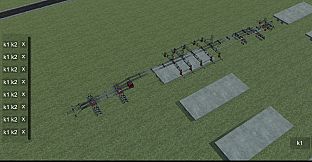
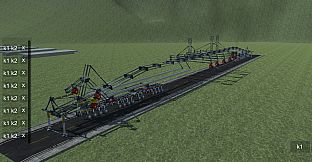
Method 1: hold the Ctrl key for multiple selection, then click Add group button, the lower left corner of the game interface will appear, the K1 and K2 buttons in the list are the function of the control component, such as the hydraulic top bar: press the K1 top, then stop by K1, the K2, and then stop by a K2, basically all the operable components are this Class operation.
Method 2: click the controller button in the upper right corner, enter the controller interface, drag the icon to organize the operation group, then select the line to operate, and then press the K1 K2 big button in the lower right corner to control the selected line. (this method does not conflict with the first method, that is to say, you set the first method will not affect the second method, and vice versa).
wheel:
The system automatically opens the turning functions of the front wheels. You can also click the wheel to open the wheel control interface to control the turn, turn, and turn off the power.
car head:
You can control the suspension force of the wheel and the number of turning wheels by clicking the front end and opening the control interface.
slide
The slide is the long one. When you build it, you can adjust the length by clicking the slide rail.
summary:

This game can exercise your brain, saying it is easy and easy to say, it's complicated to say that the component is also the two or three methods of operation, see what you build and match. If you can completely pass it, you are more cattle than my author, and the technology that finally needs the bridge is different from the technology of the high iron bridge. You can be an engineer, too.

Interfaccia:
EnglishSimplified Chinese
Sottotitoli:
EnglishSimplified Chinese

Classificazione per età

Non disponibile
Metacritic:
tbd tbd
Steam:
Overwhelmingly Negative (2)

Minimo:

  • Processore: 四核
  • Memoria: 4096 MB RAM
  • Grafica: GTX 550
  • Archiviazione: 400 MB available space

Consigliato:

  • Processore: 四核
  • Memoria: 4096 MB RAM
  • Grafica: GTX 550
  • Archiviazione: 400 MB available space
Minimo storico
Storico prezzi dei negozi ufficiali
-
-
-
Storico prezzi dei keyshop
-
-
-

FAQ

8 domande

Prima di cercare una chiave economica di DiyMachinery (自定义机械), controlla le informazioni essenziali. Sviluppato da me. Pubblicato da me. Data di uscita su PC: 16 mag 2018. Generi: Strategy, Indie, Simulation, Adventure. Categorie: Family Sharing, Single-player.

Q

Dove comprare una chiave Steam di DiyMachinery (自定义机械) a poco?

Grazie al nostro comparatore di prezzi e ai codici sconto verificati, puoi acquistare una chiave di DiyMachinery (自定义机械) a partire da 0,79 €. Questa offerta è disponibile su Steam ed è tra le più economiche sul mercato. Tutte le chiavi su XD.deals vengono consegnate in formato digitale e sono disponibili per il download immediato dopo il pagamento. I prezzi includono già le commissioni e i codici promozionali applicati, così vedi sempre il prezzo più basso di DiyMachinery (自定义机械) su PC. Controlla lo storico prezzi di DiyMachinery (自定义机械) per acquistare al momento migliore.

Secondo il nostro ultimo aggiornamento (aggiorniamo i prezzi Steam più volte al giorno), il prezzo di DiyMachinery (自定义机械) su Steam è 0,79 €. Puoi risparmiare un ulteriore ~6% pagando con una carta regalo Steam scontata.

Il nostro tracker dei prezzi copre sia i rivenditori ufficiali che i marketplace di chiavi, così puoi trovare DiyMachinery (自定义机械) in offerta anche al di fuori delle promozioni stagionali. Al momento rileviamo 1 offerta attiva da store ufficiali e keyshop. Controlla la tabella qui sopra, confronta con il minimo storico e imposta un avviso per non perdere il prossimo calo di prezzo.

Secondo i nostri dati, DiyMachinery (自定义机械) non è attualmente disponibile su GeForce NOW. Dovrai eseguirlo localmente sul tuo PC. Sfoglia i giochi disponibili su GeForce NOW.

. DiyMachinery (自定义机械) ha una pagina ufficiale su Steam. Puoi anche acquistare una chiave Steam di DiyMachinery (自定义机械) da venditori terzi. Il nostro comparatore include attualmente 1 offerta con DRM Steam. Scegline una per assicurarti che il download di DiyMachinery (自定义机械) avvenga sulla piattaforma di Valve.

Non al momento. Valve classifica DiyMachinery (自定义机械) come non supportato su Steam Deck. Tieni d'occhio XD.deals - tracciamo gli aggiornamenti di Proton e le soluzioni della community. Sfoglia i giochi Steam Deck Verified o Steam Deck Playable.

DiyMachinery (自定义机械) non sembra essere disponibile su PC Game Pass, EA Play, Ubisoft+ o altri servizi in abbonamento per PC al momento. L'unica opzione è acquistare il gioco - usa XD.deals per trovare il prezzo migliore.

No - XD.deals non è un negozio. Siamo un comparatore di prezzi che traccia le migliori offerte per DiyMachinery (自定义机械) tra store ufficiali e keyshop verificati. Clicca "Vai al negozio" accanto a qualsiasi offerta e verrai reindirizzato al sito del rivenditore per completare l'acquisto.

Migliori prezzi per DiyMachinery (自定义机械)

1 Steam Steam Official
0,79 €

Vuoi comprare al momento migliore? Imposta un avviso di prezzo su XD.deals e ricevi una notifica quando DiyMachinery (自定义机械) raggiunge il suo prossimo minimo storico.

Crea avviso
Unisciti al nostro Discord
Ottieni aiuto immediato dalla community e resta aggiornato sulle offerte
Imposta avvisi di prezzo
Ricevi notifiche via email quando i prezzi scendono al tuo target
Crea un account gratuito
Sblocca wishlist, avvisi di prezzo e sincronizzazione Steam