

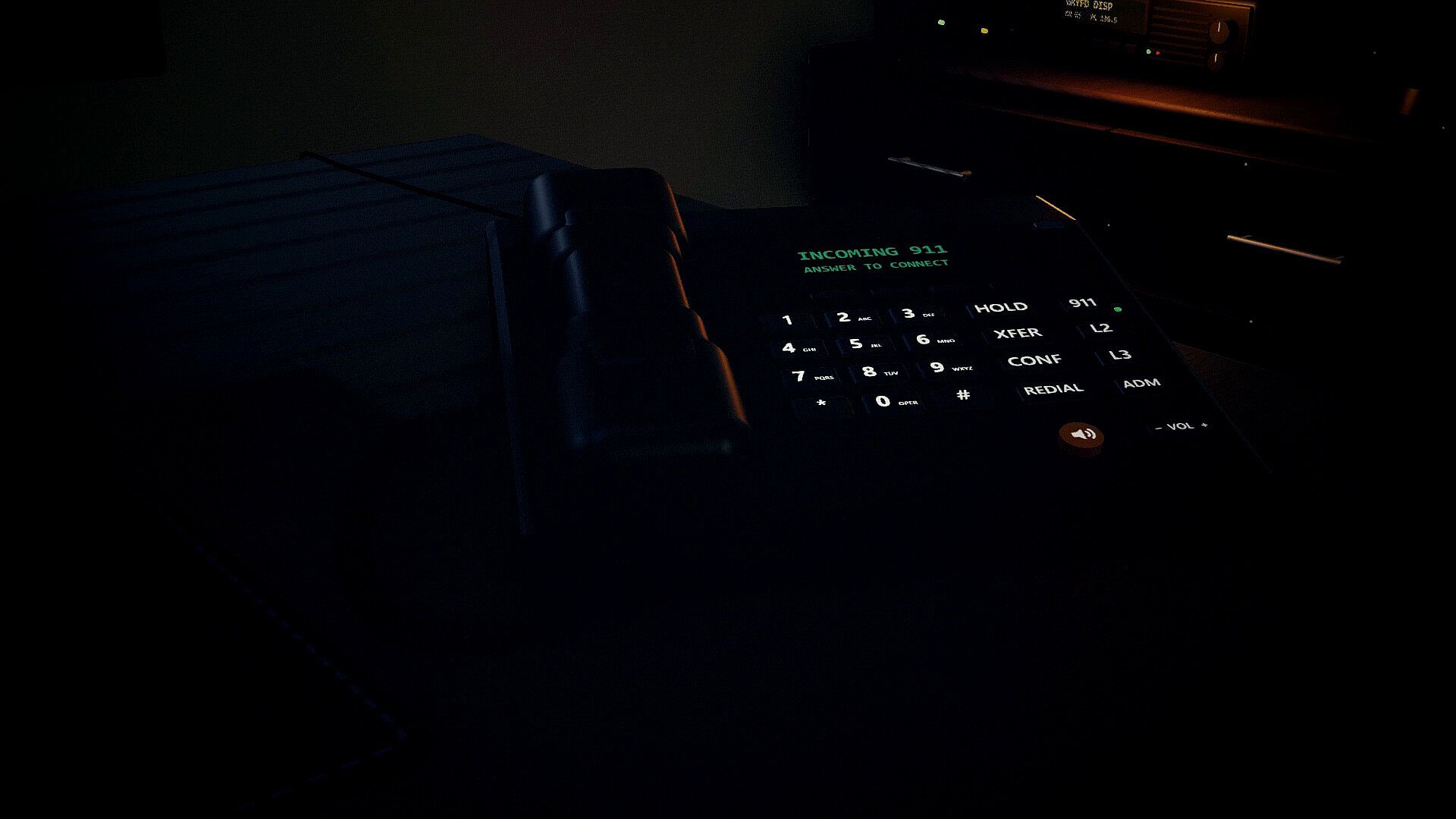
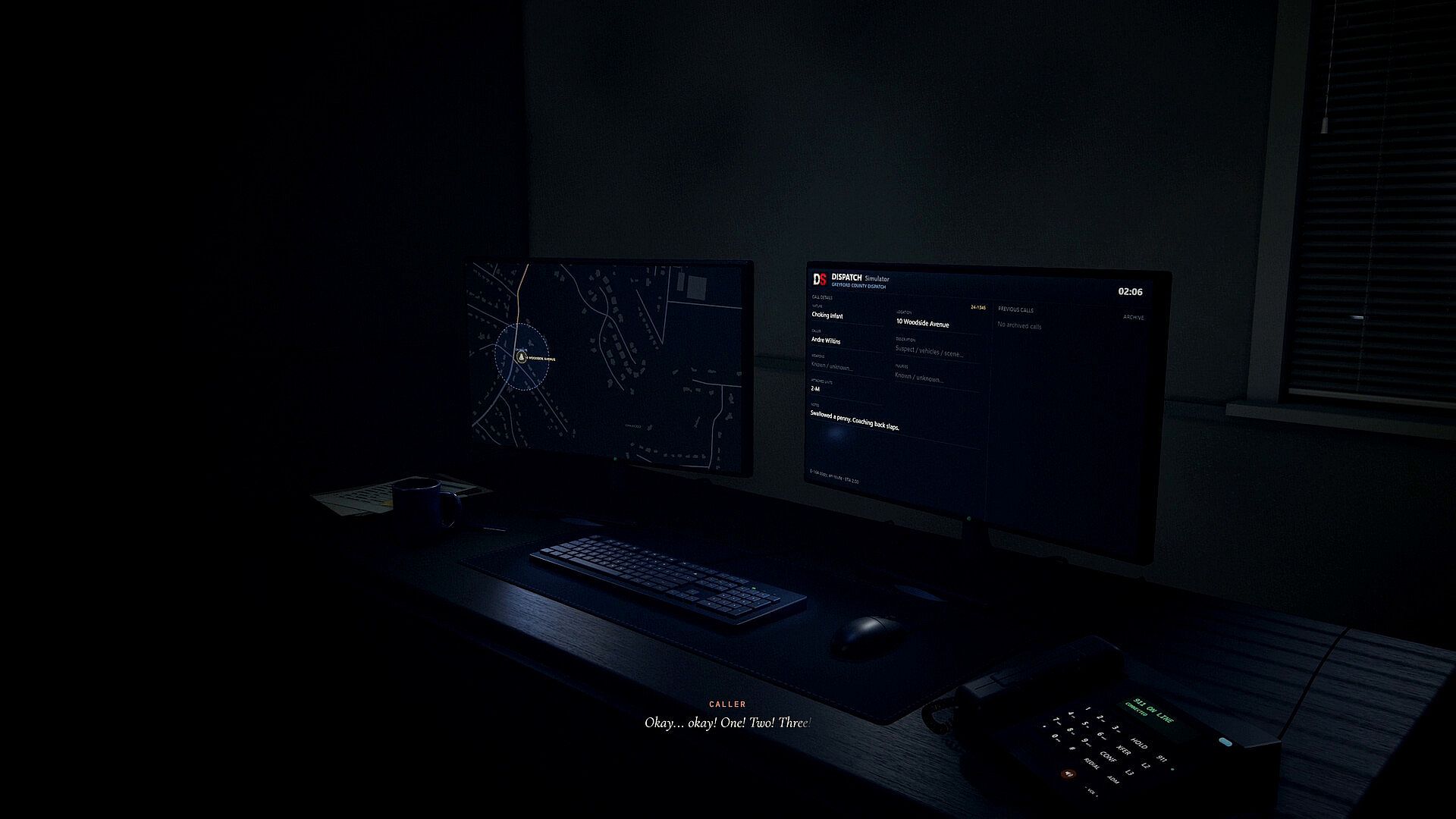

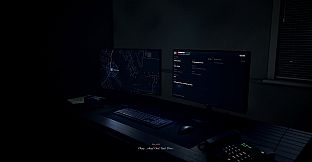
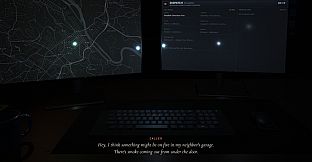
You're the first voice they hear. Dispatch Simulator puts you at a 911 desk in Greyford County: answer the line, find out what's happening, and get the right help moving while the caller is still talking.
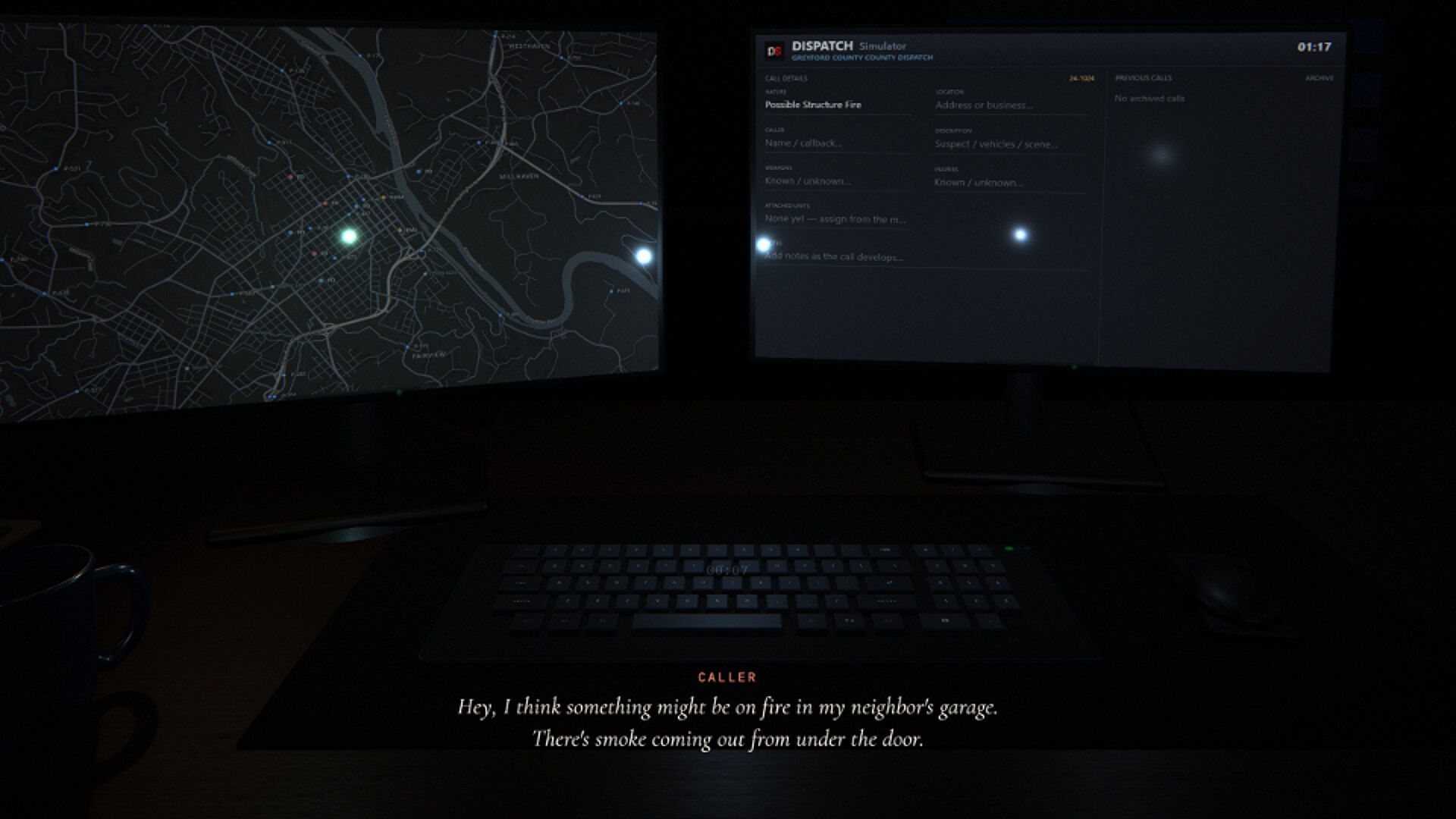
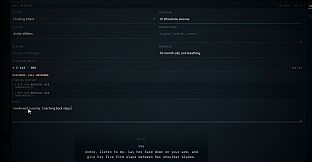
Talk naturally using your microphone, or type your reply. Callers react to what you say, reveal information as you question them, and may become more panicked as the situation develops.
Speak naturally or type your response
Question callers to uncover important details
Handle panicked, confused, and unpredictable callers
Talk them through it until help arrives
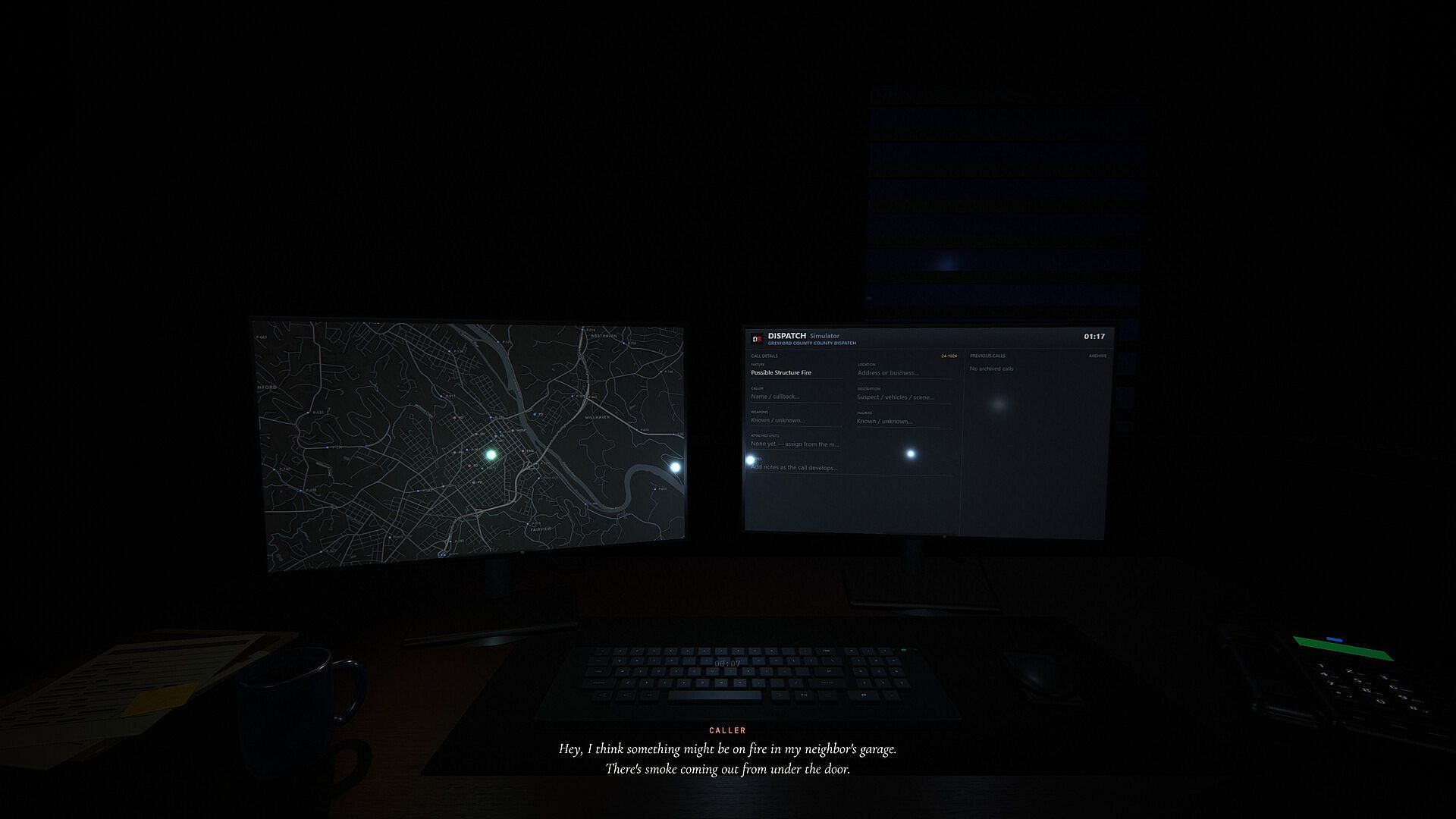
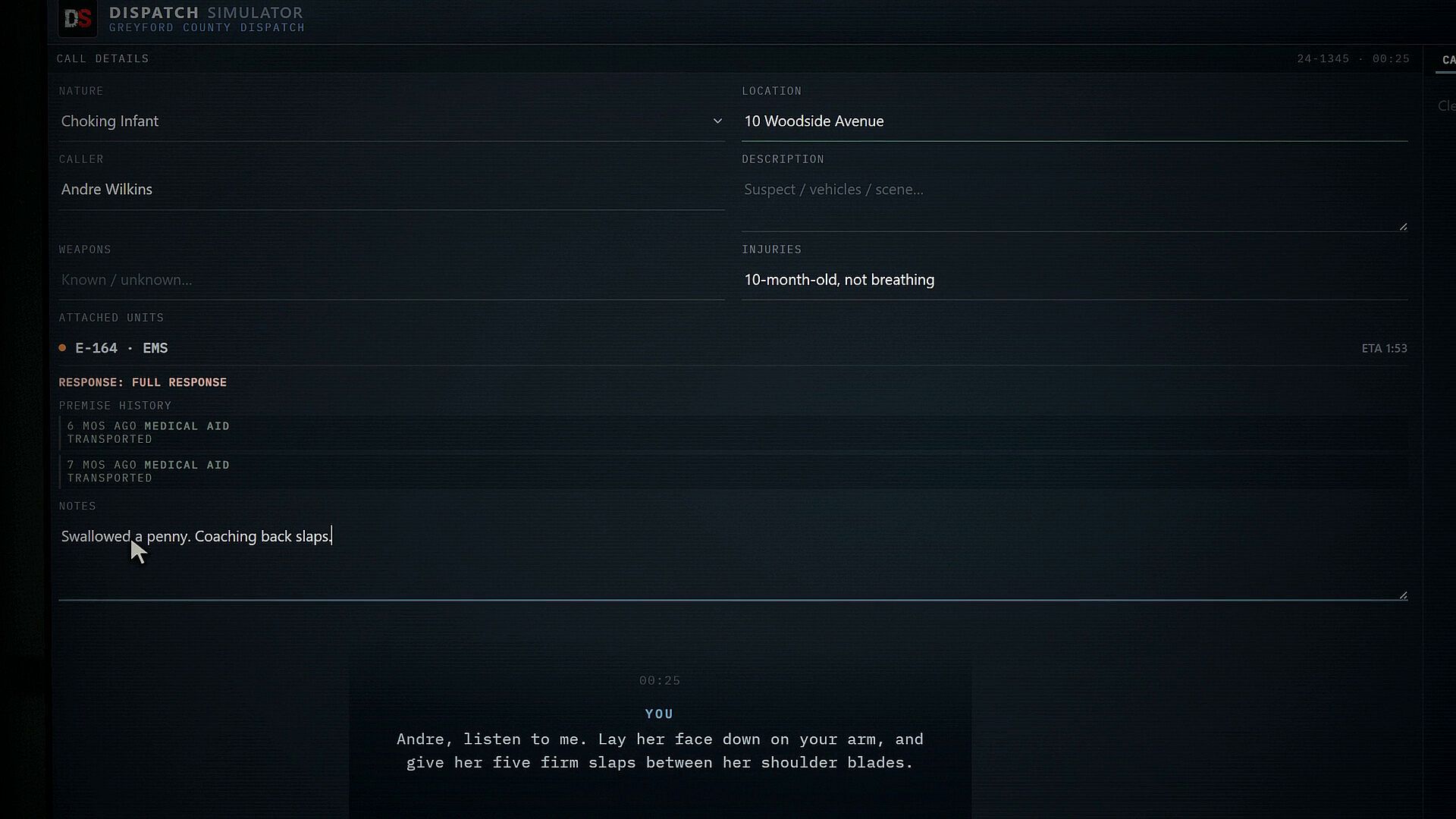
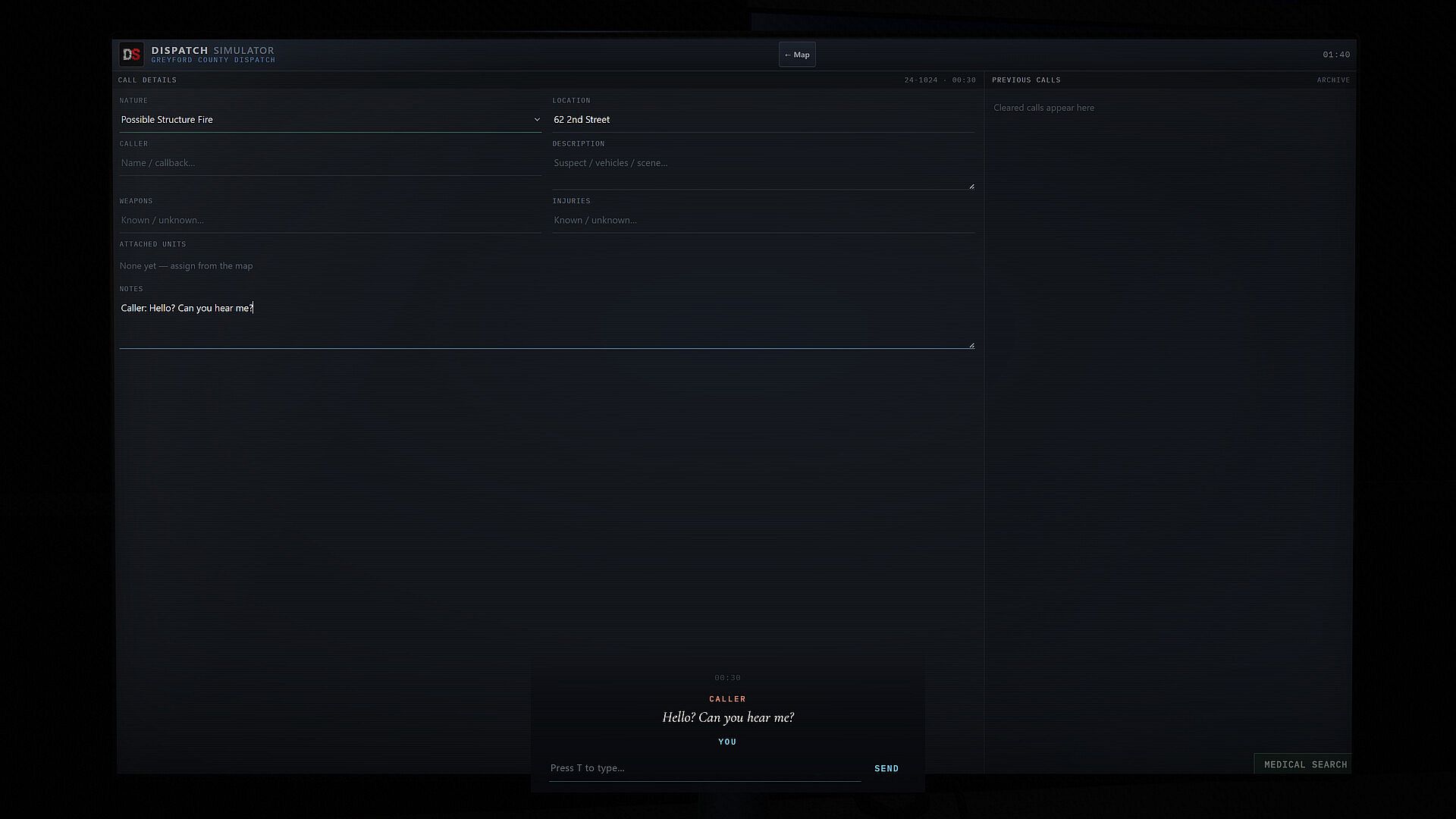
Every incident starts with incomplete information. Find the location, understand what happened, identify hazards, and build a clear call for responding units.
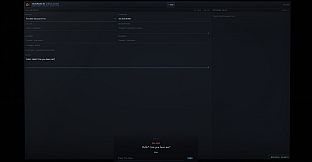
Record the location, caller, and incident notes
Flag injuries, weapons, and other hazards
Update the call as new information comes in
Keep active and previous incidents organized
The suspicious person you just dispatched is still on the board when the phone rings with a crash. Then a fire. Keep every open incident moving while you take the next call.
Calls keep coming while earlier incidents are still open
Follow each call from dispatched to on scene to closed
Take non-emergency lines too: your supervisor, crews in the field, and admin calls
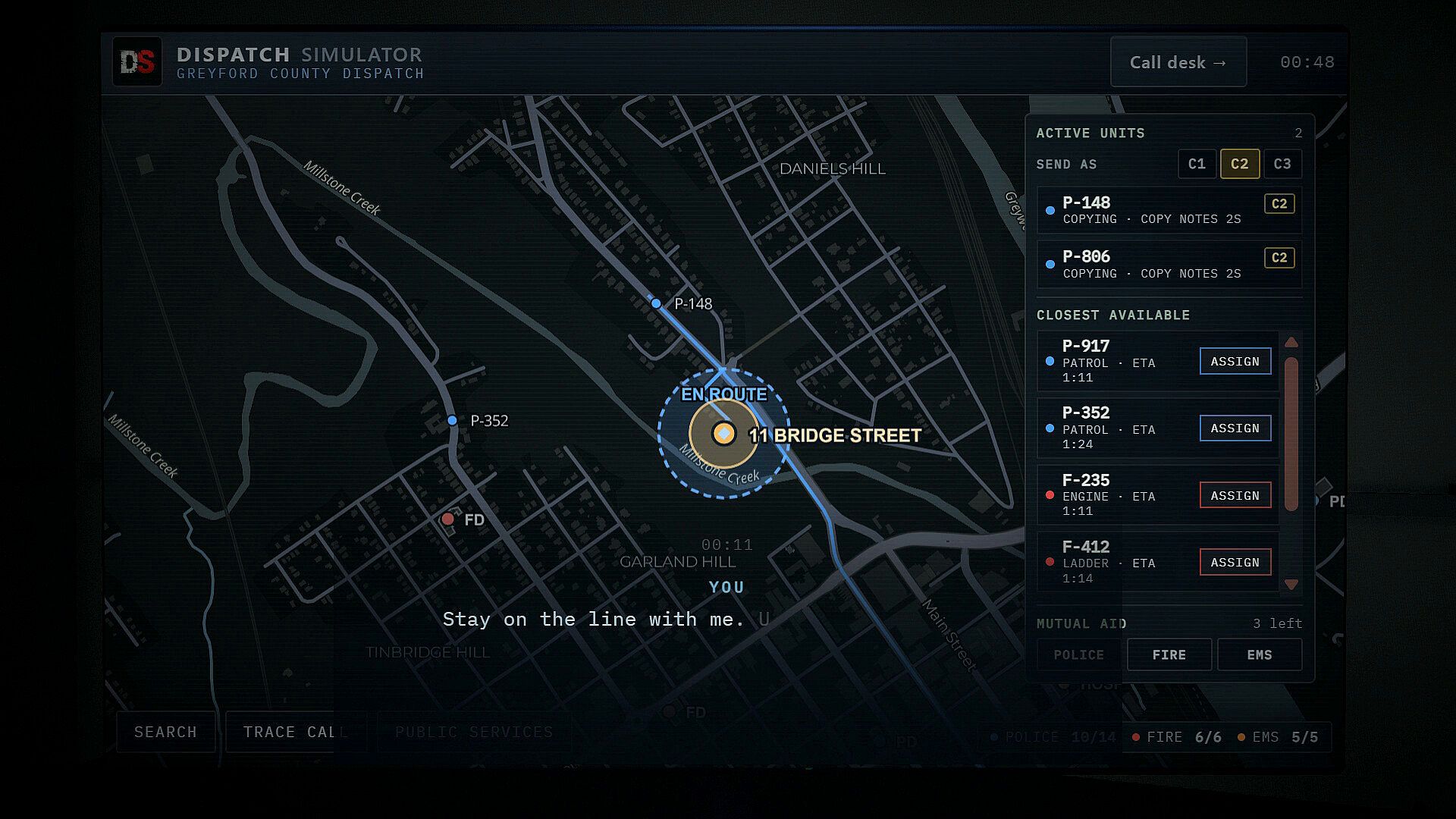
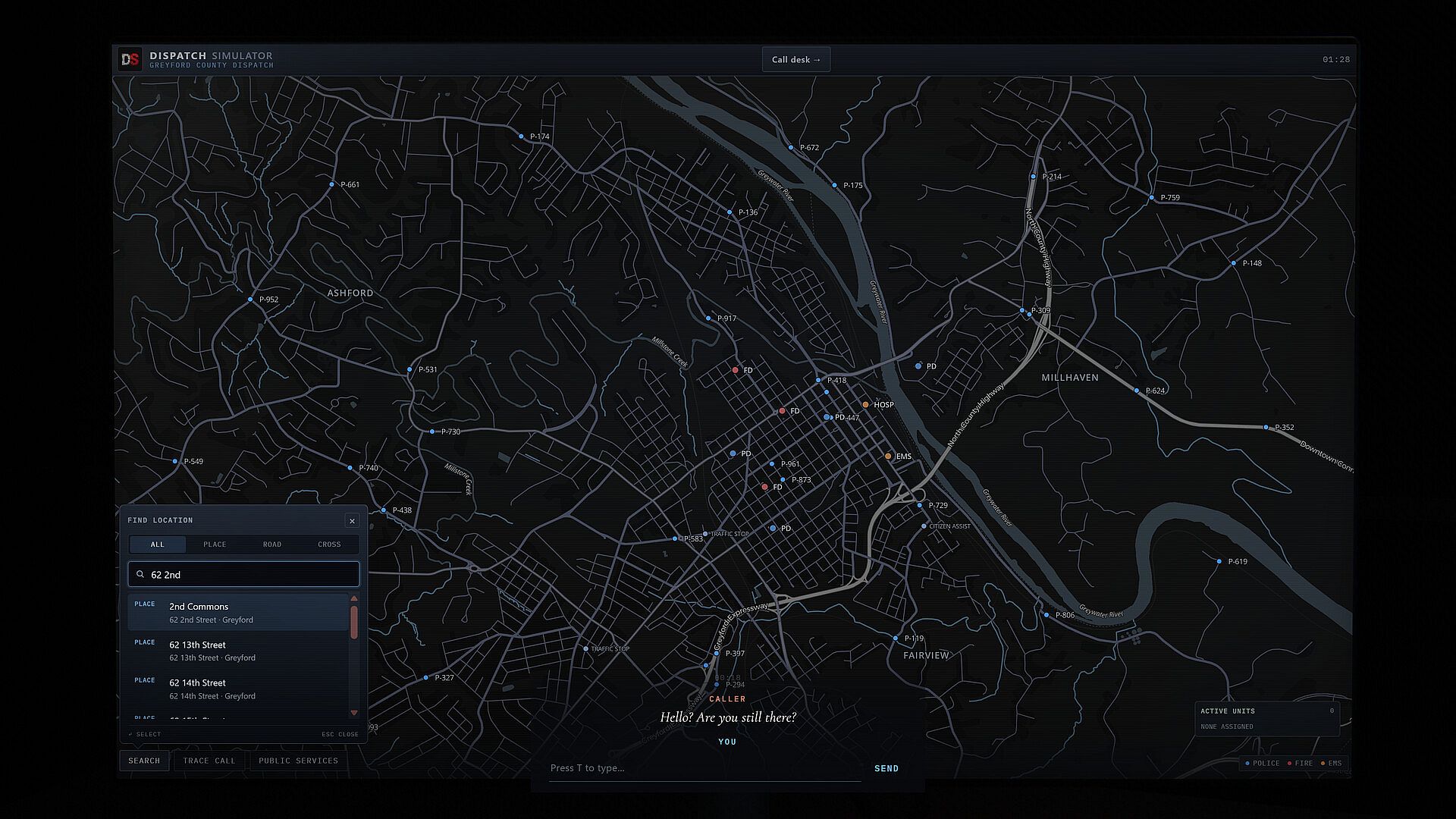
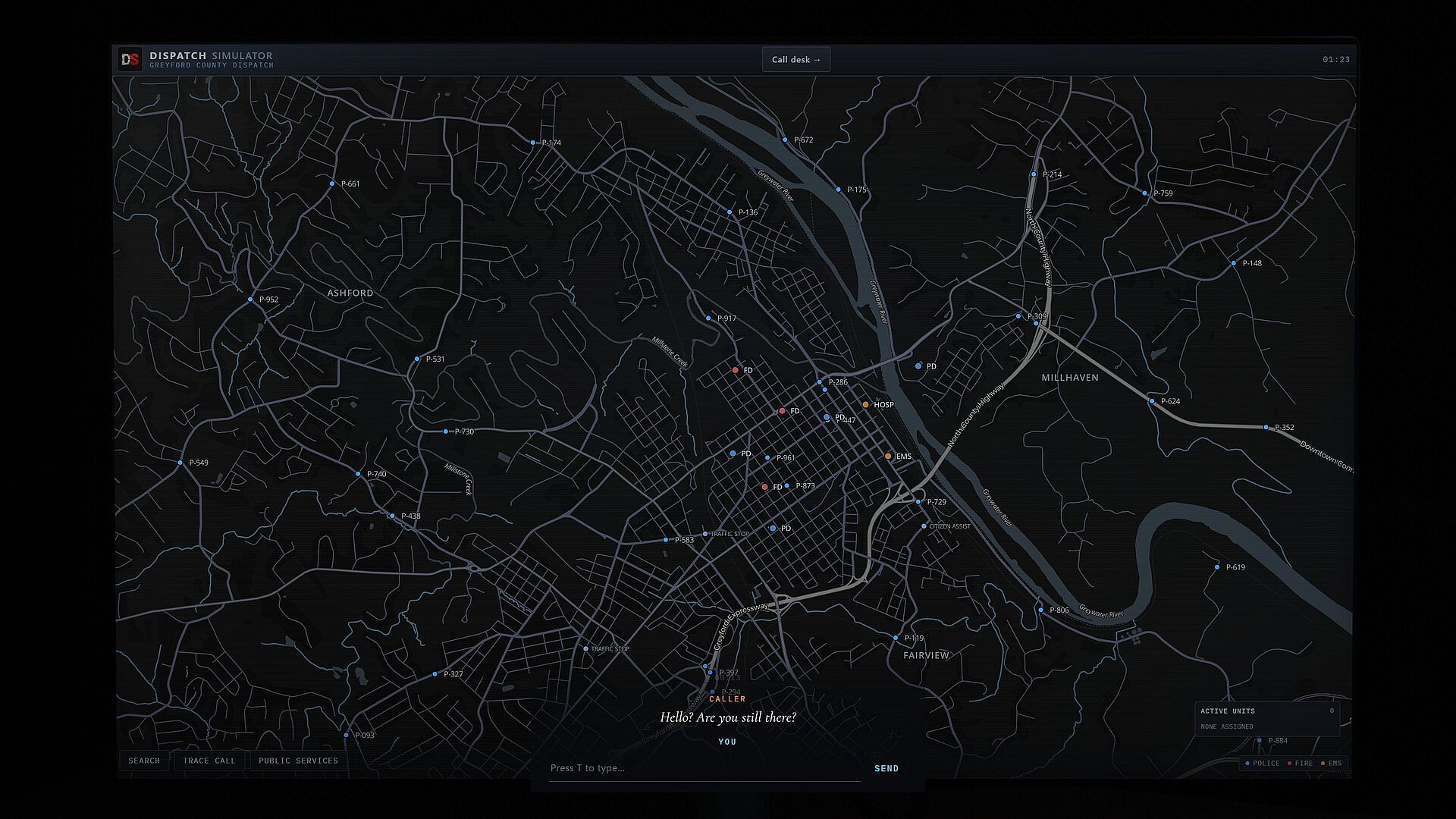
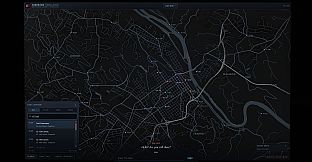
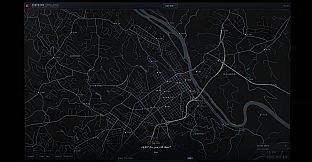
Greyford County stretches from busy city streets to quiet rural roads. Use the live map to find the caller, see which units are closest, and send the right response.
Police, fire, and EMS on one county map
Search streets, businesses, intersections, and landmarks
Track units and their status as they respond
Learn the county as you work each shift
Work the same shift with friends, with a shared CAD, shared incidents, and the same units.
Partner Mode: two dispatchers, one county. One handles the caller while the other runs the units, or switch whenever it gets busy.
Group Mode: up to six desks on one shift, coordinating the whole board together.
Over 300 calls: medical emergencies, fires, rescues, crashes, break-ins, welfare checks, and more
Trace calls when the caller can't tell you where they are
Review every call after your shift and see what you missed
A guided training shift to learn the desk
Accessibility options: separate volume sliders, caption size and backing, UI scale, reduced motion, a colour-blind unit palette, and rebindable keys
Online features
Callers are AI-driven: their replies and voices come from AI services as you talk, so an internet connection is required to play. Voice mode and multiplayer also need an internet connection. A microphone is optional; you can type every reply.