




Compra CopperCube 6 Game Engine PC

CopperCube 6 Game Engine è free-to-play! Scaricalo su Steam e inizia subito a giocare. Cerchi DLC di CopperCube 6 Game Engine, valuta in-game o cosmetici? Confronta 0 offerte su XD.deals per trovare le migliori.

Steam:
Positive (332)
Official
Non disponibile
Keyshops
Non disponibile
Compra nello store ufficiale:
Non disponibile
Compra nei keyshop:
Non disponibile

Nessuna offerta al momento, ma non preoccuparti: ti informeremo quando ne comparirà una nuova.

Create Alert Create deal Alert

Info su CopperCube 6 Game Engine

CopperCube 6 Game Engine - info sul gioco
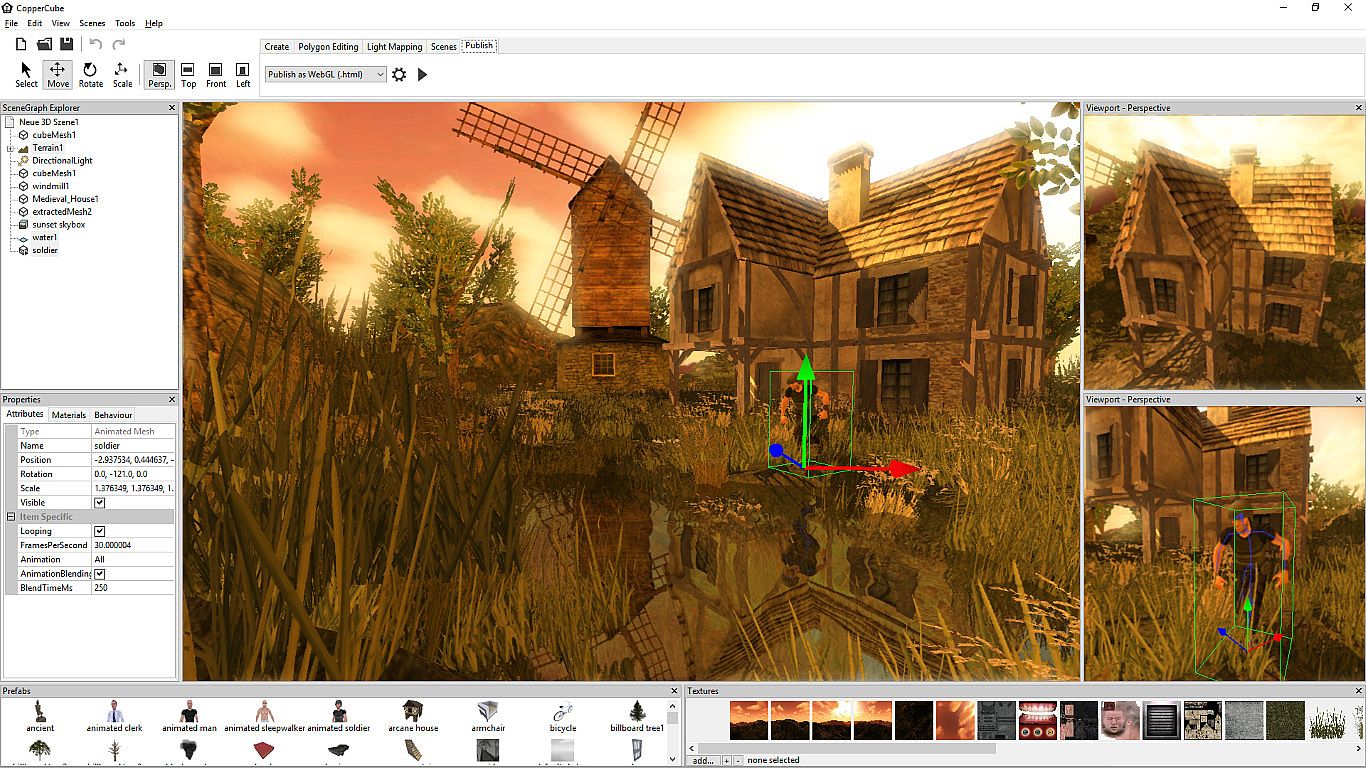
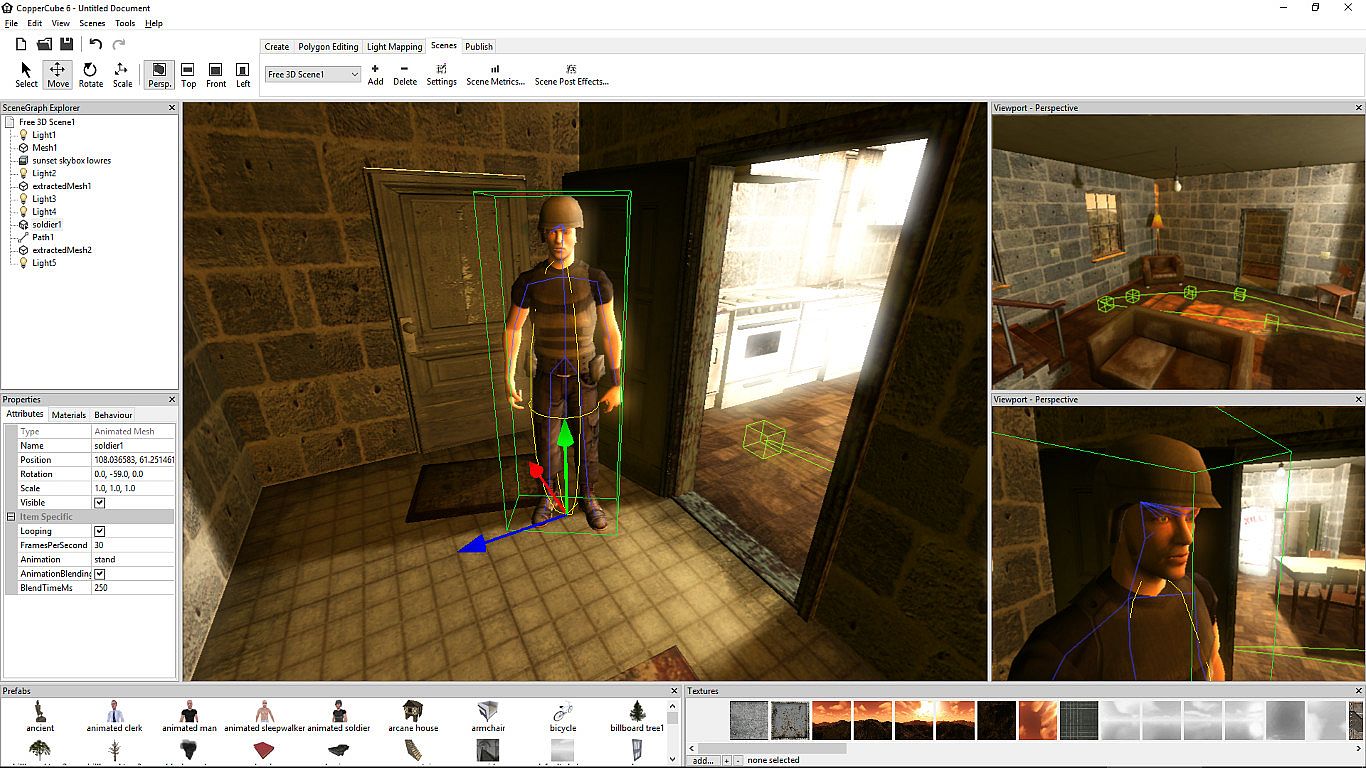
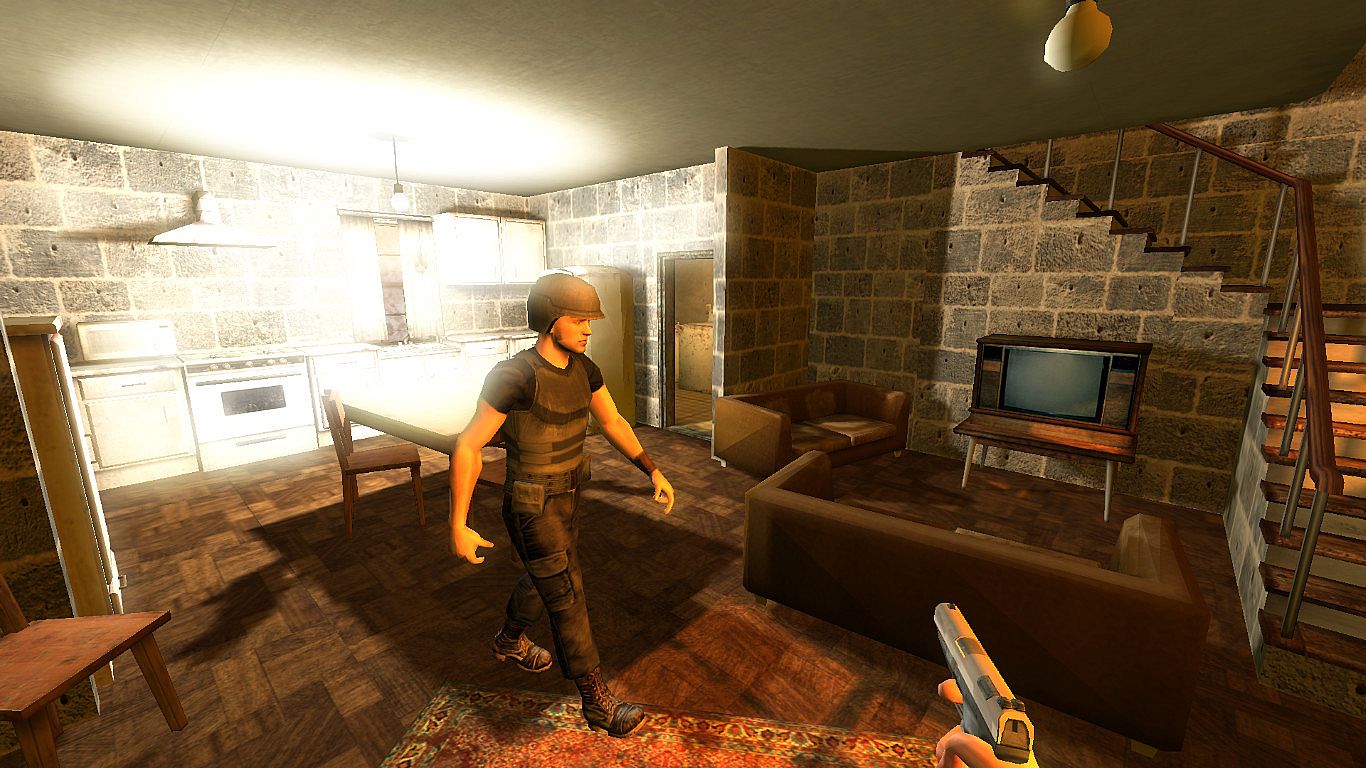
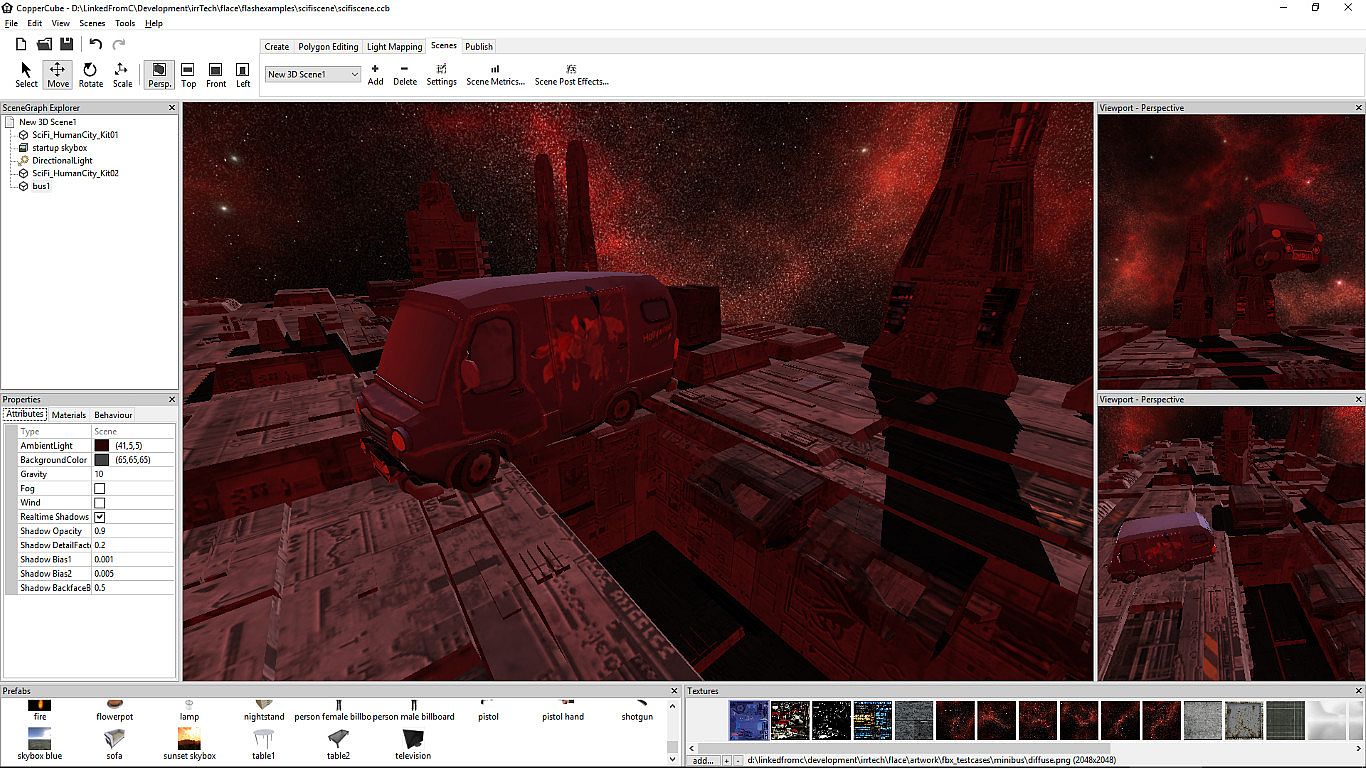
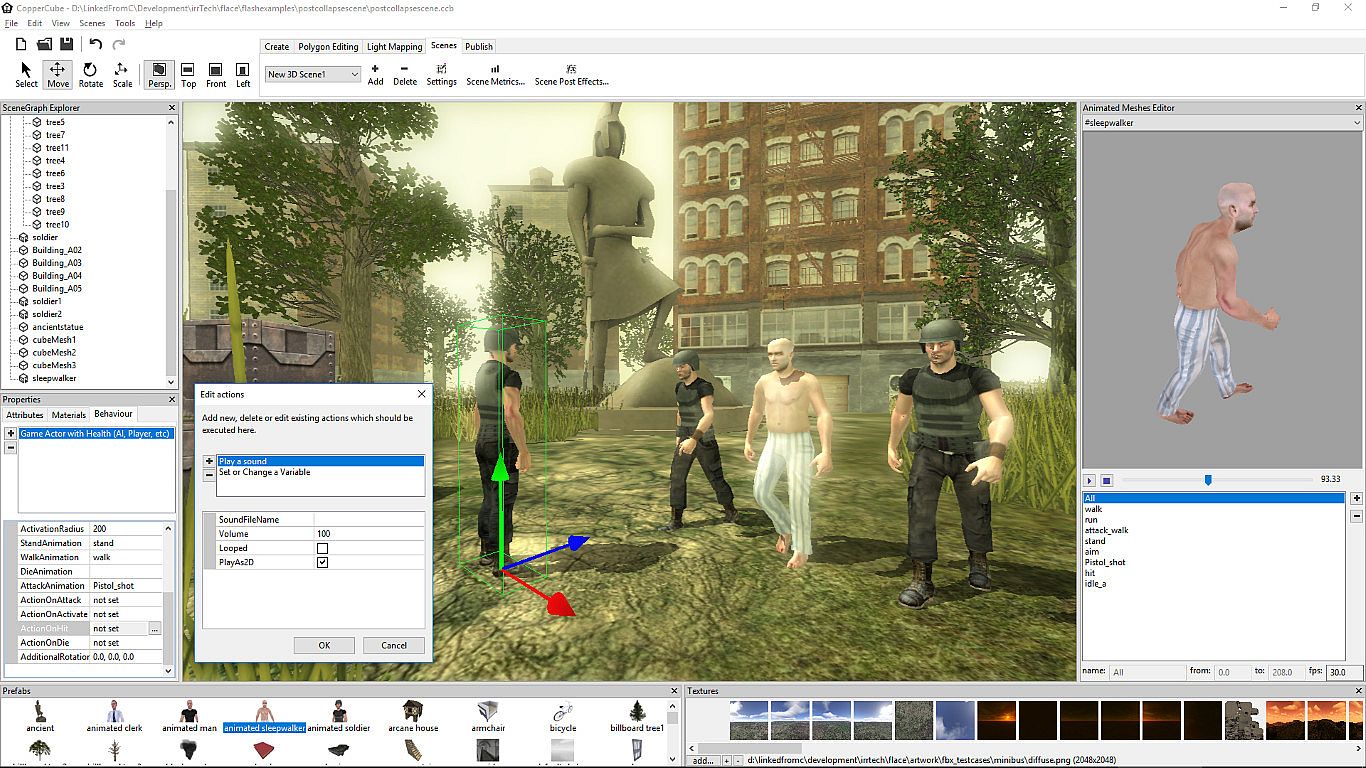
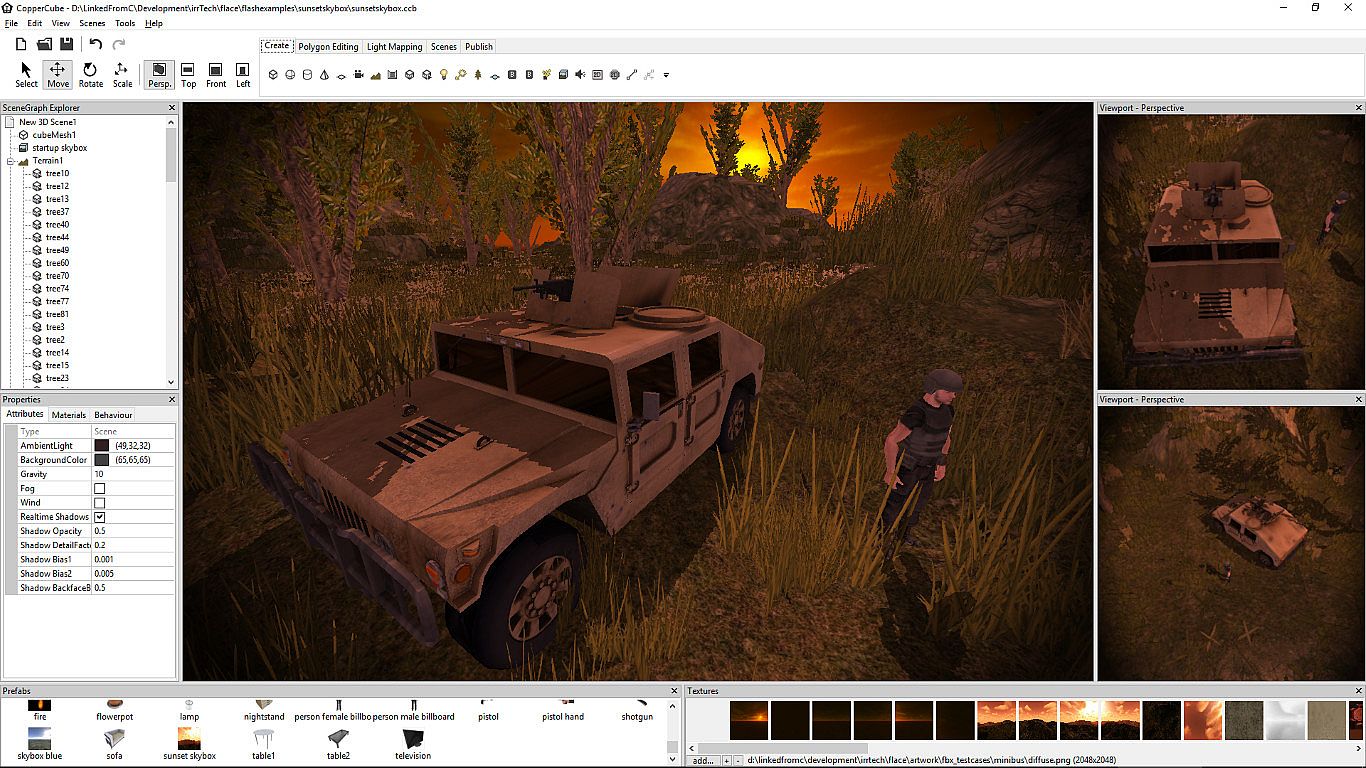
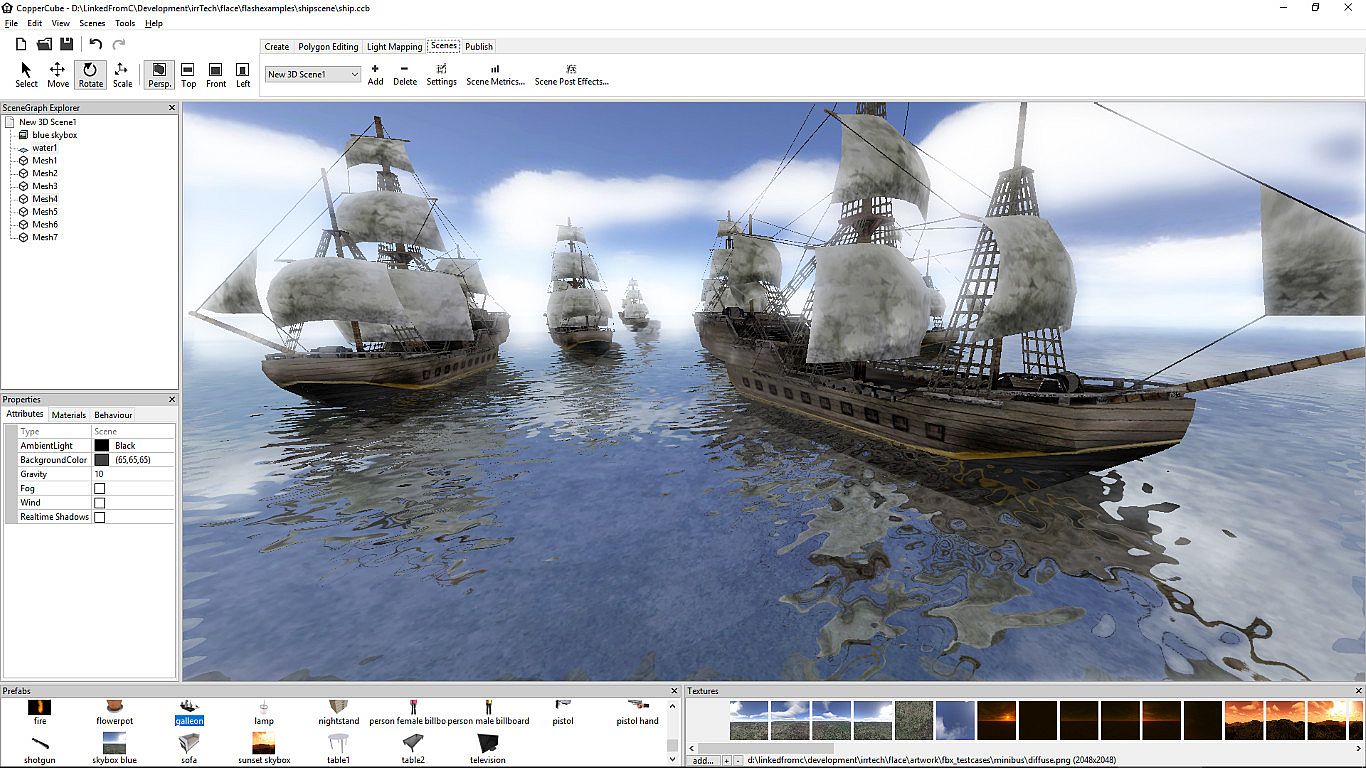
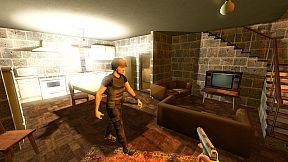
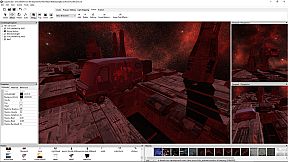
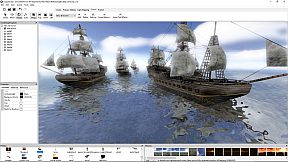
CopperCube 6 Game Engine permette ai creatori di sviluppare giochi 3D e app complete senza scrivere una riga di codice. Con l'editor del terreno puoi modellare mondi realistici grazie alla pittura rapida delle texture, al posizionamento dell'erba e alla generazione di alberi. Integra tool per il low poly modeling di livelli e oggetti, comportamenti AI preconfigurati, effetti, fisica e animazioni di personaggi importate da altri software. Configura controlli della camera, materiali e interazioni con un semplice sistema di clic, poi pubblica su Windows, Mac OS X, WebGL o Android in un solo passaggio. Opzioni avanzate come scripting JavaScript, supporto shader e un light mapper di alta qualità garantiscono illuminazione e ombre realtime mozzafiato. Questo engine è ideale per i principianti che vogliono prototipi 3D veloci e per i pro che affrontano shooter complessi o avventure epiche.

CopperCube is a full-featured 3D game engine. No programming needed! Create 3D games and apps quickly. Includes terrain editor, low poly modelling tools, 3D models, precreated game AI, effects and more. There are also plenty of features for advanced users, like JavaScript scripting and shader support.

Create your own 3D worlds and 3D models, set camera controllers, materials, behaviors, click 'publish' and your game or app is ready. As Windows or Mac OS X apps, WebGL websites, or Android apps. You can do all this without programming. The engine is free but there is also a professional edition (DLC): It adds post effects like bloom and the option to customize the splash screen logo. By buying it, you also support the further development of the engine.
High performance 3D engine
CopperCube includes manually optimized 3D engines for all supported targets, running with OpenGL, Direct3D, and WebGL.
Simple-Click game system
No programming needed: Wether you want to create a simple 3D game, a complex, epic adventure, or a first person shooter: Select from lots of created behaviors and adjust them accordingly.
Terrain Editor
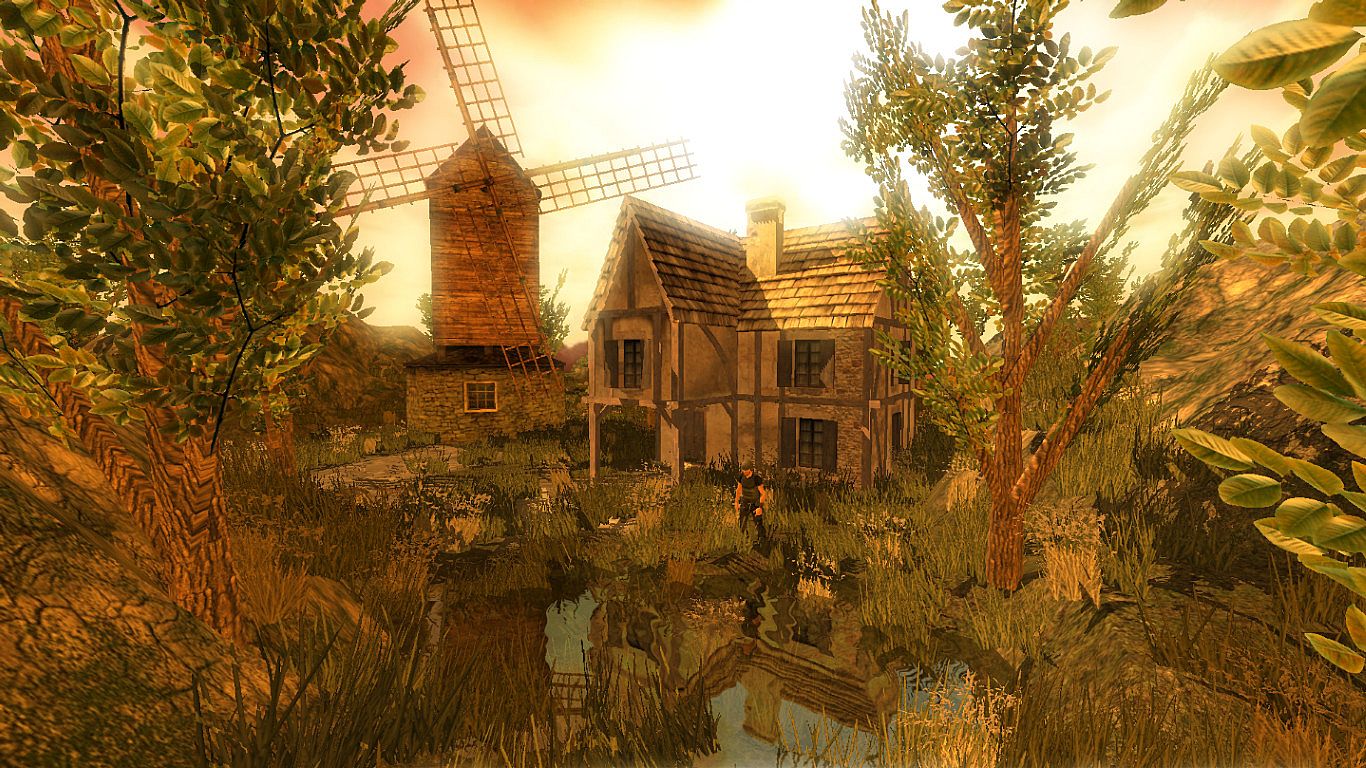
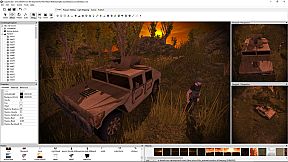
Create your own 3D worlds directly in the editor, textures can be painted quickly with automatic texture blending into the terrain. There are also tools for placing grass and bushes, and creating trees.
Physics Engine
Next to the the built-in blazingly fast collision and repsonse system, there is also a full physics engine integrated when publishing as Windows .exe and Mac OS X .app.
Character Animation
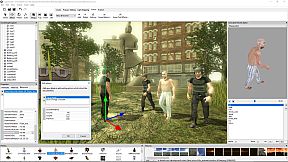
You can model and animate characters using any 3D software, export it into one of the supported file formats and then import them into Coppercube. Also, it is possible to download existing 3D models from the web and use them in the editor.
Low poly editing tools
You can edit your own 3D models directly in CopperCube: It includes a simple 3D modelling tool for creating levels, models and items.
Cross Platform Script system
For advanced users, there is a Javascript API working on all publishing targets. For WebGL, there is even a second big JavaScript library with direct access available, which is even open source.
High quality Light Mapper
The editor includes a high quality light mapping tool. Place your lights, click on 'calculate' and your 3D levels will look great. You can mix it with the realtime lighting and shadows system as well.
Native WebGL support
Unlike in other 3D engines, CopperCube's WebGL code is handwritten and highly optimized: Your 3D game will download quickly and run fast, even if run directly on a website. CopperCube's WebGL client is just about incredible 200 KB in size!
Many publishing targets
Create 3D games for these targets, with one single click:
  • Windows (.exe) apps
  • Mac OS X (.app) apps
  • WebGL websites (.html)
  • Android (.apk) apps
Interfaccia:
ArabicGermanEnglishSpanish - SpainFrenchPolishPortuguese - PortugalRussianSwedishTurkishSimplified Chinese

Classificazione per età

Non disponibile
Steam:
Positive (332)

Minimo:

  • Processore: Intel Celeron, Athlon Sempron or better
  • Memoria: 1 GB RAM
  • Grafica: Direct 3D 9 compatible or better
  • DirectX: Version 9.0c
  • Archiviazione: 120 MB available space

Consigliato:

  • Processore: Intel Core 2, Athlon 2 X2 or better
  • Memoria: 1 GB RAM
  • Grafica: Direct 3D 9 compatible or better
  • DirectX: Version 9.0c
  • Archiviazione: 120 MB available space
Minimo storico
Storico prezzi dei negozi ufficiali
-
-
-
Storico prezzi dei keyshop
-
-
-

FAQ

8 domande

Prima di cercare una chiave economica di CopperCube 6 Game Engine, controlla le informazioni essenziali. Sviluppato da Ambiera e.U.. Pubblicato da Ambiera e.U.. Data di uscita su PC: 13 lug 2018. Generi: Animation & Modeling, Design & Illustration.

Q

Dove comprare una chiave Steam di CopperCube 6 Game Engine a poco?

CopperCube 6 Game Engine è free to play! Scaricalo su Steam e inizia a giocare subito. Cerchi DLC di CopperCube 6 Game Engine, valuta di gioco o altri contenuti aggiuntivi? Sfoglia la lista DLC di CopperCube 6 Game Engine e confronta 0 offerte offerte su XD.deals.

CopperCube 6 Game Engine è completamente gratuito su Steam. Nessun acquisto necessario - basta scaricarlo e giocare. Se cerchi DLC premium o oggetti di gioco, controlla la tabella delle offerte qui sopra.

Il nostro tracker dei prezzi copre sia i rivenditori ufficiali che i marketplace di chiavi, così puoi trovare CopperCube 6 Game Engine in offerta anche al di fuori delle promozioni stagionali. Al momento rileviamo 0 offerte attive da store ufficiali e keyshop. Controlla la tabella qui sopra, confronta con il minimo storico e imposta un avviso per non perdere il prossimo calo di prezzo.

Secondo i nostri dati, CopperCube 6 Game Engine non è attualmente disponibile su GeForce NOW. Dovrai eseguirlo localmente sul tuo PC. Sfoglia i giochi disponibili su GeForce NOW.

. CopperCube 6 Game Engine ha una pagina ufficiale su Steam, ma al momento non tracciamo offerte di terze parti con DRM Steam. Ricontrolla più tardi o imposta un avviso di prezzo.

Non al momento. Valve classifica CopperCube 6 Game Engine come non supportato su Steam Deck. Tieni d'occhio XD.deals - tracciamo gli aggiornamenti di Proton e le soluzioni della community. Sfoglia i giochi Steam Deck Verified o Steam Deck Playable.

CopperCube 6 Game Engine non sembra essere disponibile su PC Game Pass, EA Play, Ubisoft+ o altri servizi in abbonamento per PC al momento. L'unica opzione è acquistare il gioco - usa XD.deals per trovare il prezzo migliore.

No - XD.deals non è un negozio. Siamo un comparatore di prezzi che traccia le migliori offerte per CopperCube 6 Game Engine tra store ufficiali e keyshop verificati. Clicca "Vai al negozio" accanto a qualsiasi offerta e verrai reindirizzato al sito del rivenditore per completare l'acquisto.

Vuoi comprare al momento migliore? Imposta un avviso di prezzo su XD.deals e ricevi una notifica quando CopperCube 6 Game Engine raggiunge il suo prossimo minimo storico.

Crea avviso
Unisciti al nostro Discord
Ottieni aiuto immediato dalla community e resta aggiornato sulle offerte
Imposta avvisi di prezzo
Ricevi notifiche via email quando i prezzi scendono al tuo target
Crea un account gratuito
Sblocca wishlist, avvisi di prezzo e sincronizzazione Steam