
Acquista Battle Marine PC Key

Ti interessa Battle Marine? Stiamo tracciando i prezzi dagli store affidabili. Aggiungi Battle Marine alla wishlist e ti avviseremo quando saranno disponibili offerte.

Uscita: 27 feb 2024
Steam:
Overwhelmingly Negative (8)
Official
Non disponibile
Keyshops
Non disponibile
Compra nello store ufficiale:
Non disponibile
Compra nei keyshop:
Non disponibile

Nessuna offerta al momento, ma non preoccuparti: ti informeremo quando ne comparirà una nuova.

Create Alert Create deal Alert

Info su Battle Marine

Battle Marine - info sul gioco
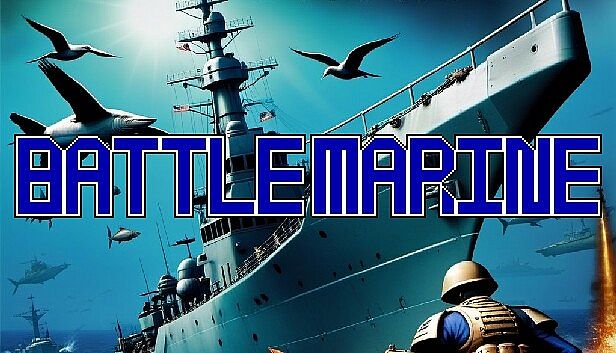
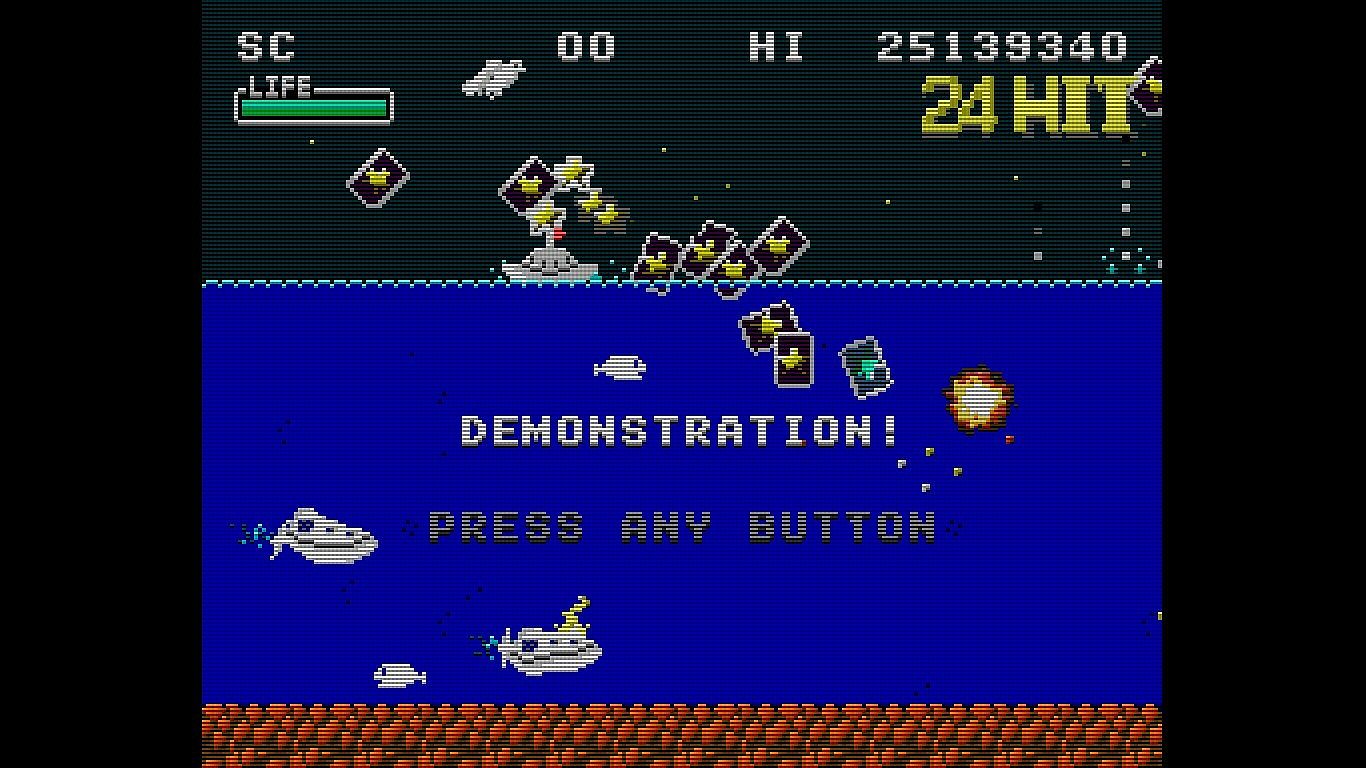
Fire barrages, unleash powerful lasers, and chain enemy destructions in this simple naval barrage STG. Players move left and right with cursor keys, shoot with X or B, and jump with A or Y to snag green recovery medals and yellow score medals automatically. Charge and release B for maxed lasers that grant invincibility post-firing, while sustaining combos up to 999 HITs within time limits builds ranks toward FLEET ADMIRAL. Indie action fans who crave retro shoot 'em up precision will chase escalating crown bonuses from excess green medals and exploit explosion hit points for deeper runs. Customizable controls via SteamInput or config files on PC, Linux, and macOS keep sessions smooth.

Overview

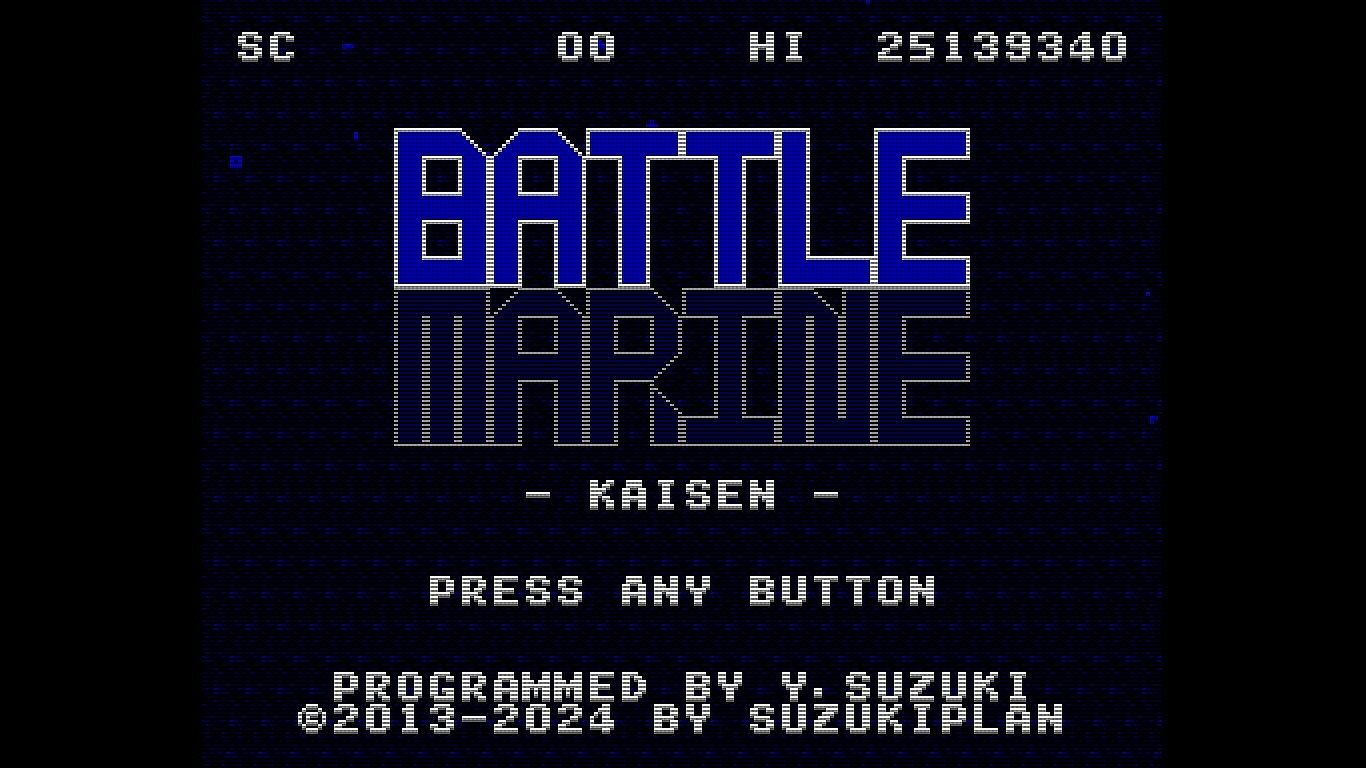
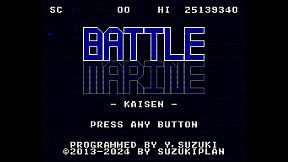
Battle Marine is a simple naval barrage STG.

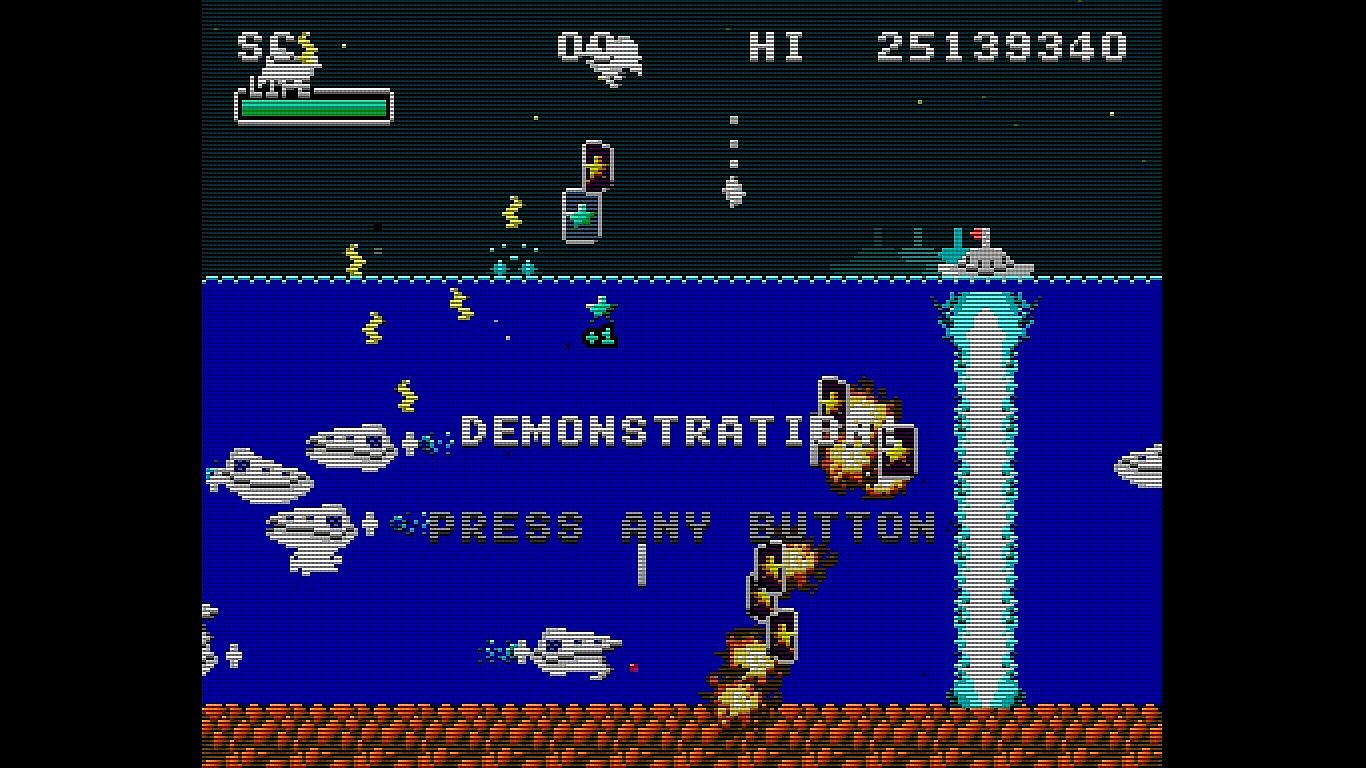
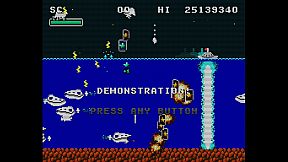
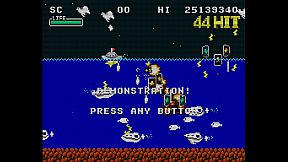
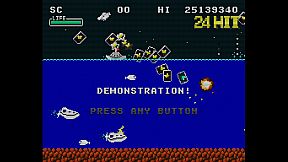
Enjoy a somewhat retro yet new and exhilarating game experience by firing a barrage of shots, inducing explosions, sweeping with powerful lasers, and automatically collecting medals (recovery and score) by jumping.

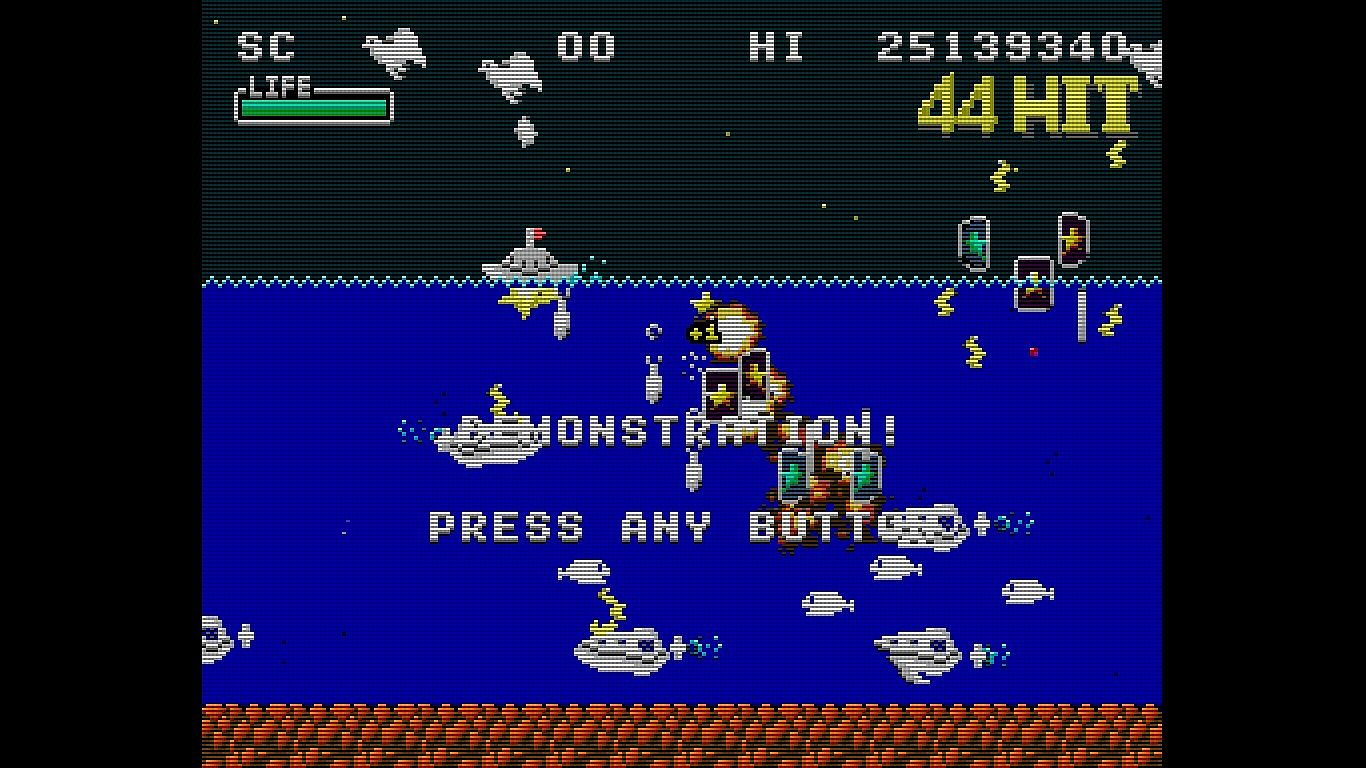
Destroying enemies consecutively within a certain time frame will result in a HIT combo. Aim for 999 HITs!

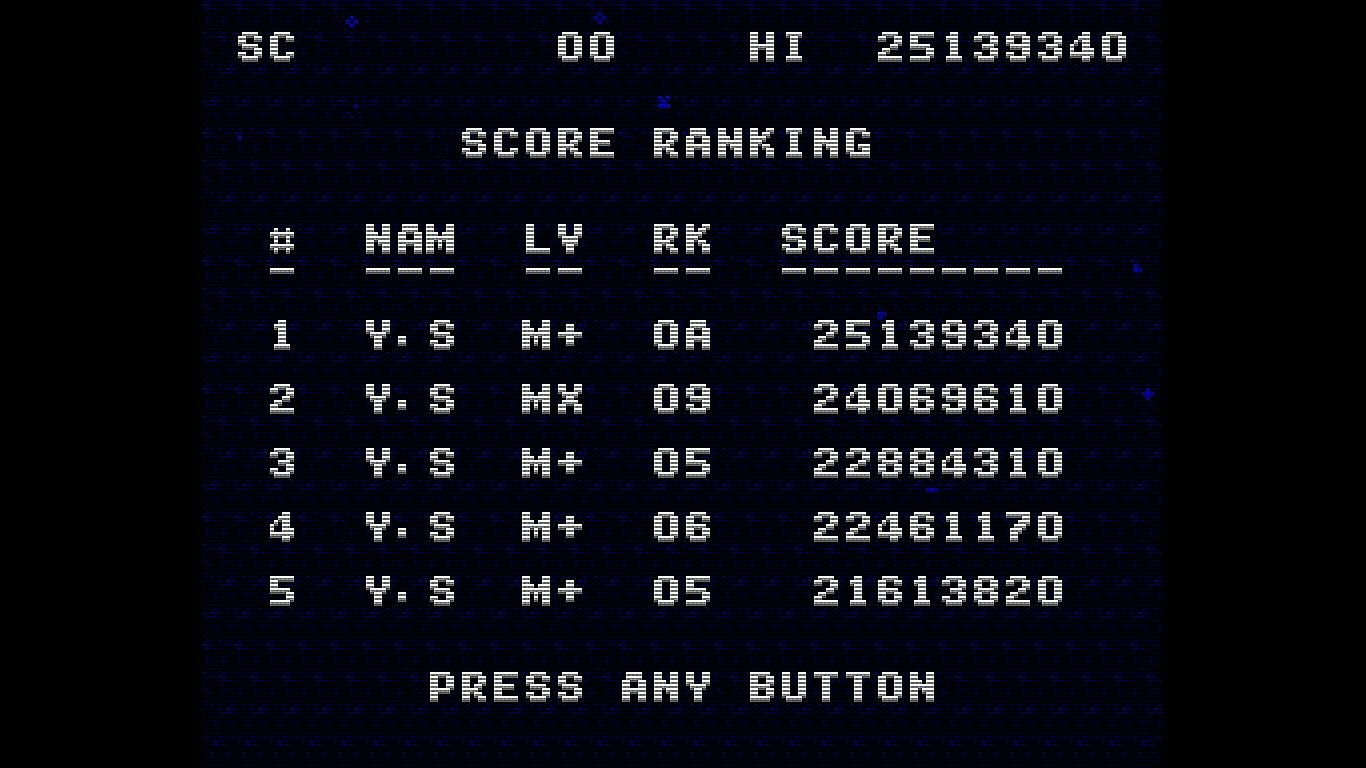
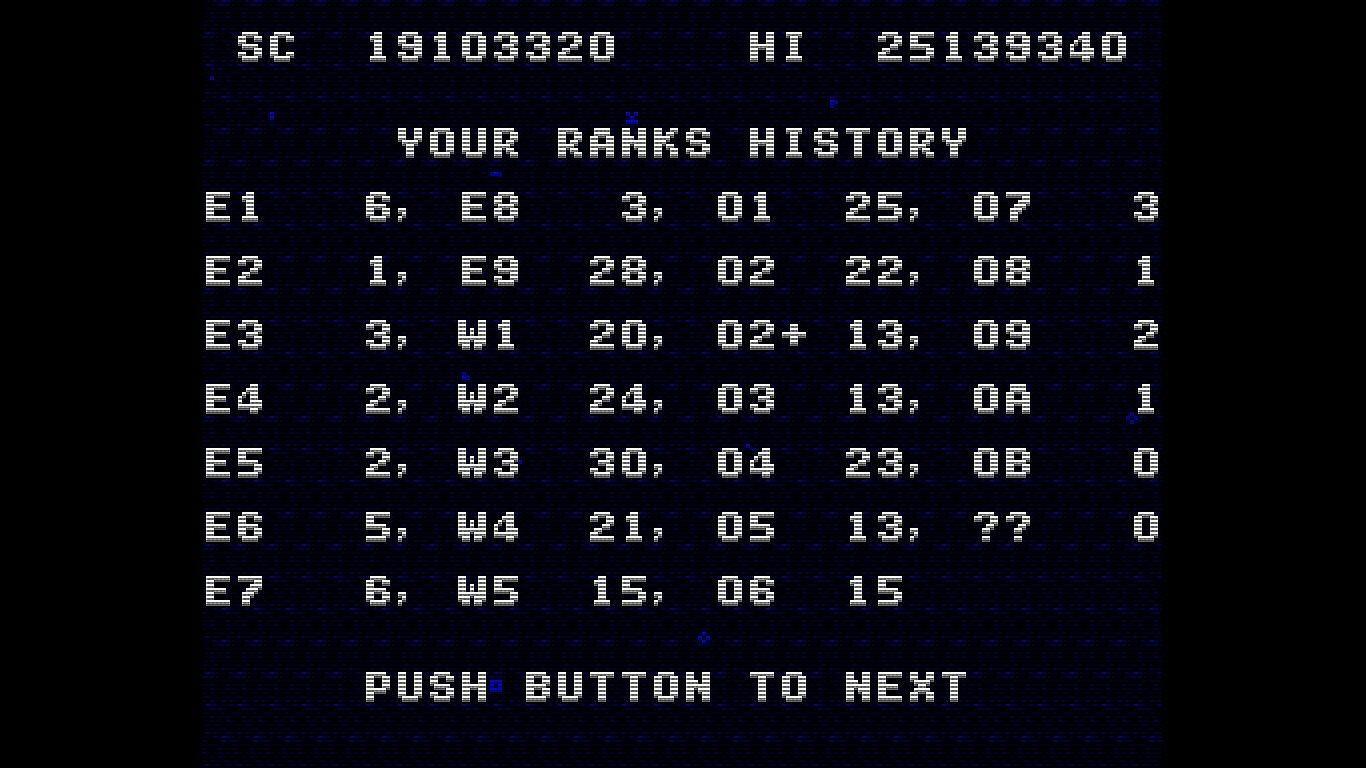
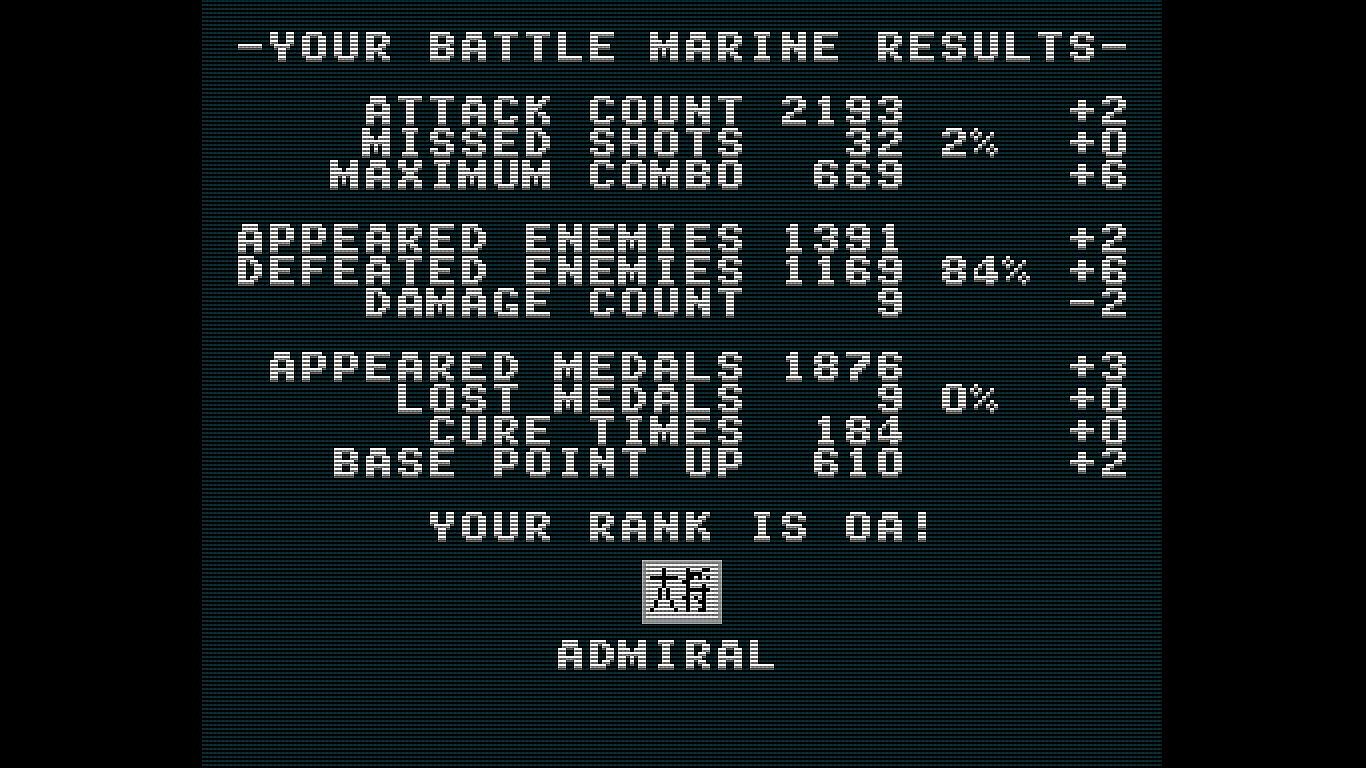
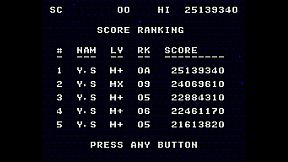
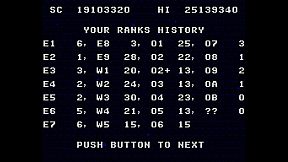
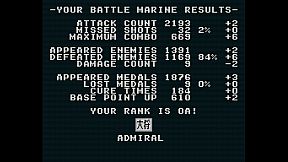
Your rank will be assessed according to the results of your play. Aim for the rank of FLEET ADMIRAL!

Controls

Use the cursor keys to move left and right, press X or B to shoot, and A or Y to jump.

Press and hold the B button to charge the laser, and release it when the charge is maxed out to fire the laser.

Press A briefly for small jumps and long for large jumps.

Button assignments can be freely customized in the SteamInput menu.

Keyboard Controls (Windows)
  • Cursor keys: D-Pad (Can be changed in the key configuration)

  • X key: A button (Can be changed in the key configuration)

  • Z key: B button (Can be changed in the key configuration)

  • Space key: START button (Can be changed in the key configuration)

  • ESC key: SELECT button (Can be changed in the key configuration)

  • CTRL+X: Exit the game (CTRL+Q, CTRL+C also work)

  • CTRL+R: Reset

  • Alt+Enter: Toggle full screen (CTRL+F also work)

  • CTRL+A: Toggle screen aspect mode

  • CTRL+L: Toggle scanline filter

  • CTRL+S: Screen Resolution Settings

  • CTRL+K: Key configuration for the Keyboard

  • CTRL+V: Volume control of background music and sound effects

Keyboard Controls (Linux and macOS)
  • Cursor keys: D-Pad

  • X key: A button

  • Z key: B button

  • Space key: START button

  • ESC key: SELECT button

  • Q: Exit the game

  • R: Reset

Notes on the Linux and macOS version
  • Supported screen displays are for Aspect-Fit only.

  • Configuration UI is not exist yet

Configuration for Linux and macOS

When Battle Marine is launched, the config.json file is automatically created.

The output path for config.json is as follows:

  • macOS: ~/Library/Application Support/Steam/userdata/<UserID>/2824990/local/config.json

  • Linux: ~/.local/share/Steam/userdata/<UserID>/2824990/local/config.json

The configuration entries are as follows:

  • graphic.isFullScreen: true = full screen, false = window mode

  • graphic.isScanline: true = with screen effects, false = without screen effects

  • gaphic.windowHeight: height of the screen in window mode

  • gaphic.windowWidth: width of the screen in window mode

  • sound.volumeBgm: Volume of background music (0-100)

  • sound.volumeSe: Volume of sound effect (0-100)

  • keyboard.a: Key code for A button (jump)

  • keyboard.b: key code for B button (fire)

  • keyboard.start: key code for START button (pause)

  • keyboard.select: key code for SELECT button (n/a)

  • keyboard.up: key code for up button

  • keyboard.down: key code for down button

  • keyboard.left: Key code for left button

  • keyboard.right: Key code for right button

  • keyboard.reset: Reset button key code

  • keyboard.quit: Key code for quit button

The keycode specifies the SDL keycode.

Detailed Gameplay
  • When you destroy an enemy, a green or yellow medal will appear.

  • Taking the green medal will restore your LIFE.

  • Your score will increase if you take a yellow medal.

  • If you keep defeating enemies within a certain time (120 frames), your combo will increase and medals will be collected automatically when you reach 100 HITs or more.

  • Medals are also automatically collected by jumping.

  • You are invincible during the laser (after the firing motion is complete).

  • Unlike normal STGs, explosions also have hit points.

  • If you keep collecting green medals while your LIFE is full, the yellow medal's base points will continue to increase.

  • The number of crowns at the bottom of the screen will increase for every 16 green medals you take while your LIFE is full.

  • The maximum number of crowns displayed is 30 (480 green medals), but the maximum number of crowns is 4,095 (65,535 green medals).

  • When you collide with enemy bullets, your LIFE will be reduced and the number of crowns will be strongly reduced.

  • With the exception of some enemies (crabs), yellow medals will appear when enemies are killed by lasers.

  • Obtaining a medal also resets the combo duration to 120 frames

About the GBA version

We are giving away a ROM file of the GBA version as a special offer for purchasing the game on Steam.

The GBA version ROM file can be found in the Steam client by clicking on the Battle Marine settings (gear icon) and selecting “Browse local files” under “Manage”.

The GBA version of the ROM can be played on mGBA or other emulators.

Video distribution, etc.

There are no restrictions on the distribution of this game on TV, YouTube, or other video distribution sites.

Of course, there are no restrictions on monetization.

There is no need to contact the author prior to or after the event.

Similarly, there are no restrictions on publishing screenshots in magazines, web media, social media, etc.

About VGS-Zero

This game is made with the SDK called VGS-Zero.

VGS-Zero is a virtual game machine with a fast 16MHz Z80 CPU, old-fashioned VDP (Video Display Processor) and VGS (chip-tuned sound system).

There may be many 8-bit style games, but the games made with VGS-Zero are real 8-bit games.

If you want to develop games like Battle Marine, please try to develop games with VGS-Zero.

Games you develop with VGS-Zero can be sold on Steam (Windows, Linux and macOS) using the VGS-Zero SDK for Steam.
Interfaccia:
English

Classificazione per età

Non disponibile
Steam:
Overwhelmingly Negative (8)

Minimo:

  • Sistema operativo: Windows 10
  • Processore: Intel Atom Processor x7 Z8700/1.6GHz
  • Memoria: 2 GB RAM
  • Grafica: Intel HD Graphics
  • DirectX: Version 9.0c
  • Archiviazione: 20 MB available space

Consigliato:

  • Sistema operativo: Windows 11
  • Processore: Core i5 1135G7(Tiger Lake)/2.4GHz/4 cores
  • Memoria: 4 GB RAM
  • Grafica: NVIDIA® RTX™ 2000 Ada Laptop GPU
  • DirectX: Version 9.0c
  • Archiviazione: 20 MB available space

Minimo:

  • Sistema operativo: Tahoe 26.1
  • Processore: Apple Silicon M1
  • Memoria: 8 GB RAM
  • Grafica: Apple Silicon M1

Consigliato:

  • Sistema operativo: Tahoe 26.1
  • Processore: Apple Silicon M3
  • Memoria: 16 GB RAM
  • Grafica: Apple Silicon M3

Minimo:

  • Sistema operativo: Ubuntu 18.04 LTS
  • Processore: Intel Core i5 1.3 GHz
  • Memoria: 4 GB RAM
  • Grafica: Intel HD Graphics 5000

Consigliato:

  • Sistema operativo: SteamOS latest version
  • Processore: Zen 2 4c/8t, 2.4-3.5GHz
  • Memoria: 16 GB RAM
  • Grafica: 8 RDNA 2 CU, 1.6GHz (1.6 TFlops FP32)
Minimo storico
Storico prezzi dei negozi ufficiali
2,49 €
Steam
1 mesi fa
Storico prezzi dei keyshop
-
-
-

FAQ

8 domande

Prima di cercare una chiave PC economica di Battle Marine, controlla le informazioni essenziali. Sviluppato da Yoji Suzuki. Pubblicato da Yoji Suzuki. Data di uscita su PC: 27 feb 2024. Generi: Action, Indie. Categorie: Family Sharing, Single-player, Steam Achievements, Full controller support, Steam Cloud, Steam Leaderboards.

Q

Dove comprare una chiave Steam o CD Key di Battle Marine a poco?

Al momento non ci sono offerte attive per Battle Marine. Imposta un avviso di prezzo su XD.deals e ti avviseremo non appena sarà disponibile un'offerta.

Non abbiamo un prezzo attuale dello Steam Store per Battle Marine. Il gioco potrebbe essere temporaneamente non disponibile o non ancora presente su Steam.

Il nostro tracker dei prezzi copre sia i rivenditori ufficiali che i marketplace di chiavi, così puoi trovare Battle Marine in offerta anche al di fuori delle promozioni stagionali. Al momento rileviamo 0 offerte attive da store ufficiali e keyshop. Controlla la tabella qui sopra, confronta con il minimo storico e imposta un avviso per non perdere il prossimo calo di prezzo.

Secondo i nostri dati, Battle Marine non è attualmente disponibile su GeForce NOW. Dovrai eseguirlo localmente sul tuo PC. Sfoglia i giochi disponibili su GeForce NOW.

. Battle Marine ha una pagina ufficiale su Steam, ma al momento non tracciamo offerte di terze parti con DRM Steam. Ricontrolla più tardi o imposta un avviso di prezzo.

Non al momento. Valve classifica Battle Marine come non supportato su Steam Deck. Tieni d'occhio XD.deals - tracciamo gli aggiornamenti di Proton e le soluzioni della community. Sfoglia i giochi Steam Deck Verified o Steam Deck Playable.

Battle Marine non sembra essere disponibile su PC Game Pass, EA Play, Ubisoft+ o altri servizi in abbonamento per PC al momento. L'unica opzione è acquistare il gioco - usa XD.deals per trovare il prezzo migliore.

No - XD.deals non è un negozio. Siamo un comparatore di prezzi che traccia le migliori offerte per Battle Marine tra store ufficiali e keyshop verificati. Clicca "Vai al negozio" accanto a qualsiasi offerta e verrai reindirizzato al sito del rivenditore per completare l'acquisto.

Vuoi comprare al momento migliore? Imposta un avviso di prezzo su XD.deals e ricevi una notifica quando Battle Marine raggiunge il suo prossimo minimo storico.

Crea avviso
Unisciti al nostro Discord
Ottieni aiuto immediato dalla community e resta aggiornato sulle offerte
Imposta avvisi di prezzo
Ricevi notifiche via email quando i prezzi scendono al tuo target
Crea un account gratuito
Sblocca wishlist, avvisi di prezzo e sincronizzazione Steam