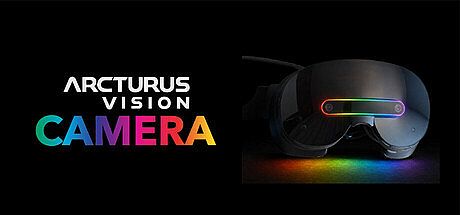



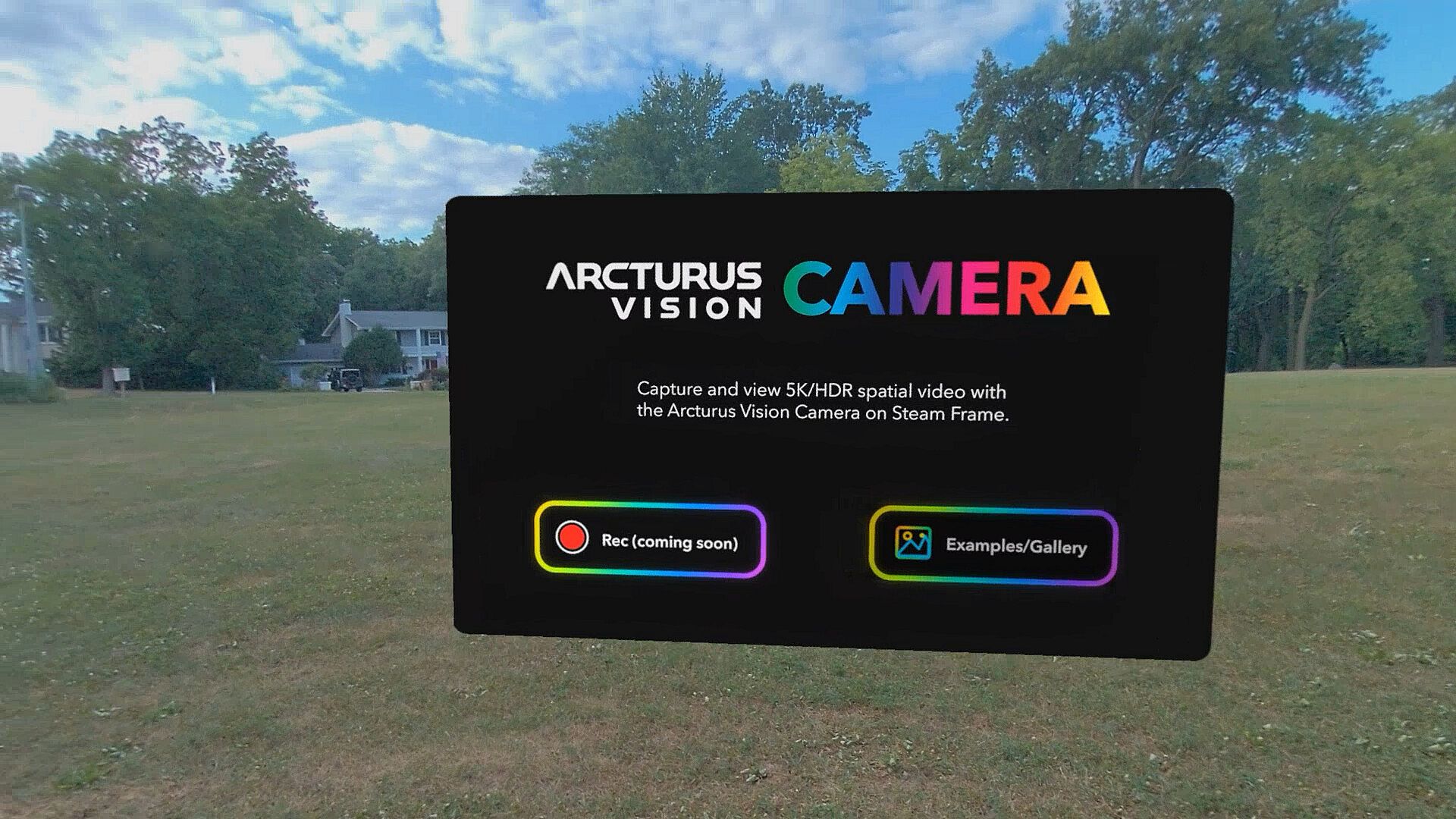
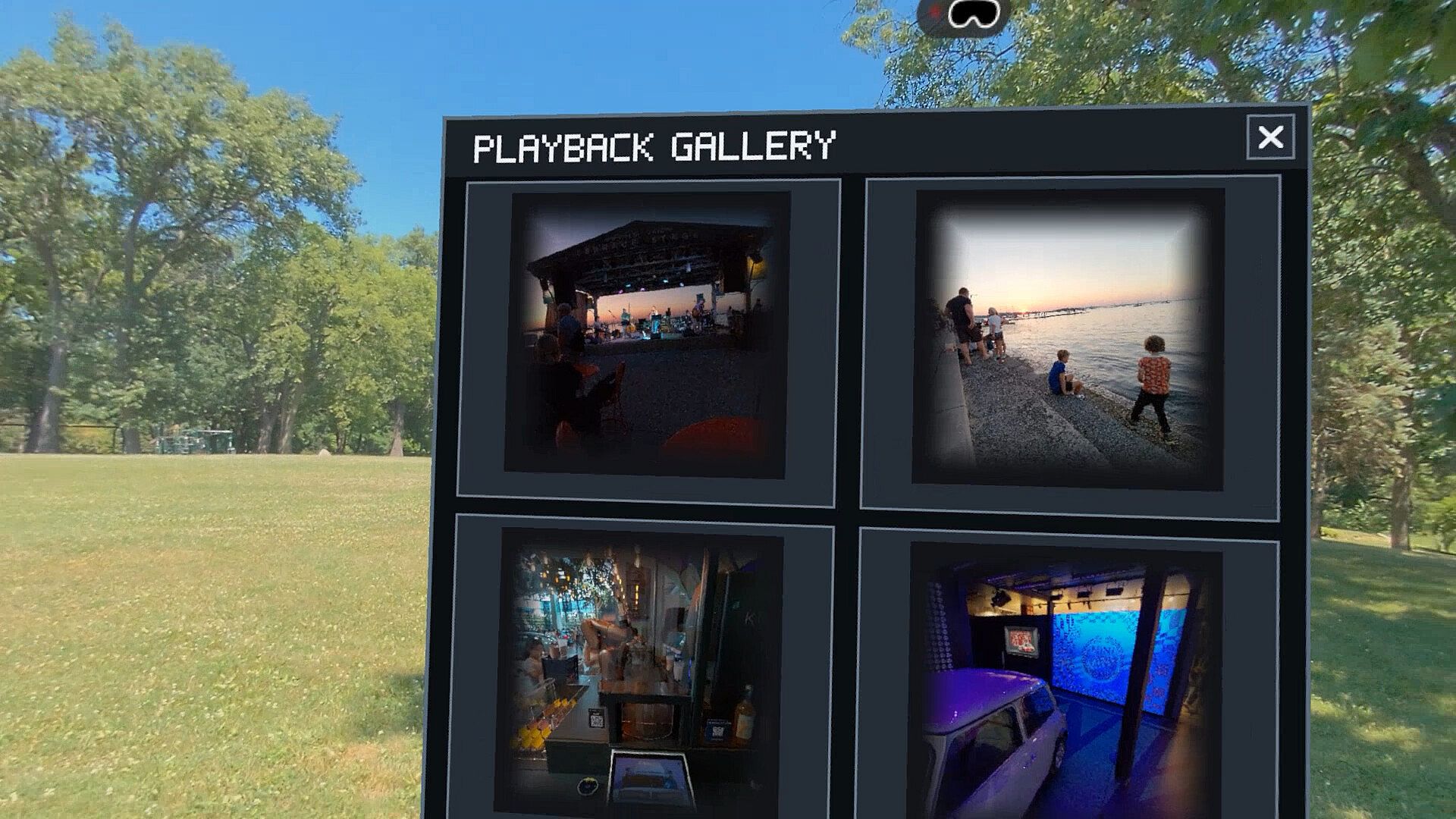
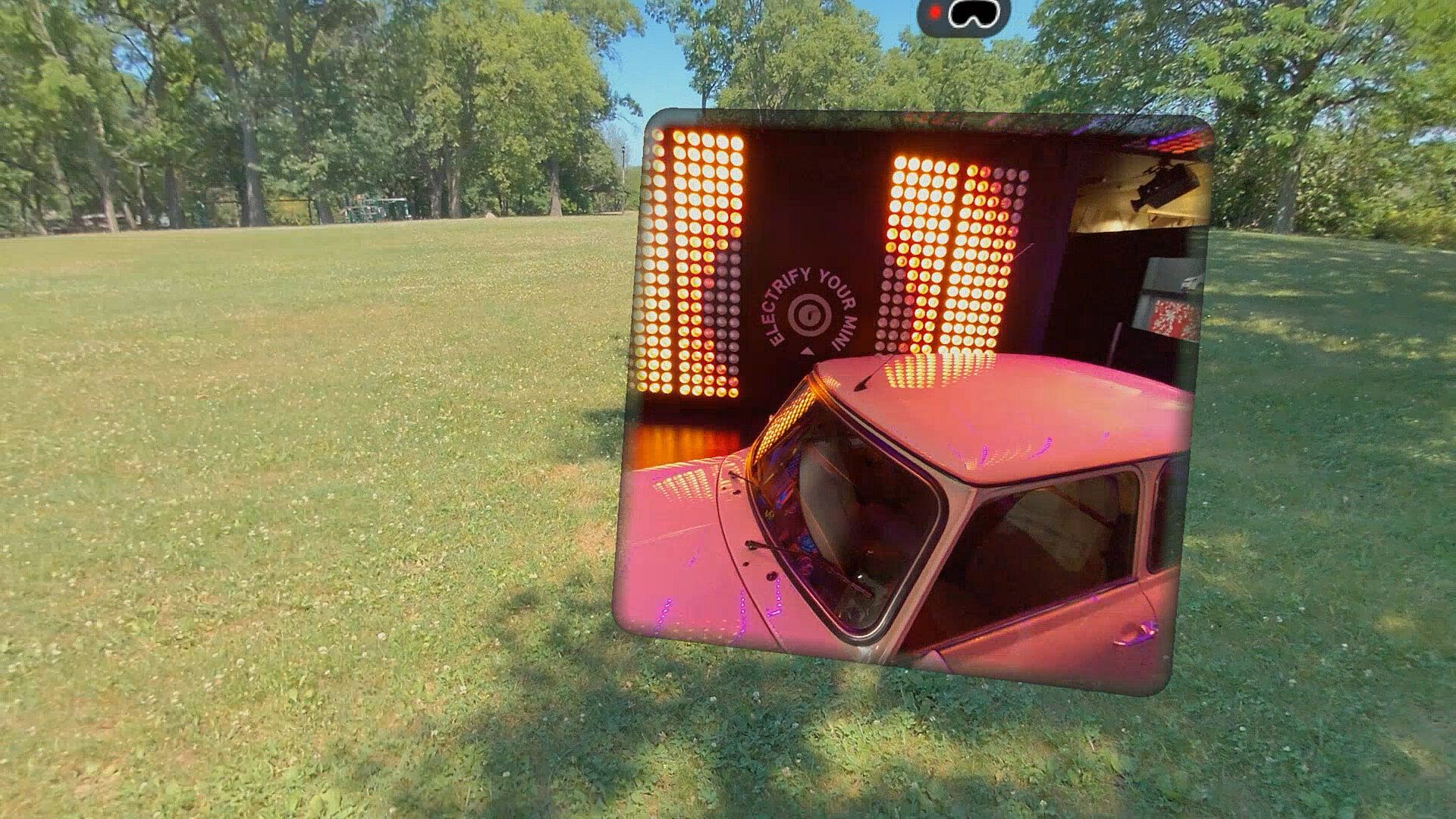
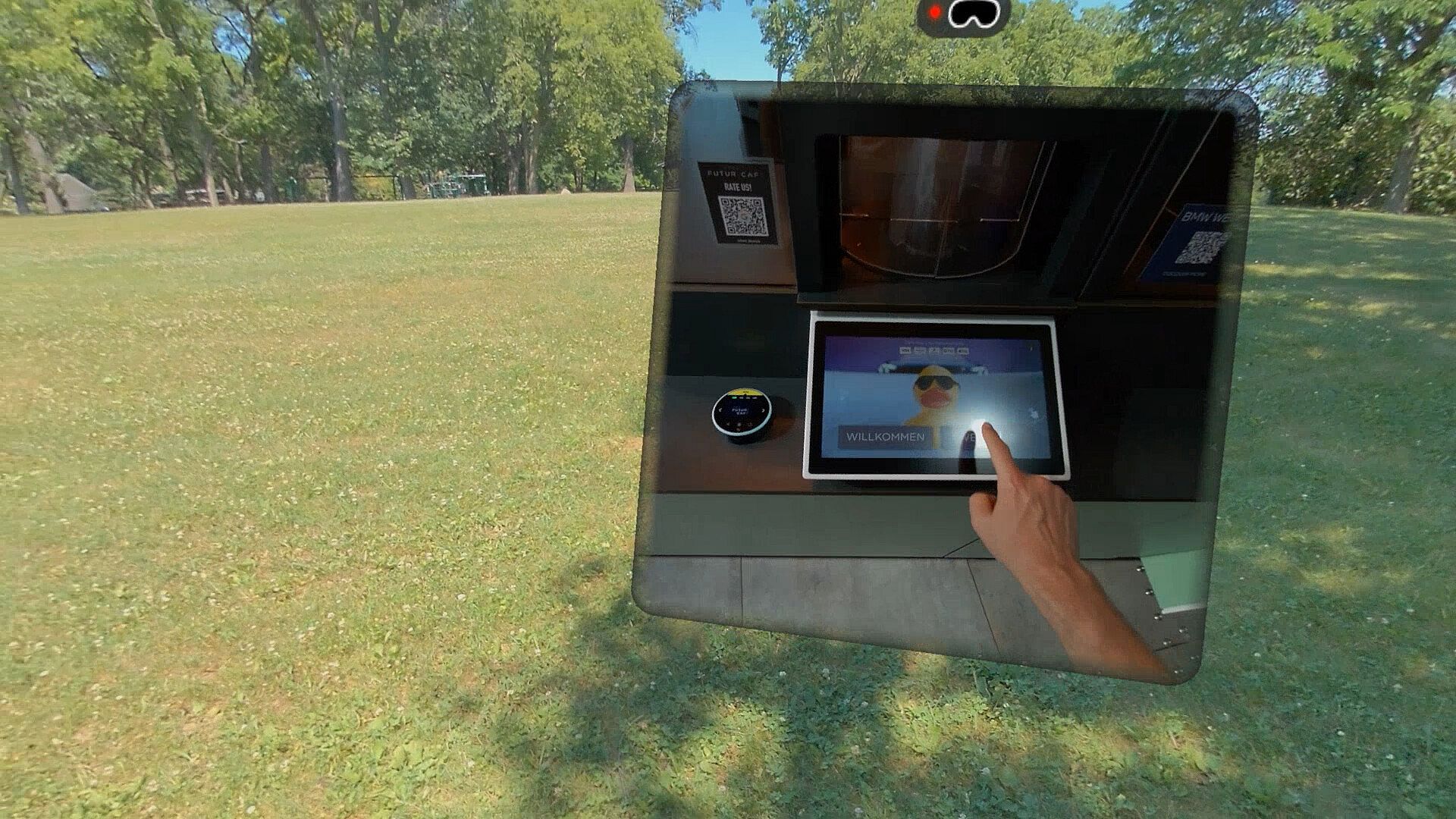
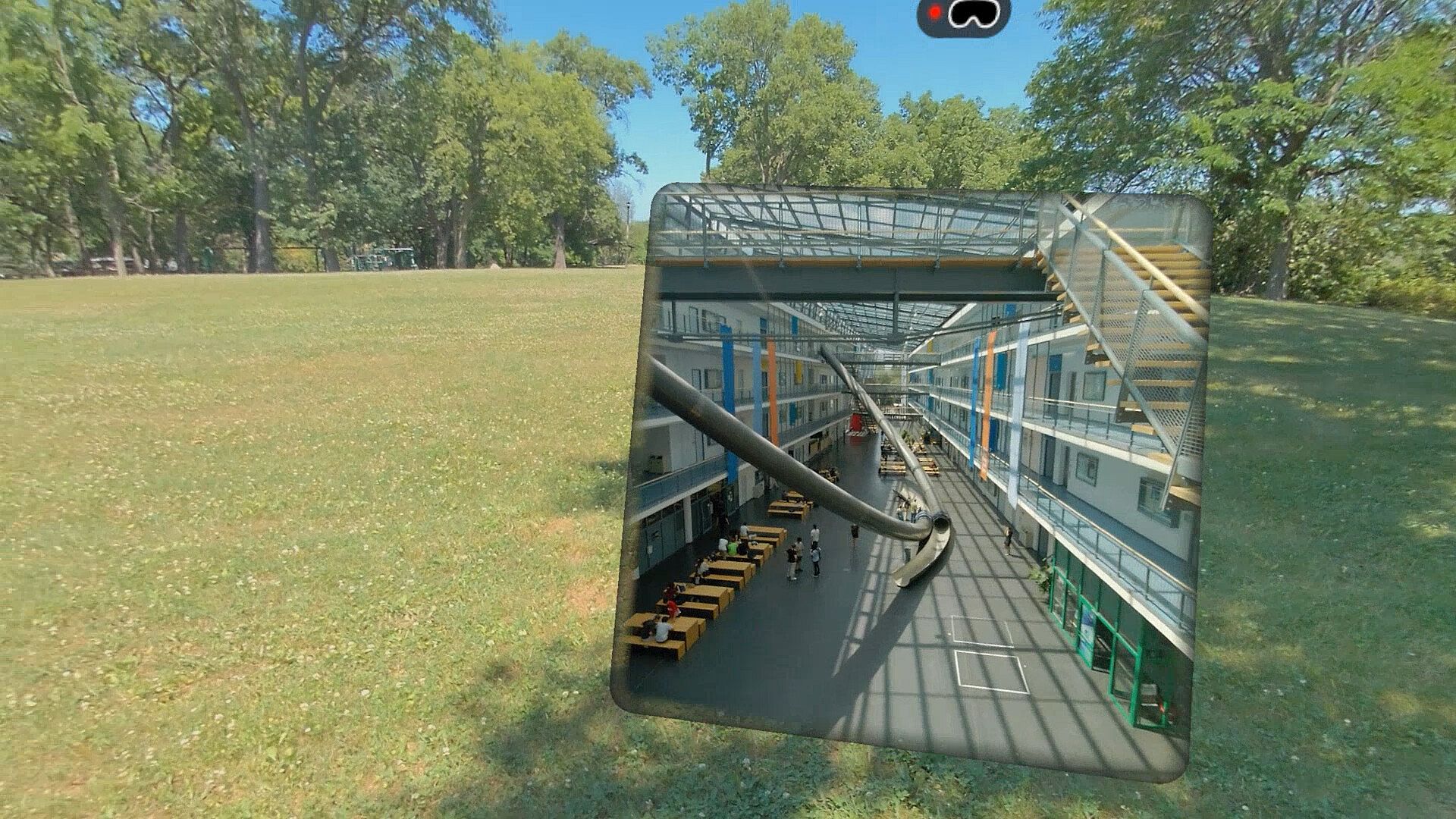
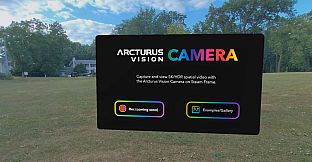
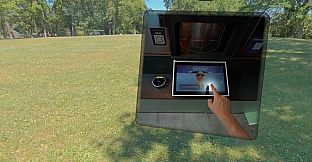
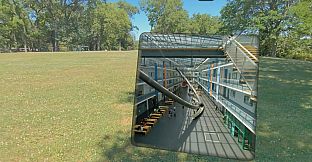
Arcturus Vision Camera is a free-to-play casual application available on PC that serves as the official companion software for the Arcturus Vision Camera accessory designed for the Steam Frame VR headset. Users install the app to manage spatial video capture and playback directly tied to the hardware module, which adds color passthrough and high-resolution recording capabilities to the headset. The software focuses on straightforward tools for recording and reviewing content in a mixed reality context rather than traditional game progression or competition.
Gameplay
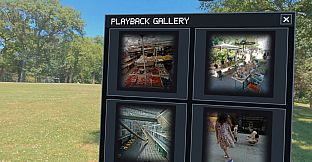
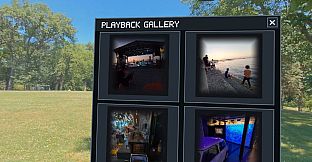
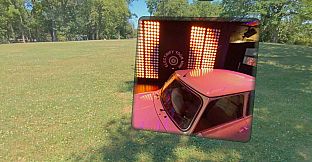
The core experience centers on capturing and reviewing spatial videos through the connected accessory. Players attach the camera module to the Steam Frame and use the app to initiate recordings at resolutions up to 5K with HDR support. The process records stereo perspectives simultaneously from dual high-resolution sensors, preserving depth and scale for later viewing. Playback occurs within the app itself, allowing users to examine their own footage or included samples in detail. The interface supports both desktop windowed display for quick checks and full immersive sessions when paired with the headset, making it practical for creators interested in spatial content without requiring additional software layers.
Game Modes
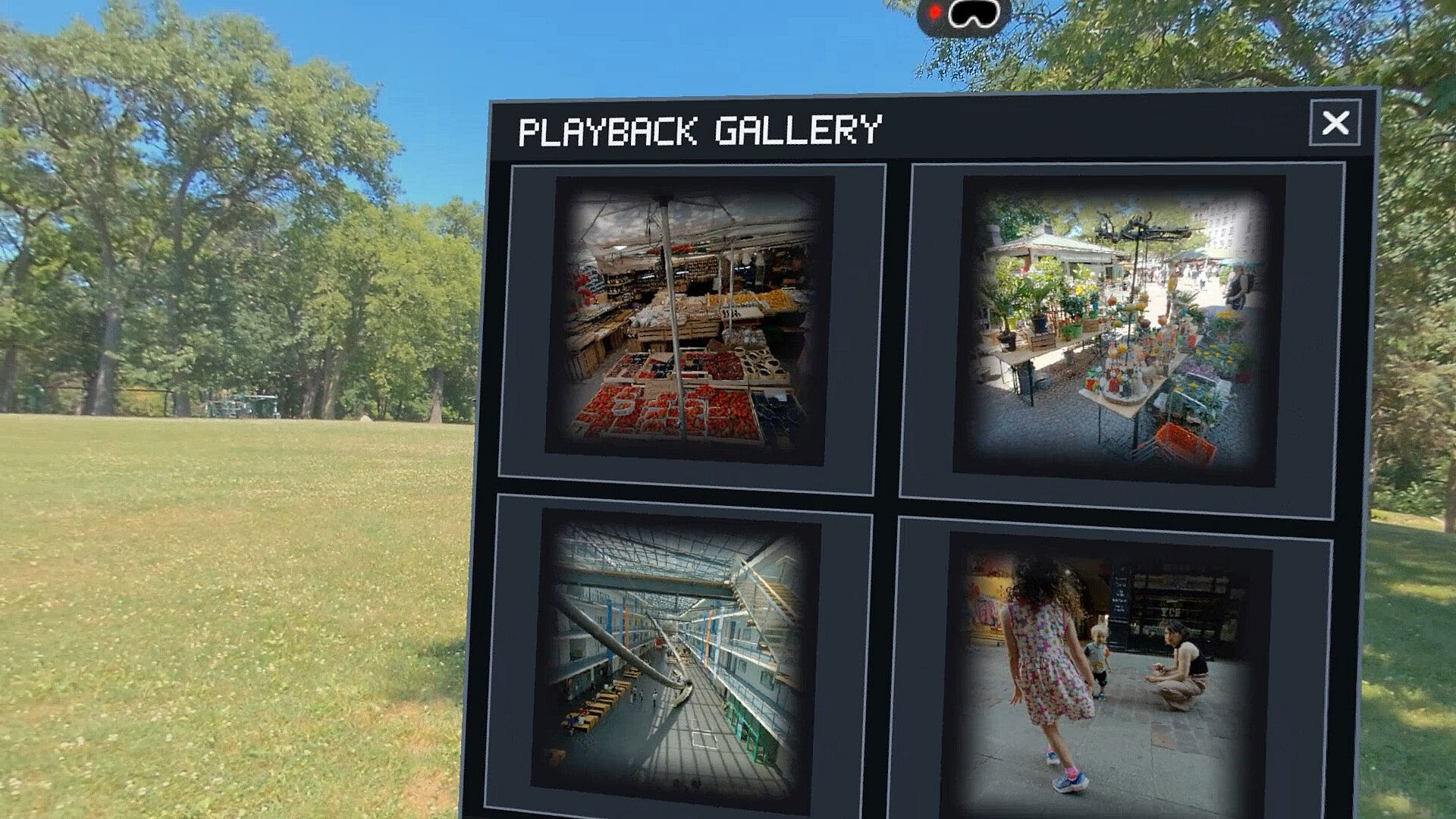
Two primary viewing options define the available modes. Windowed mode displays recordings on a standard computer screen for easy navigation and editing previews. Immersive mode activates through the Steam Frame headset for three-dimensional playback that matches the original capture environment. Sample spatial videos come preloaded to demonstrate these modes immediately upon installation. No competitive or multiplayer elements exist, keeping the focus on personal recording and solitary review sessions.
Recording and Playback Features
Recording functions emphasize high-fidelity output suitable for spatial reconstruction. The app handles up to 5K resolution at 60 frames per second or lower resolutions at higher frame rates when needed. HDR capture preserves lighting details across bright and dark areas in each frame. Once recorded, files integrate directly into the playback system for seamless transition between capture and review. A coming update will add hardware identification tools, allowing the app to display serial numbers and basic accessory details for easier management of multiple units or troubleshooting.
Is It Worth Playing?
This application suits owners of the Steam Frame who want to expand into spatial video creation and mixed reality passthrough experiences. Its free availability removes any financial barrier, and the included samples provide immediate value for testing the accessory's capabilities. Reception centers on its utility for personal content capture rather than entertainment depth, with users appreciating the straightforward integration between hardware and software. Those seeking advanced video tools or casual VR experimentation will find it functional, while players looking for structured gameplay or social features may prefer other titles. The current state remains focused on core recording and viewing, with planned additions enhancing hardware connectivity over time.