








Compra Zoom Player : Steam Edition PC

Dove comprare la chiave Steam Zoom Player : Steam Edition {6} più economica? Confronta i prezzi da 1 store e scegli la soluzione migliore tra 1 offerte su XD.deals. Al momento il prezzo {6} più basso per Zoom Player : Steam Edition nei keyshop è su 29,97 € (50% di sconto).

Uscita: 04 apr 2014
Steam:
Mixed (56)
Keyshops
Non disponibile
Compra nello store ufficiale:
-50%
29,97 €
Compra nei keyshop:
Vedi storico prezzi

Store ufficiali (1)

DRM:
Steam
Steam
Steam
Zoom Player : Steam Edition
Windows
+1
1a fa
DRM:
Steam
Steam
59,95 € 29,97 €
Historical Low Deal
Historical low
-50%

Info su Zoom Player : Steam Edition

Zoom Player : Steam Edition - info sul gioco
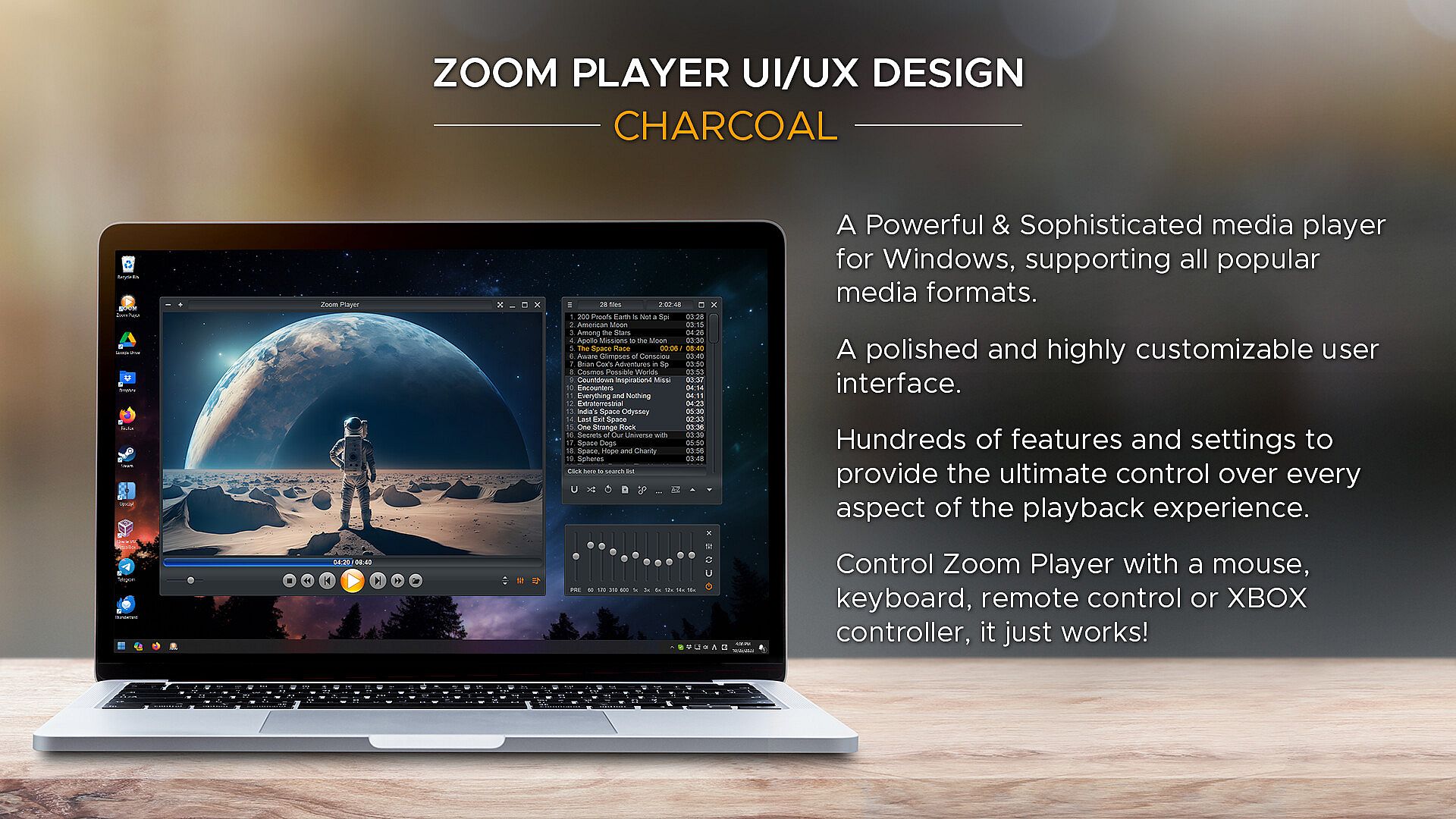
Zoom Player è un versatile media player e setup per home theater su PC Windows, con interfacce utente personalizzabili e opzioni di tweaking avanzate per la riproduzione. Sfrutta le migliori tecnologie di decoding come DirectShow, FFMPEG, LAV Filters, libVLC e Chromium per gestire formati diversi con qualità hardware al massimo. Le opzioni di controllo includono app remote, controller Xbox, tastiere, mouse, script PowerShell, TCP/IP e browser web, con ogni input completamente rimappabile. Gli utenti possono creare elementi on-screen come pulsanti, barre del volume e timeline, regolando dimensioni, colori e trasparenza per adattarsi a qualsiasi schermo. Tra gli strumenti per home theater spicca la libreria media con modalità jukebox per TV e film, che visualizza sfondi, poster e metadati. Il supporto allo streaming copre IPTV, canali YouTube e server come PLEX, Emby e Jellyfin, ideale per gli appassionati che vogliono controllo preciso e organizzazione impeccabile.

Zoom Player represents my life-long quest as an indie developer to craft the most versatile media player and Home Theater experience for Windows.

What makes Zoom Player the best overall media player? It's the user interface, viewing experience and tweaking options. Lots and lots of tweaking options, tailoring the playback experience to your personal preferences without bloating up or slowing down.

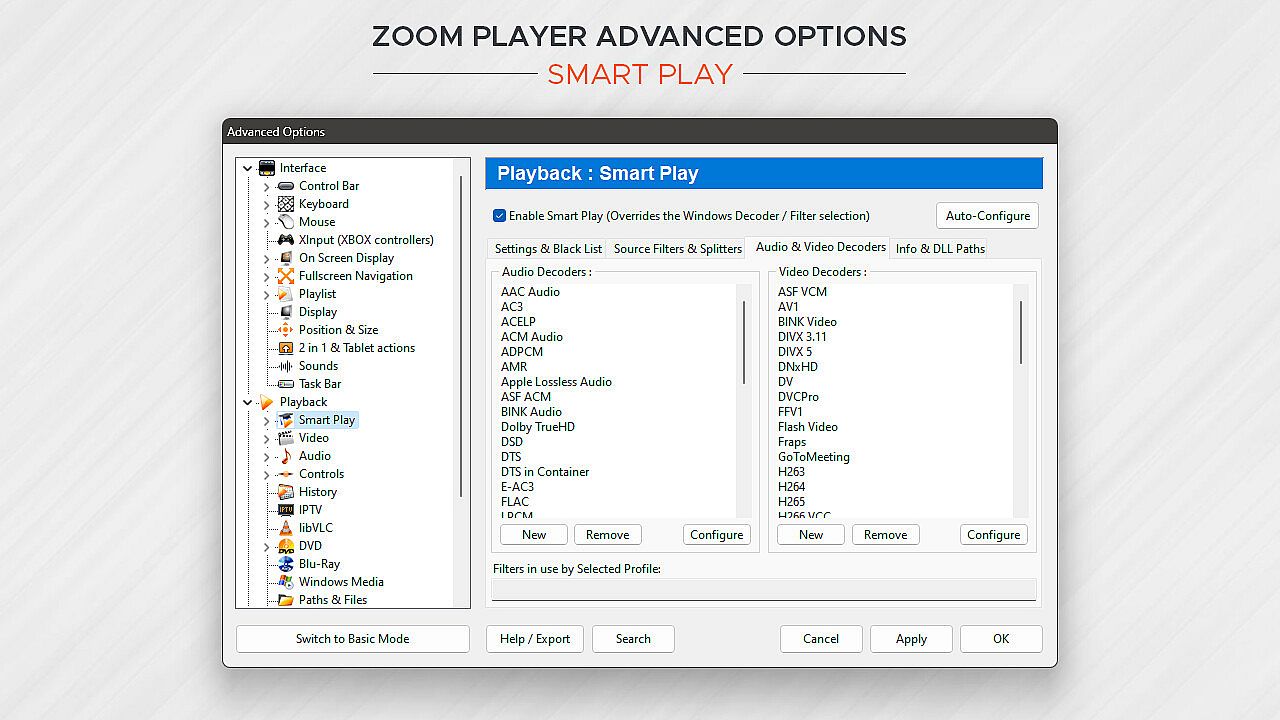
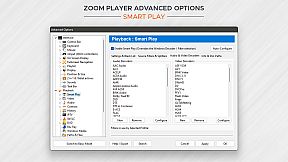
Under the hood, Zoom Player uses the best audio/video decoding and rendering technologies available to get the job done. Whether it's Microsoft DirectShow framework, the FFMPEG project, LAV Filters, libVLC or the Chromium browser, Zoom Player uses the best playback engine for the task. The flexibility of picking the right media engine for the task means that pretty much every media format can play at the highest quality your hardware can muster. And if it doesn't, I will do my best to resolve any issues in the discussions area.

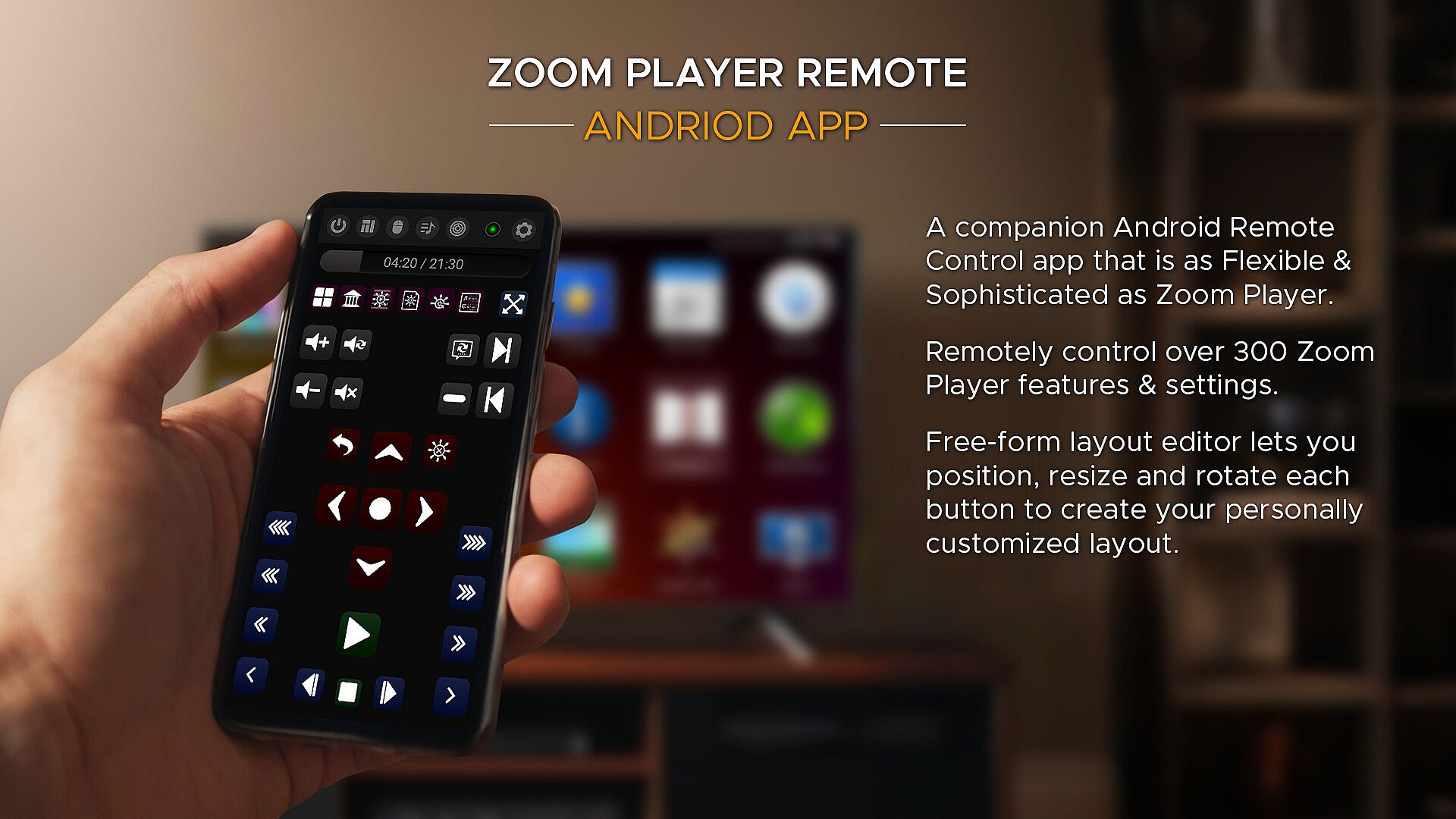
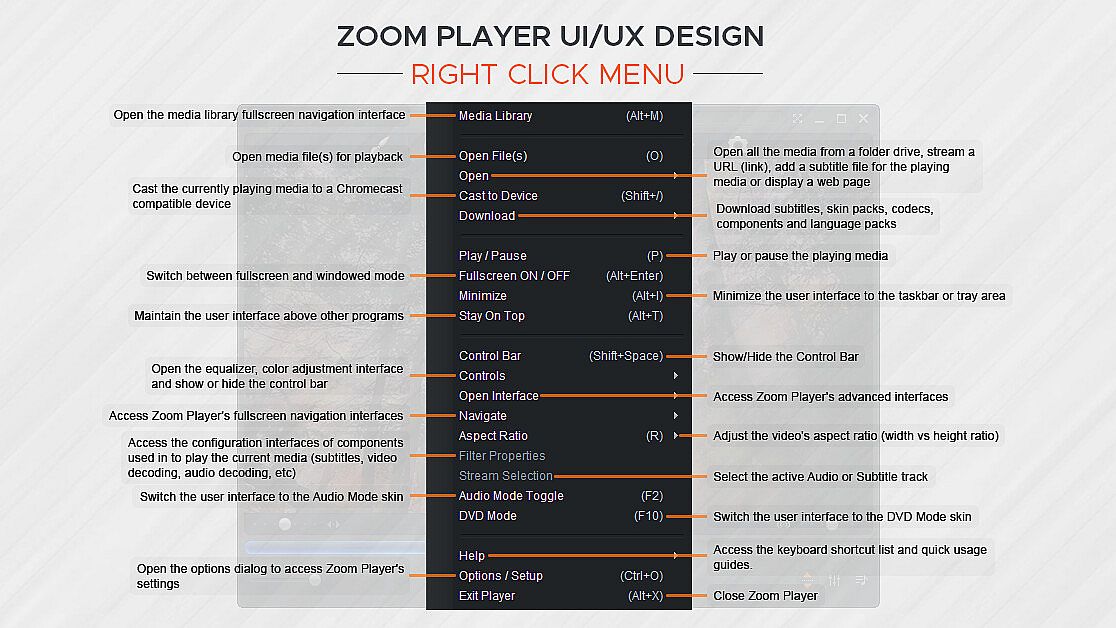
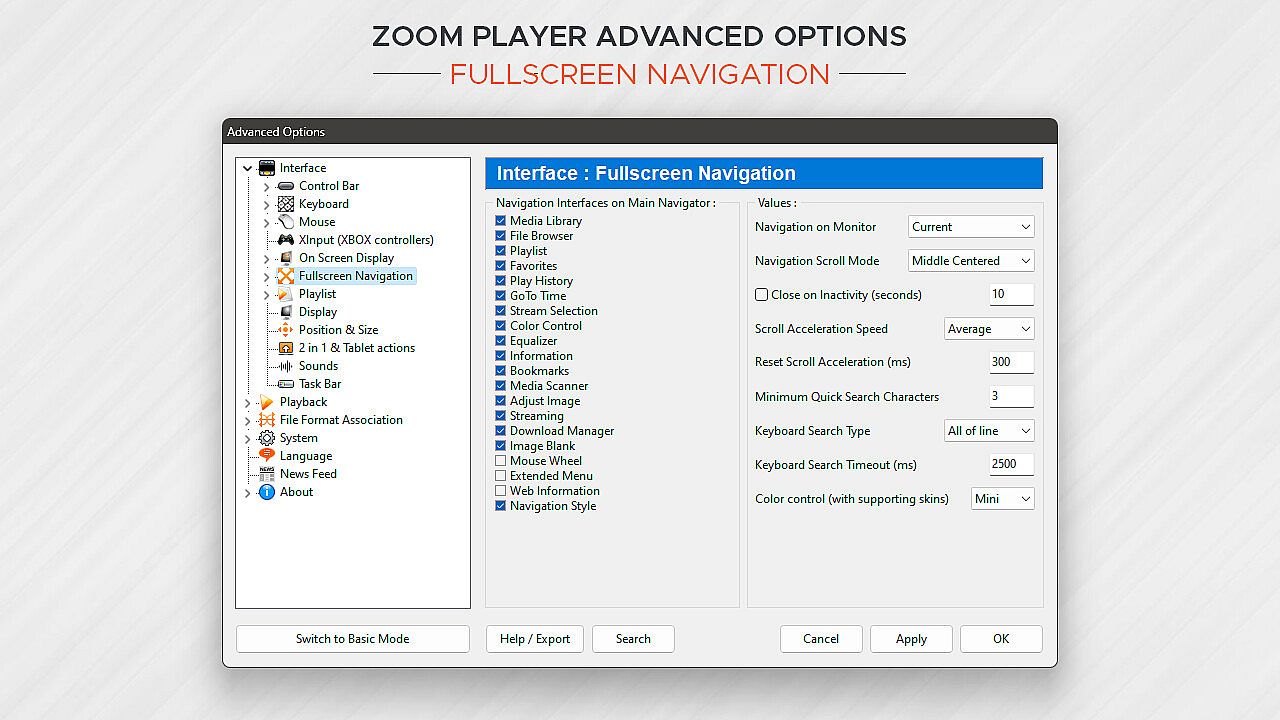
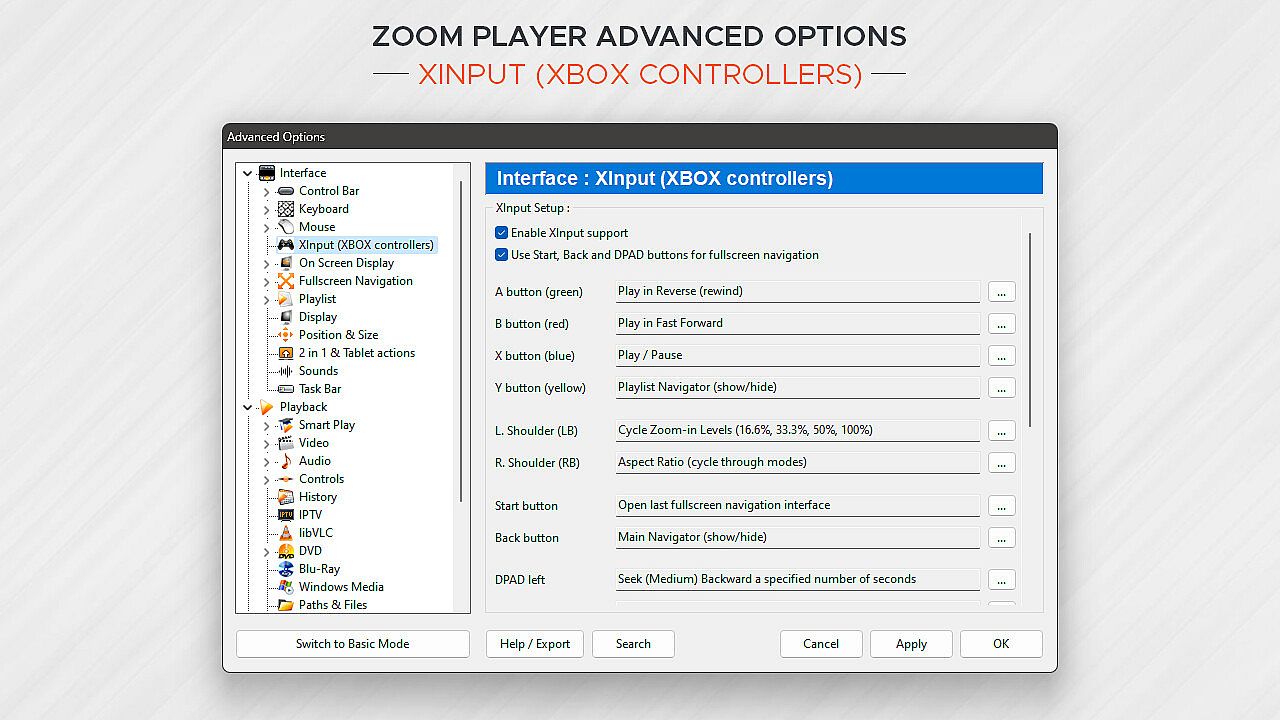
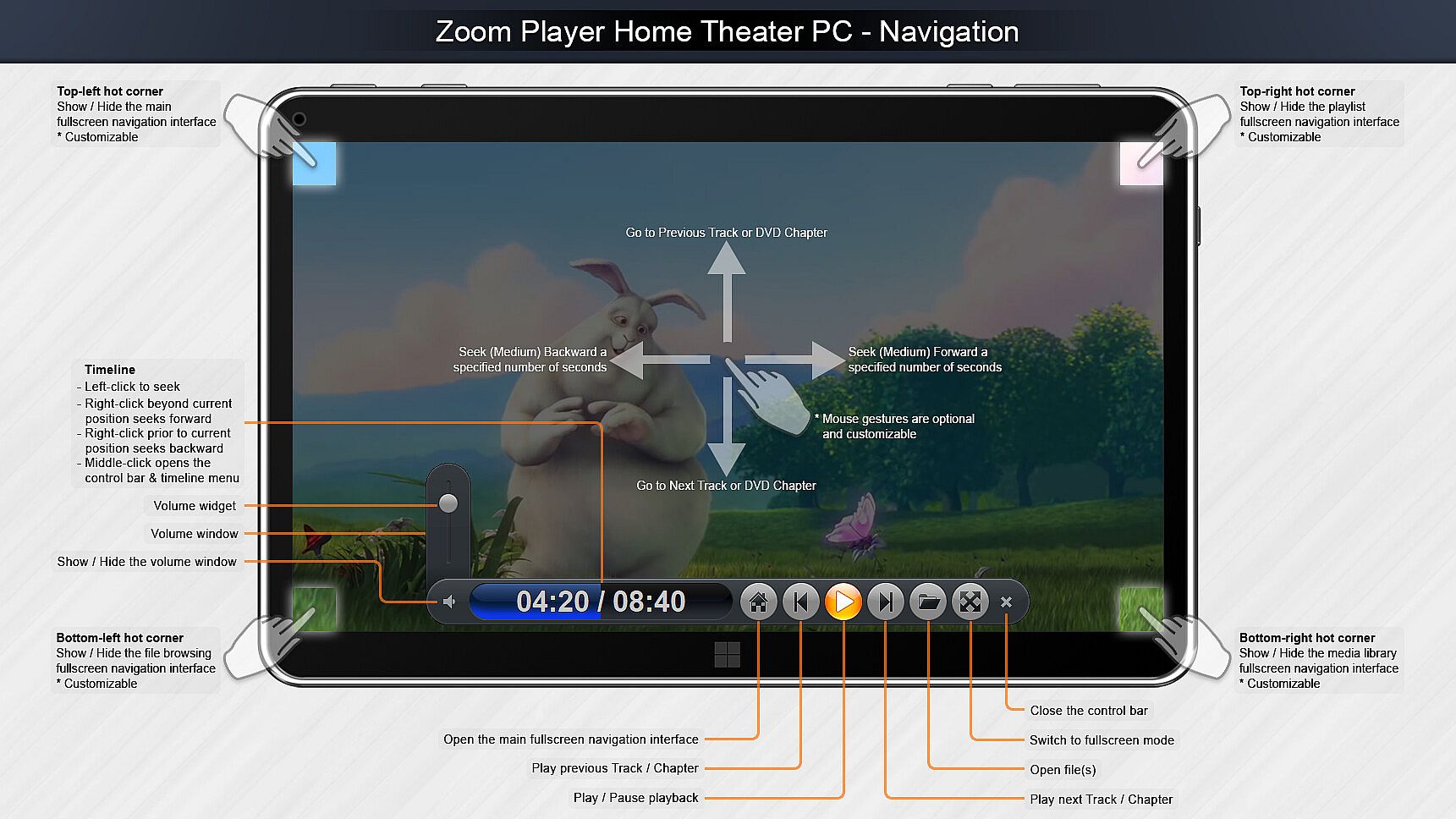
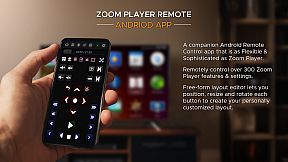
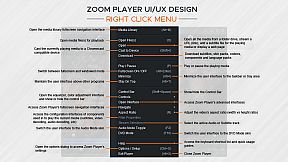
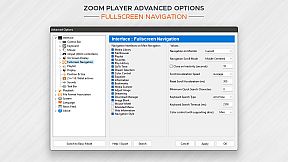
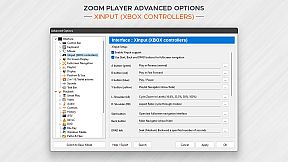
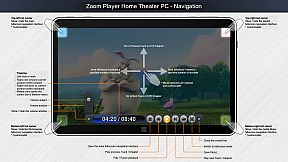
What about Control? If you're scared by long lists, skip to the next paragraph, otherwise know that Zoom Player can be controlled with a Remote Control app; a physical Remote Control; an XBOX controller; a mouse; the keyboard; using a PowerShell Script; Home Automation apps; over TCP/IP; WinAPI; through the Command line; and even with a web browser. Sorry for the long list, but the level of control and attention to detail I designed into Zoom Player is unmatched! Every key, click, swipe, roll and button can be customized to your preferences.

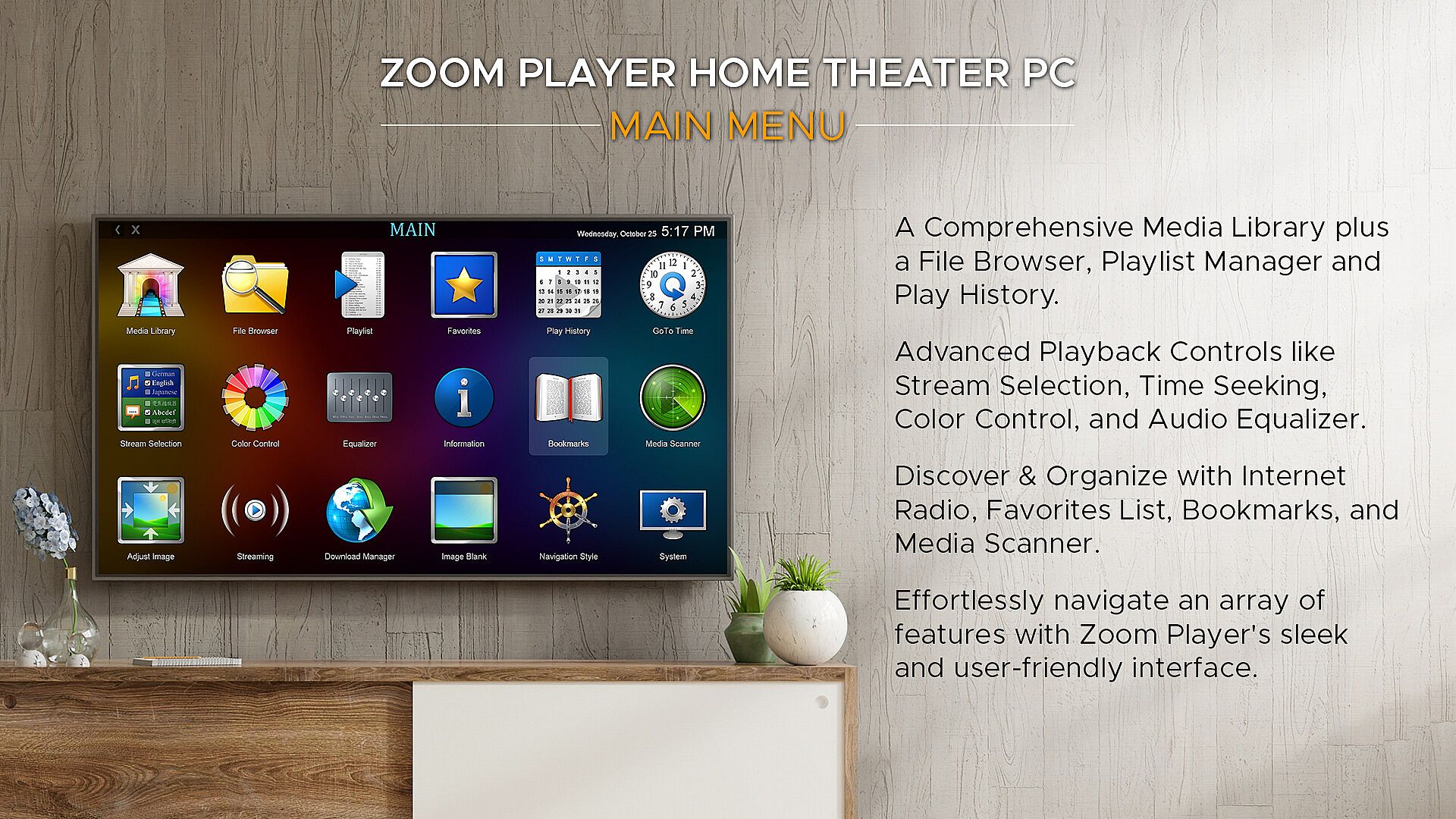
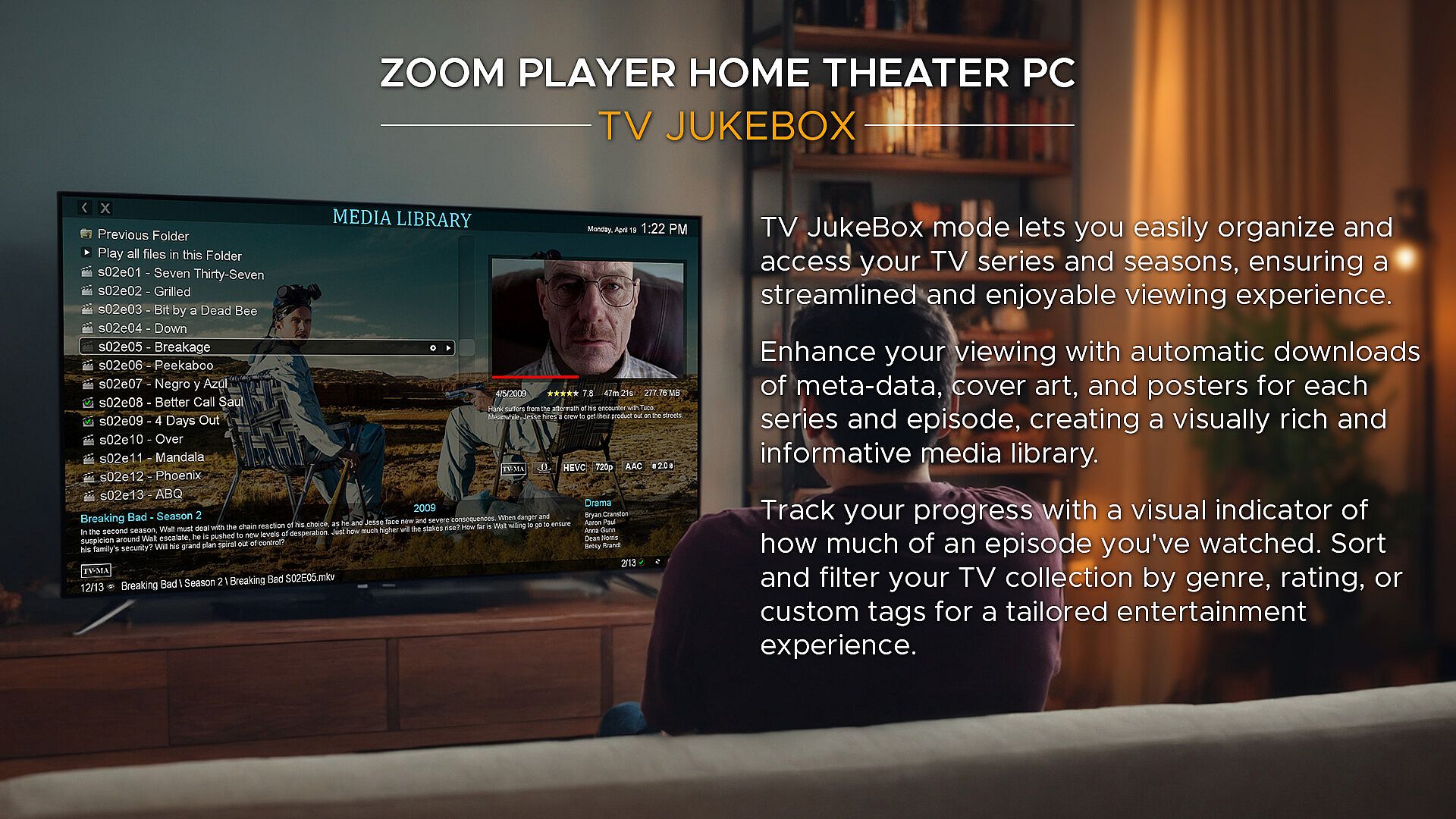
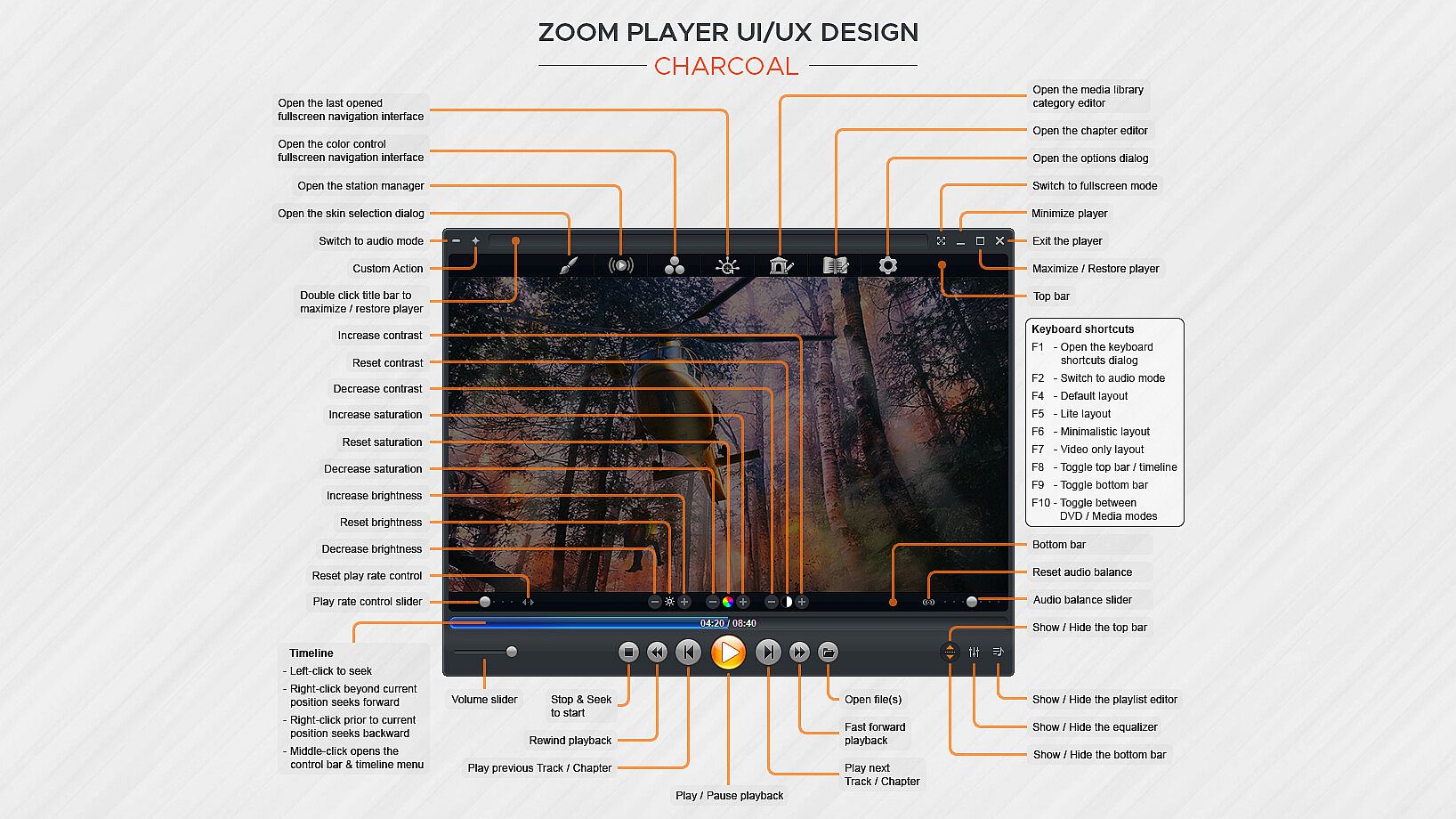
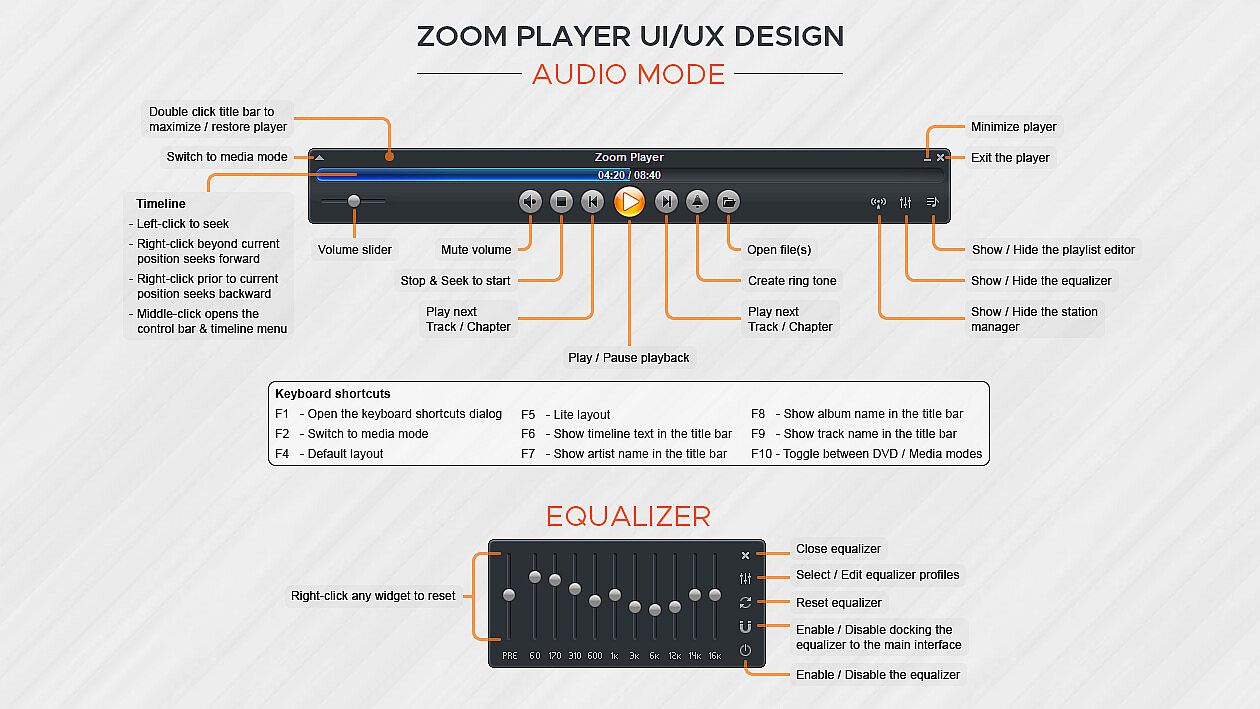
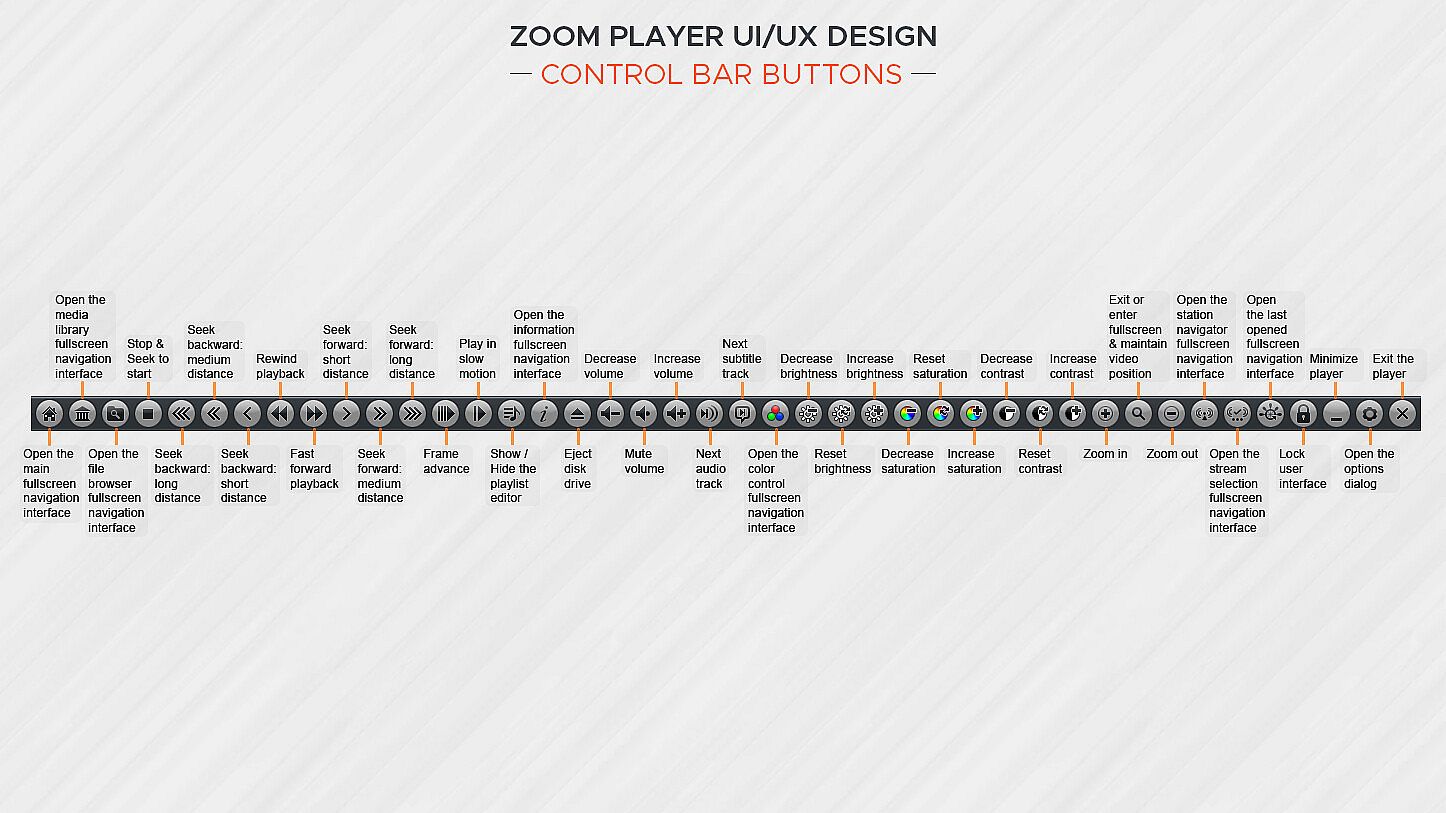
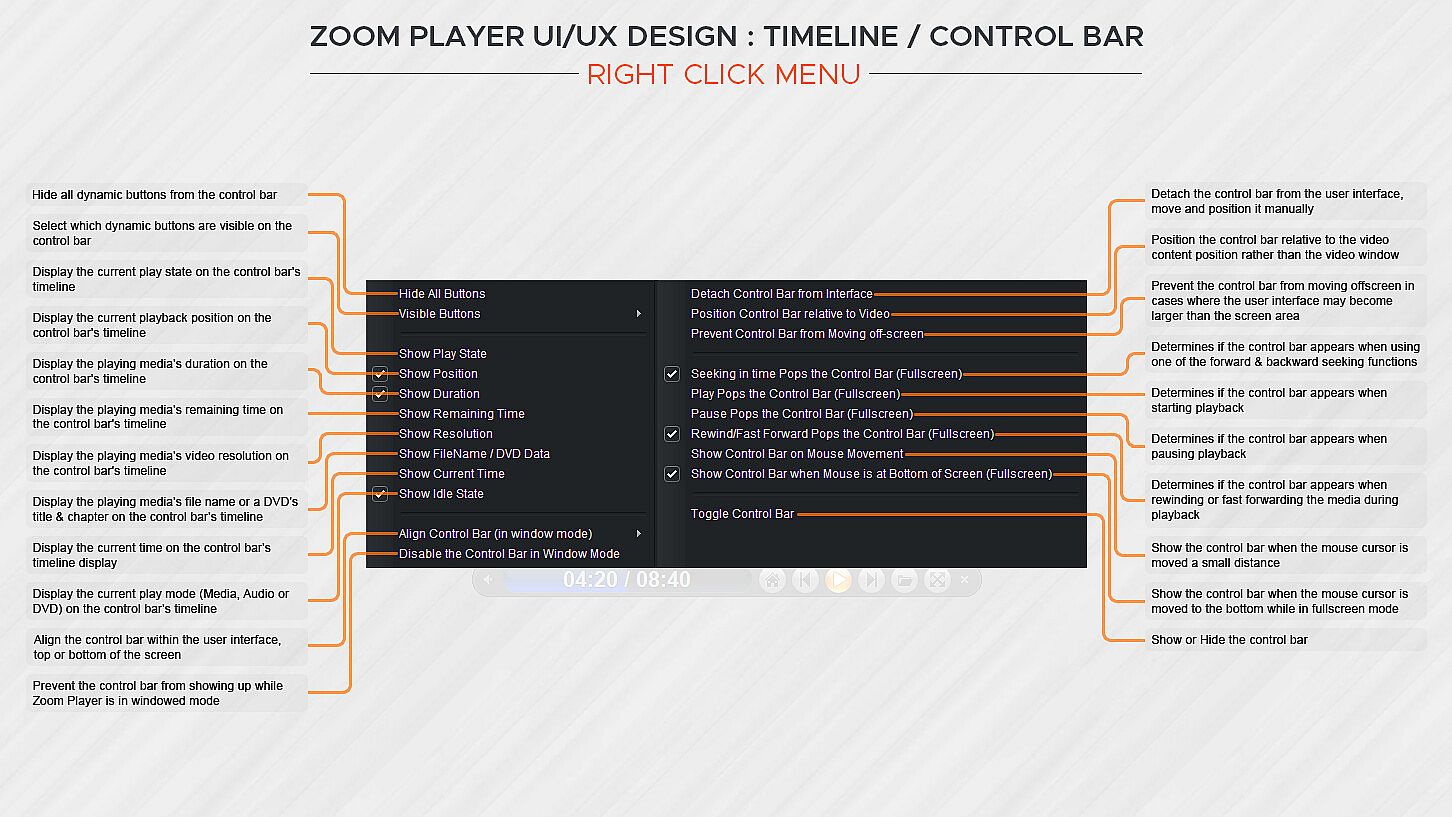
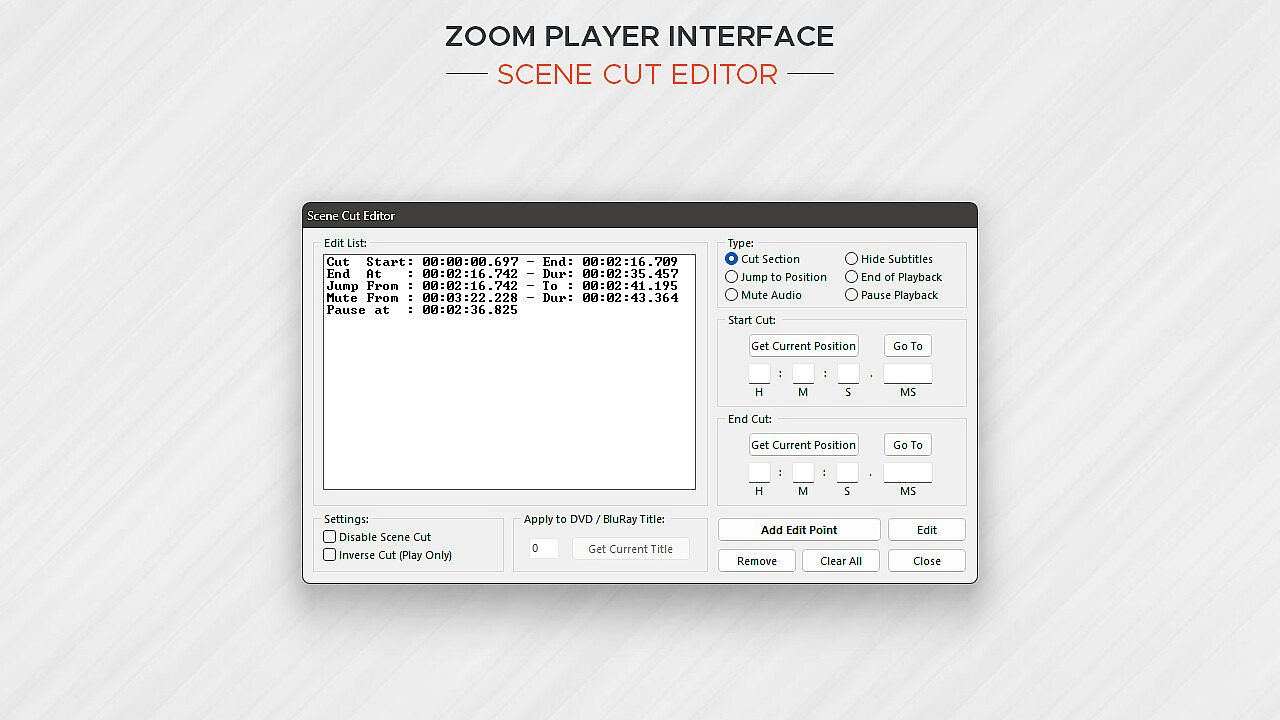
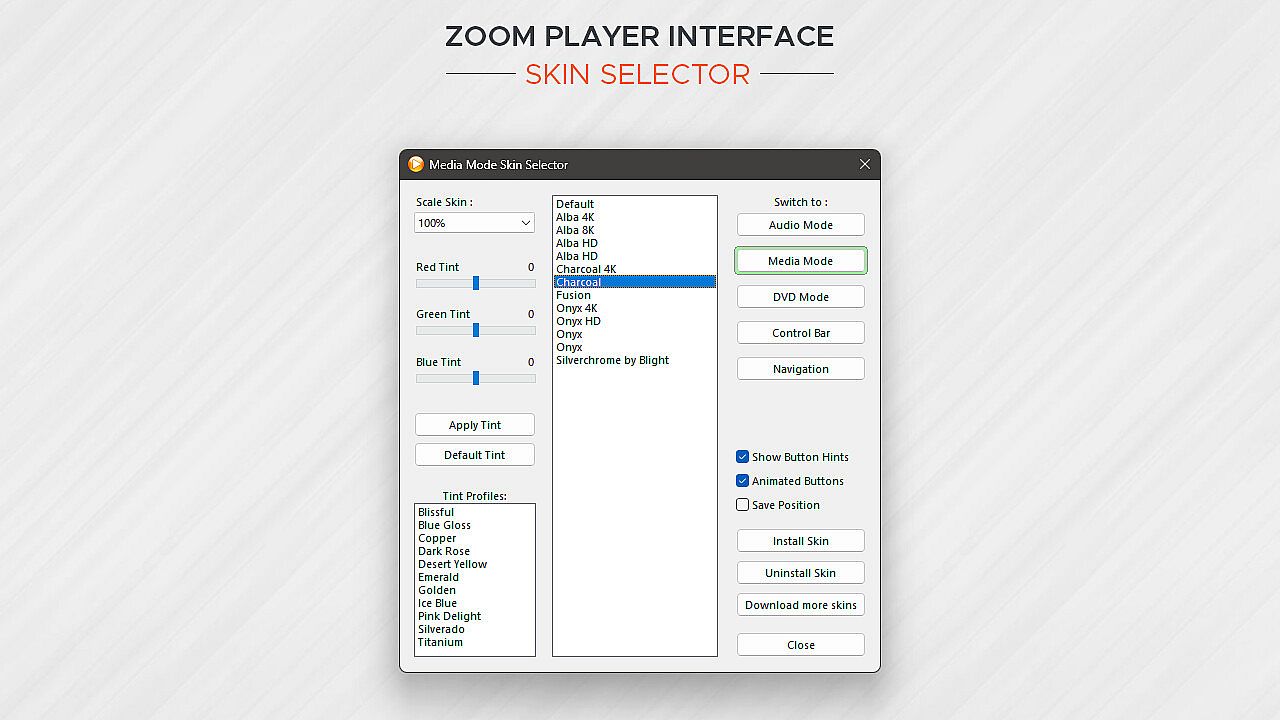
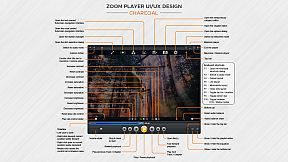
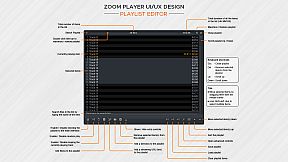
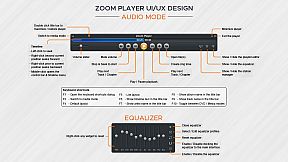
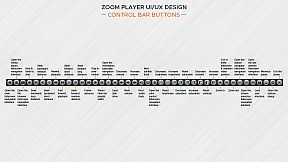
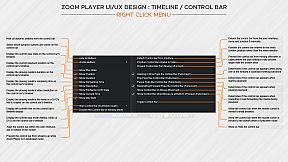
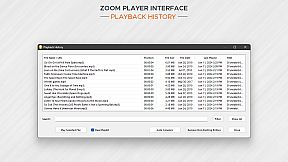
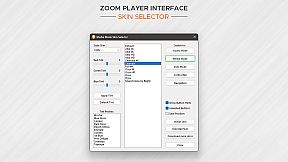
How does Zoom Player look? Amazing. The screenshots only tell half the story. With Zoom Player's powerful control overlay customization features, you can easily pick and choose which user interface elements appear on screen (buttons, volume bar, timeline bar, title text, etc), their size, color, transparency and much more.

Zoom Player's user interface is designed to look good on any display, regardless of the screen size or resolution and is ideal for the visually impaired. You no longer need to be an artist or coder to craft a beautiful user interface tailored to your exact requirements, you can do it yourself with a few simple clicks.

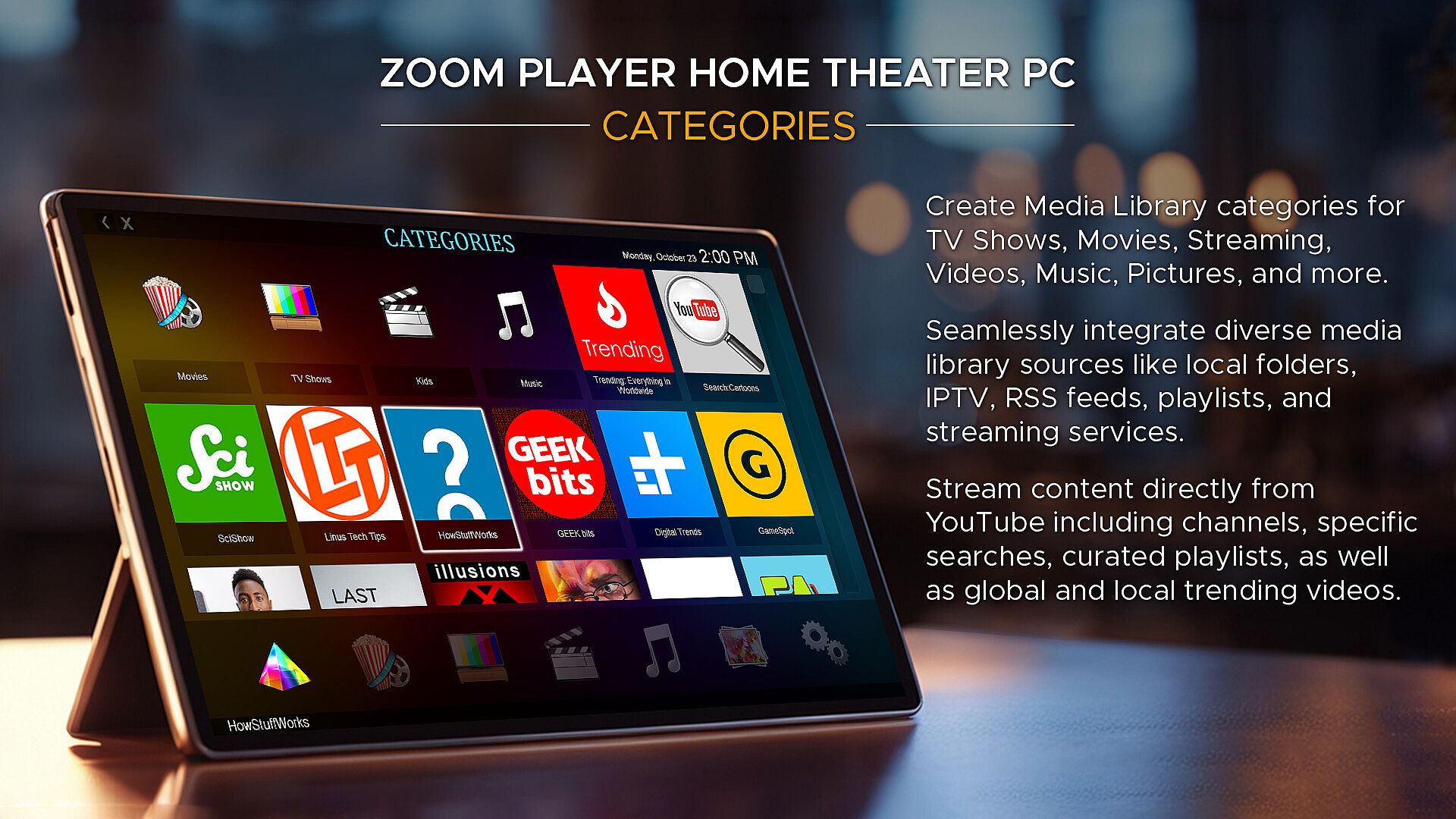
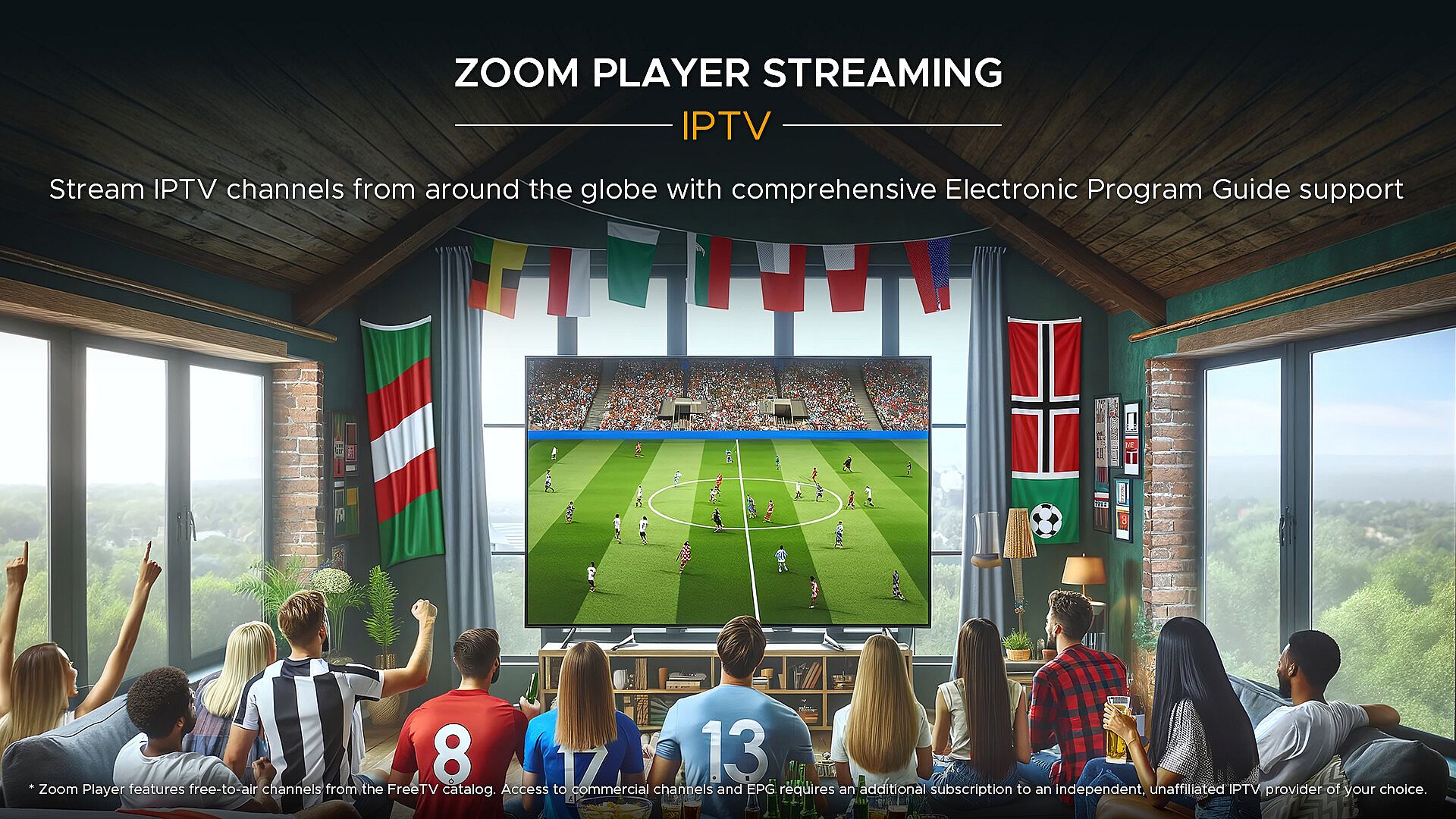
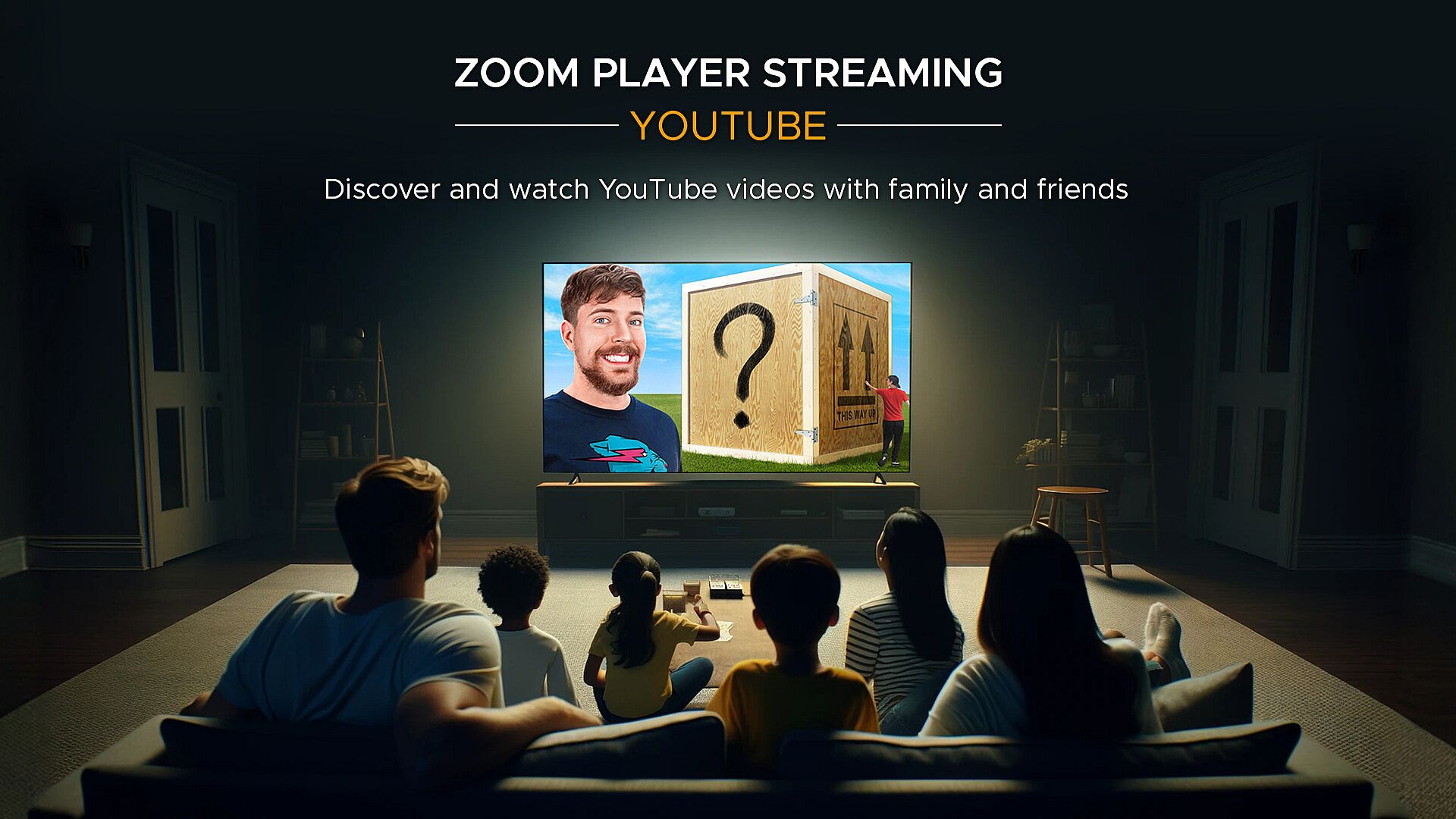
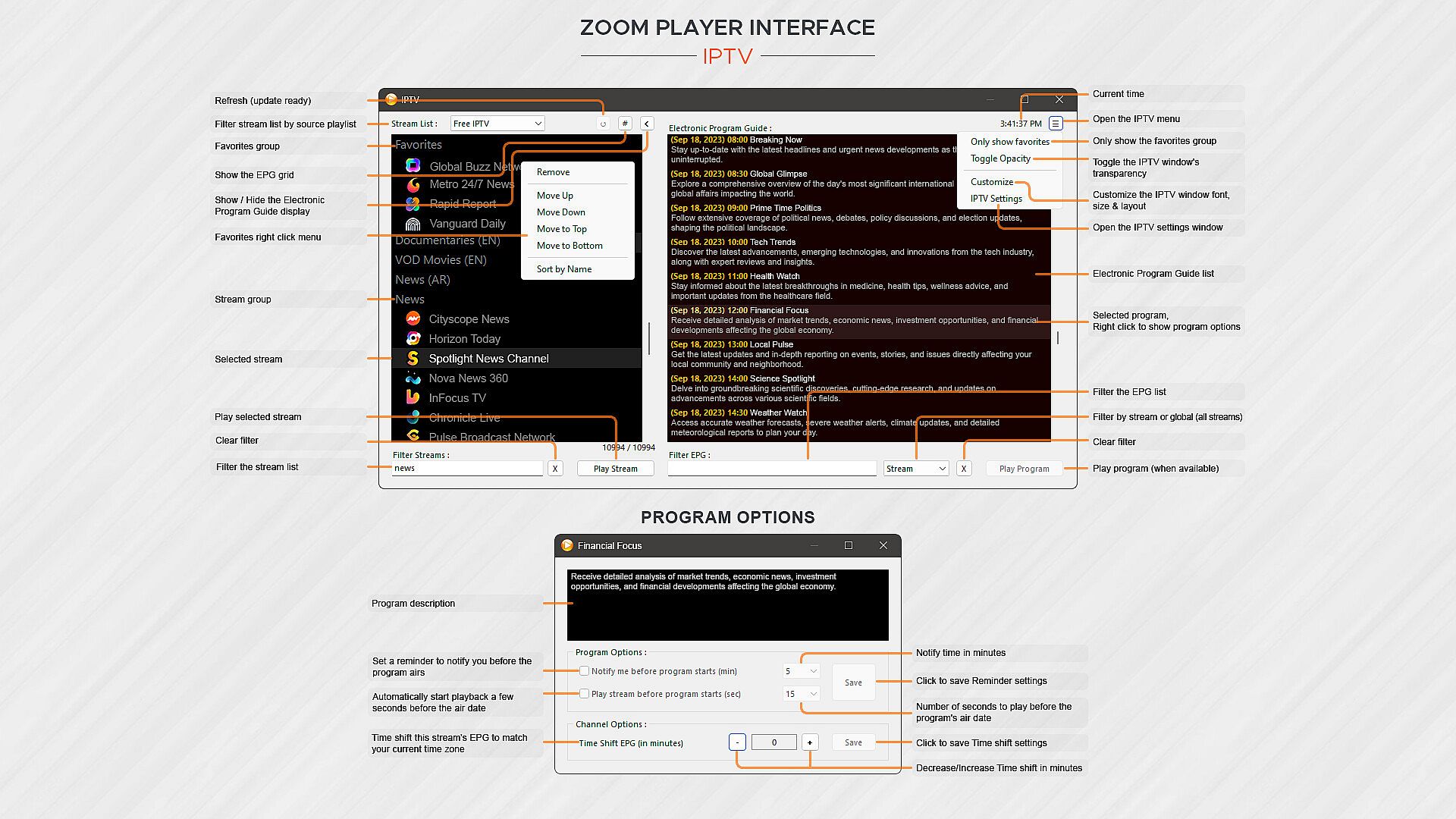
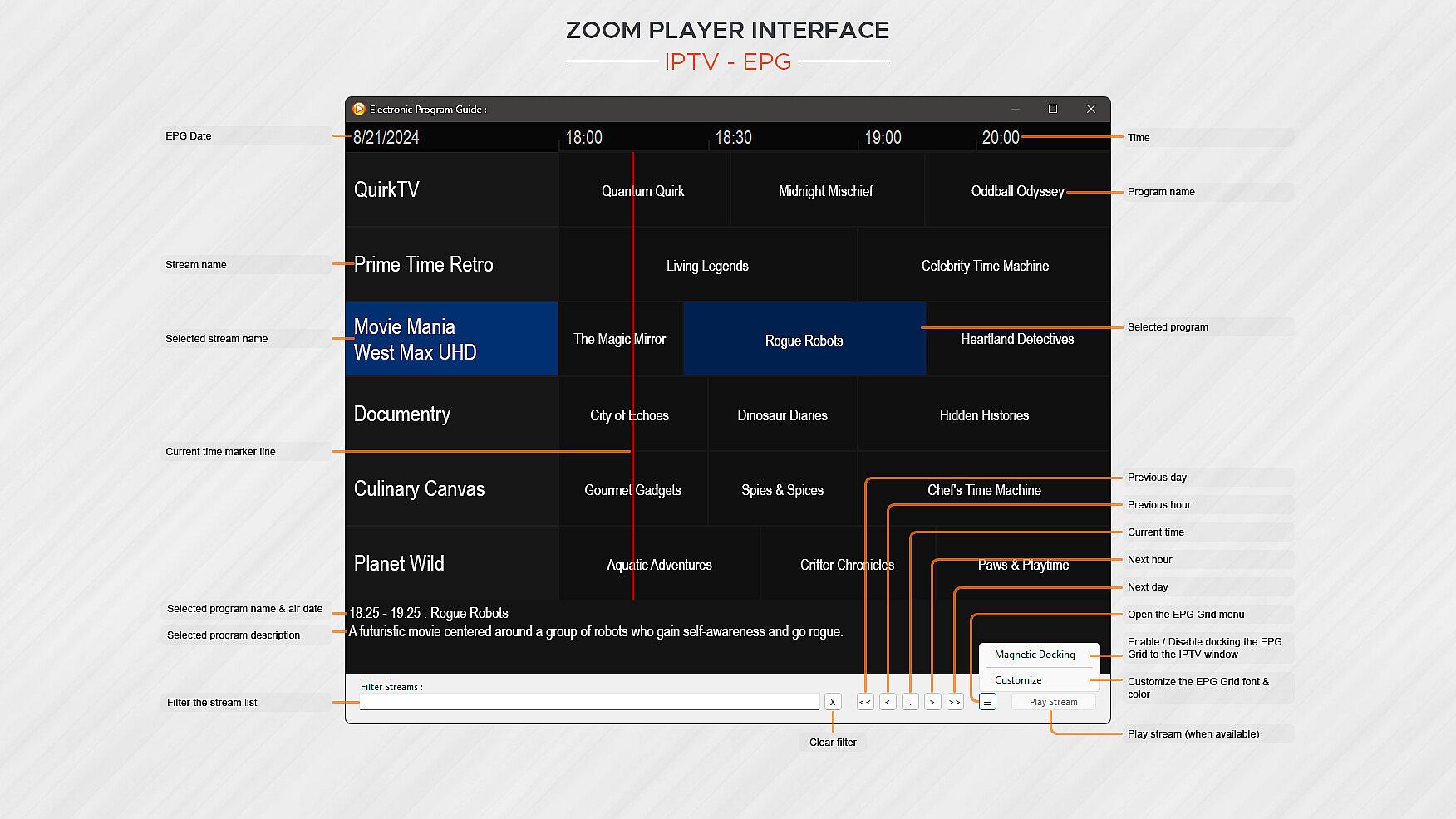
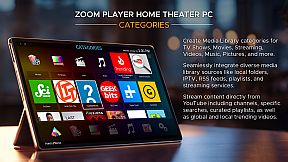
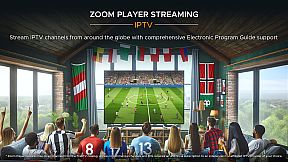
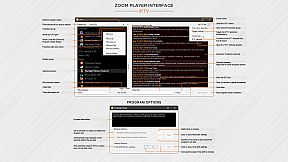
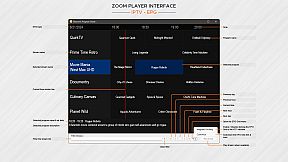
What about Streaming? Zoom Player has the best IPTV implementation on Windows, providing access to live TV from across the world (caveat below). YouTube channels, trends, searches and playlists can be added into the Media Library with ease. Stream content from multiple media servers such as PLEX, Emby and Jellyfin. Other streaming sites either work automatically or can be supported through 3rd party plug-ins.

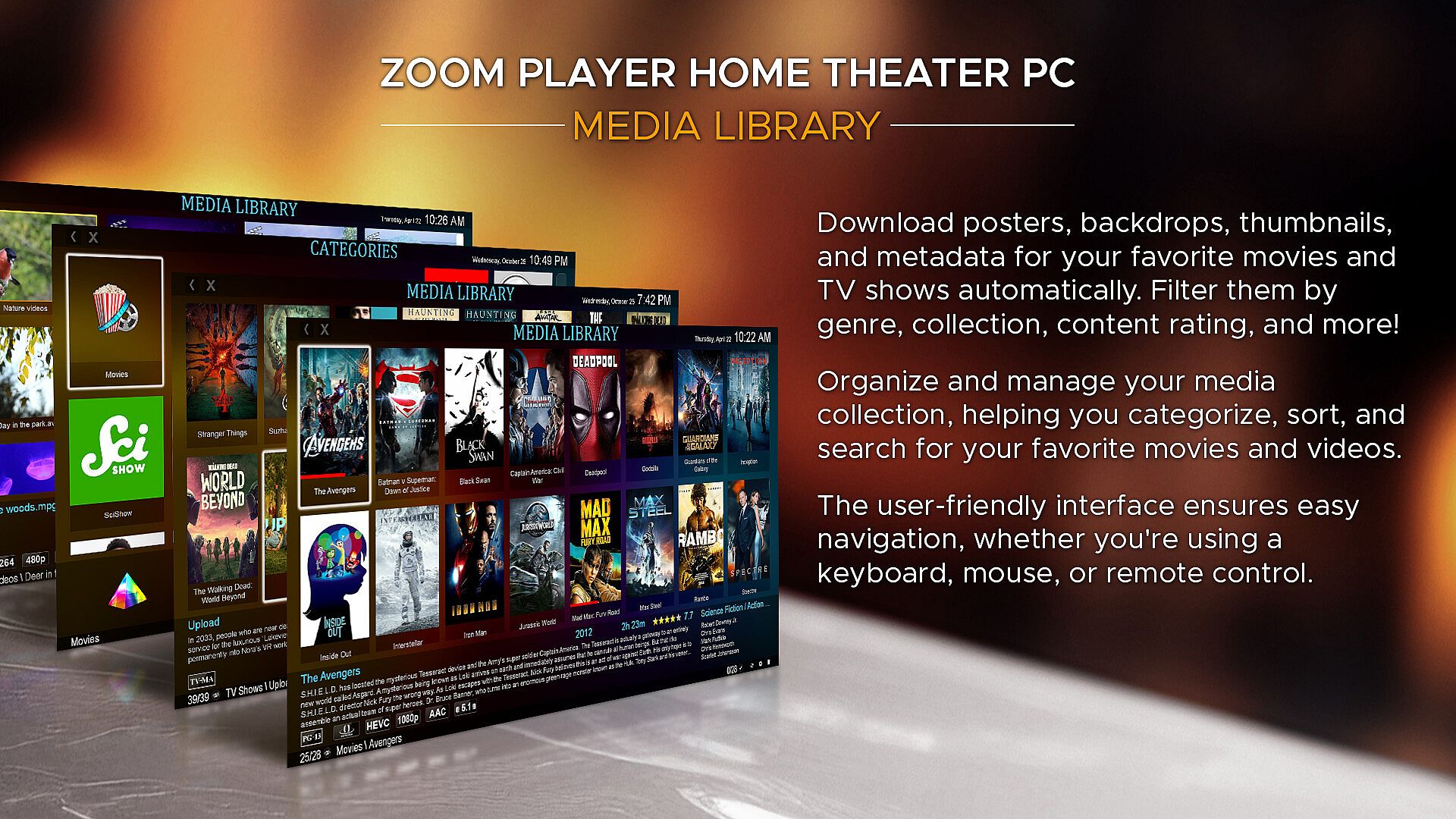
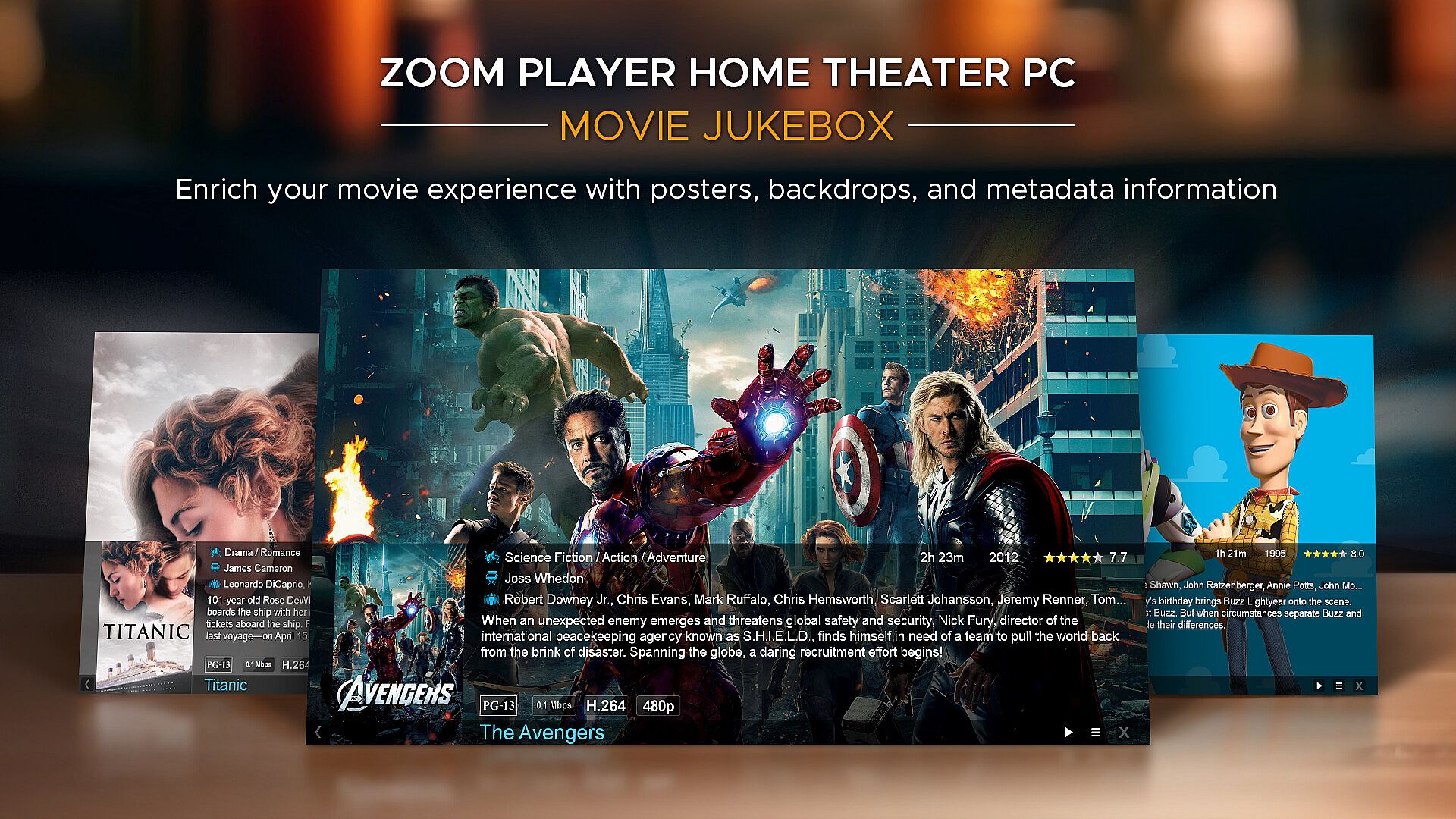
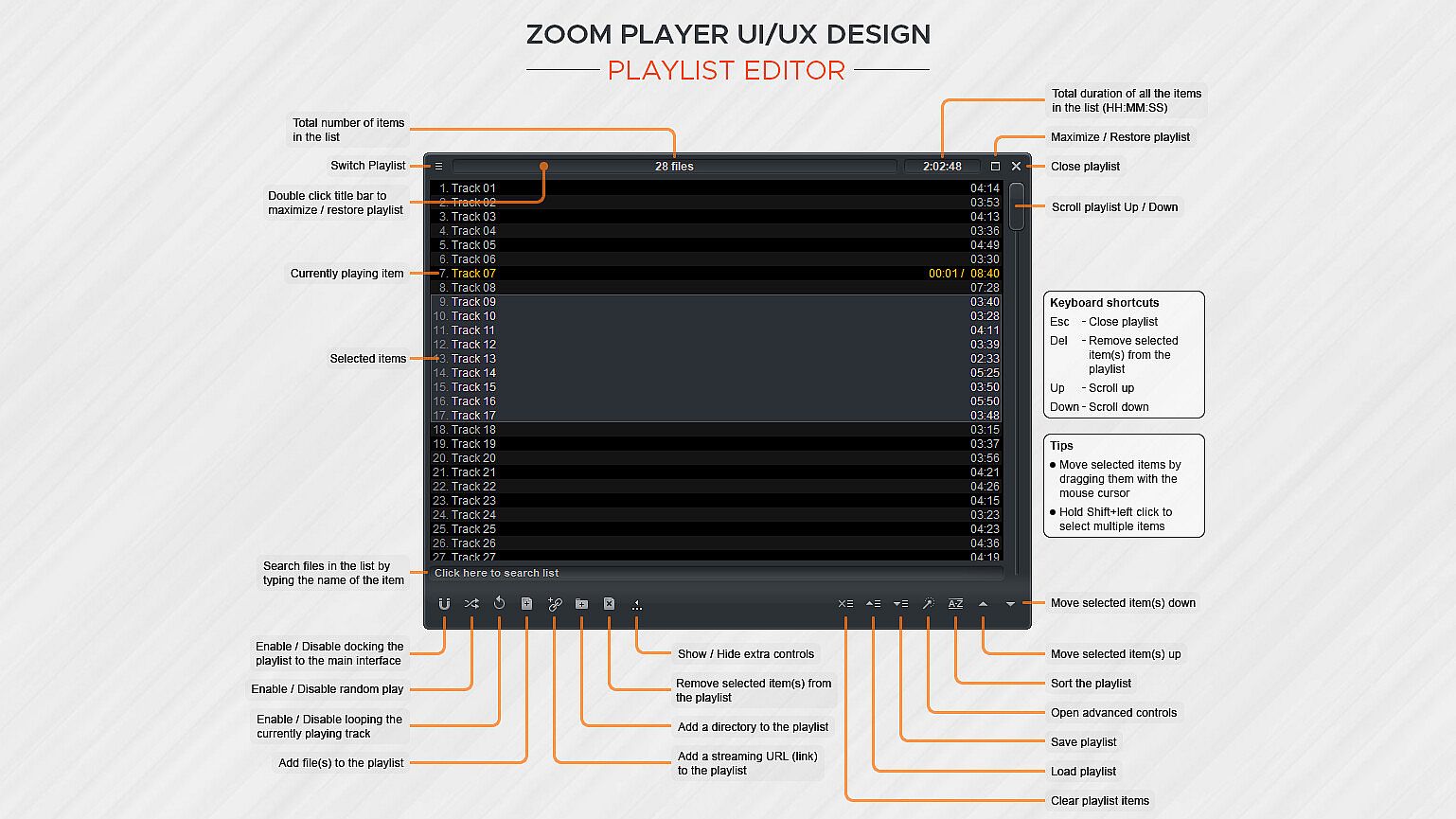
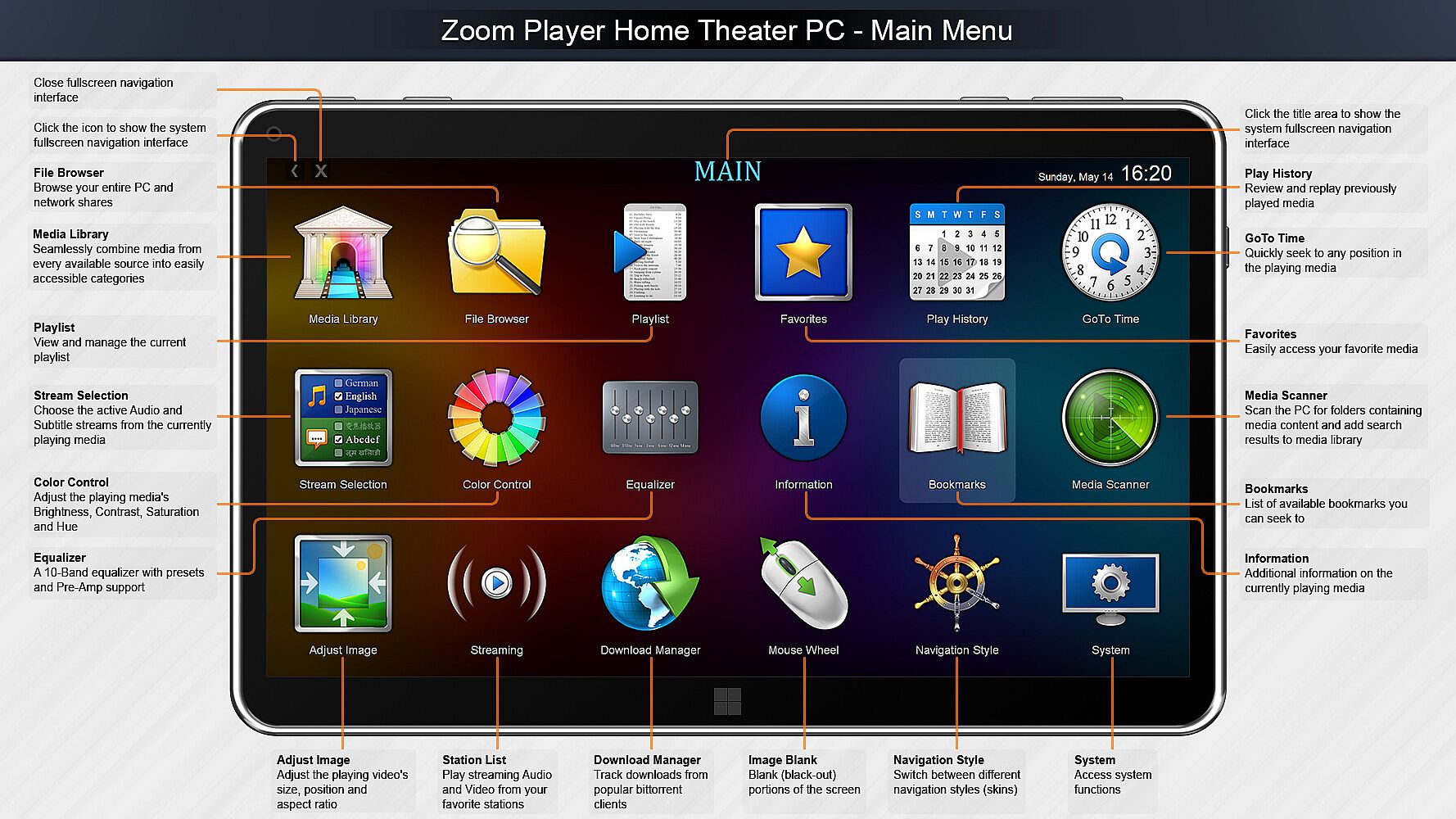
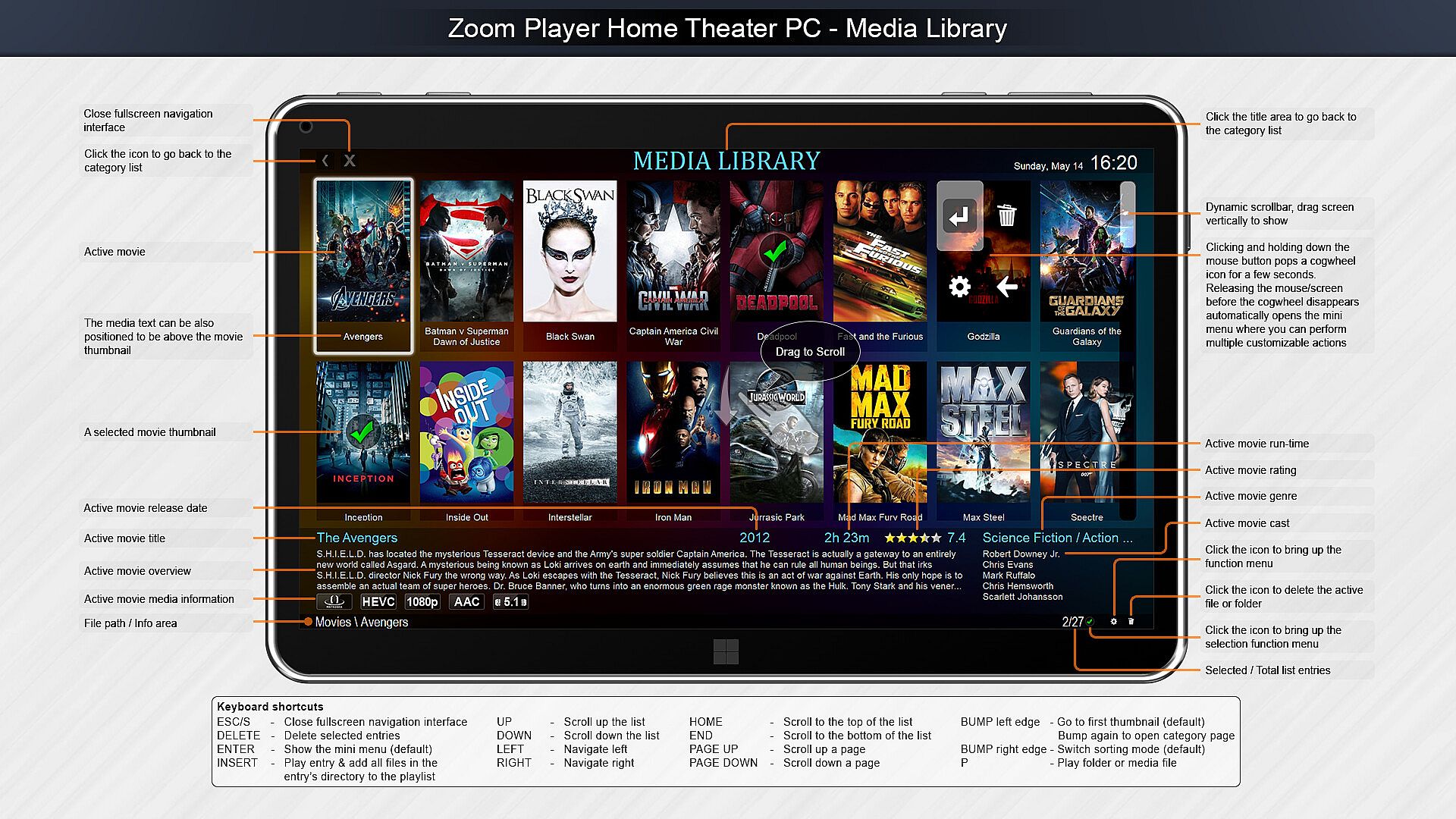
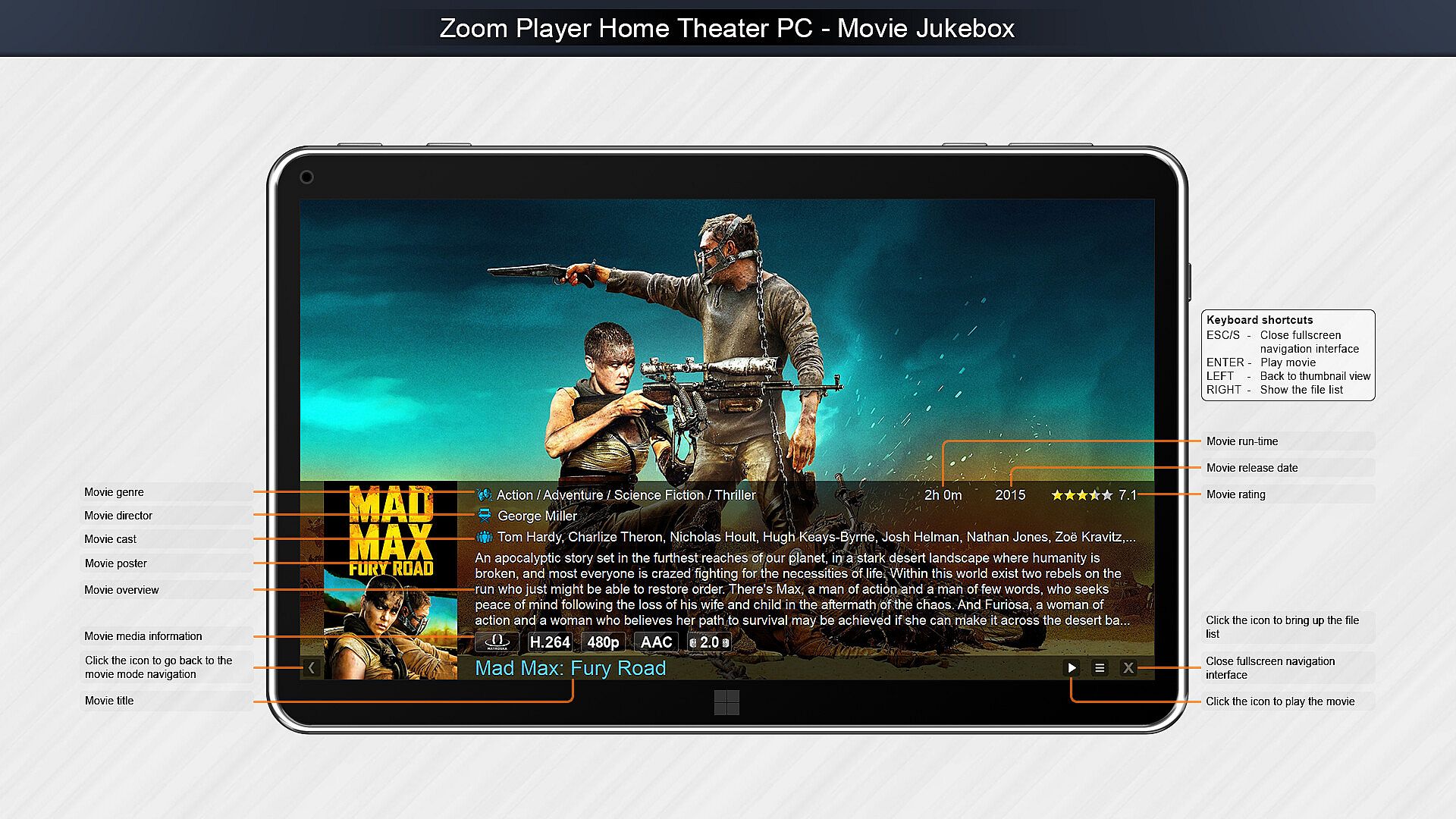
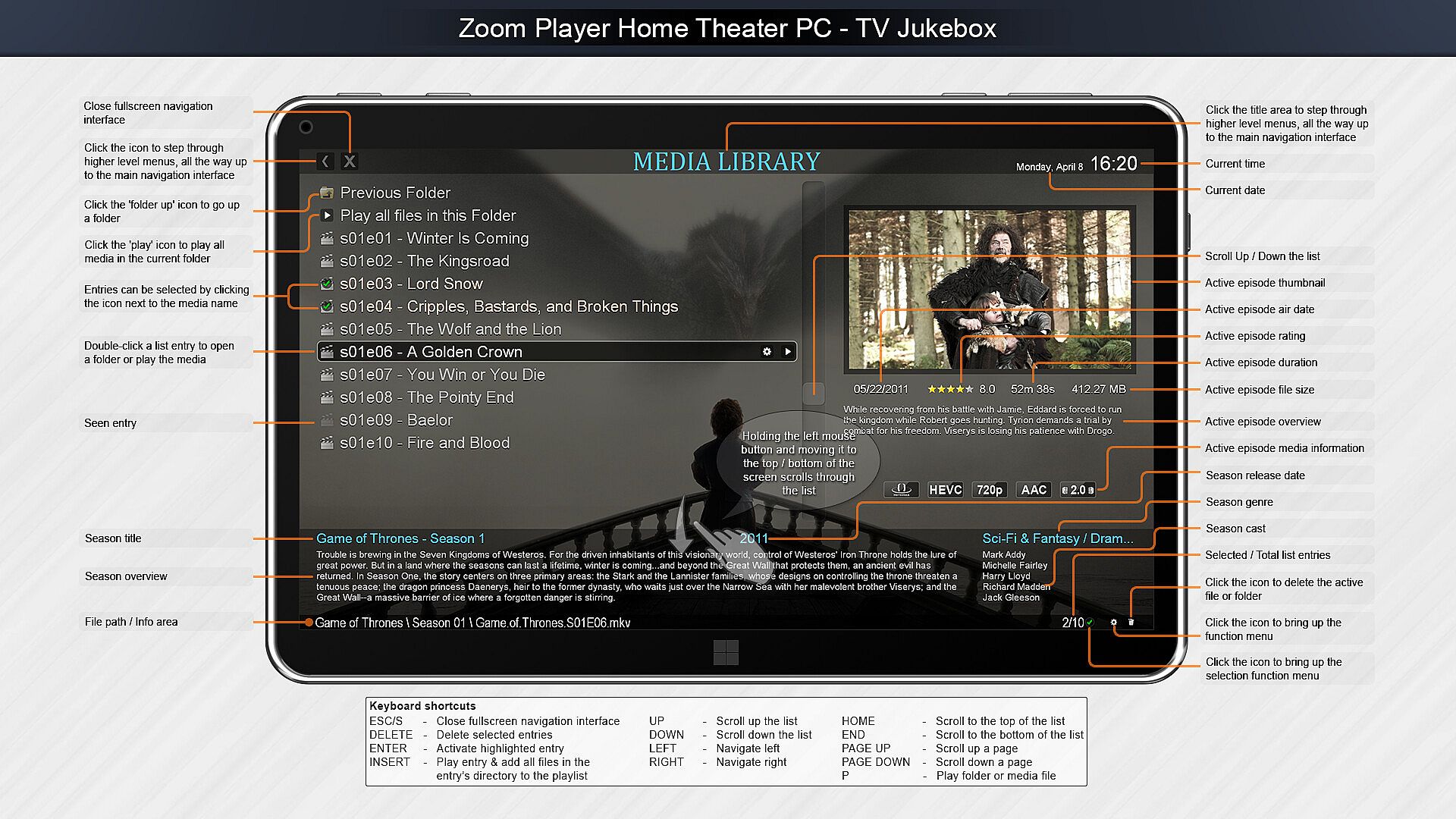
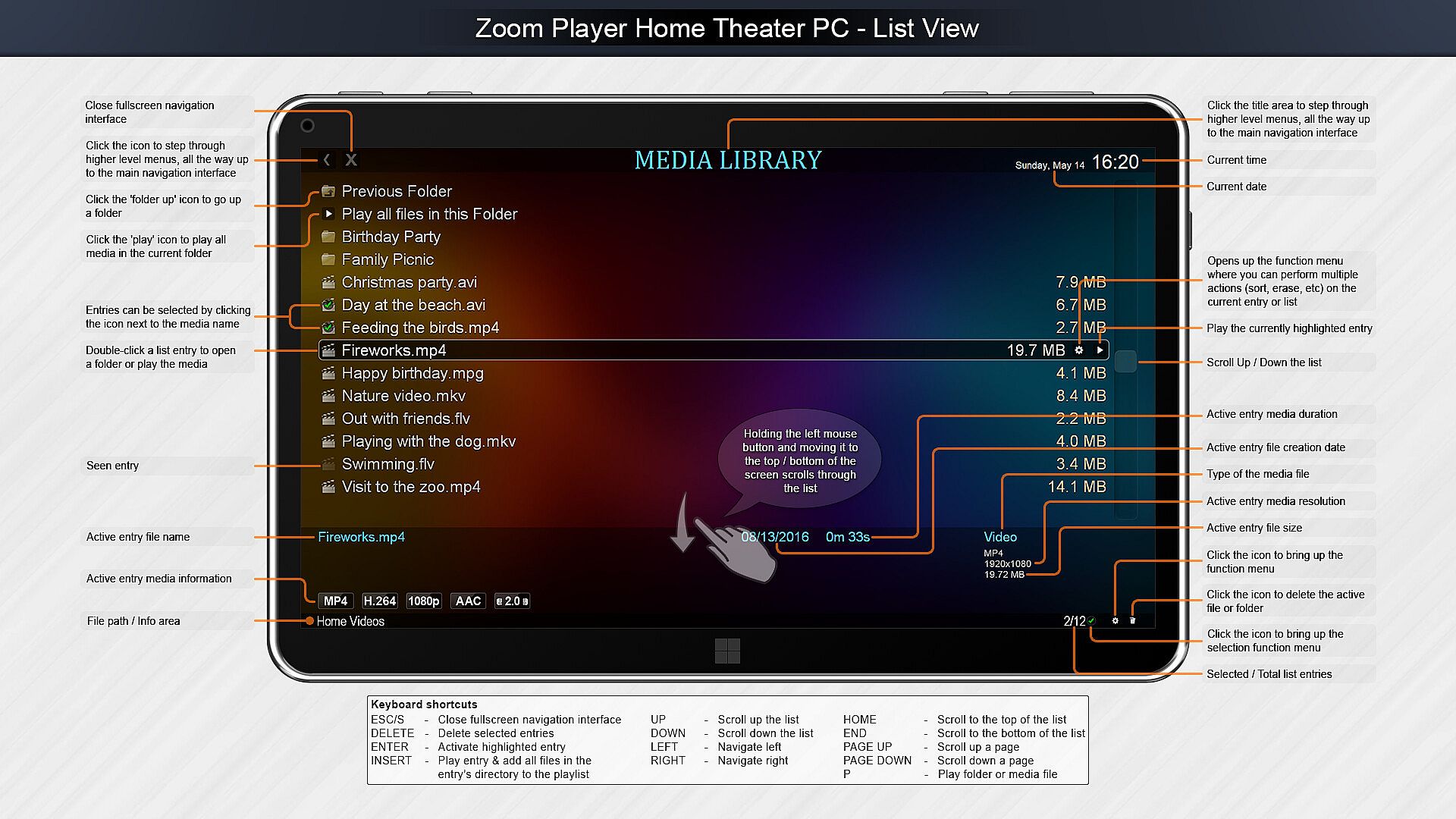
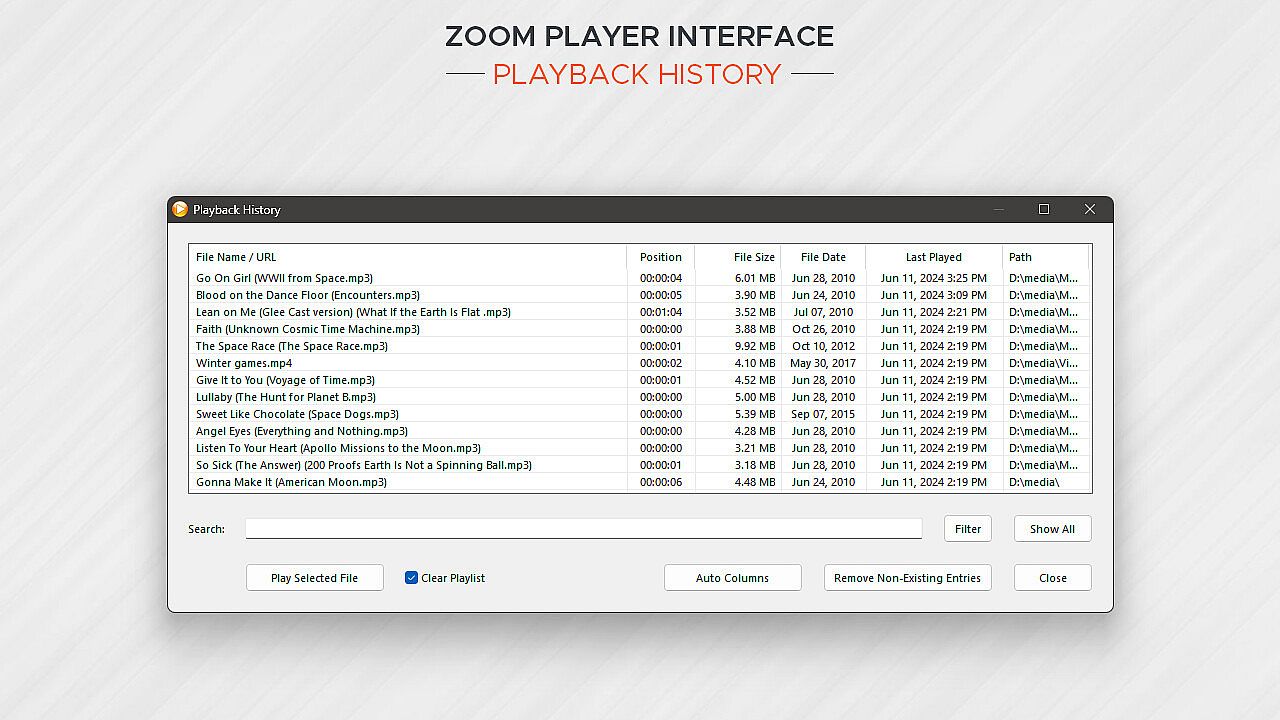
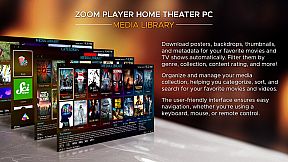
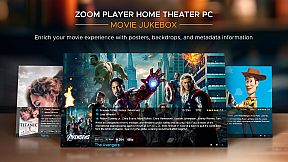
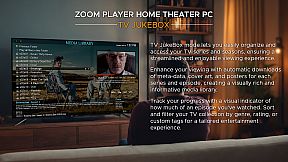
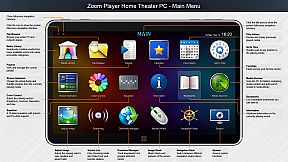
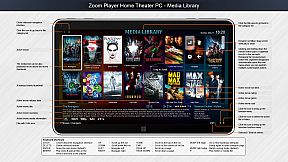
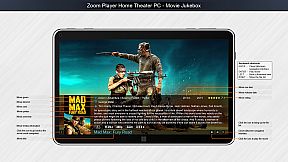
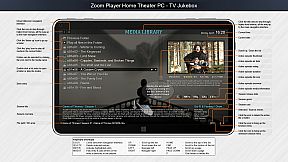
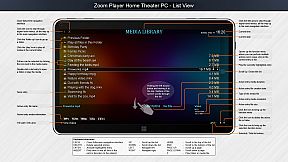
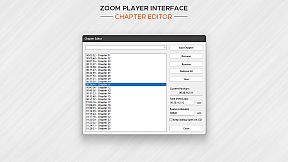
Home Theater? Zoom Player includes an extensive list of Home Theater features backed up by a powerful media library that can help organize your collection and content sources (see screenshots), including a TV and Movie JukeBox modes that displays Backdrop and Poster images along with meta-data such as description, actors, genre, content-rating, etc.

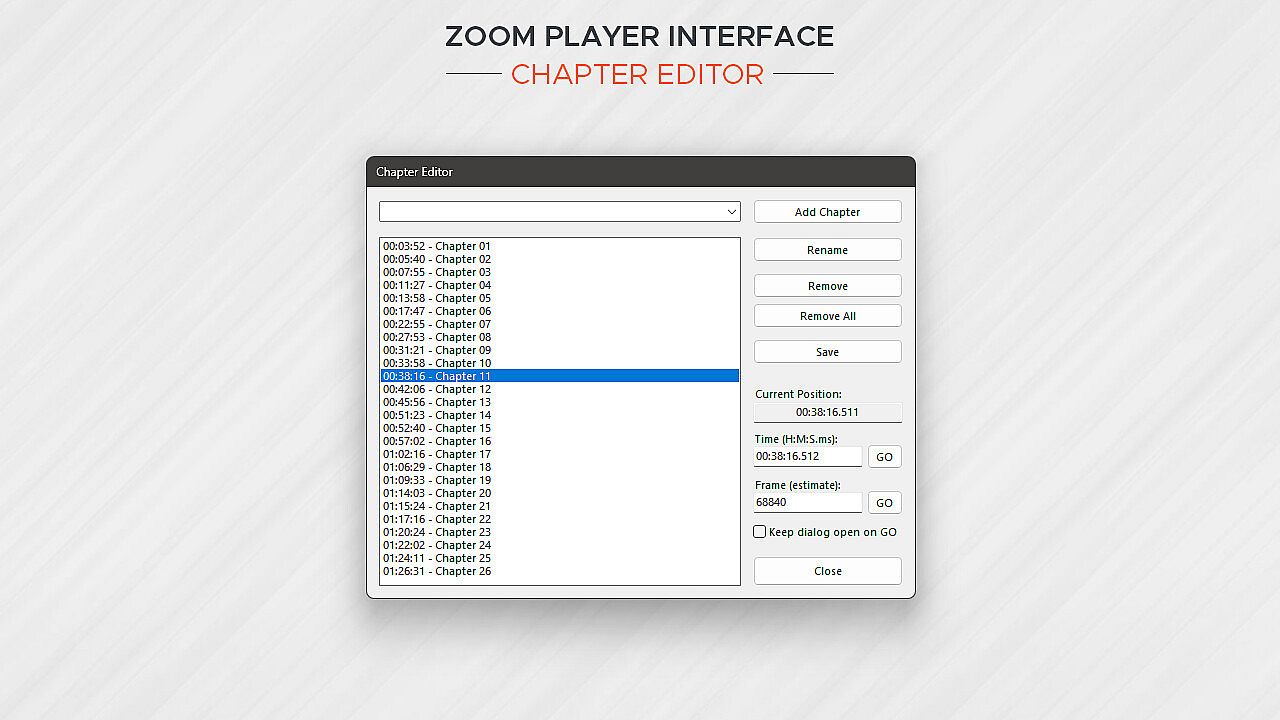
Support? The quick usage guides are the first line of support, clear and concise. Next I wrote the most in-depth documentation for a media player, ever. Every checkbox or setting is explained in great detail. I personally provide support and take requests on Zoom Player's reddit community and review the Steam discussion area often. Every question is answered respectfully and thoughtfully. Did you come up with a cool new feature you would like me to add? Let me know and I'll see if I can get it done.

Caveats:
  • Some of the Steam reviews are old and do not really represent Zoom Player's current potential, please try the demo version and see for yourself.

  • HDR playback requires that the Video Renderer is set to either MadVR or MPC-VR. You may need to configure the selected video renderer with your choice of HDR settings.

  • BluRay playback only works on decrypted content, encrypted discs will not play.

  • To play BluRay discs with menus, you need to install libVLC and the JAVA runtime engine (Zoom Player v19 required).

  • DVD playback works but it's dependent on Microsoft's Framework which can have issues on some systems. Most issues are easily resolved by switching the audio/video decoders used for DVD, but if you are having issues, create a post on the discussions area and I will help you resolve it.

  • Zoom Player implements the IPTV playback standard but I did not include any commercial content. To access commercial IPTV, you must purchase a subscription from an IPTV service provider of your choice. I don't have a recommendation.


Interfaccia:
ArabicCzechGermanEnglishSpanish - SpainFrenchHungarianItalianJapaneseKoreanPolishPortuguese - PortugalPortuguese - BrazilRussianSwedishThaiTurkishUkrainianSimplified ChineseTraditional Chinese

Classificazione per età

Non disponibile
Steam:
Mixed (56)

Minimo:

  • Sistema operativo: Windows 98
  • Memoria: 512 MB RAM
  • Archiviazione: 80 MB available space
  • Note aggiuntive: Be aware that browsers using hardware accelerated page rendering can interfere with the smoothness of media playback on lower end systems.

Consigliato:

  • Sistema operativo: Windows 10
  • Memoria: 2 GB RAM
  • Grafica: 6GB VRAM GPU
  • DirectX: Version 11
  • Archiviazione: 120 MB available space
  • Note aggiuntive: For the best post-processing quality (scaling, smooth motion), a powerful GPU combined with the MadVR video rendering plug-in is recommended. For additional motion smoothness, use a monitor with a high refresh rate.
Minimo storico
Storico prezzi dei negozi ufficiali
-
-
-
Storico prezzi dei keyshop
-
-
-

FAQ

8 domande

Prima di cercare una chiave economica di Zoom Player : Steam Edition, controlla le informazioni essenziali. Sviluppato da Inmatrix LTD. Pubblicato da Inmatrix LTD. Data di uscita su PC: 04 apr 2014. Generi: Utilities, Audio Production, Video Production. Categorie: Partial Controller Support.

Q

Dove comprare una chiave Steam di Zoom Player : Steam Edition a poco?

Grazie al nostro comparatore di prezzi e ai codici sconto verificati, puoi acquistare una chiave di Zoom Player : Steam Edition a partire da 29,97 €. Questa offerta è disponibile su Steam ed è tra le più economiche sul mercato. Tutte le chiavi su XD.deals vengono consegnate in formato digitale e sono disponibili per il download immediato dopo il pagamento. I prezzi includono già le commissioni e i codici promozionali applicati, così vedi sempre il prezzo più basso di Zoom Player : Steam Edition su PC. Controlla lo storico prezzi di Zoom Player : Steam Edition per acquistare al momento migliore.

Secondo il nostro ultimo aggiornamento (aggiorniamo i prezzi Steam più volte al giorno), il prezzo di Zoom Player : Steam Edition su Steam è 29,97 €. Puoi risparmiare un ulteriore ~6% pagando con una carta regalo Steam scontata.

Il nostro tracker dei prezzi copre sia i rivenditori ufficiali che i marketplace di chiavi, così puoi trovare Zoom Player : Steam Edition in offerta anche al di fuori delle promozioni stagionali. Al momento rileviamo 1 offerta attiva da store ufficiali e keyshop. Controlla la tabella qui sopra, confronta con il minimo storico e imposta un avviso per non perdere il prossimo calo di prezzo.

Secondo i nostri dati, Zoom Player : Steam Edition non è attualmente disponibile su GeForce NOW. Dovrai eseguirlo localmente sul tuo PC. Sfoglia i giochi disponibili su GeForce NOW.

. Zoom Player : Steam Edition ha una pagina ufficiale su Steam. Puoi anche acquistare una chiave Steam di Zoom Player : Steam Edition da venditori terzi. Il nostro comparatore include attualmente 1 offerta con DRM Steam. Scegline una per assicurarti che il download di Zoom Player : Steam Edition avvenga sulla piattaforma di Valve.

. Zoom Player : Steam Edition è verificato per Steam Deck - si avvia senza configurazione, mostra i tasti corretti del controller e funziona in modo stabile. Zoom Player : Steam Edition funziona perfettamente su Steam Deck.

Zoom Player : Steam Edition non sembra essere disponibile su PC Game Pass, EA Play, Ubisoft+ o altri servizi in abbonamento per PC al momento. L'unica opzione è acquistare il gioco - usa XD.deals per trovare il prezzo migliore.

No - XD.deals non è un negozio. Siamo un comparatore di prezzi che traccia le migliori offerte per Zoom Player : Steam Edition tra store ufficiali e keyshop verificati. Clicca "Vai al negozio" accanto a qualsiasi offerta e verrai reindirizzato al sito del rivenditore per completare l'acquisto.

Migliori prezzi per Zoom Player : Steam Edition

1 Steam Steam Official
-50% 29,97 €

Vuoi comprare al momento migliore? Imposta un avviso di prezzo su XD.deals e ricevi una notifica quando Zoom Player : Steam Edition raggiunge il suo prossimo minimo storico.

Crea avviso
Unisciti al nostro Discord
Ottieni aiuto immediato dalla community e resta aggiornato sulle offerte
Imposta avvisi di prezzo
Ricevi notifiche via email quando i prezzi scendono al tuo target
Crea un account gratuito
Sblocca wishlist, avvisi di prezzo e sincronizzazione Steam