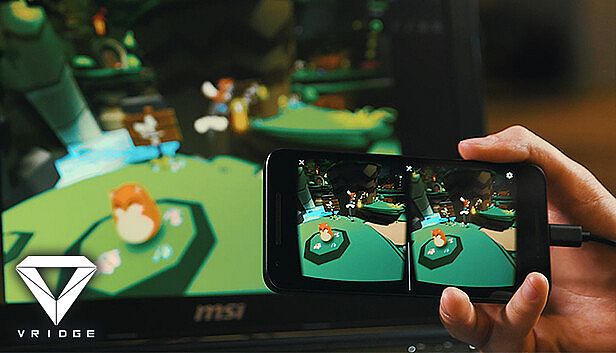
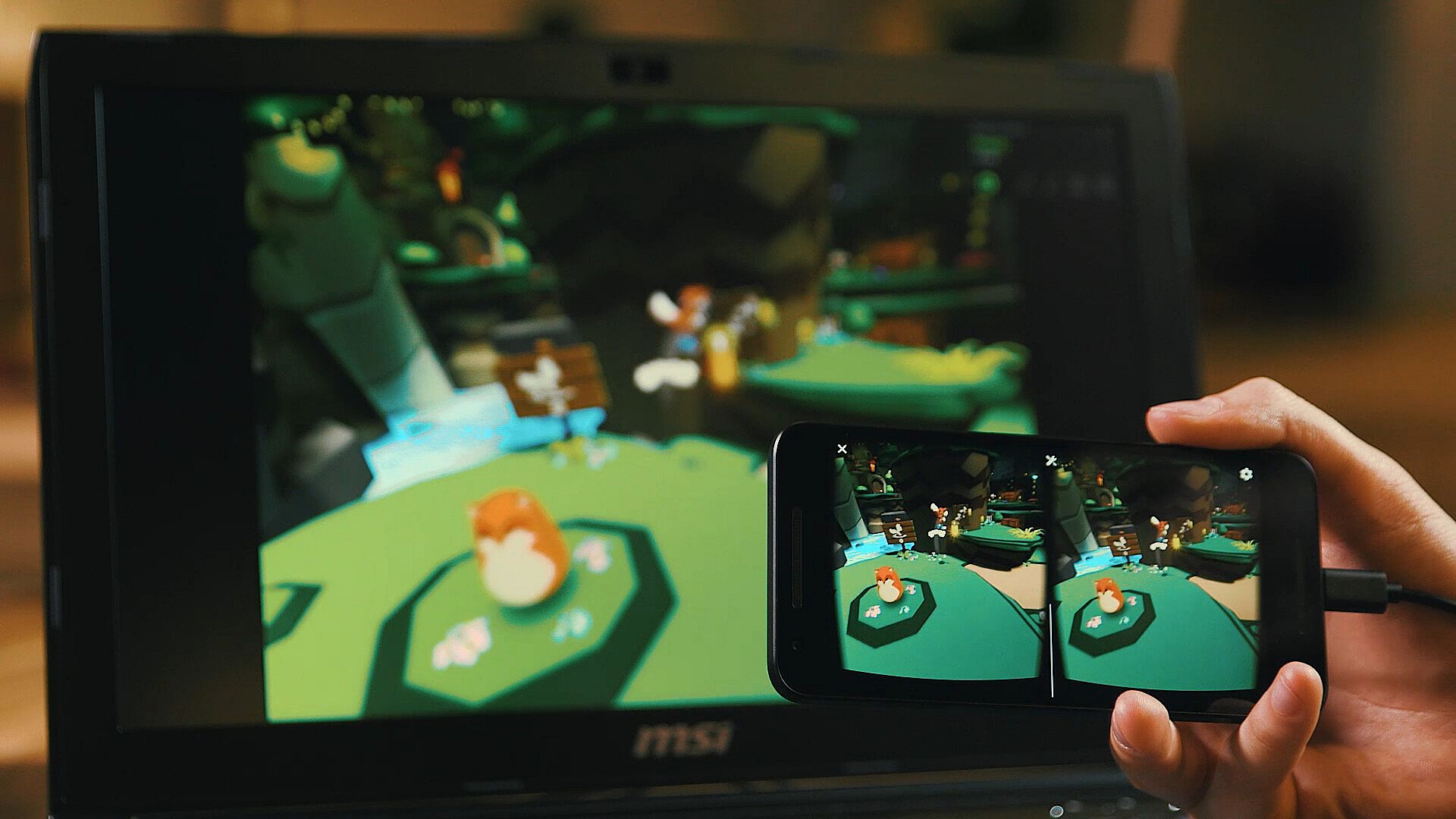
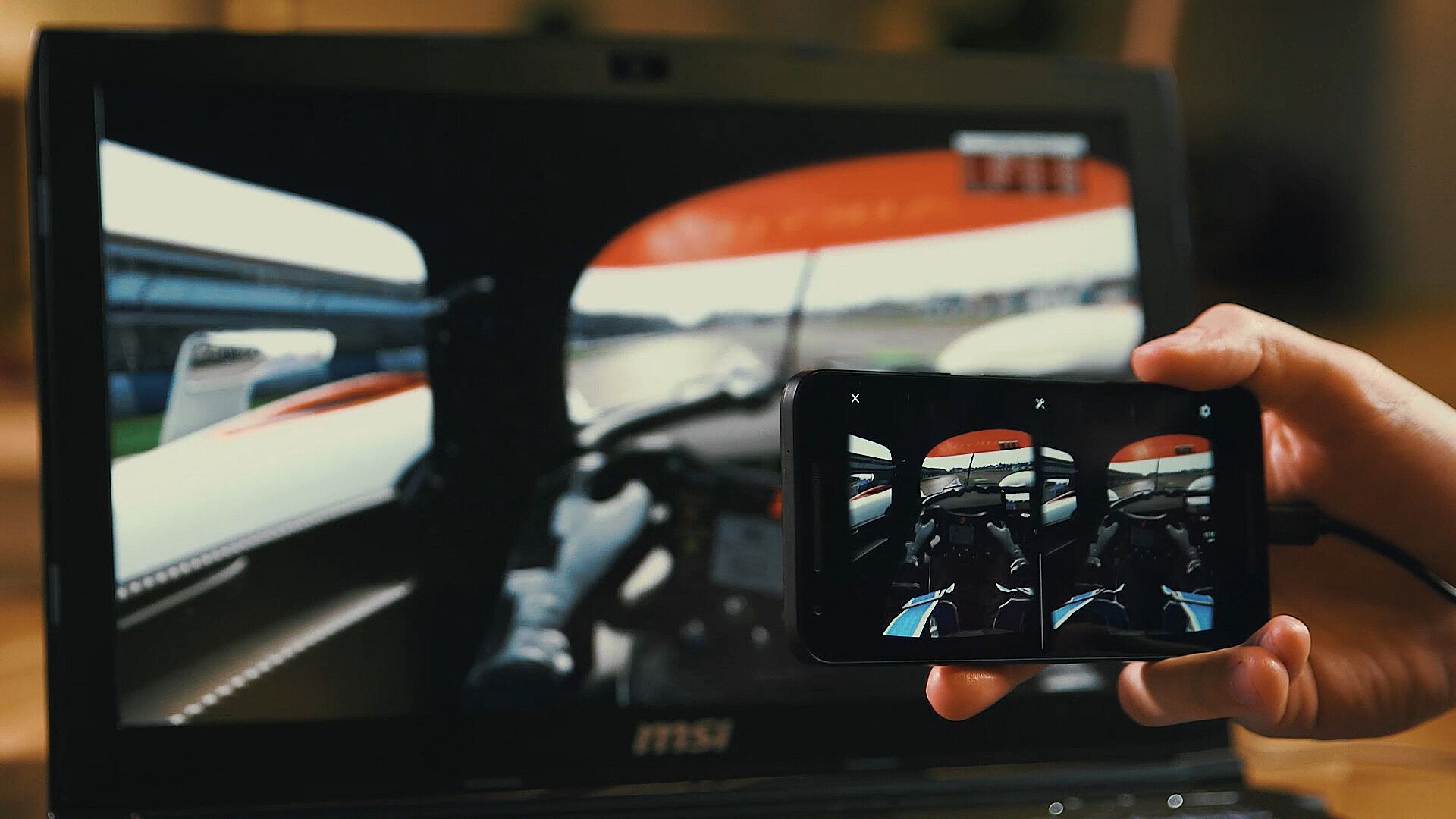
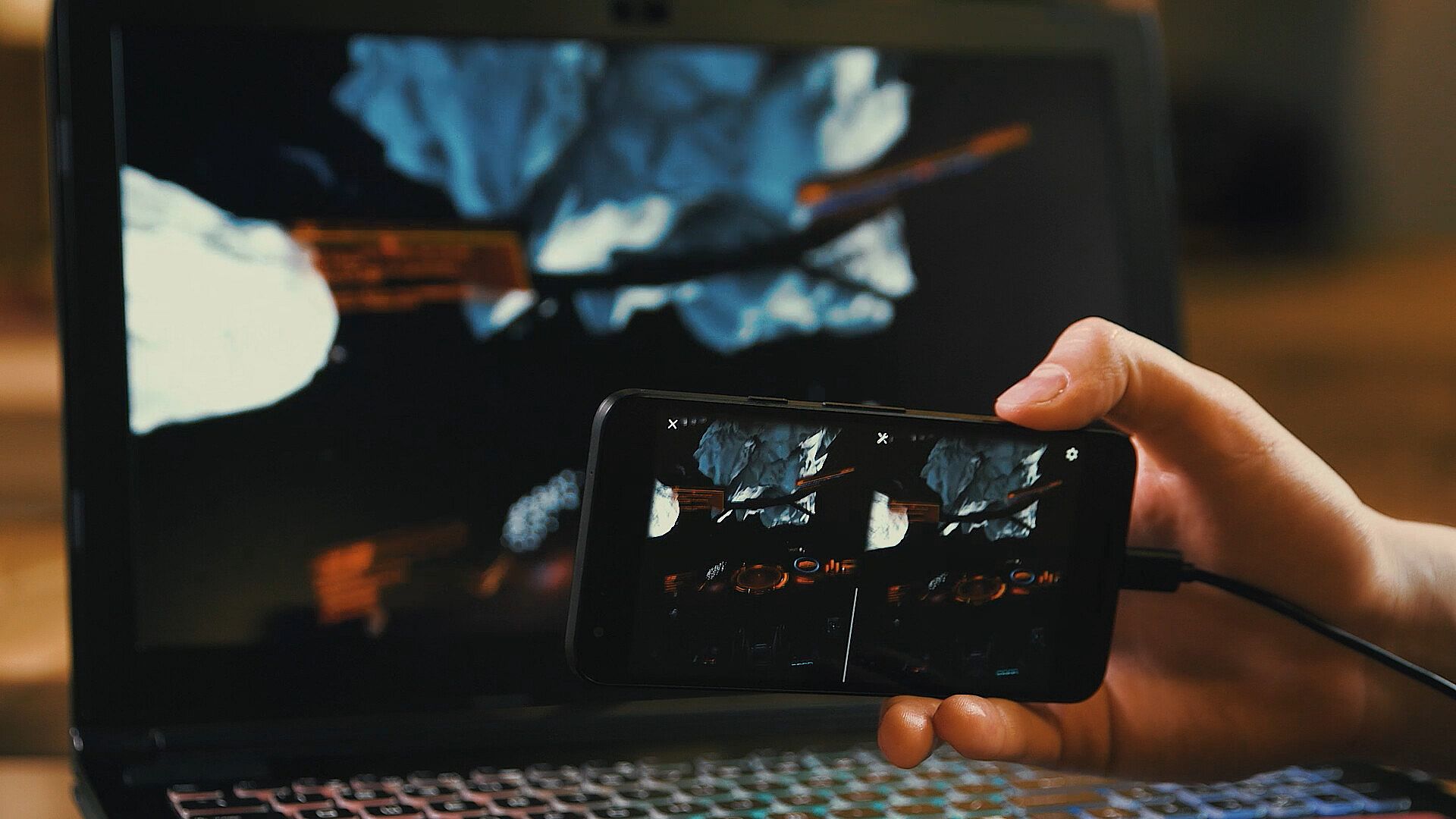
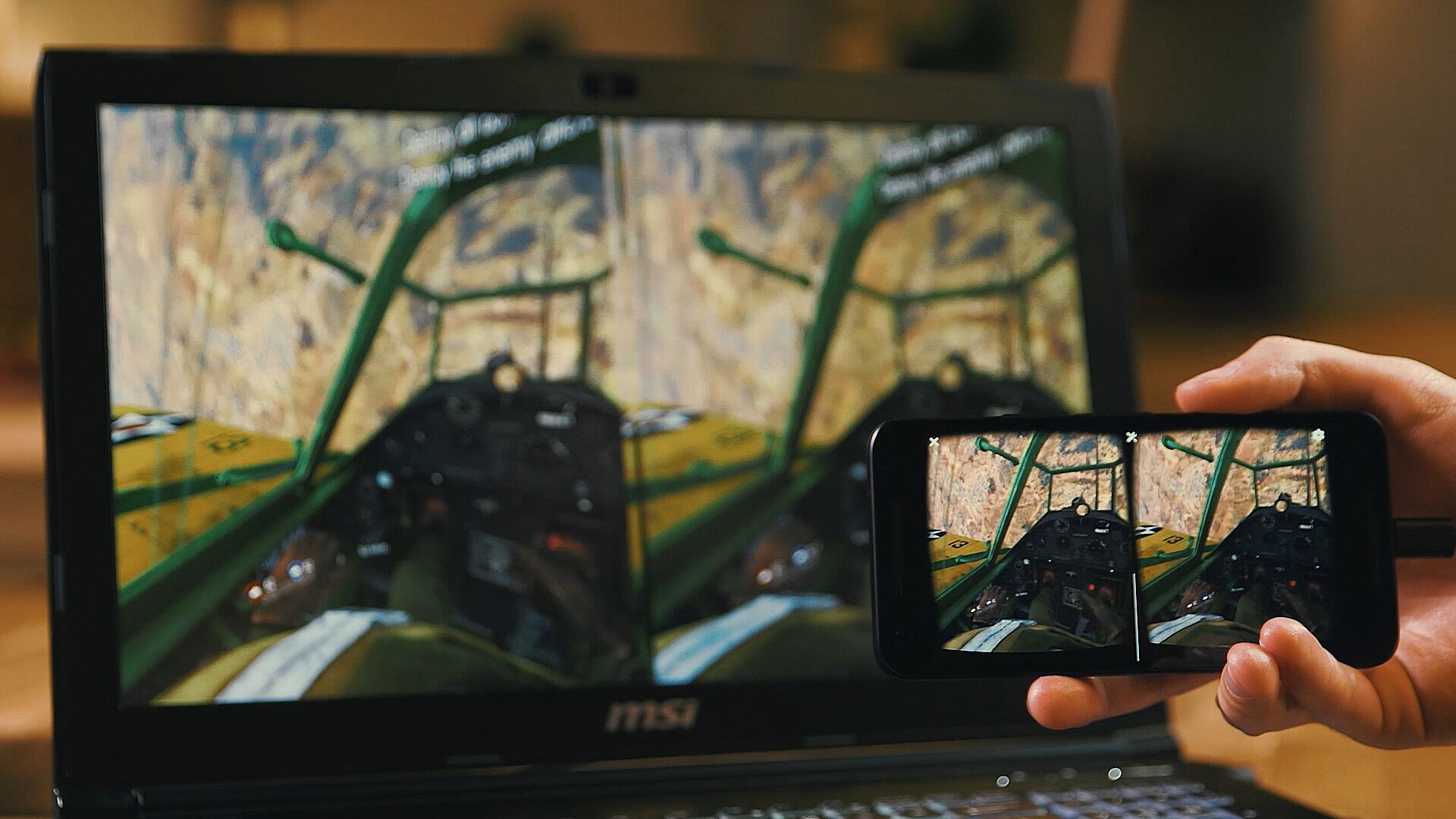
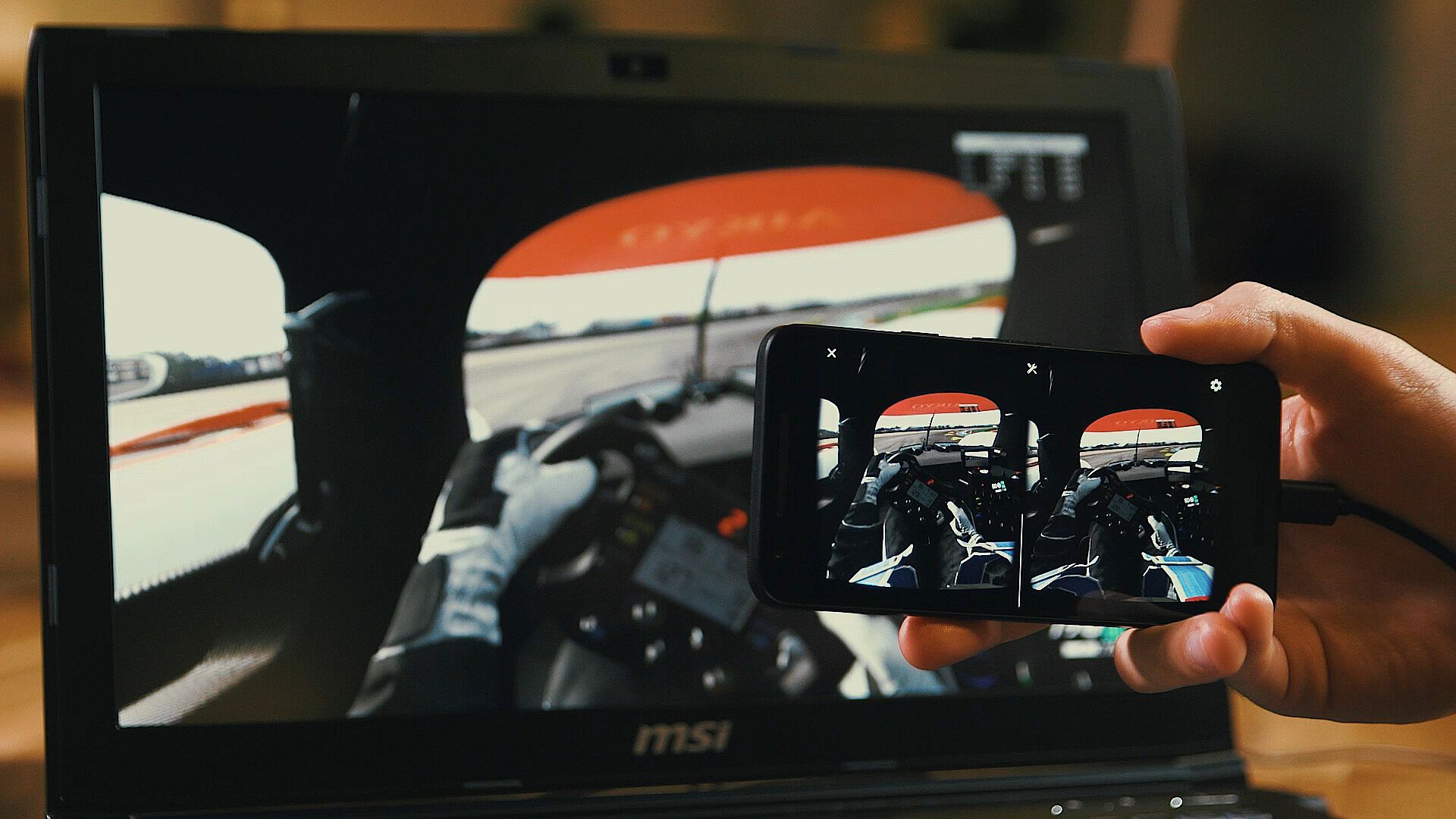
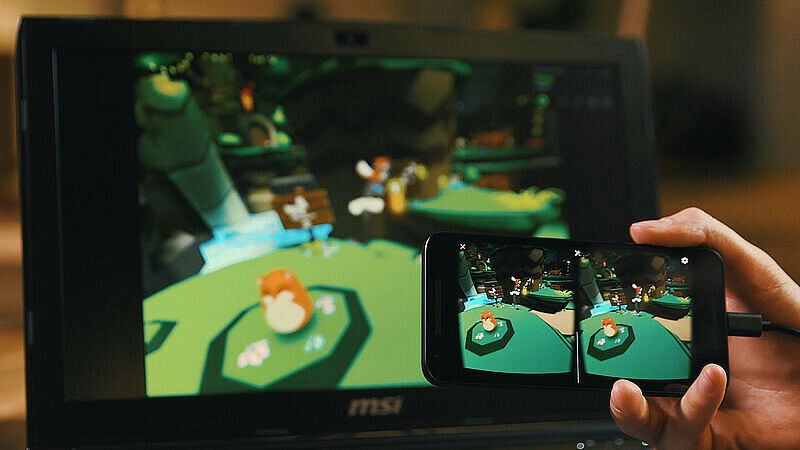
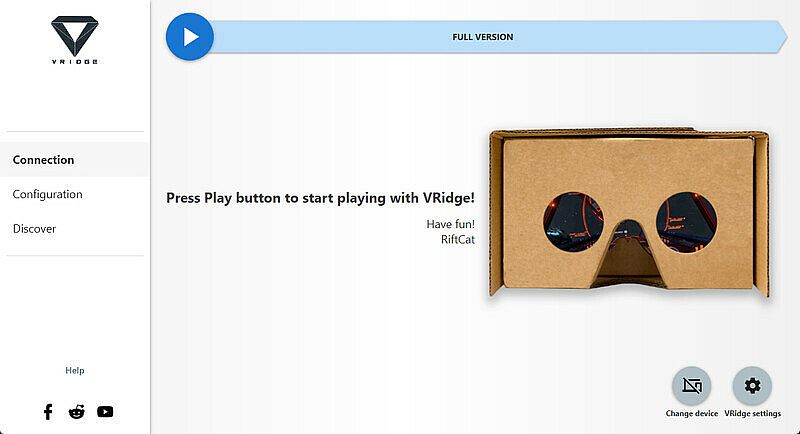
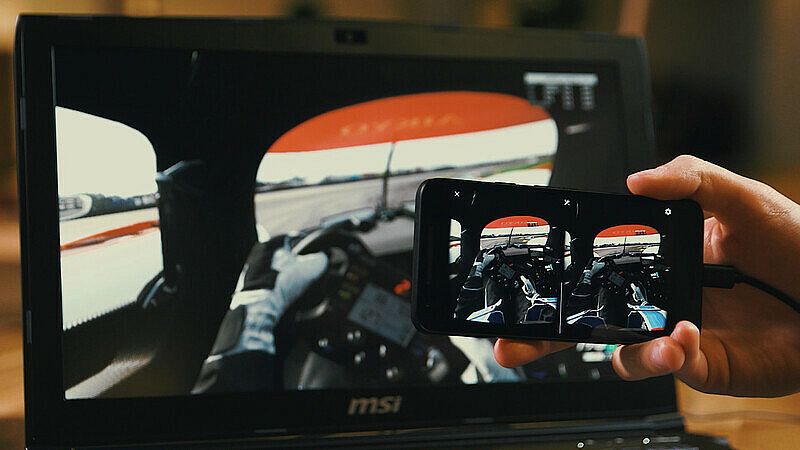
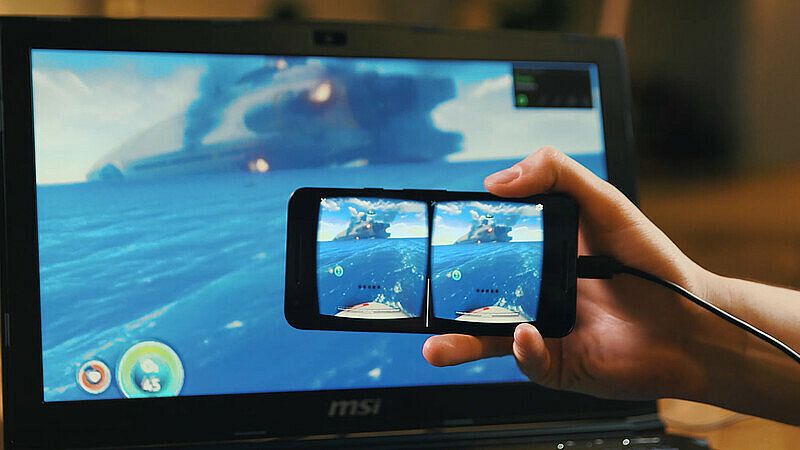
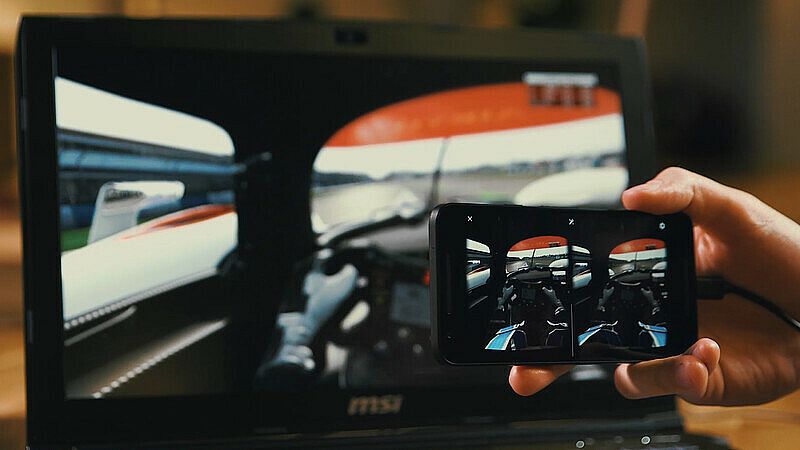
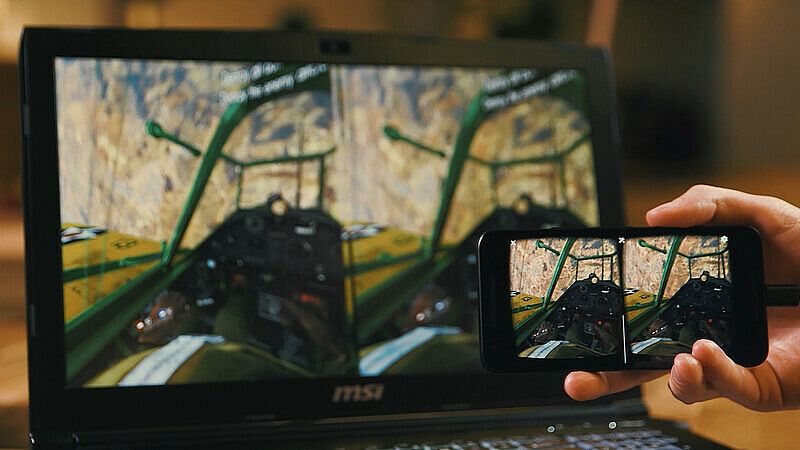
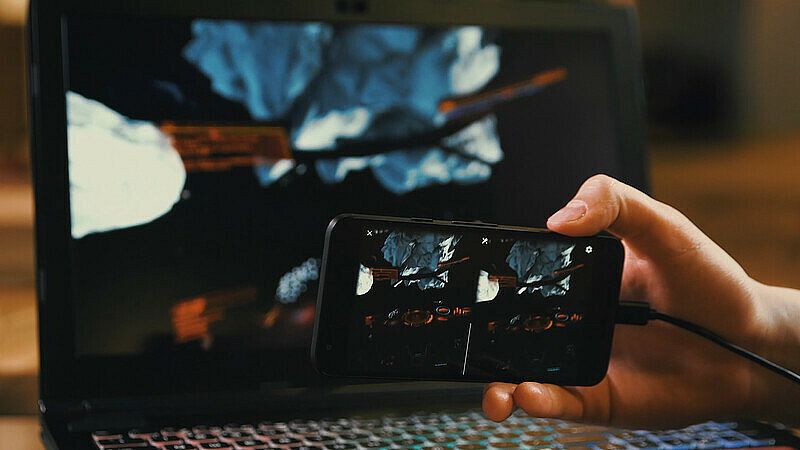
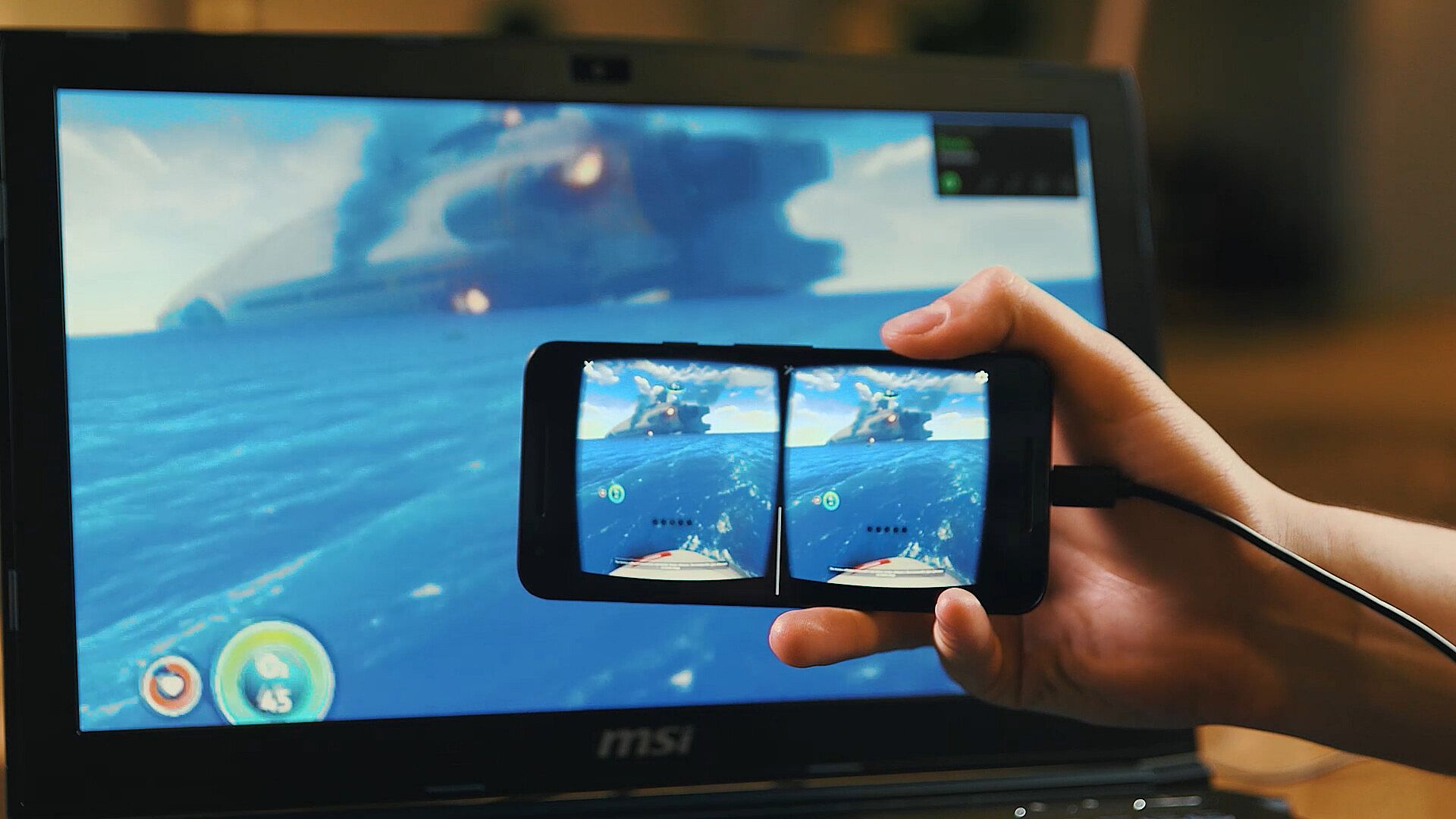
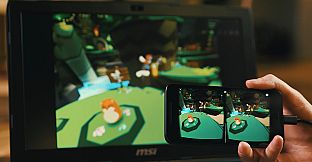
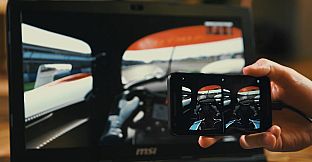
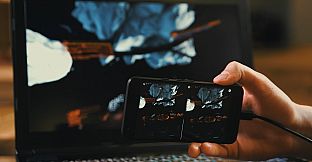
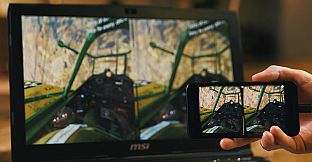
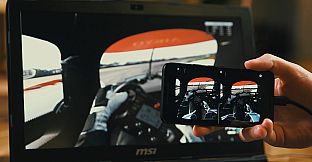
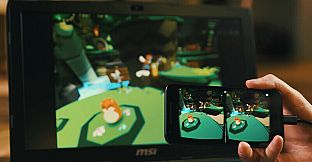
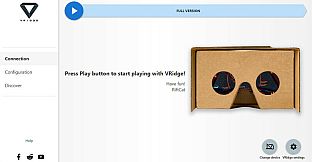
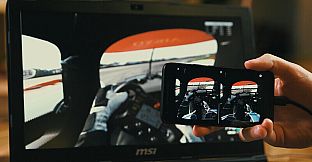
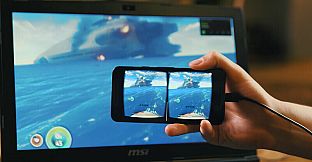
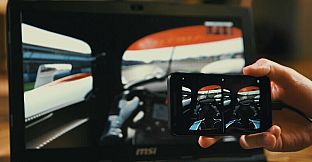
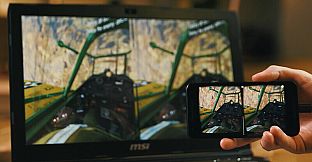
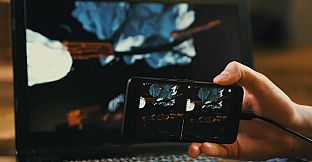
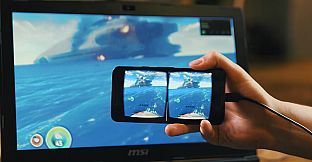
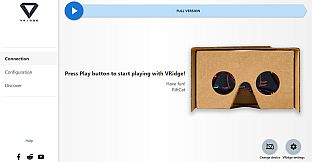
VRidge collega il tuo dispositivo mobile al PC, trasformandolo in un headset compatibile con SteamVR. Trasmette le app SteamVR come video ad alte prestazioni, con tracciamento completo di testa e controller. Abbinalo a un visore VR mobile o cardboard per accedere immediatamente.
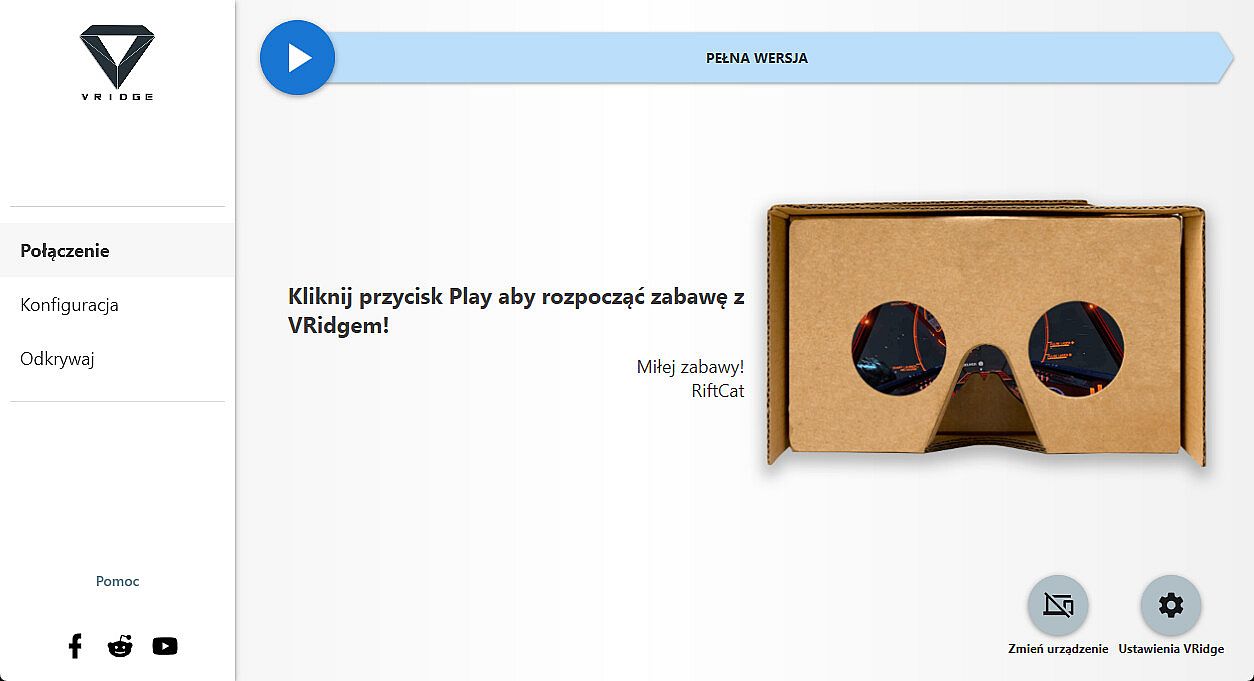
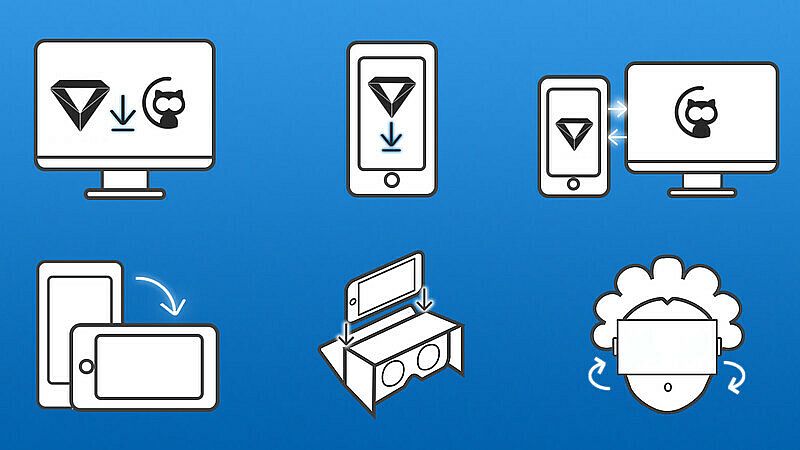
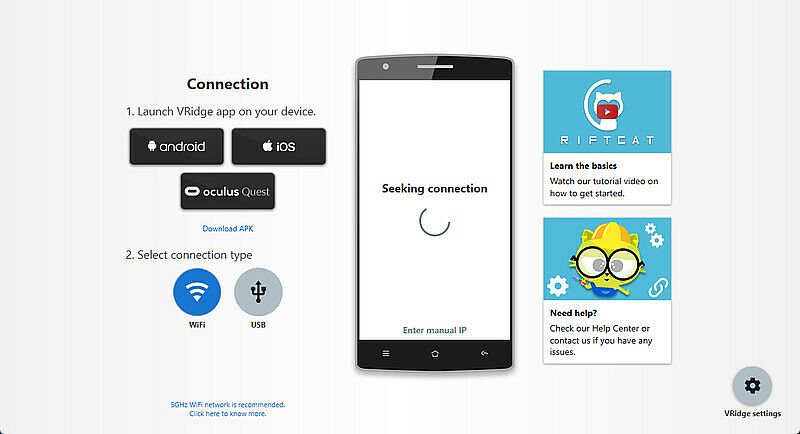
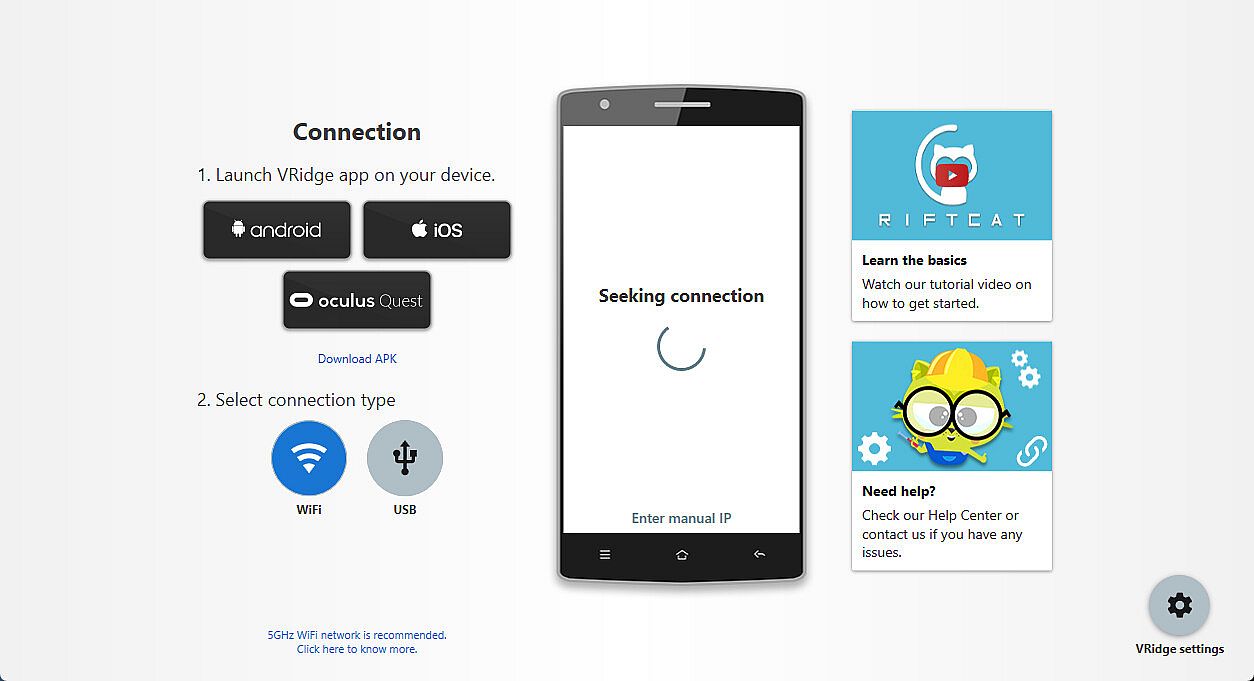
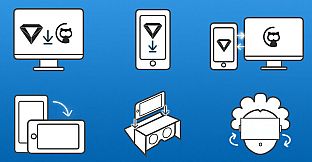
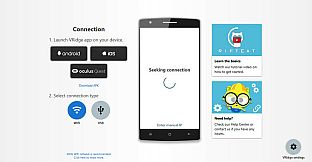
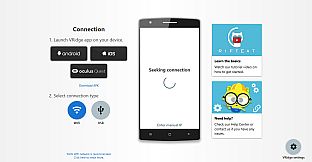
Installa il client RiftCat sul PC tramite Steam, poi avvia VRidge sul dispositivo mobile all'interno del visore. Lancia entrambi, connettiti via WiFi seguendo le guide dell'app e inizia a giocare. Prova prima la demo per verificare prestazioni fluide. Utility VR come questa sono perfette per i possessori di PC che vogliono VR mobile senza hardware extra.
VRidge connects your mobile device to your PC, transforming it into a powerful SteamVR-compatible virtual reality headset. It will then stream SteamVR apps to your mobile device as a high-performance video with full head and controller tracking. All you need is a mobile or cardboard VR viewer to enjoy the experience!
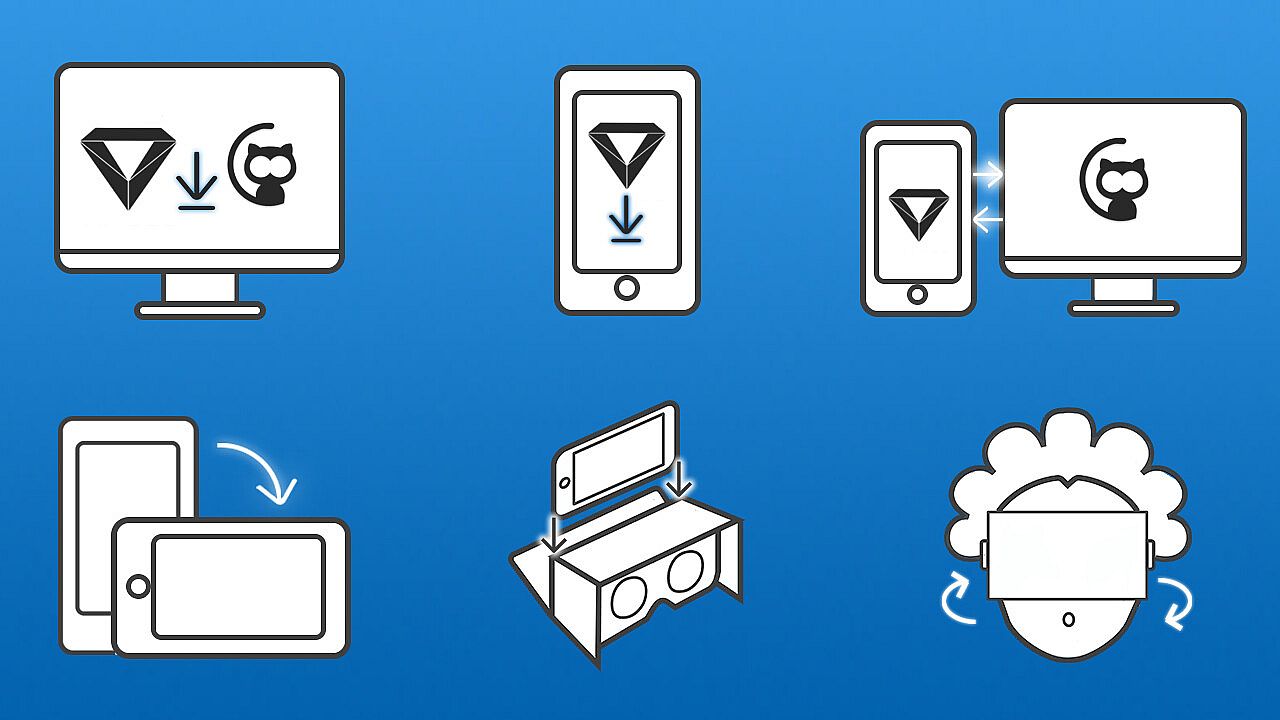
Getting started
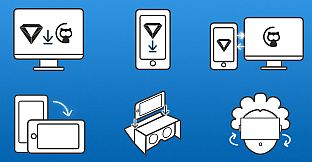
- Install RiftCat client application on your computer via Steam.
- Install VRidge on your mobile device and place it inside your mobile VR viewer.
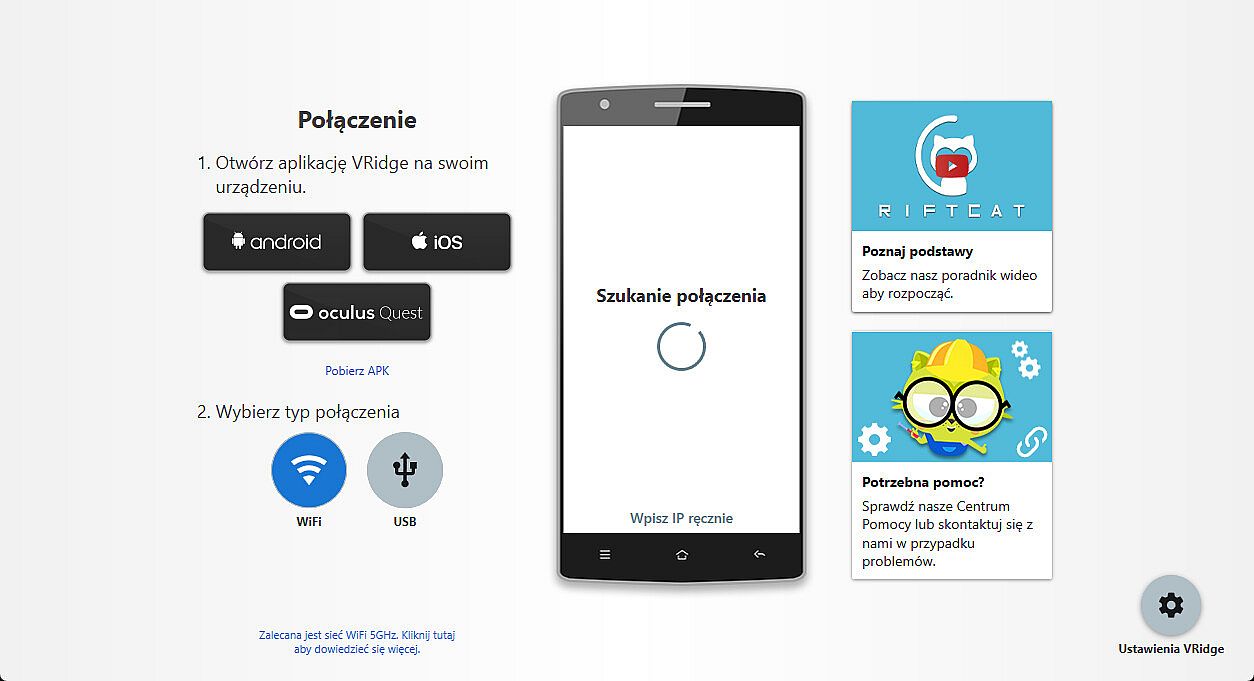
- Launch both apps.
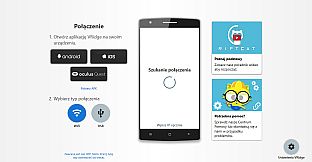
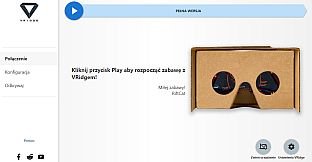
- Follow the built-in instructions in the RiftCat application to connect them via WiFi.
- Enjoy!
Test your setup first
Try out your
VRidge hardware setup with the
Demo version to ensure everything works correctly before making a purchase.