

Acquista TcNo TimeKeeper PC CD Key

TcNo TimeKeeper e gratuito! Scaricalo su Steam e inizia a giocare subito.

Steam:
Mostly Positive (10)
Official
Non disponibile
Keyshops
Non disponibile
Compra nello store ufficiale:
Non disponibile
Compra nei keyshop:
Non disponibile

Nessuna offerta al momento, ma non preoccuparti: ti informeremo quando ne comparirà una nuova.

Create Alert Create deal Alert

Info su TcNo TimeKeeper

TcNo TimeKeeper - info sul gioco
TcNo TimeKeeper streamlines video production by letting you mark exact timestamps during recording. Press assigned hotkeys to note key moments, then export them to text or CSV files for quick reference in editing. This lightweight tool runs quietly in the background, syncing start/stop hotkeys with your recording software for smooth use. Control it remotely via any WiFi-enabled device like a phone or tablet, saving storage by auto-deleting unneeded files post-recording. It pairs with every recorder and editor without direct interaction. Livestreamers, podcasters, video creators, and editors rely on it to cut scrubbing time and refine footage faster.


TcNo TimeKeeper helps you shorten the time you spend editing a video by helping you remember exactly where you need to be in the video. Stop spending time scrubbing hours of video, and work on a better final product. (This is NOT editing or recording software, you still need those to record and edit videos as usual).
Who is this for?
  • Livestreamers
  • Podcasters
  • Video creators (YouTube, Vimeo, etc.)
  • Video editors (If the creator uses TcNo TimeKeeper)
Features
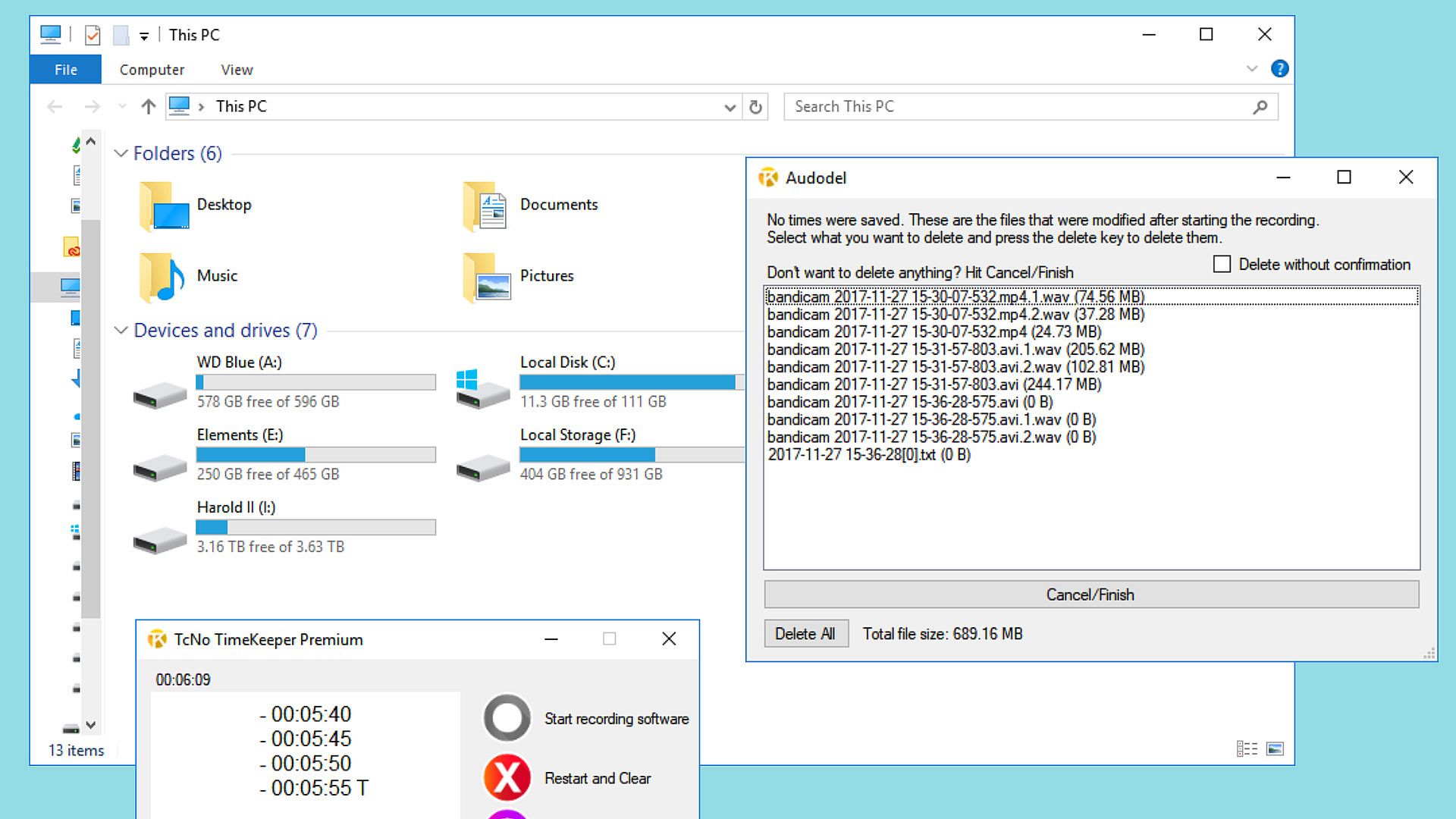
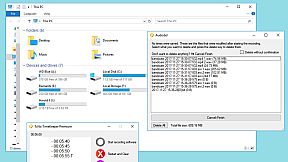
Save storage space: If no times were noted before the end of the recording, you'd be presented with an automatic option to delete files created after the recording started individually or all together.
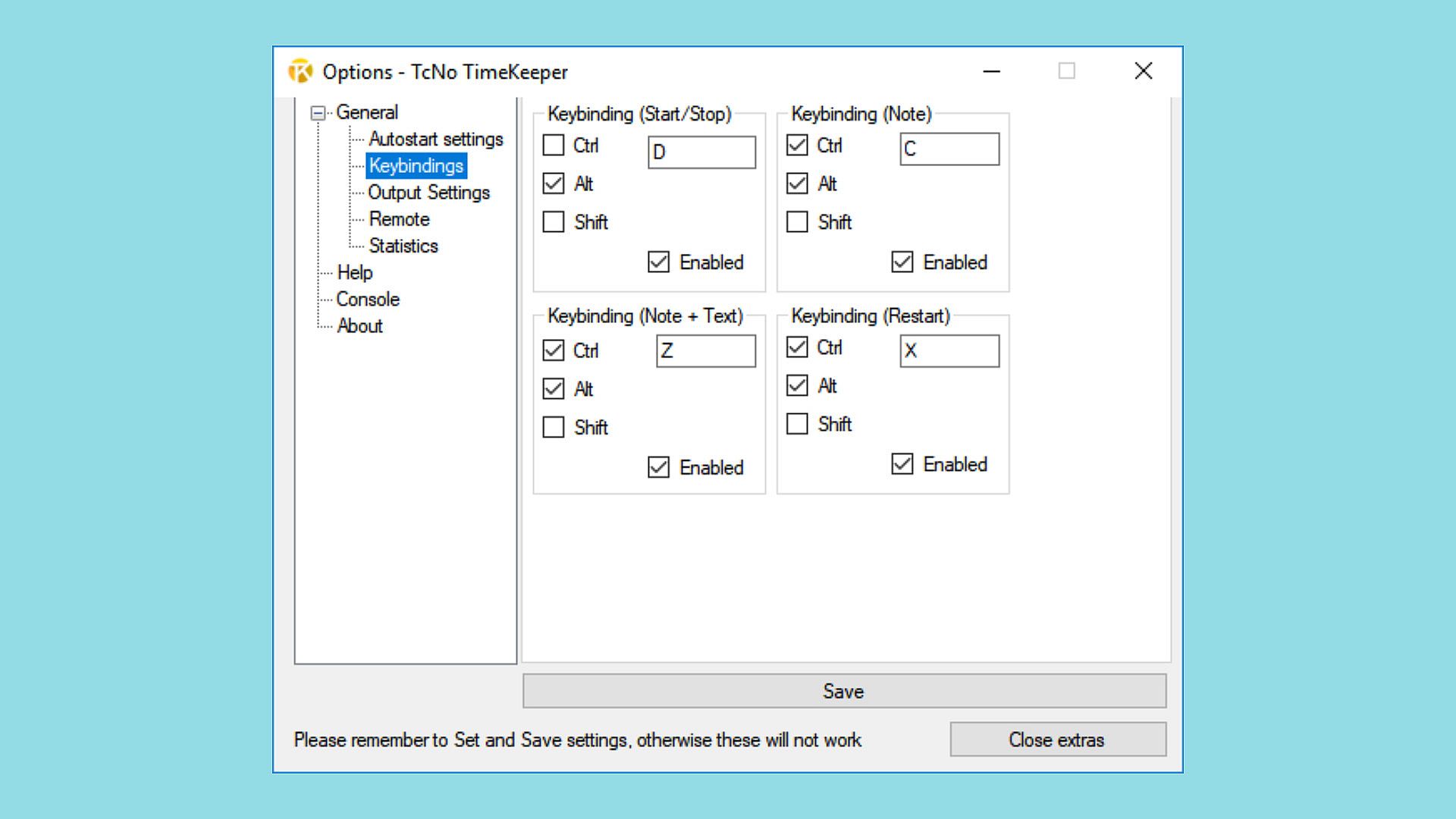
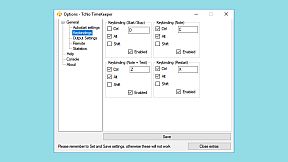
Controlled easily: Setting matching hotkeys will allow seamless integration with any recording software.
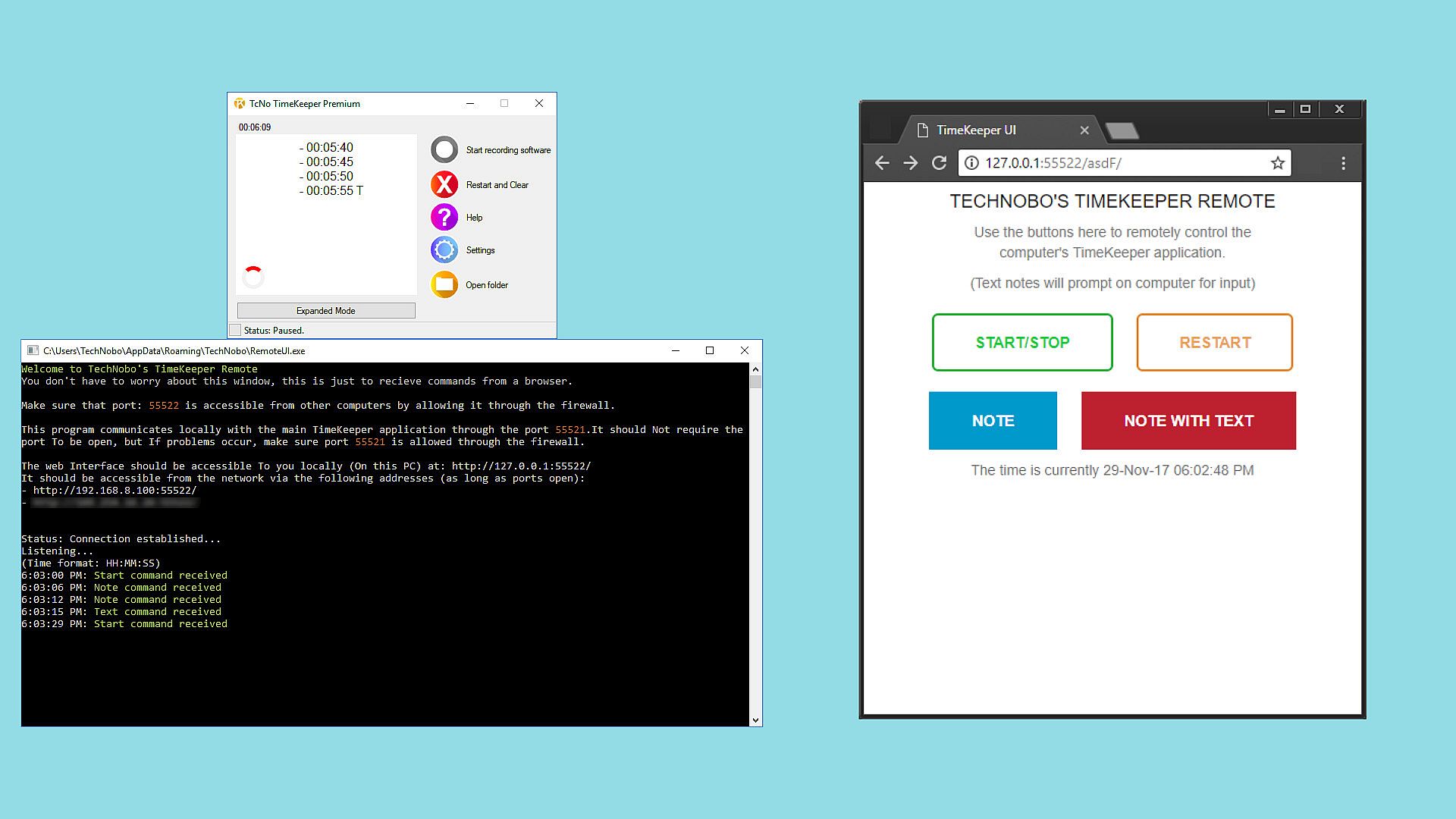
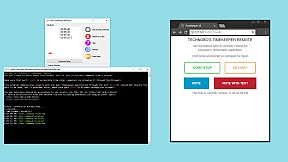
Remote control from any WiFi and web-enabled device: Use a phone, tablet or even another PC to control the program. This program makes it perfect for those without direct access to a computer while recording, such as in a podcasting situation.
Compatible with every recorder and editing software
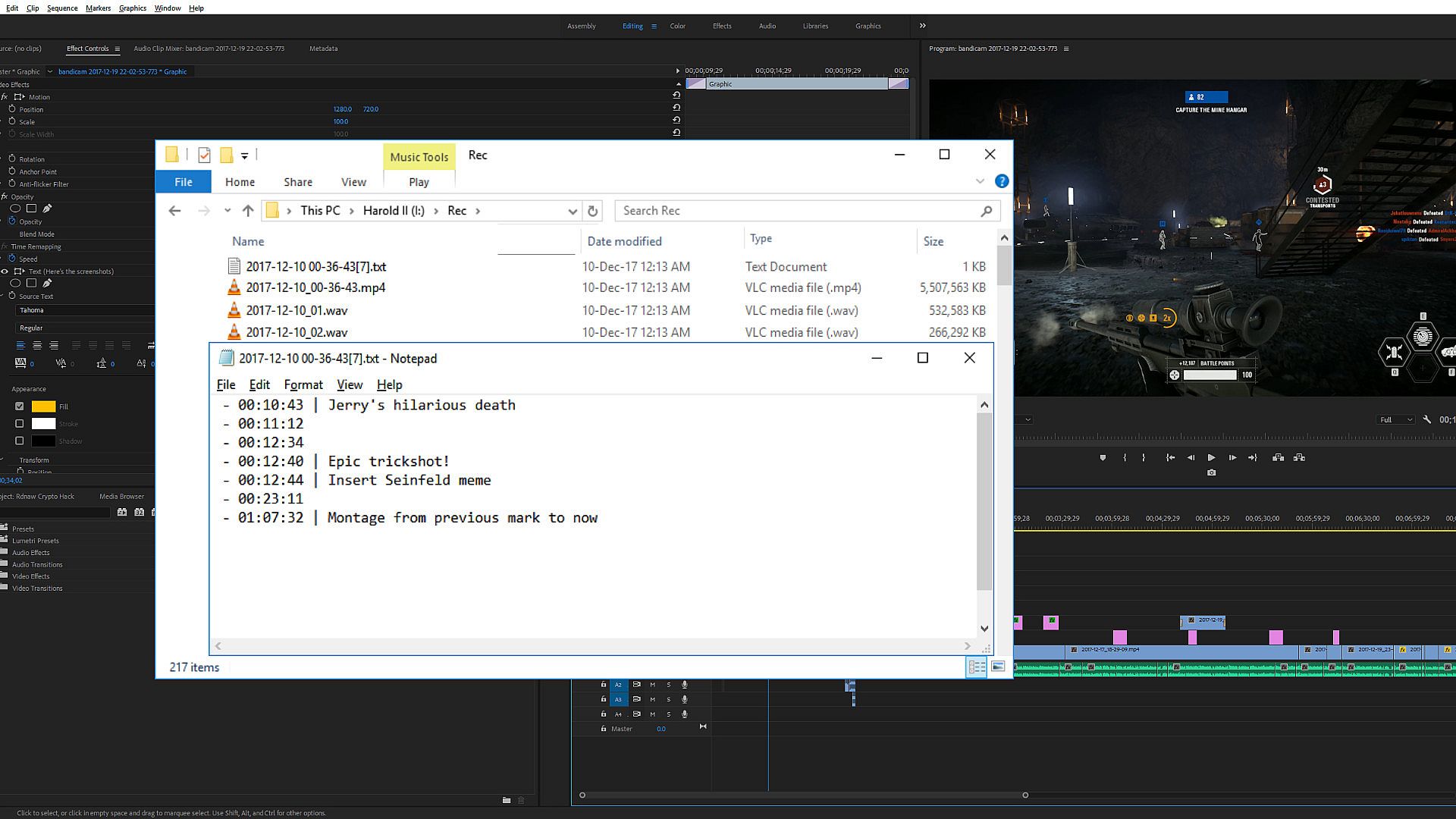
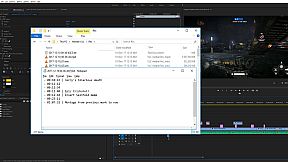
The program outputs times you record into a text file or .csv for later use. If you don't edit your work, send this and whatever else you need to an editor, and they can use the times. The program does not interact with recording or editing software directly. You still need recording and editing software; this does not substitute either. It's purely another tool to help speed up the editing process.
How do I use the program?
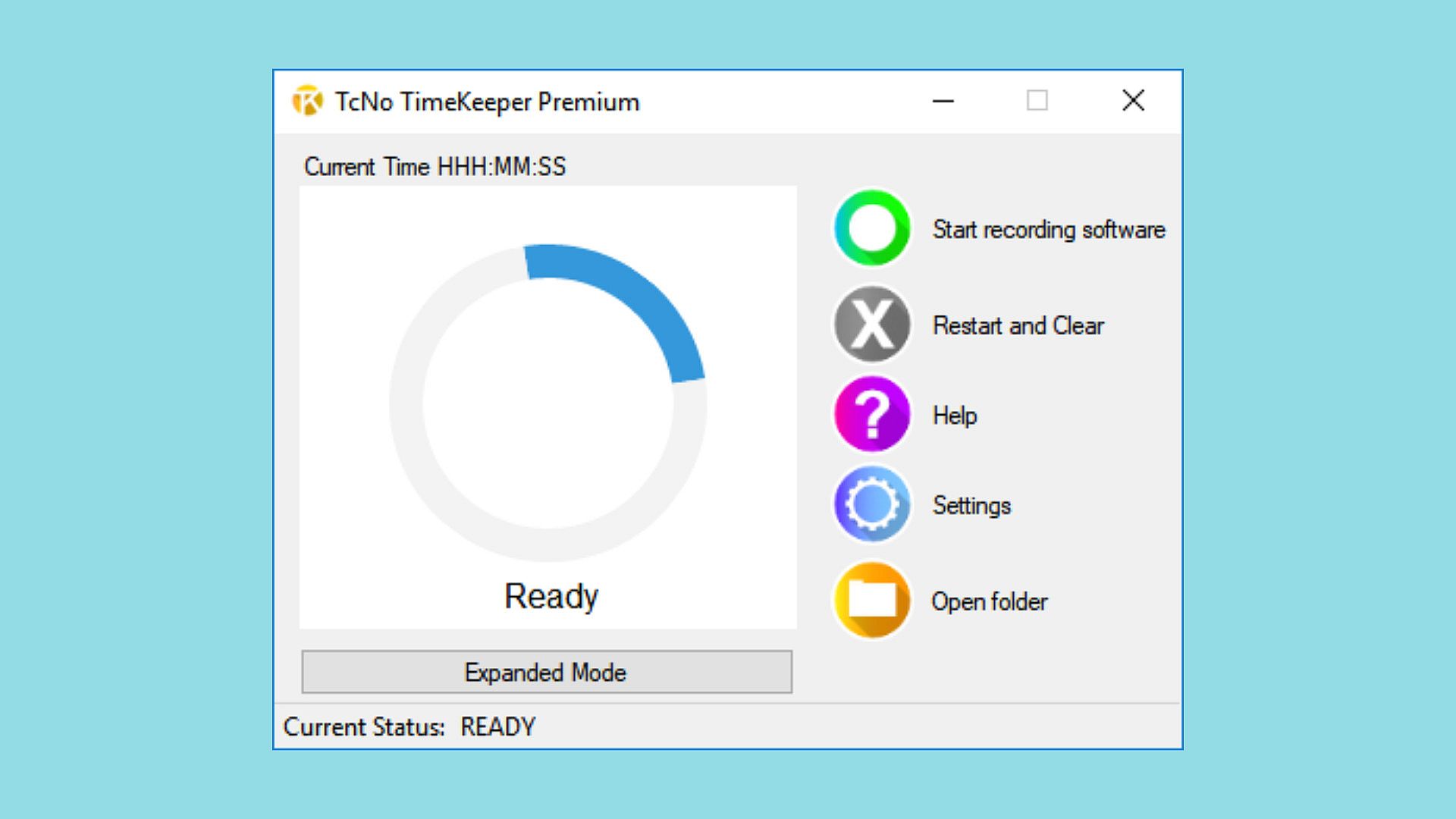
While recording content (on any device with any software), have TcNo TimeKeeper open. When something noteworthy occurs that you or an editor needs to come back to in editing, press the hotkey you assigned to make a note of the time. When you or someone else is editing the video, they know exactly where to go and don't have to spend hours scrubbing through the footage finding good parts, missing hundreds on the way. Spending less time searching allows creators to create better final products.
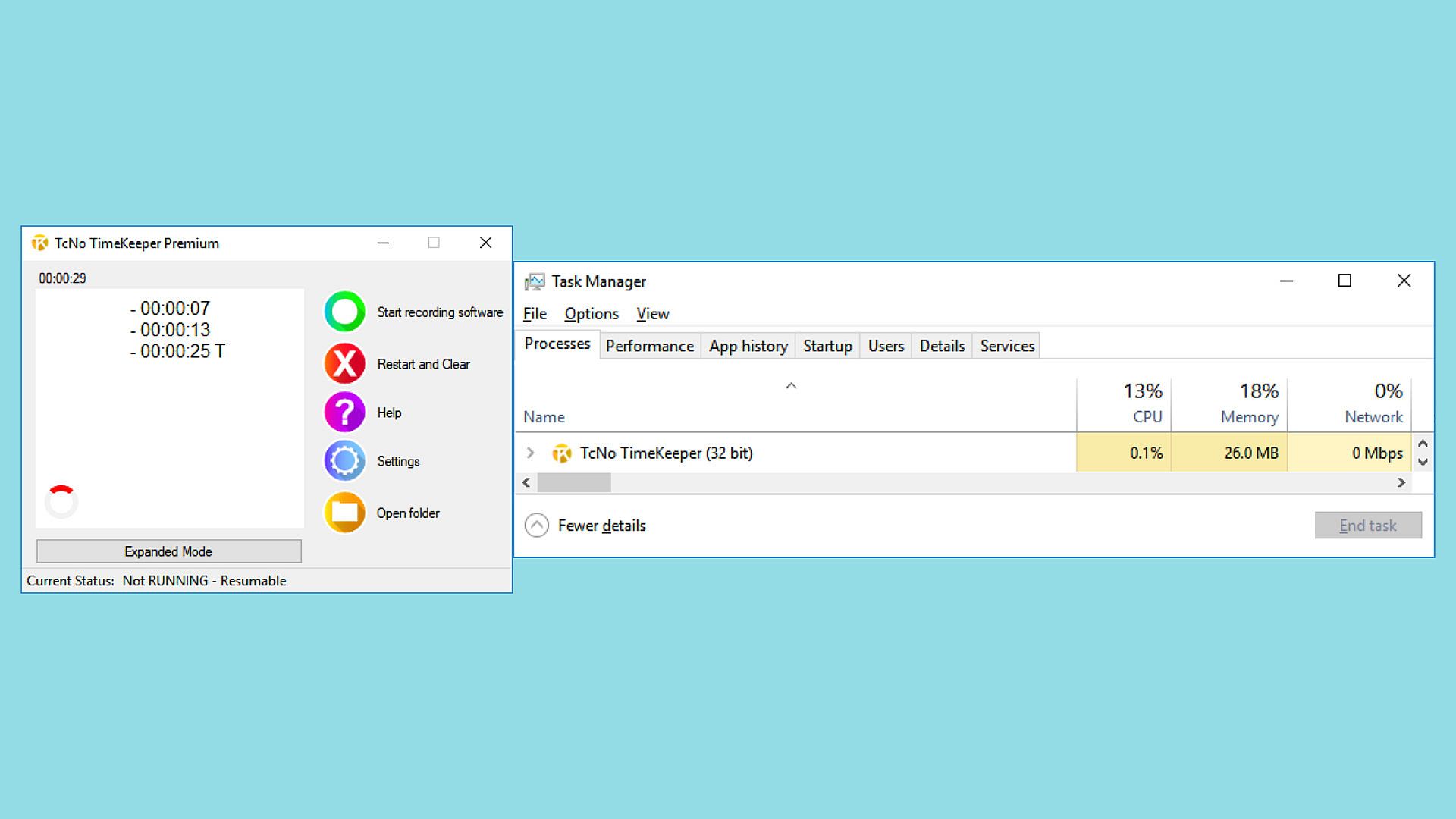
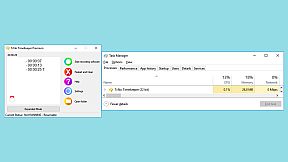
The program is lightweight and designed to run in the background without interrupting the user, making it perfect for Livestreamers, Podcasters and content creators alike to use it without the audience even knowing.

Easy to understand
I created the program to be simple and understandable for anyone. Once downloaded, set up the hotkeys you want, and if possible, set the start/stop recording hotkey to the same as your recording software, so they both start simultaneously. While recording, press the note keys to remember specific moments in the recording.
Does it work with X or Y recording/streaming software?
The program works independently from recording software. It doesn't matter what program you use to record heck; you can even use hardware. The program suggests that you set the hotkeys to the same as your recording software for ease of use; it doesn't matter what software you use. This program works with any recording software.
Does this program record or edit video? Will I still need recording/editing software?
No, TcNo TimeKeeper does NOT record, edit or interact with your video. Yes, you will still need recording and editing software for video creation. This program is here to help you better know the footage you record so that when you or an editor gets around to editing, they can skip to where they need to be and edit faster. When you use this tool and make notes of important events as you're recording, you'll be able to find them in the hours of footage you record quickly. When you spend less time looking for good content in the footage, you'll have more time to finish polishing the final video.
Interfaccia:
English

Classificazione per età

Non disponibile
Steam:
Mostly Positive (10)

Minimo:

  • Processore: 1 GHz equivalent or higher
  • Memoria: 1 GB RAM
  • Grafica: Intel: HD Graphics, equivalent or better
  • Archiviazione: 200 MB available space
  • Note aggiuntive: Administrator privileges required for some features to work
Minimo storico
Storico prezzi dei negozi ufficiali
-
-
-
Storico prezzi dei keyshop
-
-
-

FAQ

8 domande

Prima di cercare una chiave economica di TcNo TimeKeeper, controlla le informazioni essenziali. Sviluppato da Wesley Pyburn. Pubblicato da Wesley Pyburn. Data di uscita su PC: 15 gen 2018. Generi: Video Production. Categorie: Steam Cloud.

Q

Dove comprare una chiave Steam di TcNo TimeKeeper a poco?

TcNo TimeKeeper e gratuito! Scaricalo su Steam e inizia a giocare subito.

TcNo TimeKeeper è completamente gratuito su Steam. Nessun acquisto necessario - basta scaricarlo e giocare. Se cerchi DLC premium o oggetti di gioco, controlla la tabella delle offerte qui sopra.

Il nostro tracker dei prezzi copre sia i rivenditori ufficiali che i marketplace di chiavi, così puoi trovare TcNo TimeKeeper in offerta anche al di fuori delle promozioni stagionali. Al momento rileviamo 0 offerte attive da store ufficiali e keyshop. Controlla la tabella qui sopra, confronta con il minimo storico e imposta un avviso per non perdere il prossimo calo di prezzo.

Secondo i nostri dati, TcNo TimeKeeper non è attualmente disponibile su GeForce NOW. Dovrai eseguirlo localmente sul tuo PC. Sfoglia i giochi disponibili su GeForce NOW.

. TcNo TimeKeeper ha una pagina ufficiale su Steam, ma al momento non tracciamo offerte di terze parti con DRM Steam. Ricontrolla più tardi o imposta un avviso di prezzo.

Non al momento. Valve classifica TcNo TimeKeeper come non supportato su Steam Deck. Tieni d'occhio XD.deals - tracciamo gli aggiornamenti di Proton e le soluzioni della community. Sfoglia i giochi Steam Deck Verified o Steam Deck Playable.

TcNo TimeKeeper non sembra essere disponibile su PC Game Pass, EA Play, Ubisoft+ o altri servizi in abbonamento per PC al momento. L'unica opzione è acquistare il gioco - usa XD.deals per trovare il prezzo migliore.

No - XD.deals non è un negozio. Siamo un comparatore di prezzi che traccia le migliori offerte per TcNo TimeKeeper tra store ufficiali e keyshop verificati. Clicca "Vai al negozio" accanto a qualsiasi offerta e verrai reindirizzato al sito del rivenditore per completare l'acquisto.

Vuoi comprare al momento migliore? Imposta un avviso di prezzo su XD.deals e ricevi una notifica quando TcNo TimeKeeper raggiunge il suo prossimo minimo storico.

Crea avviso
Unisciti al nostro Discord
Ottieni aiuto immediato dalla community e resta aggiornato sulle offerte
Imposta avvisi di prezzo
Ricevi notifiche via email quando i prezzi scendono al tuo target
Crea un account gratuito
Sblocca wishlist, avvisi di prezzo e sincronizzazione Steam