

Acquista Screenbits - Screen Recorder PC Key

Ti interessa Screenbits - Screen Recorder? Stiamo tracciando i prezzi dagli store affidabili. Aggiungi Screenbits - Screen Recorder alla wishlist e ti avviseremo quando saranno disponibili offerte.

Uscita: 15 feb 2019
Steam:
Positive (258)
Official
Non disponibile
Keyshops
Non disponibile
Compra nello store ufficiale:
Non disponibile
Compra nei keyshop:
Non disponibile

Nessuna offerta al momento, ma non preoccuparti: ti informeremo quando ne comparirĂ  una nuova.

Create Alert Create deal Alert

Info su Screenbits - Screen Recorder

Screenbits - Screen Recorder - info sul gioco
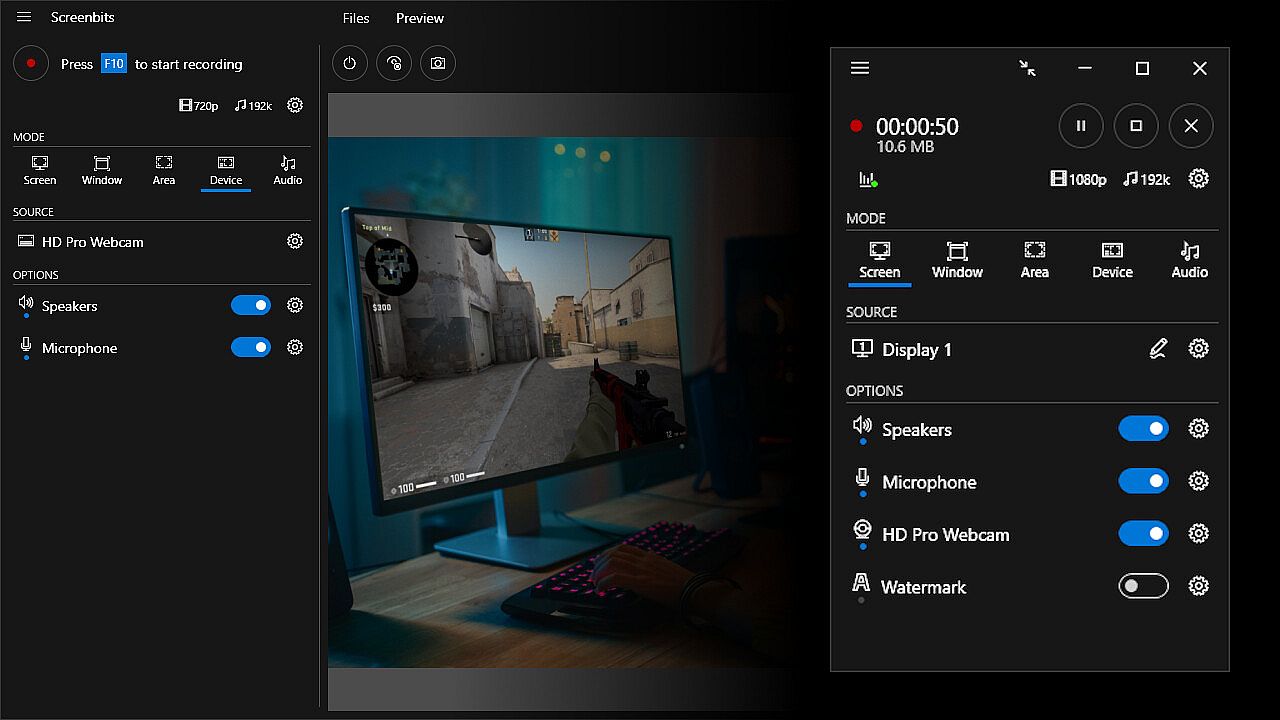
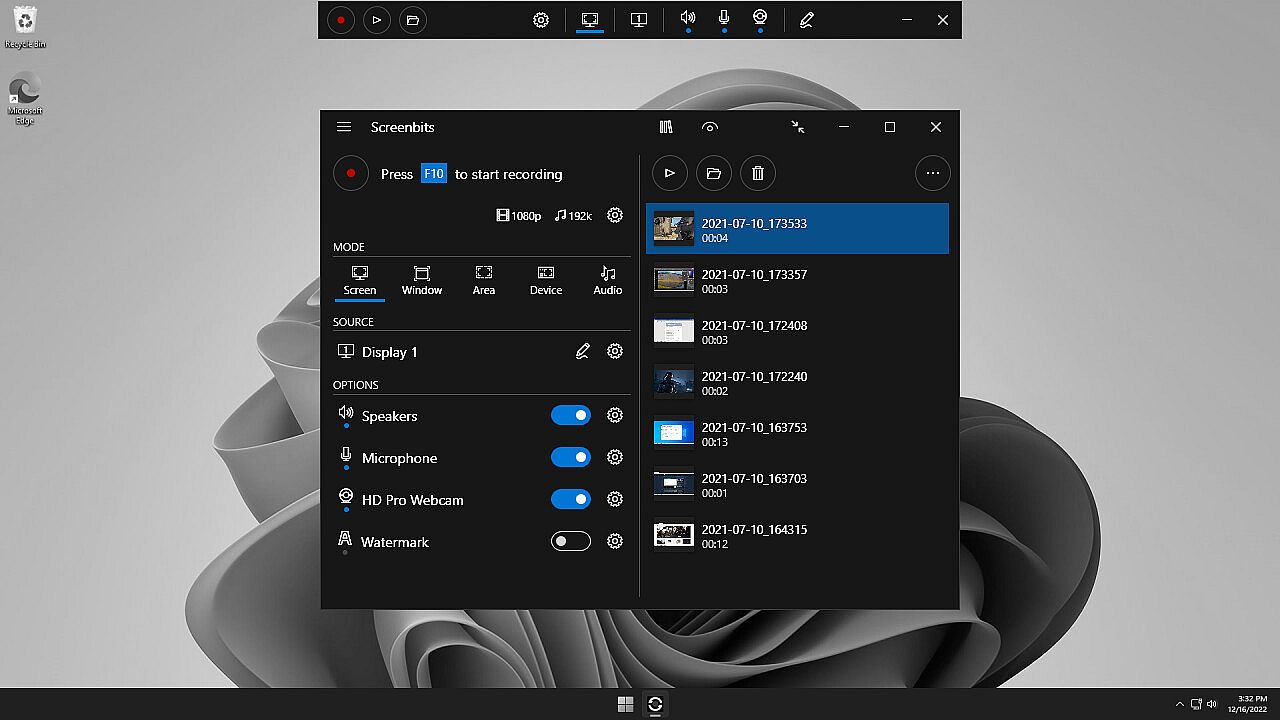
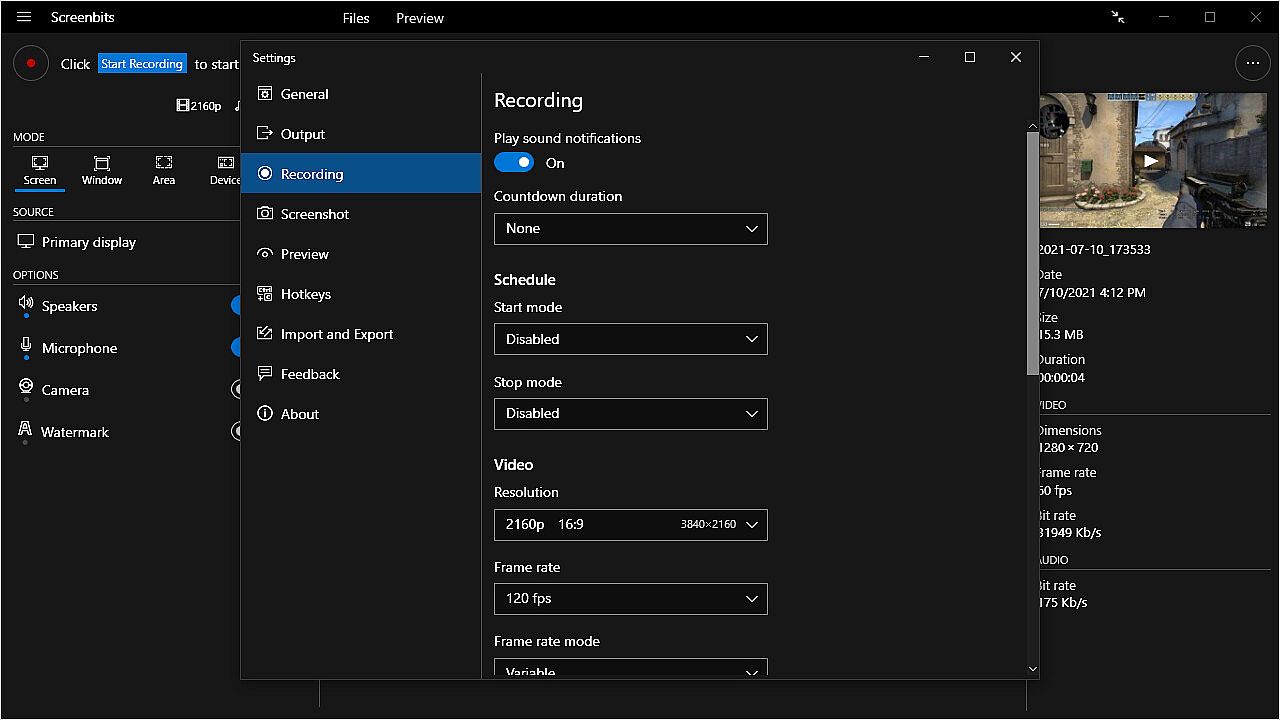
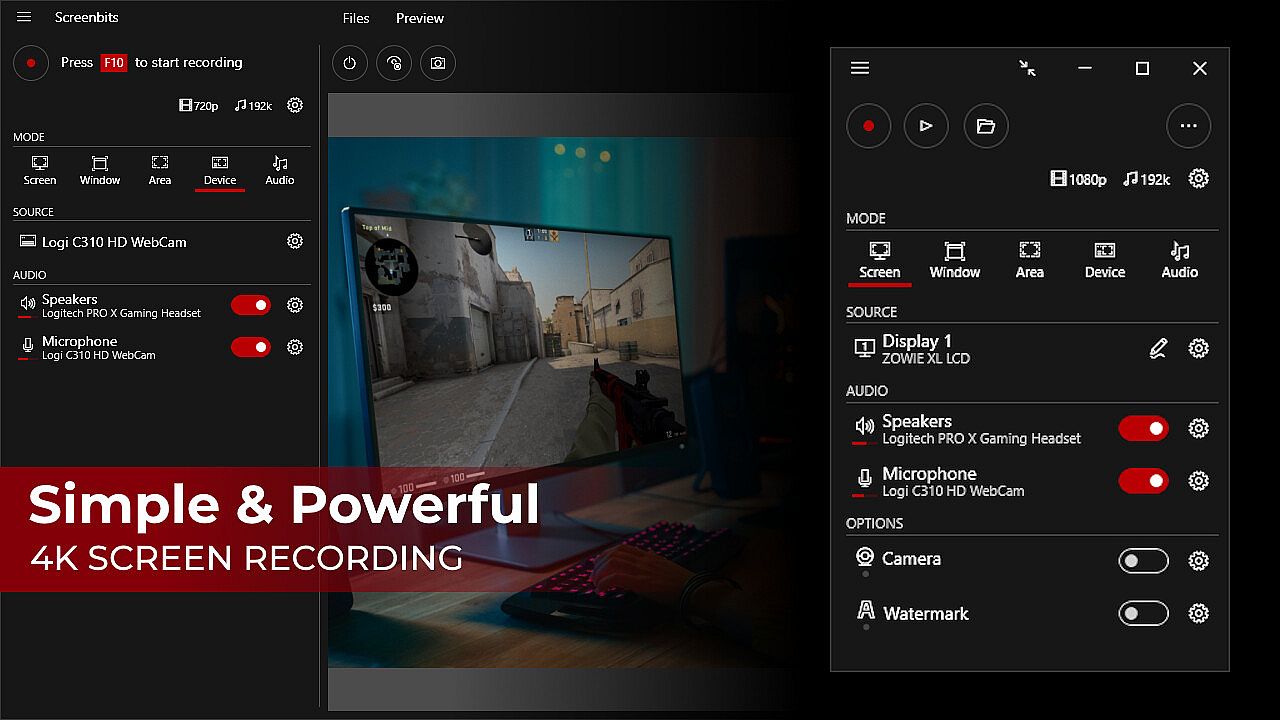
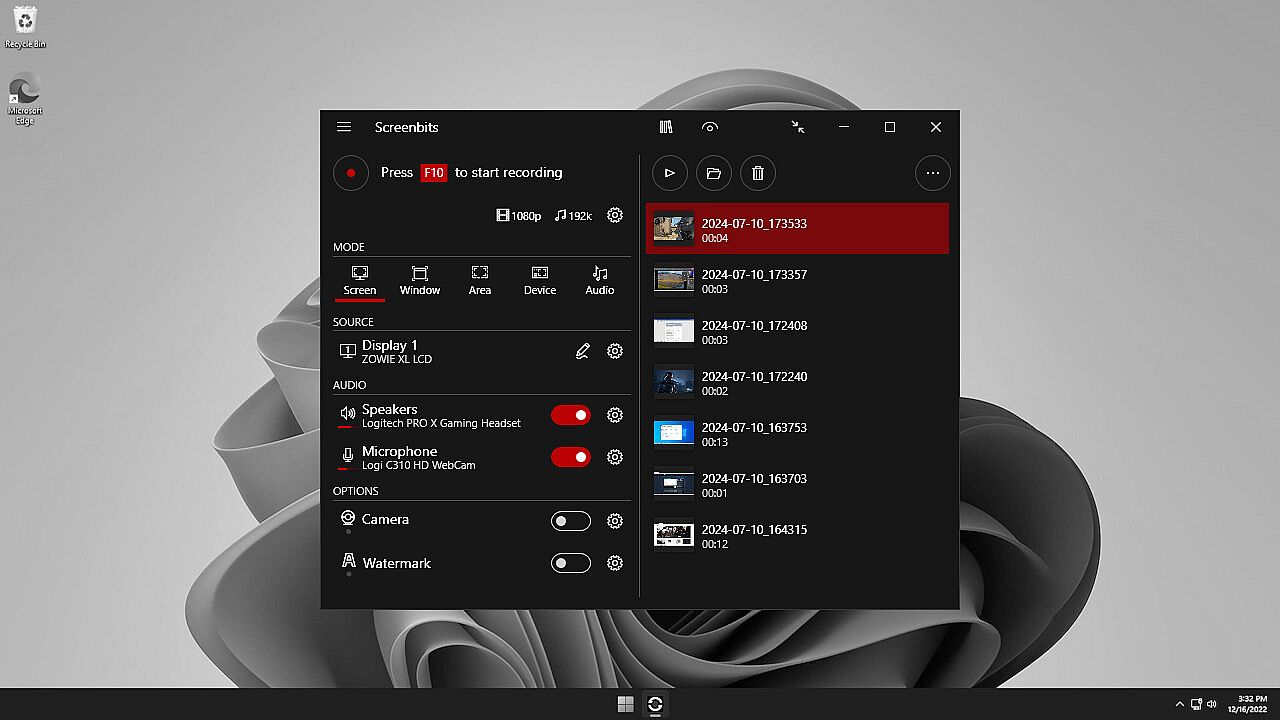
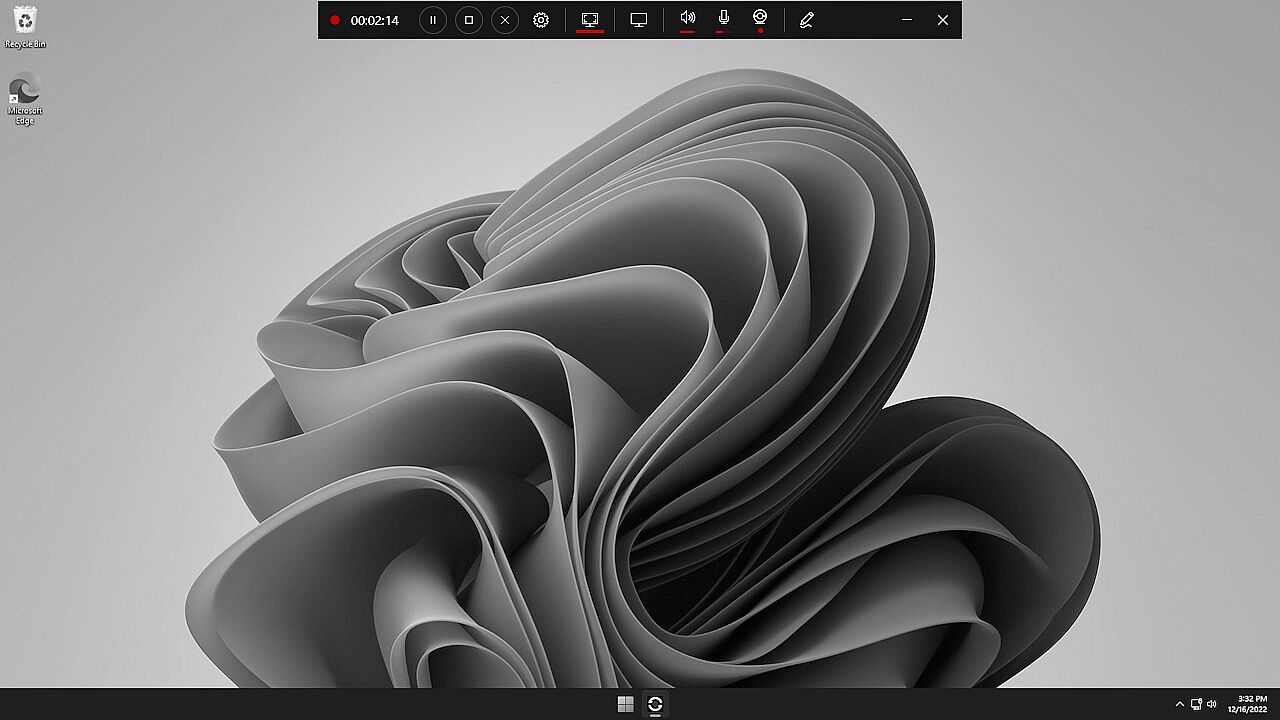
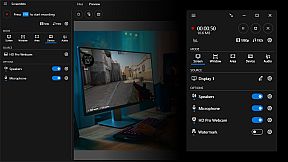
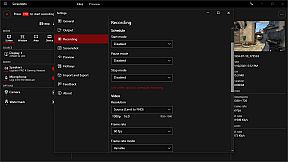
Screenbits - Screen Recorder offre potenti strumenti di produzione video per catturare gameplay, tutorial, demo e contenuti YouTube su PC. Registra l'attivitĂ  dello schermo, l'audio di sistema, l'ingresso microfono e i feed della webcam in file MP4 compressi in HD o 4K, con supporto fino a 120 FPS. Scegli modalitĂ  di cattura a schermo intero, finestra, area o dispositivo, aggiungi overlay webcam con chroma key, disegna annotazioni in tempo reale o applica watermark per proteggere i contenuti. Hotkey globali attivano registrazioni, screenshot e push-to-talk, mentre pianificazioni, conto alla rovescia e un file manager ottimizzano i flussi di lavoro. Anteprima gli output durante le sessioni e personalizza i nomi dei file con template. Appassionati di produzione video e trainer software si affidano alla sua interfaccia intuitiva per catture efficienti e di alta qualitĂ .

Ultimate screen recorder software for game recording, video tutorials, product demos, YouTube videos and more. Screenbits allows you to capture screen content, system sound, microphone and camera into HD/4K quality video files. With a reasonable price, it has all the features you expect from a screen recording software provided in an easy to use interface.

  • Video Recording: Create high quality, compressed MP4 (H.264/AAC) multimedia files from captured video and audio.
  • Audio Recording: Create high quality, compressed MP4A (AAC) audio files from captured audio.
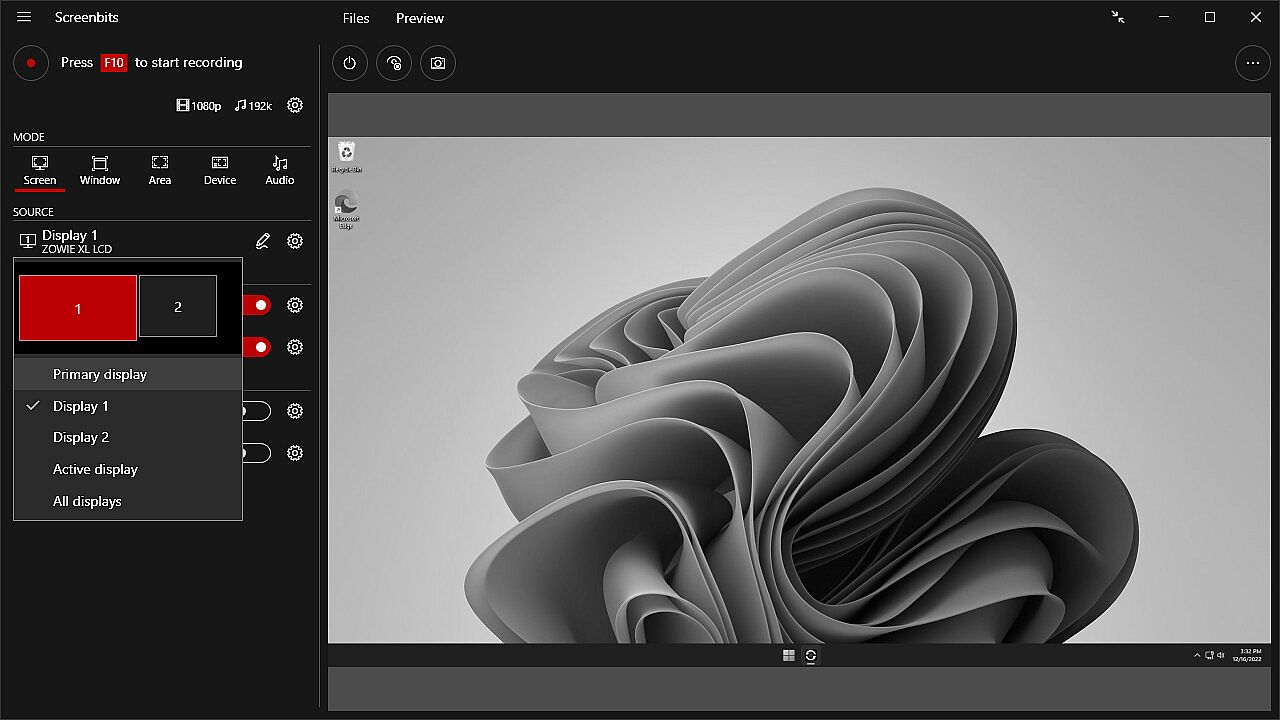
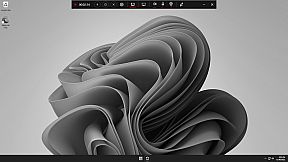
  • Screen Capture: Capture video from system display in full-screen mode.
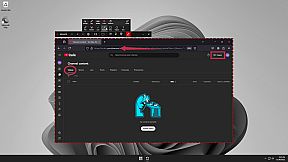
  • Window Capture: Capture video from a window.
  • Area Capture: Capture video from an area on the screen.
  • Device Capture: Capture video from camera individually.
  • Audio Capture: Capture system sound and your voice from microphone.
  • Camera Overlay: Add camera image to the captured video from the screen.
  • Screenshot: Take screenshots from the screen and capture scene.
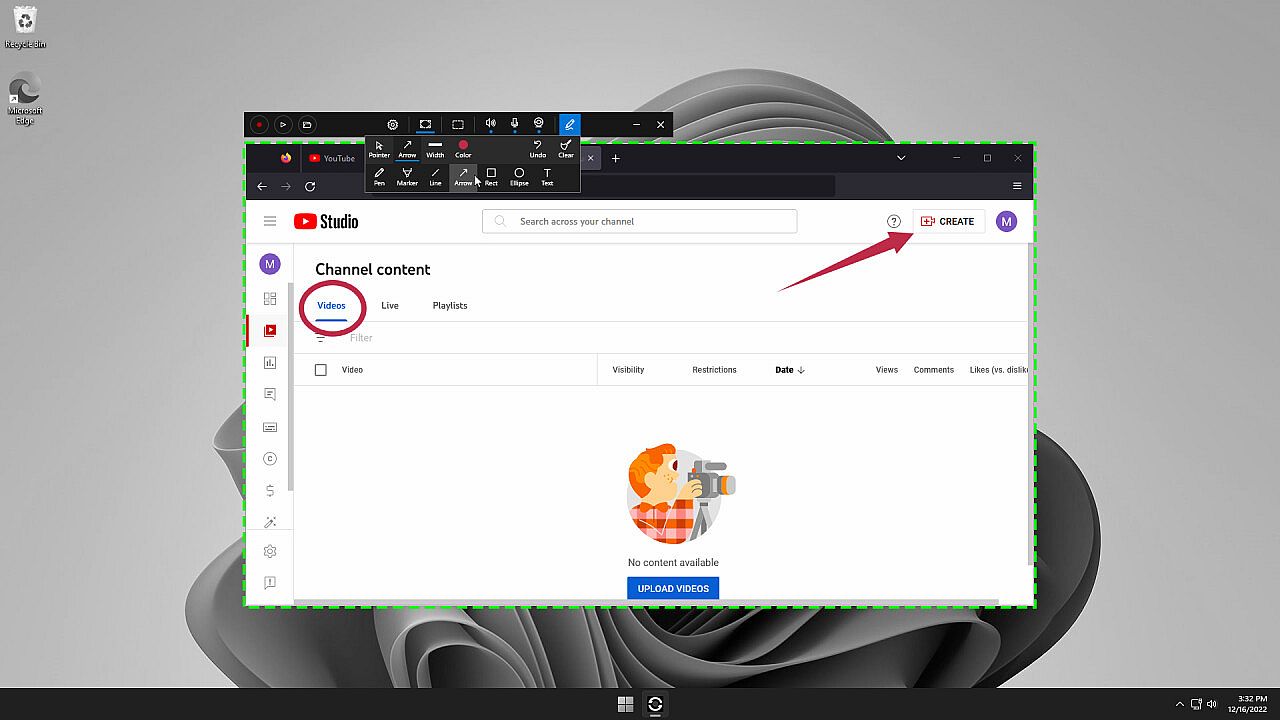
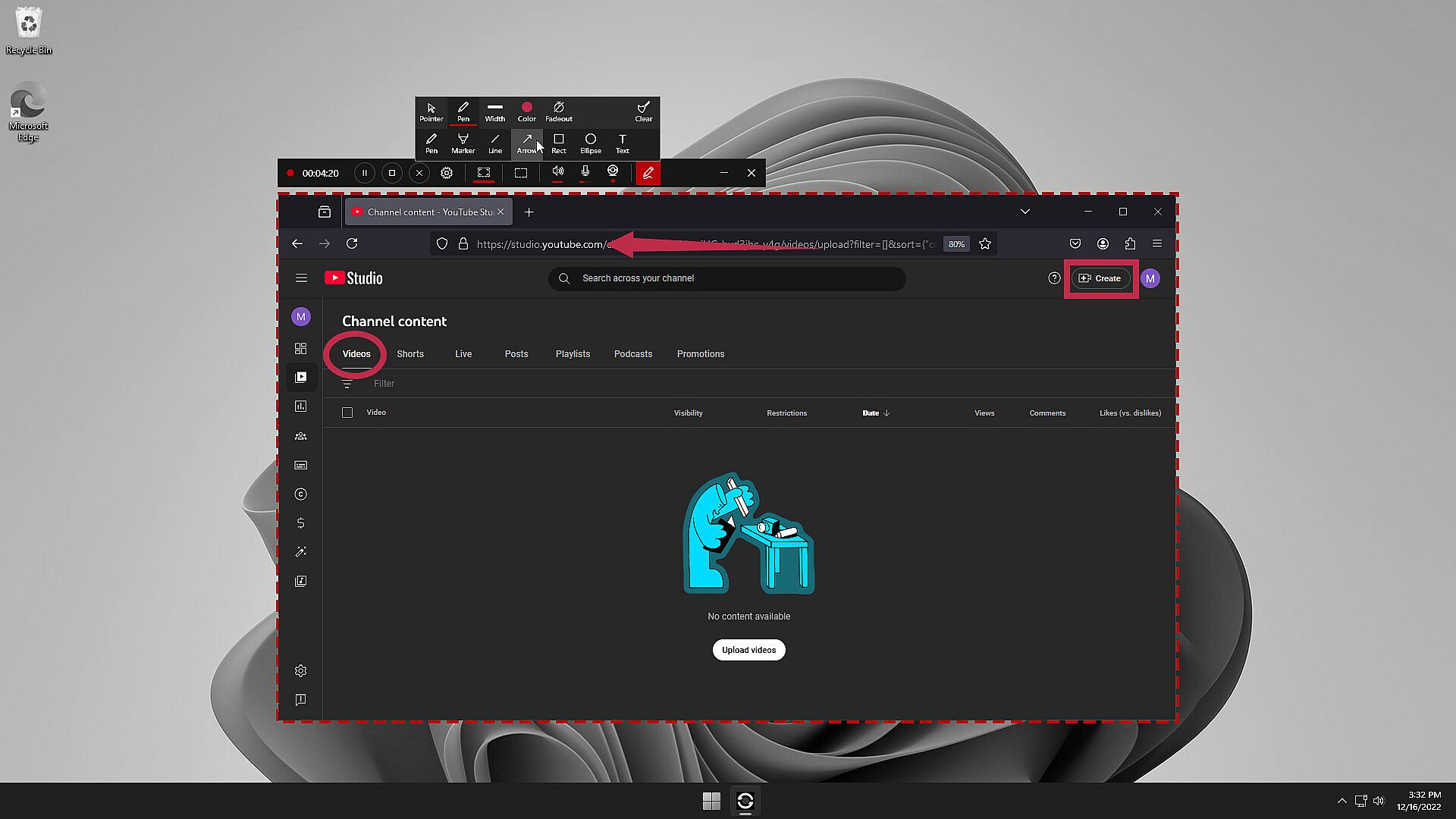
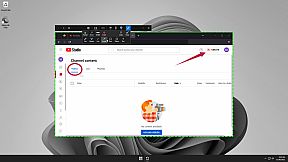
  • Draw on Screen: Write, draw and highlight anywhere on your screen.
  • Watermark: Protect your content by adding logo or a copyright notice.
  • Global Hotkeys: Start and stop recording and take screenshots by keyboard shortcuts.
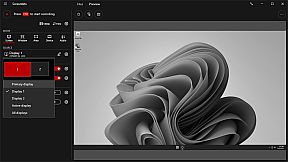
  • Preview: View the output before and during the recording.
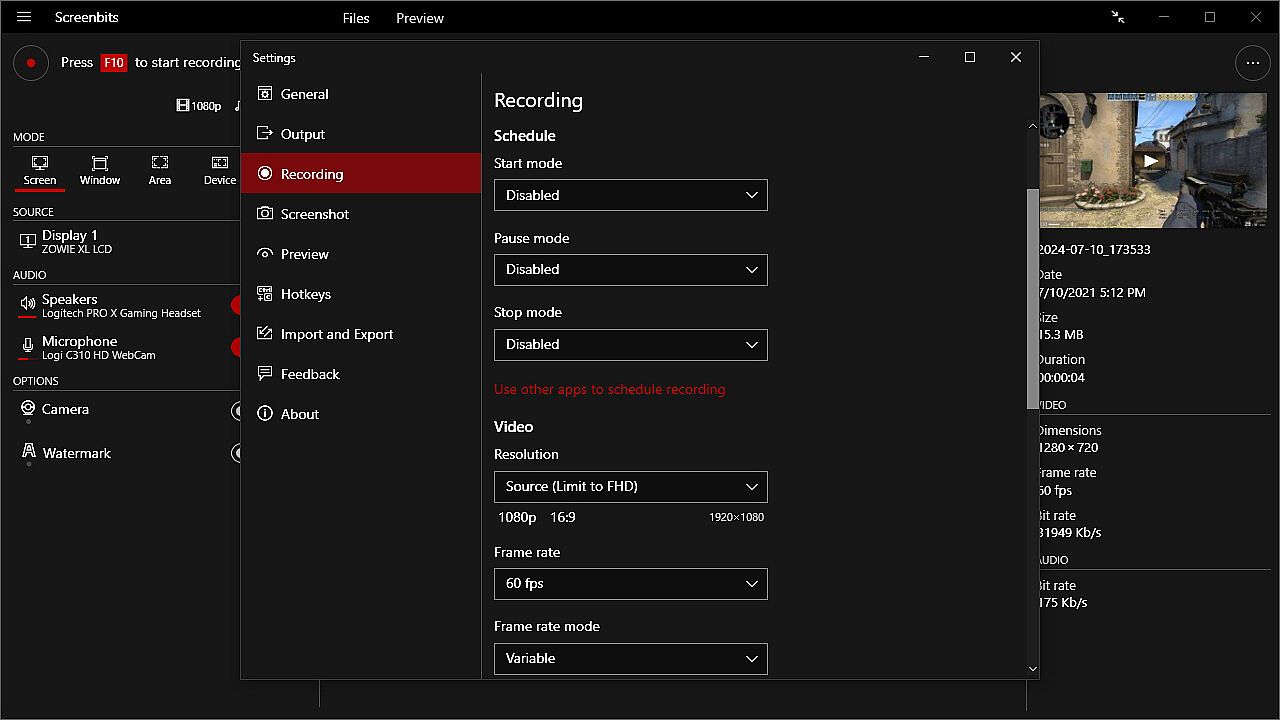
  • Schedule: Start and stop recording at a specific time, duration or size of the output file.
  • Countdown: Play countdown before recording starts.
  • Push-To-Talk: Use push-to-talk key to capture microphone only when you speak.
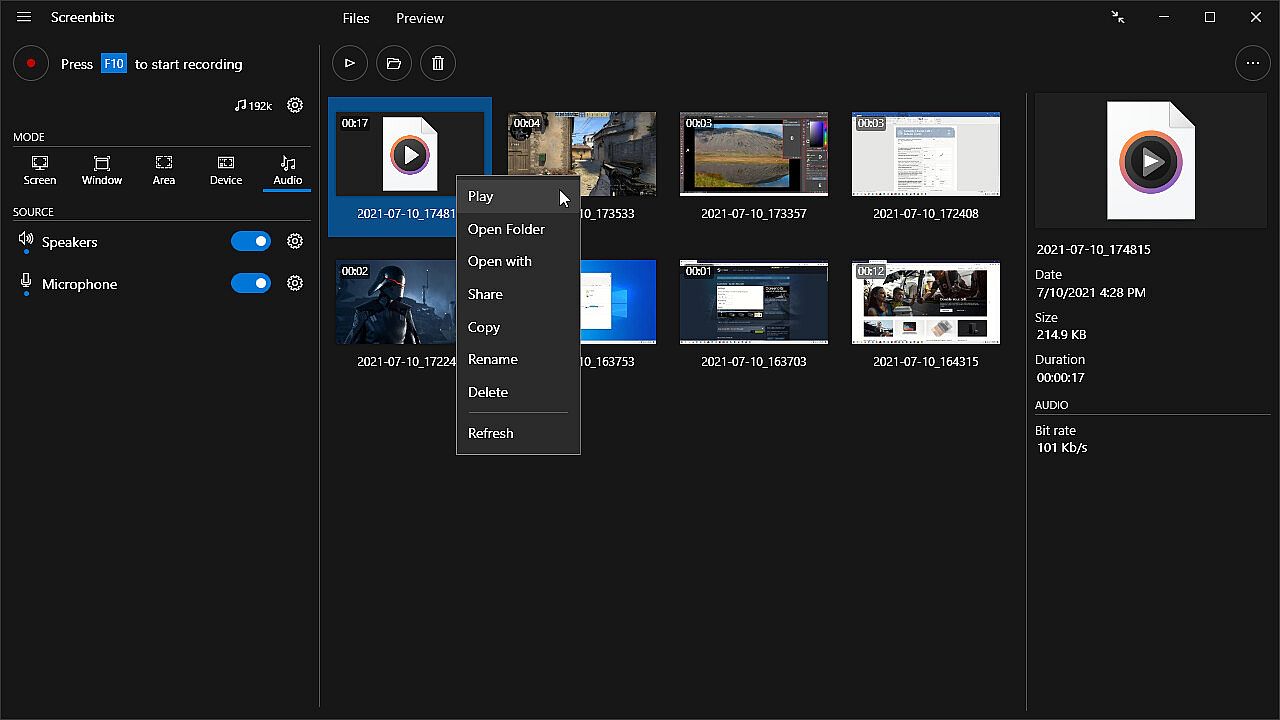
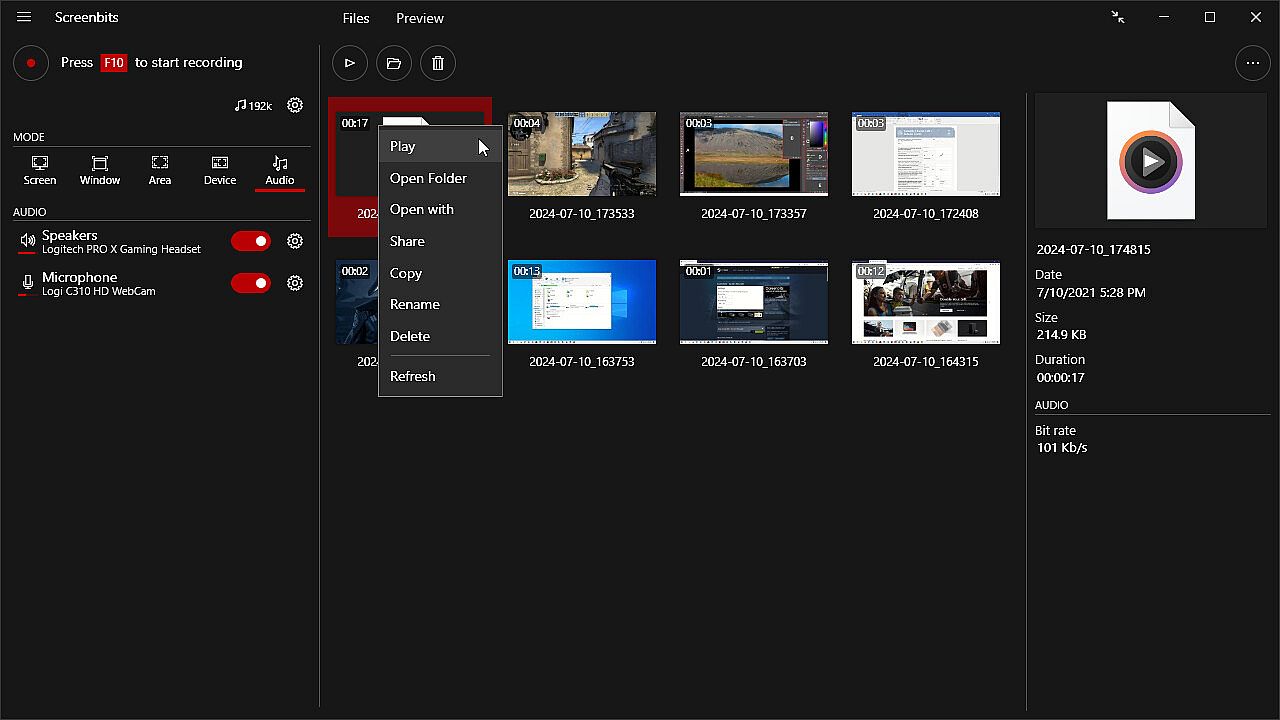
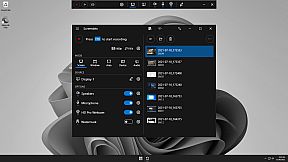
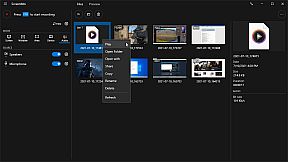
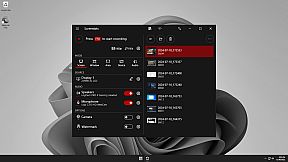
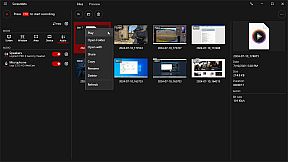
  • File Manager: View and manage recorded files directly from the application.
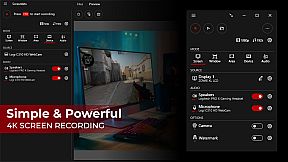
  • Compact View: Use a minimal user interface to interact with the app.
  • File Name Template: Define a custom template for file names.


Video Recording
• MP4 file format
• High quality (HD) recording up to 4K*
• High performance
• Up to 120* frames per second recording
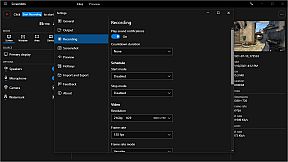
• Adjustable output resolution and scaling
• Adjustable quality and frame rate
• Compressed (H.264) output

Audio Recording
• Ability to record input audio (microphone, headset, etc.)
• Ability to record system sound (speakers, headphones, etc.)
• MP4A file format
• High quality audio (AAC)
• Adjustable audio format (bit-rate, sample-rate and channels)

Screen Capture
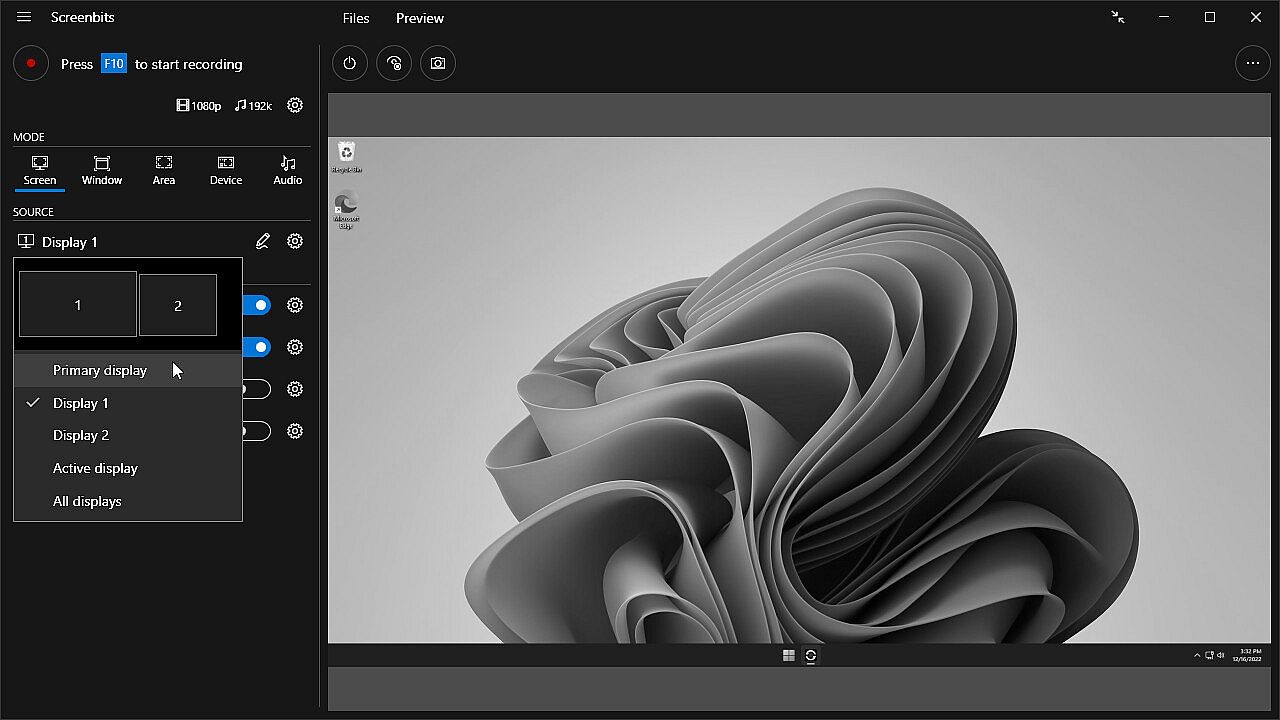
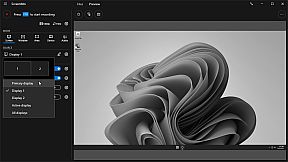
• Ability to capture a single display or all displays (multi-display support)
• Ability to capture mouse pointer
• Ability to exclude taskbar
• Ability to switch between screens during recording
• Ability to capture active screen
• Pointer highlighting and click effects

Window Capture
• Ability to select windows from list of open applications
• Ability to select windows on the screen

Area Capture
• Ability to capture rectangular area and around mouse pointer
• Ability to show movable frame around the capture area
• Advanced area selection tool
• Ability to add custom presets

Device Capture
• Ability to record camera or other video capture devices individually
• Ability to switch between device capture and screen capture modes during recording
• Adjustable format

Audio Capture
• Ability to capture and record audio individually into audio files
• Ability to use push-to-talk mode for capturing input audio

Camera Overlay
• Adjustable format, size and position
• Chroma key effect
• Custom graphics
• Outline

Screenshot
• Ability to take screenshots from a single display or all displays
• Ability to take screenshots from any area on the screen
• Ability to take screenshots from the capture scene
• PNG and JPEG file format

Draw on Screen
• Ability to use several tools such as pen, marker, arrow, rectangle and text
• Ability to interact with other apps while drawing
• Ability to turn drawing on and off by keyboard shortcuts

Watermark
• Watermark image (logo)
• Watermark text (custom font, color, outline and position)


* Recording performance depends on your hardware.

Interfaccia:
GermanEnglishSpanish - SpainFrenchItalianPortuguese - BrazilRussianSimplified Chinese
Audio:
GermanEnglishSpanish - SpainFrenchItalianPortuguese - BrazilRussianSimplified Chinese
Sottotitoli:
GermanEnglishSpanish - SpainFrenchItalianPortuguese - BrazilRussianSimplified Chinese

Classificazione per etĂ 

Non disponibile
Steam:
Positive (258)

Minimo:

  • Sistema operativo: Windows 10, 11
  • Processore: 1 gigahertz (GHz) or faster processor
  • Memoria: 1 GB RAM
  • DirectX: Version 11
  • Archiviazione: 100 MB available space

Consigliato:

  • Grafica: Direct3D 11.0 compatible with Pixel Shader 4.0 support
  • Note aggiuntive: AMD Radeon™ with AMD VCE or NVIDIA with NVENC support is recommended for recording gameplay.
Minimo storico
Storico prezzi dei negozi ufficiali
-
-
-
Storico prezzi dei keyshop
-
-
-

FAQ

8 domande

Prima di cercare una chiave PC economica di Screenbits - Screen Recorder, controlla le informazioni essenziali. Sviluppato da CHEHRAZ. Pubblicato da CHEHRAZ. Data di uscita su PC: 15 feb 2019. Generi: Utilities, Audio Production, Video Production, Web Publishing, Software Training.

Q

Dove comprare una chiave Steam o CD Key di Screenbits - Screen Recorder a poco?

Al momento non ci sono offerte attive per Screenbits - Screen Recorder. Imposta un avviso di prezzo su XD.deals e ti avviseremo non appena sarĂ  disponibile un'offerta.

Non abbiamo un prezzo attuale dello Steam Store per Screenbits - Screen Recorder. Il gioco potrebbe essere temporaneamente non disponibile o non ancora presente su Steam.

Il nostro tracker dei prezzi copre sia i rivenditori ufficiali che i marketplace di chiavi, così puoi trovare Screenbits - Screen Recorder in offerta anche al di fuori delle promozioni stagionali. Al momento rileviamo 0 offerte attive da store ufficiali e keyshop. Controlla la tabella qui sopra, confronta con il minimo storico e imposta un avviso per non perdere il prossimo calo di prezzo.

Secondo i nostri dati, Screenbits - Screen Recorder non è attualmente disponibile su GeForce NOW. Dovrai eseguirlo localmente sul tuo PC. Sfoglia i giochi disponibili su GeForce NOW.

Sì. Screenbits - Screen Recorder ha una pagina ufficiale su Steam, ma al momento non tracciamo offerte di terze parti con DRM Steam. Ricontrolla più tardi o imposta un avviso di prezzo.

Non al momento. Valve classifica Screenbits - Screen Recorder come non supportato su Steam Deck. Tieni d'occhio XD.deals - tracciamo gli aggiornamenti di Proton e le soluzioni della community. Sfoglia i giochi Steam Deck Verified o Steam Deck Playable.

Screenbits - Screen Recorder non sembra essere disponibile su PC Game Pass, EA Play, Ubisoft+ o altri servizi in abbonamento per PC al momento. L'unica opzione è acquistare il gioco - usa XD.deals per trovare il prezzo migliore.

No - XD.deals non è un negozio. Siamo un comparatore di prezzi che traccia le migliori offerte per Screenbits - Screen Recorder tra store ufficiali e keyshop verificati. Clicca "Vai al negozio" accanto a qualsiasi offerta e verrai reindirizzato al sito del rivenditore per completare l'acquisto.

Vuoi comprare al momento migliore? Imposta un avviso di prezzo su XD.deals e ricevi una notifica quando Screenbits - Screen Recorder raggiunge il suo prossimo minimo storico.

Crea avviso
Unisciti al nostro Discord
Ottieni aiuto immediato dalla community e resta aggiornato sulle offerte
Imposta avvisi di prezzo
Ricevi notifiche via email quando i prezzi scendono al tuo target
Crea un account gratuito
Sblocca wishlist, avvisi di prezzo e sincronizzazione Steam