

Compra RecMaster Pro - Gameplay & Screen Recorder PC

Ti interessa RecMaster Pro - Gameplay & Screen Recorder? Stiamo tracciando i prezzi dagli store affidabili. Aggiungi RecMaster Pro - Gameplay & Screen Recorder alla wishlist e ti avviseremo quando saranno disponibili offerte.

Steam:
Overwhelmingly Negative (9)
Official
Non disponibile
Keyshops
Non disponibile
Compra nello store ufficiale:
Non disponibile
Compra nei keyshop:
Non disponibile

Nessuna offerta al momento, ma non preoccuparti: ti informeremo quando ne comparirĂ  una nuova.

Create Alert Create deal Alert

Info su RecMaster Pro - Gameplay & Screen Recorder

RecMaster Pro - Gameplay & Screen Recorder - info sul gioco
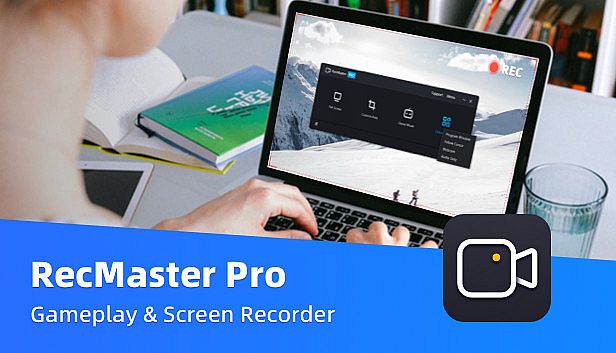
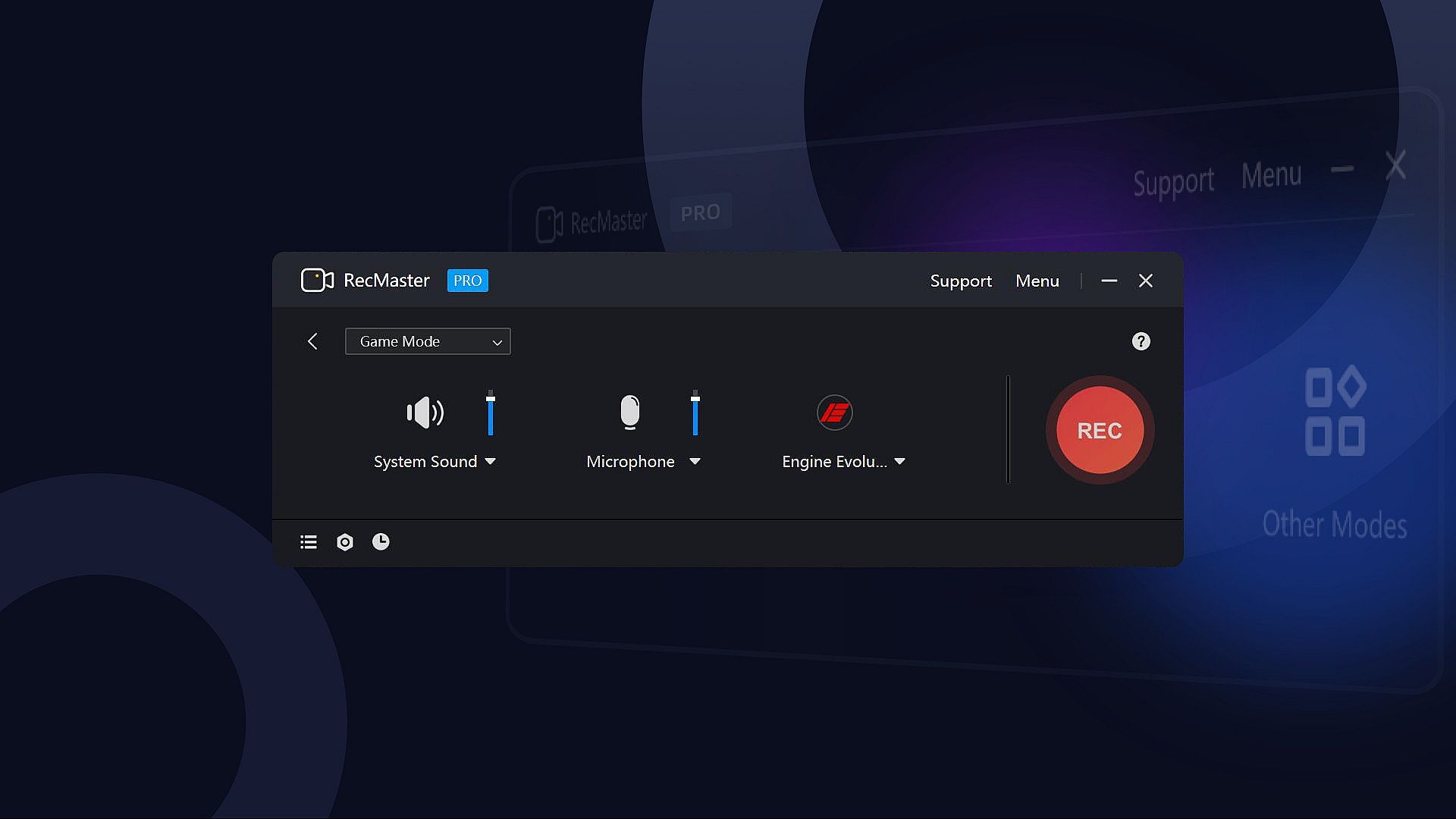
RecMaster Pro delivers lightweight screen recording for gameplay, programs, and audio on PC. Choose from seven modes like full-screen, custom area, game mode, or webcam to capture HD/4K videos with minimal file sizes. Hotkeys control operations, multi-screen setups grab wide views, and effects such as cursor highlights or keystrokes add precision without complex setups. Auto-tasks handle timed starts, ends, and segment saves, while FPS benchmarks track games separately. Output options cover MP4, AVI, FLV, GIF videos, and MP3 audio with adjustable quality, frame rates, and noise reduction. Video production pros, software trainers, and educators grab webinars, tutorials, lectures, or narrations effortlessly.

RecMaster Pro is a super-easy and lightweight gameplay recorder, screen recorder, program recorder, and audio recorder. It records HD/4K videos with the best quality and the smallest file size without the need to set complicated parameters or settings. And if you hope to set advanced parameters, you can do it easily with the menu options.

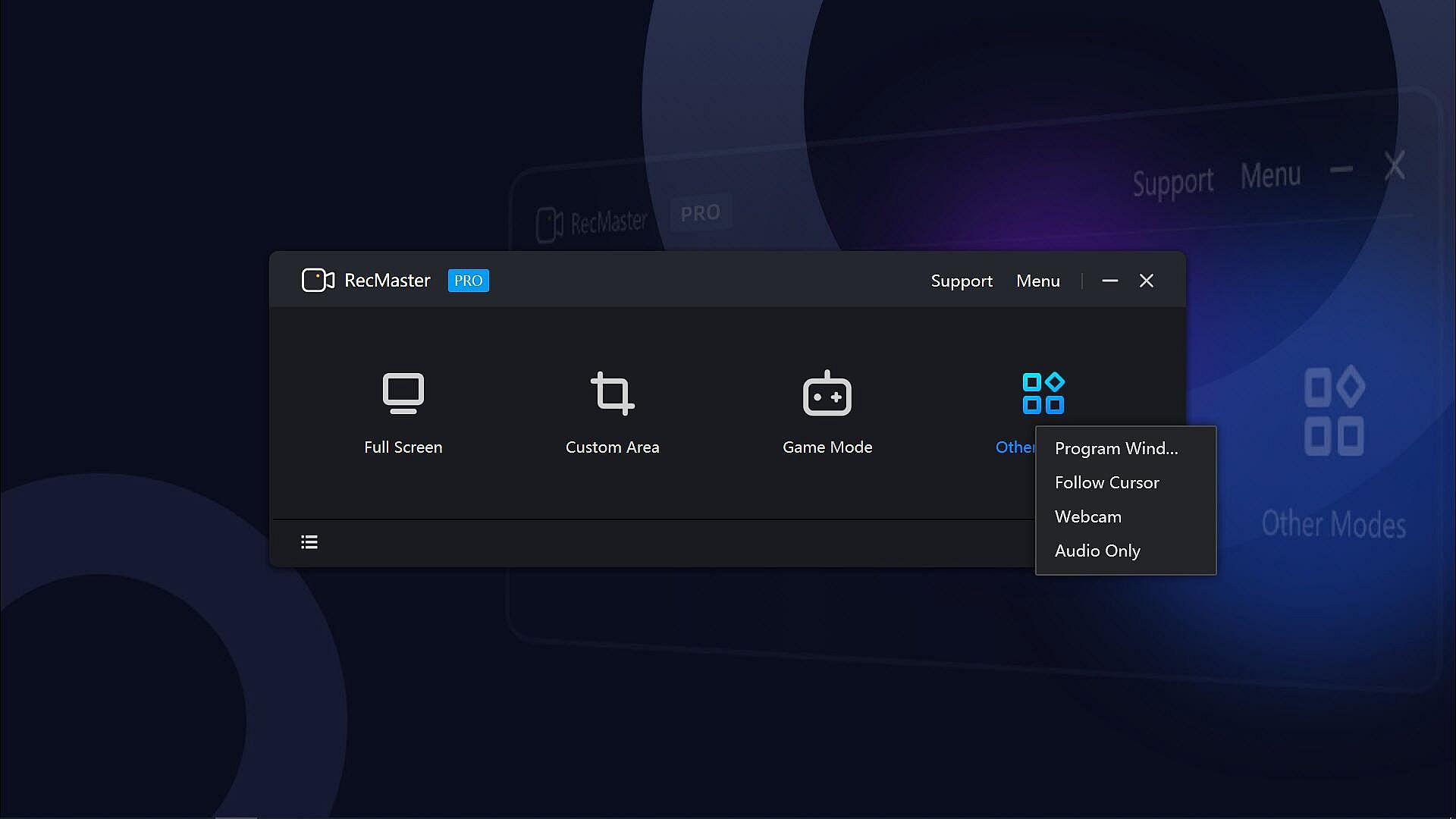
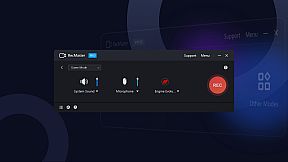
With the 7 recording modes, you can one-click record any actions on your computer screen with or without audio, webcam video, on-screen annotation, cursor effects & keystrokes, and more. Well compatible with Windows 11, 10, 8.1, 8, 7, Vista, you can smoothly record not only the gameplay or walk-through videos, but also online webinars & meetings, lectures & lessons, YouTube videos & movies, software video tutorials, presentations, audiobooks, narrations, and more.
Key Features:
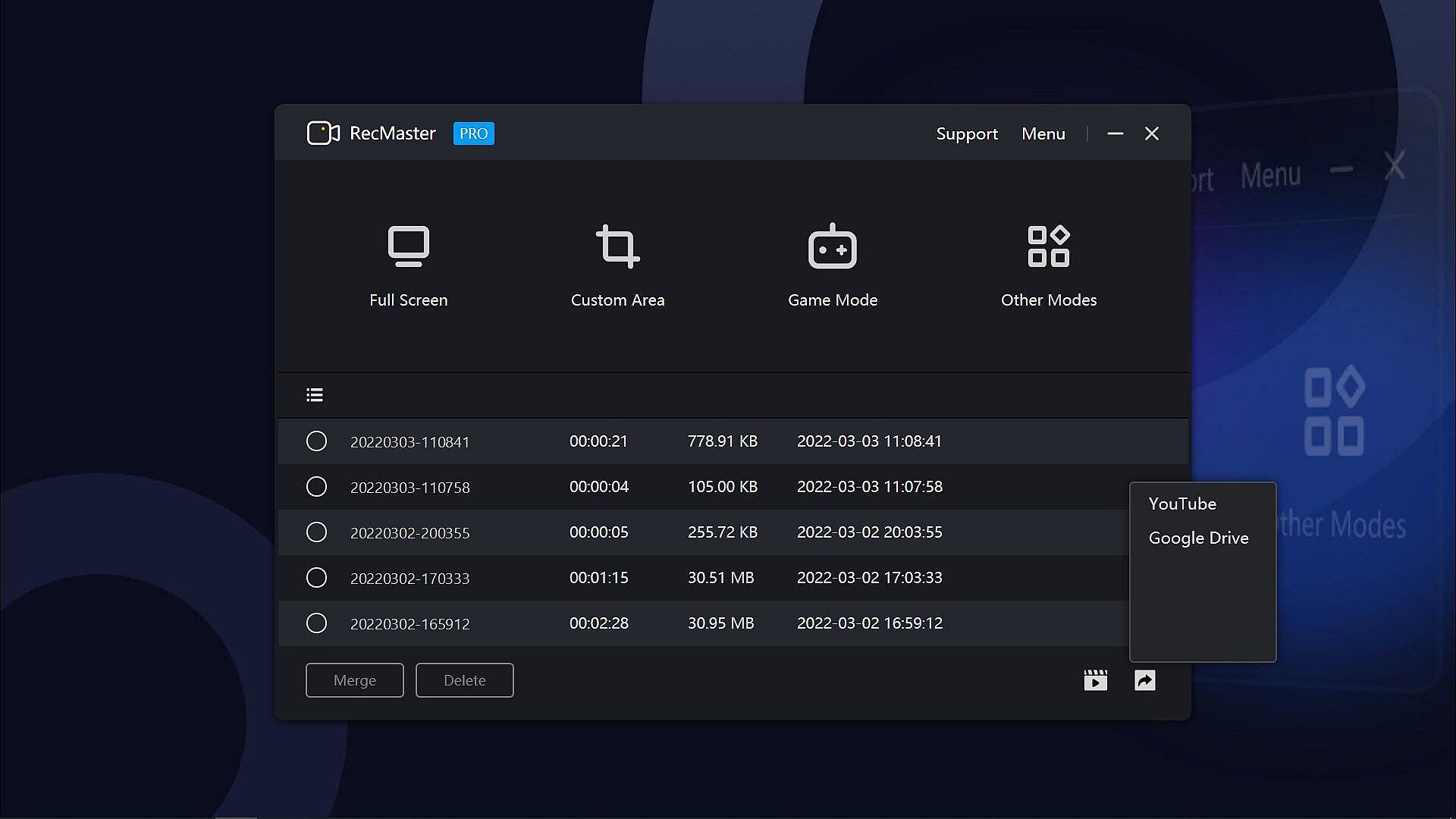
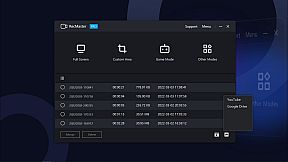
  • 7 Recording Modes: Full-screen Mode, Custom Area, Game Mode, Program Window, Follow Cursor, Webcam Recording, and Audio-only Mode.
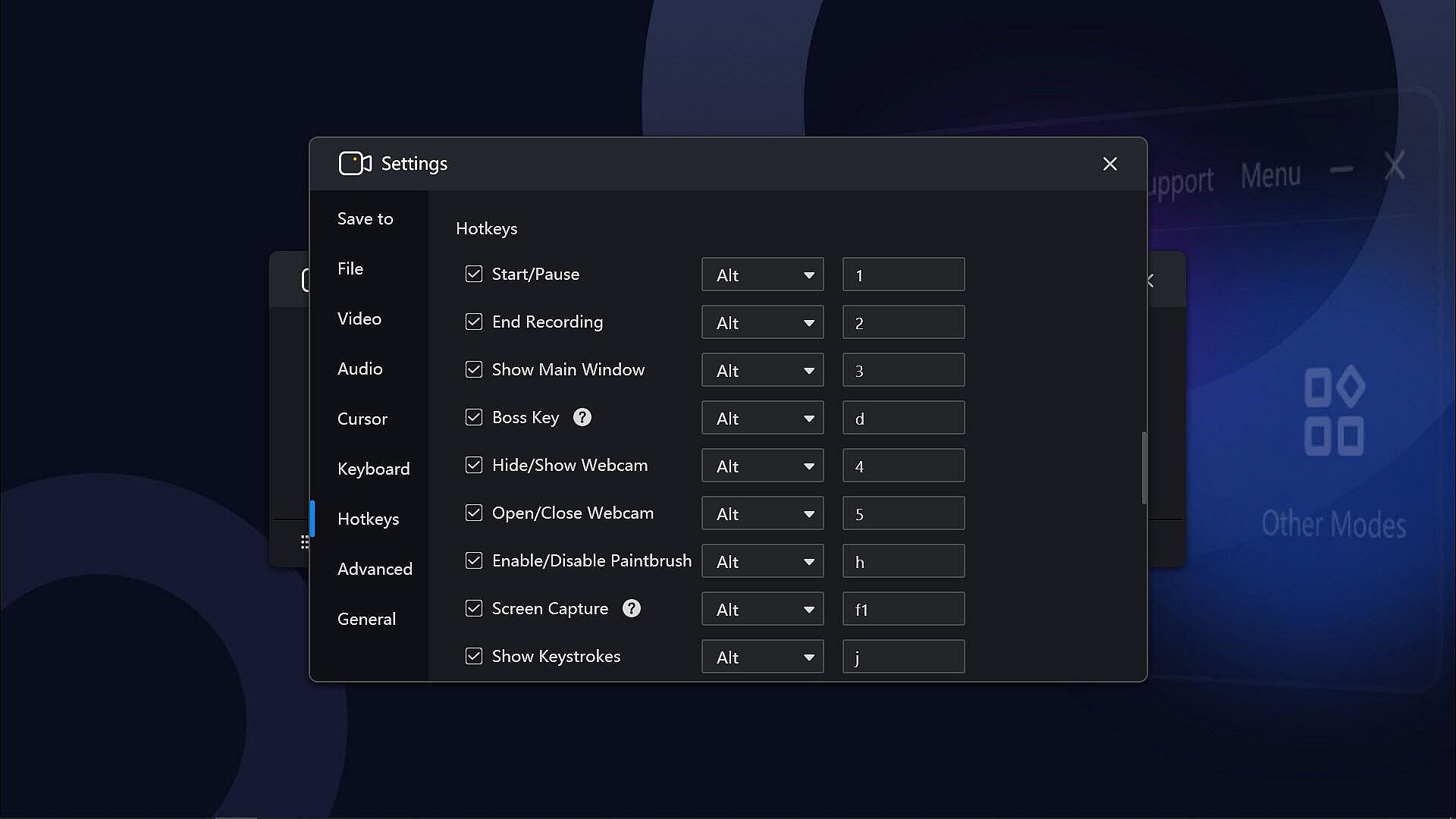
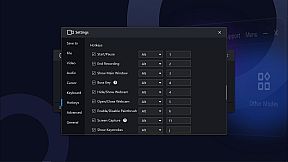
  • Hotkeys help manage all the operations with key combinations without launching the software interface.
  • Multi-screen recording to record super-wide screens or specific screens.
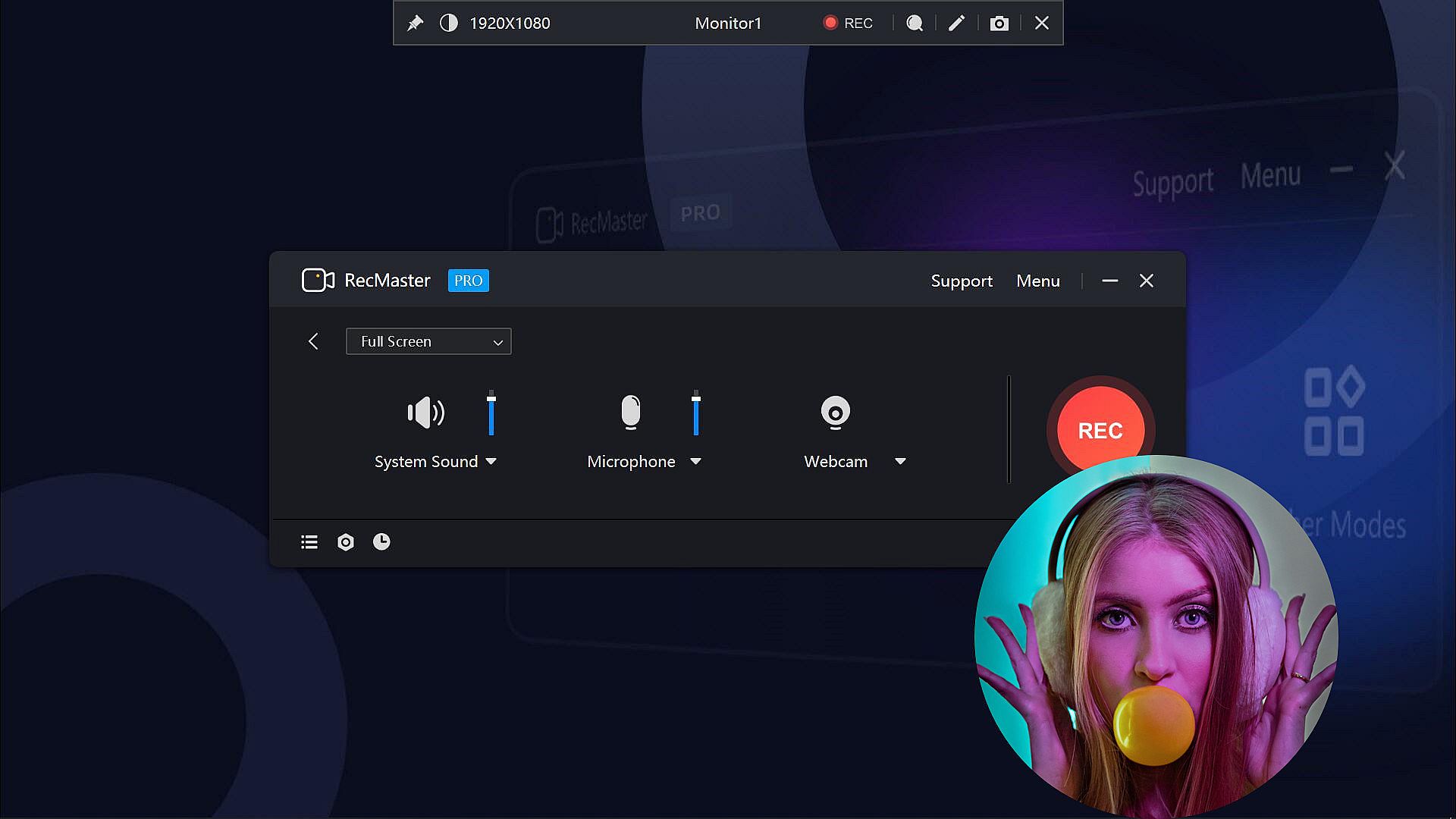
  • Capture screen videos with or without system audio, microphone, and camera.
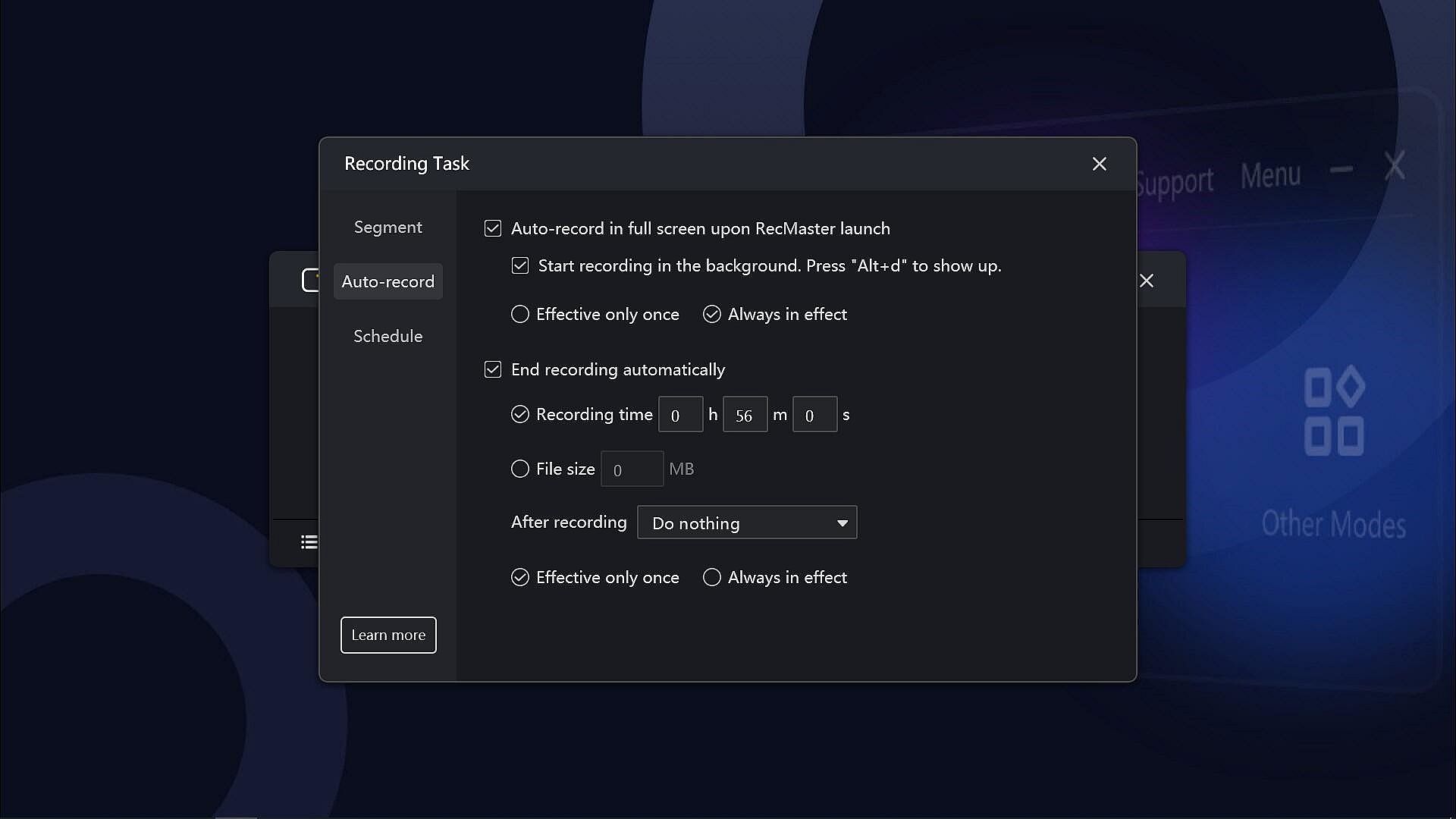
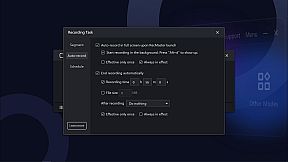
  • Auto-recording Tasks to set recordings to start and/or end automatically and save in segments.
  • Record Games with FPS benchmarks (the FPS won’t be recorded in the video)
  • Output video formats: mp4, avi, flv, and gif; video parameter settings: quality, frame rate (VFR/CFR), encoder (H.264/MPEG4), resolution settings (up to 4K).
  • Output audio formats: mp3; audio parameter settings: sample rate, bit rate settings.
  • Microphone gain, system sound gain, and Mic noise reduction are available, helping get clearer audios.
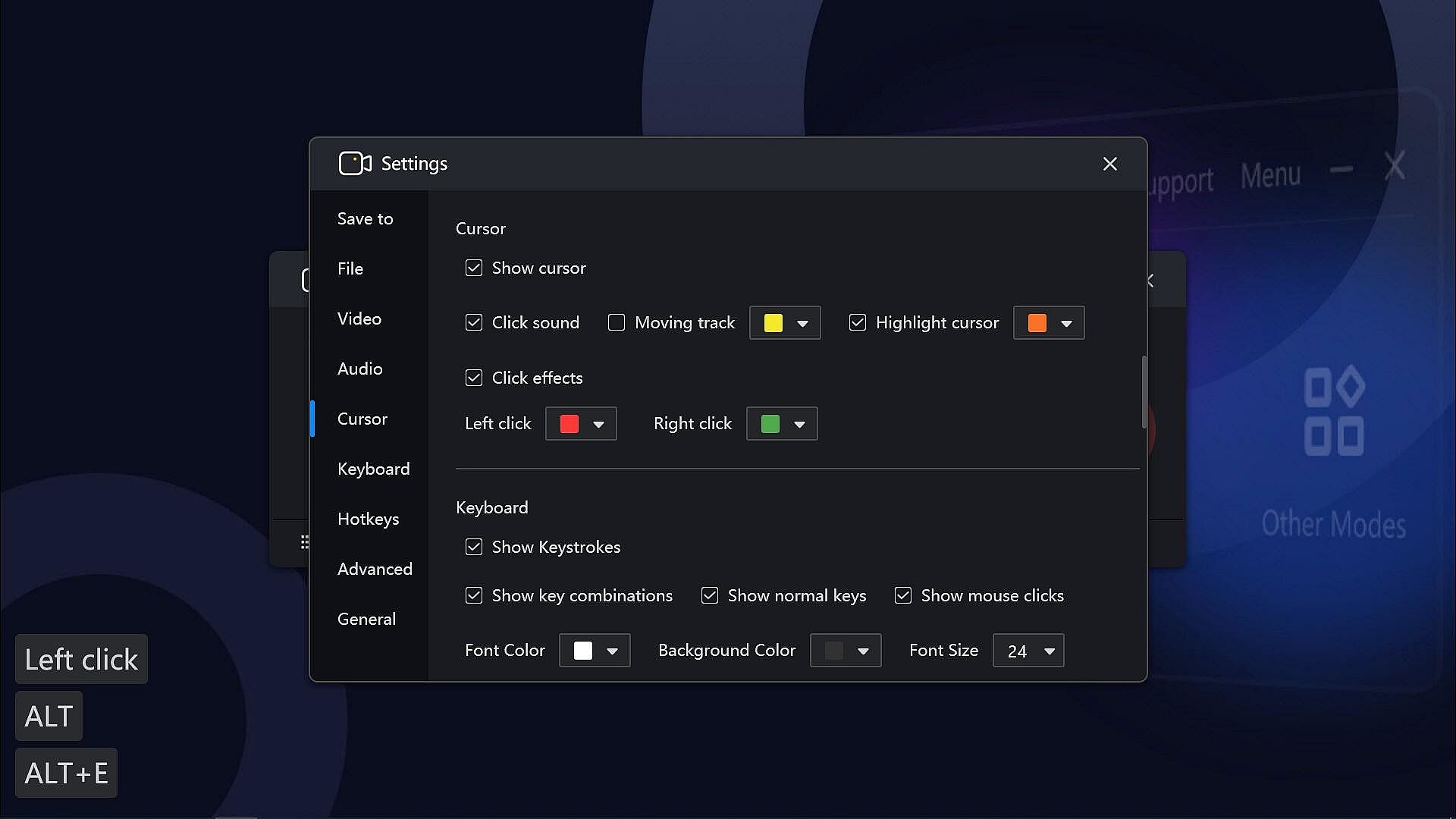
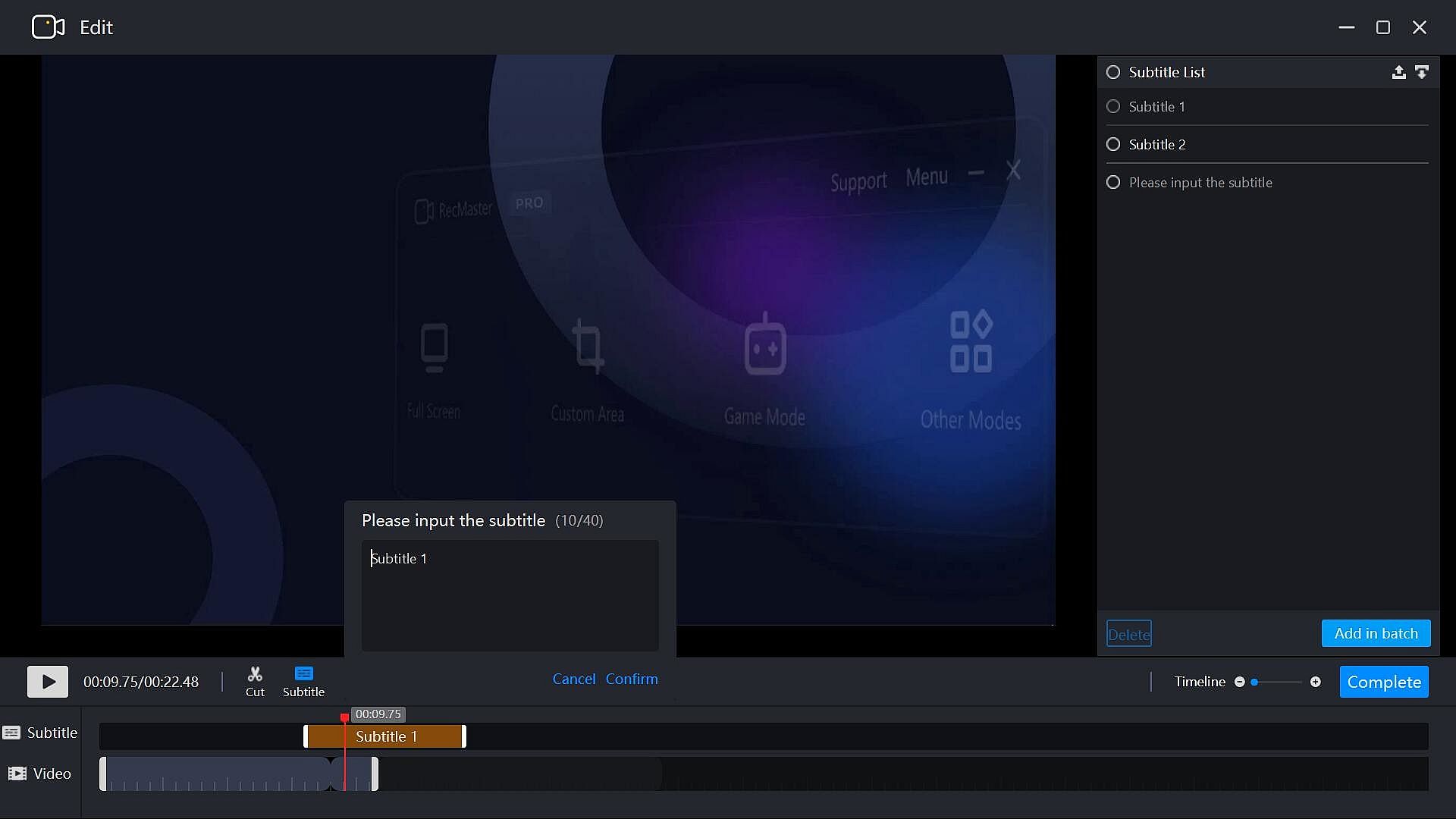
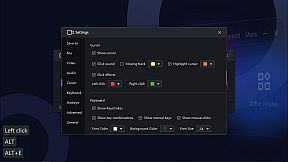
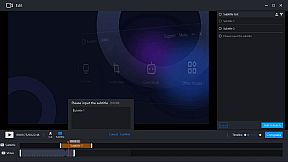
  • Useful effects to show exactly what you want: Cursor effects, keystrokes, paintbrush tools with markers and highlighters, etc.
  • Text/image/timestamp Watermark adding during the recording, helps you protect your copyright and make unique videos.
  • Show/hide system taskbar, provide a clean canvas while recording.
  • Hope to record in the background without showing the RecMaster interface? Enable the Boss key.
  • More useful tools on the RecMaster status bar to capture screenshots, magnify the specific areas, and more.

If you have any questions or suggestions about RecMaster Pro, please feel free to contact us. We will do our best to provide you with the best experience with RecMaster Pro.
Interfaccia:
EnglishSimplified Chinese

Classificazione per etĂ 

Non disponibile
Steam:
Overwhelmingly Negative (9)

Minimo:

  • Sistema operativo: Vista, 7, 8, 8.1, 10, 11
  • Processore: Intel® Celeron® 2.0GHz or equivalent processor
  • Memoria: 512 MB RAM
  • Grafica: Direct3D 9.0 compatible with Pixel Shader 2.0 support
  • DirectX: Version 9.0c
  • Archiviazione: 150 MB available space
  • Note aggiuntive: Broadband Internet connection; DirectX® compatible; The 150MB Hard Disk Space is for installing the software. You need extra space to save the recorded videos.

Consigliato:

  • Sistema operativo: Vista, 7, 8, 8.1, 10, 11
  • Processore: Intel® Core™ 2 Duo 3.0GHz or equivalent processor
  • Memoria: 1 GB RAM
  • Grafica: Full Direct3D 10.0 compatible with Pixel Shader 4.0 support
  • DirectX: Version 9.0c
  • Archiviazione: 150 MB available space
  • Note aggiuntive: Broadband Internet connection; DirectX® compatible; The 150MB Hard Disk Space is for installing the software. You need extra space to save the recorded videos.
Minimo storico
Storico prezzi dei negozi ufficiali
-
-
-
Storico prezzi dei keyshop
-
-
-

FAQ

8 domande

Prima di cercare una chiave economica di RecMaster Pro - Gameplay & Screen Recorder, controlla le informazioni essenziali. Sviluppato da Suzhou Aunbox Software Co., Ltd.. Pubblicato da Suzhou Aunbox Software Co., Ltd.. Data di uscita su PC: 17 mar 2022. Generi: Utilities, Audio Production, Video Production, Education, Web Publishing, Software Training.

Q

Dove comprare una chiave Steam di RecMaster Pro - Gameplay & Screen Recorder a poco?

Al momento non ci sono offerte attive per RecMaster Pro - Gameplay & Screen Recorder. Imposta un avviso di prezzo su XD.deals e ti avviseremo non appena sarĂ  disponibile un'offerta.

Non abbiamo un prezzo attuale dello Steam Store per RecMaster Pro - Gameplay & Screen Recorder. Il gioco potrebbe essere temporaneamente non disponibile o non ancora presente su Steam.

Il nostro tracker dei prezzi copre sia i rivenditori ufficiali che i marketplace di chiavi, così puoi trovare RecMaster Pro - Gameplay & Screen Recorder in offerta anche al di fuori delle promozioni stagionali. Al momento rileviamo 0 offerte attive da store ufficiali e keyshop. Controlla la tabella qui sopra, confronta con il minimo storico e imposta un avviso per non perdere il prossimo calo di prezzo.

Secondo i nostri dati, RecMaster Pro - Gameplay & Screen Recorder non è attualmente disponibile su GeForce NOW. Dovrai eseguirlo localmente sul tuo PC. Sfoglia i giochi disponibili su GeForce NOW.

Sì. RecMaster Pro - Gameplay & Screen Recorder ha una pagina ufficiale su Steam, ma al momento non tracciamo offerte di terze parti con DRM Steam. Ricontrolla più tardi o imposta un avviso di prezzo.

Non al momento. Valve classifica RecMaster Pro - Gameplay & Screen Recorder come non supportato su Steam Deck. Tieni d'occhio XD.deals - tracciamo gli aggiornamenti di Proton e le soluzioni della community. Sfoglia i giochi Steam Deck Verified o Steam Deck Playable.

RecMaster Pro - Gameplay & Screen Recorder non sembra essere disponibile su PC Game Pass, EA Play, Ubisoft+ o altri servizi in abbonamento per PC al momento. L'unica opzione è acquistare il gioco - usa XD.deals per trovare il prezzo migliore.

No - XD.deals non è un negozio. Siamo un comparatore di prezzi che traccia le migliori offerte per RecMaster Pro - Gameplay & Screen Recorder tra store ufficiali e keyshop verificati. Clicca "Vai al negozio" accanto a qualsiasi offerta e verrai reindirizzato al sito del rivenditore per completare l'acquisto.

Vuoi comprare al momento migliore? Imposta un avviso di prezzo su XD.deals e ricevi una notifica quando RecMaster Pro - Gameplay & Screen Recorder raggiunge il suo prossimo minimo storico.

Crea avviso
Unisciti al nostro Discord
Ottieni aiuto immediato dalla community e resta aggiornato sulle offerte
Imposta avvisi di prezzo
Ricevi notifiche via email quando i prezzi scendono al tuo target
Crea un account gratuito
Sblocca wishlist, avvisi di prezzo e sincronizzazione Steam