

Compra Reality Mixer - Mixed Reality for VR headsets PC

Ti interessa Reality Mixer - Mixed Reality for VR headsets? Stiamo tracciando i prezzi dagli store affidabili. Aggiungi Reality Mixer - Mixed Reality for VR headsets alla wishlist e ti avviseremo quando saranno disponibili offerte.

Steam:
Mostly Positive (81)
Official
Non disponibile
Keyshops
Non disponibile
Compra nello store ufficiale:
Non disponibile
Compra nei keyshop:
Non disponibile

Nessuna offerta al momento, ma non preoccuparti: ti informeremo quando ne comparirà una nuova.

Create Alert Create deal Alert

Info su Reality Mixer - Mixed Reality for VR headsets

Reality Mixer - Mixed Reality for VR headsets - info sul gioco
Reality Mixer porta oggetti del mondo reale nella vista del tuo visore VR grazie alle fotocamere integrate. Sovrappone elementi come tastiere, mouse, volanti da corsa, setup HOTAS, bevande, telefoni, o persino porte e divani a qualsiasi app o gioco VR in esecuzione. Crea "scatole di realtà" personalizzabili con opzioni di attivazione-fade-out per prossimità, angolo di sguardo con ritardo o pressione di un tasto-per visualizzare l'ambiente solo quando serve, ottimizzando le risorse. Questa utility VR include un Cockpit in mixed reality per simracing e flight sim, Floor Viewer per controllare il pavimento reale e Lap Viewer per setup seduti come Big Screen con tastiere non trackate. Tracker come Vive o Tundra si fissano alle scatole delle fotocamere per una visibilità completa dell'area di gioco, mentre Stream Deck o Touch Portal si integrano senza intoppi. Visori Quest, Pico e simili si collegano tramite passthrough di Virtual Desktop. Sim enthusiast e multitasker in VR hanno a disposizione tool pratici di mixed reality senza interrompere le sessioni.

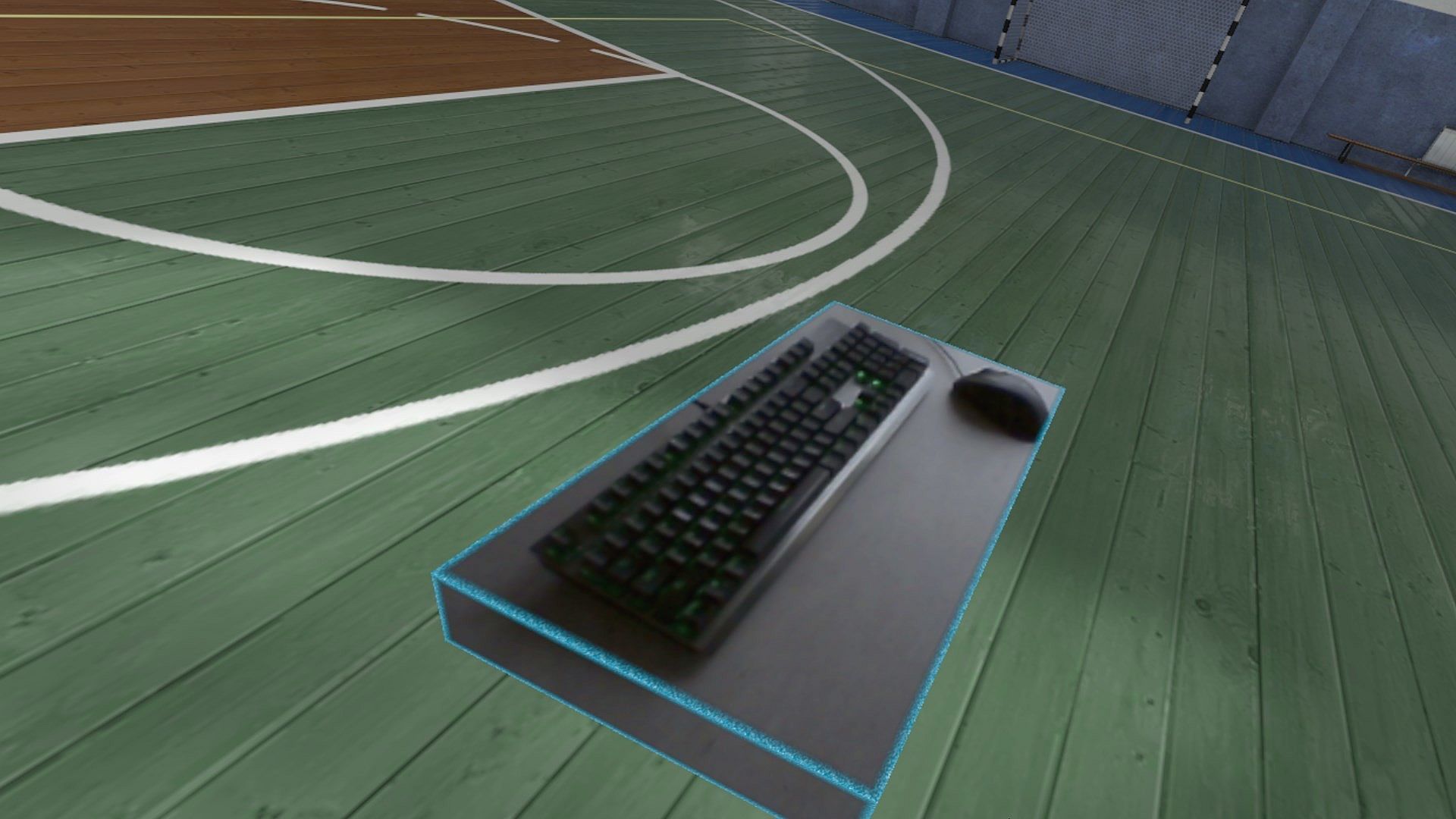
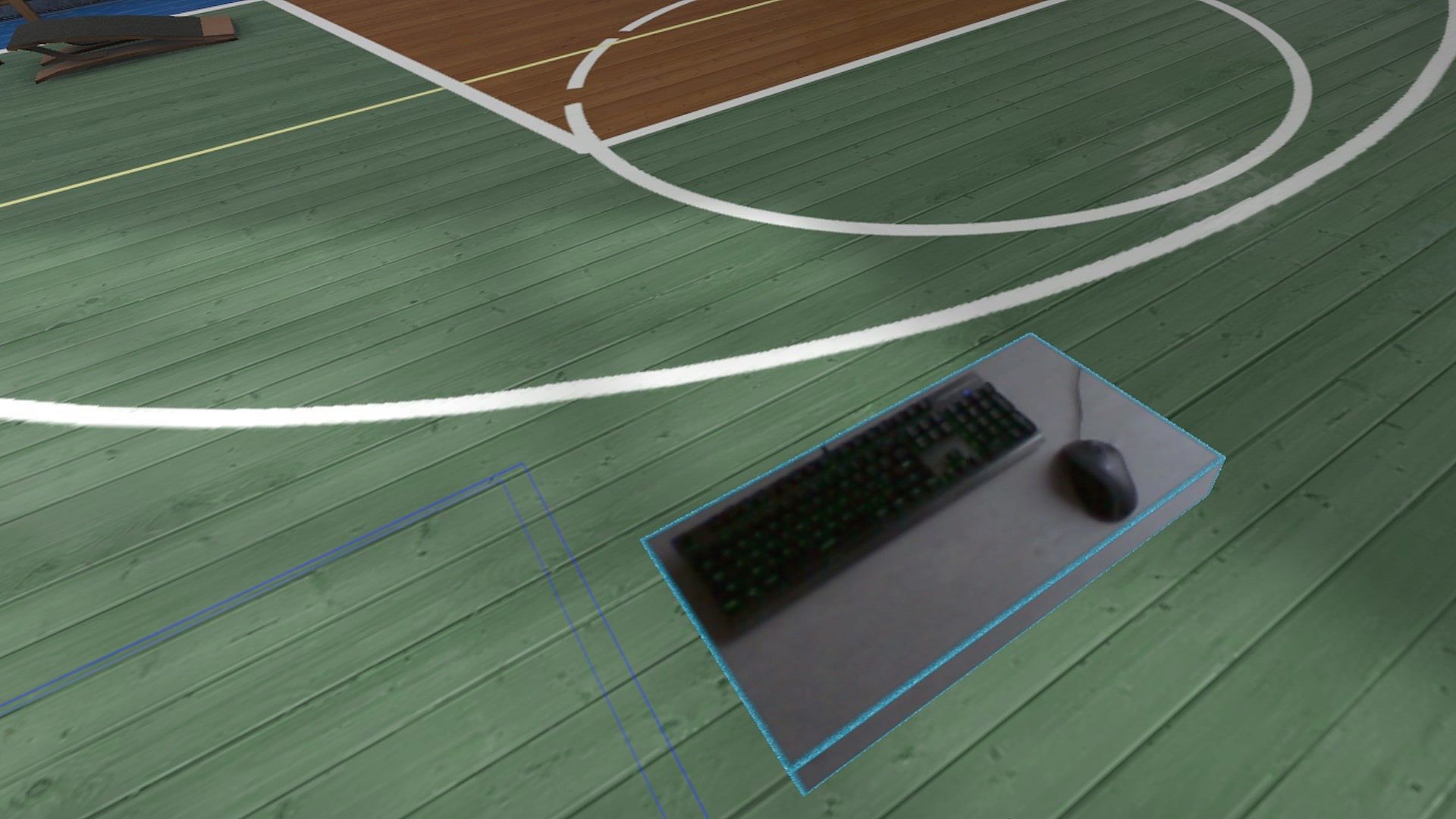
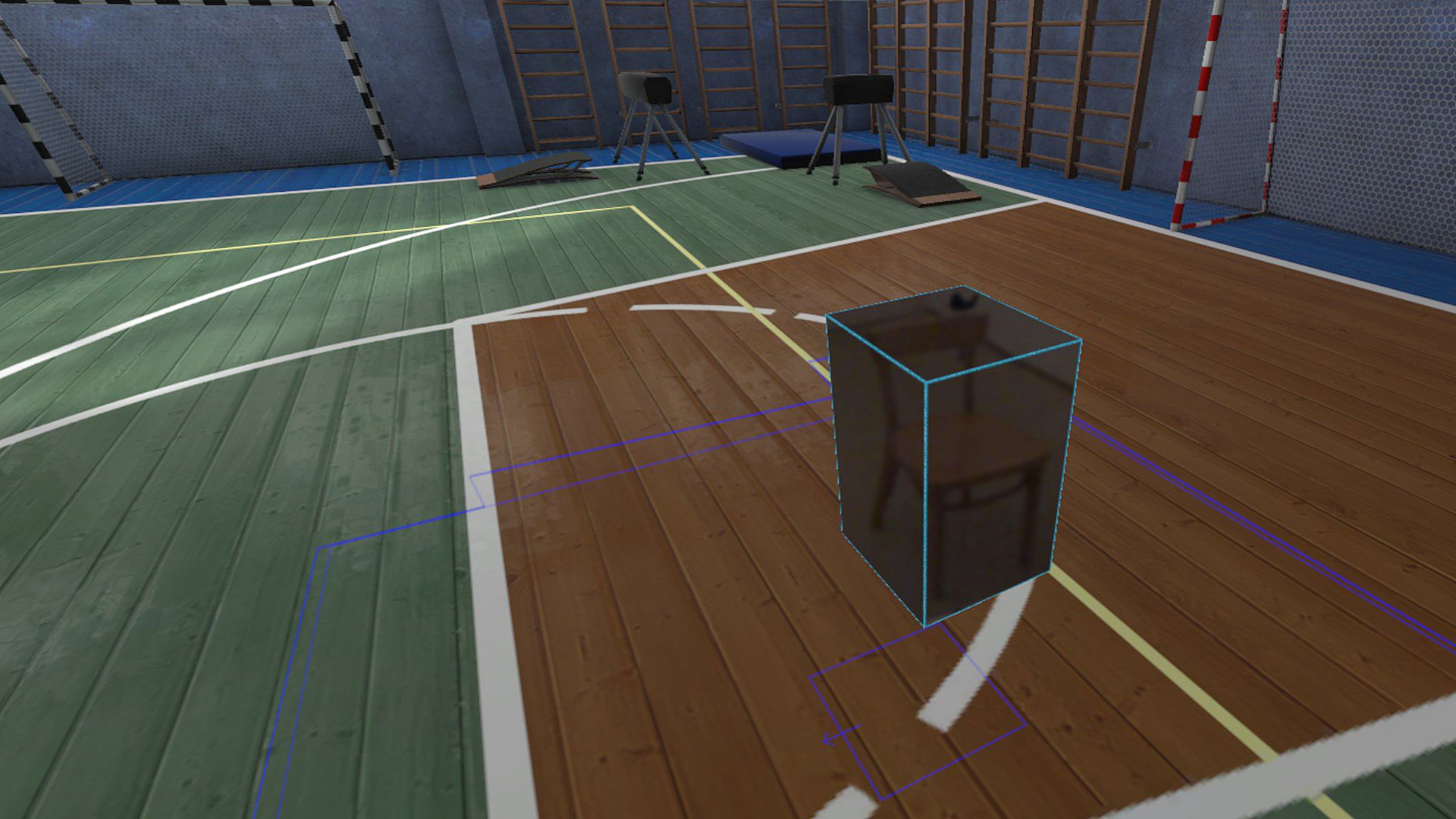
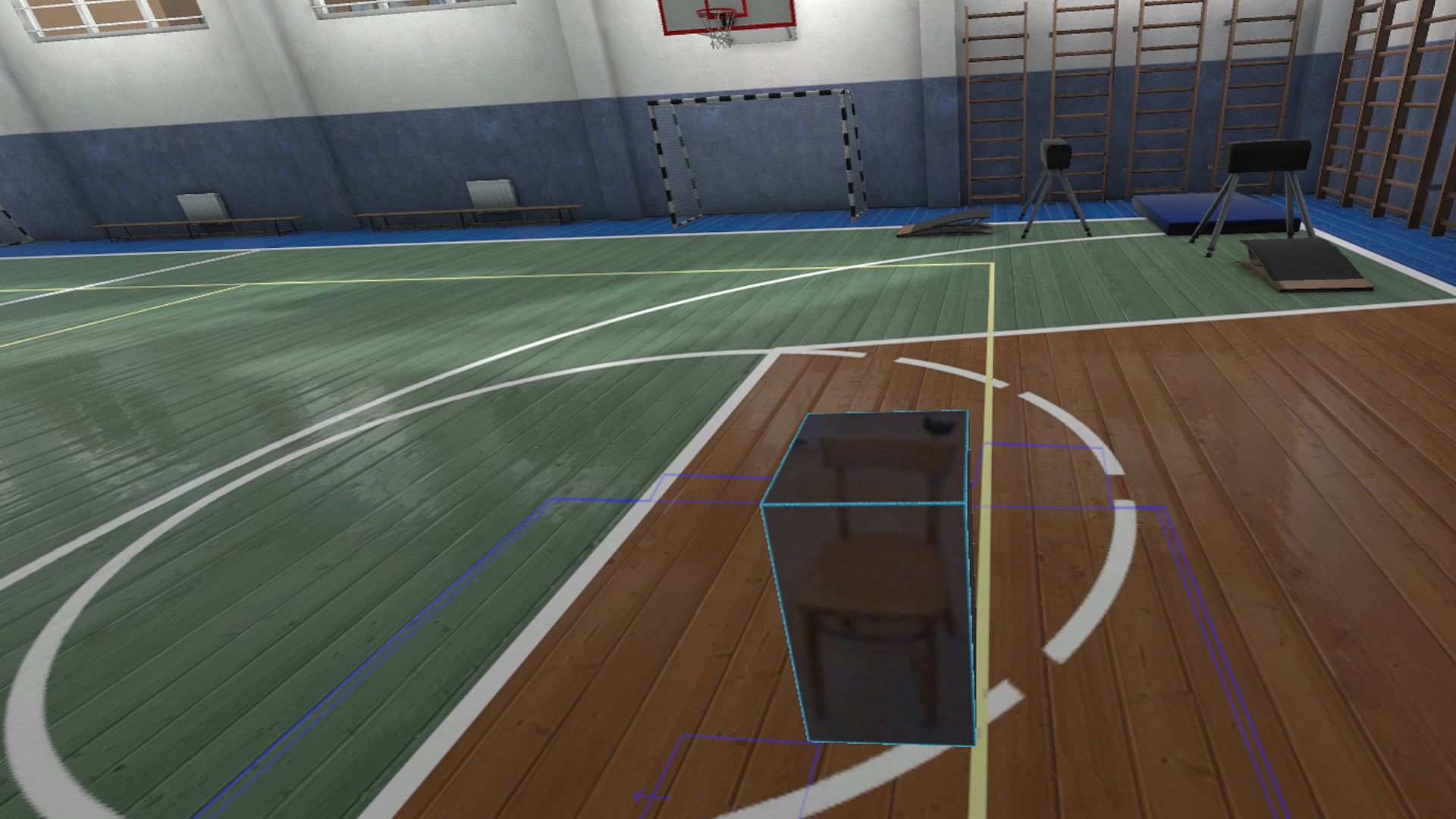
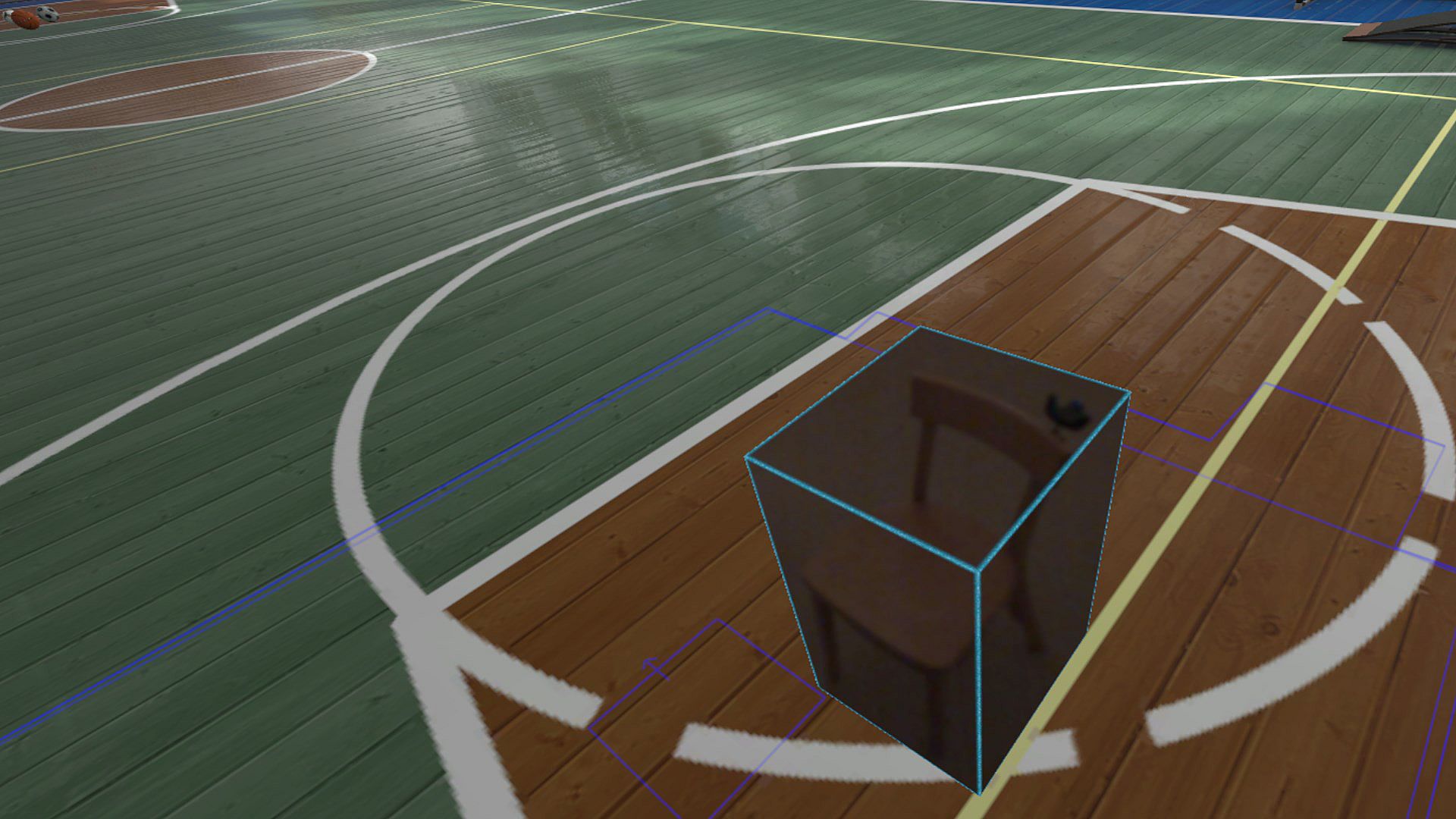
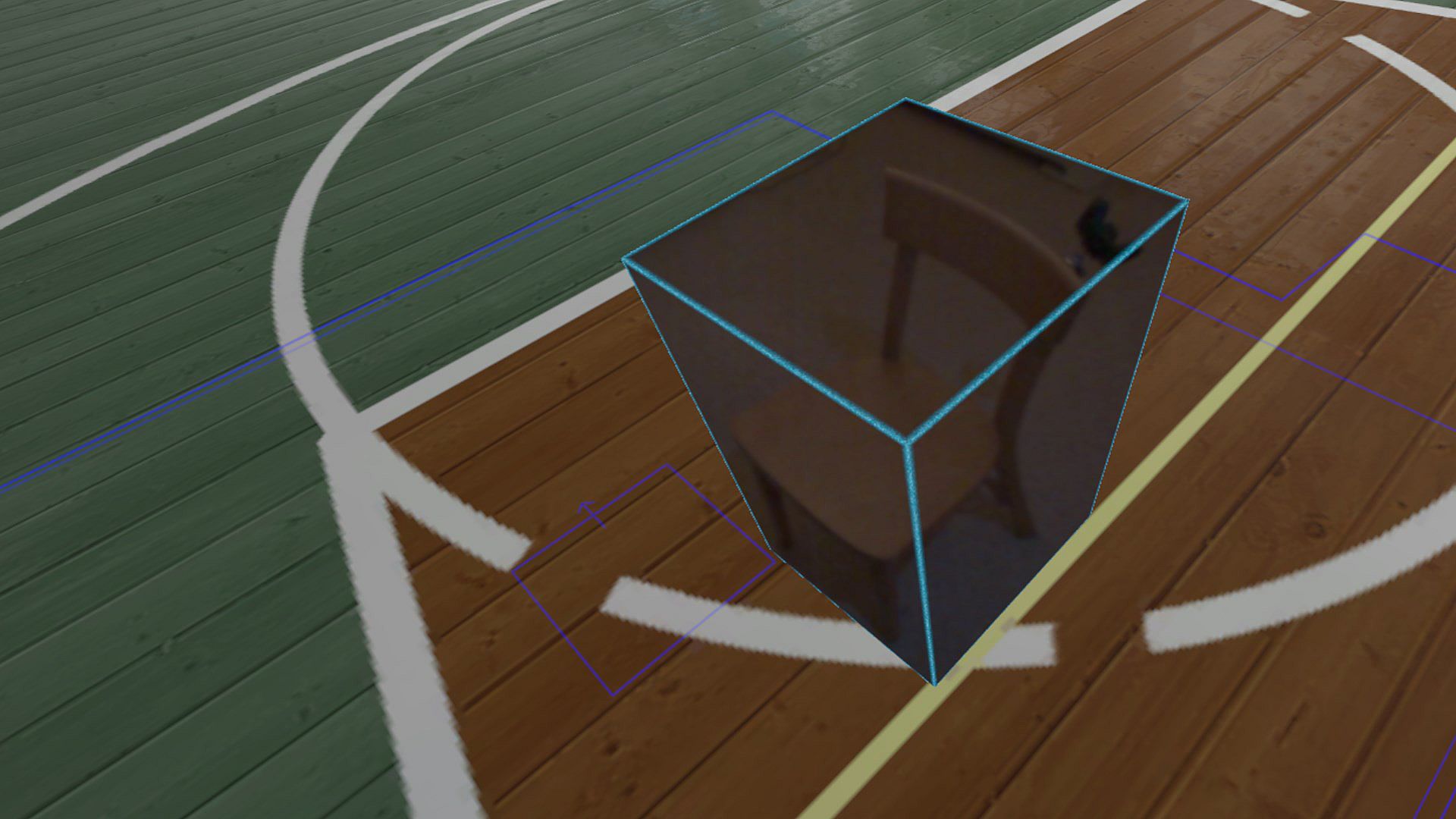
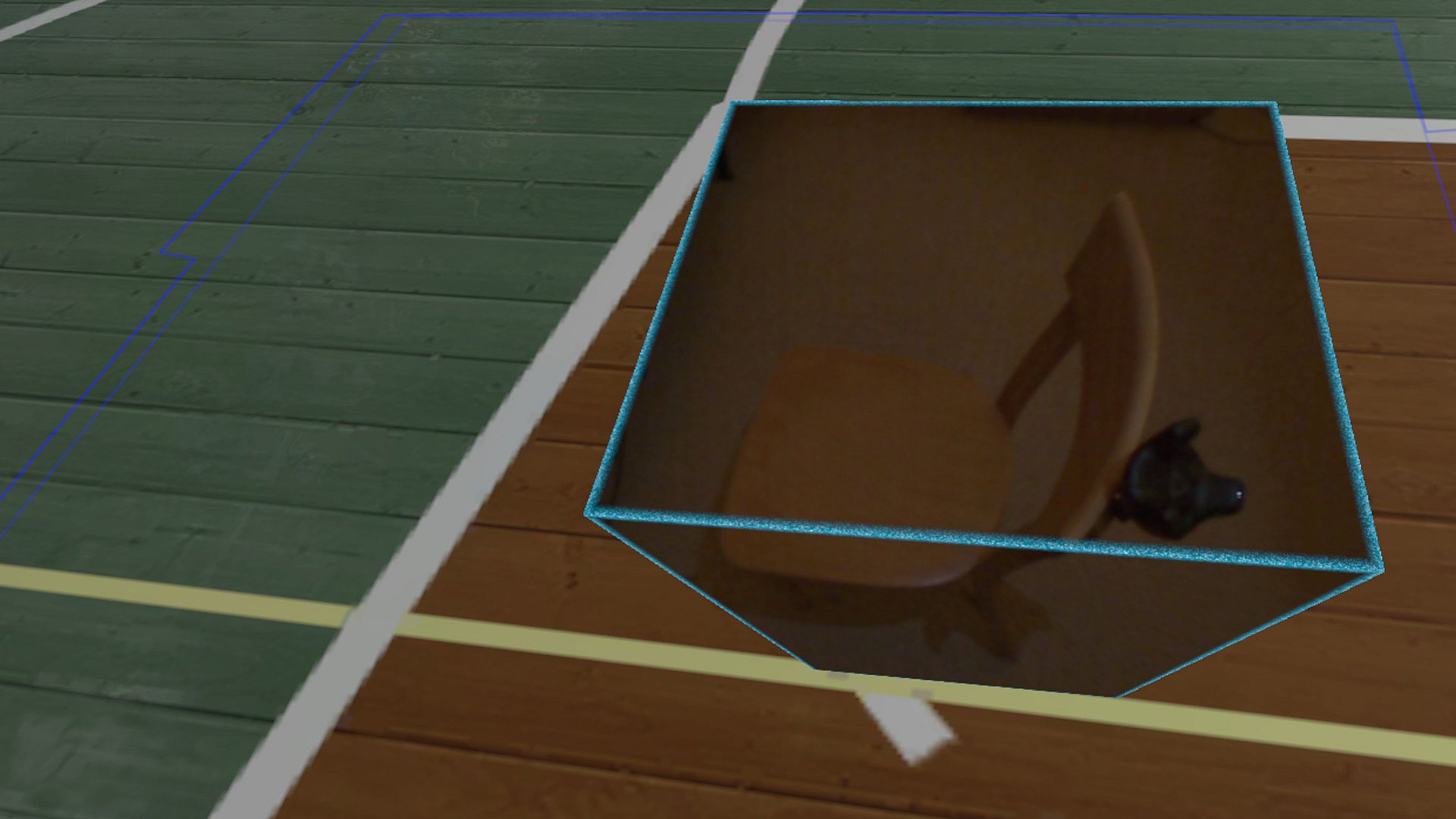
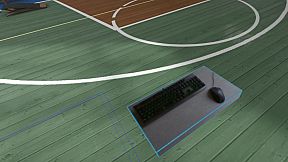
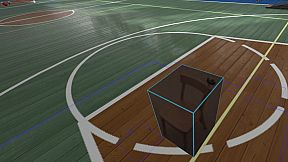
Reality Mixer lets you bring real objects into VR. It uses the cameras on the headset to show a real object and its surroundings in the current VR environment. It can be used at the same time as other VR software and games.

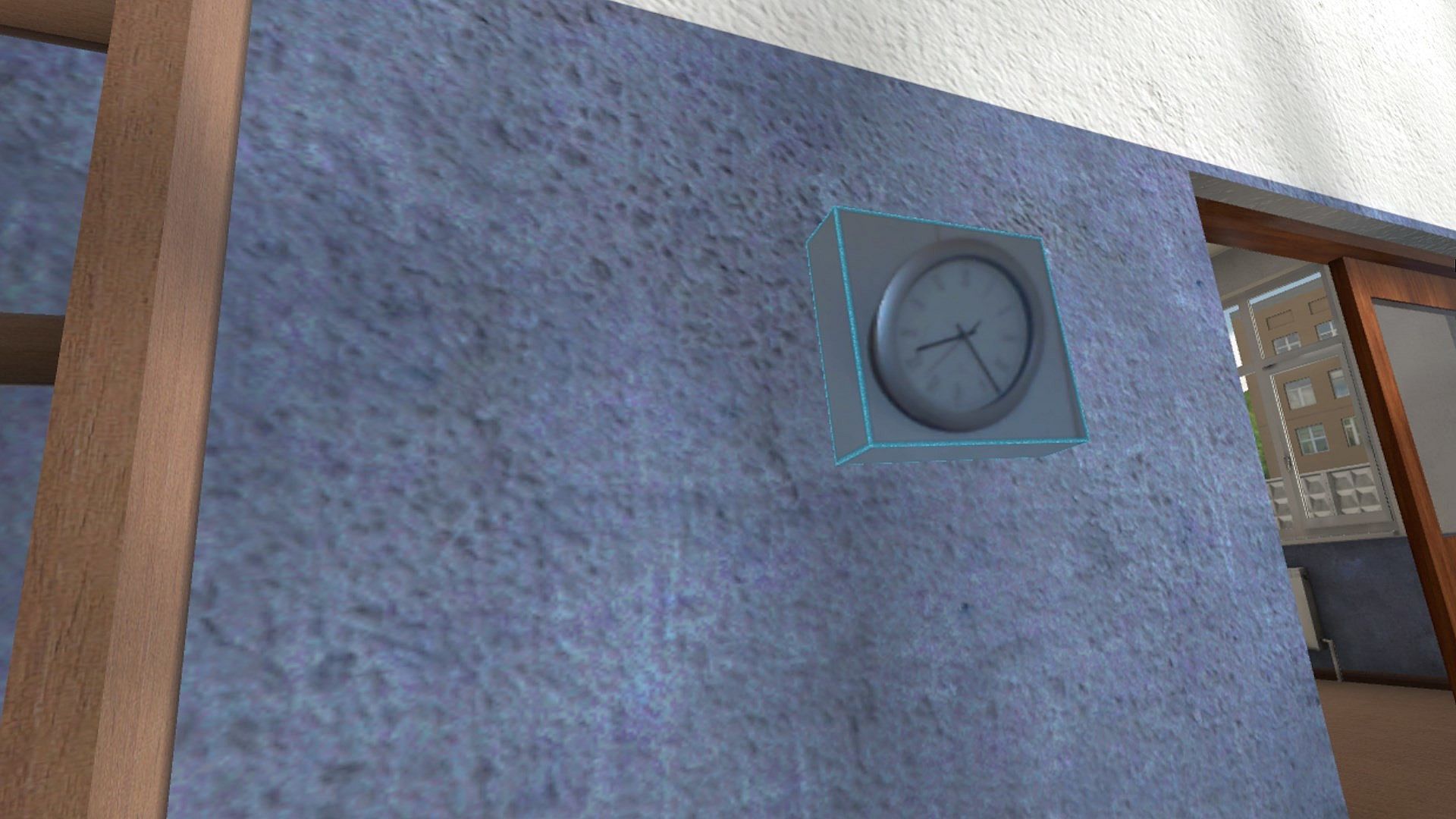
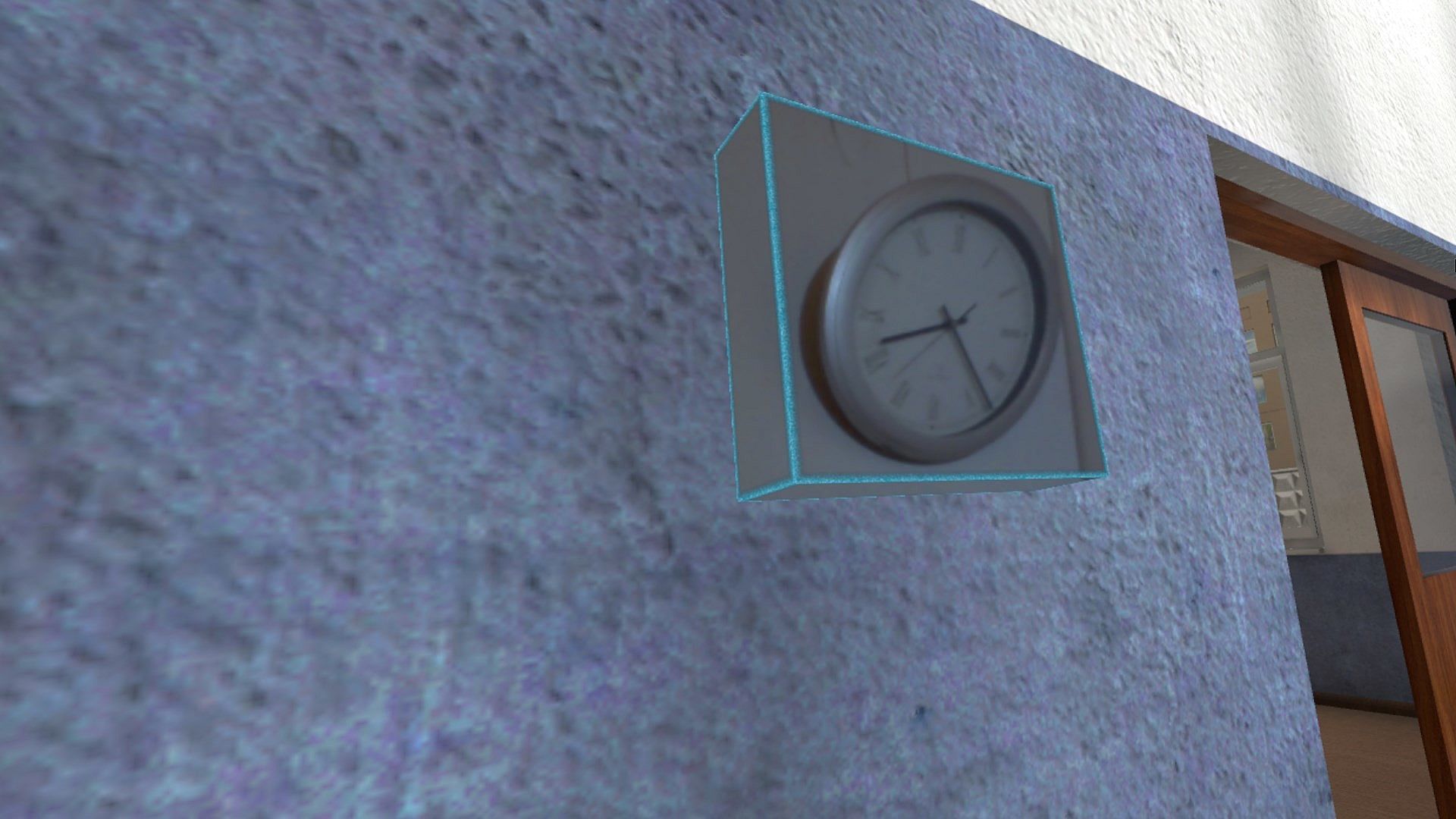
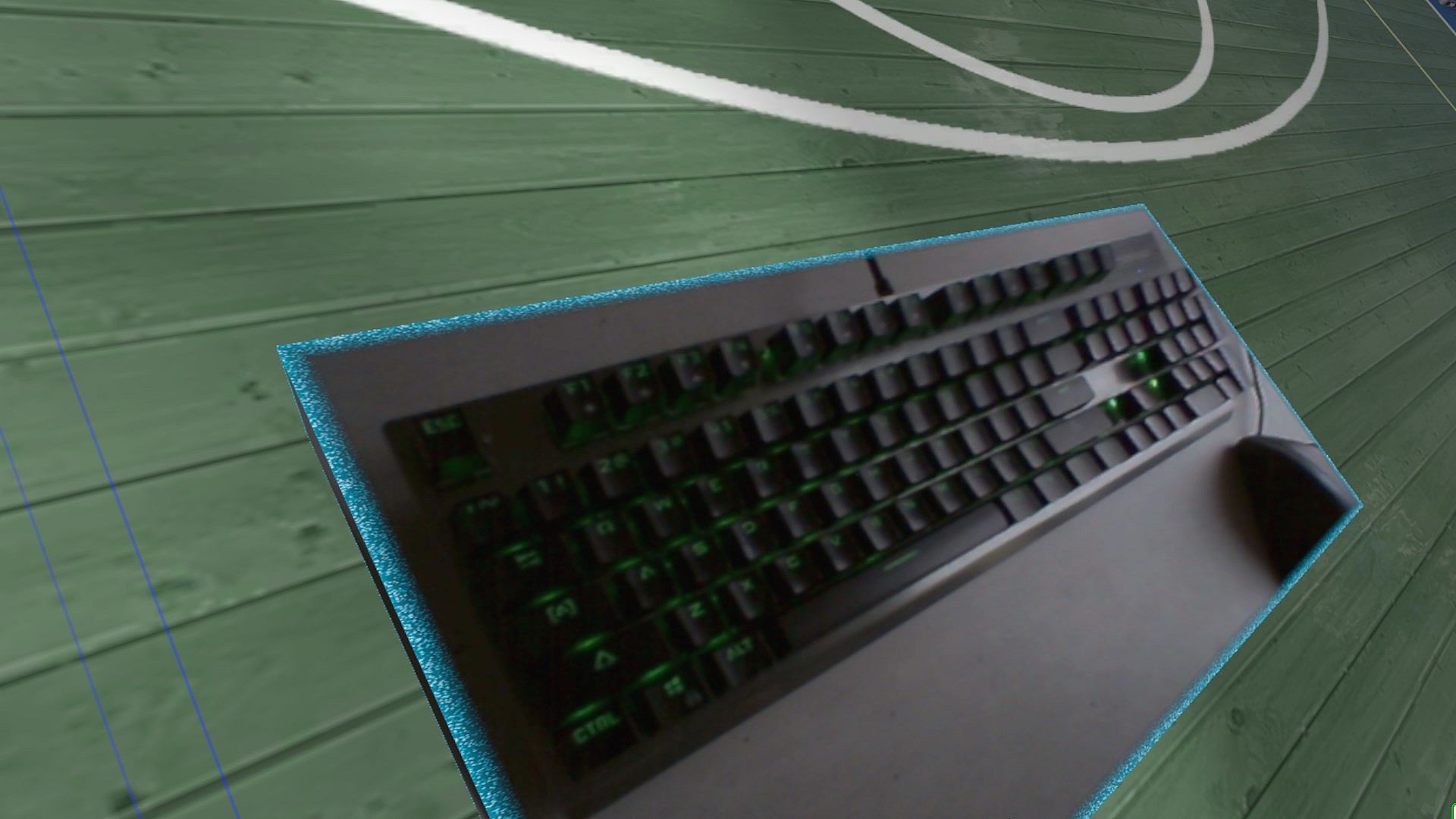
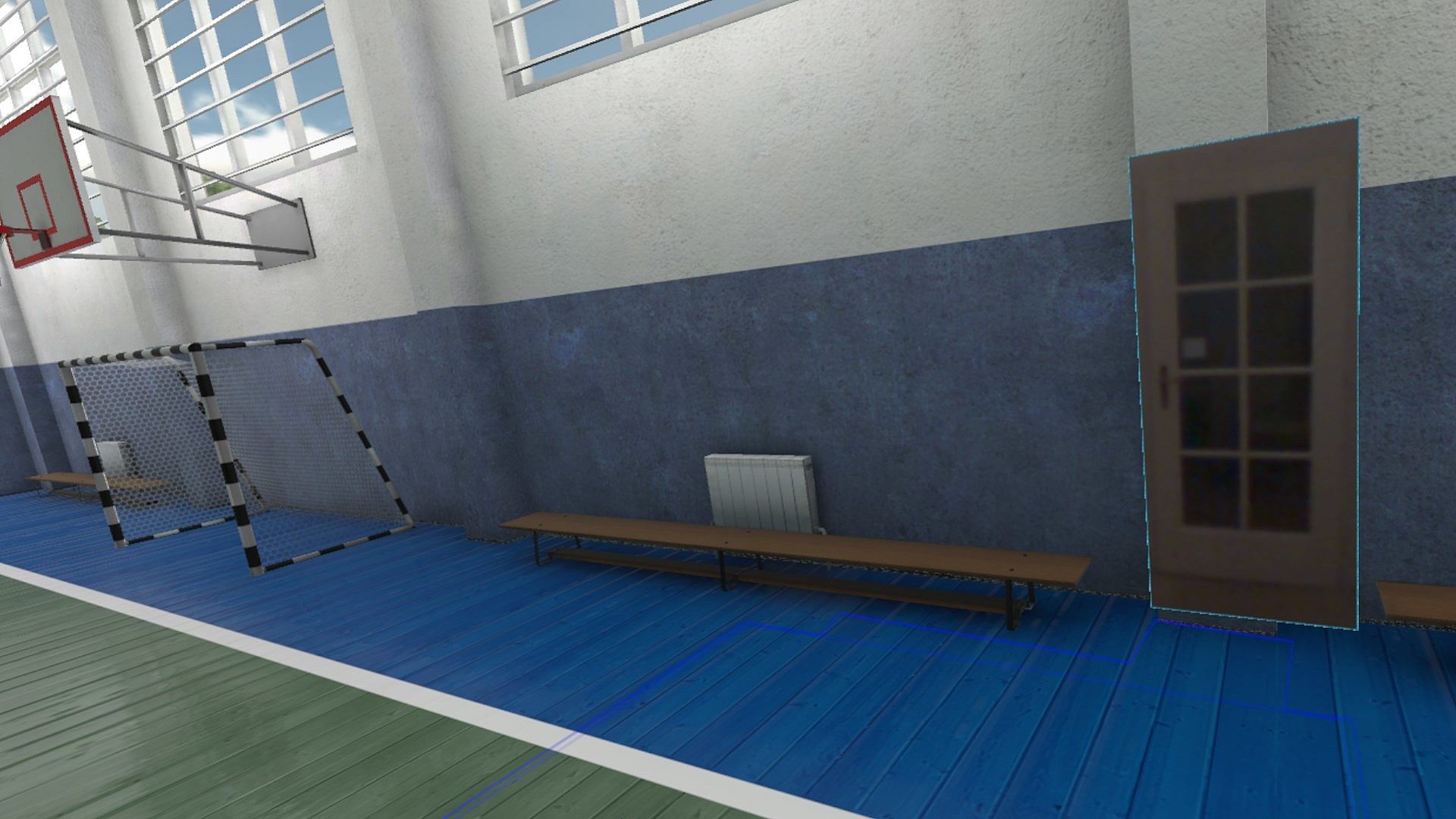
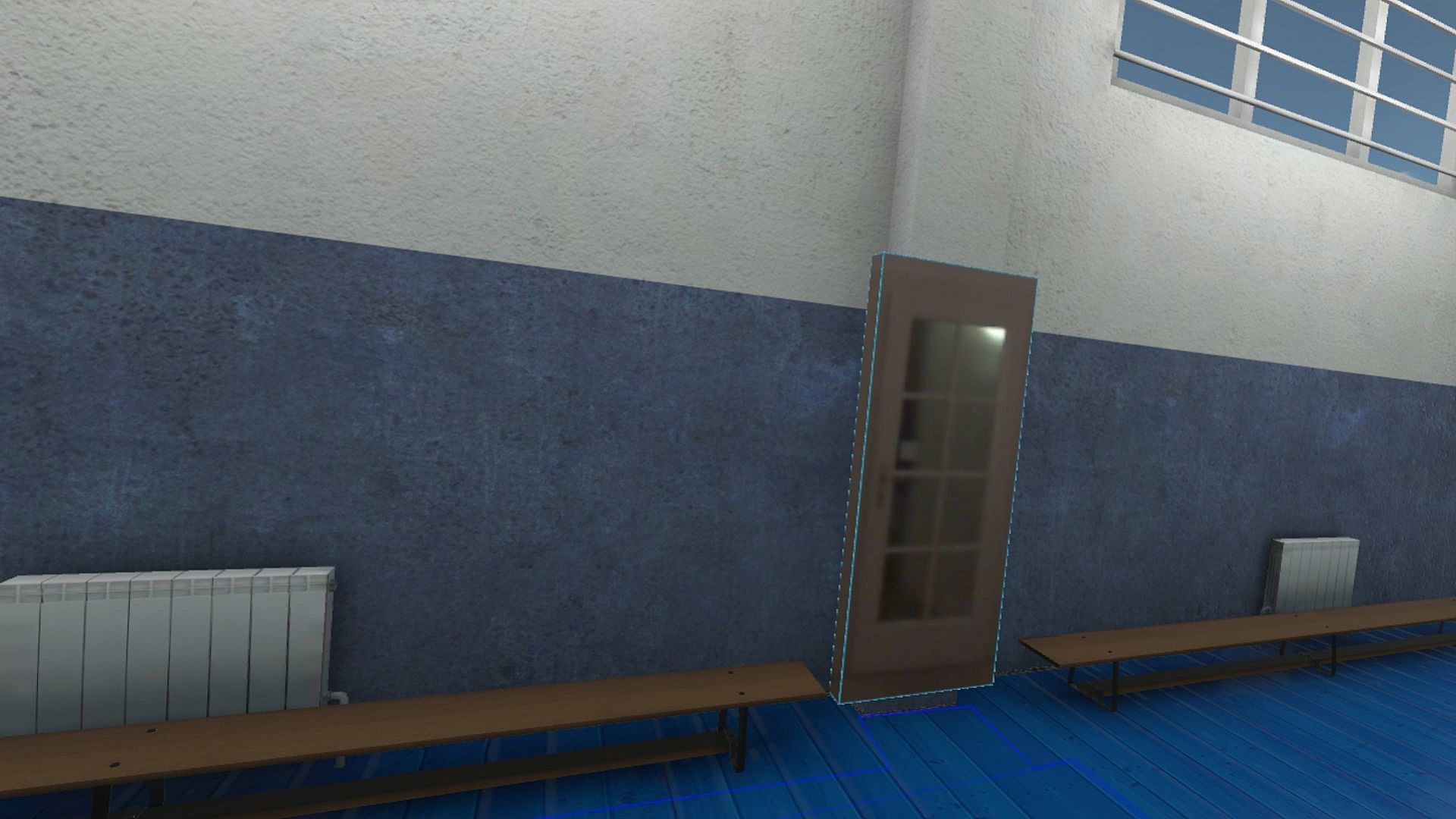
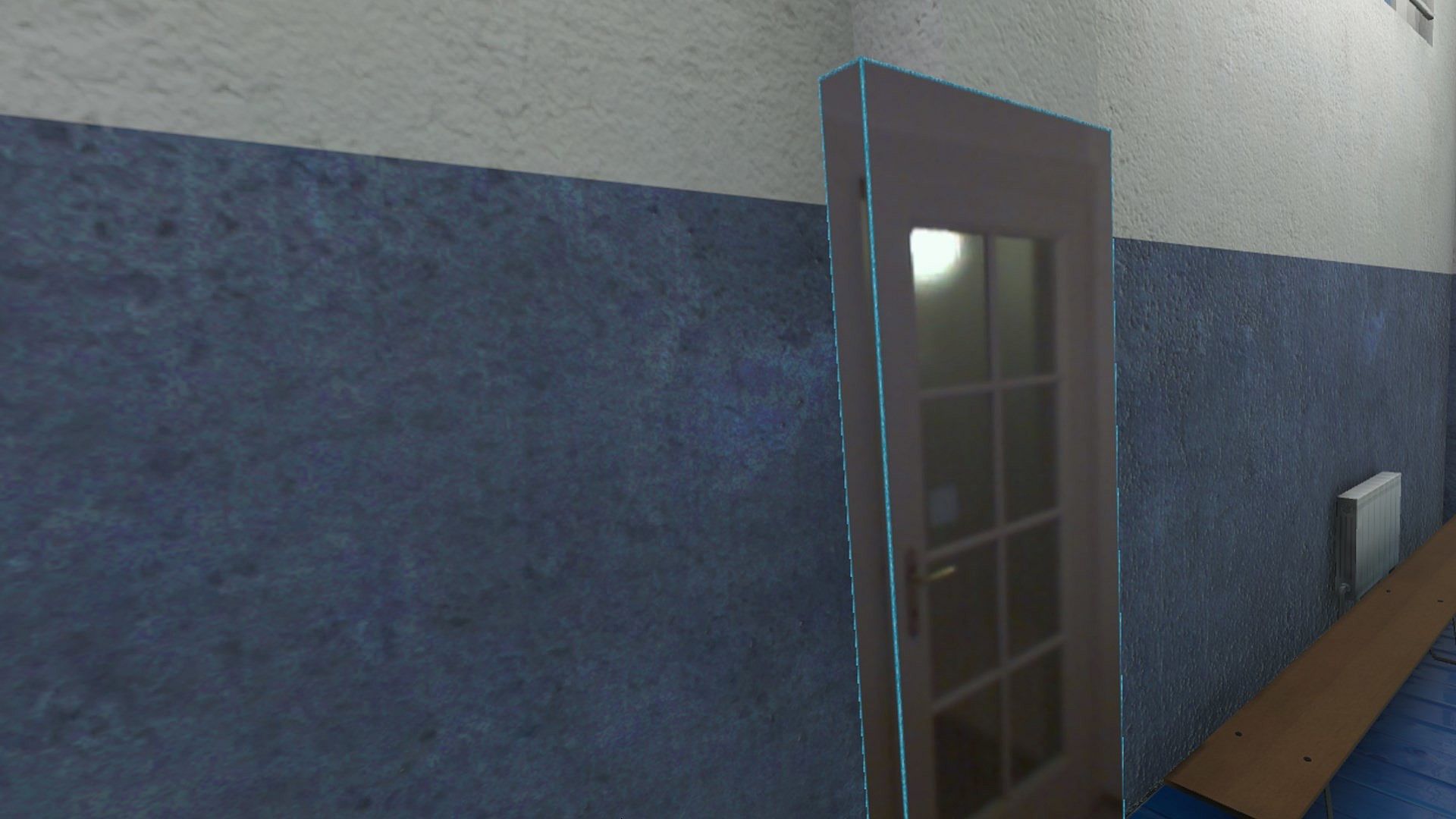
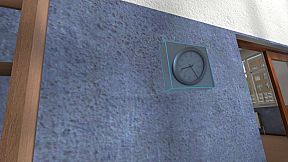
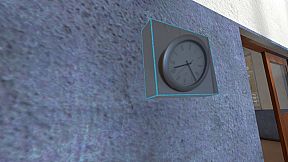
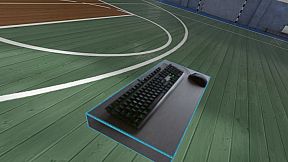
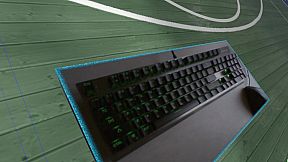
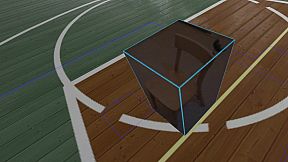
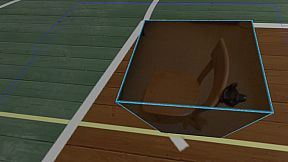
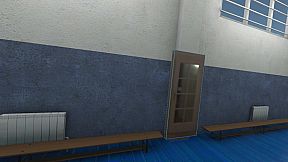
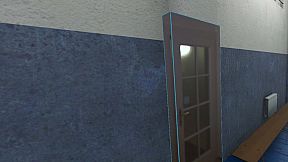
Think of objects like keyboard & mouse, a racing wheel, HOTAS, a clock on the wall, a drink on your desk, a phone, a tablet, a chair, etc. Also larger real objects can be used. Like the door to your room, so you can see who comes in, or the couch with your friends.

Bringing real objects into a virtual environment is known as 'Augmented Virtuality'.
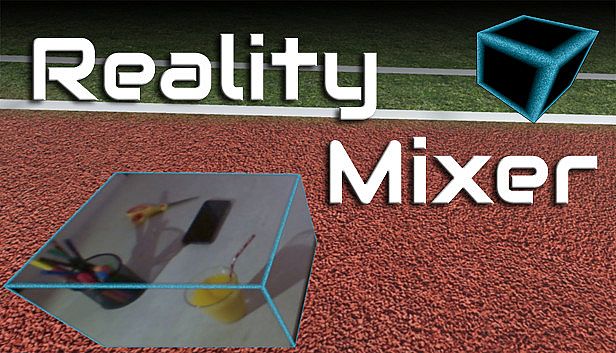
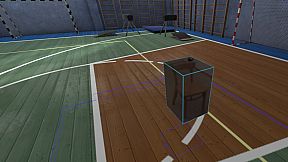
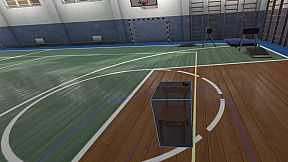
Reality Mixer creates 'boxes of reality' which are shown in VR.
Apart from these 'camera boxes' the app also provides a mixed reality Cockpit for use with simracing and flight simulators, a Floor Viewer to quickly see the real floor around your feet and a Lap Viewer for use with seated experiences such as Big Screen. Lap Viewer can be used for quick glances at a normal (untracked) keyboard on your lap.

If you have a Vive or Tundra Tracker, you can attach a camera box to it so the tracked object will be visible wherever it is in your play area.

The real objects (and their immediate surroundings) don't have to be visible all the time. There are three activation methods:
  • Activate by Proximity: Objects (camera boxes) will fade out when you are too far away. This fade out distance can be set by yourself.
  • Activate by Gaze Angle: Look straight at a camera box to make it visible. Use this activation method with seated games where you have things on a table next to your seat. The activation angle and optional activation delay can be configured. Using an activation delay means you have to look at the object for a second before it starts to show itself, to prevent accidental activation. Floor Viewer and Lap Viewer both use Gaze Angle Activation by default, but can also use Proximity or ButtonPress activation.
  • Activate by Button Press: Press a keyboard, mouse, gamepad, HOTAS or racing wheel button to turn on/off a camera box.
When an object is not visible, it will not use any resources.

If you have an Elgato Stream Deck, or if you use Touch Portal on your phone or tablet, you can use it in VR with Reality Mixer.

Chroma keying (green screen) makes the background of the objects transparent so the VR world shows through. This can be useful for objects such as a racing wheel and HOTAS.
Instructions
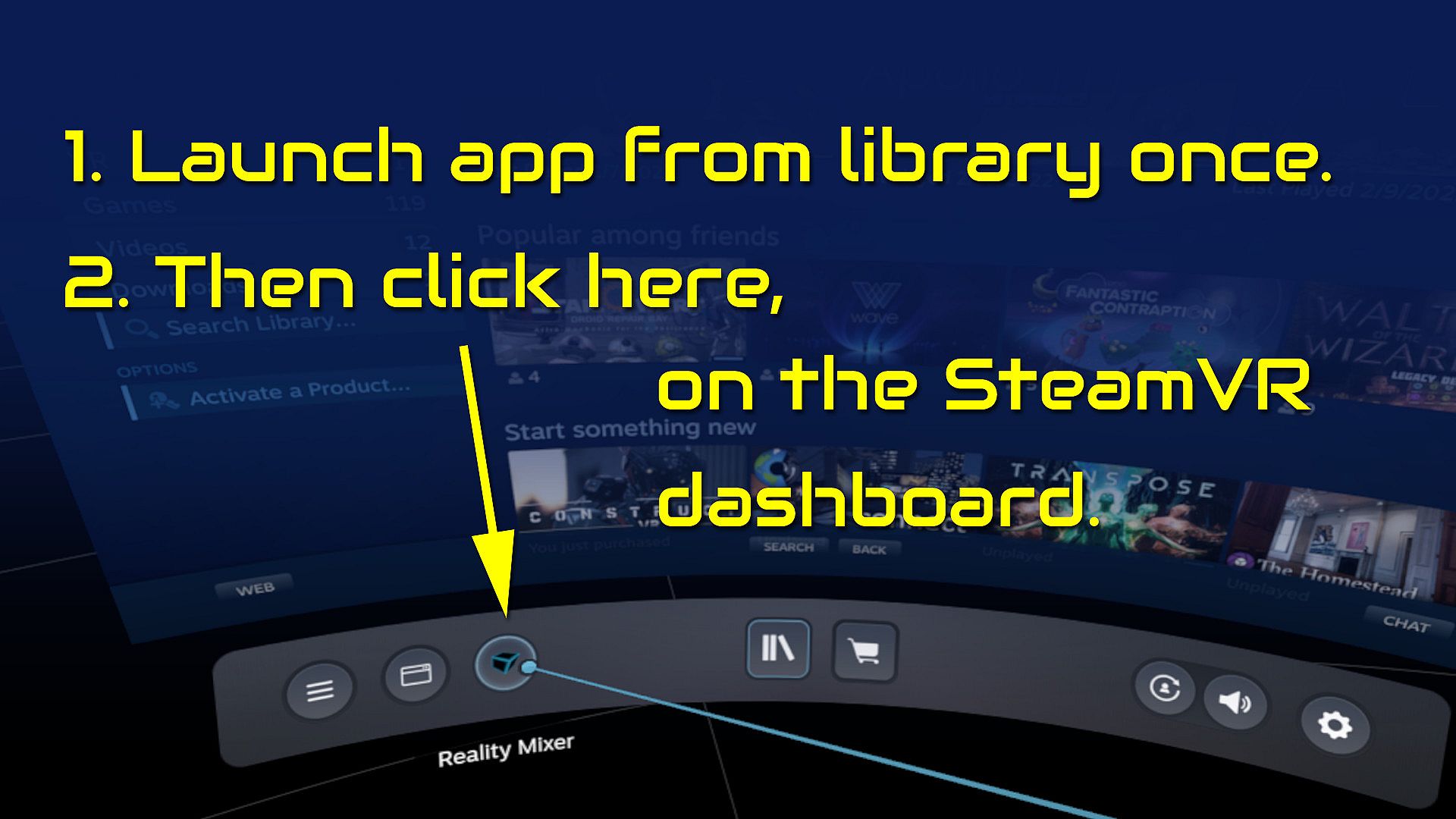
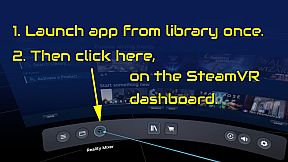
  • Start the app once from your Steam Library. It will auto-launch with SteamVR next time.
  • Open the SteamVR dashboard.
  • Click the icon for the Reality Mixer app. See image below.
  • Follow instructions on screen.
  • If you use it on a Quest, Pico or Vive XR Elite, you need to turn on passthrough in the Virtual Desktop app on your Quest/Pico/Vive XRE.
Compatibility
Reality Mixer is currently compatible with the VR headsets listed here.
  • Valve Index
  • Meta Quest 2 and 3, when used in combination with the Virtual Desktop app on the Quest
  • HP G2 (v1 and v2)
  • all first generation Windows Mixed Reality (WMR) headsets
  • HTC Vive (the original Vive)
  • HTC Vive Pro (version 1 and 2)
  • HTC Vive XR Elite, when used in combination with the Virtual Desktop app on the XR Elite
  • Pico 4, when used in combination with the Virtual Desktop app on the Pico 4
Extra features in development
  • External (USB) camera support
  • ChromaKey updates
  • Extra activation options
  • Circular passthrough shape

If you want to keep an eye on new features, switch to the beta branch of the app in your Steam Library. This is free, no code needed.

Interfaccia:
English

Classificazione per età

Non disponibile
Steam:
Mostly Positive (81)

Minimo:

  • Processore: Intel Core i5-4590 / AMD FX 8350
  • Memoria: 4 GB RAM
  • Grafica: NVIDIA GTX 970 / AMD Radeon R9 290
  • DirectX: Version 11
  • Archiviazione: 16 MB available space

Consigliato:

  • Processore: Intel Core i5-4590 / AMD FX 8350 or better
  • Memoria: 4 GB RAM
  • Grafica: NVIDIA GTX 970 / AMD Radeon R9 290 or better
  • DirectX: Version 11
  • Archiviazione: 16 MB available space
Minimo storico
Storico prezzi dei negozi ufficiali
-
-
-
Storico prezzi dei keyshop
-
-
-

FAQ

8 domande

Prima di cercare una chiave economica di Reality Mixer - Mixed Reality for VR headsets, controlla le informazioni essenziali. Sviluppato da Reality Inside Ltd.. Pubblicato da Reality Inside Ltd.. Data di uscita su PC: 01 feb 2024. Generi: Utilities. Categorie: Tracked Controller Support, VR Only.

Q

Dove comprare una chiave Steam di Reality Mixer - Mixed Reality for VR headsets a poco?

Al momento non ci sono offerte attive per Reality Mixer - Mixed Reality for VR headsets. Imposta un avviso di prezzo su XD.deals e ti avviseremo non appena sarà disponibile un'offerta.

Non abbiamo un prezzo attuale dello Steam Store per Reality Mixer - Mixed Reality for VR headsets. Il gioco potrebbe essere temporaneamente non disponibile o non ancora presente su Steam.

Il nostro tracker dei prezzi copre sia i rivenditori ufficiali che i marketplace di chiavi, così puoi trovare Reality Mixer - Mixed Reality for VR headsets in offerta anche al di fuori delle promozioni stagionali. Al momento rileviamo 0 offerte attive da store ufficiali e keyshop. Controlla la tabella qui sopra, confronta con il minimo storico e imposta un avviso per non perdere il prossimo calo di prezzo.

Secondo i nostri dati, Reality Mixer - Mixed Reality for VR headsets non è attualmente disponibile su GeForce NOW. Dovrai eseguirlo localmente sul tuo PC. Sfoglia i giochi disponibili su GeForce NOW.

. Reality Mixer - Mixed Reality for VR headsets ha una pagina ufficiale su Steam, ma al momento non tracciamo offerte di terze parti con DRM Steam. Ricontrolla più tardi o imposta un avviso di prezzo.

. Reality Mixer - Mixed Reality for VR headsets è verificato per Steam Deck - si avvia senza configurazione, mostra i tasti corretti del controller e funziona in modo stabile. Reality Mixer - Mixed Reality for VR headsets funziona perfettamente su Steam Deck.

Reality Mixer - Mixed Reality for VR headsets non sembra essere disponibile su PC Game Pass, EA Play, Ubisoft+ o altri servizi in abbonamento per PC al momento. L'unica opzione è acquistare il gioco - usa XD.deals per trovare il prezzo migliore.

No - XD.deals non è un negozio. Siamo un comparatore di prezzi che traccia le migliori offerte per Reality Mixer - Mixed Reality for VR headsets tra store ufficiali e keyshop verificati. Clicca "Vai al negozio" accanto a qualsiasi offerta e verrai reindirizzato al sito del rivenditore per completare l'acquisto.

Vuoi comprare al momento migliore? Imposta un avviso di prezzo su XD.deals e ricevi una notifica quando Reality Mixer - Mixed Reality for VR headsets raggiunge il suo prossimo minimo storico.

Crea avviso
Unisciti al nostro Discord
Ottieni aiuto immediato dalla community e resta aggiornato sulle offerte
Imposta avvisi di prezzo
Ricevi notifiche via email quando i prezzi scendono al tuo target
Crea un account gratuito
Sblocca wishlist, avvisi di prezzo e sincronizzazione Steam