
Acquista Planet X3 (DOS) PC PC Key

Dove comprare la chiave Steam Planet X3 (DOS) {6} più economica? Confronta i prezzi da 1 store e scegli la soluzione migliore tra 1 offerte su XD.deals. Al momento il prezzo {6} più basso per Planet X3 (DOS) nei keyshop è su 9,75 € (0% di sconto).

Steam:
Overwhelmingly Negative (5)
Keyshops
Non disponibile
Compra nello store ufficiale:
9,75 €
Compra nei keyshop:
Vedi storico prezzi

Store ufficiali (1)

DRM:
Steam
Steam
Steam
Planet X3 (DOS)
Windows
+1
1a fa
DRM:
Steam
Steam
9,75 €
Historical Low Deal
Historical low

Info su Planet X3 (DOS)

Planet X3 (DOS) - info sul gioco
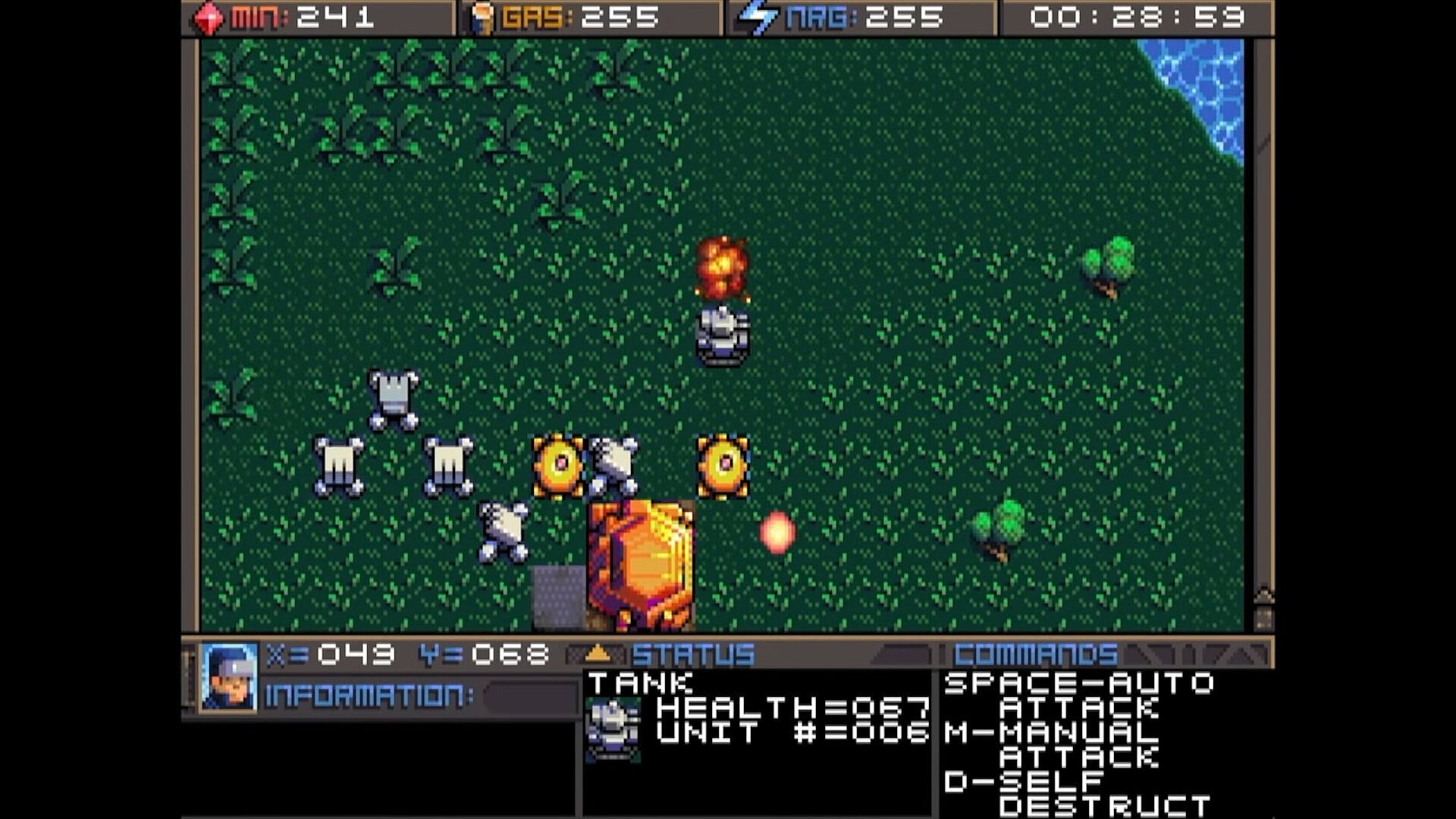
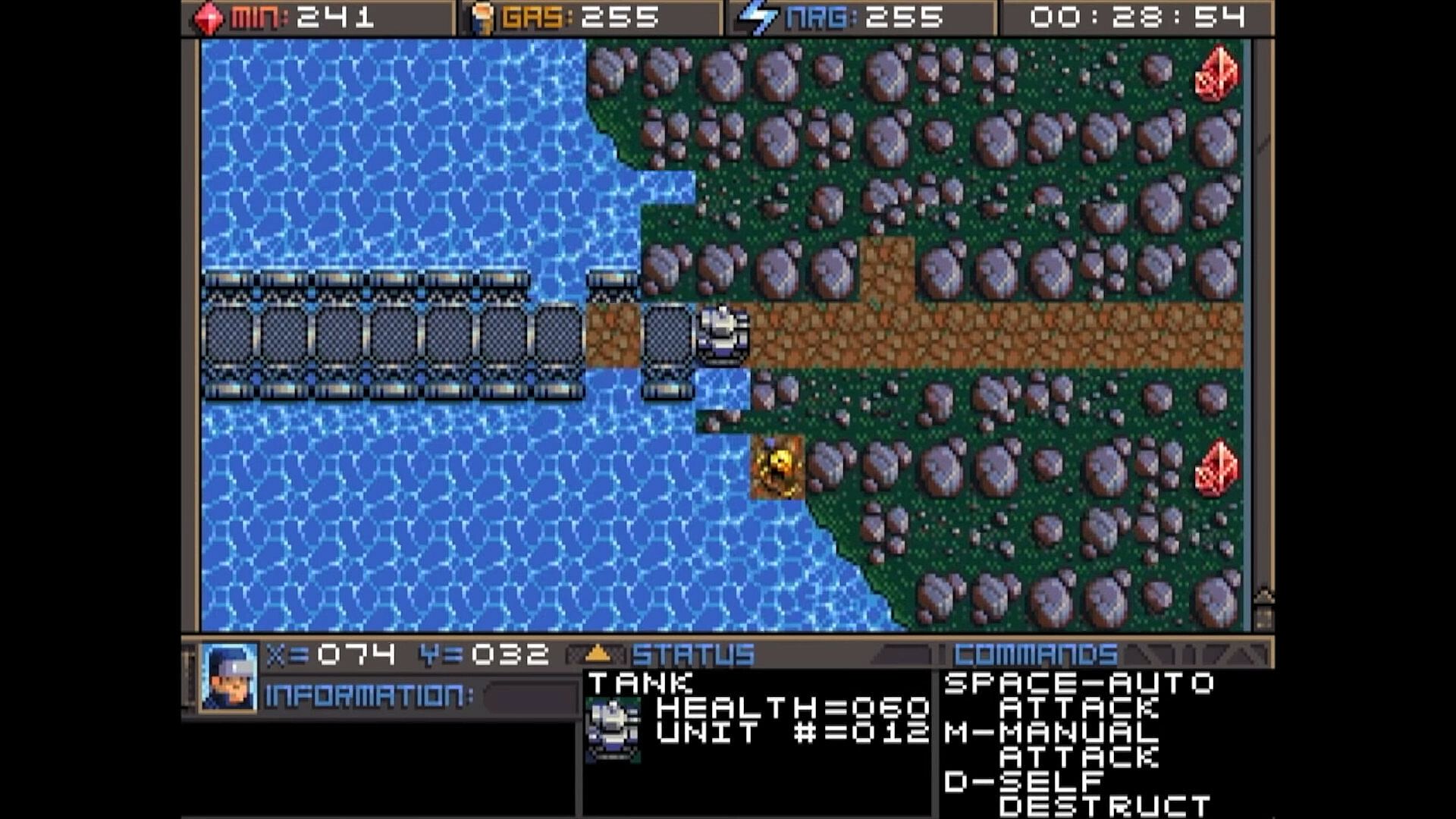
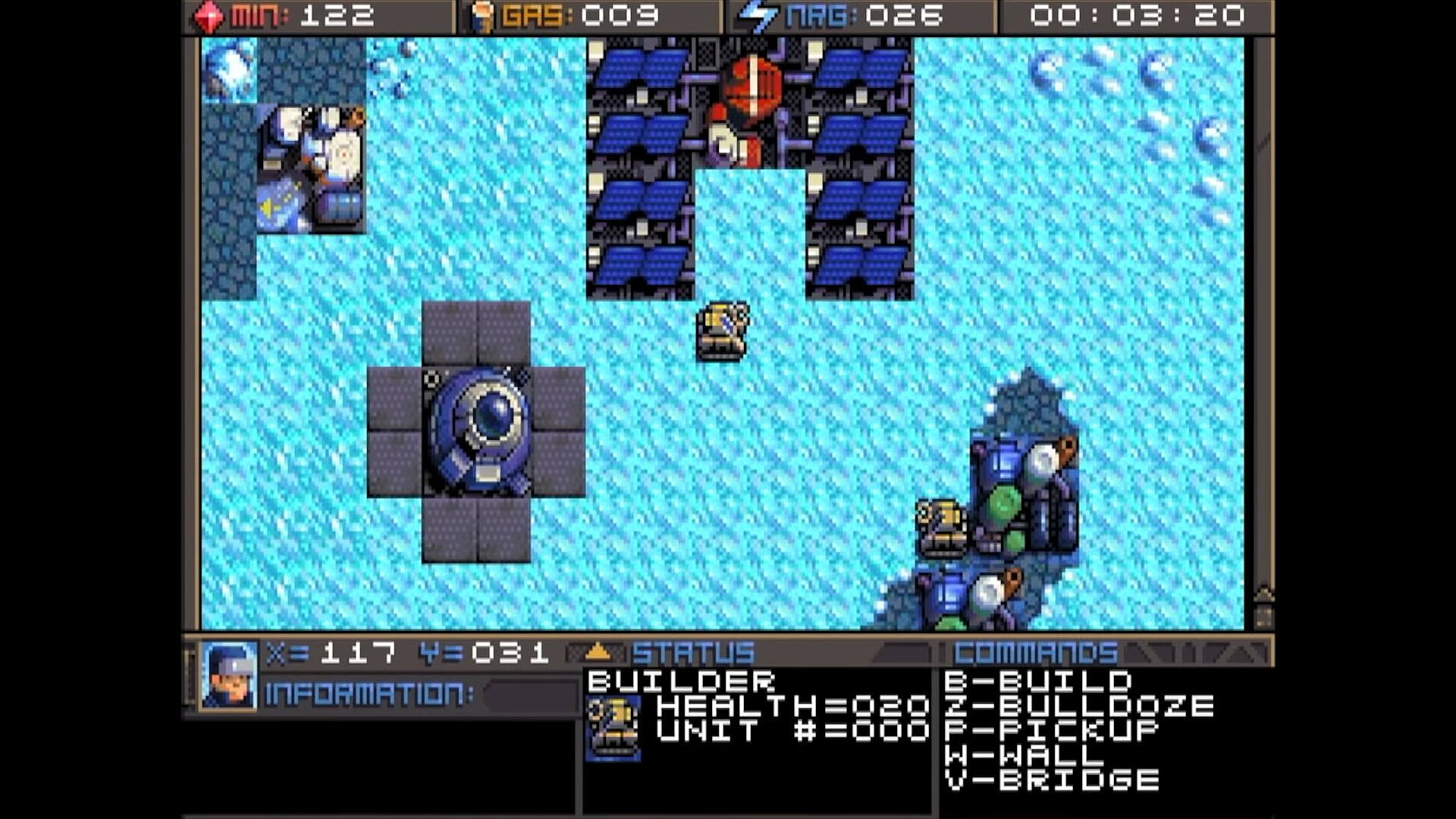
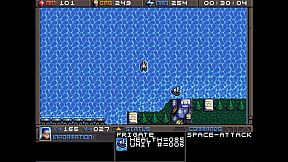
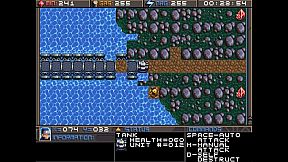
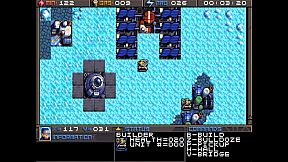
Command units and manage resources in this classic DOS strategy game. Track minerals, gas, and energy in on-screen boxes, capped at 255 each, while monitoring coordinates and a running game clock. Hunt map deposits like rock formations, crystals, and volcano-like gas vents to sustain your operations. Switch between dozens of units and buildings using browse mode with arrow keys and Return, Tab to cycle mobile units like tanks and frigates, Page Up/Down or brackets for structures like factories and smelters, or assign hotkeys with Shift plus numbers for quick access. Build refineries on gas vents and mine varied rock types with different yields and speeds. Strategy players master these controls to juggle infrastructure and unit commands efficiently.

HOW TO PLAY
Although there are many other keys to learn, these are the main keys you need to
operate the game. Some keys do the exact same thing, such as the bracket keys or
page up/page down keys. This will mostly be your preference, and possibly what sort
of keyboard your computer has.


At the top of the screen you’ll find three boxes displaying your current resources, which
include minerals, gas, and energy. You will need to collect more of these, which we’ll
get into later. 255 is the maximum number of resources you can store at any given
time. Next to the resources is a running clock showing how long the game has been


going. On the bottom you’ll find your current coordinates. This is very important for
knowing where your units are, especially in relation to the enemy bases. More on this
later. The bottom three windows are there to give you different types of information.
SWITCHING BETWEEN UNITS

In this game, you will be controlling dozens of different units, so it’s important to
know how to switch between them. There is more than one way to accomplish it, and
you should learn all of the ways.

Browse - If the unit you want to control is visible on the screen, you can press Return
to enter browse mode. At this point, a small box-like cursor will appear on the screen.
Use the arrow keys to move this box around until it is positioned on the unit or
building you wish to select, then press Return again. You can even select enemy units,
but you can only look at their status, not control them.

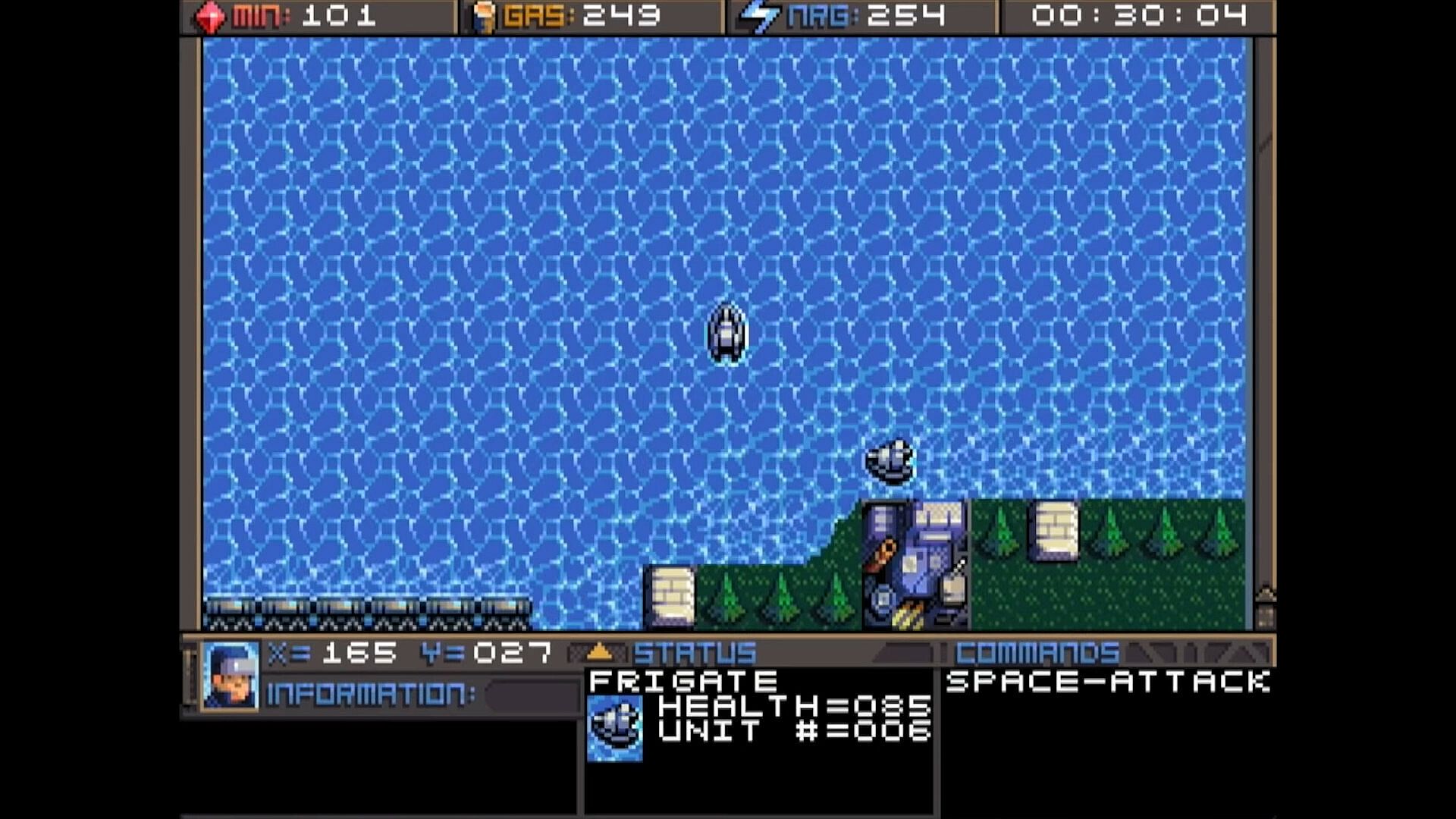
Cycle Units - For things like tanks, builders, and frigates. If the unit you want is not
currently visible and you don’t feel like driving to the unit, you can press the Tab
key to cycle to the next unit, wherever it may be. The cycle is based on unit number,
so sometimes it may seem there is no rhyme or reason as to which unit it goes to
next. You can also use the plus and minus keys on the keyboard to move forward and
backwards through your units. With practice, this is the fastest way to switch between
units.

Cycle Buildings - For things like factories, smelters, and radar stations. If the building
you want is not currently visible, you may press Page-up / Page-down to cycle back
and forth between them, very much like the unit cycle. You can also use the bracket
keys [ and ] to accomplish the same thing. Solar panels are purposely skipped during
the cycle because there are often numerous panels and you can’t actually control
them anyway. If you want to select a solar panel you must use the browse feature.

Hot Keys - You can use the number row 0-9 at the top of your keyboard to assign spe-
cific units or buildings that you need to access more quickly. Press Shift + Number to
assign a number key to the current unit. You can then use that number key to quickly
switch to the assigned unit. This will be especially useful during battles.
CONTROLLING UNITS
Your first order of business after starting the game should be establishing infrastructure and collecting resources.
Without them, you won’t be able to do much.
You’ll need all 3 types of resources: Minerals, Gas, and Energy.
It may require some hunting around the map to
find the minerals and gas, so we’ll talk about
those first. You can find these on the map.
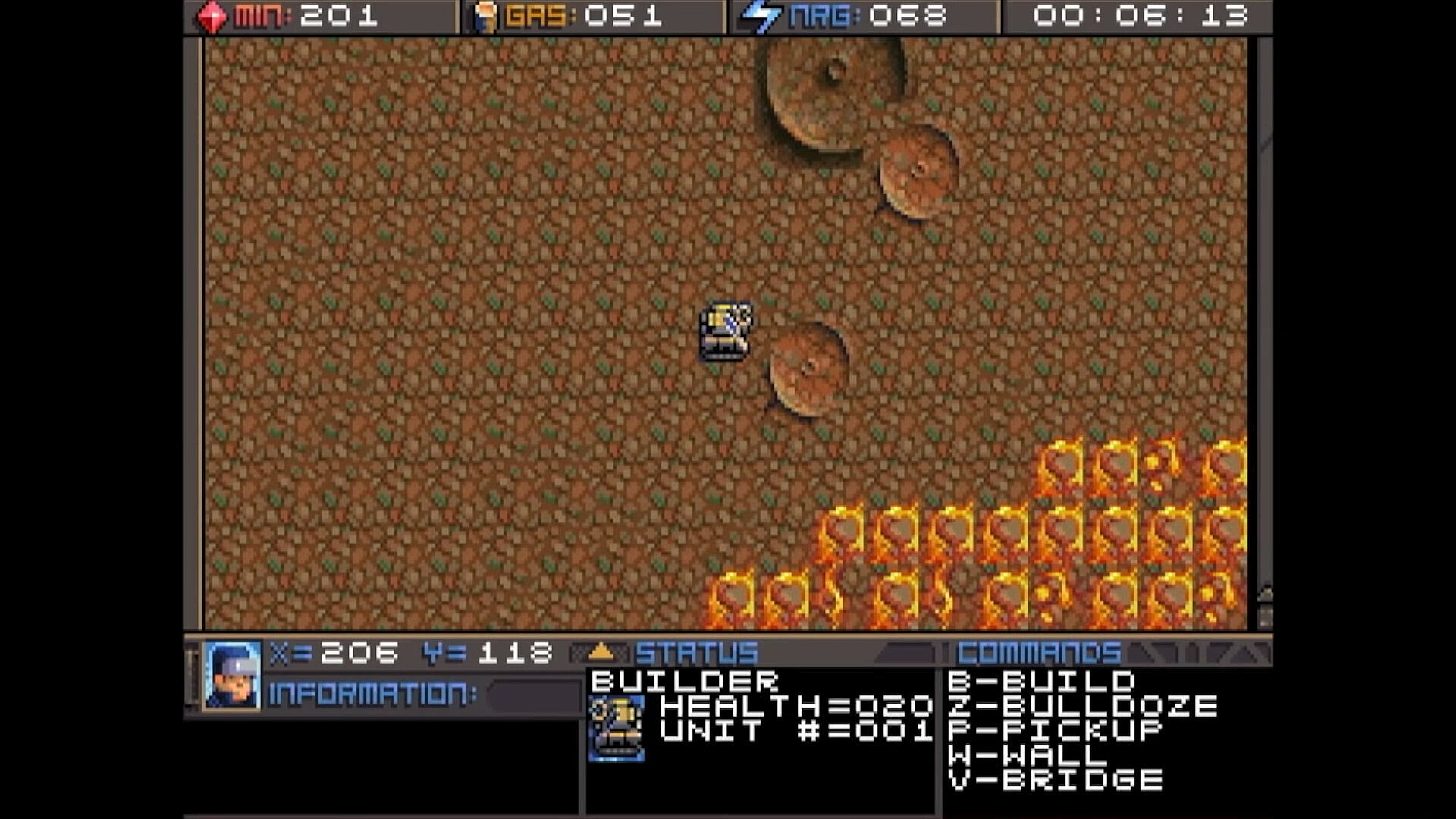
There are usually deposits of minerals
clumped together. Some maps have a
lot, and some have very few, so use them
wisely. In this screenshot, you can see
several rocks and crystals in a formation.
Both the rocks and crystals can be used
as mineral sources. The formations that
look like volcanos are gas vents. You will need to build a refinery on top of them.
The more the better.

Different types of rocks will process at different speeds and also have different yields.
Also, the minerals can look somewhat different depending on which graphics mode
you are in. This chart shows each one and how many minerals you can expect to get
as a result of mining each kind.




Different types of rocks will process at different speeds and also have different yields.
Also, the minerals can look somewhat different depending on which graphics mode
you are in. This chart shows each one and how many minerals you can expect to get
as a result of mining each kind.

Interfaccia:
English

Classificazione per età

Non disponibile
Steam:
Overwhelmingly Negative (5)

Minimo:

  • Archiviazione: 35 MB available space

Consigliato:

  • Archiviazione: 150 MB available space

Minimo:

  • Sistema operativo: macOS 10.15 (Catalina)
  • Archiviazione: 23 MB available space
  • Note aggiuntive: May support macOS 10.14 (Mojave) or older

Consigliato:

  • Archiviazione: 150 MB available space
Minimo storico
Storico prezzi dei negozi ufficiali
-
-
-
Storico prezzi dei keyshop
-
-
-

FAQ

8 domande

Prima di cercare una chiave economica di Planet X3 (DOS), controlla le informazioni essenziali. Sviluppato da 8-Bit Productions, LLC. Pubblicato da NMSE & Co LLC. Data di uscita su PC: 14 lug 2023. Generi: Strategy. Categorie: Family Sharing, Single-player.

Q

Dove comprare una chiave Steam o CD Key di Planet X3 (DOS) a poco?

Grazie al nostro comparatore di prezzi e ai codici sconto verificati, puoi acquistare una chiave di Planet X3 (DOS) a partire da 9,75 €. Questa offerta è disponibile su Steam ed è tra le più economiche sul mercato. Tutte le chiavi su XD.deals vengono consegnate in formato digitale e sono disponibili per il download immediato dopo il pagamento. I prezzi includono già le commissioni e i codici promozionali applicati, così vedi sempre il prezzo più basso di Planet X3 (DOS) su PC. Controlla lo storico prezzi di Planet X3 (DOS) per acquistare al momento migliore.

Secondo il nostro ultimo aggiornamento (aggiorniamo i prezzi Steam più volte al giorno), il prezzo di Planet X3 (DOS) su Steam è 9,75 €. Puoi risparmiare un ulteriore ~6% pagando con una carta regalo Steam scontata.

Il nostro tracker dei prezzi copre sia i rivenditori ufficiali che i marketplace di chiavi, così puoi trovare Planet X3 (DOS) in offerta anche al di fuori delle promozioni stagionali. Al momento rileviamo 1 offerta attiva da store ufficiali e keyshop. Controlla la tabella qui sopra, confronta con il minimo storico e imposta un avviso per non perdere il prossimo calo di prezzo.

Secondo i nostri dati, Planet X3 (DOS) non è attualmente disponibile su GeForce NOW. Dovrai eseguirlo localmente sul tuo PC. Sfoglia i giochi disponibili su GeForce NOW.

. Planet X3 (DOS) ha una pagina ufficiale su Steam. Puoi anche acquistare una chiave Steam di Planet X3 (DOS) da venditori terzi. Il nostro comparatore include attualmente 1 offerta con DRM Steam. Scegline una per assicurarti che il download di Planet X3 (DOS) avvenga sulla piattaforma di Valve.

Non al momento. Valve classifica Planet X3 (DOS) come non supportato su Steam Deck. Tieni d'occhio XD.deals - tracciamo gli aggiornamenti di Proton e le soluzioni della community. Sfoglia i giochi Steam Deck Verified o Steam Deck Playable.

Planet X3 (DOS) non sembra essere disponibile su PC Game Pass, EA Play, Ubisoft+ o altri servizi in abbonamento per PC al momento. L'unica opzione è acquistare il gioco - usa XD.deals per trovare il prezzo migliore.

No - XD.deals non è un negozio. Siamo un comparatore di prezzi che traccia le migliori offerte per Planet X3 (DOS) tra store ufficiali e keyshop verificati. Clicca "Vai al negozio" accanto a qualsiasi offerta e verrai reindirizzato al sito del rivenditore per completare l'acquisto.

Migliori prezzi per Planet X3 (DOS)

1 Steam Steam Official
9,75 €

Vuoi comprare al momento migliore? Imposta un avviso di prezzo su XD.deals e ricevi una notifica quando Planet X3 (DOS) raggiunge il suo prossimo minimo storico.

Crea avviso
Unisciti al nostro Discord
Ottieni aiuto immediato dalla community e resta aggiornato sulle offerte
Imposta avvisi di prezzo
Ricevi notifiche via email quando i prezzi scendono al tuo target
Crea un account gratuito
Sblocca wishlist, avvisi di prezzo e sincronizzazione Steam