


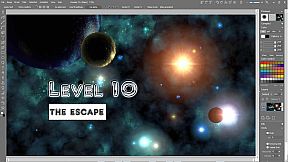
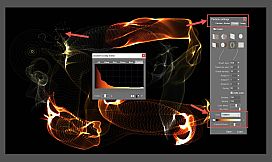
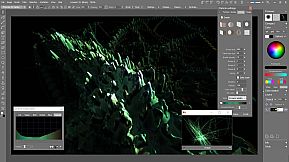
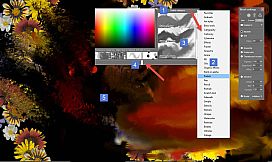
PD Howler 10 is a digital painting and visual effects program for Microsoft Windows (best on 7,8,10...)
Going beyond advanced digital painting, Howler includes numerous visual effects tools, like compositing, rotoscoping, re-timing with motion estimation, block interpolation to extrapolate un-finished frames from your 3D program, camera stabilization and camera motion removal. Add motion blur to stop motion, keyframe FX filters on a timeline, scan frames and clean them up, and a lot more. There is also a 3D capability, particularly useful for generating realistic landscapes, mountains and other items defined by an elevation maps. PD Howler also supports 2-D animation, light-table, lip-syncing, and working on video.
Main Features:
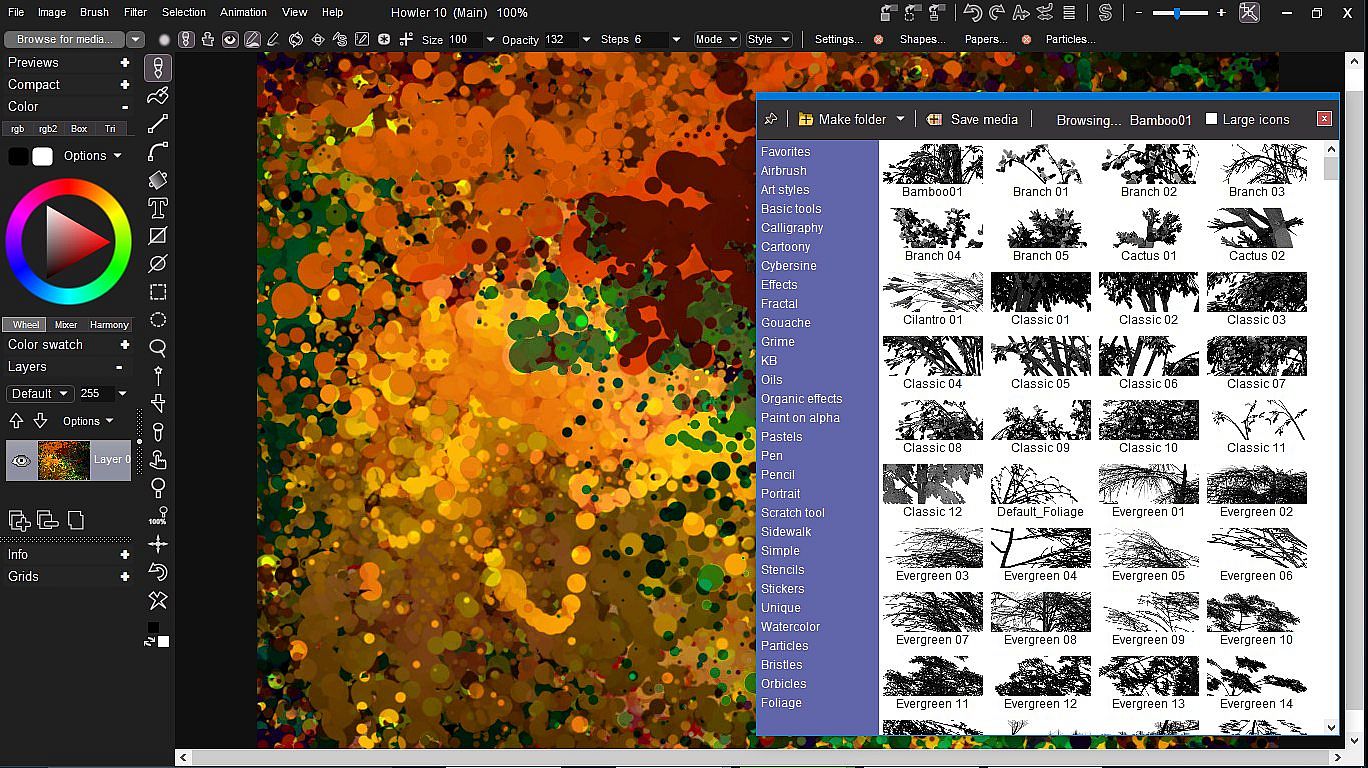
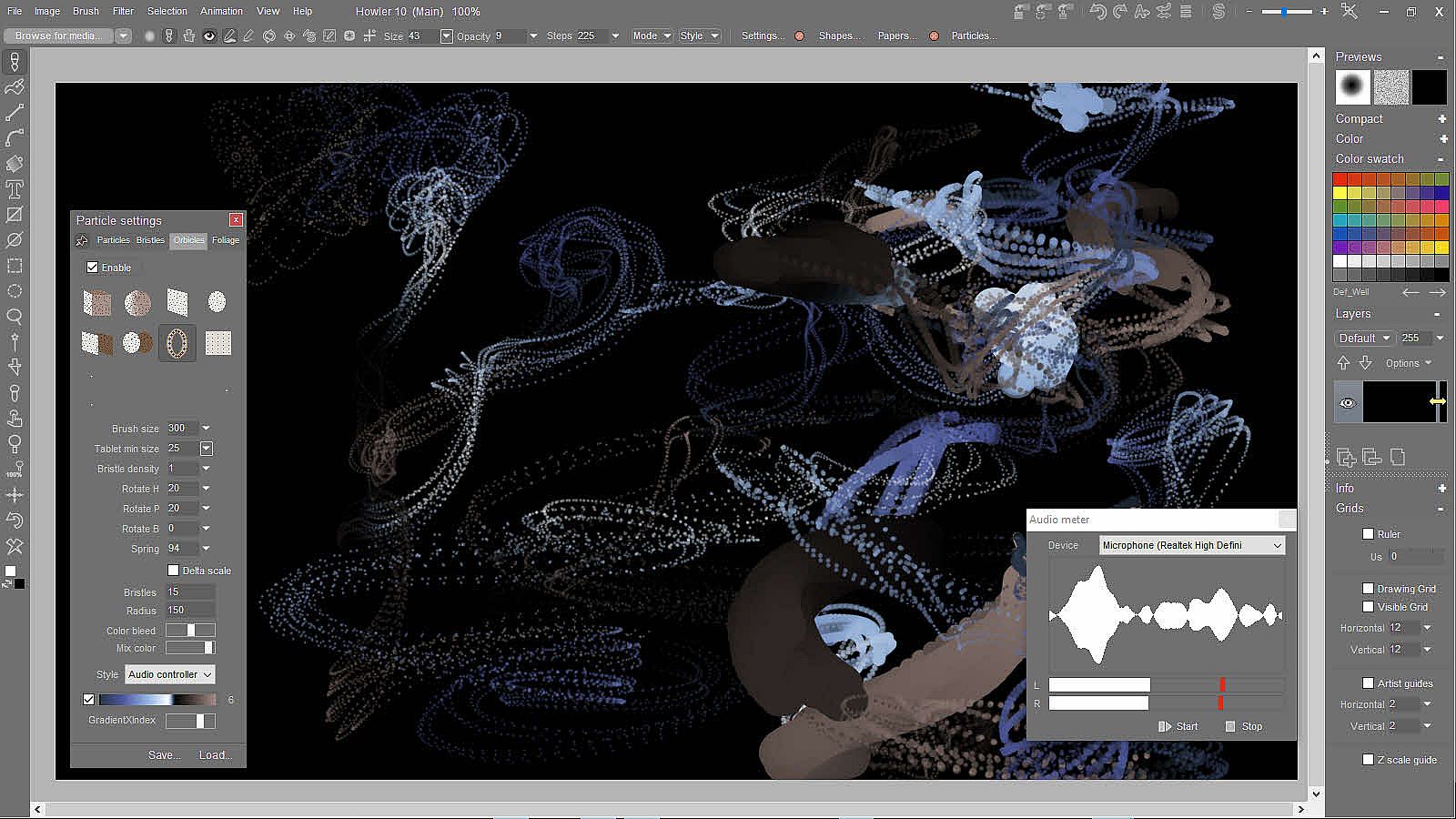
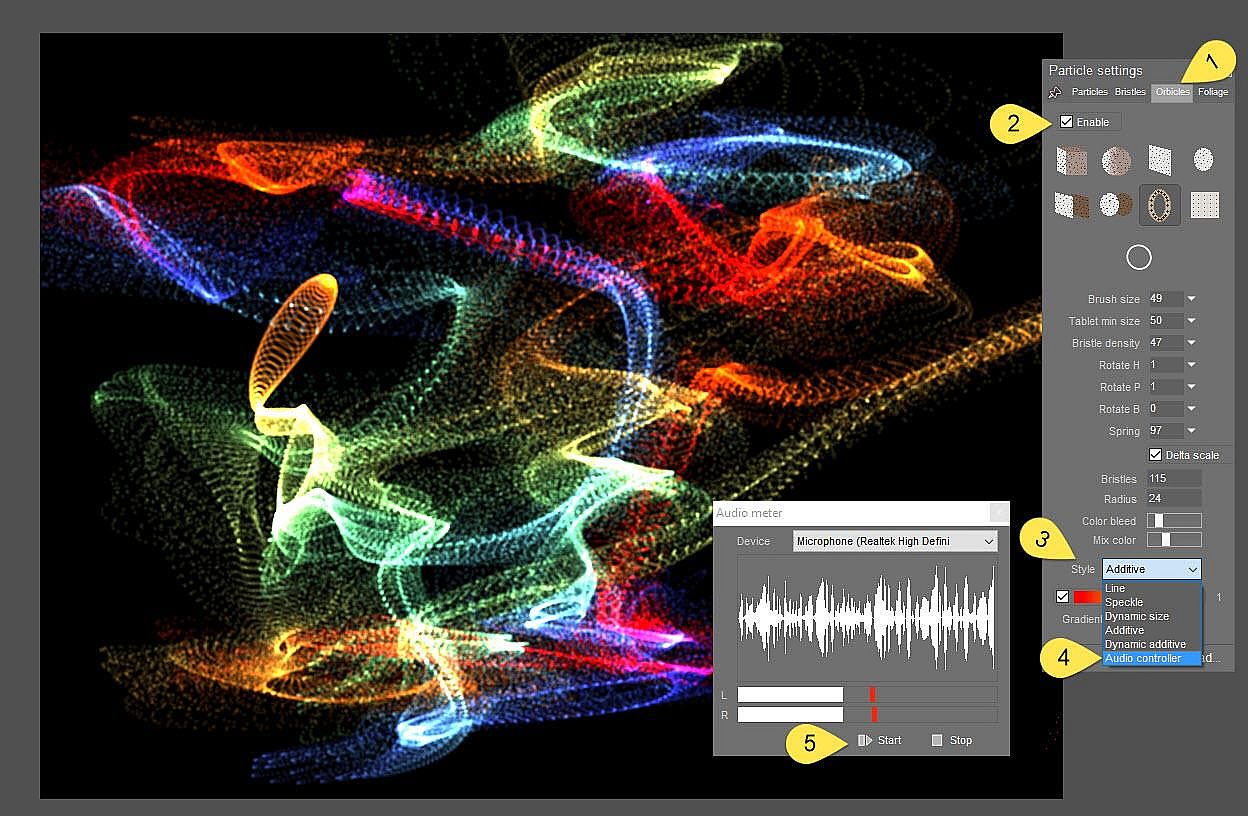
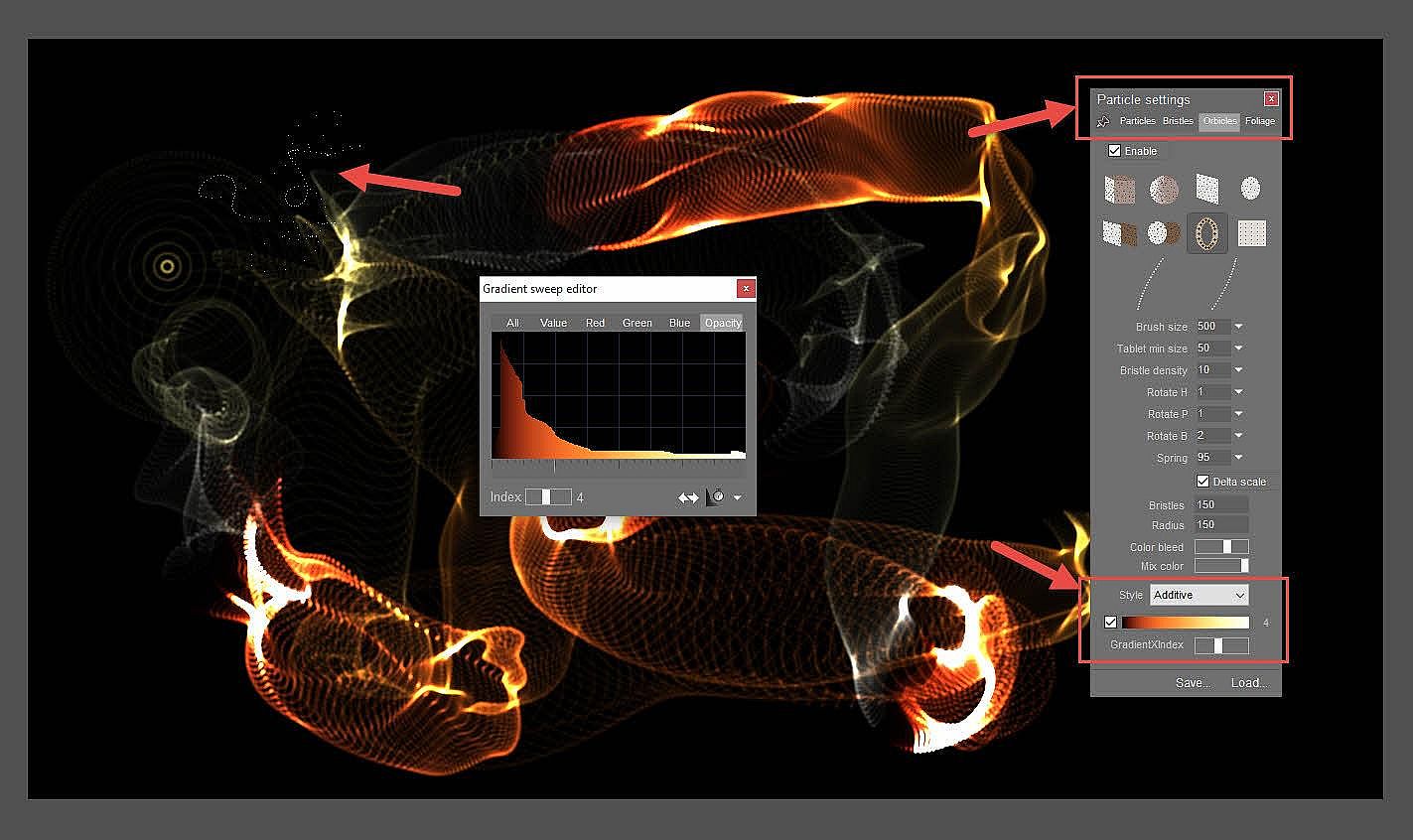
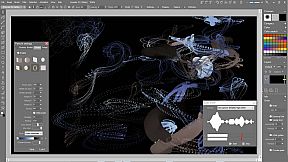
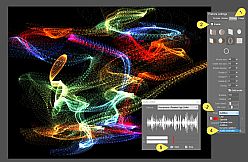
- Paint: Digital painting with many types of brushes, including large custom images, image sequences (animated brushes that can be edited on a timeline), natural media brushes, particle brushes to spray paint grass and shrubberies or animate smoke and fireworks, bristle brushes for realistic oils and acrylics, “Orbicle” brushes with audio controlling their appearance, foliage brushes that grow and let you paint a complete tree in a single brush stroke, with 3D depth and ambient occlusion shading, plus a huge complement of presets.
- Animate: Video frame editing and post work for special FX, traditional frame-by-frame animation and working with video on video, time stretching, motion estimated interpolation, batch processing, frame repairing, motion tracking, chromakeying, green screen compositing, rotoscoping, rendering of frames with added 'breathing' motion, exposure sheet for manual syncing against an audio track. Remove camera motion to simplify rotoscoping and other effects, then re-apply the camera's motion. There's also a very comprehensive set of filters that work in realtime, most of them animatable either directly or on a timeline.
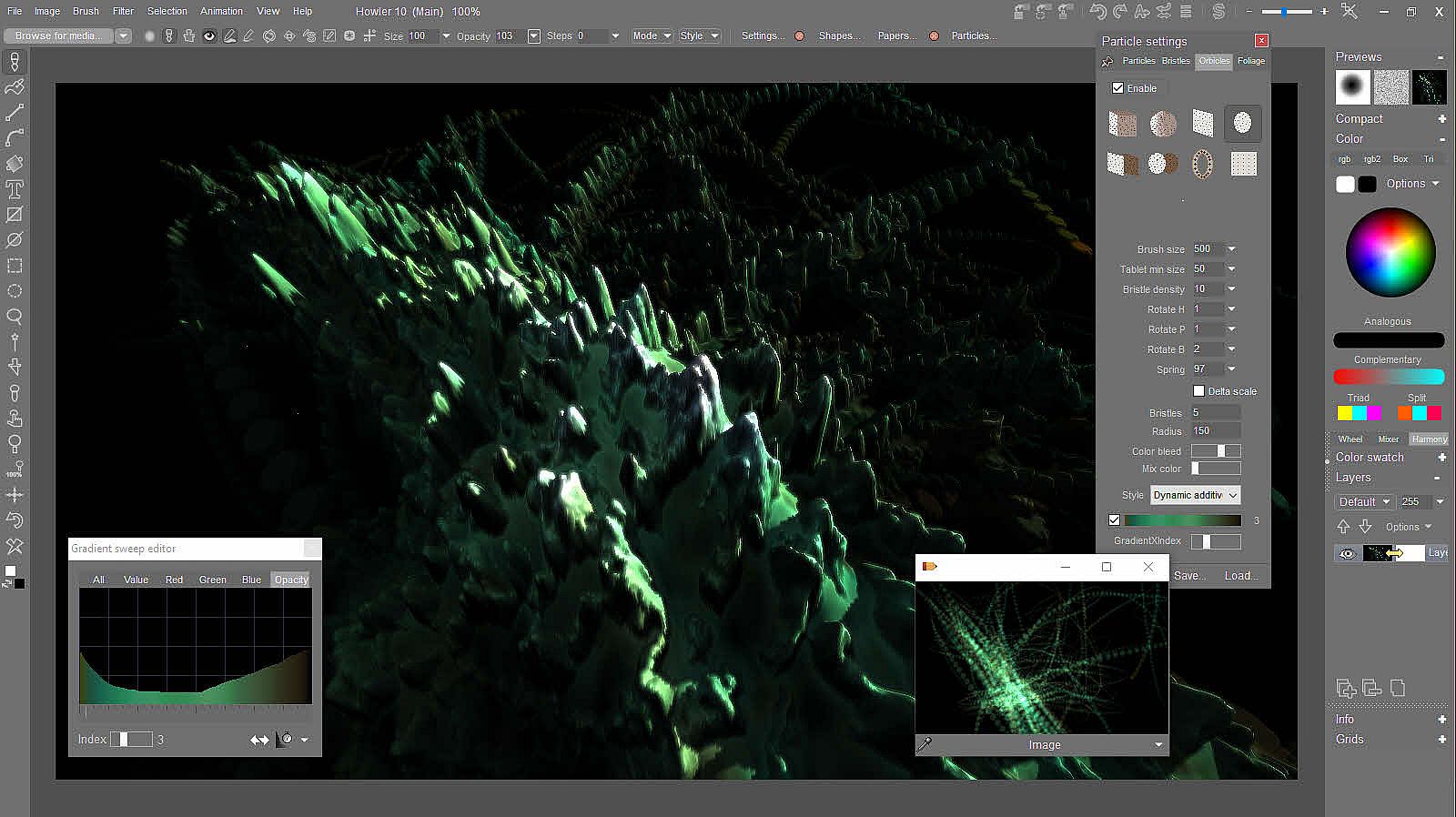
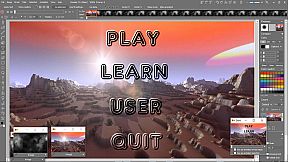
- 3D: Capabilities include a 3D Designer for creating 3D terrains from elevation maps, adding erosion and sediments, coloration based on elevation and slope, ambient occlusion and raytraced shadows. Puppy Ray rendering with global illumination and ray tracing on CPU or accelerated on the GPU, volumetric clouds with the animated Particle Modeler, and various filters for stylized lighting and perspective effects. You can render an animation wherein you fly across your landscape and keyframe its parameters. Exports for .obj format, erosion and elevation maps, texture map, shading maps, 3D mesh and feature maps (grass, rock and snow regions.)
- FX: Numerous filters for post work in various categories: Adjustment filters, Coloring, Blur, Photographic filters, Sharpening, Convolution filters, Transformation filters (including 3D transforms,) Video related filters, Cleanup, Artistic filters, Stylize filters, Rendered effect filters, and a collection of Animated filters. There is are also sets of filters that combine the main image with the alternate swap image. You can have multiple animations stored in memory or on disc in order to have them handy to combine and composite.
Paint features:
- Natural media, many presets, fully customizable
- Full digitazing tablet support, such as Wacom devices
- Custom brushes, bristle brushes, particle brushes, foliage brushes, brushes under the influence of force fields
- 3D orbiting particle brushes (Orbicles)
- Dynamic Rules-based Foliage brushes
- Animated (multi-frame) custom brushes
- Pigment lifting for realistic paint effects
- Well over 100 fast full featured filters. Real-time is our middle name. See below for more on Filters
- Premium color mixing tools. Red-yellow-blue, complementary, palette mixer, lots more.
- Multi-monitor support
- Mirror mode and Symmetrical painting, Kaleidoscope mode
- Frame your artwork
- Brush keying
- Brushes whose size is affected by another (Swap) image
- Brushes whose size is controlled by an envelope
- Brushes whose size is affected by audio
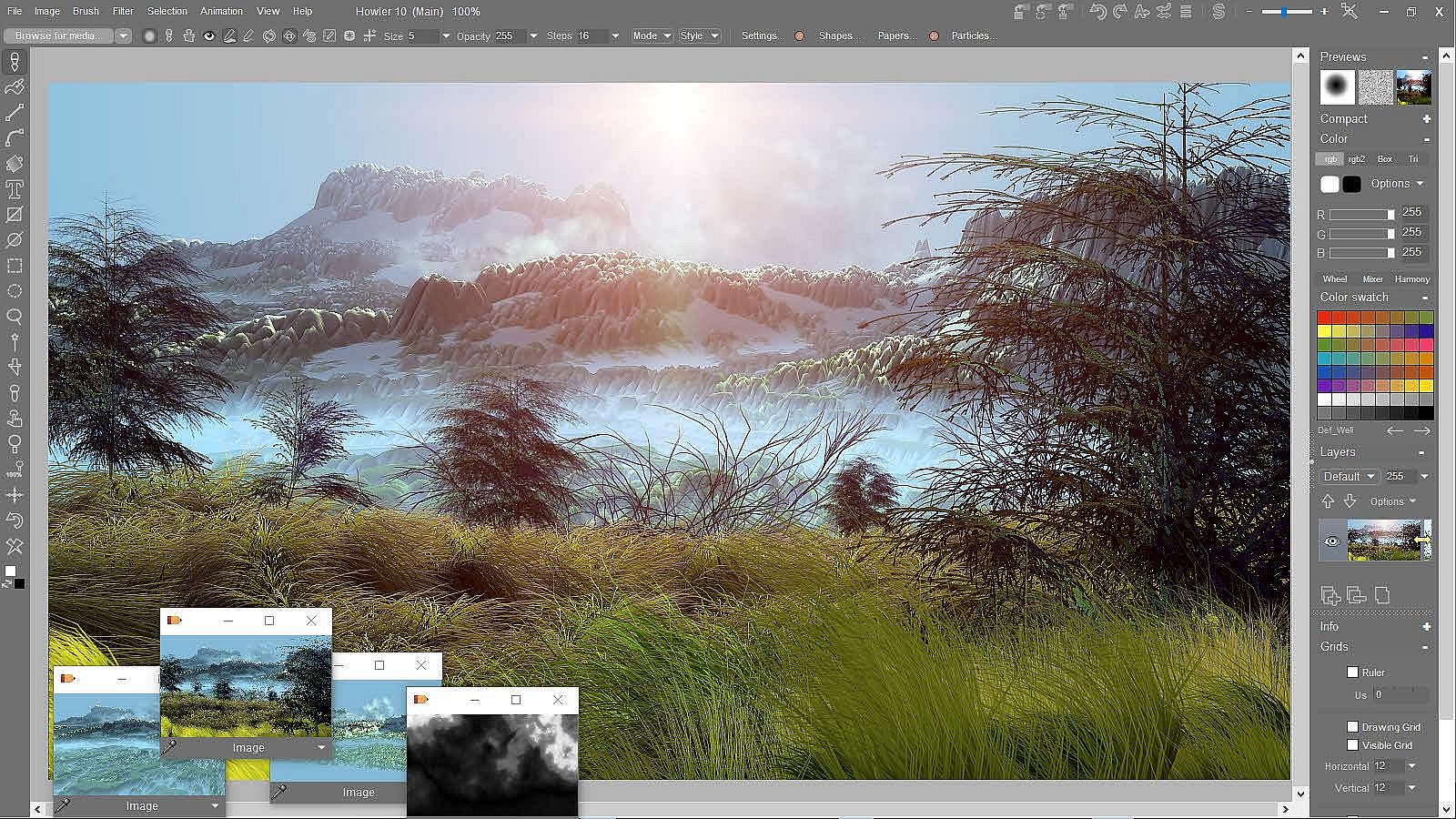
Additional controls in the context bar that appears with several tools. Main Tools found in the toolbar:
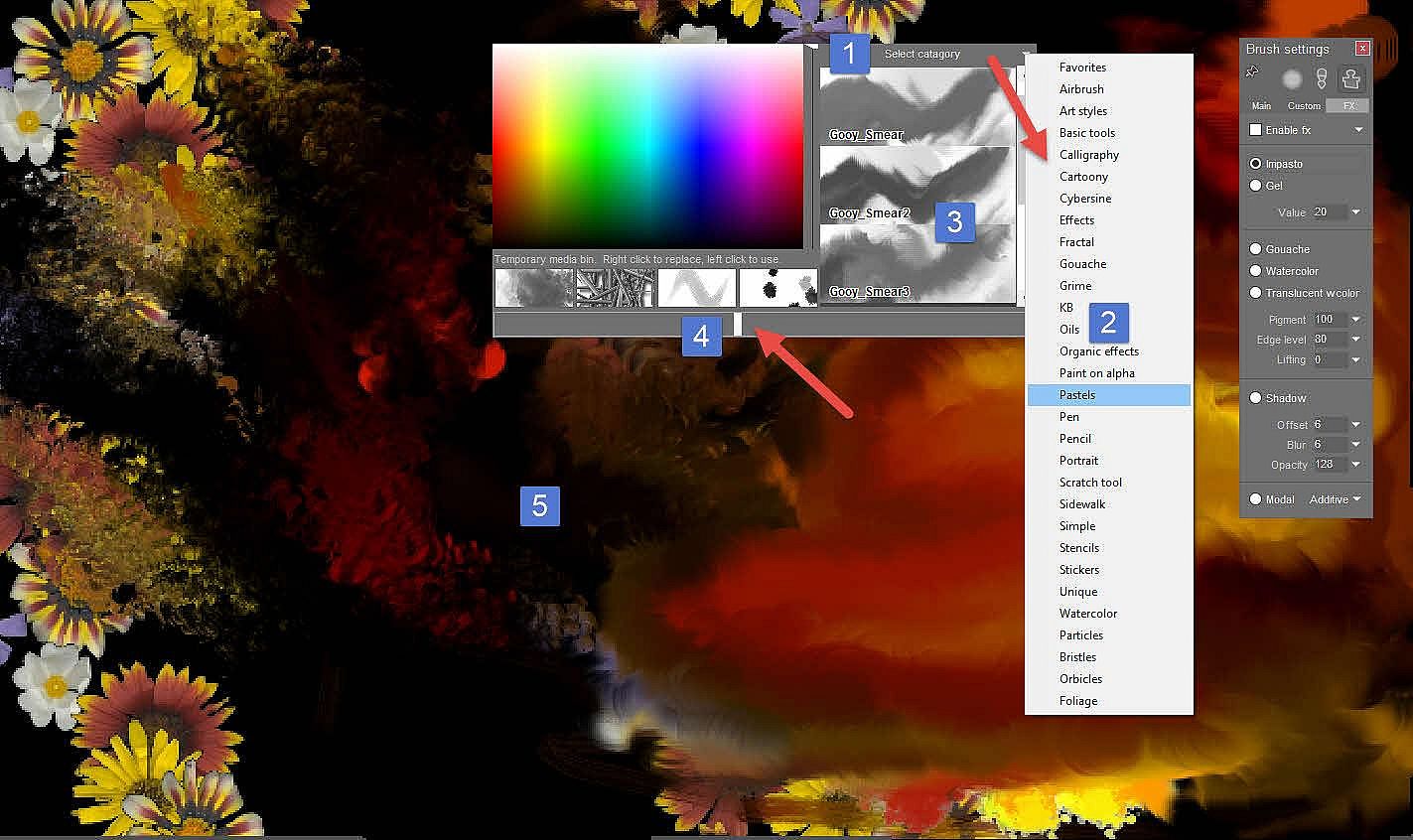
- Brush tool: for drawing and painting: Simple, Airbrush, Pen, Pencil, Oils, Tempera, Pastels, Watercolor, Effects brushes (such as Smear), Organic effects (flowers, stars,...), User, Particles, Bristle brushes, Paint on alpha and plenty more brush presets in the media Browser.
- Fill tool: to fill with palin colors, gradients or even patterns and images, straight or warped into the shape or selection
- The linear tool: draws along a sraight line, but with the current brush, whatever that brush does may not be so straight
- The Curve tool: (it's almost like a paint program in itself). Includes animated features for rotoscoping and animating the shape of the curve. Insanely powerful. EVen simulates easing in and out at start and end of the brush stroke, to simulate the look of a tablet pen when using a mouse!
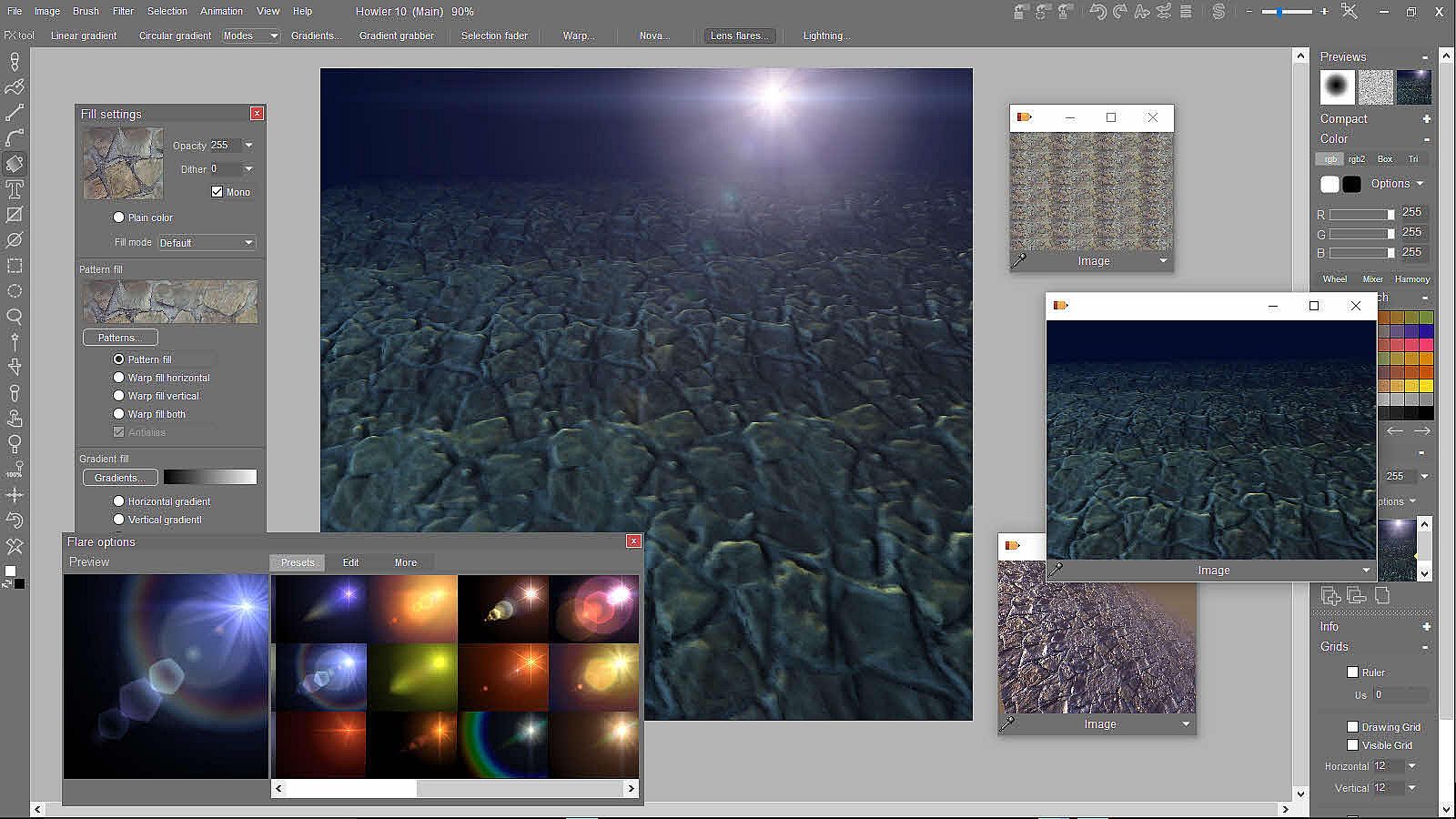
- Gradients, Lens flares and special effects: Linear gradient, circular gradient, gradient modes, linear gradient grabber, cumulative selection fader, Warp tool, Nova, awesome(!) lens flares, and Lightning
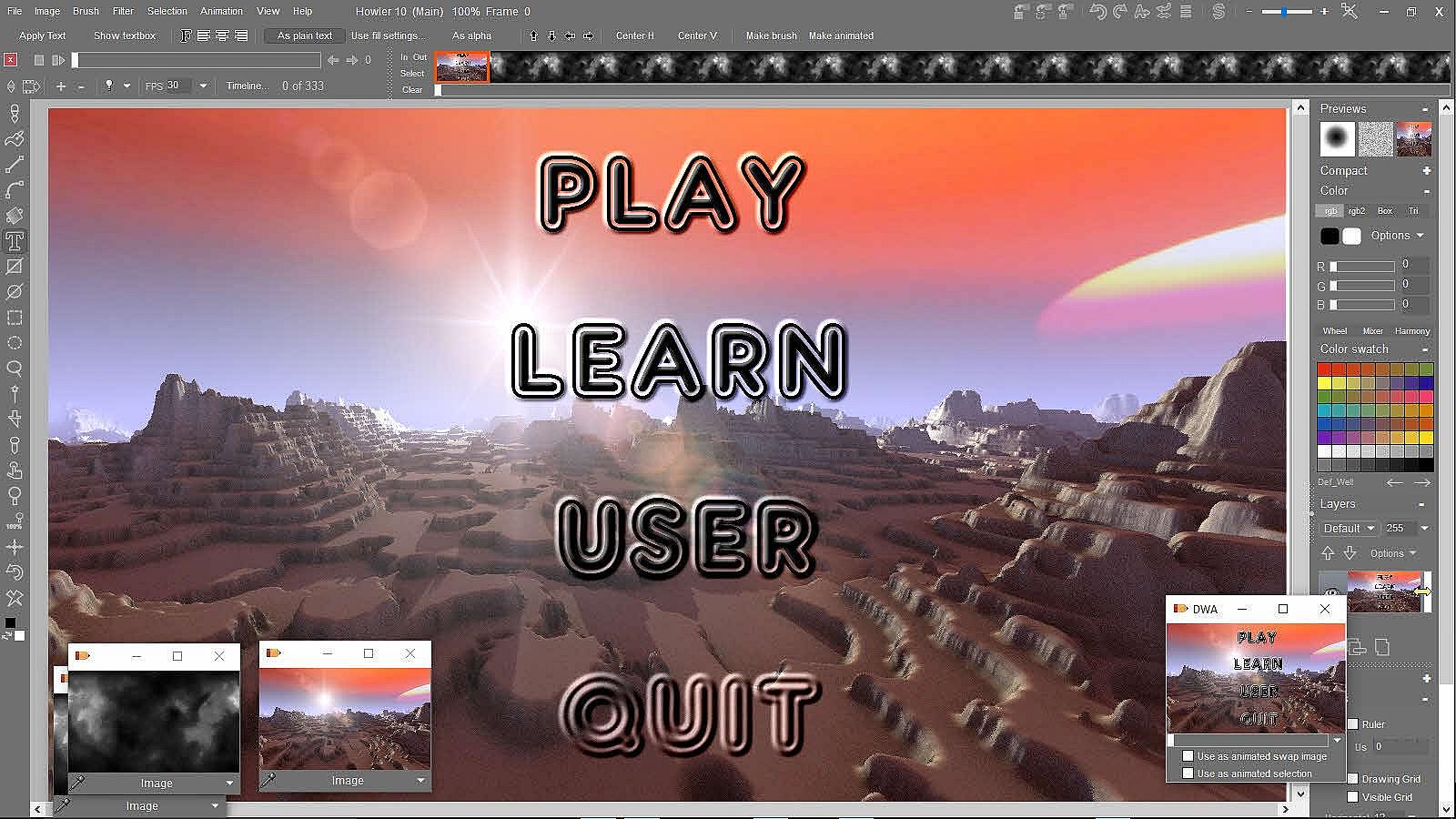
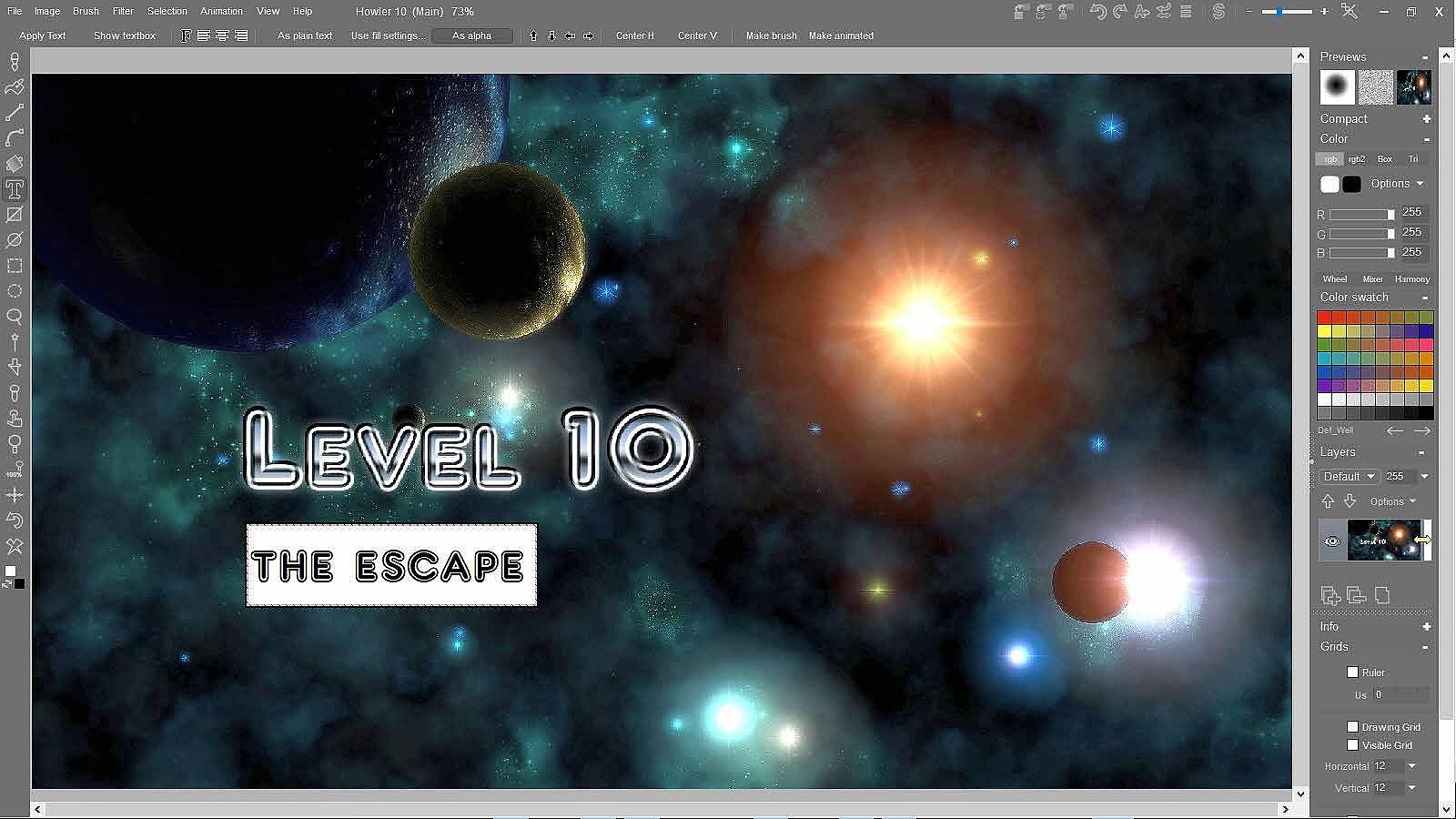
- Text tool: render the text into the image, or as selection to alpha channel, or make it the custom brush, even animated brush
- Rectangle too: Hollow or Filled. Hollow is with current brush, filled is with current Fill settings.
- Ellipse tool: also hollow or filled circles and ovals
- Rectangle to alpha: one of many ways to build sophisticated selections. Use SHift to add/remove with left or right button
- Ellipse to alpha
- Lasso to alpha
- Magic Wand
- Custom brush selector tool: pick a region from the current image, turn it into a custom brush, complete with alpha transparency from the current selection mask in the alpha channel.
- Color picker
- Scroll tool: move the image around.
- Zoom tool
- Zoom 100%
- Fit the image to the window
- Undo / Redo tool: use left or right button, even middle scroll button for interactive, blended undo
- Clear the image: left click = just do it, right-click shows various options
- Color toggle: Primary vs. Secondary colors
There is also a Sidebar, with numerous controls for:
- Previews
- Compact color picker
- Color: more sophisticated color pickers: RGB, RGB2, Box, Triangle, Wheel, Mixer, Harmony, DOgwaffle color picker, Colors by name, system color picker, hex color picker and more. Any stored image can also act as a color picker.
- Color Swatches
- Layers
- Info
- Grids: Ruler, Drawing grid, Visible grid, Artist guides, and the all new Z scale guide (affecting the brush size by the underlying Swap image)
Animation features:
- Traditional animation
- Onion skin
- Load/Save AVI's, frame sequences
- Frame scanning
- Line cleanup and non-photo blue removal
- Timeline to apply filters
- Exposure sheet with lip syncing
- Frame sequencer
- Rotoscoping matte creation
- Motion analysis to create slow motion or add motion blur to stop motion
- Animated brush timeline
- Animated brush keyframer
- Animation retiming
- Interlaced video support
- Batch processing
- Batch conversion and renaming
- Particles, 3D hight map, etc.
- Image stabilization. Camera motion smoothing, removal and re-addition.
- Motion tracking in Brush keyframer
- Motion prediction for frame extrapolation and selective motion blurring
- Mirror transform (vertical/horizontal) all frames of an animation frame-level and block-level editing (in/out markers, copy, paste, cut, delete, insert, reverse sequence order, make loopable, time stretching with frame blending...) animated swap channel and alpha channels from DWA or AVI files animated renderings in Raytracing with Puppy Ray
Filters and Special FX:
- Filters for still images + Filters for animations
- Adjust: Color, Value, Threshold, Saturation, Hue/Sat/Val, Auto balance, Tint, Value only contrast, Levels, Curves, Color FX, Adjust All...
- Color: Map to current gradient, Negative, Invert value, Swap channels, Roll channels, Power curve, Posterize, Color replacer, Solarize, Sepia, Halftone, Halftone plus, Graphic halftone, Duotone, Tritone, 12-bit dither, 8-bit-dither, 1-bit-dither (Optimized, Error diffused, random,...)
- Blur: Simple blur, Box filter, Gaussian blur, Custom blur, Motion blur, Zoom blur, Mystic vision, Chroma blur, Radial blur
- Photographic: Soft contrast improvement, Light diffusion, Star filter, Fish eye, Fog filter, Sunset, Polarize, Day for night, Remove red from selection
- Sharpen: Sharpen, Unsharp mask, Digital photo enhance, maX sharpen
- Convolve: Grey emboss, Color emboss, Edge detect, Sobel edge detect, Color sobel edges, Maximum, Median, Minimum, MaxMin, MinMaxz, High pass, Abs, Gradient convolve, Convolution kernel, Iterative median, Adjustable median, Adjustable maximum, Adjustable minimum
- Noise: Value noise, Color noise, Jitter, Jitter blur plus, Film grain
- Transform: Transform, Shift, Warp mesh, Isometric 3d, 3D designer, Puppy Ray (Ray tracing) Spherize, Globe, Textrix, Z noise, Twirl, Crystalize, Sinoid, Mosaic, Quilt, Rubber sheet, Wave distort, Mirage, Mirror, Fisheye correction, 3d perspective
- Video: Slate color bars, De-interlace, Reverse fields, Reduce flicker, Video lines, Legalize (NTSC), Legalize (PAL), Countdown, TV pixels, Raster lines, Shift RGB, Repair dropput
- Artistic: Apply current paper, Wet paint, Brush strokes, Tarnish, Weave, Graphic Pen, Oilify, Cross contour, Woodcut
- Stylize: Lighting tool (3D), Glowing edges, Plastic wrap, Waxify
- Render: Plasma noise, Bumby toy, Noises (Perlin1, 2, Fractal, Cosine), Radiant, Sky, Dread plating, Cellular, Checkerboard, Cold lava, Europa, Starfield, Brick texture, Woodgrain, Grid, Zrings, Mandelbrot, Triangles, Color cubes
- Animated: Starry night, Animated glows and flares, Wiggle warp, Time shift RGB, Multi frame spherize, Tunnel, Wave in breeze, Sunset, Film flicker, Confetti, Multicolor, Time slice by alpha, Stabilize, Merge (keep selection opaque), Fill selection, Stroke path,Motion prediction module, Apply mirror, Undo buffer to animation
- Combine with Swap: Mix buffers, Alpha blit, Premultiplied alpha blit, Additive, Subtractive, Multiply, Divide, Screen, Luminance, Complement, Difference, Around grey, Greater than, Less than, Texturize, Binary, Hue, Sat, Val, And, Or, Xor
- Composite with Swap: Green screen, Blue screen, Color key
- Displace by Swap: Displace, Cloaking displace, Pool displace, Jitter displace, Colortwirl displace
- Emboss by Swap and many more: LUA filters (gluas), DoggyFX, AnyFX for PD (by Pixelan), other 3rd-party plugins, make your own (free programming API), Array to Animation, Audio Recorder, Average Frames, CalendarWidget, Channels, Clock, Clock2, DogLuaBrowser, DogLuaEdit, Fieldpack, Forcefield, FramefromClipboard, Halloween_Clock2, Hexadecimal Picker, HexPackedCOlor, MatteCutter, MediaPlayerWidget, ModDogPlayer, Mouth, NumericSelect, Penny, Black hole, BlueRemove, Brick texture, LightBloom, Mirrage, Oilify, RandomFlares, SmudgeStick, Triangles, Tunnel, Wave distort, Wave in Breeze, Composite with image sequence (Greenscreen, Bluescreen, Color key, Alpha key(!), Cell edge composition), Ghosting, Snow fall, Old film, Lightning, heavenly animated Lens flares ...