


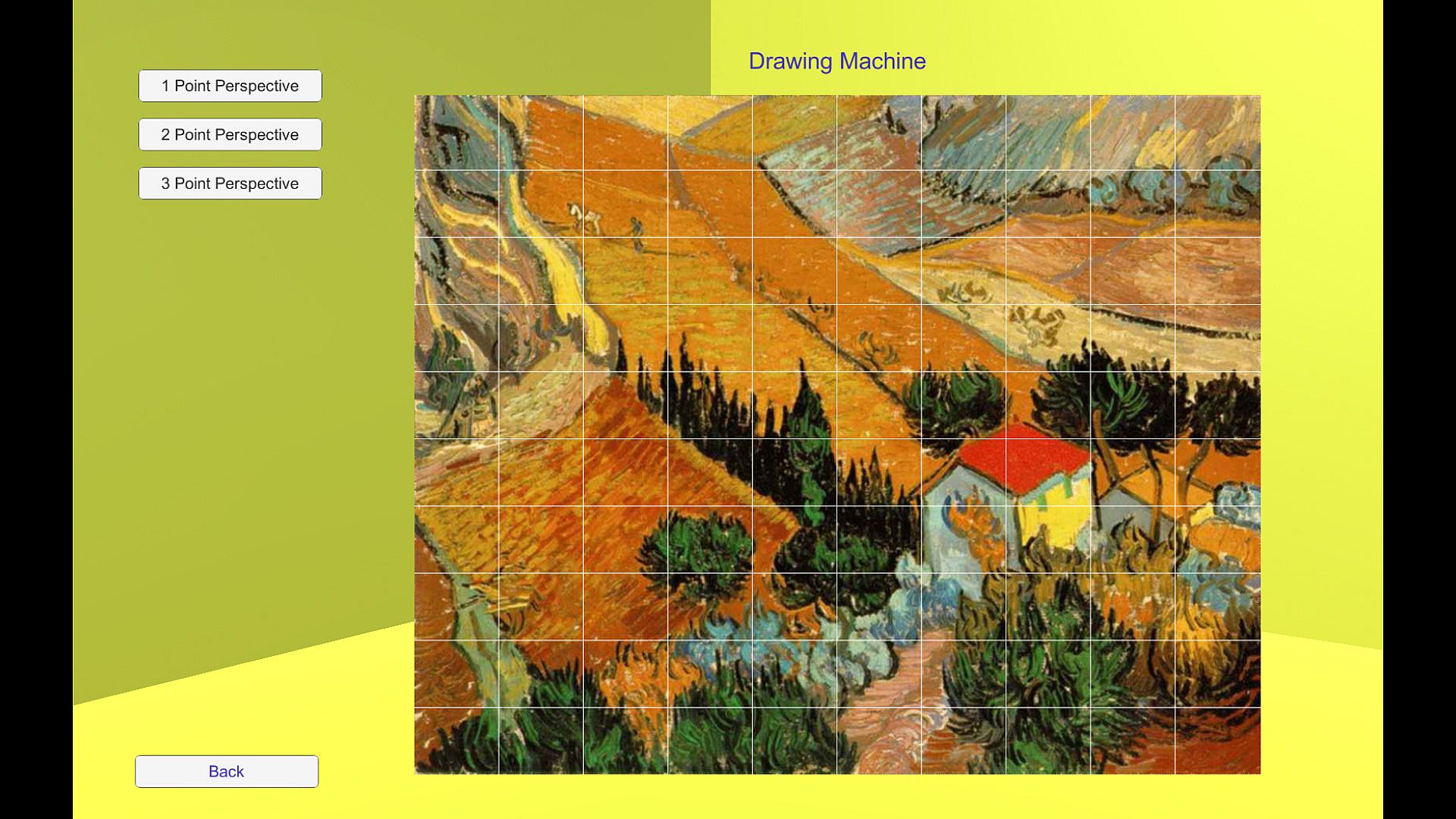
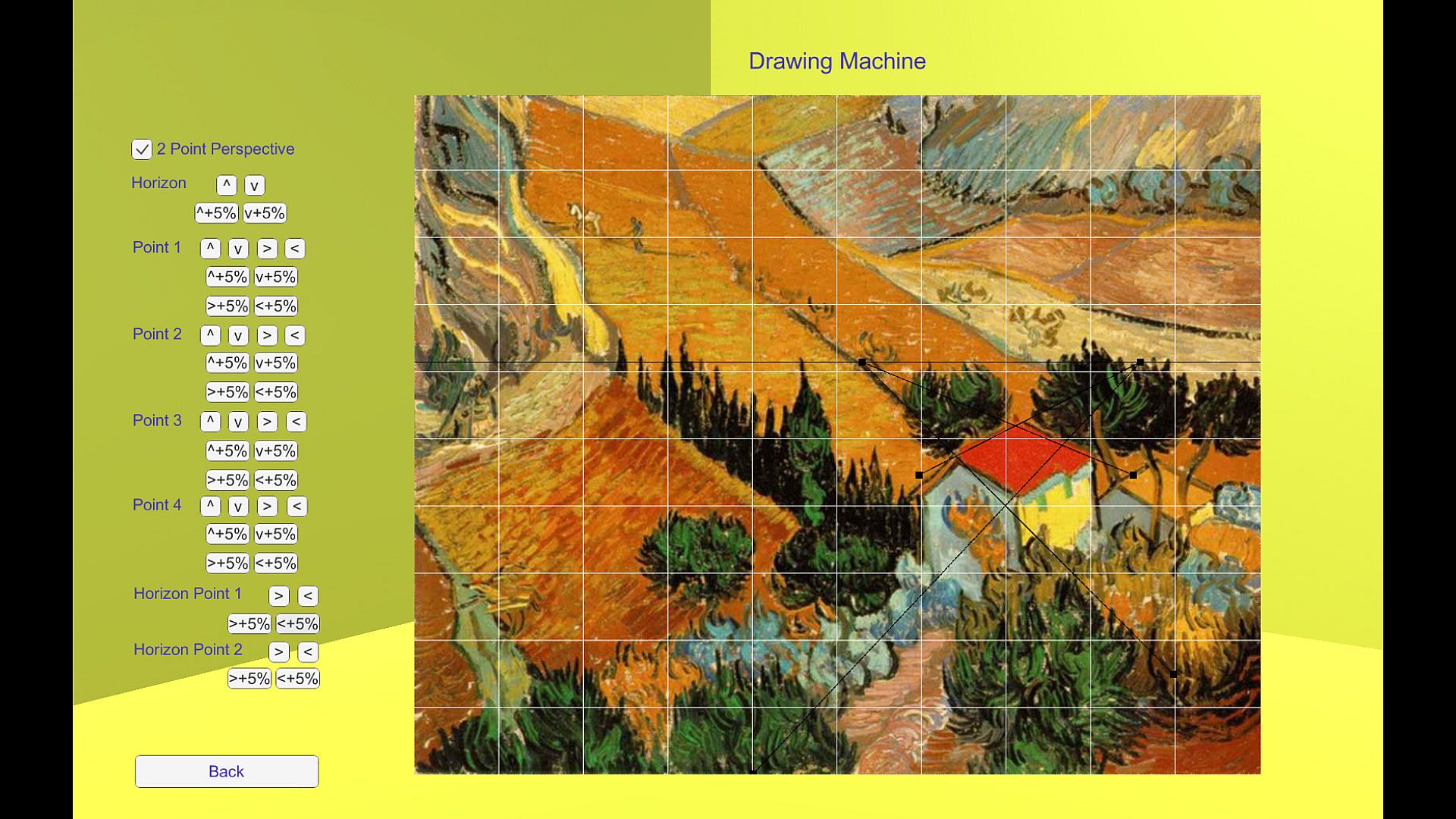
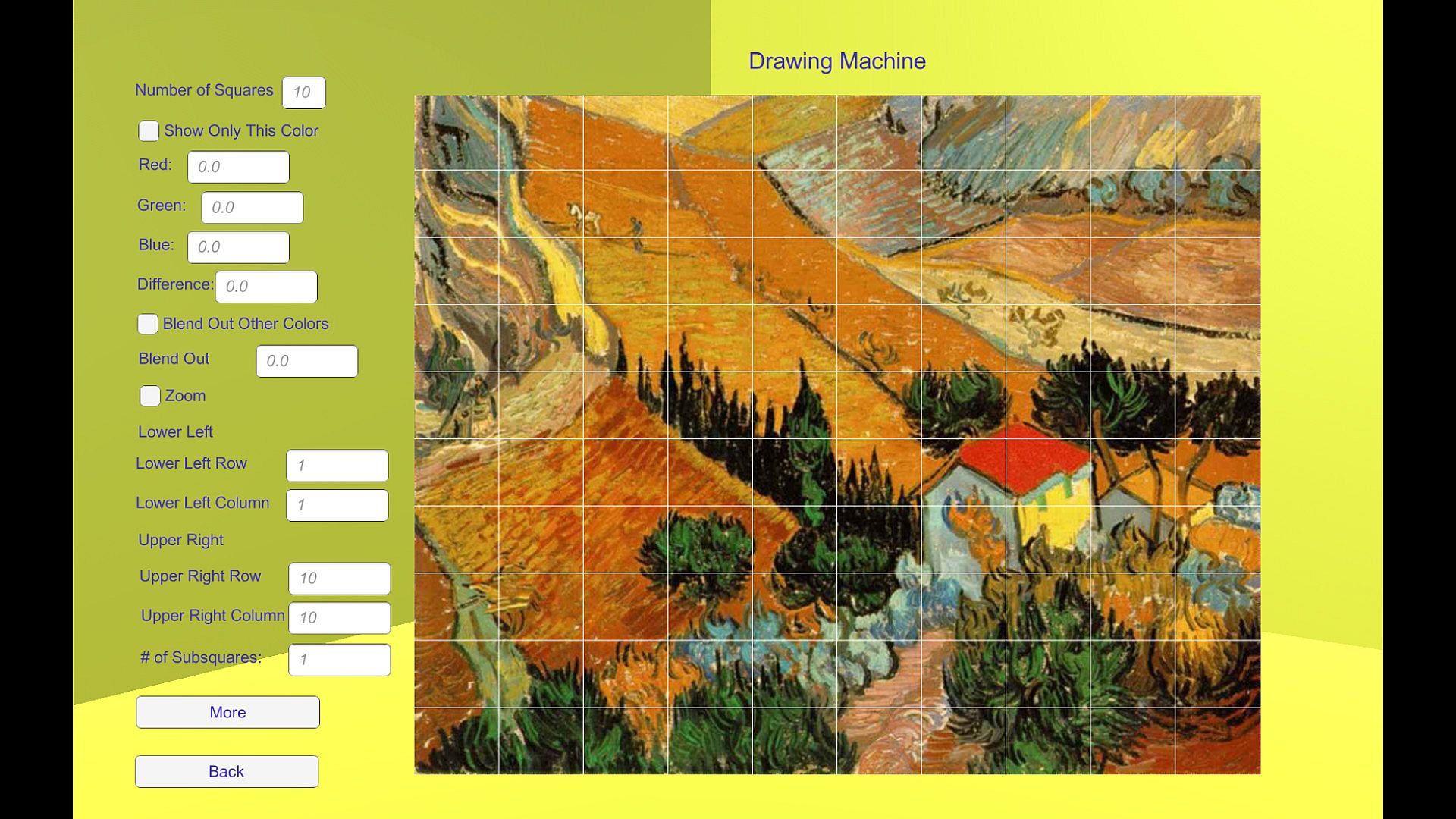
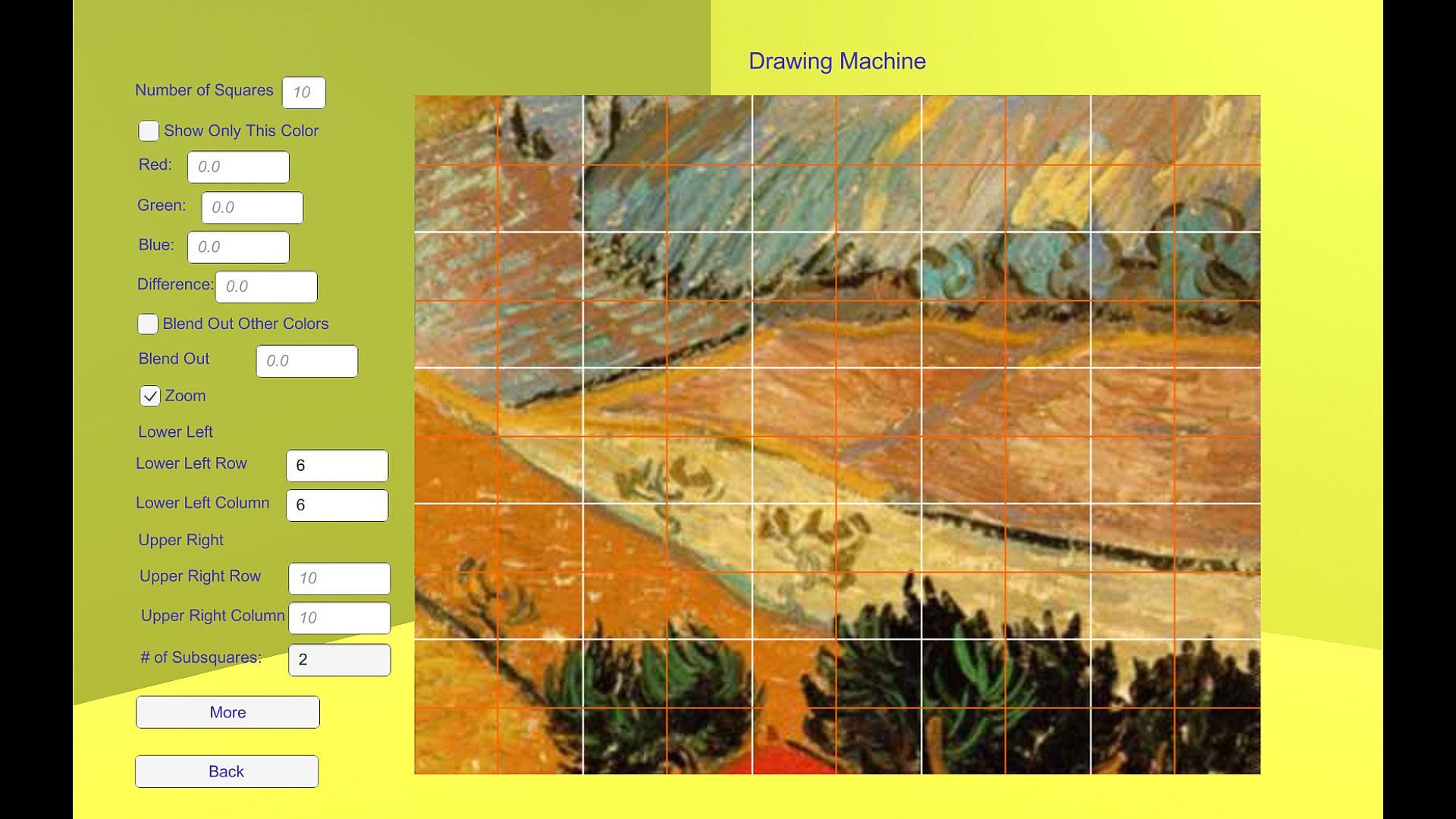
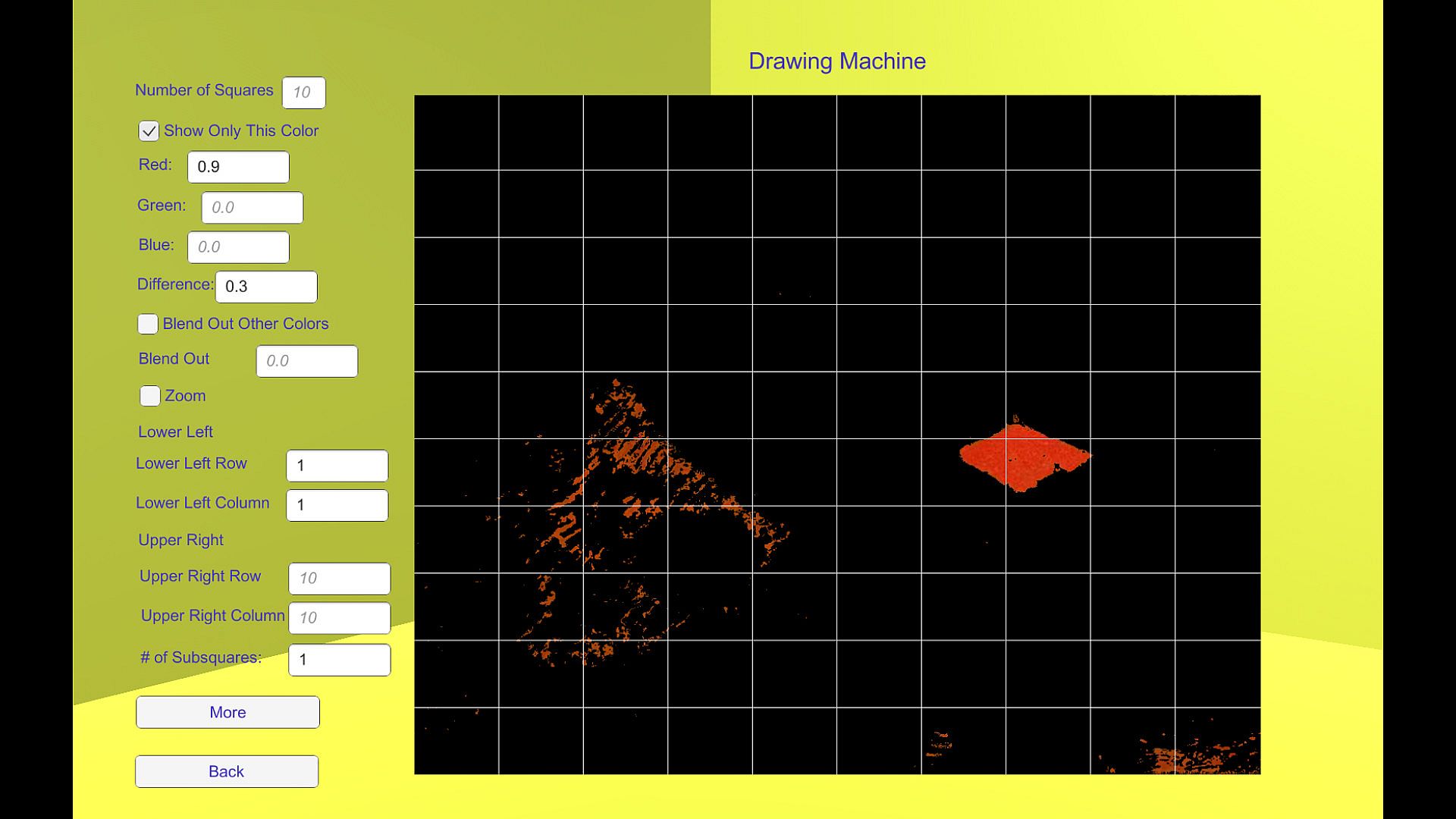
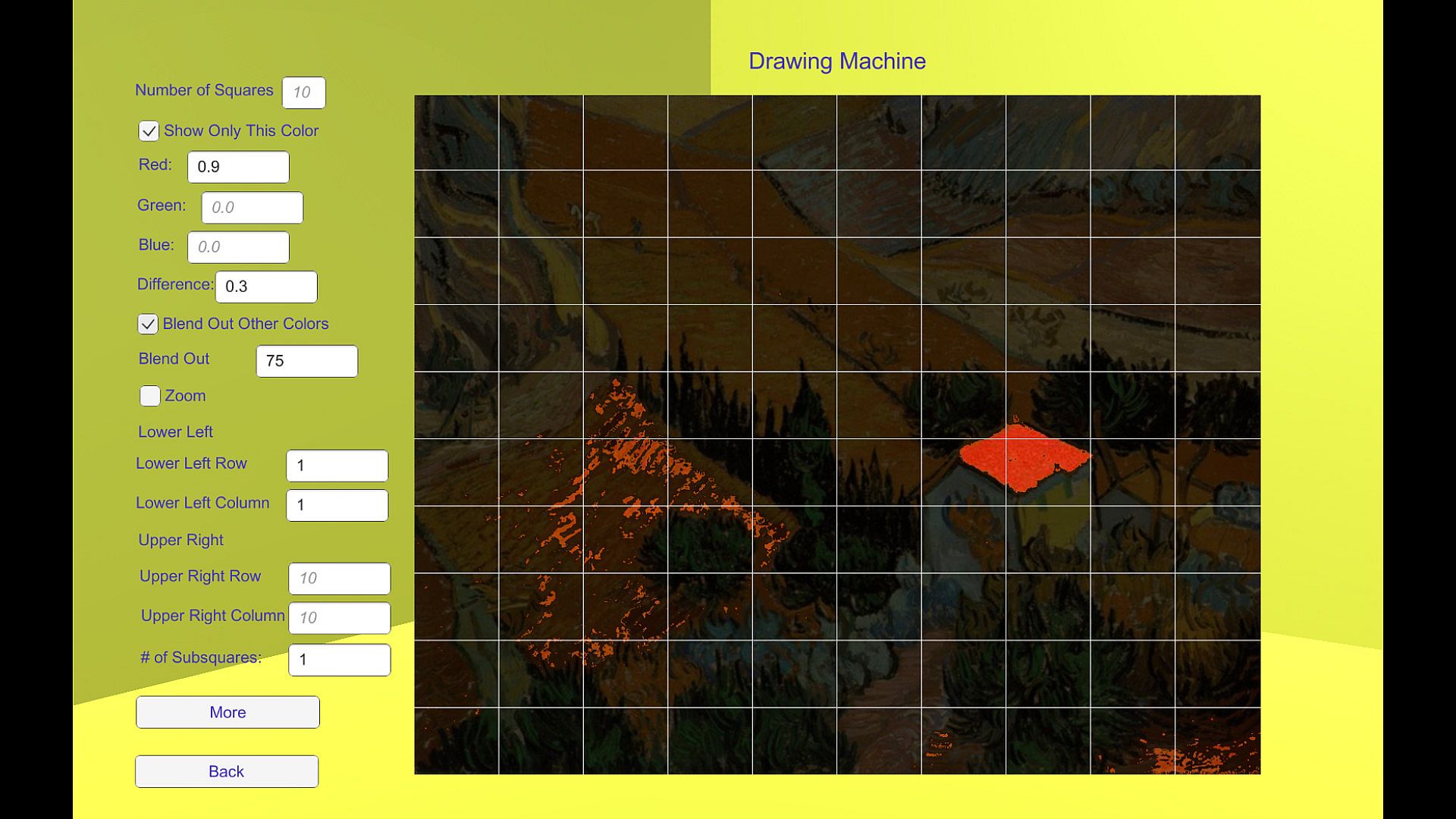
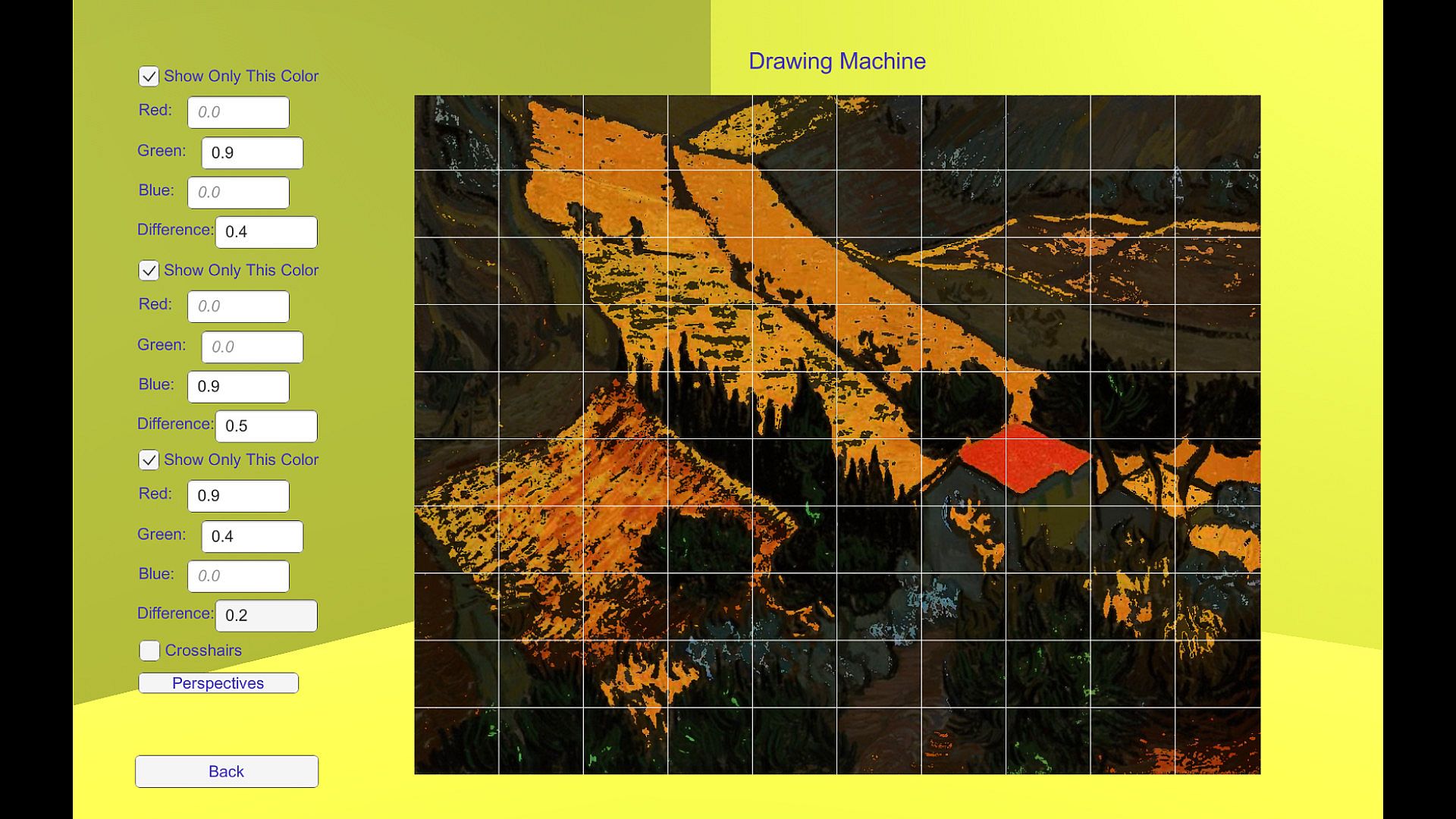
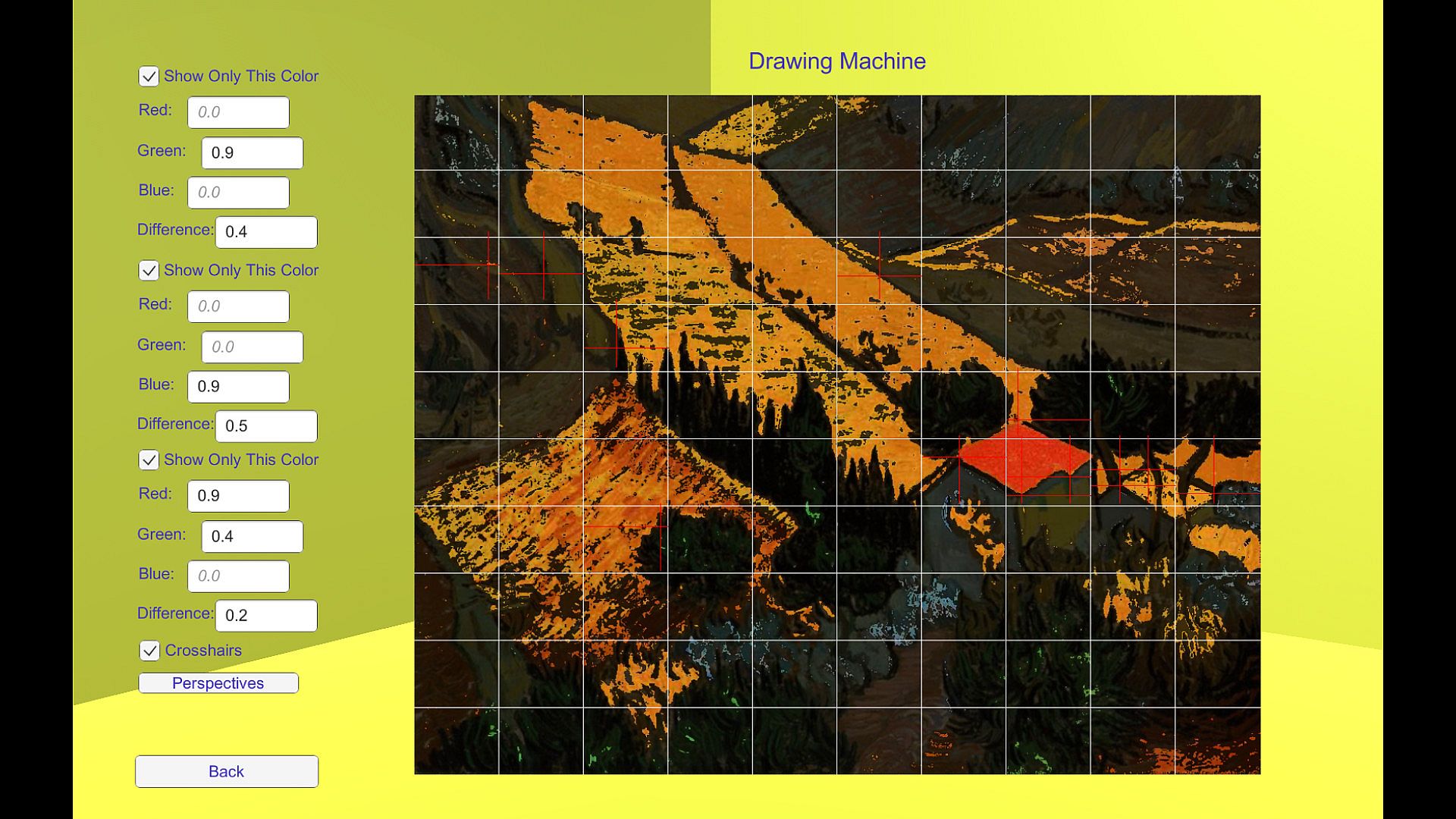
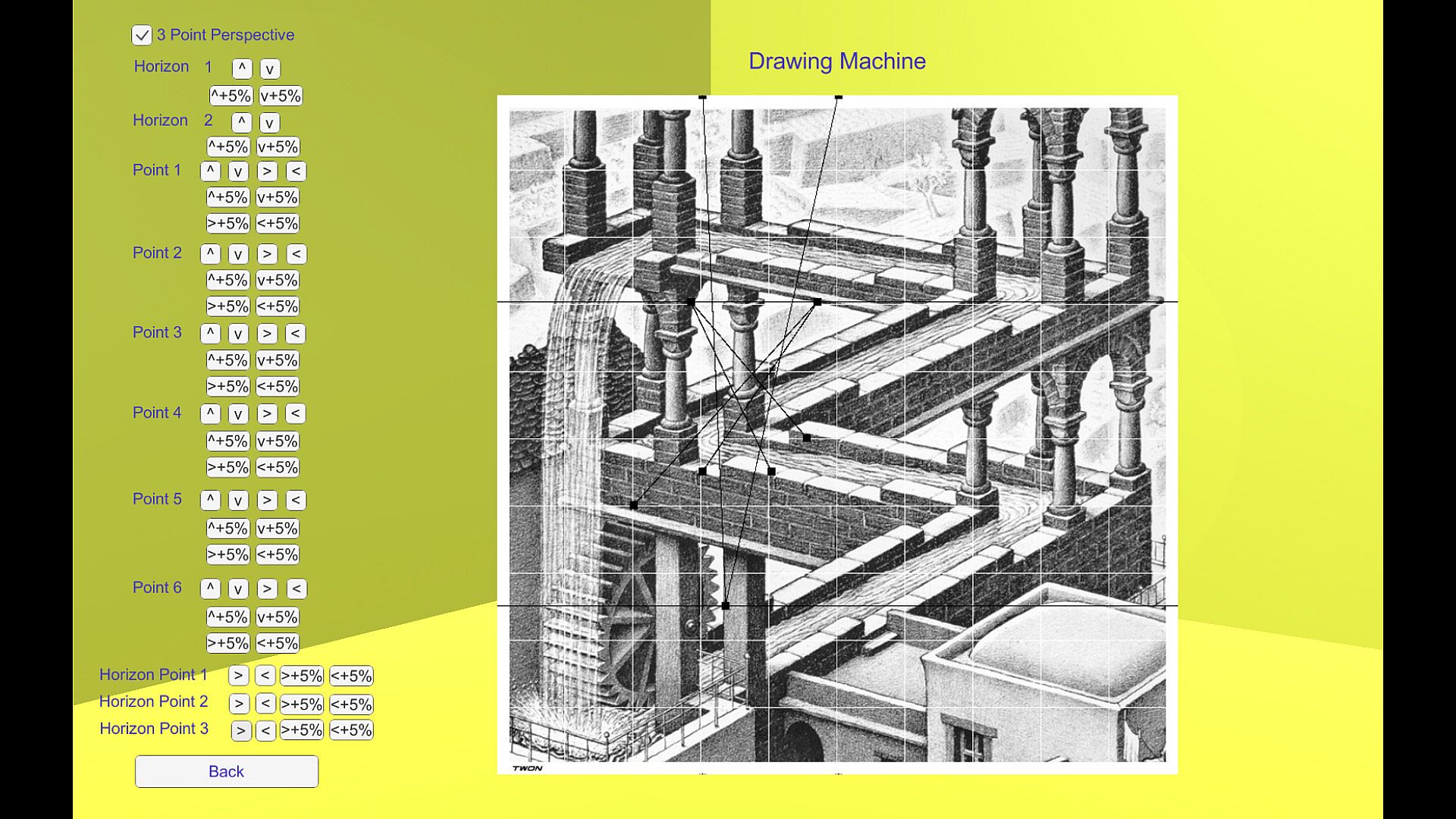
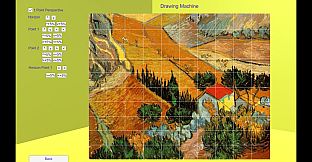
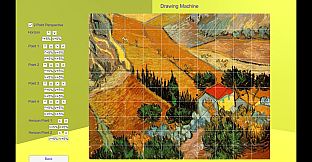
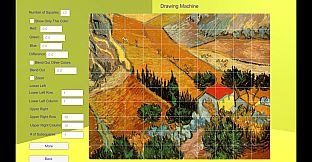
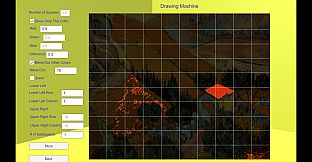
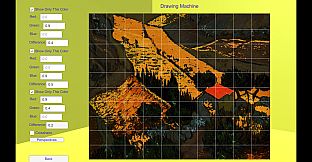
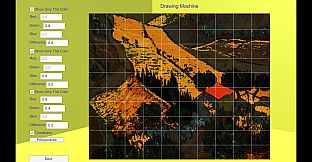
Drawing Machine revives Albrecht Dürer's 1525 technique to mechanically trace pictures on your PC desktop. Divide any image into a grid of smaller sections-such as a 10x10 mesh of 100 connected pieces-and draw them one by one while seeing their links. Add pinpoint crosshairs for key points or plot 1-, 2-, or 3-point perspectives to simplify the process.
Recent updates automate blank grid generation for printing, let you overlay and merge images intuitively, and offer grid styles like subtle crosses or grayscale conversion. Use it to trace cell phone photos or online images for design and illustration, web publishing, or game development assets. Non-artists fill skill gaps, kids practice on vacation, and aspiring creators produce personalized graphics without hiring pros.
In 1525 Durer invented his drawing machine. It is a way to mechanically produce a picture. Drawing Machine is an implementation of this technique on a desktop that helps you draw a picture. This app will help you learn to draw. As your skill improves you can use the app less and less as you develop the proper mental repertoire for drawing pictures. This app is "Divide and Conquer" as it can be applied to drawing.
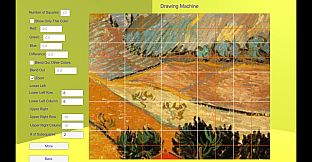
Durer's drawing machine works by dividing the picture into many smaller contiguously-connected pictures. Instead of drawing one large picture all at once you draw each of many small pictures, one after another. You can see how each smaller picture is connected to the other small pictures. The original picture is cut up into these smaller pieces by you specifying the number of squares you want. If you specify 10 squares then the original picture is sectioned into a 10 by 10 mesh of smaller pictures for a total of 100 small connected pictures. Overall, the technique is very simple and very effective.
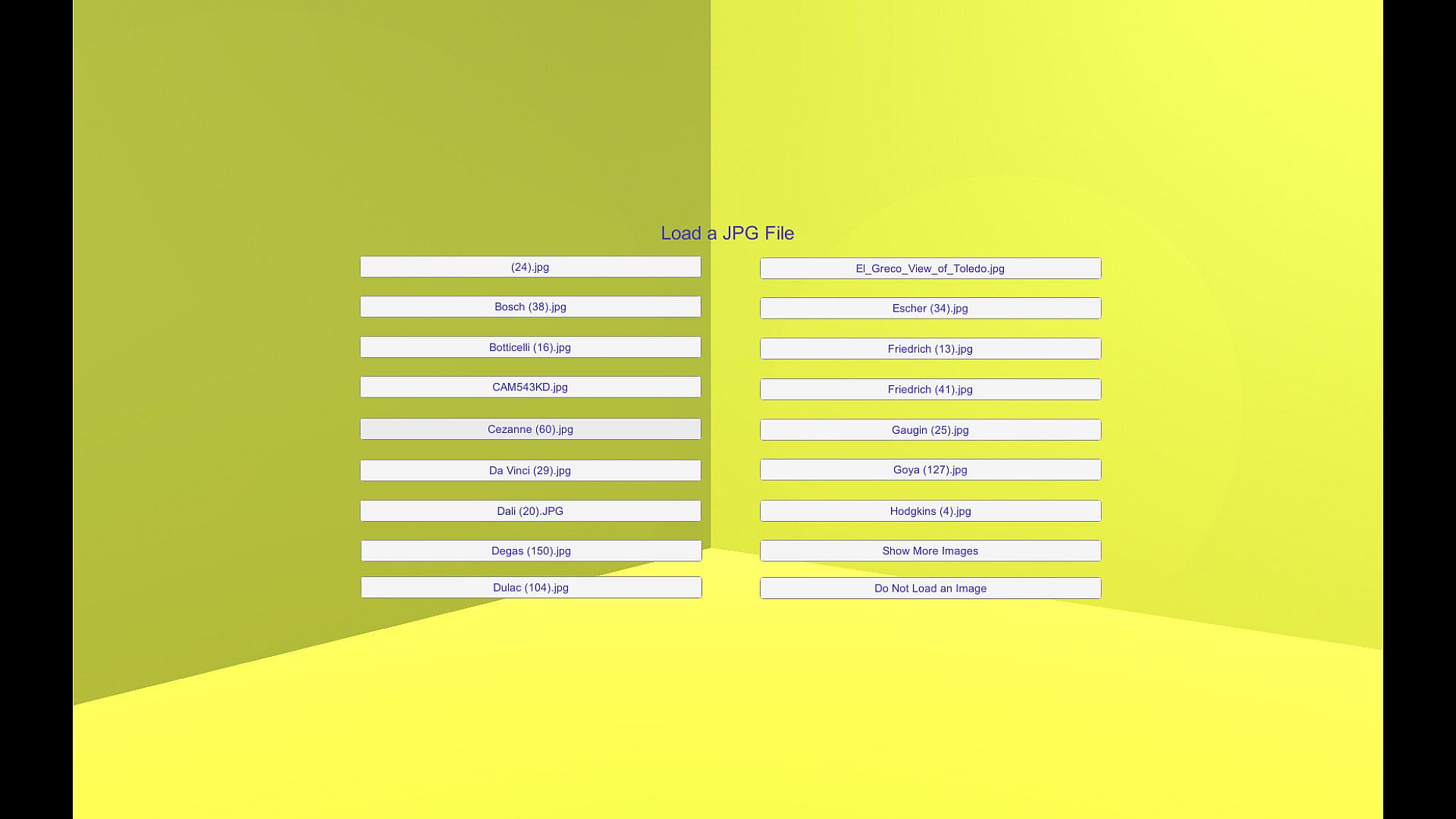
This app is useful whenever someone who is not an artist needs to draw a picture. If you need to draw a picture to be used on computer then you can use this app to draw whatever picture you need. This is true even if you are a bad artist. You can take a picture with your cell phone and use that image in the Drawing Machine to create your very own personalized version of your photo. You can look up any picture online and use the Drawing Machine to create the picture you would draw if you really were a good artist. Therefore, this app can be used for design and illustration, for web page design, for animation and modeling, or for any process which requires pictures or images. You can use the app to become a better artist or to add your personal artistic graphic touch to your game. Many of us are not good artists but must produce pictures or images for our aspiring games. We can't afford to hire professional artists to create our pictures. You can plug this app into the gap in your skills that exists if you aren't an artist.
If you wish you can use the app only to locate and place certain problematic points on your target image. Alternatively, you use the app only for some of the picture but not all of the picture.
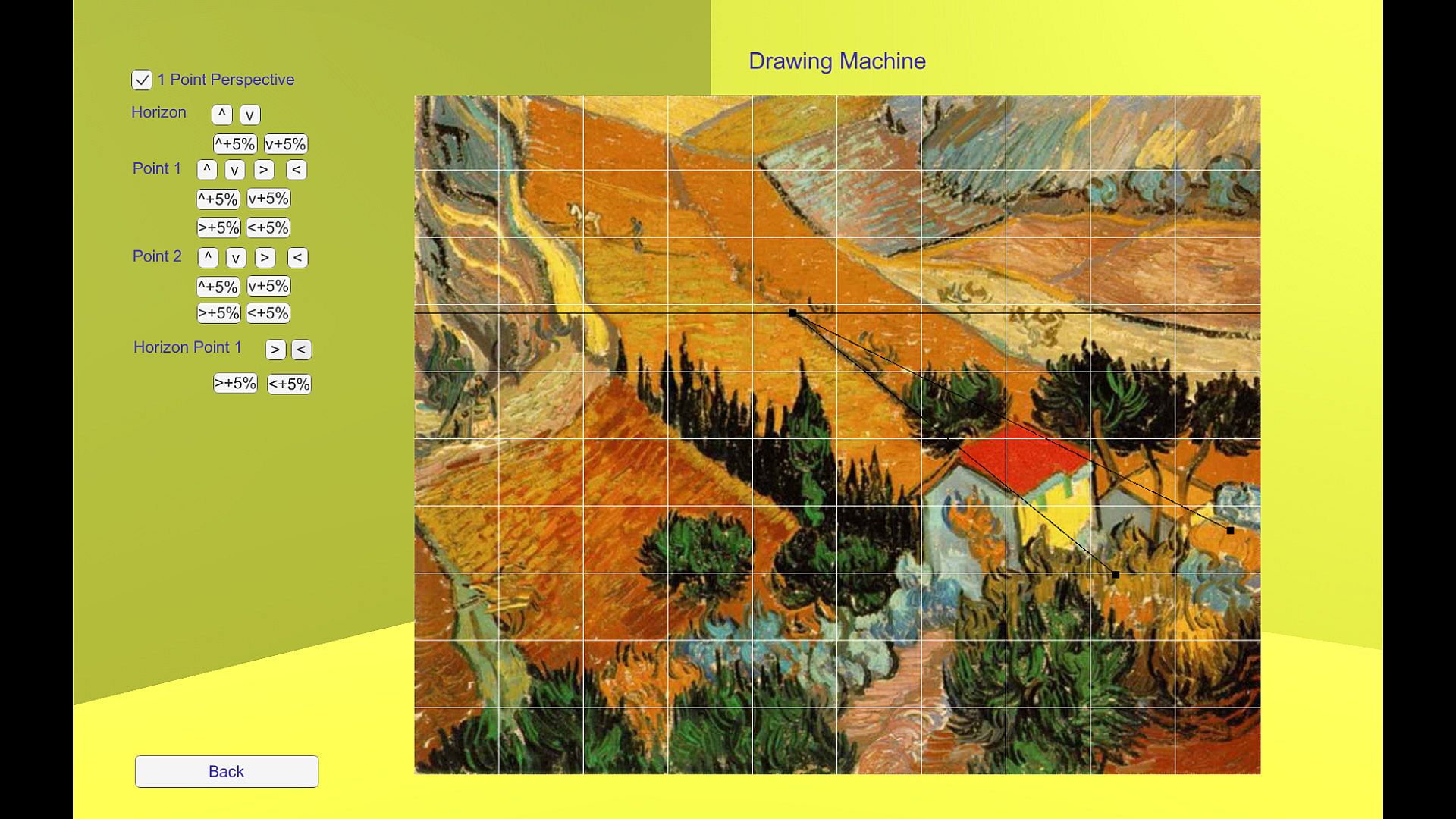
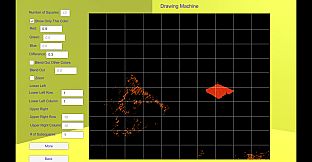
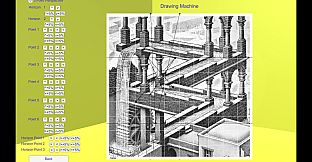
This app extends Durer's drawing machine by providing two additional helpful features. The "crosshairs" feature allows you to create within the grid pinpoint accurate crosshairs on points of interest. You can use the crosshairs to reduce the number of squares you have to deal with thus making it easier to use the technique. These crosshairs allow you to be exactly correct when you place critical points. The "perspectives" feature helps you plot various types of perspectives onto your targeted image (i.e. 1 point, 2 point, or 3 point perspectives with their various vanishing points). These two features improve the basic functionality of Durer's drawing machine.
An update released on 9/5/2022 removes the worst thing about using Drawing Machine. Before the update, you had to manually draw your grids on your drawing surface. In the update, a way to automatically generate a set of blank grids was added. Once you have your blank grids you could pick the one you like best and print as many copies as you like. You could have managed to create your own printable blank grids yourself but this way Drawing Machine will do it for you. This removes a tedious, boring, and time-consuming step in the process. Note you could print your starting image which has no grids, your starting image with a grid overlaid on it, and several copies on printer paper of blank grids properly dimensioned to match your start image. In this usage case, you could take all these printed sheets with you on your vacation and never have to use a cellphone or computer during your vacation while you practice drawing. If you have kids then this would be a great, cheap way to give them something to do on vacation. Another improvement in the update was to allow you to merge several other images over portions of your starting image. This gives a capability like you see in Gimp or some photo shopping program but it all occurs in an intuitive fashion within Drawing Machine. Still another improvement is to allow you to select your preferred styling of the grids. Instead of grids you can cause small, nearly-invisible crosses to be used to mark where grid lines would cross thus removing the necessity of erasing the grid lines from your final picture. Also, you can cause your printed images to convert from color to greyscale thus letting you more easily create a charcoal image from a color image. All things considered, the update makes Drawing Machine much better (more useful).