





Compra DisplayFusion PC

Al 10 apr 2026, la chiave DisplayFusion più economica costa 27,50 € su Kinguin. XD.deals confronta i prezzi di 4 negozi tra 5 offerte. Nei keyshop il prezzo più basso è 27,50 € (29% di sconto), i negozi ufficiali partono da 38,99 € (0% di sconto). Dati forniti da XD.deals.

Steam:
Very Positive (1k)
Compra nello store ufficiale:
38,99 €
Compra nei keyshop:
-29%
27,50 €
Vedi storico prezzi

Store ufficiali (1)

DRM:
Steam
Steam
Steam
DisplayFusion
Windows
2sett fa
DRM:
Steam
Steam
38,99 €

Keyshop (4)

DRM:
Steam
Steam
Kinguin
DisplayFusion Steam CD Key
Windows
2sett fa
DRM:
Steam
Kinguin
38,99 € 27,50 €
-29%
-8% with XD8DEALScopy
Eneba
DisplayFusion Steam Key GLOBAL
Windows
3g fa
DRM:
Steam
Eneba
38,99 € 28,68 €
-26%
-10% with XDD10copy
-10% with XDD10copy
GAMIVO
DisplayFusion Global
Windows
10h fa
DRM:
Steam
GAMIVO
45,24 €
-9% with XDDealscopy
GAMIVO
DisplayFusion Global
Windows
10h fa
DRM:
Steam
GAMIVO
65,26 €
-9% with XDDealscopy

Info su DisplayFusion

DisplayFusion - info sul gioco
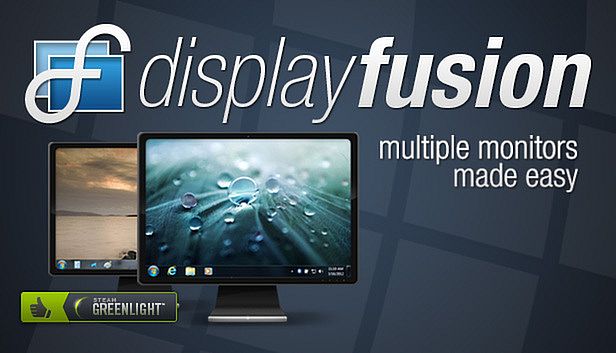
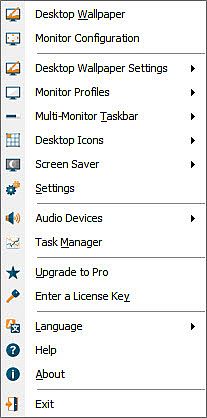
DisplayFusion rende più semplici le configurazioni multi-monitor su PC grazie a strumenti come le taskbar su ogni schermo, pulsanti sulla title bar e hotkey personalizzabili. Dividi i monitor in sezioni virtuali per taskbar, sfondi e screensaver indipendenti, anche in combinazione con AMD Eyefinity o nVidia Surround. Gestisci le configurazioni tramite profili che regolano risoluzione, profondità colore e orientamento, sincronizzando gli sfondi per transizioni fluide. Gli utenti avanzati controllano le finestre oscurando i monitor inutilizzati, funzioni scriptate in C# o altri linguaggi e trigger per eventi come il focus su una finestra o l'idle del sistema. Il controllo remoto da smartphone o tablet permette di spostare finestre, attivare/disattivare monitor o eseguire script con un solo tocco. Profili per le posizioni delle finestre e taskbar multi-monitor con anteprime mantengono tutto organizzato per chi lavora con più display.

DisplayFusion will make your multi-monitor life much easier! With powerful features like Multi-Monitor Taskbars, TitleBar Buttons and fully customizable HotKeys, DisplayFusion will make managing your multiple monitors easy. These features even work when AMD Eyefinity or nVidia Surround are enabled on your system!

Lifetime License
This DisplayFusion license is a lifetime license, you won’t pay anything for any future updates or new major versions. Pay once, and enjoy DisplayFusion forever!

Trial License
A 30-day trial of DisplayFusion Pro is available on the download page of our official website: . When you purchase the Steam version of DisplayFusion Pro, it will automatically replace the existing DisplayFusion Pro trial the first time you launch it from within Steam.
Key Features
Monitor Splitting (works with Surround and Eyefinity!)
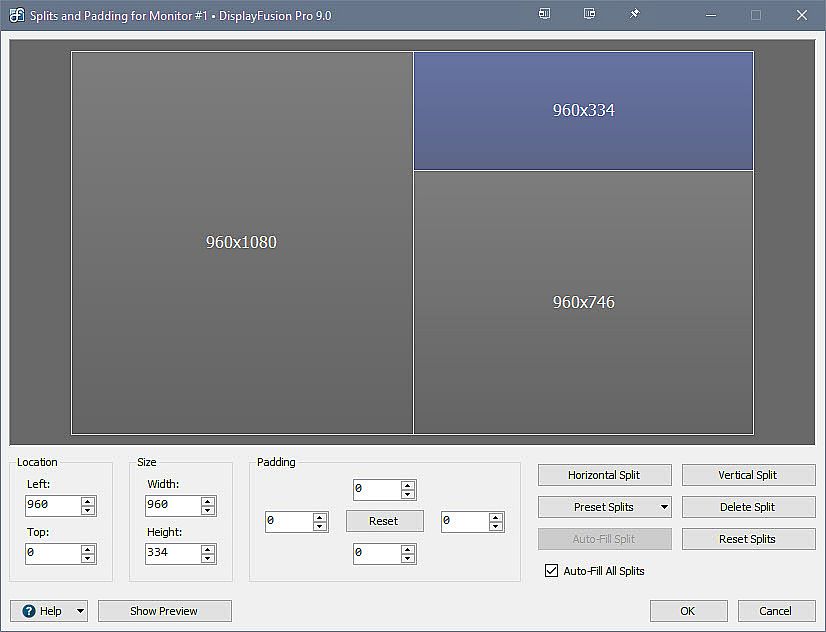
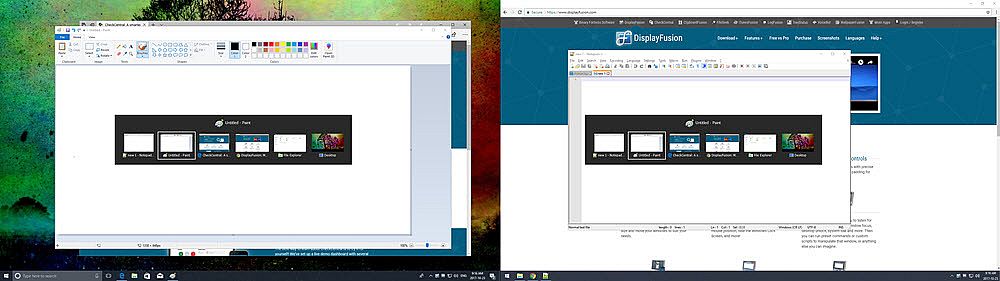
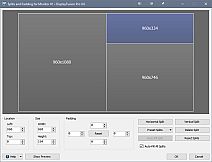
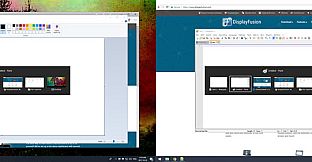
Split your monitors into multiple virtual monitors so that you can have separate Taskbars, Wallpapers, Trigger rules, Functions, and Screen Savers for each split. Non-full screen applications will maximize to the size of each split, and Functions like "Move to Next Monitor" will treat each split as a separate monitor. Compensate for ATI and nVidia Bezel Compensation in DisplayFusion to prevent your windows from disappearing behind your bezels.
 
Monitor Configuration and Profiles
Use DisplayFusion to set your Monitor Configuration. Configure the resolution, colour depth, refresh rate and orientation. You can even save your configurations as Monitor Profiles that you can load later using a key combination or TitleBar Button. Link a Wallpaper Profile with your Monitor Profile to load your desktop wallpaper automatically based on the monitors you have connected.
 
Multi-Monitor Wallpaper
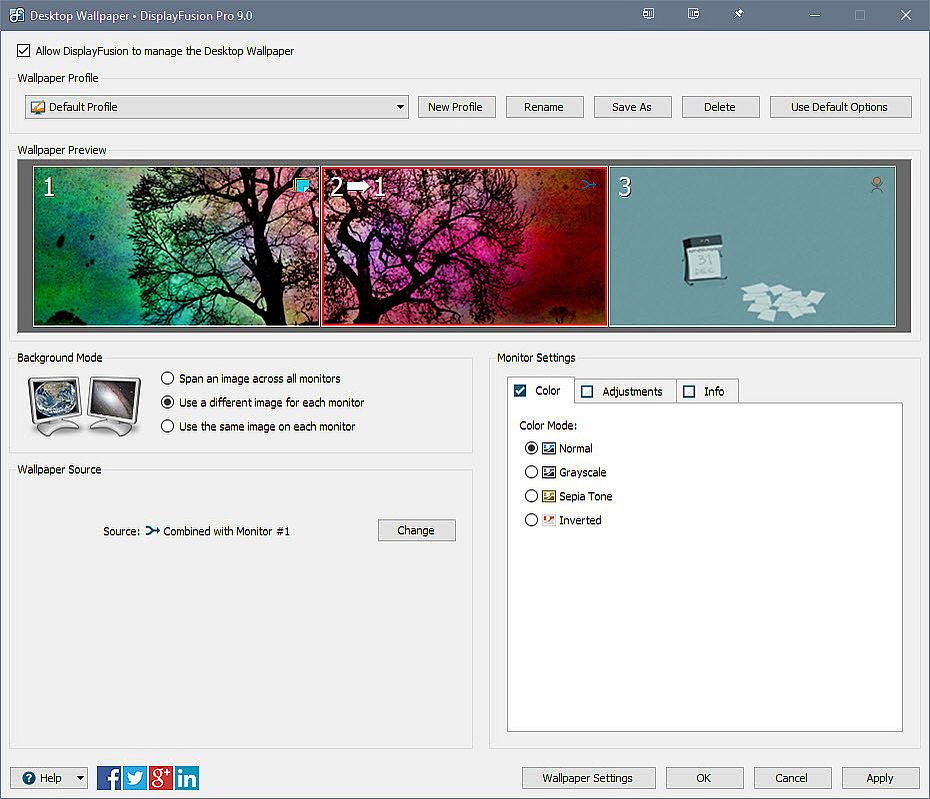
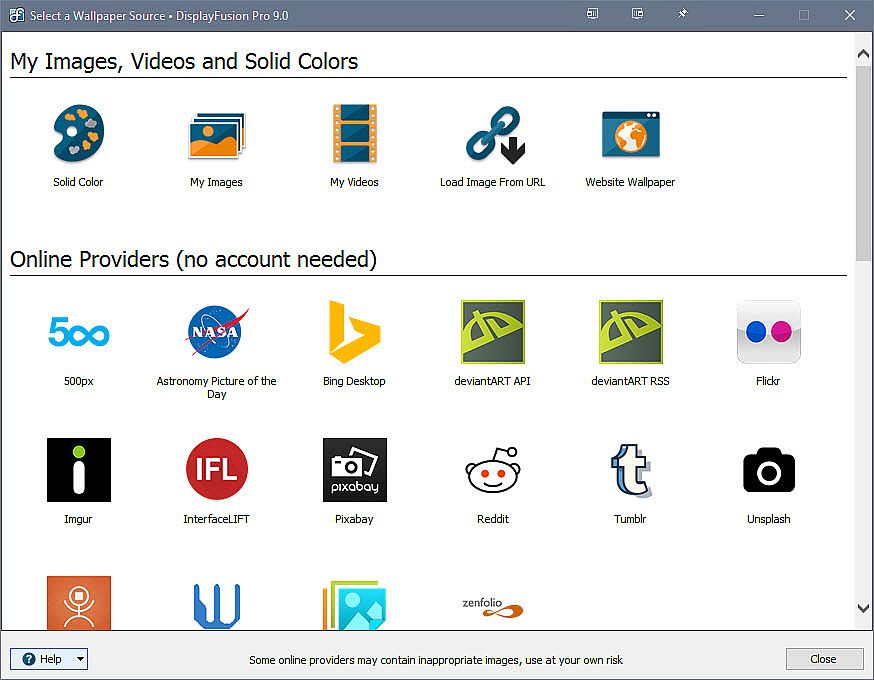
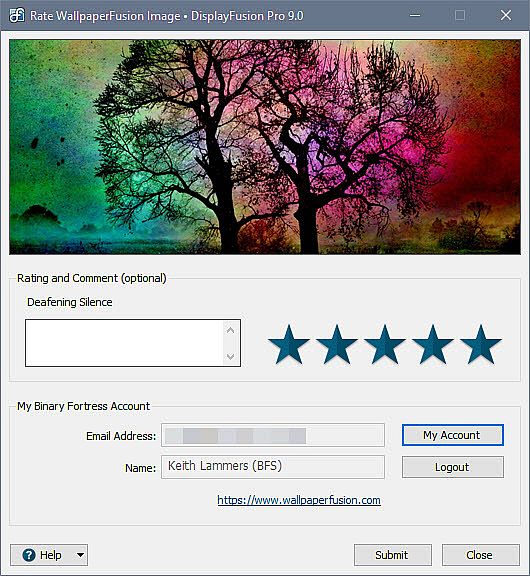
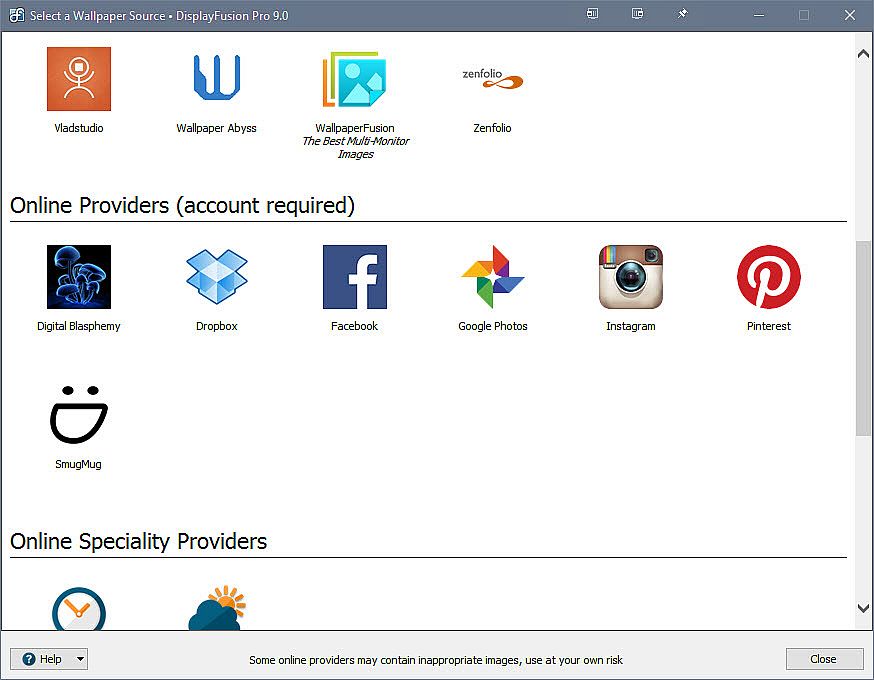
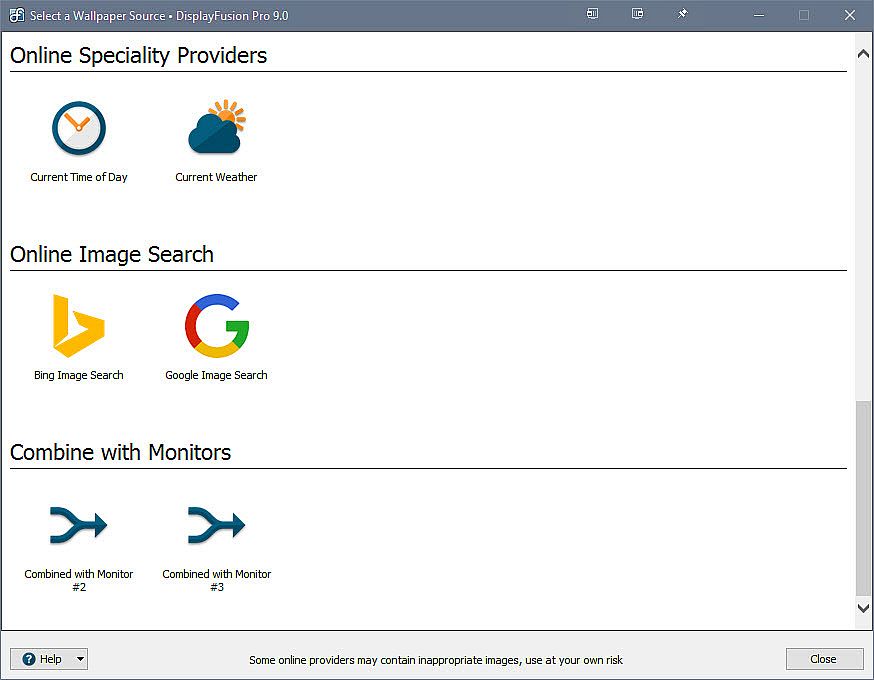
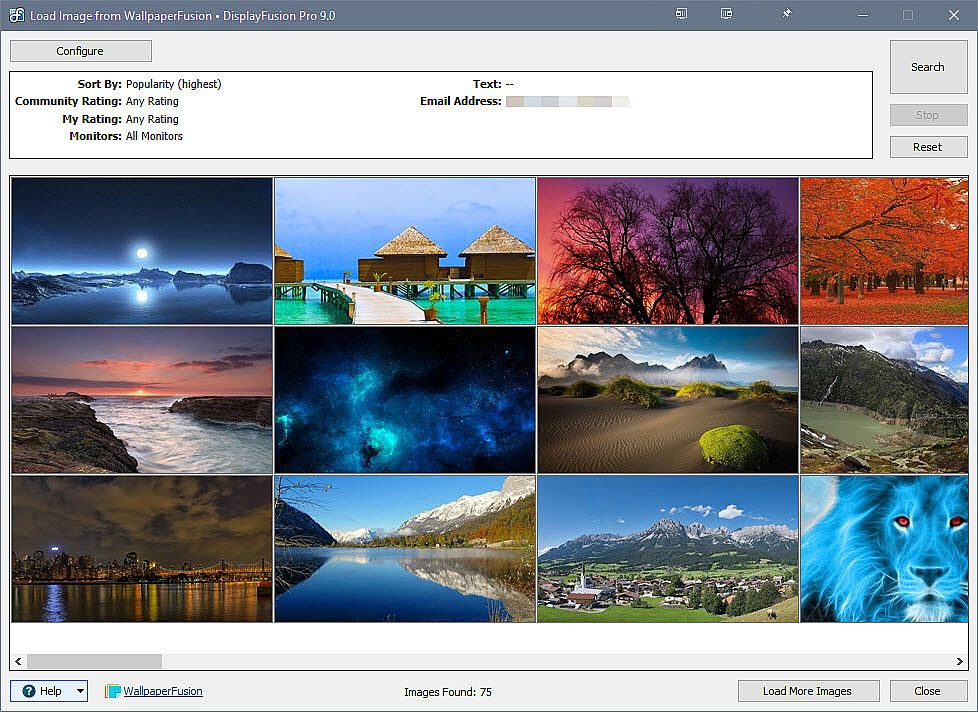
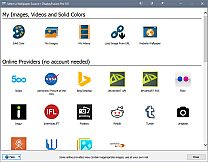
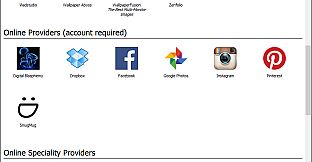
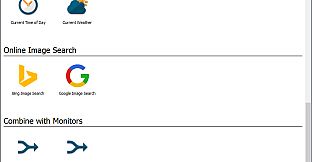
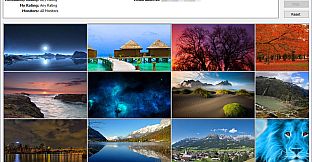
Customize your desktop with Multi-Monitor Wallpapers from WallpaperFusion, Flickr, InterfaceLIFT, Vladstudio and more. Tile, stretch, scale, crop, position and tint your images exactly how you want.
 
Multi-Monitor Taskbars
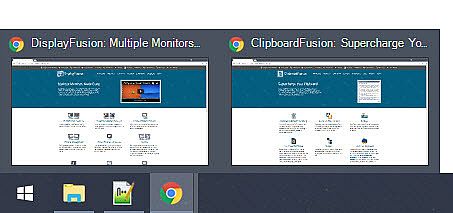
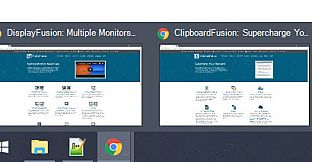
Keep your windows easily organized by adding a taskbar to each of your monitors. The taskbar on each monitor can be configured to show all windows, or only the windows that are located on that monitor. Use button grouping, auto-hide, window previews, shortcuts (pinned applications) and much more to help you work more easily with your application windows. Each taskbar can have its own custom set of shortcuts. Taskbar elements on the DisplayFusion Taskbars can also be customized to your liking, including the position of the Start button, Taskbar buttons, and clock/system tray.
 
Customizable Functions and TitleBar Buttons
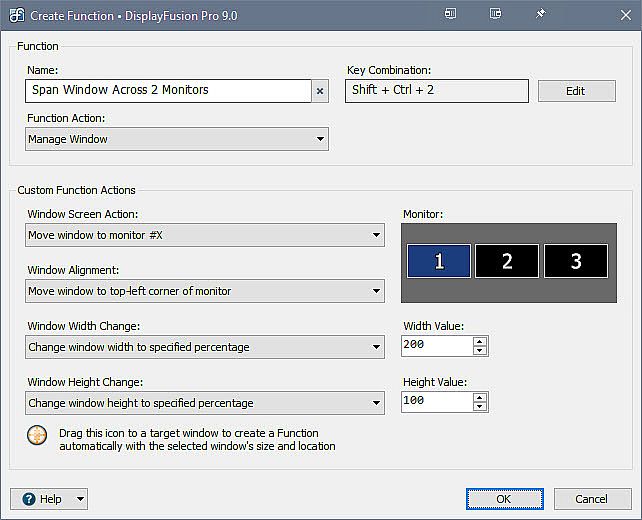
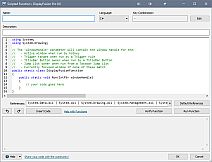
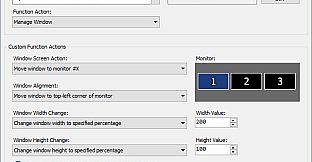
DisplayFusion comes bundled with over 30 pre-configured Functions, or you can create your own powerful custom Functions. Create Functions to load Wallpaper or Monitor Profiles, move windows around, change window opacity, toggle DisplayFusion features and much more. Any Function, including custom Functions that you've created, can be assigned to a TitleBar Button for easier access with the mouse, or to a keyboard shortcut for keyboard power users. Functions can also be assigned to the Jump List menus on the DisplayFusion Multi-Monitor Taskbars, allowing them to be run even on applications that are minimized.

Monitor Fading
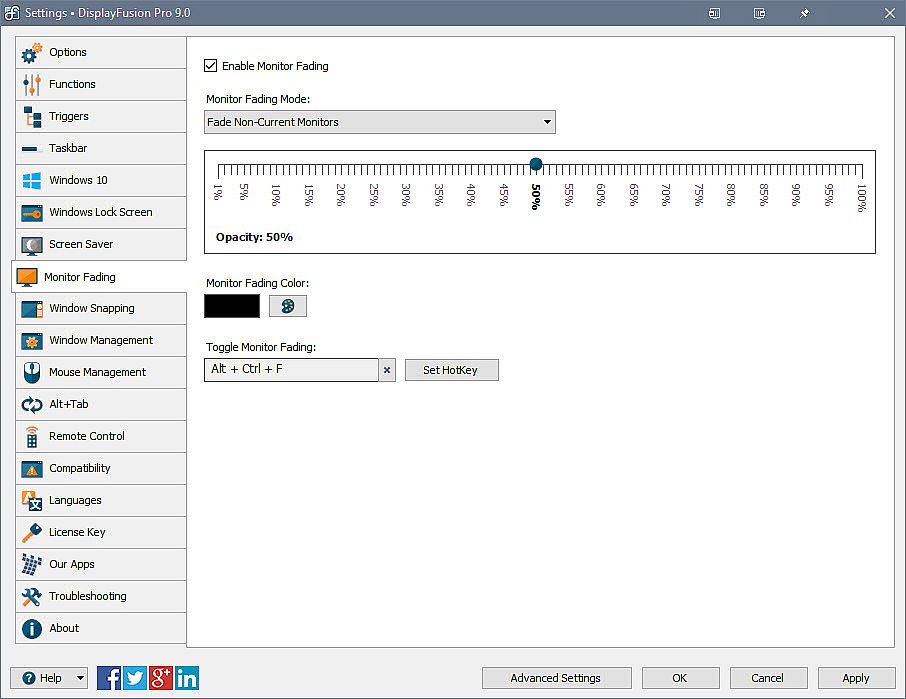
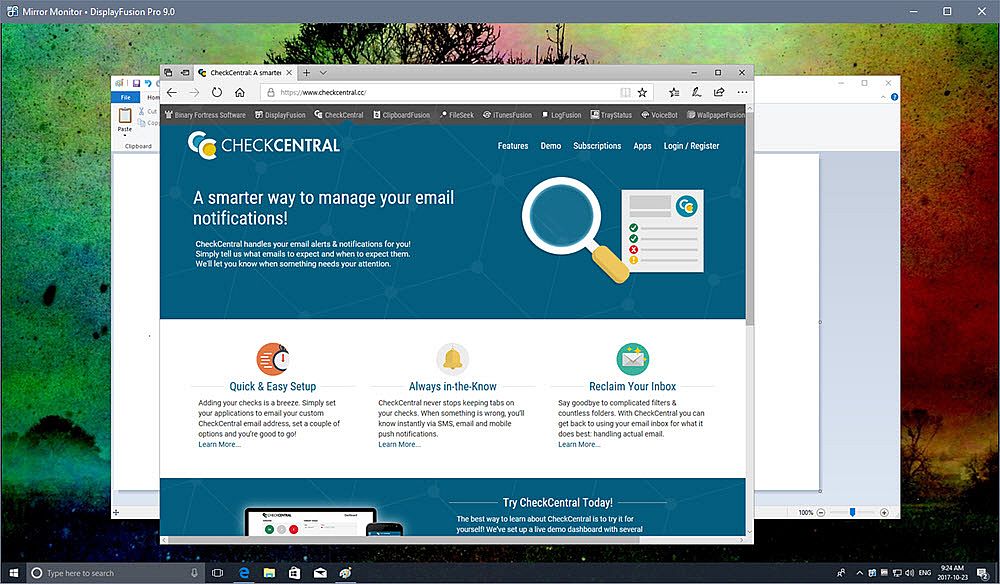
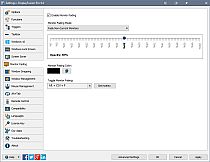
Focus on the task at hand, by automatically dimming unused monitors and application windows.

Scripted Functions
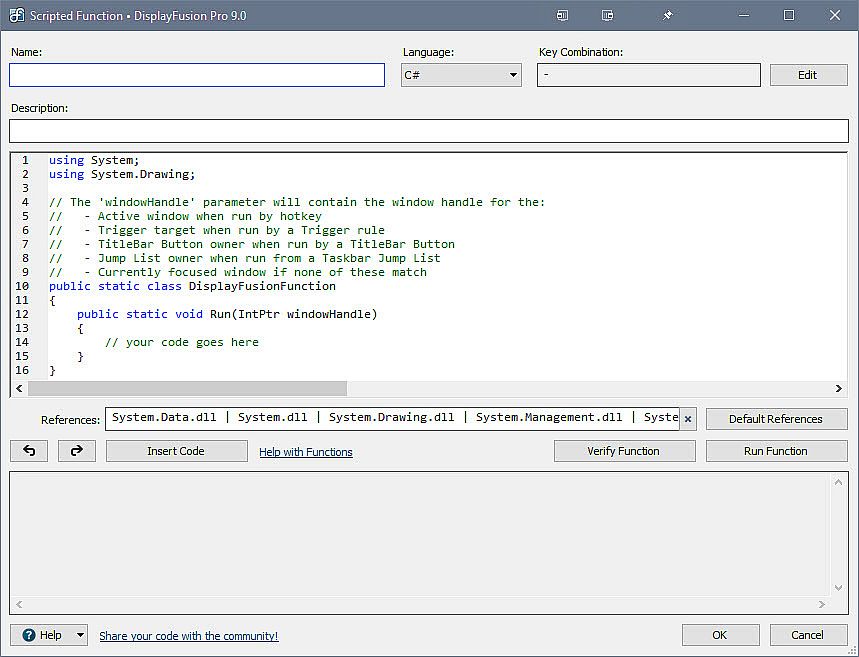
Need more options? Use DisplayFusion's Scripted Functions (Macros) to script anything you can imagine. Use C# or inside DisplayFusion to create your own custom scripts. From simple window movement scripts to anything more complex.

Triggers
The Triggers feature allows you to listen for events, like window creation, window focus, desktop unlock, system idle and more. Then you can run preset commands or custom scripts to manipulate that window, or anything else you can imagine.

Window Position Profiles
Easily save and load your window size and positions using DisplayFusion's Window Position Profile feature. Loading a previously saved Window Position Profile is an easy way to quickly organize your windows into preset arrangements.

Remote Control
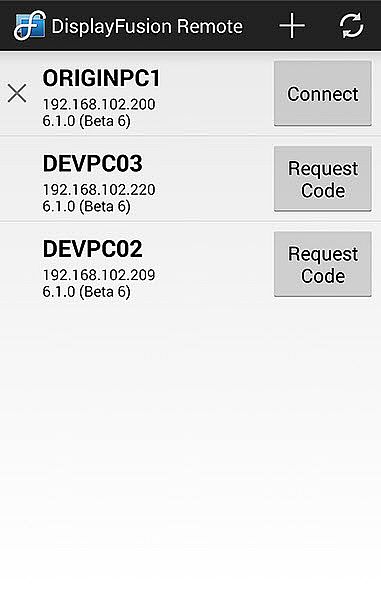
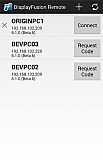
Remotely control DisplayFusion from your phone or tablet! Change your wallpaper, move windows around, enable/disable monitors and hundreds of other abilities, all from your phone or tablet. Includes support for scripted functions, new in DisplayFusion 7. You can script a complete set of actions, save it as a scripted function and run it from your phone or tablet with one-click. It’s easy to setup and even easier to use!
 
Other Key Features
  • Windows 10 and Windows 11 Tweaks
  • Window Snapping
  • Window Management
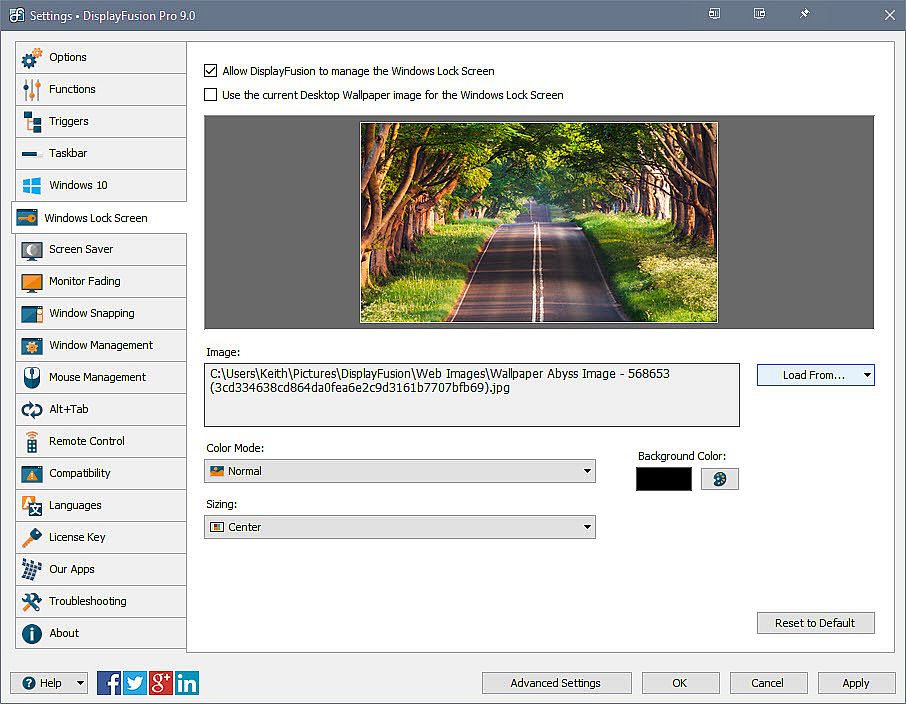
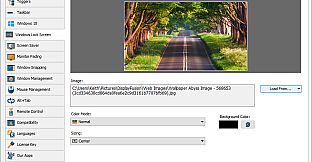
  • Change your Windows Logon Background
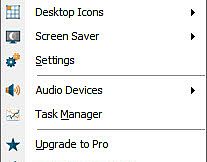
  • Multi-Monitor Screen Savers
  • Alt+Tab Replacement
  • Save and restore your desktop icon layout
  • Supports as many monitors as you can hookup to your computer
  • Available in over 40 languages
  • See All Features:
Interfaccia:
ArabicBulgarianCzechDanishGermanGreekEnglishSpanish - SpainFinnishFrenchHungarianItalianJapaneseKoreanDutchNorwegianPolishPortuguese - PortugalPortuguese - BrazilRomanianRussianSwedishThaiTurkishUkrainianSimplified ChineseTraditional Chinese
Audio:
ArabicBulgarianCzechDanishGermanGreekEnglishSpanish - SpainFinnishFrenchHungarianItalianJapaneseKoreanDutchNorwegianPolishPortuguese - PortugalPortuguese - BrazilRomanianRussianSwedishThaiTurkishUkrainianSimplified ChineseTraditional Chinese
Sottotitoli:
ArabicBulgarianCzechDanishGermanGreekEnglishSpanish - SpainFinnishFrenchHungarianItalianJapaneseKoreanDutchNorwegianPolishPortuguese - PortugalPortuguese - BrazilRomanianRussianSwedishThaiTurkishUkrainianSimplified ChineseTraditional Chinese

Classificazione per età

Non disponibile
Steam:
Very Positive (1k)
Minimo storico
Storico prezzi dei negozi ufficiali
-
-
-
Storico prezzi dei keyshop
-
-
-

FAQ

8 domande

Prima di cercare una chiave economica di DisplayFusion, controlla le informazioni essenziali. Sviluppato da Binary Fortress Software. Pubblicato da Binary Fortress Software. Data di uscita su PC: 29 mar 2013. Generi: Utilities.

Q

Dove comprare una chiave Steam di DisplayFusion a poco?

Grazie al nostro comparatore di prezzi e ai codici sconto verificati, puoi acquistare una chiave di DisplayFusion a partire da 27,50 €. Questa offerta è disponibile su Kinguin ed è tra le più economiche sul mercato. Tutte le chiavi su XD.deals vengono consegnate in formato digitale e sono disponibili per il download immediato dopo il pagamento. I prezzi includono già le commissioni e i codici promozionali applicati, così vedi sempre il prezzo più basso di DisplayFusion su PC. Controlla lo storico prezzi di DisplayFusion per acquistare al momento migliore.

Secondo il nostro ultimo aggiornamento (aggiorniamo i prezzi Steam più volte al giorno), il prezzo di DisplayFusion su Steam è 38,99 €. Puoi risparmiare un ulteriore ~6% pagando con una carta regalo Steam scontata.

Il nostro tracker dei prezzi copre sia i rivenditori ufficiali che i marketplace di chiavi, così puoi trovare DisplayFusion in offerta anche al di fuori delle promozioni stagionali. Al momento rileviamo 5 offerte attive da store ufficiali e keyshop. Controlla la tabella qui sopra, confronta con il minimo storico e imposta un avviso per non perdere il prossimo calo di prezzo.

Secondo i nostri dati, DisplayFusion non è attualmente disponibile su GeForce NOW. Dovrai eseguirlo localmente sul tuo PC. Sfoglia i giochi disponibili su GeForce NOW.

. DisplayFusion ha una pagina ufficiale su Steam. Puoi anche acquistare una chiave Steam di DisplayFusion da venditori terzi. Il nostro comparatore include attualmente 5 offerte con DRM Steam. Scegline una per assicurarti che il download di DisplayFusion avvenga sulla piattaforma di Valve.

Non al momento. Valve classifica DisplayFusion come non supportato su Steam Deck. Tieni d'occhio XD.deals - tracciamo gli aggiornamenti di Proton e le soluzioni della community. Sfoglia i giochi Steam Deck Verified o Steam Deck Playable.

DisplayFusion non sembra essere disponibile su PC Game Pass, EA Play, Ubisoft+ o altri servizi in abbonamento per PC al momento. L'unica opzione è acquistare il gioco - usa XD.deals per trovare il prezzo migliore.

No - XD.deals non è un negozio. Siamo un comparatore di prezzi che traccia le migliori offerte per DisplayFusion tra store ufficiali e keyshop verificati. Clicca "Vai al negozio" accanto a qualsiasi offerta e verrai reindirizzato al sito del rivenditore per completare l'acquisto.

Migliori prezzi per DisplayFusion

1 Kinguin Kinguin Keyshop
-29% 27,50 €
2 Eneba Eneba Keyshop
-26% 28,68 €
3 Steam Steam Official
38,99 €
4 GAMIVO GAMIVO Keyshop
45,24 €

Vuoi comprare al momento migliore? Imposta un avviso di prezzo su XD.deals e ricevi una notifica quando DisplayFusion raggiunge il suo prossimo minimo storico.

Crea avviso
Unisciti al nostro Discord
Ottieni aiuto immediato dalla community e resta aggiornato sulle offerte
Imposta avvisi di prezzo
Ricevi notifiche via email quando i prezzi scendono al tuo target
Crea un account gratuito
Sblocca wishlist, avvisi di prezzo e sincronizzazione Steam