
Compra Desktop Magic Engine PC

Ti interessa Desktop Magic Engine? Stiamo tracciando i prezzi dagli store affidabili. Aggiungi Desktop Magic Engine alla wishlist e ti avviseremo quando saranno disponibili offerte.

Uscita: 18 lug 2020
Steam:
Mostly Positive (720)
Official
Non disponibile
Keyshops
Non disponibile
Compra nello store ufficiale:
Non disponibile
Compra nei keyshop:
Non disponibile

Nessuna offerta al momento, ma non preoccuparti: ti informeremo quando ne comparirà una nuova.

Create Alert Create deal Alert

Info su Desktop Magic Engine

Desktop Magic Engine - info sul gioco
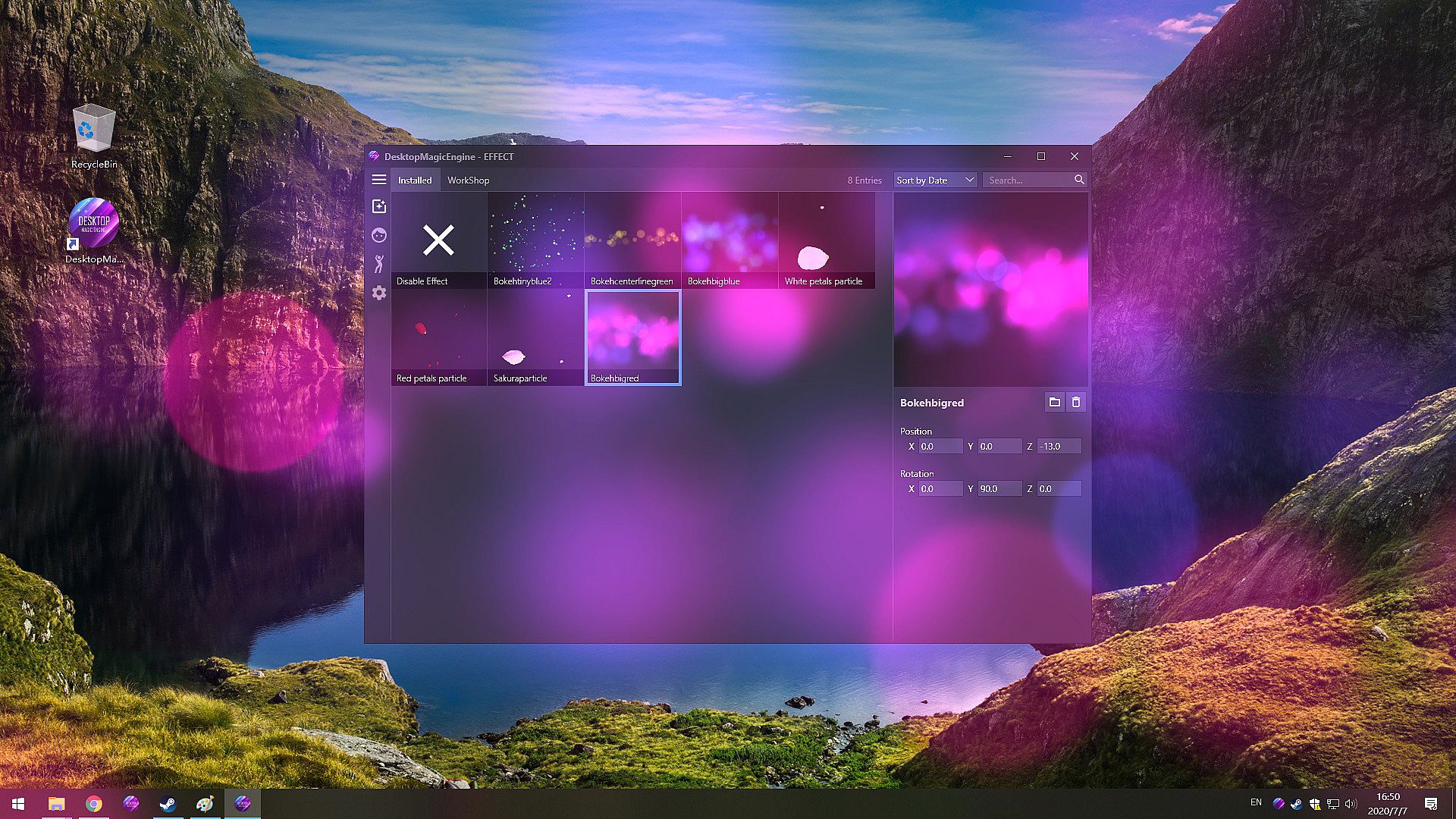
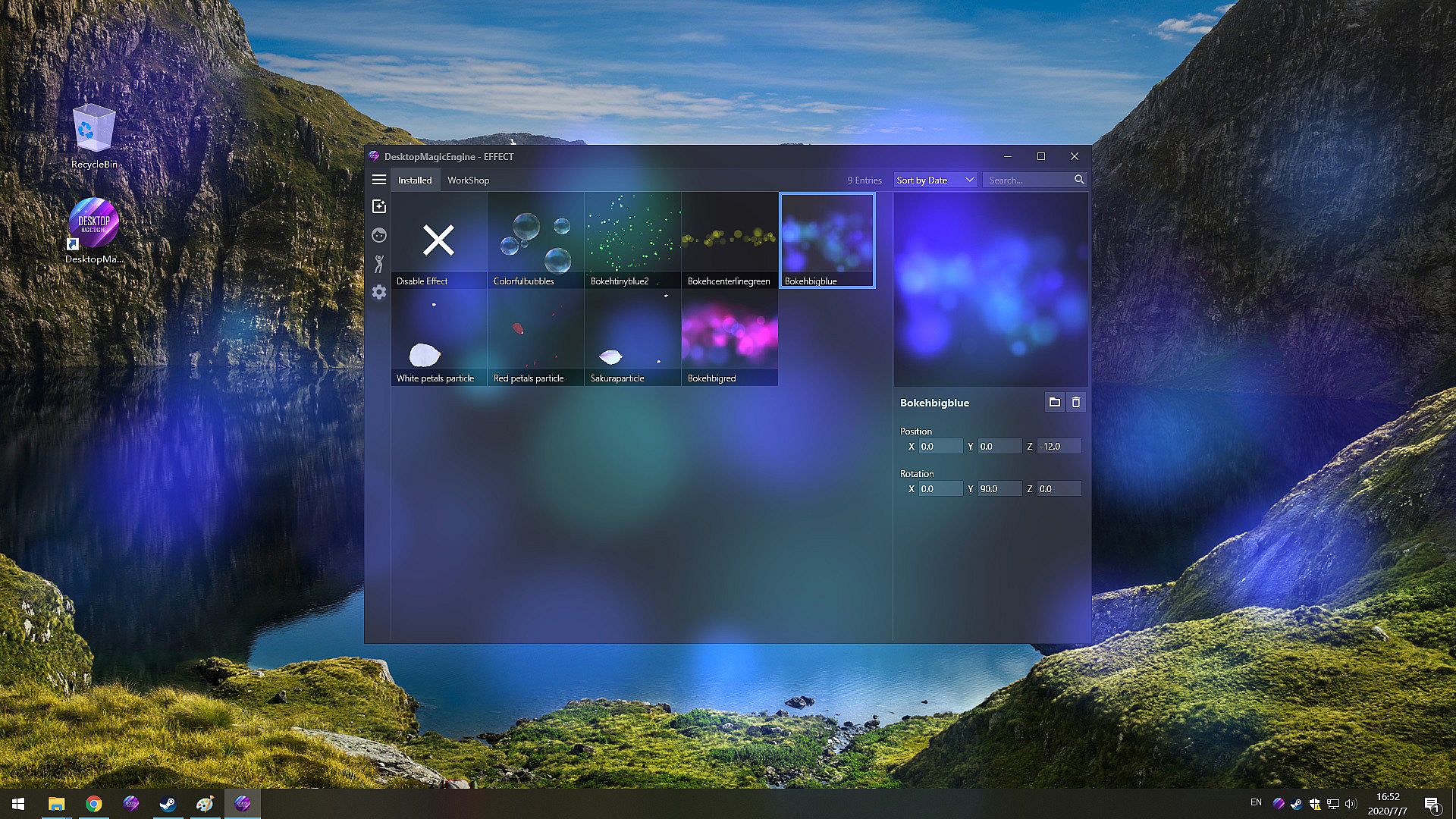
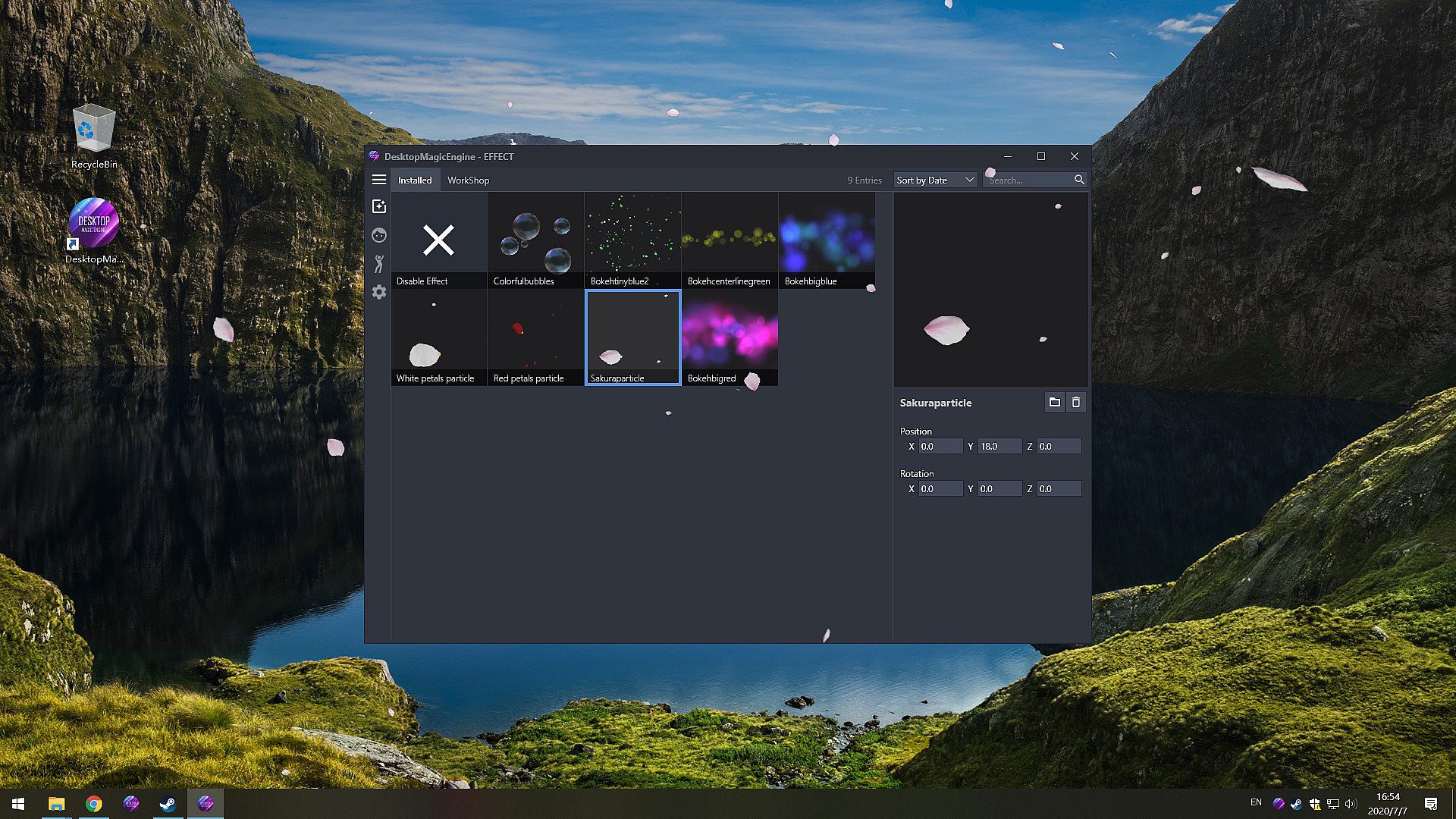
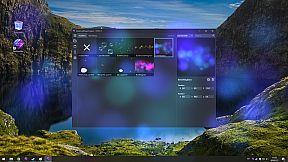
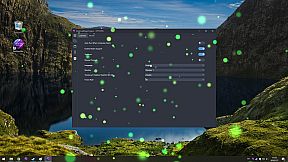
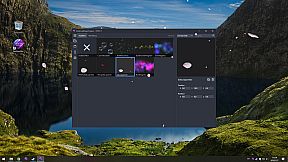
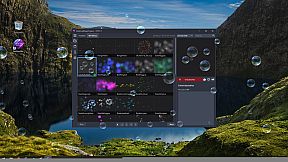
Porta in vita il tuo desktop con adorabili ragazze generate dall'IA che danzano e si muovono tra effetti mozzafiato. Con Desktop Magic Engine puoi caricare modelli PMX o VRM tramite importazione con un clic o abbonamenti Steam Workshop, personalizzarli con opzioni di editing per effetti e combinazioni. Interagisci con i personaggi usando il cursore del mouse, sincronizza danze da 60 template integrati con la musica da player come Spotify o Winamp, e sovrapponili sopra o sotto qualsiasi finestra. Questa utility indie di simulazione gira fluida su PC low-end con uso minimo della CPU, supporta la trasparenza della taskbar e si integra con live wallpaper. Gli utenti PC in cerca di animazioni desktop casual e tool di modellazione sincronizzati con l'audio apprezzeranno la sua personalizzazione flessibile e la compatibilità.

Buy DME Get DMMD4 Free
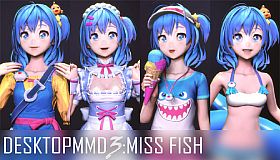
Buy “DesktopMagicEngine” now and Get "DesktopMMD4: Born to Dance"
How to solve the problem that the Effect or Model cannot be displayed
1. Try to close all models at "Manage Model">"Loaded", and restart DME from Tray Icon Menu
2. Try to exit DME from Tray Icon Menu and Click the "Verify integrity of game files" on Steam Library
3. Try to exit DME from Tray Icon Menu and Delete the cache file DesktopMagicEngine/AppData/Cache, then restart software
4. Try to exit DME from Tray Icon Menu and Delete the file DesktopMagicEngine/AppData/Themes/Default/theme.json, then restart software
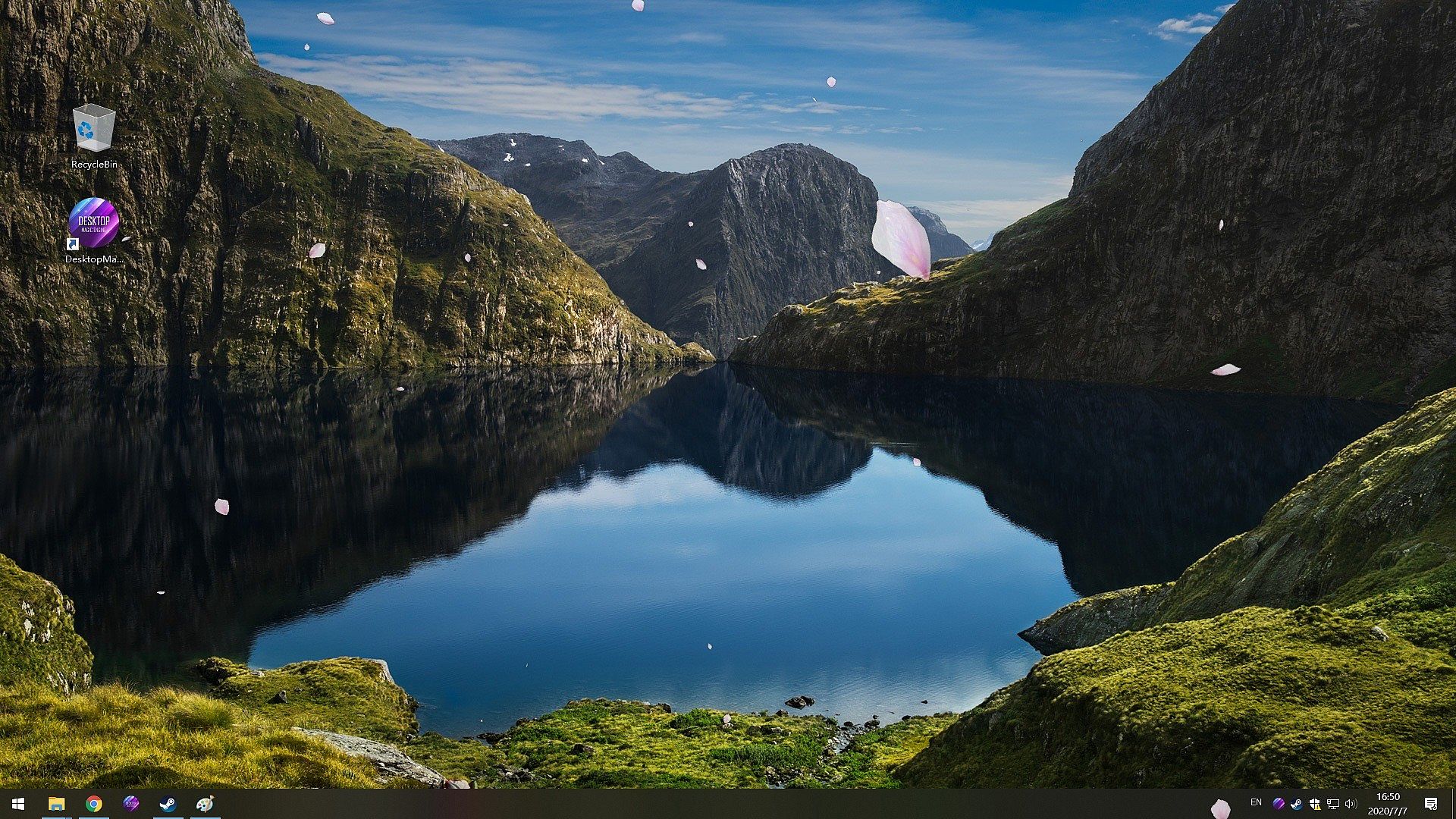
Bring Your Desktop To Life
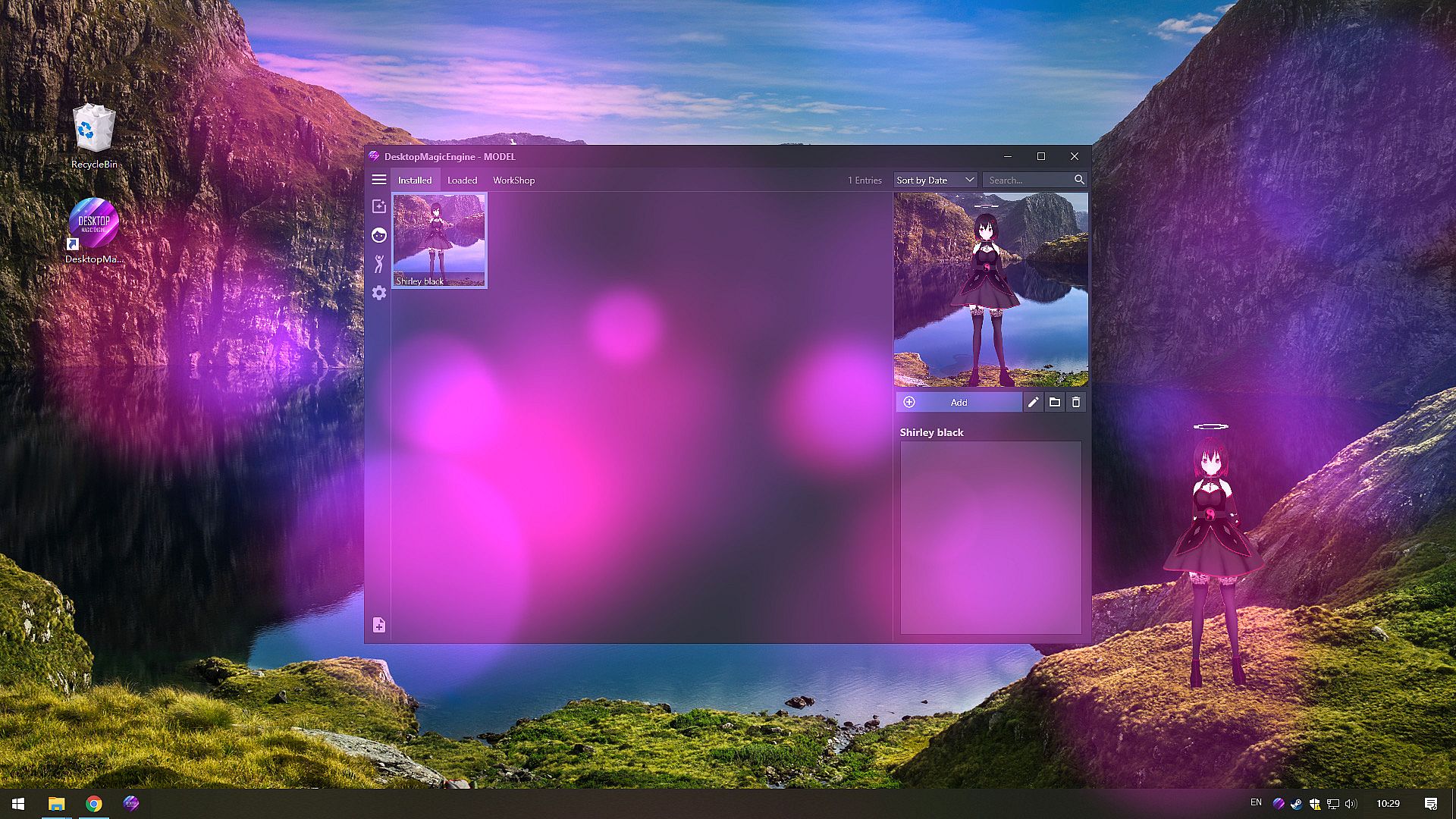
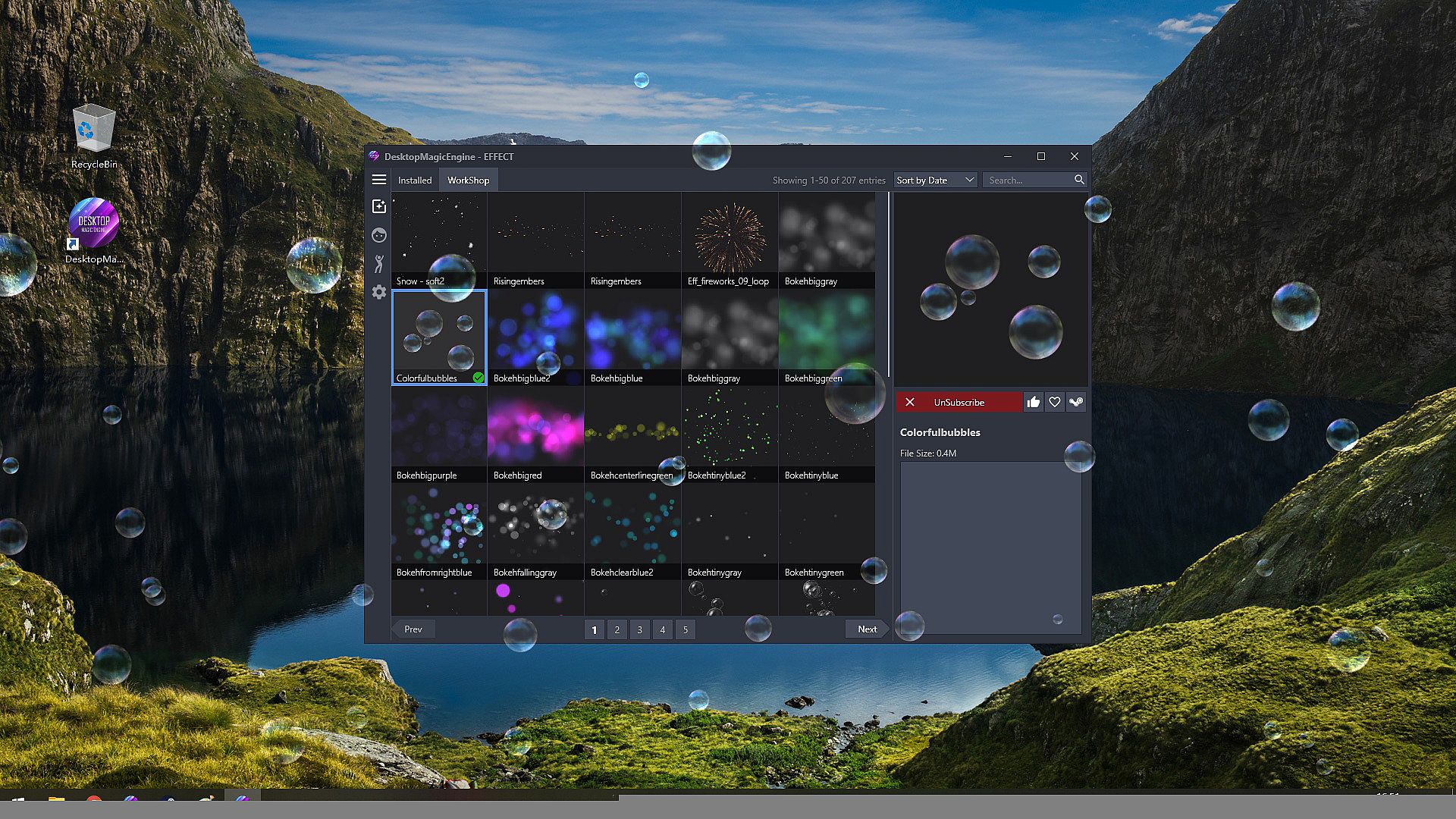
DesktopMagicEngine is the second generation of DMMD,With the help of new AI Technology, you can now have a living and dancing cute girl with amazing effects on your desktop! She will always be with you, even while having other windows open. Supports STEAM workshop.
Features
  • Includes numerous editing options so you can customize effects and model combinations.
  • Gives your desktop some life with amazing effects and AI girls.
  • Steam Workshop support, which makes downloading effects and models easier than ever.
  • Support import PMX/VRM model with one-click,Support import VDM after conversion.
  • Supports third party music players such as CloudMusic, QQMusic, Spotify, Winamp, Foobar2000, Kugou and so on.
  • Since DesktopMagicEngine is not a live wallpaper, it can act on top of any window or under it.
  • The DesktopMagicEngine characters can be interacted with by using your mouse cursor,With the help of new AI Technology they look like they are alive.
  • Contains 60 built-in dance templates (19 slow-rhythms / 15 mid-rhythms / 17 fast-rhythms / 8 short-dances / moonwalk). It allows easily-applied personalization of dances for your favorite music.
  • Compatible with all other software and live wallpapers.
  • Supports Windows 7 (with Aero), 8, 8.1 and 10
  • Supports taskbar transparency and blur.
  • Optimization: Features optimized code created for low-end devices so that DesktopMagicEngine requires minimal hardware specifications and has low CPU usage.
NOTE
DesktopMagicEngine is NOT a live wallpaper,So it compatible with all other software and live wallpapers such as Wallpaper Engine or RainWallpaper.
Translation / Proofreading by Nyanco Channel
FAQ
Guides


================================================================================
Q: How to add model to desktop?
A: You need subscribe models from STEAM Workshop first at "Manage Model">"Workshop" , and then load model at "Manage Model">"Installed" list.

Q: Why is my background all black on some computers?
A: You can press the "Win" key to pop up the taskbar, and then proceed to the following operations:
1. Open the Nvidia panel and select [manage 3D settings] on the left
2. [multi frame sampling AA (MFAA)] and [smoothing fxaa] in the right side are changed to [off]
3. Close the application to solve the problem of game black screen.


Q: Why can not display model on desktop sometimes?
A: Some PMX models crash DME,just need close all models in "Manage Model">"Loaded" List and restart DME from tray icon popupmenu.

Q: How to import PMX model into DME?
A: Drag and drop .PMX model file into DME "Manage Model">"Installed" List Box, the model will auto display on your desktop.

Q: How to Hiding "Now Playing Destop Magic Engine" from Steam status?
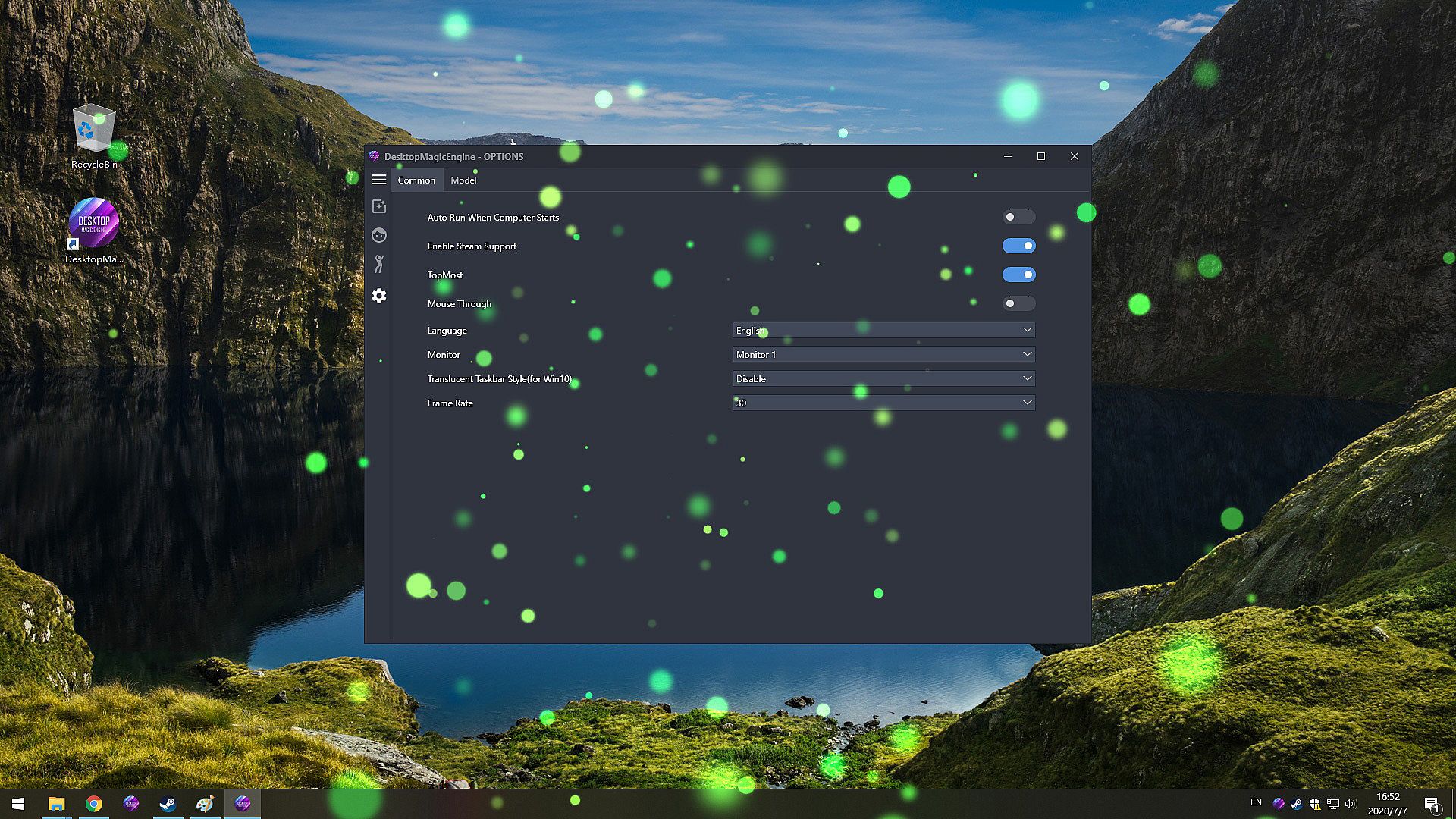
A: Right click tray icon and select menu item "Preferences" and uncheck the "Enable Steam Support", and restart app from tray icon menu.

Q: How to set the model to HD texture? How to modify the drawing quality of the model?
A: To save RAM, the model defaults to low-quality textures. You can switch to HD mode: right-click the model and select the menu item "Edit" in the "Manage Model"> "Installed" list, and select "Graphic Quality" as "Hight" in the edit window. Then reload the model
Interfaccia:
EnglishJapaneseKoreanSimplified Chinese

Classificazione per età

Non disponibile
Steam:
Mostly Positive (720)

Minimo:

  • Processore: Intel i3 or equivalent
  • Memoria: 1 GB RAM
  • Grafica: HD Graphics 4000 or above
  • Archiviazione: 200 MB available space

Consigliato:

  • Sistema operativo: Windows 10
  • Processore: Intel i7 or equivalent
  • Memoria: 2 GB RAM
  • Grafica: NVIDIA GeForce GTX 660, AMD HD7870, 2 GB VRAM or above
  • Archiviazione: 500 MB available space
Minimo storico
Storico prezzi dei negozi ufficiali
-
-
-
Storico prezzi dei keyshop
-
-
-

FAQ

8 domande

Prima di cercare una chiave economica di Desktop Magic Engine, controlla le informazioni essenziali. Sviluppato da DesktopMMD Team. Pubblicato da DesktopMMD Team. Data di uscita su PC: 18 lug 2020. Generi: Indie, Casual, Simulation, Animation & Modeling, Utilities, Audio Production, Design & Illustration. Categorie: Steam Workshop, Steam Cloud.

Q

Dove comprare una chiave Steam di Desktop Magic Engine a poco?

Al momento non ci sono offerte attive per Desktop Magic Engine. Imposta un avviso di prezzo su XD.deals e ti avviseremo non appena sarà disponibile un'offerta.

Non abbiamo un prezzo attuale dello Steam Store per Desktop Magic Engine. Il gioco potrebbe essere temporaneamente non disponibile o non ancora presente su Steam.

Il nostro tracker dei prezzi copre sia i rivenditori ufficiali che i marketplace di chiavi, così puoi trovare Desktop Magic Engine in offerta anche al di fuori delle promozioni stagionali. Al momento rileviamo 0 offerte attive da store ufficiali e keyshop. Controlla la tabella qui sopra, confronta con il minimo storico e imposta un avviso per non perdere il prossimo calo di prezzo.

Secondo i nostri dati, Desktop Magic Engine non è attualmente disponibile su GeForce NOW. Dovrai eseguirlo localmente sul tuo PC. Sfoglia i giochi disponibili su GeForce NOW.

. Desktop Magic Engine ha una pagina ufficiale su Steam, ma al momento non tracciamo offerte di terze parti con DRM Steam. Ricontrolla più tardi o imposta un avviso di prezzo.

Non al momento. Valve classifica Desktop Magic Engine come non supportato su Steam Deck. Tieni d'occhio XD.deals - tracciamo gli aggiornamenti di Proton e le soluzioni della community. Sfoglia i giochi Steam Deck Verified o Steam Deck Playable.

Desktop Magic Engine non sembra essere disponibile su PC Game Pass, EA Play, Ubisoft+ o altri servizi in abbonamento per PC al momento. L'unica opzione è acquistare il gioco - usa XD.deals per trovare il prezzo migliore.

No - XD.deals non è un negozio. Siamo un comparatore di prezzi che traccia le migliori offerte per Desktop Magic Engine tra store ufficiali e keyshop verificati. Clicca "Vai al negozio" accanto a qualsiasi offerta e verrai reindirizzato al sito del rivenditore per completare l'acquisto.

Vuoi comprare al momento migliore? Imposta un avviso di prezzo su XD.deals e ricevi una notifica quando Desktop Magic Engine raggiunge il suo prossimo minimo storico.

Crea avviso
Unisciti al nostro Discord
Ottieni aiuto immediato dalla community e resta aggiornato sulle offerte
Imposta avvisi di prezzo
Ricevi notifiche via email quando i prezzi scendono al tuo target
Crea un account gratuito
Sblocca wishlist, avvisi di prezzo e sincronizzazione Steam