


Acquista Daily OVR Free PC CD Key

Daily OVR Free e gratuito! Scaricalo su Steam e inizia a giocare subito.

Uscita: 16 mar 2020
Steam:
Mostly Positive (33)
Official
Non disponibile
Keyshops
Non disponibile
Compra nello store ufficiale:
Non disponibile
Compra nei keyshop:
Non disponibile

Nessuna offerta al momento, ma non preoccuparti: ti informeremo quando ne comparirà una nuova.

Create Alert Create deal Alert

Info su Daily OVR Free

Daily OVR Free - info sul gioco
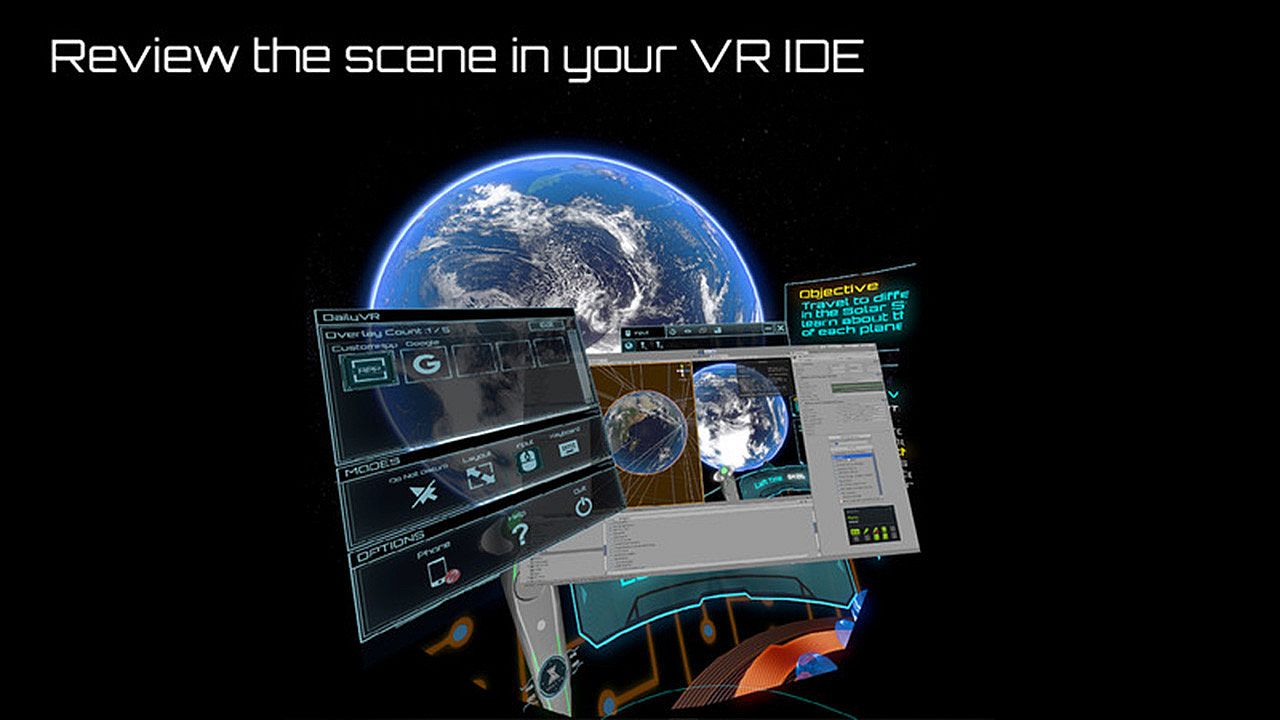
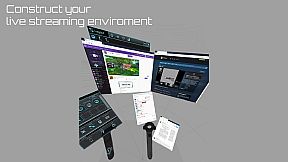
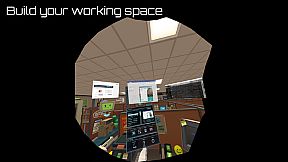
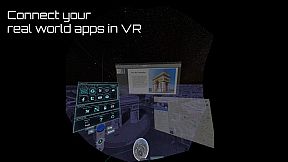
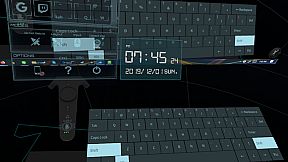
Daily OVR Free offre strumenti overlay essenziali per gli utenti VR su PC. Riflette app desktop e finestre nelle sessioni VR, permettendo di seguire la chat di Twitch durante il gioco in VRChat. L'edizione gratuita limita a due overlay simultanei, due programmi QuickSwitch, un ingresso My Favorites, un CustomApp e binding solo sul controller destro. Tra le funzionalità principali spicca un'interfaccia semplice per ridimensionare, regolare la trasparenza e posizionare gli overlay, con tweak per gli FPS e una tastiera virtuale. È possibile salvare le impostazioni per riutilizzarle e ricevere notifiche dal telefono tramite app Android. Gli appassionati di VR con SteamVR su Oculus, Vive, Index o Windows MR hanno tutto il necessario per il multitasking senza interrompere il gameplay.

Daily OVR Free is a free version of Daily OVR. It provides minimum essential overlay features. We think it would benefit a lot of VR users! :)
If you like Daily OVR Free and want to use advanced features, you can consider purchasing Daily OVR.


What is Daily OVR?

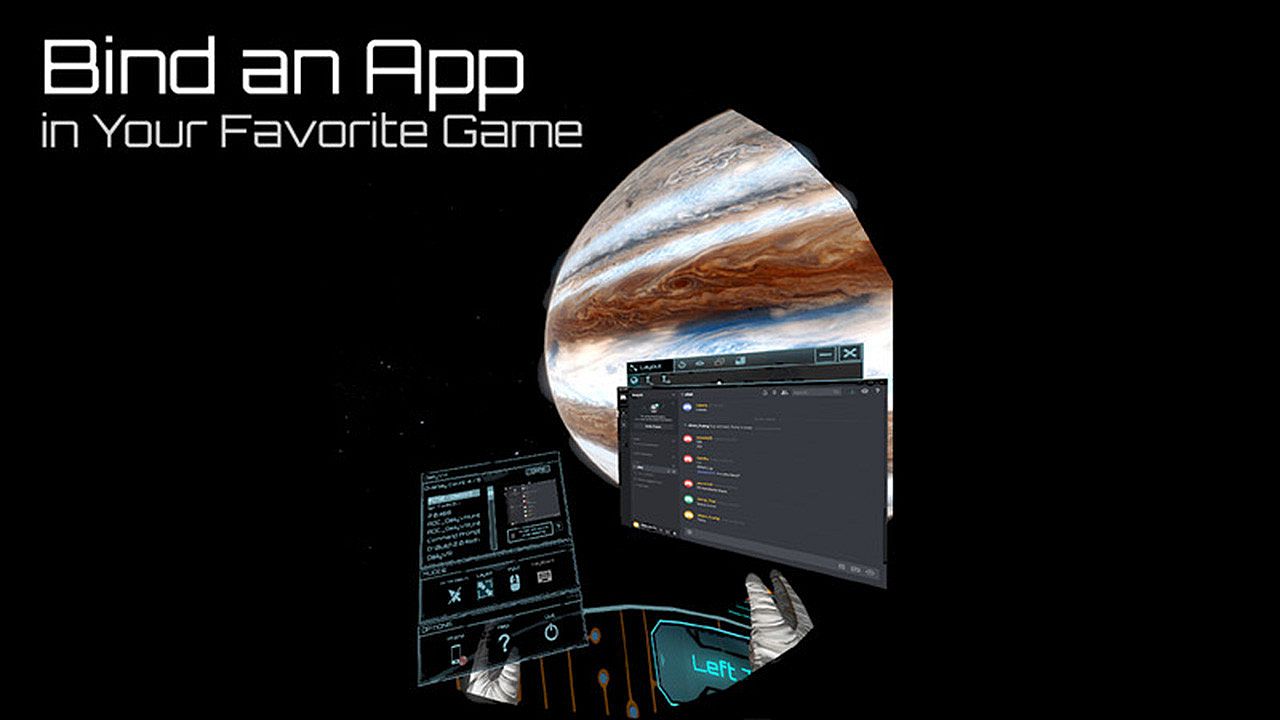
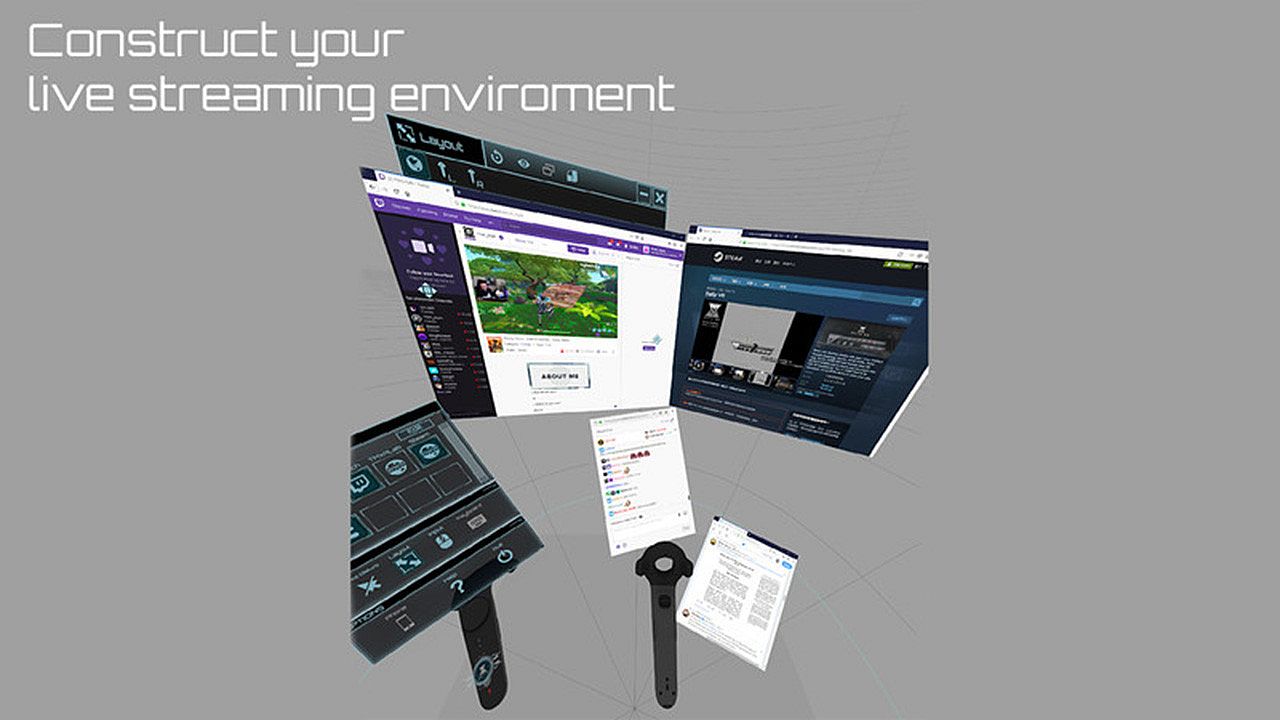
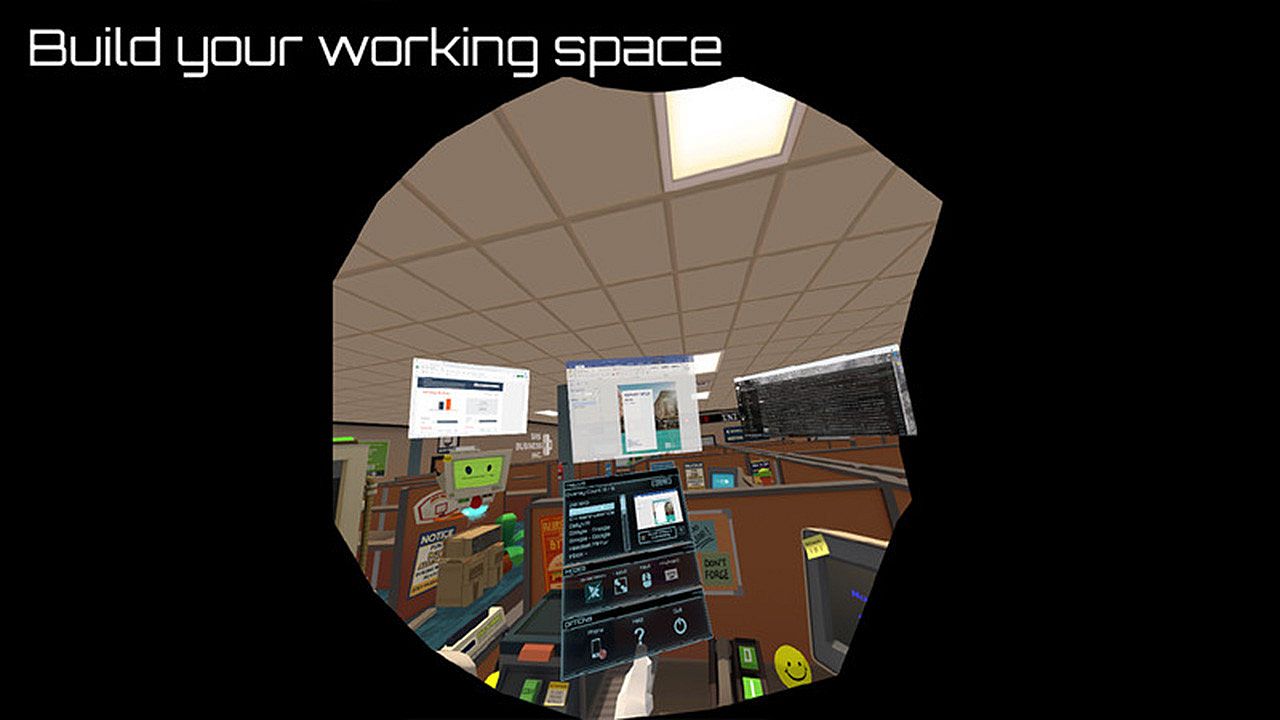
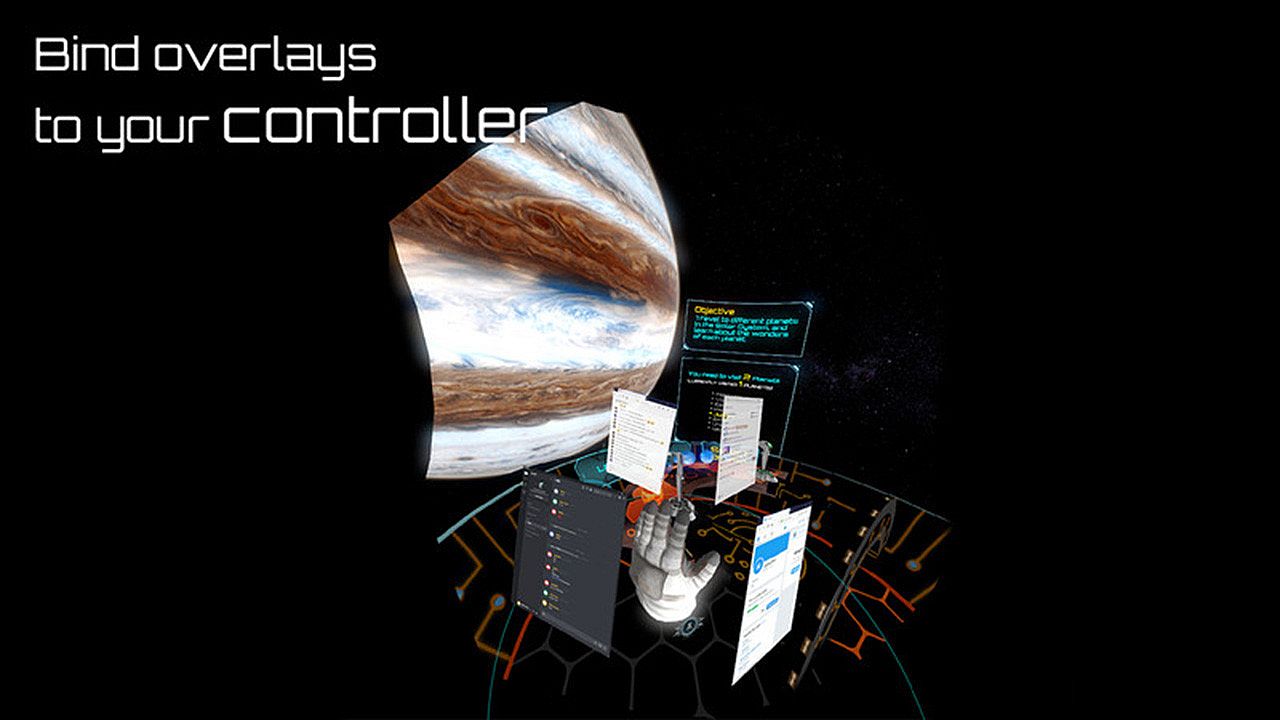
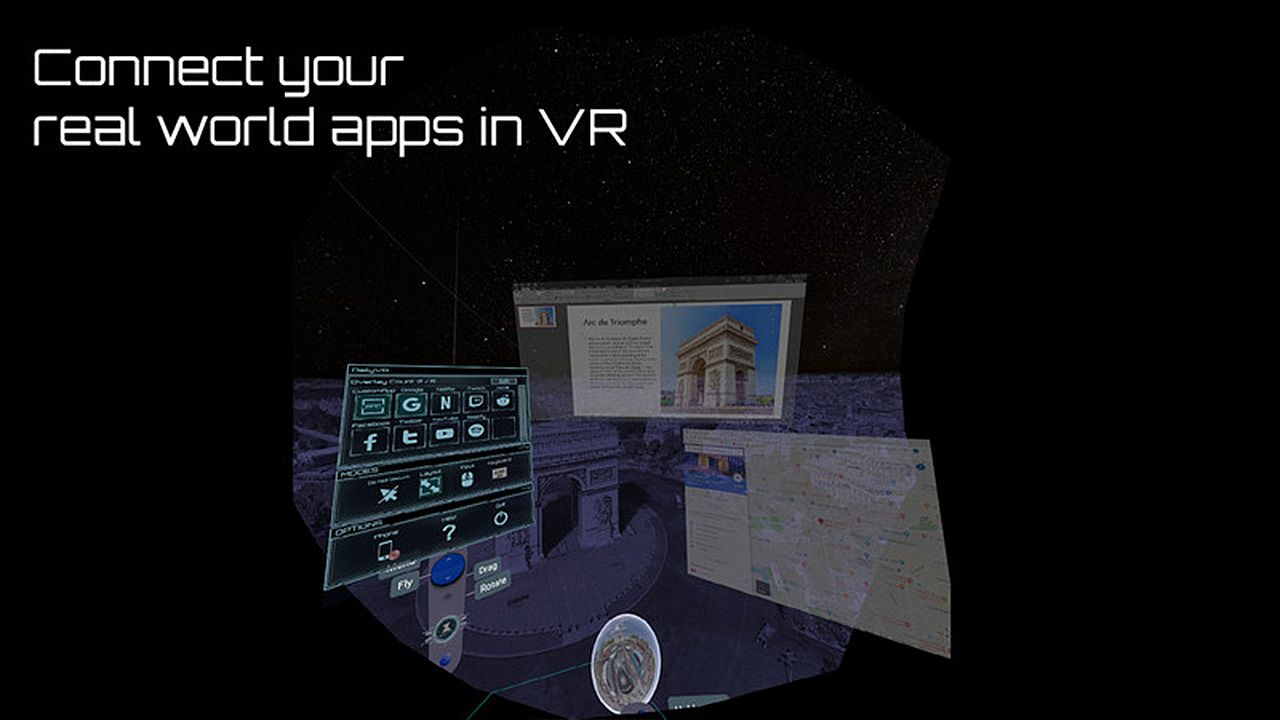
Do you want to use your desktop/window apps during VR gameplay? For example, you can play VRChat and see your Twitch chat window. Daily OVR is the best SteamVR Overlay(OVR) solution! And it supports Oculus, Vive/Viveport/Cosmos/MR(Mixed Reality)/Index!

Here is the beginner tutorial:


Differences between Free and Paid

  • Free version only supports up to 2 opened overlays. (Paid version can support more numbers)
  • Limited numbers (2) of switch programs on the QuickSwitch panel. If you want to switch more programs, you have to close the overlay and reopen it.
  • Only one entry of My Favorites
  • Only one CustomApp
  • You can only bind an overlay to the RIGHT controller. (cannot bind to the left controller, HMD, tracker)

_,.-'~'-.,__,.-'~'-.,__,. Features .,__,.-'~'-.,__,.-'~'-.,_

  • The most user-friendly OVR UI.
  • Mirror your favorite Windows applications into VR game.
  • Mirror the desktop or monitors.
  • Support up to 5 overlays.
  • QuickSwitch let you quickly switch among programs.
  • Save the frequently used settings to "My Favorites."
  • Adjust the size, transparency, and placement of overlays and keep your settings for next time.
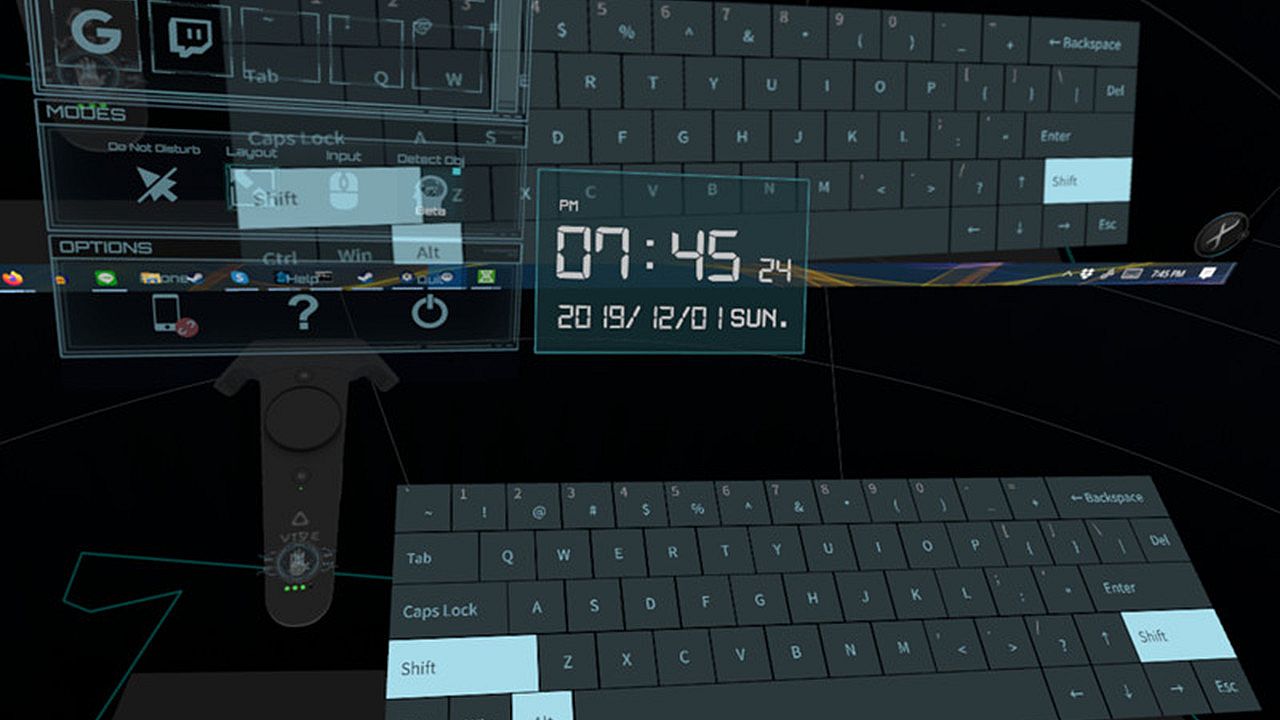
  • Easily launch the virtual keyboard on the overlay toolbar.
  • Overlay FPS adjustment on the overlay toolbar.
  • Bind the overlay to different controllers or the HMD.

  • Support Oculus & Windows MR & Index (through SteamVR)
  • VR Phone Notification Pop-up.
    Daily OVR allows you to bring your Android phone notification into the VR view; you won't miss important messages anymore.
    - Phone calling notification
    - SMS
    - WhatsApp
    - LINE
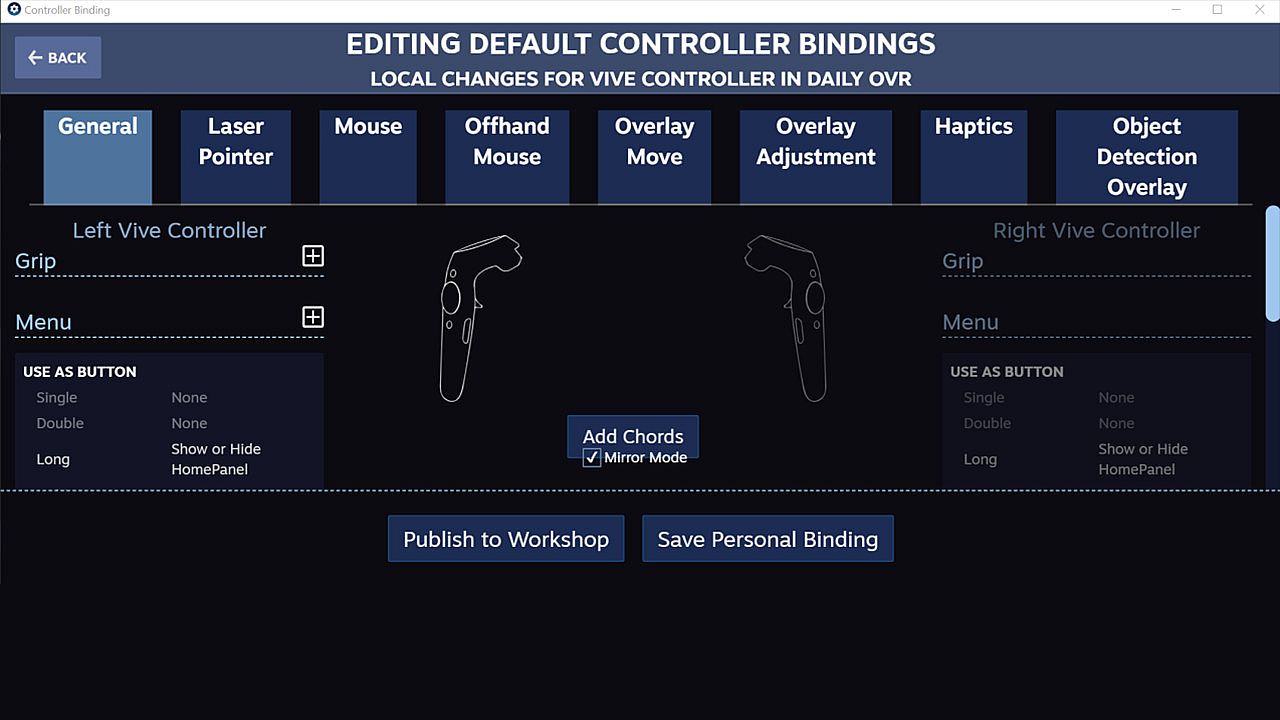
  • Support SteamVR 2.0 Input. (You can customize button settings yourself!)
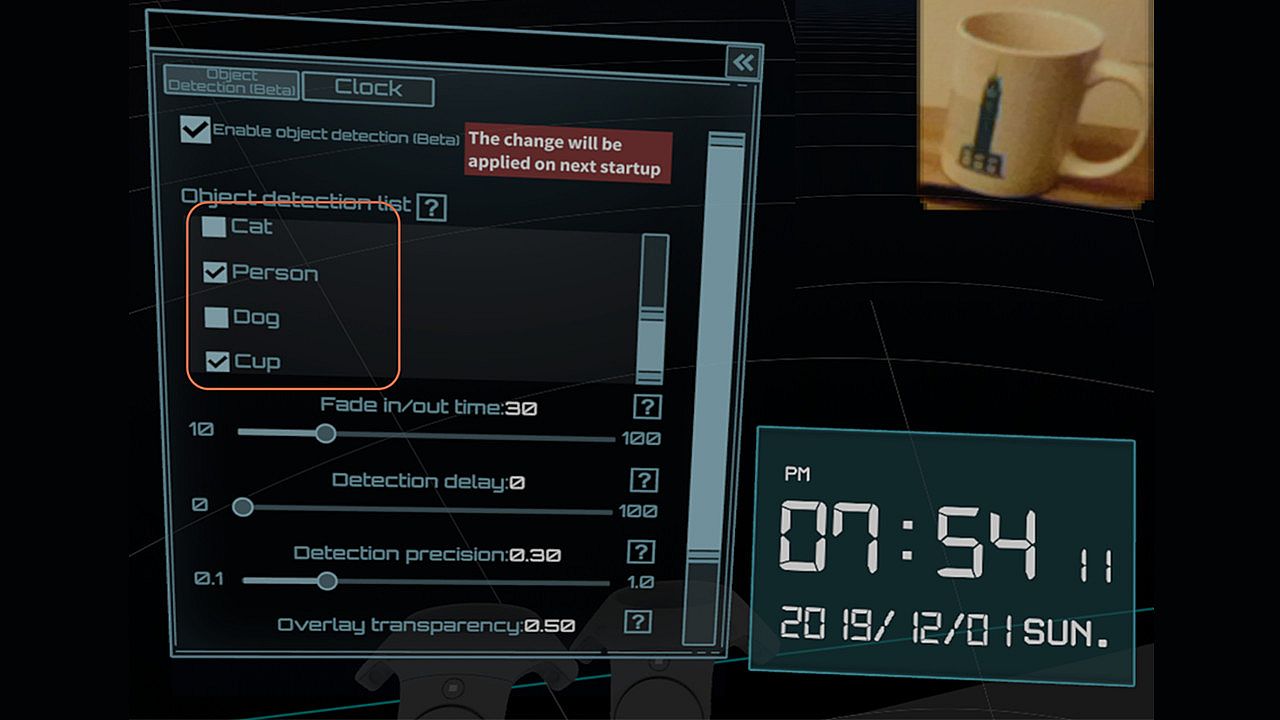
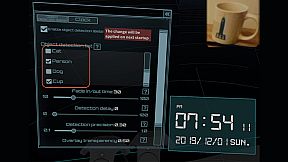
  • ML Object detection and display (Ex: keyboard, mouse, cat, dog, cup, person) (Note: Vive & Vive Pro only)
  • A handy VR keyboard
  • A Clock widget

You have to download Android app: Daily OVR to enable "Mobile phone notification."
Scan the QR code below and download Daily OVR app on Google Play now!

_,.-'~'-.,__,.-'~'-.,__,. FAQ .,__,.-'~'-.,__,.-'~'-.,_


Daily OVR doesn't work in some games. For example, Elite dangerous, PokerStarVR ...etc

The issue is caused by Elite Dangerous tries to run in Oculus SDK mode, and Daily OVR doesn't support Oculus SDK. There is a workaround to force it to run in SteamVR mode, but it doesn't work every game (ED, PokerStarVR are OK). You may have controller issues. The possible problem is the game developer didn't think that users will forcibly use SteamVR to play the game; they didn't design the controller mapping correctly. You can search "daily ovr q&a" on Google to see the steps.

How many overlays can I open?

You can open up to 5 overlays. But it depends on your PC's performance. If performance is terrible, you could try:
  • Close the overlays
  • Set lower FPS value


The button mappings of controllers are not good. Can I change it?

Daily OVR supports SteamVR 2.0 Input. You can customize button settings yourself.

I don't like the big icon/logo! Can I make it disappear?

Yes, you can hide the icon by long-pressing a button. See below:


I cannot see/move my mouse pointer on some apps!

Some apps run as administrator permission. When Daily OVR doesn't run as the same permission, it cannot access to those apps.
You have to check "Run this program as an administrator" on DailyVRLauncher.exe Properties.


My Firefox screen is blank!

You have two options:
1. You have to disable the hardware acceleration of Firefox. See below:

2. Use CustomApp instead

Join Daily OVR Discord and share your feedback with us!

Interfaccia:
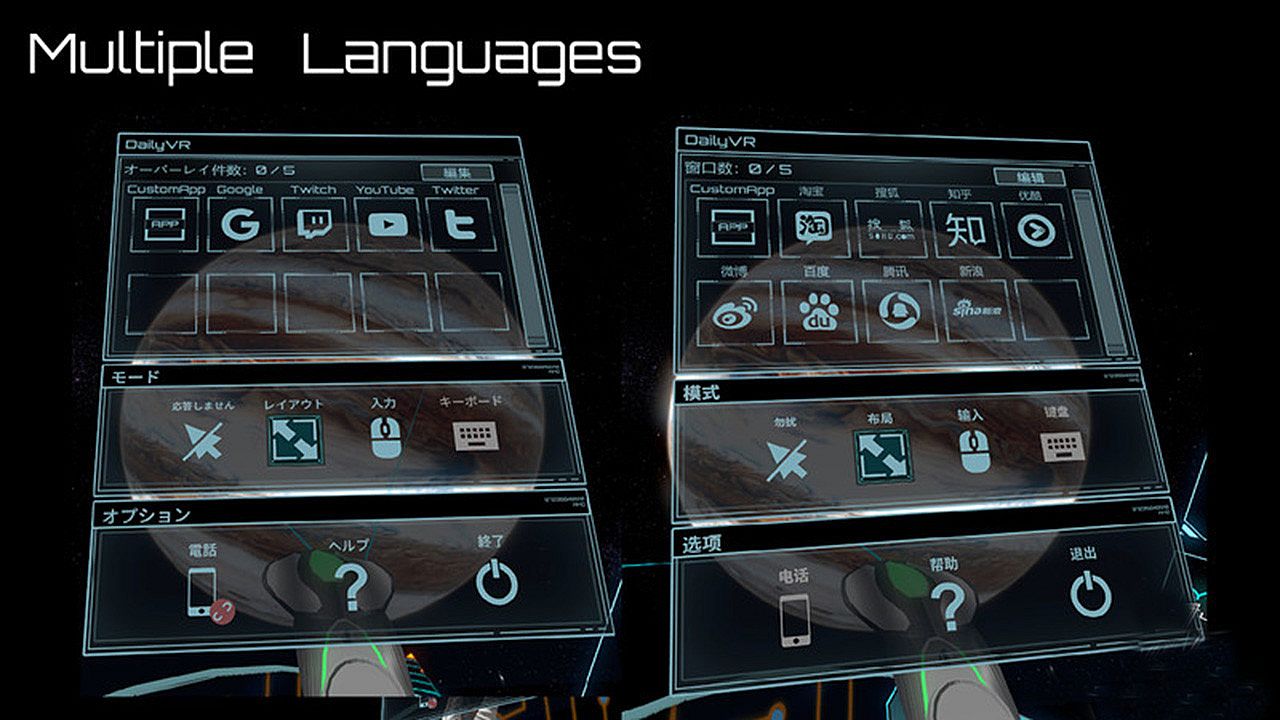
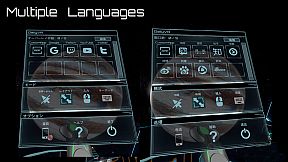
EnglishJapaneseSimplified Chinese

Classificazione per età

Non disponibile
Steam:
Mostly Positive (33)

Minimo:

  • Sistema operativo: Windows 10 (64bit) or higher
  • Processore: Intel Core i5- 4590 equivalent or greater
  • Memoria: 8 GB RAM
  • Grafica: GeForce GTX 1060/Radeon RX 580
  • Archiviazione: 500 MB available space

Consigliato:

  • Sistema operativo: Windows 10 (64bit) or higher
  • Processore: Intel Core i7-7700
  • Memoria: 8 GB RAM
  • Grafica: GetForce GTX 1070
  • Archiviazione: 500 MB available space
Minimo storico
Storico prezzi dei negozi ufficiali
-
-
-
Storico prezzi dei keyshop
-
-
-

FAQ

8 domande

Prima di cercare una chiave economica di Daily OVR Free, controlla le informazioni essenziali. Sviluppato da TM xR Lab. Pubblicato da TM xR Lab. Data di uscita su PC: 16 mar 2020. Generi: Utilities. Categorie: Tracked Controller Support, VR Only.

Q

Dove comprare una chiave Steam di Daily OVR Free a poco?

Daily OVR Free e gratuito! Scaricalo su Steam e inizia a giocare subito.

Daily OVR Free è completamente gratuito su Steam. Nessun acquisto necessario - basta scaricarlo e giocare. Se cerchi DLC premium o oggetti di gioco, controlla la tabella delle offerte qui sopra.

Il nostro tracker dei prezzi copre sia i rivenditori ufficiali che i marketplace di chiavi, così puoi trovare Daily OVR Free in offerta anche al di fuori delle promozioni stagionali. Al momento rileviamo 0 offerte attive da store ufficiali e keyshop. Controlla la tabella qui sopra, confronta con il minimo storico e imposta un avviso per non perdere il prossimo calo di prezzo.

Secondo i nostri dati, Daily OVR Free non è attualmente disponibile su GeForce NOW. Dovrai eseguirlo localmente sul tuo PC. Sfoglia i giochi disponibili su GeForce NOW.

. Daily OVR Free ha una pagina ufficiale su Steam, ma al momento non tracciamo offerte di terze parti con DRM Steam. Ricontrolla più tardi o imposta un avviso di prezzo.

Non al momento. Valve classifica Daily OVR Free come non supportato su Steam Deck. Tieni d'occhio XD.deals - tracciamo gli aggiornamenti di Proton e le soluzioni della community. Sfoglia i giochi Steam Deck Verified o Steam Deck Playable.

Daily OVR Free non sembra essere disponibile su PC Game Pass, EA Play, Ubisoft+ o altri servizi in abbonamento per PC al momento. L'unica opzione è acquistare il gioco - usa XD.deals per trovare il prezzo migliore.

No - XD.deals non è un negozio. Siamo un comparatore di prezzi che traccia le migliori offerte per Daily OVR Free tra store ufficiali e keyshop verificati. Clicca "Vai al negozio" accanto a qualsiasi offerta e verrai reindirizzato al sito del rivenditore per completare l'acquisto.

Vuoi comprare al momento migliore? Imposta un avviso di prezzo su XD.deals e ricevi una notifica quando Daily OVR Free raggiunge il suo prossimo minimo storico.

Crea avviso
Unisciti al nostro Discord
Ottieni aiuto immediato dalla community e resta aggiornato sulle offerte
Imposta avvisi di prezzo
Ricevi notifiche via email quando i prezzi scendono al tuo target
Crea un account gratuito
Sblocca wishlist, avvisi di prezzo e sincronizzazione Steam