

A prerequisite for local voice synthesis
This free DLC supplies the Python environment and GPT-SoVITS inference runtime used by Zhiqiu. It contains no character voice model and has no standalone launcher. The runtime alone cannot produce speech.
Required components
- The Zhiqiu base game.
- This GPT-SoVITS voice-runtime DLC.
- The separately installed Zhiqiu GPT-SoVITS voice-model DLC. The character voice model is not included in this runtime.
To use the Qwen3-TTS voice instead, this runtime is still required for its Python environment. Also install the Qwen3-TTS voice-runtime DLC and the matching Qwen3-TTS voice-model DLC.
Installation and use
- In the Steam library, open the base game’s Properties > DLC, enable the required components and model, and wait for their downloads to finish.
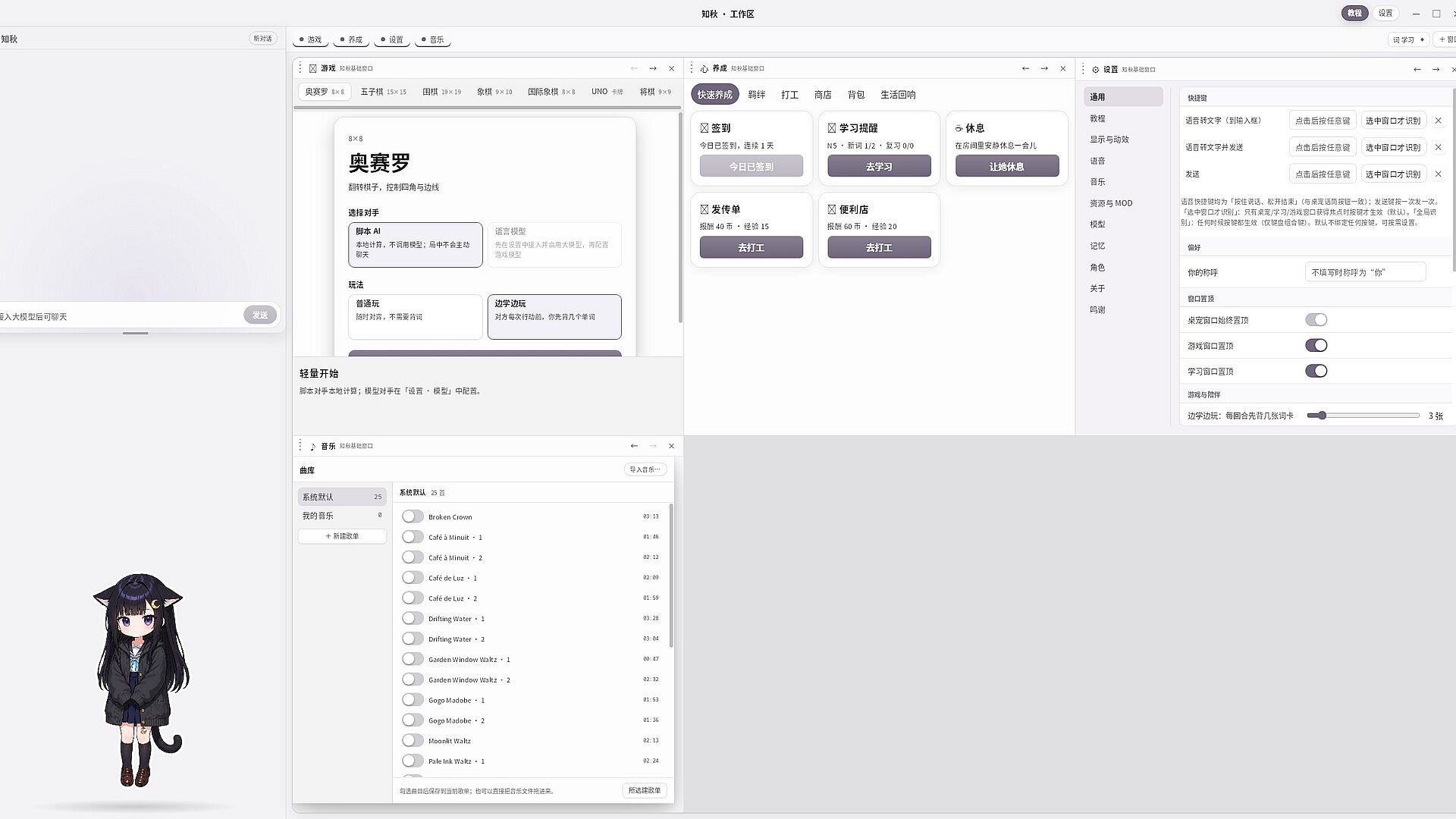
- Launch the base game. Open Settings > Resources & MODs and check that the runtime and model are recognized. Install any missing dependency shown there.
- Select the installed voice model, enable real-time text-to-speech (TTS) in Settings > Voice, and wait for the voice service to become ready.
- TTS can synthesize player-edited petting lines. If a line has a pre-recorded clip attached, turn off the option to prioritize that clip when testing live synthesis.
Generative AI and performance
When enabled with a matching voice model, this runtime uses local generative AI to create new speech audio from text. It does not generate chat-response text. Initial loading takes time, and synthesis speed depends on your CPU, GPU and memory. The base game alone uses pre-recorded voices and does not include real-time AI speech generation.